Best Selling Products

Upgrade genuine Capture One account
120 USD

ChatGPT Plus Account (GPT-4)
16 USD

Upgrade Genuine Office 365
49 USD

Genuine Adobe Illustrator account
99 USD

Plugin Retouch4me
69 USD

Freepik Premium Account
59 USD

Autodesk All App Account Copyright
120 USD

Adobe Photoshop Copyright - Full App
120 USD

Capcut Pro 1 Year
39 USD

Windows 10 & 11 Pro Key
36 USD

Adobe Premiere Pro Account
99 USD

Copyright Adobe Lightroom Account
59 USD

MidJourney Account
29 USD

Genuine Cheap Canva Pro
39 USD

Upgrade Duolingo Super
29 USD
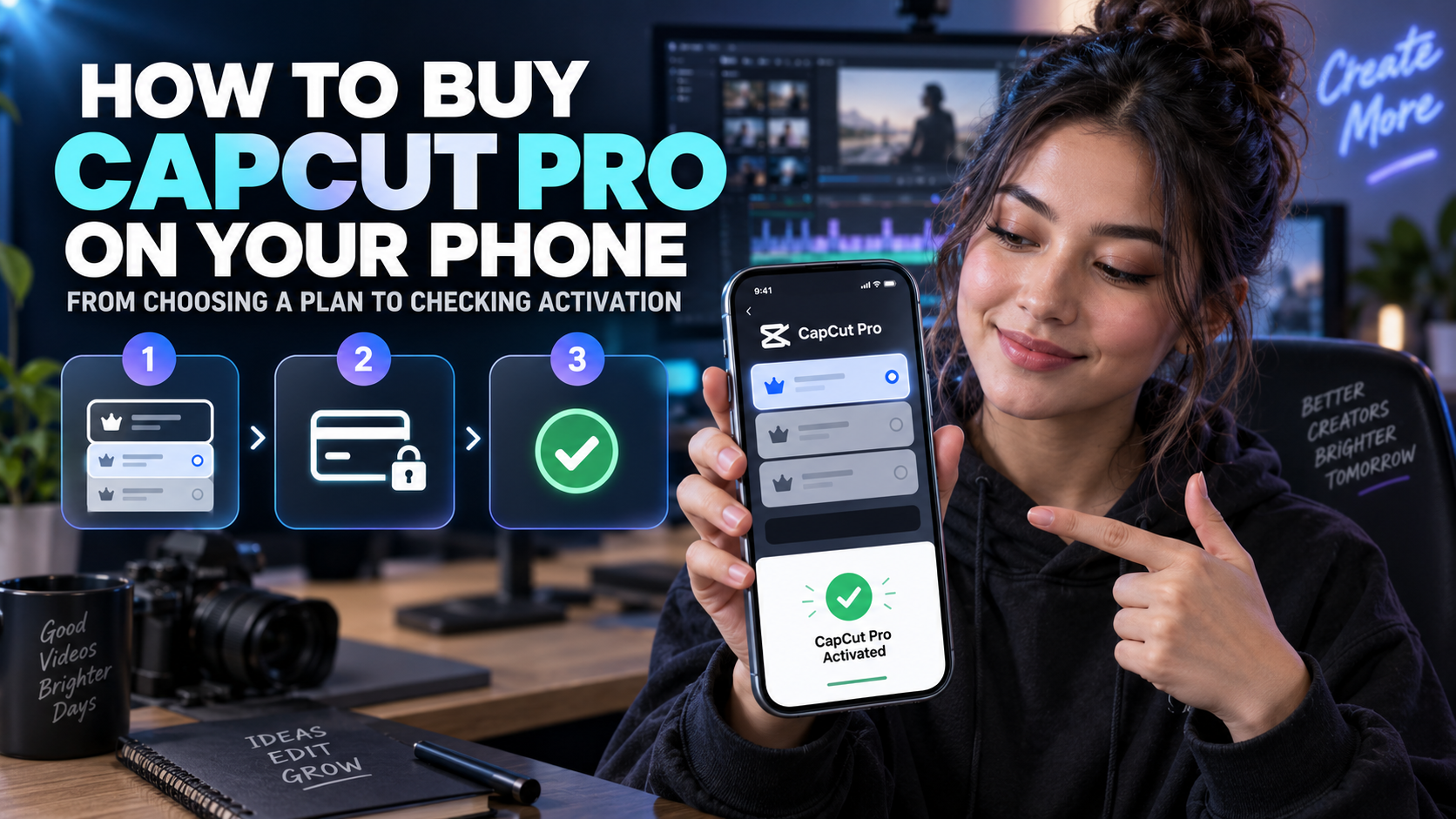
How to buy CapCut Pro on your phone: from choosing a plan to checking activation.
Nội dung
- 1. Preparation before buying CapCut Pro
- 1.1. Confirm that the account will receive Pro access.
- 1.2. Check your payment account on your phone.
- 2. How to buy CapCut Pro on iPhone
- 2.1. Step 1: Open the upgrade area
- 2.2. Step 2: Compare the package and payment period
- 2.3. Step 3: Confirm and re-check
- 3. How to buy CapCut Pro on Android
- 3.1. Step 1: Choose the benefit you want to use.
- 3.2. Step 2: Check the payment window
- 3.3. Step 3: Return to the application to confirm permissions
- 4. Verify activation through practical operation.
- 4.1. Paid but still not have Pro.
- 4.2. Log in again but see different data.
- 5. Understand trial, renewal, and cancellation of subscriptions.
- 5.1. Manage payments at the designated payment location.
- 5.2. Avoid creating two unwanted subscriptions.
- 7. Conclusion
This guide explains how to purchase CapCut Pro on iPhone and Android phones, verify your account, confirm your plan, troubleshoot errors, and manage renewals after purchase.
1. Preparation before buying CapCut Pro
First, install or update CapCut from the official app store compatible with your phone. Ensure a stable connection and sufficient storage space on your device to open a test project. You don't need to install modified versions or unverified supporting applications just to subscribe. Such requests should be considered carefully.
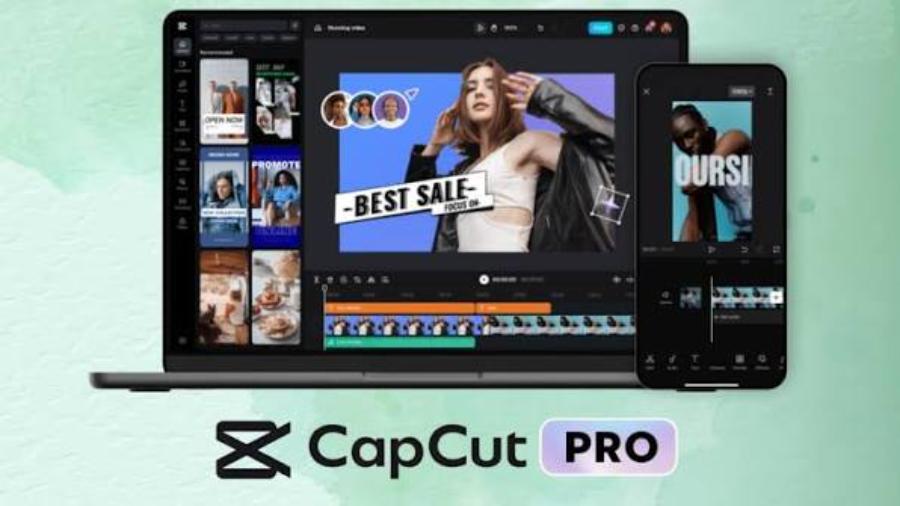
1.1. Confirm that the account will receive Pro access.
Open your profile page in CapCut and check which account you're logged into. If you have multiple login methods, note down which one you're using so you can return to the correct account later. A common mistake is making a payment while opening a sub-account, then checking Pro privileges on another account. Both actions may seem correct, but the results don't match.
If you have an important project, check the save location and backup plan before switching accounts. Don't log out, delete the app, or erase data just to try to get a purchase without knowing where the source files are located. Project management should be separate from the registration process to avoid creating unrelated problems.
1.2. Check your payment account on your phone.
The CapCut account and the account used for in-app purchases are two pieces of information that need to be distinguished. On iPhone, transactions may be processed through your Apple account; on Android, transactions may go through Google Play. Please read the actual payment window to understand who is processing the transaction, the payment method, and where to manage your subscription after confirmation.
2. How to buy CapCut Pro on iPhone
The process on iPhone should be done from the official app and a trusted payment window. Prepare a valid payment method according to your account region. There's no need to change regions just to follow a different price online; this can make transaction terms and subscription management more confusing.
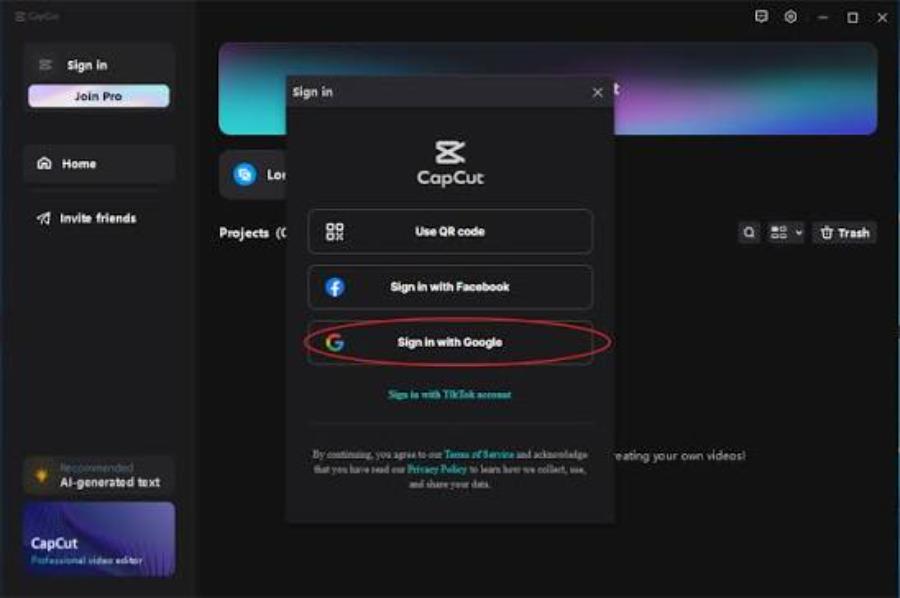
2.1. Step 1: Open the upgrade area
In CapCut, access your profile or the subscriber benefits section. Find the upgrade option corresponding to the plan you wish to use. Some versions also take users to a registration screen when selecting a paid option. Regardless of where you start, stop at the plan description page to read the information; don't confirm out of habit.
2.2. Step 2: Compare the package and payment period
On iPhone, read the package name, duration, current price, and automatic renewal conditions on the confirmation screen. If a trial is available, check when the subscription fee starts. When comparing this to purchasing through appvip.ai , two reference prices for one year are:
-
Receive a pre-loaded account: 1,699,000 VND.
-
Upgrading to a verified account: 1,899,000 VND.
2.3. Step 3: Confirm and re-check
Perform authentication as required by your device, such as using biometrics or a suitable password. Only confirm if the recipient's payment information and product details match. Then return to CapCut to check the package and save the receipt. Do not share the verification code or images containing complete payment information with unrelated individuals.
3. How to buy CapCut Pro on Android
With Android, you also start with the official CapCut account and the account you intend to use long-term. If your phone has multiple Google accounts, pay attention to the account selected in the transaction window. Knowing the exact payment account will help you find your receipts, check your subscription, and contact support in the right place when needed.
3.1. Step 1: Choose the benefit you want to use.
Open the upgrades section in CapCut and review the options offered for your account. Compare the features to your current work, especially if the goal is to use a specific AI tool. Don't decide based solely on the familiar package name. The benefits, limits, and applicable platforms should all be read together before making a payment.
3.2. Step 2: Check the payment window
When the system opens the confirmation step, review the price, cycle, and payment method. If the transaction is processed via Google Play, the store account information must be correct. If other payment options are available, check the receiving entity and post-purchase management. Do not leave the process to transfer money based on an unrelated, unexpected message.
3.3. Step 3: Return to the application to confirm permissions
After payment is confirmed, open CapCut and check your subscription status. If you don't see any change, make sure you're still on the correct account, have a stable internet connection, and that the app has reloaded its information. Avoid repeatedly making purchases. A pending transaction might mislead you into thinking the initial payment was never made.
4. Verify activation through practical operation.
The payment confirmation notification needs to be cross-checked with the information in the app. Focus your verification on:
-
Verify that the login identity matches the account selected to receive Pro.
-
Do the package name and usage status match the transaction?
-
How is the subscription validity period or management information displayed?
If there are discrepancies, save a screenshot but mask sensitive data before submitting it to support. Clearly describe the account, platform, and time of the action to ensure the investigation is focused.
Next, create a test project with a non-critical file. Apply the features you signed up for and export a short video. Review the images, audio, and text on your phone. This test doesn't prove all benefits are unlimited, but it helps confirm that the main needs have been met before starting a project with a deadline.
4.1. Paid but still not have Pro.
The issue could be related to a wrong account, transaction status, or the app not having updated permissions. Check your receipt first, then compare it to where you purchased it. If the app has a suitable transaction recovery function, follow the platform's instructions. Do not delete project data or provide your password to strangers as a default course of action.
4.2. Log in again but see different data.
This situation should be handled as an account identification issue; don't jump to the conclusion that the subscriber is lost. Verify the initial login method and payment account. Stop creating new accounts just to test, as this can easily lead to more confusion. When contacting support, clearly explain the steps you've taken and keep the data on the device intact if it hasn't been backed up.
5. Understand trial, renewal, and cancellation of subscriptions.
The trial program only applies if the account and region meet the current conditions. Not seeing the offer does not mean the app is faulty. If the signup screen shows a trial, please read the duration, benefits, and billing start date. This is a product evaluation period, not an unlimited free Pro subscription.
5.1. Manage payments at the designated payment location.
The location for managing your subscription plan usually depends on the transaction channel. For subscriptions made through app stores, check the corresponding registration section in your app store account. For transactions through other channels, follow the instructions of the processing party. Deleting CapCut from your phone should not be considered a cancellation of your subscription; you need to check the cancellation status at the actual management location.
5.2. Avoid creating two unwanted subscriptions.
If you've previously purchased on a different device or through a different channel, check your current plan before subscribing to another one. Using a separate account for payments can make it easy to miss old transactions. Keeping records of where you purchased, the billing cycle, and the associated account helps you manage your expenses more clearly, especially when using multiple phones.
For new users, it's a good idea to create a short note including your CapCut account, purchase channel, and the tool you want to try. Do not include your password or verification code in this note. After each step, mark it as completed to avoid confusing selecting a package with making a payment. This simple method is especially helpful when working on a small screen or switching between applications.
6. Create a vertical video script with appvip.ai before editing on your phone.
After learning how to purchase CapCut Pro on their phone, beginners often need a short project to practice. appvip.ai can be incorporated into the preparation step with its AI chat tool: try transforming the initial idea into an easy-to-film script with few scenes and a clear message. The content suggested by the AI still needs to be reviewed, shortened, and adjusted by you to suit the channel's voice.
7. Conclusion
Safely purchasing CapCut Pro on your phone starts with using the right app, the right account, and the correct payment information. Whether you use an iPhone or Android, read the package details before confirming, save your receipt, and try out the benefits immediately after purchase. Knowing where to manage your renewal will give you more control over both your video editing work and recurring fees, instead of just completing a one-time payment and forgetting about the rest.





















VIP Products








Best Selling Products
Upgrade genuine Capture One account
120 USD
ChatGPT Plus Account (GPT-4)
16 USD
Upgrade Genuine Office 365
49 USD
Genuine Adobe Illustrator account
99 USD
Plugin Retouch4me
69 USD
Freepik Premium Account
59 USD
Autodesk All App Account Copyright
120 USD
Adobe Photoshop Copyright - Full App
120 USD
Capcut Pro 1 Year
39 USD
Windows 10 & 11 Pro Key
36 USD
Adobe Premiere Pro Account
99 USD
Copyright Adobe Lightroom Account
59 USD
MidJourney Account
29 USD
Genuine Cheap Canva Pro
39 USD
Upgrade Duolingo Super
29 USD