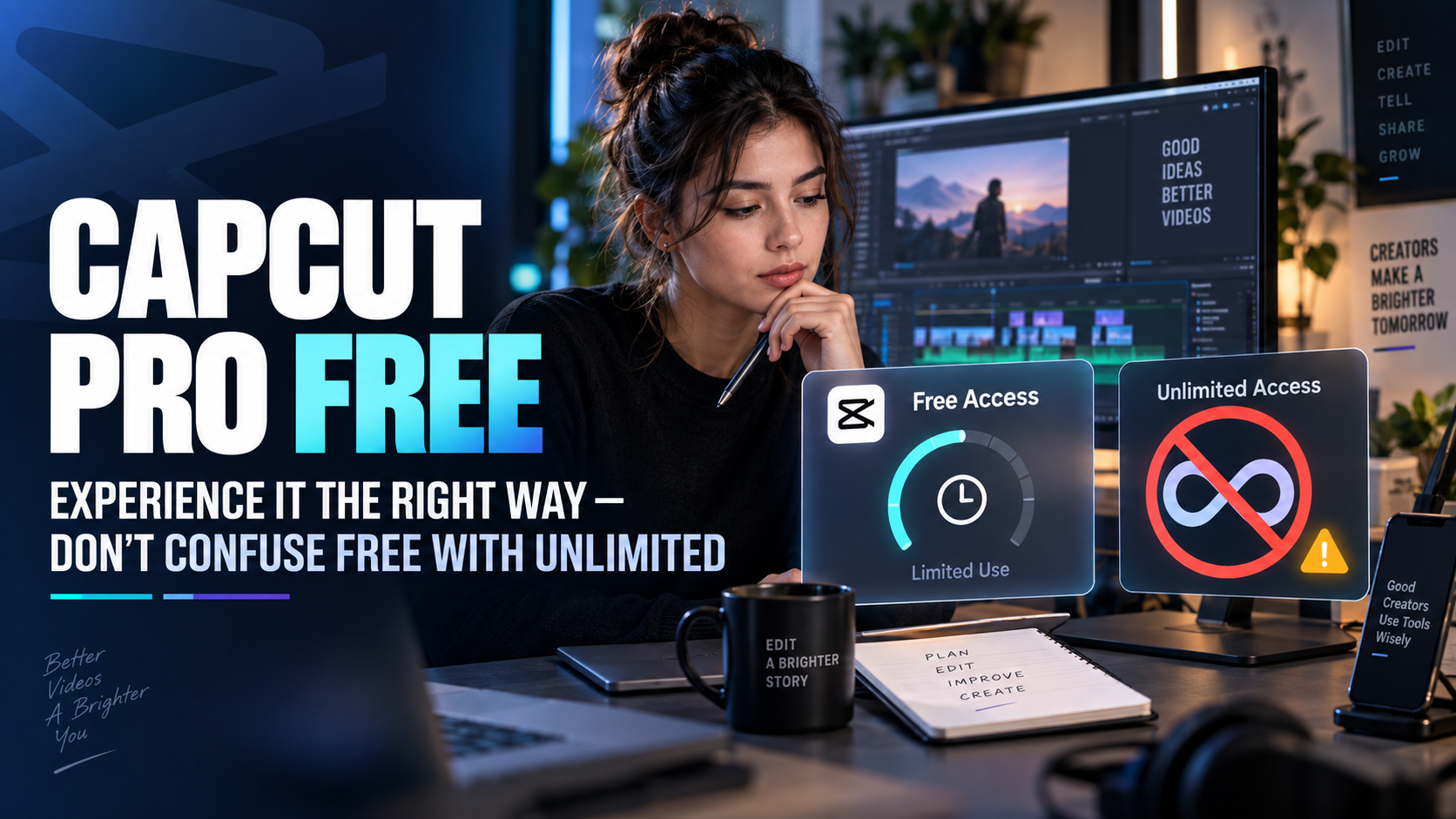
1. Understanding the correct results when searching for CapCut Pro free.
Search results may present various offers: free CapCut, Pro trial programs, account-based promotions, or login invitations using information provided by others. Before following any of these offers, determine what you are entitled to, for how long, and whether you need additional payment methods.
1.1. The free version (not the Pro version) has been renamed.
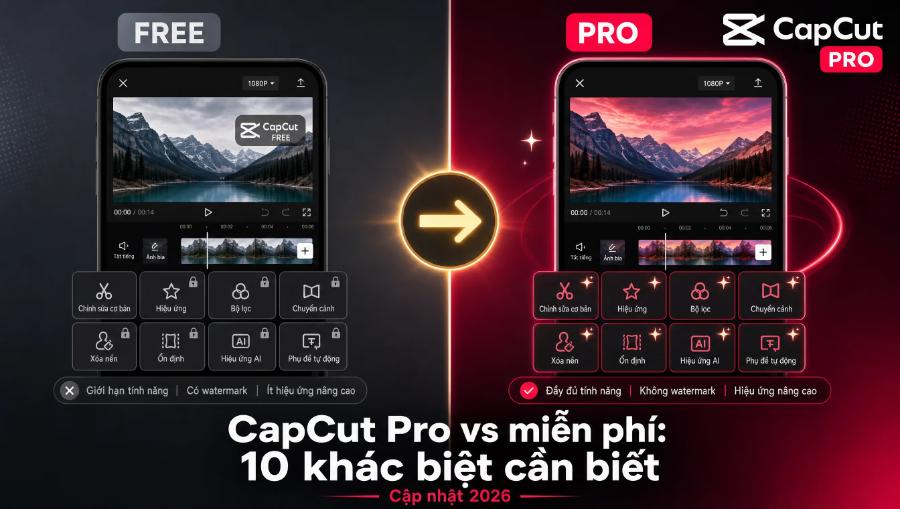
The application may offer basic editing functions without requiring an advanced subscription. You should still check each tool and resource in the version you are using. If an item shows signs of being part of a paid plan, don't assume it's free just because you've seen a preview. The video export process is often where these overlooked limitations become apparent.
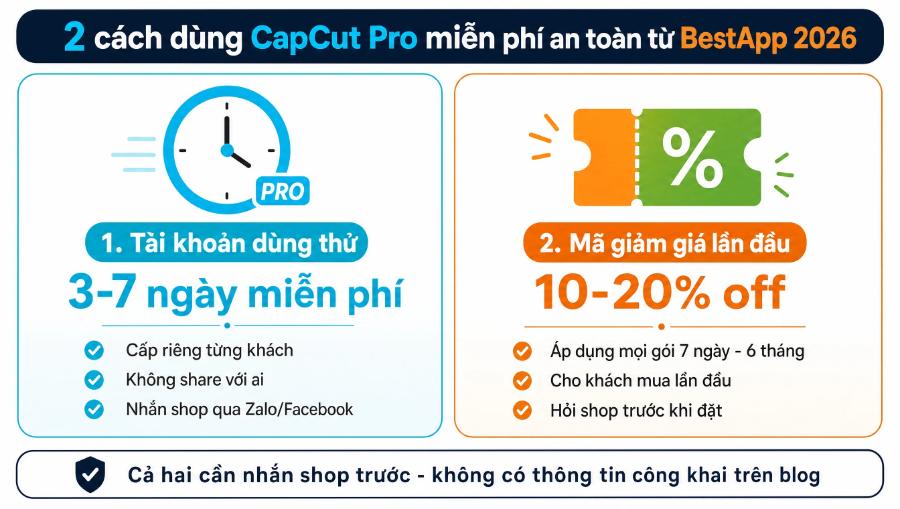
1.2. Trial period with conditions
CapCut provides guidance on the seven-day Pro trial program for eligible users in supported regions. This is not a default offer for all accounts. Subscription history, region, and version may affect whether you see the trial option. Information on the signup screen should take precedence when examining specific cases.
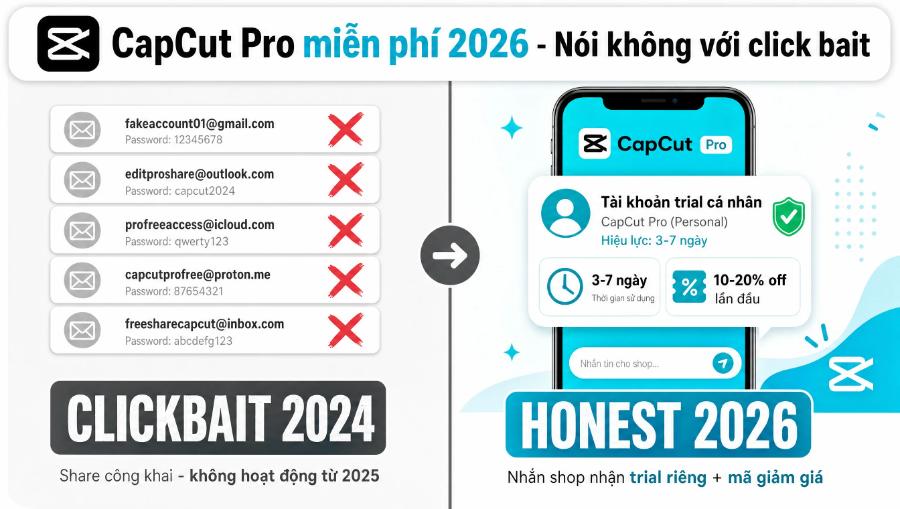
1.3. Shared accounts do not guarantee stable usage rights.
Publicly sharing login information can change or give you no control over your data. It's also difficult to know who is using the same account and who can recover it. If you plan to try the feature, avoid putting private materials or customer content in an environment with unclear access permissions. Free in terms of money doesn't necessarily mean free in terms of troubleshooting time.
2. How to check and use trial offers
Start by using the official app or website, log in with the account you want to use, and open the upgrade area. If a suitable trial program is available, the system will display the corresponding conditions. Not seeing a trial button doesn't mean you need to install a different version or register multiple accounts. Consider this information about eligibility requirements at the time of testing.
2.1. Read these four pieces of information before activating.
Before activating the trial, please read all four pieces of information:
-
Trial period: how long it will be used and when it will start.
-
Permissions apply: features, resources, or limits that are permitted for testing.
-
Payment requirements: Are additional payment methods needed?
-
Conditions for switching to a paid subscription: payment timing, amount, and renewal management.
A "try now" button doesn't explain the full pricing mechanism. Please read the final confirmation step to see if the offer fits your plan.
2.2. Project preparation before the start of the testing period.
The offer will be more valuable when you have the materials and work to review. Prepare a spoken video, a product video, or another project that meets your needs. Write down three actions you want to evaluate, such as subtitle processing, resource selection, and publishing. This way, the time spent on the experience is used to make a decision instead of just browsing through the library.
2.3. Save subscriber management location
Upon activation, note the transaction channel and where the renewal adjustment was made. If the offer was subscribed through an app store, management may be within the corresponding store account. Read the applicable terms and conditions instead of assuming that deleting the app will terminate all charges. After canceling or changing the plan, check the confirmation to ensure the results have been recorded.
3. Create good videos using available free tools.
Video quality doesn't just come from the quantity of high-end resources. Clear content, sufficiently sharp images, and audible sound are often more important than complex effects. For beginners, a fewer-step process also makes it easier to identify the reasons why a video isn't up to par. You can improve that foundation before deciding to invest further.
3.1. Start with a clean script and source material.
Write a goal for the video, choose the main message, and then determine the necessary scenes. When filming, prioritize stable lighting and clear audio from the start. Good footage reduces the need for extensive editing. If a speech segment is too long, shortening the content before editing can be more helpful than trying to keep every sentence together with multiple transitions.
With sales videos, clearly showcase the product, how to use it, and the information viewers need to know. There's no need to add effects to every scene to create a professional feel. A stable frame and text layout with breathing space are usually easier to follow. This also helps you work more efficiently within the available free resources.
3.2. Check resources before building everything.
Before applying a template, sound, or effect to multiple segments, check the permissions and test export a small portion. If the resource requires upgrades, replace it with a suitable alternative early on. This avoids the situation where you're almost finished with the video only to discover you need to buy a package or replace a whole bunch of components.
3.3. Prioritize consistency in presentation.
Choose a few easy-to-read fonts, maintain reasonable spacing, and use purposeful transitions. For subtitles, check for spelling errors, proper nouns, and their placement. Viewers are often more interested in whether they understand the content than how many new tools you use. Good editing skills remain valuable even when you later switch to a paid plan.
4. Evaluate the Pro by your own performance.
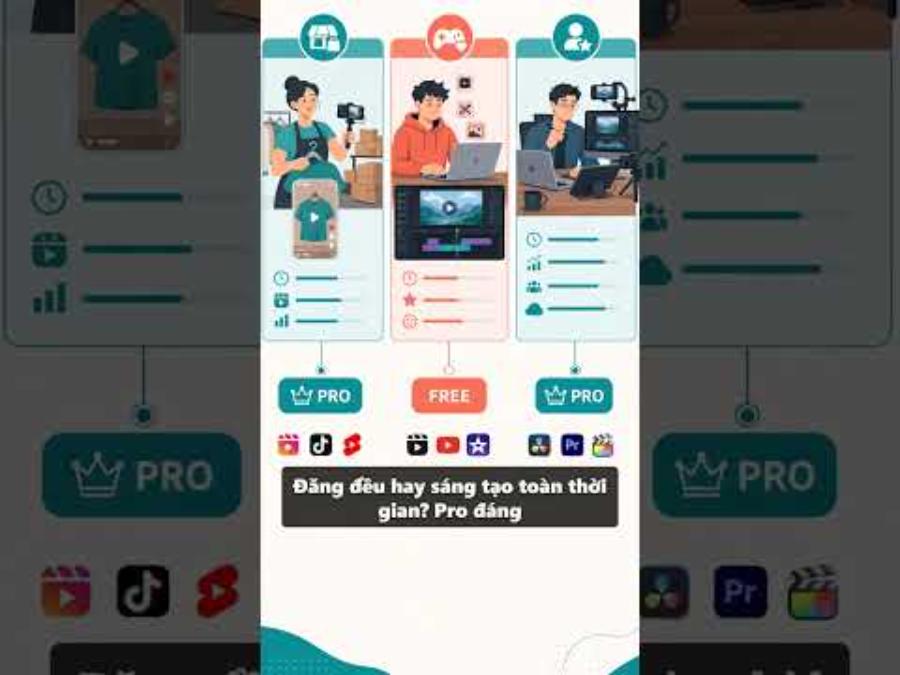
During the experiment, record the work completed and any steps that were shortened. Include the time spent on automatic editing, as the initial creation speed does not represent the final production time. A tool that might be very useful for spoken video might be less necessary for a product image-based project.
4.1. Use the same type of task for comparison.
Choose a familiar task and complete it using your usual process, then try a more advanced approach using more sophisticated tools. Compare the convenience, editability, and output quality. A complex scoring system isn't necessary; a few specific notes on what worked and what didn't will help you avoid making a decision based solely on novelty.
4.2. Calculating costs based on actual usage frequency
After the trial period, separate the decision to pay from the desire to use it for free. To give you an idea of the budget, the price of CapCut Pro for one year at appvip.ai is listed in two ways:
-
Prepaid account balance: 1,699,000 VND per year.
-
Upgrade to the official subscription: 1,899,000 VND per year.
5. Warning signs to watch out for when looking for a free version.
Promises of lifetime use without clear conditions should be carefully scrutinized. You should avoid providing verification codes, email access, or payment data to someone who only promises to “unlock” your device. Similarly, being asked to disable device protection to install apps from unknown sources is not a necessary step in a legitimate experience.
5.1. Don't trade the project for a single login.
If shared accounts fail to open, don't constantly switch important projects across multiple identities to try. Keep source files and exports in a place you control. For work with clients on hold, choosing a free but clearly defined workflow can be easier to manage than Pro access that might change at any time.
5.2. Accept limitations to keep work simple.
Some effects or manipulations may need to be replaced with different editing methods. For example, you could shorten the script, reshoot scenes for better quality, or use a less layered presentation. This isn't always a poor quality option. When the idea is clear, restraint helps keep the video focused and creates a consistent style for the entire channel.
6. Check out appvip.ai if you want to create videos on a limited budget.
The demand for a free version of CapCut Pro often stems from a desire to try video editing without significant investment. Besides using the free version, you can explore appvip.ai to find AI tools that suit your needs, such as idea development or illustration preparation. However, be sure to check the displayed pricing, limits, and terms of use; don't mistake this for an advertisement for a free service.
Prioritize experimenting with a small piece of content: a message, a few pre-recorded clips, and a short text snippet. If the difficulty lies in storytelling, refine the script before looking for paid effects. Only consider using additional tools if they handle a specific task at a reasonable cost. The goal is to complete the video within budget, avoiding transferring fees from one app to another without understanding the value received.
7. Conclusion
CapCut Pro free should be understood as an opportunity to try it out and save money, not a guarantee of a perpetually free Pro version. Take advantage of free tools, check official offers if you qualify, and evaluate them with real projects. When deciding to upgrade based on usability rather than an attractive offer, you'll have better control over both costs and creative work.