Best Selling Products

ChatGPT Plus Account (GPT-4)
16 USD

Upgrade genuine Capture One account
120 USD

Freepik Premium Account
59 USD

MidJourney Account
29 USD

Upgrade Genuine Office 365
49 USD

Autodesk All App Account Copyright
120 USD

Adobe Premiere Pro Account
99 USD

Genuine Adobe Illustrator account
99 USD

Capcut Pro 1 Year
39 USD

Plugin Retouch4me
69 USD

Windows 10 & 11 Pro Key
36 USD

Copyright Adobe Lightroom Account
59 USD

Adobe Photoshop Copyright - Full App
120 USD

Upgrade Duolingo Super
29 USD

Genuine Cheap Canva Pro
39 USD
CapCut Pro account: Choose the right one for more proactive work.
Nội dung
- 1. What components does a CapCut Pro account consist of?
- 1.1. Identifying usage rights from information within the application
- 1.2. Do not confuse accounts with project repositories.
- 2. Common approaches to account management
- 2.1. Upgrade on your existing account
- 2.2. Receive a pre-created account
- 2.3. Shared or restricted access rights
- 3. Choose an account based on the nature of your work.
- 3.1. Personal Channel Builder
- 3.2. Video Service Providers
- 3.3. Groups with multiple people working together in production.
- 4. Pre-account verification process
- 4.1. Use a short but comprehensive test.
- 4.2. Preserve evidence without revealing sensitive information.
- 5. Managing your CapCut Pro account after purchase
- 5.1. Track payment deadlines and payment processing locations.
- 5.2. Preparation before changing devices or packages
- 6. Use appvip.ai to outline content for the CapCut channel.
- 7. Conclusion
Understand your CapCut Pro account, how to identify usage rights, manage logins, save projects, and choose the right package before purchasing or upgrading.
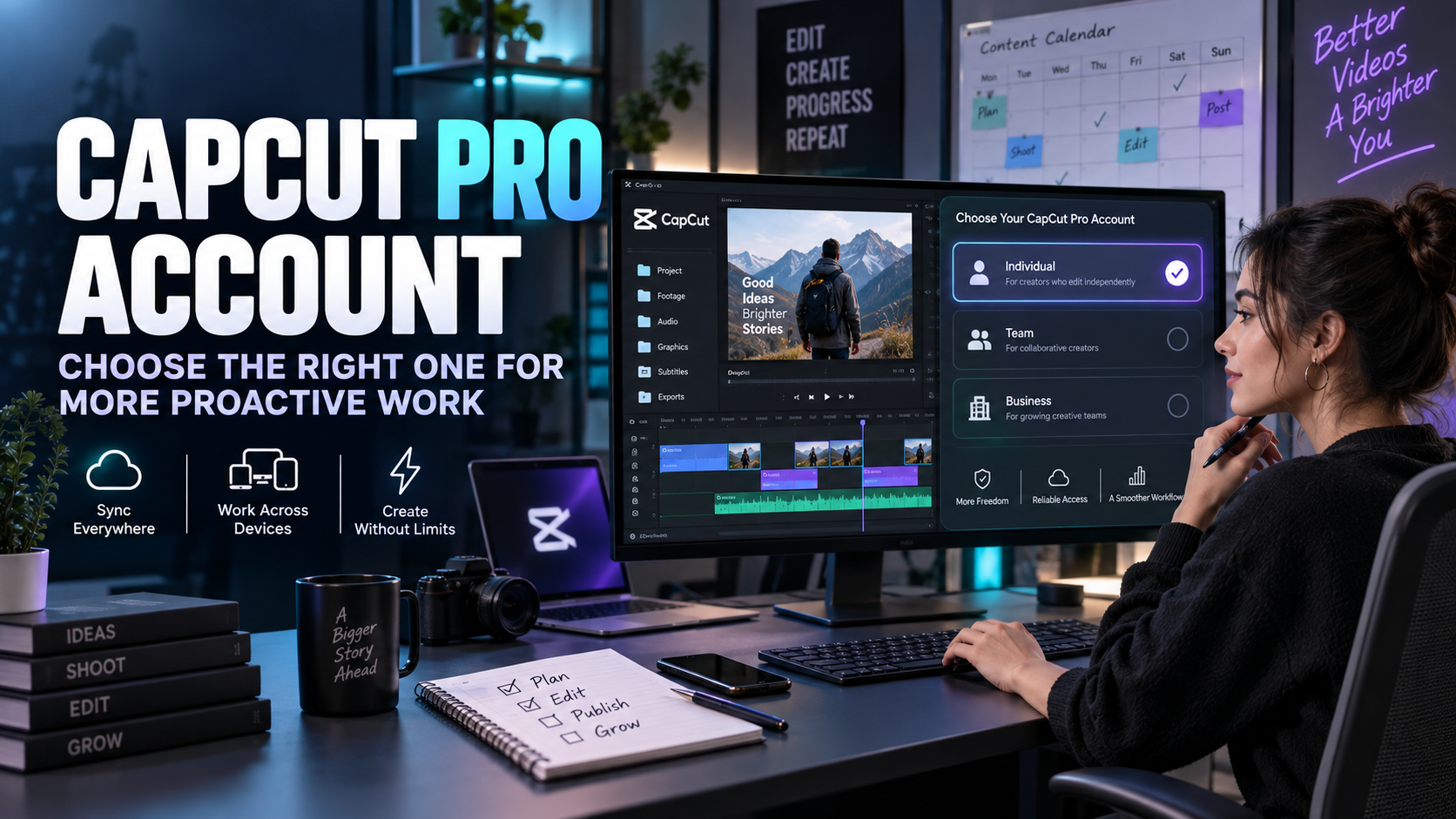
1. What components does a CapCut Pro account consist of?
An account can be understood in three layers: login identity, subscription rights, and related data. Identity helps the system identify the user. Subscription rights determine the applicable benefits. Data consists of projects, files, or content stored according to the application and device's mechanisms. These three layers are related but not interchangeable.
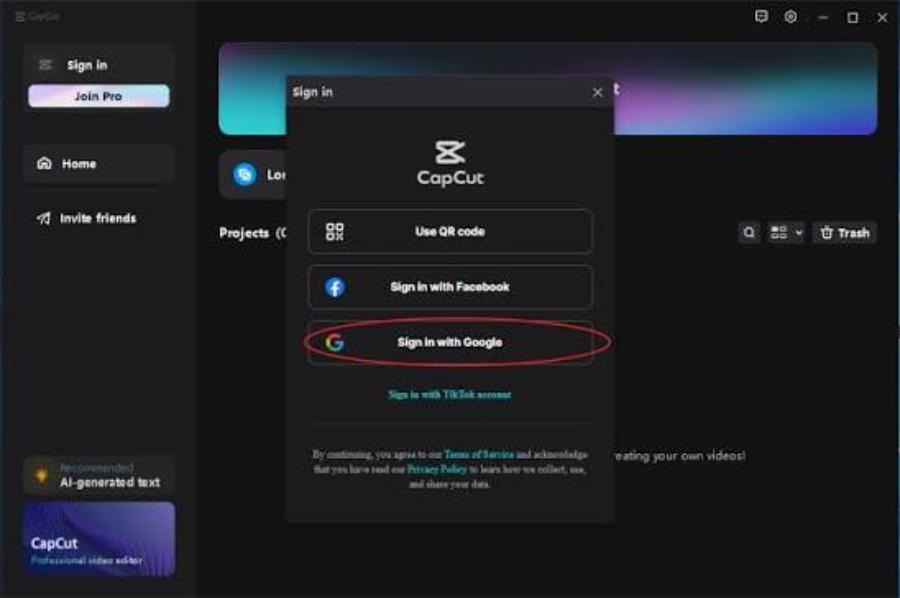
1.1. Identifying usage rights from information within the application
Open your account or package management area to view your current status. Compare the displayed subscription name, duration, and benefits with the product you subscribed to. The Pro icon may be a distinguishing feature, but it's still advisable to test the tool you need. A resource visible in the library may not necessarily be applicable or exportable as you intended.
1.2. Do not confuse accounts with project repositories.
The project may reside on your device or in storage space supported by the application. You need to know the save status of each important task before switching devices or logging out. Good account management doesn't automatically guarantee that source files have been copied. Treat backups as a separate task with clear checks and backups.
2. Common approaches to account management
You can register for a paid subscription yourself or purchase it through a support provider, but you need to compare the account types carefully. At appvip.ai , two CapCut Pro options with a one-year subscription have the following reference prices:
| Account types | Annual price |
| Available | 1,699,000 VND |
| Official upgrade | 1,899,000 VND |
Prices are listed based on product selection at the time of checkout and are subject to change. Labels like “authorized” or “pre-assigned” are not sufficient to determine access rights; confirmation of email account holder, recovery capabilities, and access methods is required before purchasing.
2.1. Upgrade on your existing account
This method is convenient for those who are already accustomed to logging in and want to maintain consistency. You proactively check your email, authentication method, and payment management settings. Before the transaction, you still need to confirm the authorized account and the corresponding package. If using multiple login identities, you should record a non-sensitive identifier to avoid accidentally upgrading a secondary account.

2.2. Receive a pre-created account
With a pre-provided account, clearly ask who has the original email address, who has recovery rights, and what information you are allowed to change. A new password is not enough to establish ownership if another party still controls the account recovery method. Besides access issues, check if the terms and conditions of service are consistent with the intended use and the service's regulations.
2.3. Shared or restricted access rights
A shared data management plan needs to clearly define what data can be seen by others and what happens when login changes occur. If privacy boundaries are not defined, customer data should not be included. Low costs may fit within an initial budget, but they shouldn't compromise the time and effort required to handle disruptions.
3. Choose an account based on the nature of your work.
Instead of starting with a subscription term, determine the level of continuity required. A freelance video creator might have more flexibility than a content manager for a store or a freelance editor. When a project requires multiple revisions, the account isn't just for the initial publication; it's also involved in the subsequent editing and delivery process.
3.1. Personal Channel Builder
You should prioritize easy-to-maintain login methods, well-organized data, and packages that fit your posting schedule. A separate account makes managing usage habits easier, but effectiveness still comes from how you create your content. Take the time to build a set of rules for color, text, and sound to reduce repetitive actions in subsequent videos.
3.2. Video Service Providers
When working for clients, it's crucial to separate the work for each project and avoid leaving sensitive files in an environment with unknown access. The handover agreement should clearly state whether you're delivering the finished video or the entire edited project. These are two different needs that can impact source file storage, resource usage, and the time required to maintain editing capabilities.
3.3. Groups with multiple people working together in production.
A team shouldn't automatically share a password as a good management practice. Check the collaboration or administration options supported by the platform and assign responsibility to specific individuals. When members change, access rights need to be reviewed. Clearly defined roles help reduce confusion between software usage rights and content preservation responsibilities.
4. Pre-account verification process
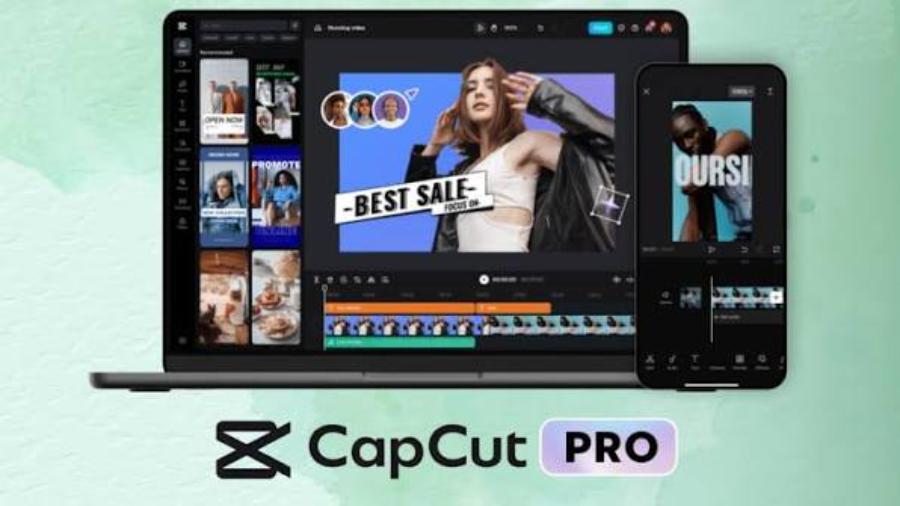
Before completing the transaction, it's advisable to keep a short confirmation document with the following information:
-
The product name and benefits package will be provided.
-
Expiration date and how to determine the start date.
-
How to activate or transfer your account.
-
The right to change login information and recovery methods.
Keep the content of orders or exchanges traceable. Important conditions stated only verbally are difficult to verify if discrepancies arise; a short but complete description is more helpful than a long advertising list.
After obtaining the permissions, log in using the official app and check your profile. Next, compare your Pro status with the purchased content. There's no need to try every effect in the library; prioritize tools relevant to your main work. If you plan to use it across multiple platforms, check the permissions applicable to each package instead of assuming they're the same everywhere.
4.1. Use a short but comprehensive test.
Create a test video including source files, text, audio, and the paid features you want to use. Save the project, export the file, and then reopen it for editing. Each step tests a different part of the process: operation, access permissions, output, and the ability to continue working. The results help you determine if the account is suitable for your needs or if it's just been logged in.
4.2. Preserve evidence without revealing sensitive information.
Keep your receipt, order number, and product description in a convenient place for reference. When sending photos to support, mask passwords, verification codes, and unnecessary financial information. The error description should include the steps taken, the message that appeared, and the expected outcome. A specific description often leads to faster resolution than a general statement that the account is inactive.
5. Managing your CapCut Pro account after purchase
Organize your work by project, keep source files in a clear folder structure, and save the final output. Before freeing up space, check what applications are referencing. Deleting an external source file can affect continued editing. Don't confuse the fact that the finished video still opens with the fact that the project still has enough data to edit every detail.

5.1. Track payment deadlines and payment processing locations.
Record the billing cycle, purchase location, and renewal terms to avoid forgetting recurring fees. For app store transactions, the store account plays a specific role in managing subscriptions. Don't delete the app and assume the fees have stopped. Verify the transaction confirmation at the point of purchase and save the information if there are any changes.
5.2. Preparation before changing devices or packages
Before migrating, try opening a non-critical project in the new environment to understand how it works. Check source files, resources, and access permissions before moving on to the main project. When switching packages, read about the benefits that will be retained and those that may change. A deliberate check will reduce surprises on handover day.
Once per work cycle, try restoring a project from a saved version instead of just looking at the file list. Backups are only useful if you can open and continue editing. For service work, you can add a record of the delivered version and the client's revision requests. This method helps avoid sending the wrong version and clarifies the remaining work to be completed. Paid accounts provide access to tools, but organizational management remains the user's responsibility.
6. Use appvip.ai to outline content for the CapCut channel.
CapCut Pro account holders who regularly upload videos can refer to appvip.ai for content development. This platform introduces a chat feature with AI, suitable for testing requests such as topic grouping, storytelling suggestions, or building draft posting schedules. The benefit to be tested is the quality of ideas and their applicability, not the number of suggestions received.
To begin, describe the three content streams of your channel and ask the AI to suggest different implementations for each stream. Select an idea, verify the information, and save the approved version in a separate folder before building it with CapCut. Accounts, projects, and access permissions on both platforms should be managed separately; synchronization should not be enabled by default. This organizational approach helps you maintain a source of ideas while remaining proactive with your completed content assets.
7. Conclusion
A suitable CapCut Pro account is one with clearly defined access rights and managed appropriately for the value of the work involved. Verify identity, subscription, and data as three separate components. By choosing the right approach and maintaining a habit of backing up and managing logins, you'll be more proactive in both daily video editing and long-term projects.





















VIP Products








Best Selling Products
ChatGPT Plus Account (GPT-4)
16 USD
Upgrade genuine Capture One account
120 USD
Freepik Premium Account
59 USD
MidJourney Account
29 USD
Upgrade Genuine Office 365
49 USD
Autodesk All App Account Copyright
120 USD
Adobe Premiere Pro Account
99 USD
Genuine Adobe Illustrator account
99 USD
Capcut Pro 1 Year
39 USD
Plugin Retouch4me
69 USD
Windows 10 & 11 Pro Key
36 USD
Copyright Adobe Lightroom Account
59 USD
Adobe Photoshop Copyright - Full App
120 USD
Upgrade Duolingo Super
29 USD
Genuine Cheap Canva Pro
39 USD