1. Determine your reason for upgrading before choosing a package.
Start by identifying the inconvenience you're experiencing: frequently exceeding your spending limit, needing a specific tool, or wanting more frequent work support. Once the reason is clear, you'll know which benefits to check instead of simply choosing a more expensive package based on the feeling that it will be more suitable.

The need should also be defined within a specific timeframe. Someone preparing a short-term project might have a different assessment than someone using AI daily. Upgrades should be part of a planned usage, not just a reaction after a single instance where the tool didn't meet expectations.
1.1. Record three tasks that require assistance.
Choose three tasks that you can describe and check the results of, such as outlining, categorizing notes, or proofreading. For each task, note the frequency and the time spent. This list will become the criteria for package selection and evaluation after registration.
If the task isn't clearly defined, try improving your request wording first. Providing context, relevant documentation, and output standards can resolve many issues without needing to change plans. Only upgrade if the additional benefits directly relate to your identified needs.
2. Prepare your account and payment method.
Preparation often determines whether the purchase process goes smoothly. Before opening the checkout page, check your identity, current subscription status, and the payment method you intend to use.
2.1. Verify the correct target account.
Open your account information to see the email address you're currently using. If you have multiple identities for personal and work purposes, don't rely on your profile picture for identification. Read the specific address and select the correct account representing the work environment you want to continue using.
At the same time, ensure you still have access to your email and associated login methods. If your account is experiencing verification or recovery errors, address them before paying. Upgrading is not a fix for identity access issues.
2.2. Check for existing registrations
If you previously made purchases through a website or phone, check the subscription status on that channel. An account that doesn't currently offer the desired benefits doesn't necessarily mean it never had any subscriptions. Checking carefully will help avoid creating unnecessary transactions.
3. GPT Chat account upgrade flow on the website
Button names and display locations may vary by version. Therefore, it's best to follow the purpose of each step rather than memorizing an old tutorial image. The entire process must take place within the official service and your correct account.
3.1. Open the subscription package section and compare.
From your logged-in account, find the package or upgrade management area. Review the options offered to you, comparing the benefits with the three tasks listed. If a tool is a required condition, check the applicable information before proceeding.
There's no need to choose the highest package right away. A more manageable subscription level might be more suitable while you're testing its usage. Conversely, if your work has specific and clear requirements, you should carefully read the relevant limitations to avoid choosing a package that doesn't meet your work schedule.
3.2. Review information at the payment step
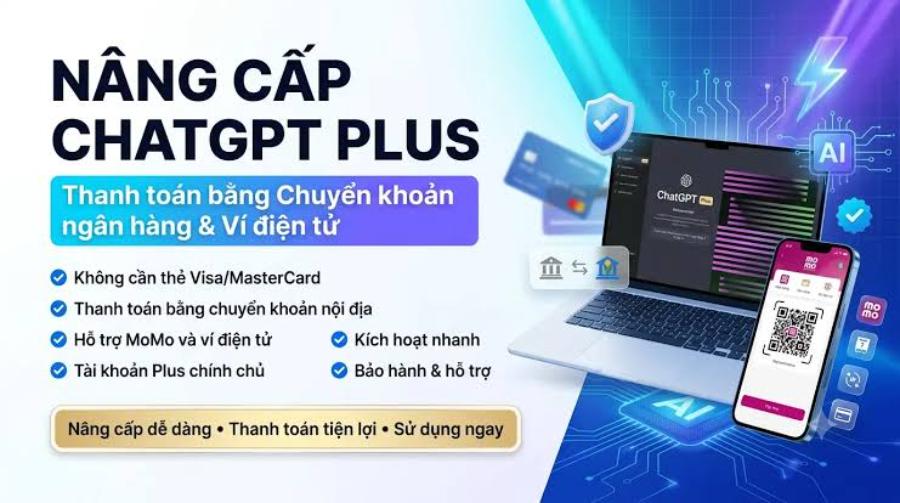
Check the package name, cycle, currency, and total amount at the checkout step. If you are considering upgrading to the official service via appvip.ai , you can refer to the following Plus tiers:
-
One month's subscription: 799,000 VND.
-
Three months' subscription: 2,199,000 VND.
-
Six months' subscription: 3,999,000 VND.
These figures are the prices on appvip.ai , not the default amount displayed on OpenAI's direct payment screen. When choosing different purchase channels, please double-check the total fees and corresponding support responsibilities. If there are taxes or additional charges, the final confirmed amount must match your budget.
Enter payment data directly on the valid interface and confirm yourself. Do not send full images of your card or verification code to the instructor. After completion, wait for the result notification and save the document; avoid clicking "buy" repeatedly while the screen is still processing.
4. Things to note when upgrading your phone.
On your phone, the app login account and the app store account are two distinct identities. One identifies the user of the service; the other may be involved in managing transactions if you make purchases through the store's payment system.

4.1. Verify both the service identity and the purchase channel.
Before confirming, review the email in the app and the displayed payment information. This step is even more important if the device is shared with someone else. Don't let choosing the wrong account waste your time searching for the transaction in a place that doesn't manage that subscription.
If the app doesn't display the desired option, don't rush to download a version from an unknown source. Check for updates and current support information. You can also view the option on the official website, but only proceed after confirming there are no pending transactions on other channels.
4.2. Remember where to manage renewals
When purchasing through a specific channel, it's important to know where to view receipts, check status, and manage the corresponding subscription. Record this information on the day of purchase. A short note will be helpful if you need to change your payment method or review the expense after a few months.
Uninstalling the app or logging out does not constitute proof that the subscription has been terminated. If you wish to end your subscription, please do so in the correct management section and read the confirmation message. The effective date depends on the system status, not on speculation.
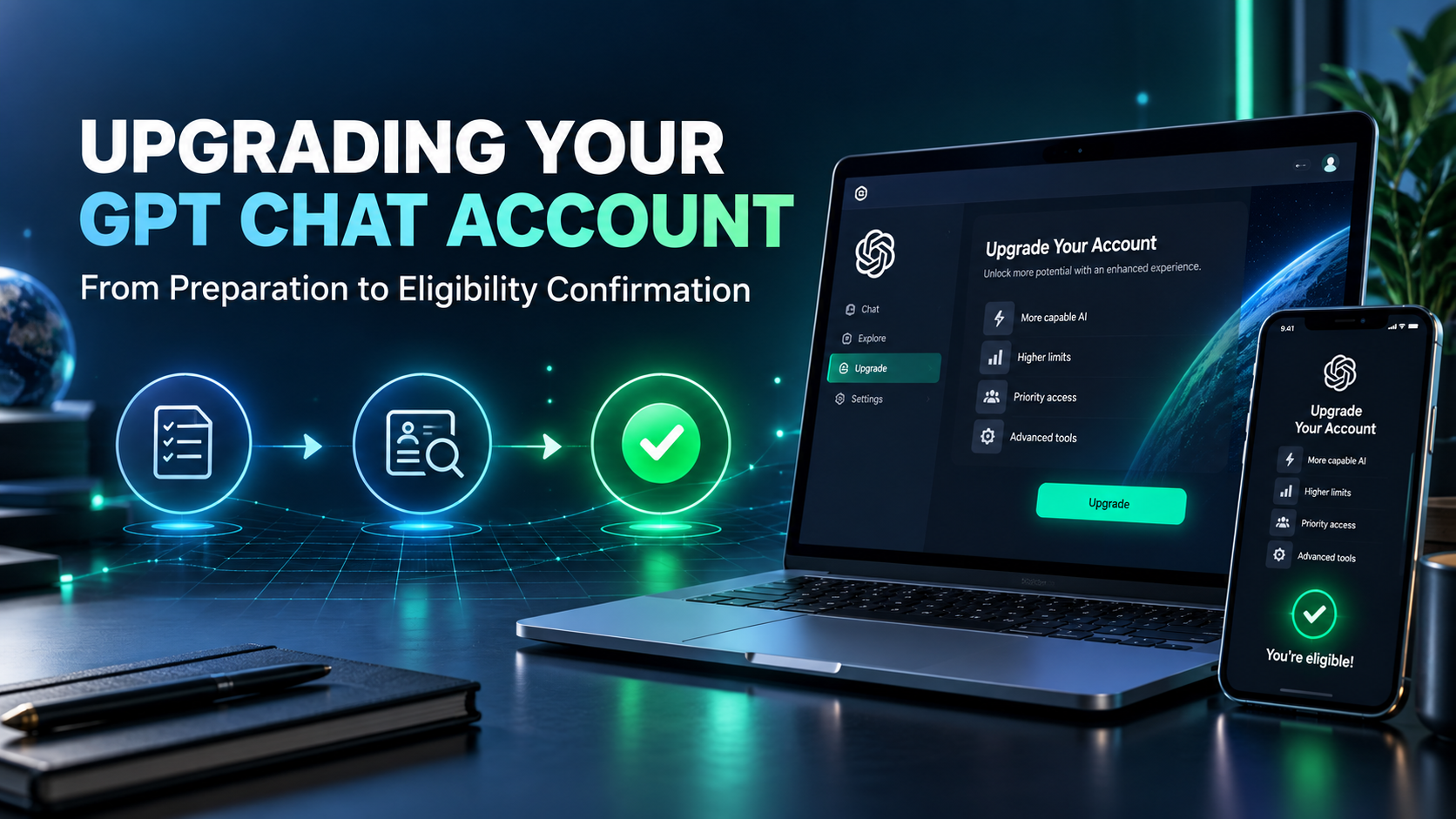
5. Confirm that the upgrade is complete.
After payment, compare the information in your account with the transaction details:
-
The package name and subscription status must match the purchased product.
-
The login identity must match the target account selected from the beginning.
-
The documents must accurately reflect the payment amount and usage cycle.
-
The renewal date or remaining term, if displayed, should be noted for tracking purposes.
6. Handling situations that often cause confusion.
When problems occur, keep the data as it is and avoid making further changes. Logging into multiple accounts, trying multiple cards, or making purchases through different channels in a short period of time can make it more difficult to pinpoint the cause.
6.1. Transactions have taken place, but benefits have not yet been received.
First, verify that the account you have open matches the account used at the time of purchase. Then, check the transaction status and any notifications received. If there are instructions to recover the transaction from the purchase channel, follow the official instructions; do not assume that you need to pay the fee again.
When you need support, provide the transaction code, the date of purchase, and a screenshot of the notification with private data obscured. Clearly state whether the purchase was made through a website or an app store. Structured information helps the processr verify the correct channel instead of asking you to repeat the entire story.
6.2. Unsuccessful payment or other expected benefits
If the transaction is rejected, read the notification and check the basics such as the information entered, payment ability, and applicable terms and conditions. Only try again if you have a valid reason. There is no foolproof trick to arbitrarily change information that guarantees resolution of all payment errors.
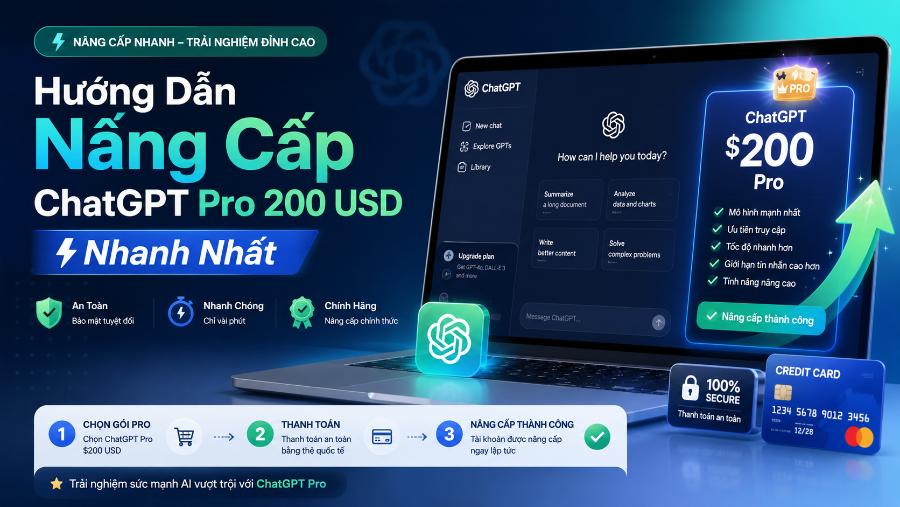
If your plan is activated but lacks a feature you expected, compare it to the current description. The expectation might stem from an older guide or from a different product. Identify the exact discrepancy before requesting support, switching plans, or deciding whether to continue using the service.
6.3. Want to change your usage plan after the upgrade?
If your needs change, open the subscription management section to see the actual options available for your account. Read the effective date of each change and the displayed amount before confirming. Do not assume that all plan changes take effect immediately or that unused time will be refunded. Specific conditions should be checked in the corresponding management flow.
7. Try a process on appvip.ai before increasing AI costs.
Upgrading your GPT chat account should be linked to a clearly identified bottleneck. For those unsure of the limitations of the tool or task assignment method, appvip.ai is a website worth considering for trying out AI-powered chat workflows. The focus isn't on constantly switching platforms, but on clearly defining input requirements and completion criteria to evaluate results.
Choose a repetitive task, such as drafting an email from approved ideas. Write a request specifying the recipient, purpose, length, and information that cannot be changed; then test and record any necessary revisions. If the result improves with more specific guidance, finalize the request template first. If you still encounter limitations related to your usage rights, then consider upgrading your package. In this case, appvip.ai serves as a reference environment for organizing your work, not for upgrading your ChatGPT account.
8. Conclusion
Upgrading your GPT Chat account effectively starts with a clear understanding of your needs and ends with verifying your actual benefits. Confirming the correct email, checking the total cost, remembering the payment method, and conducting post-purchase verification are steps you shouldn't skip. When the process is done in an orderly manner, you will be more proactive both during your first registration and subsequent usage periods.