Best Selling Products

Genuine Adobe Illustrator account
99 USD

Upgrade genuine Capture One account
120 USD

Copyright Adobe Lightroom Account
59 USD

Freepik Premium Account
59 USD

Capcut Pro 1 Year
39 USD

Plugin Retouch4me
69 USD

MidJourney Account
29 USD

Genuine Cheap Canva Pro
39 USD

Autodesk All App Account Copyright
120 USD

Windows 10 & 11 Pro Key
36 USD

ChatGPT Plus Account (GPT-4)
16 USD

Adobe Photoshop Copyright - Full App
120 USD

Upgrade Genuine Office 365
49 USD

Adobe Premiere Pro Account
99 USD

Upgrade Duolingo Super
29 USD
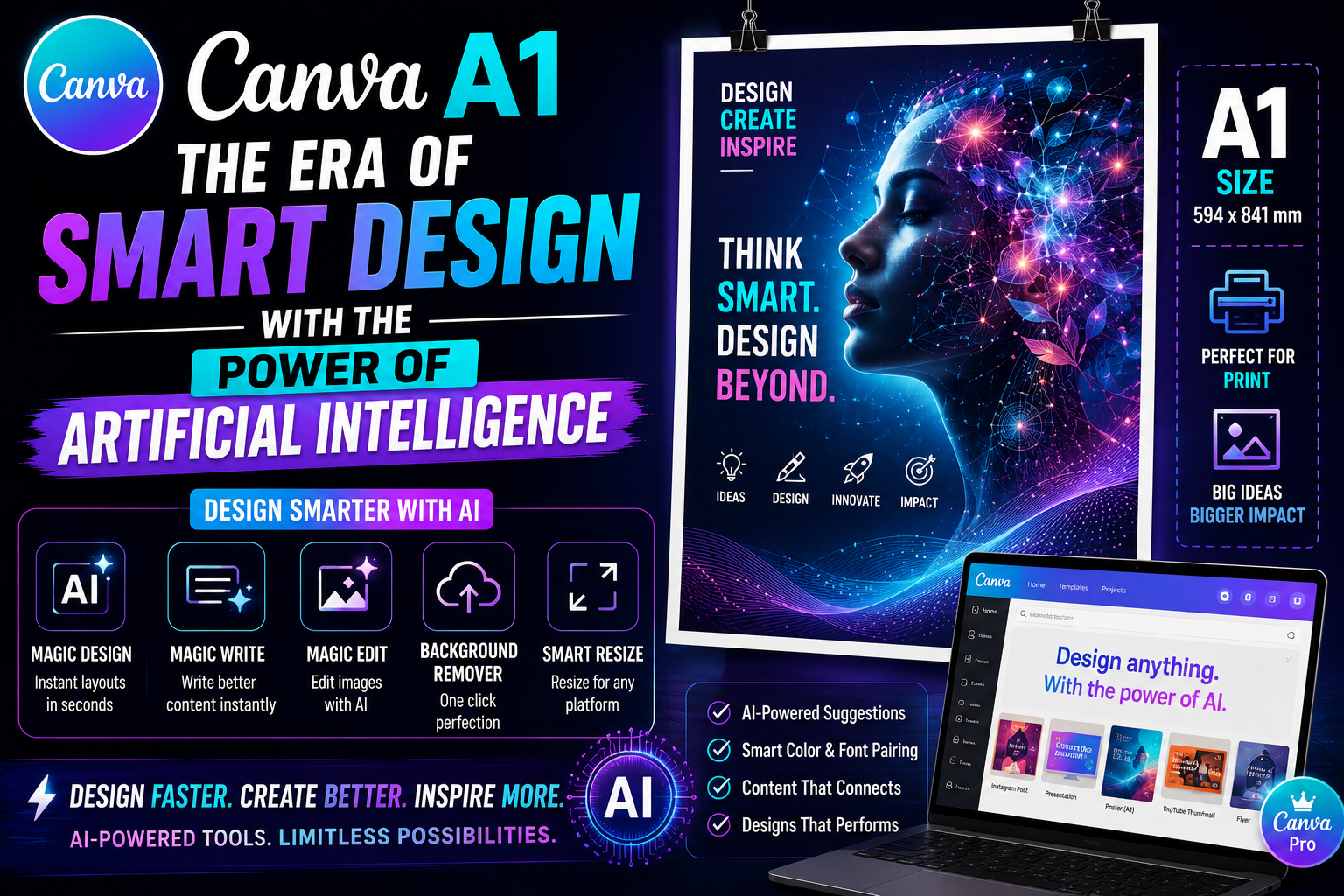
Canva A2: A Breakthrough in Artificial Intelligence Technology for Multimodal Graphic Design
Nội dung
- 1. Exploring the smart-design philosophy behind the Canva A2 system
- 2. Canva A2's superior features that elevate graphic products
- 2.3 Multi-channel design automation (Magic Design for Social)
- 4. Elevating design thinking and optimizing performance with the appvip.ai ecosystem
- 5. A technical guide to writing precise prompts for Canva A2
- 7. Important ethical and legal notes when using AI-generated images
- 8. Conclusion
Discover the power of Canva A2 — a next-generation AI-integrated graphic design solution.
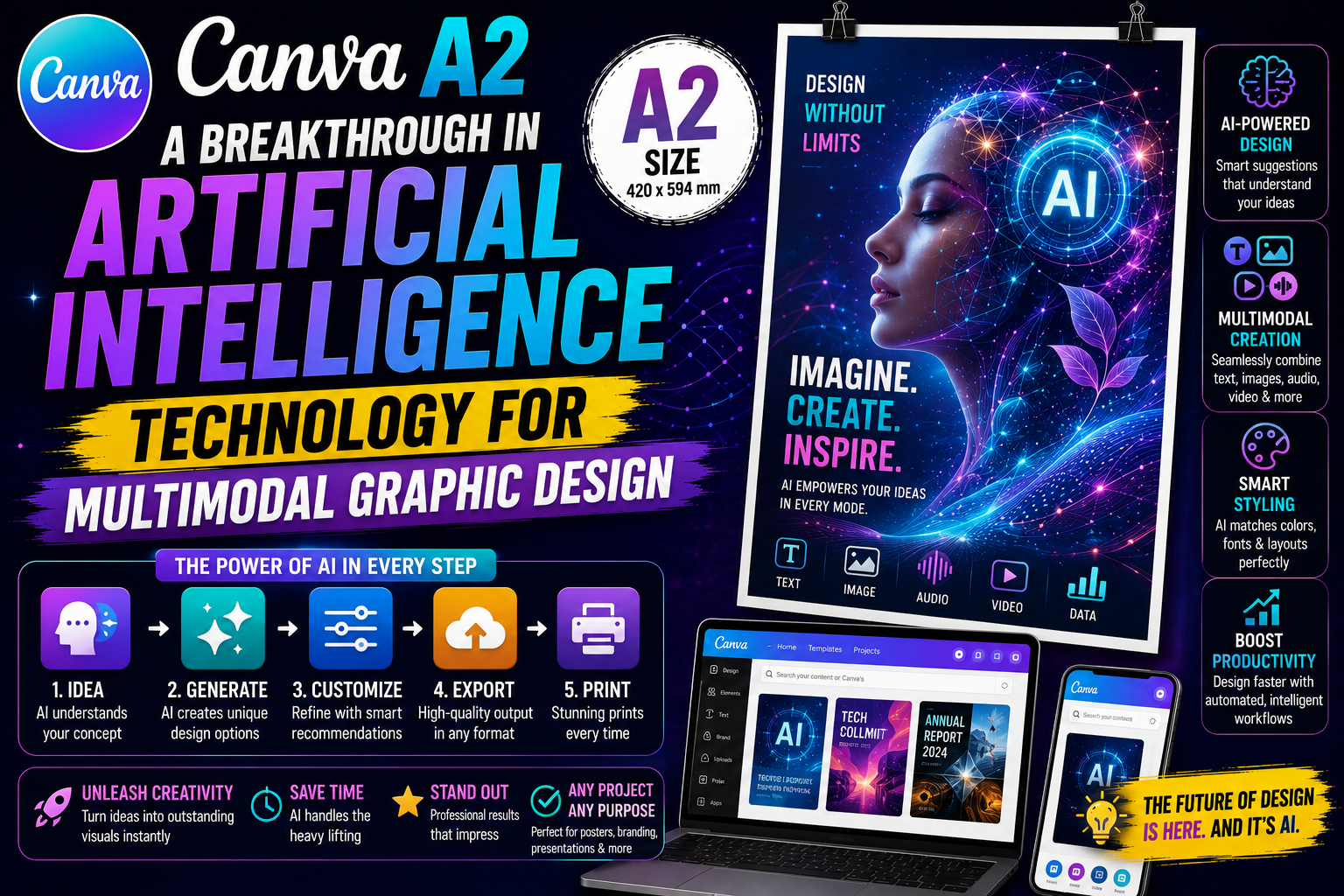
1. Exploring the smart-design philosophy behind the Canva A2 system
Artificial intelligence serves as the backbone throughout this version's entire operating structure, turning the computer from a passive tool into a dynamic design assistant. Unlike traditional graphics methods that require users to have skillful mouse and keyboard skills, Canva A2 focuses on processing thinking and context.
The system is trained on billions of professional design samples, letting it recognize the golden rules of layout, contrast, and color psychology. When a user starts a project, the AI doesn't just provide ready-made template frames — it actively suggests optimal options based on the communication goal the user is aiming for. The combination of the machine's limitless computing capability and humanity's rich imagination creates an extremely effective co-creation process, helping remove the technical barrier for everyone.
2. Canva A2's superior features that elevate graphic products
This version brings a powerfully upgraded "magic" toolkit, helping solve tricky design problems in just a few seconds.
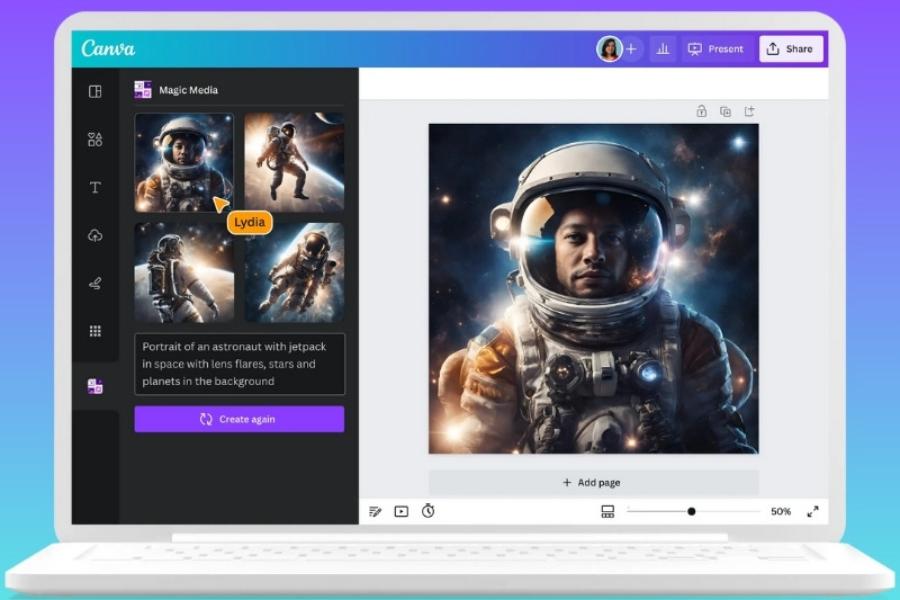
2.1 Next-generation text-to-image tool (Magic Media)
The biggest highlight is the ability to create unique, high-resolution images from prompts. The AI system has been fine-tuned to understand complex expressive nuances and distinctive artistic styles. From photorealistic images that look like they were shot on a camera to abstract, artistic drawings, everything is created with wonderful precision and consistency.
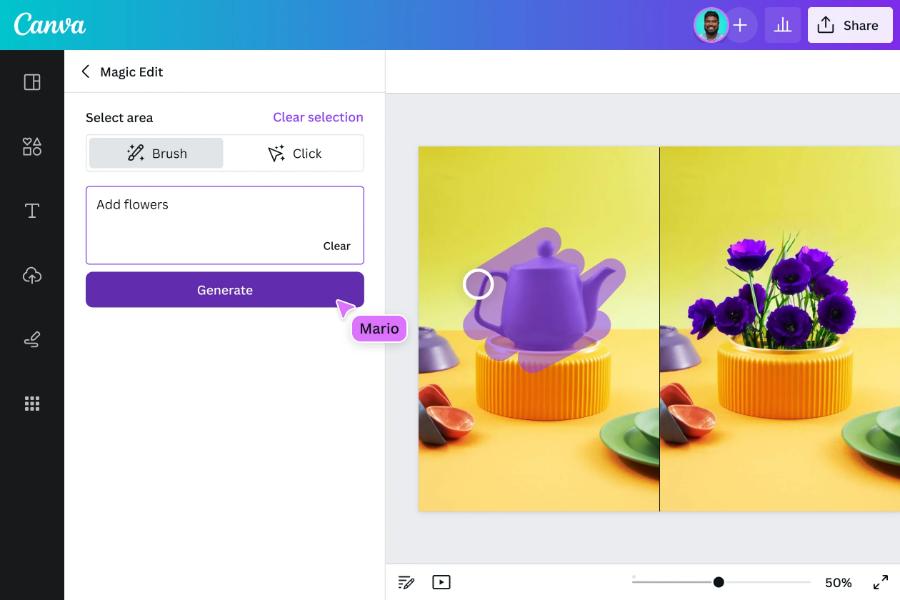
2.2 Editing and transforming objects using artificial intelligence
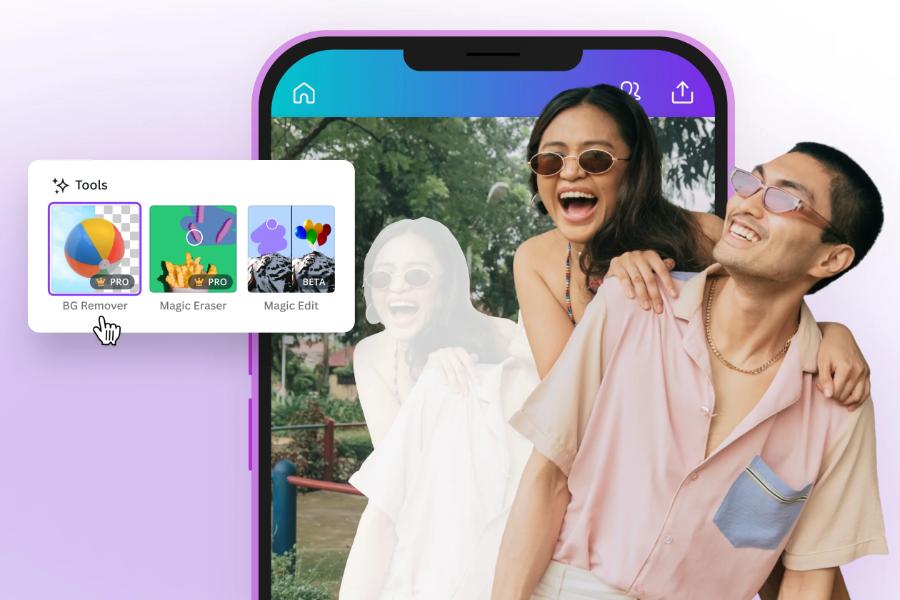
Changing details in an existing photo has become more flexible with the smart-editing feature. Users can easily change the color of a shirt, add a potted plant to the corner of a room, or completely change the background behind the subject without affecting the main subject. Pixel-compensation algorithms help the edited area blend naturally with the rest of the photo, creating a perfect seamless look.
2.3 Multi-channel design automation (Magic Design for Social)
For marketers, creating consistent content for many different platforms is often extremely labor-intensive. Canva A2 lets you create one original design, after which the AI will automatically resize and rearrange the layout to fit the format of Facebook, Instagram, TikTok, or LinkedIn while still preserving the core message and the brand's aesthetic.
3. A workflow-optimization process with the support of a virtual assistant
The power of artificial intelligence lies not only in creating beauty but also in the ability to organize work scientifically and quickly.
Smart animation (Auto-Animate): AI automatically analyzes the elements on a design page to apply the most suitable motion effects, making presentation slides or short videos look professional without needing film-editing knowledge.
Text-content editing (Magic Write Pro): Not just stopping at spelling correction, this text assistant can continue writing your idea, change the tone of voice to suit different audiences, and support natural multilingual translation.
Background removal and photo expansion (Magic Expand): The ability to automatically expand a photo's frame by using AI to "draw" in the missing parts based on the surrounding context, letting users get a wide-format photo from a narrow original image.
4. Elevating design thinking and optimizing performance with the appvip.ai ecosystem
The appvip.ai system was created as a comprehensive support solution, helping users master advanced design techniques in the most systematic and in-depth way. Here, every technological barrier is removed through a library of detailed guidance resources, from layout thinking to applying automation solutions to real-world workflows. This address provides the most optimal ways to turn complex ideas into sharp, persuasive graphic publications.
The exclusive knowledge and smart image-processing methods here are the leverage that helps individuals and businesses achieve remarkable productivity gains. With dedicated, professional support, this platform affirms its position as the ideal destination for you to unlock unlimited creative potential, turning any project from a rough sketch into a world-class work.
5. A technical guide to writing precise prompts for Canva A2
The effectiveness of artificial intelligence depends directly on the quality of the language input. A detailed, structured prompt will help the AI deliver results as close as possible to what you want.
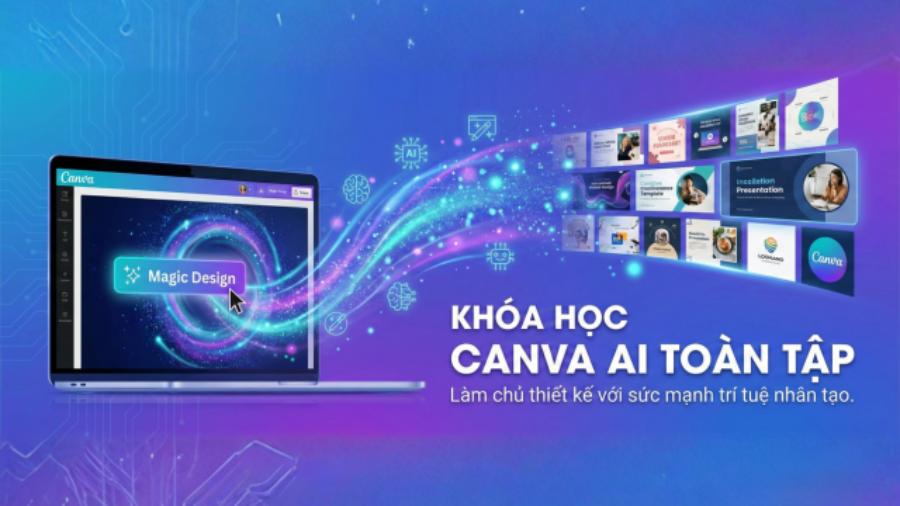
5.1 A formula for building an image-description prompt
For a beautiful photo, apply the formula: Main subject + Specific action + Environmental setting + Artistic style + Lighting parameters. Instead of just requesting "a cup of coffee," try "a latte with latte art on top, placed on a wooden table near a window with early morning sunlight, cinematic photography style, soft warm golden light, sharp resolution."
5.2 Using supporting keywords to shape the aesthetic
Including terms such as "minimalism," "retro," or "flat design" helps the AI narrow down the visual style right from the start. In addition, aspect-ratio requirements (for example, 16:9 or 9:16) also need to be clearly stated so the system automatically adjusts the layout right during generation.
5.3 Fine-tuning and conversational technique with AI
Creativity is an iterative process. If the first result isn't perfect, you can ask the AI to change a few specific details or try again from a different angle. Continuously giving feedback to the system helps it learn your preferences, so later generations will be more accurate.
6. Benefits of applying Canva A2 for small and medium-sized businesses
For companies without a large budget for a dedicated design department, artificial intelligence is the answer to the problem of high-quality communication at low cost.
Saving on personnel and licensing costs: Instead of outsourcing every small poster or buying expensive stock photos, a business can create its own distinctive, high-quality image library with just one smart-design account.
Maintaining brand consistency: AI helps automatically apply the company's logo, fonts, and standard color palette to every design, ensuring the business's image is always professional and easily recognizable across every platform.
Reacting quickly to market trends: In marketing, speed is the key factor. With the ability to create content quickly, a business can launch trend-catching ad campaigns in just a few minutes, helping increase engagement with potential customers.
7. Important ethical and legal notes when using AI-generated images
Although it offers outstanding convenience, using products from artificial intelligence also needs to follow community guidelines and legal regulations to ensure brand safety.
Carefully check for error details (AI Artifacts): Artificial intelligence still sometimes makes small mistakes, such as drawing an extra finger or illogical details in the background. Designers need to carefully check and manually edit to ensure professionalism.
The issue of artistic copyright: Avoid asking the AI to create works based on a specific artist's name for unauthorized commercial purposes. Respecting intellectual property rights helps the creative community develop sustainably.
Transparency in communications: For images used for real advertising purposes, using AI should be carefully considered so as not to mislead customers about the product's actual quality. Honesty is always the core foundation of any sustainable brand.
8. Conclusion
The Canva A2 ecosystem has opened a new era for the graphics world, where every skill barrier is dissolved by the power of artificial intelligence. The combination of speed, aesthetics, and flexible customization delivers a wonderful creative experience for users at every level. By understanding the magic features, honing prompt-writing skills, and making the most of support resources from trusted platforms such as appvip.ai, anyone can create professional, impressive graphic products. Let artificial intelligence become the wings for your creativity, helping turn your boldest ideas into reality.





















VIP Products








Best Selling Products
Genuine Adobe Illustrator account
99 USD
Upgrade genuine Capture One account
120 USD
Copyright Adobe Lightroom Account
59 USD
Freepik Premium Account
59 USD
Capcut Pro 1 Year
39 USD
Plugin Retouch4me
69 USD
MidJourney Account
29 USD
Genuine Cheap Canva Pro
39 USD
Autodesk All App Account Copyright
120 USD
Windows 10 & 11 Pro Key
36 USD
ChatGPT Plus Account (GPT-4)
16 USD
Adobe Photoshop Copyright - Full App
120 USD
Upgrade Genuine Office 365
49 USD
Adobe Premiere Pro Account
99 USD
Upgrade Duolingo Super
29 USD