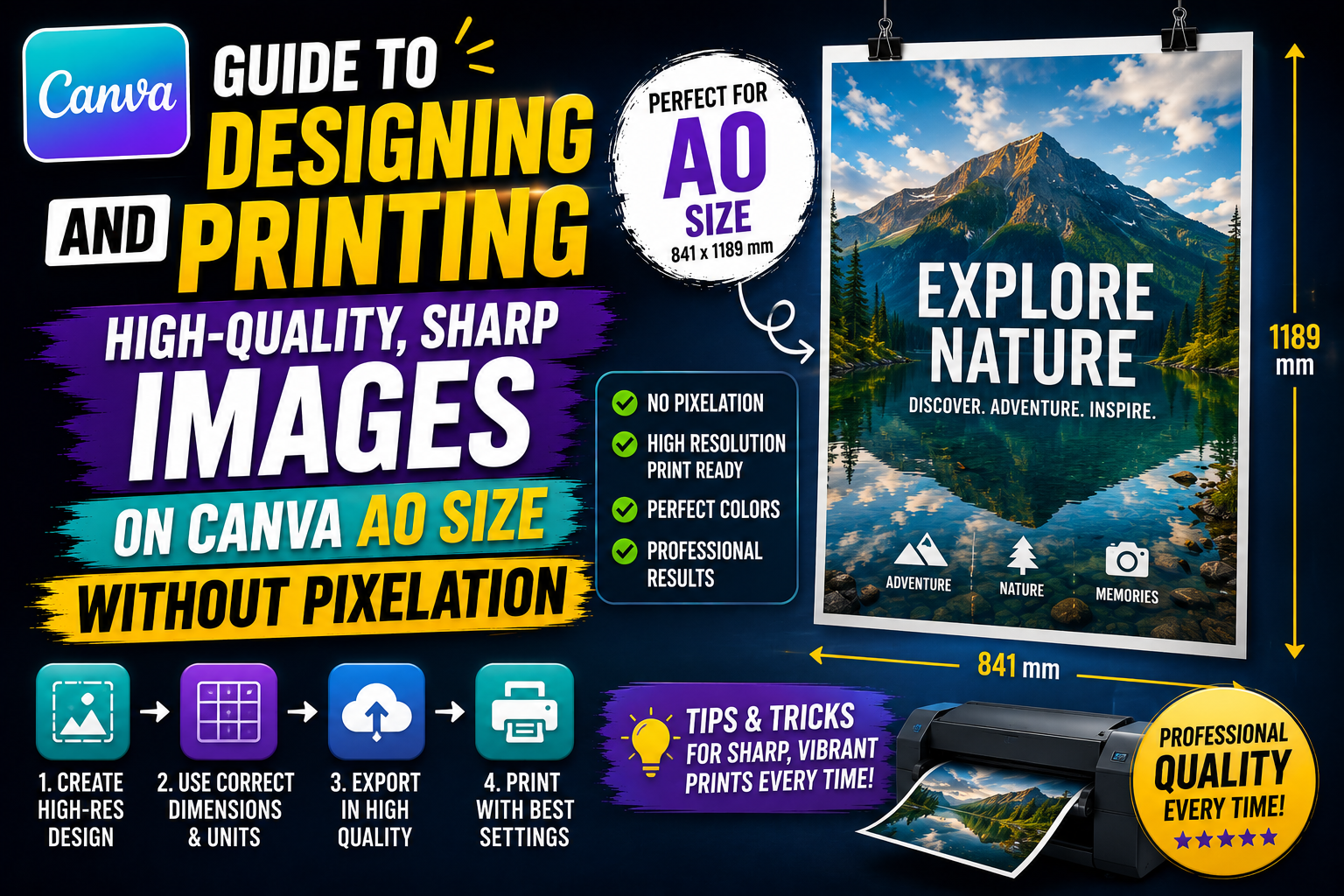
1. A groundbreaking solution for large-format media publications with Canva A0.
The rise of visual advertising formats has fueled the demand for high-precision, large-format prints. Applying A0-sized canvas to the creative process significantly saves time for businesses and individuals while ensuring superior aesthetics. This isn't just about choosing a large frame; it's about the sophisticated combination of modern design thinking and international standard printing specifications.
The enormous surface area of the A0 format provides an ideal presentation space for bold ideas and detailed information. When users correctly set parameters from the initial creation stage, the risk of image distortion or color inaccuracies is completely eliminated. The flexible customization capabilities of this platform allow every message, from architectural diagrams to event posters, to achieve absolute professionalism, building strong trust with clients and partners.
Mastering this vast design space requires a certain understanding of the relationship between pixels and real-world dimensions. Every line and color placed on the canvas needs careful calculation to ensure harmony when viewed from both afar and up close. Maximizing the use of online tools is key to transforming digital drawings into high-quality physical publications, contributing to elevating the brand's position in the market.
2. Detailed specifications of A0 paper size you need to know
Before starting the design process, mastering measurements is an essential step to ensure the product achieves absolute accuracy.
2.1. A0 dimensions in millimeters and centimeters
According to ISO 216 standards, the exact dimensions of A0 paper are 841 x 1189 mm (equivalent to 84.1 x 118.9 cm). This is the largest paper size in the A series, often used as a standard for calculating smaller sizes such as A1, A2, or A4. Remembering this number helps you set up your artboard accurately from the start of your project.
2.2. A0 size in inches
For printing systems using international standards, inches are frequently used. An A0 size corresponds to approximately 33.1 x 46.8 inches. When working with international printing partners or using software that defaults to inches, accurate conversion helps maintain the golden ratio in your design.
2.3. Optimal Pixel Count and DPI for Canva A0
This is the most important factor affecting sharpness. For beautiful A0-sized printing, the minimum resolution should be 300 DPI. At this level, the corresponding pixel size will be 9933 x 14043 px. If you only need to print a banner for remote viewing, 150 DPI (4967 x 7022 px) might be acceptable to reduce file size, but 300 DPI is always the safest choice for any high-quality publication.
3. Steps to manually set the professional A0 size in Canva
Although the system offers pre-set sizing templates, manual configuration gives you complete control over specific technical parameters.
3.1. Access and select custom sizes
Users begin by selecting the "Create New Design" function and switching to "Custom Size" mode. Here, change the unit of measurement from "px" to "mm" or "cm" before entering the number. Entering the actual unit of measurement helps the system automatically calculate the necessary pixel density to ensure that the output print quality is not degraded.
3.2. Setting safety margins and bleeds
In professional printing, the concept of trimming is mandatory. You should add approximately 3-5mm to each edge of the A0 size to prevent the cutting machine from losing important details near the edge or leaving an unsightly white border. This setting ensures that even with small errors during post-printing processing, your work will still look perfect.
3.3. Check the aspect ratio before layout.
The A0 size has a square root of 2 ratio ($1:\\sqrt{2}$), a special geometric ratio that helps prevent distortion when scaling content to smaller sizes like A4. Before inserting graphic elements, make sure your canvas is not misaligned with this standard ratio for convenient reuse of content later.
4. Tips for choosing high-quality images for large-format designs
One of the most common mistakes when working with large-format designs is using low-resolution images, resulting in "jagged edges" when printed.
4.1. Use Vector format instead of Raster
Graphic elements such as logos, icons, or drawings should be used in vector format (SVG). The advantage of vector graphics is their ability to be scaled infinitely without ever losing definition. This is extremely important for a large surface area like A0 size, where even small imperfections are clearly visible to the viewer.

4.2. Search for stock images with 4K resolution or higher.
If you absolutely must use raster images, you need to find sources with extremely high resolution. Images with a minimum horizontal size of 5000px are necessary for proper display on large paper sizes. Using low-resolution images and then forcibly enlarging them in design software will only make the final product look unprofessional.
4.3. Applying AI technology to enhance image resolution.
Currently, there are many AI-powered tools that allow you to increase image size while maintaining sharpness. If you only have a small image but it's essential for an A0 design, use the "Upscale" feature to improve pixel quality before incorporating it into the final design.
5. The Golden Rules for Layout and Content Presentation in Canva A0
Large paper sizes offer ample creative space but can also easily lead designers to overcomplicate things by cramming too much content.
5.1. Visual Hierarchy Rules
With its large size, the viewer's eye needs a starting point. Use a large headline and strong contrasting colors to capture the first glance. Then, guide them to more detailed information by arranging font sizes and white space appropriately. Never have all elements of the same size; that will create visual chaos.
5.2. Optimizing font size for long-distance viewing.
An A0 poster is typically viewed from a distance of 1-3 meters. The main headline should be at least 72pt, and subheadings should not be smaller than 24pt. Choosing a sans-serif font often provides a more modern and readable feel for outdoor advertising or event displays.
5.3. Use the CMYK color system for accurate printing.
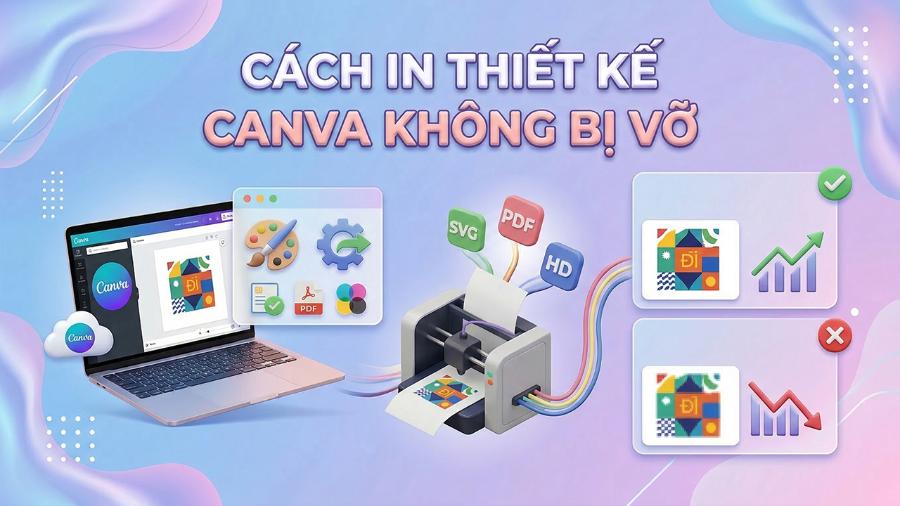
Computer screens display the RGB color system, while printers use the CMYK system. When designing on online platforms, colors often look very vibrant, but when printed, they may appear dull or off-tone. The advice is to choose safe color tones, avoid overly neon colors, and if possible, export your file to a format that supports advanced color management before sending it to the printer.
6. Popular Canva A0 design templates and their practical applications
The A0 size is not only for advertising posters but also serves many diverse purposes in work and life.
6.1. Event posters and commercial advertisements
This is the most common application. With its large size, brands often utilize A0 size for displays in showrooms, cinemas, or shopping malls. An impressive A0 design can completely transform the appearance of a booth, creating credibility and attracting potential customers at first glance.
6.2. Mind maps and training charts
In educational and business environments, A0 size paper is an excellent tool for presenting complex process flows or large mind maps. Displaying all the information on a single plane gives viewers an overall view, instead of having to flip through many smaller pages.
6.3. Architectural drawings and infrastructure planning
Although architects often use specialized software, many still choose online tools to create renderings or A0-sized project descriptions thanks to their rich image libraries. The combination of technical skill and graphic aesthetics makes the drawings more vivid and persuasive to clients.
7. Conclusion
In summary, mastering A0 canvas design techniques is not simply about knowing how to input numbers into the canvas. It's about a deep understanding of the relationship between the virtual pixels on the screen and the actual ink droplets on the paper. The enormous A0 size is a golden opportunity for designers to showcase their skills in layout arrangement, color selection, and conveying powerful messages to the community.