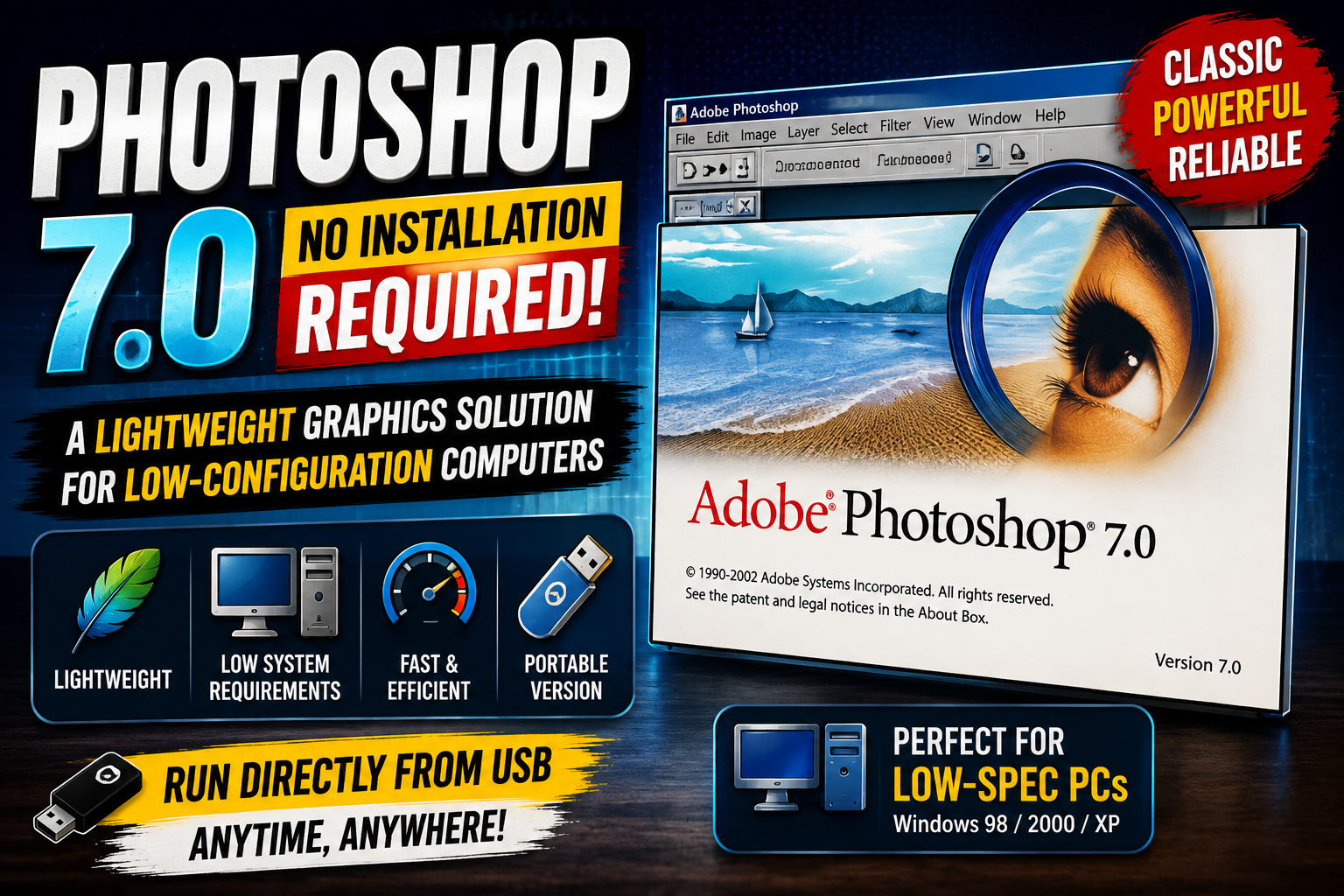
1. The nature and operating mechanism of Photoshop 7.0 Portable
The no-installation version is essentially a software package based on application virtualization technology, integrating all necessary executable files and libraries into a single folder. Instead of spreading data across system folders like Program Files or AppData, this version keeps everything centralized, allowing users to launch the software instantly with a single click.
Photoshop 7.0's existence in the category of streamlined software is based on the excellent stability of Adobe's original source code. Despite being released a long time ago, version 7.0's structure remains highly compatible with modern operating systems thanks to its simplicity and minimal reliance on heavy graphics libraries. This mechanism allows the software to start up much faster than current Creative Cloud versions, making it a lifesaver for situations requiring urgent photo editing on public or office computers with limited administrative privileges.
2. The outstanding advantage of using Photoshop 7.0 without installation.
The appeal of this version doesn't come from complex AI features, but rather from the convenience and practical performance it offers to the average user.
2.1 Optimizing absolute storage capacity
A modern Photoshop installation typically takes up several GB to tens of GB of hard drive space. In contrast, the portable version of Photoshop 7.0 only occupies a few tens to just over 100 MB. This huge difference allows you to store the software directly on older USB drives or send it directly to cloud storage services without worrying about resource consumption.
2.2 Flexible mobility across all devices
The most distinctive feature of the no-installation version is its "portability." You can take your work suite anywhere, from internet cafes to libraries or offices. Simply plug in the storage device and run the .exe file, and your familiar workspace will appear without any complicated login or authentication steps.
2.3 Does not cause system load or conflicts.
Because it doesn't install background services or automatic update processes, this version doesn't slow down your computer at all. When you close the software, all processes terminate, freeing up RAM immediately. This is extremely important for older computers with limited RAM (2GB to 4GB), which often freeze when running demanding graphics applications.
3. The core features are retained in the simplified version.
Despite its streamlined size, Photoshop 7.0 Portable retains all the professional photo editing tools that have made Adobe famous.
-
The Healing Brush tool: This was the first version to introduce the amazing blemish and blemish removal feature, the precursor to modern photo restoration tools.
-
Layer System: Manages objects in separate layers, allowing users to perform complex cutting and merging operations with precision.
-
File Browser: The built-in file browser makes managing images more intuitive before importing them into the editing space.
-
Extensive Filter System: The blurring, sharpening, and artistic effect filters work smoothly, meeting the needs of basic and intermediate photo editing.
-
Powerful Text Tool: Flexible text processing capabilities, allowing you to create simple, high-resolution banners and posters.
4. Experience the ultimate graphics tool at appvip.ai
The appvip.ai platform was created to provide a reliable reference source, helping users access information about the best applications currently available. Here, you can find detailed performance reviews of simplified versions of Photoshop, as well as suggestions for alternative AI-integrated graphic design tools.
Following the technical guides at appvip.ai helps amateur designers gain an overview of how to operate the software safely. Combining a lightweight version of Photoshop like 7.0 with the supplementary knowledge from this site will help you complete your work faster and more stably without investing heavily in expensive hardware.
5. Guide to using Photoshop 7.0 Portable safely and effectively
To ensure the software runs smoothly on newer operating systems like Windows 10 or Windows 11, users need to pay attention to a few basic technical settings.
5.1 Run as Administrator
Although installation isn't required, to allow the software permission to write temporary files during heavy image processing, you should right-click the executable file and select "Run as Administrator". This helps avoid "Access Denied" errors when saving or exporting images.
5.2 Setting up Compatibility Mode
Because Photoshop 7.0 is an older version of the software, it may sometimes display errors on high-resolution screens. You should go to the file's Properties, select the Compatibility tab, and set it to run in Windows XP or Windows 7 mode to ensure the toolbars and control panels display correctly.
5.3 Managing Cache Memory (Scratch Disks)
In the software's Preferences section, make sure you've selected a hard drive partition with plenty of free space as your Scratch Disk. Even the portable version needs space to store temporary data when you execute Undo commands or work with high-resolution image files.
6. Limitations to note when using the older version without installation.
Besides the advantages in speed and capacity, users also need to face some technological barriers when using software that was released many years ago.
-
Lack of support for newer file formats: Photoshop 7.0 may struggle to open modern image formats such as WebP, HEIC (from iPhone), or RAW files from newer cameras. You will need an intermediate conversion tool before importing images into the software.
-
Limitations in automatic features: "Smart" features like Select Subject, Content-Aware Fill, or Neural Filters are completely absent in this version. All background removal and object removal operations must be performed manually.
-
Security risks: Portable versions are often packaged by third parties. If you don't choose a reputable download source, your computer is very susceptible to viruses or spyware running in the background alongside the application.
-
No support from Adobe: Because it's an outdated version, you won't receive any bug fixes or security updates from the official publisher.
7. Who should stick with Photoshop 7.0 Portable?
Despite the availability of more modern options, Photoshop 7.0 still has its own niche for specific user groups.
-
Students: Beginners who are just starting to learn about design concepts and need a simple tool to learn about Layers and Brushes without being overwhelmed by too many unnecessary features.
-
Office workers: Need a tool to crop images, add text, or adjust basic brightness for presentations without installing heavy software on their company computers.
-
Computer repair technicians: Often keep backup files on a USB drive to quickly resolve image-related issues for customers without waiting for lengthy installations.
-
For users of older computers: Even "rugged" laptops that can't handle the CC 2024 versions can still run Photoshop 7.0 smoothly for efficient work.
8. Alternatives if Photoshop 7.0 doesn't meet your needs
If your work requires more features but you still want to maintain a lightweight design, you might consider some of the following supplementary options.
8.1 Lightweight open-source software
Several other free software programs also offer portable versions under 200MB, but with support for more new technologies than Photoshop 7.0. This is a good option if you need a balance between modernity and lightweight design.
8.2 Upgrade to higher-version Portable versions
If your computer is mid-range, instead of using version 7.0, you can look for portable versions of Photoshop CS6. This version is considered the perfect balance between stable performance and all the necessary features for professional design.
9. Conclusion
Photoshop 7.0, which doesn't require installation, is proof that good software always has lasting appeal. Its streamlined design, lightning-fast startup speed, and ability to run on any computer configuration are core values that not all modern versions can achieve. While it still has limitations regarding file formats and lacks automation tools, for basic and flexible photo editing needs, it remains an irreplaceable solution. Choosing tools from reputable sources like appvip.ai will help you maximize the software's power while ensuring the safety of your personal data.