Best Selling Products

Upgrade genuine Capture One account
120 USD

Windows 10 & 11 Pro Key
36 USD

Copyright Adobe Lightroom Account
59 USD

Upgrade Duolingo Super
29 USD

ChatGPT Plus Account (GPT-4)
16 USD

Autodesk All App Account Copyright
120 USD

Upgrade Genuine Office 365
49 USD

Genuine Adobe Illustrator account
99 USD

Adobe Premiere Pro Account
99 USD

Adobe Photoshop Copyright - Full App
120 USD

MidJourney Account
29 USD

Freepik Premium Account
59 USD

Capcut Pro 1 Year
39 USD

Plugin Retouch4me
69 USD

Genuine Cheap Canva Pro
39 USD
Secrets to Achieving a Perfect Physique: A Detailed Review of the Best Body Video Editing Apps
Nội dung
- 1. Trends in body video editing technology in the digital age.
- 2. Important criteria when choosing a body video editing app.
- 2.1 Motion Tracking Capability
- 2.2 Naturalness of the results after processing
- 2.3 Diversity of supporting tools
- 3. Essential features that a professional body editing app should have.
- 4. Experience the ultimate editing technology at appvip.ai
- 5. Technical guide to editing videos of the body for a natural and captivating look.
- 5.1 Step 1: Prepare high-quality original video
- 5.2 Step 2: Fine-tune your physique moderately.
- 5.3 Step 3: Use the "Keyframe" feature if available.
- 5.4 Step 4: Review the entire frame
- 6. Common mistakes when undergoing body modification and how to fix them.
- 7. Conclusion
Discover the secret to achieving a perfect physique in every video with the top professional body video editing apps available today. Check out the leading tools at appvip.ai to upgrade your image quality now.
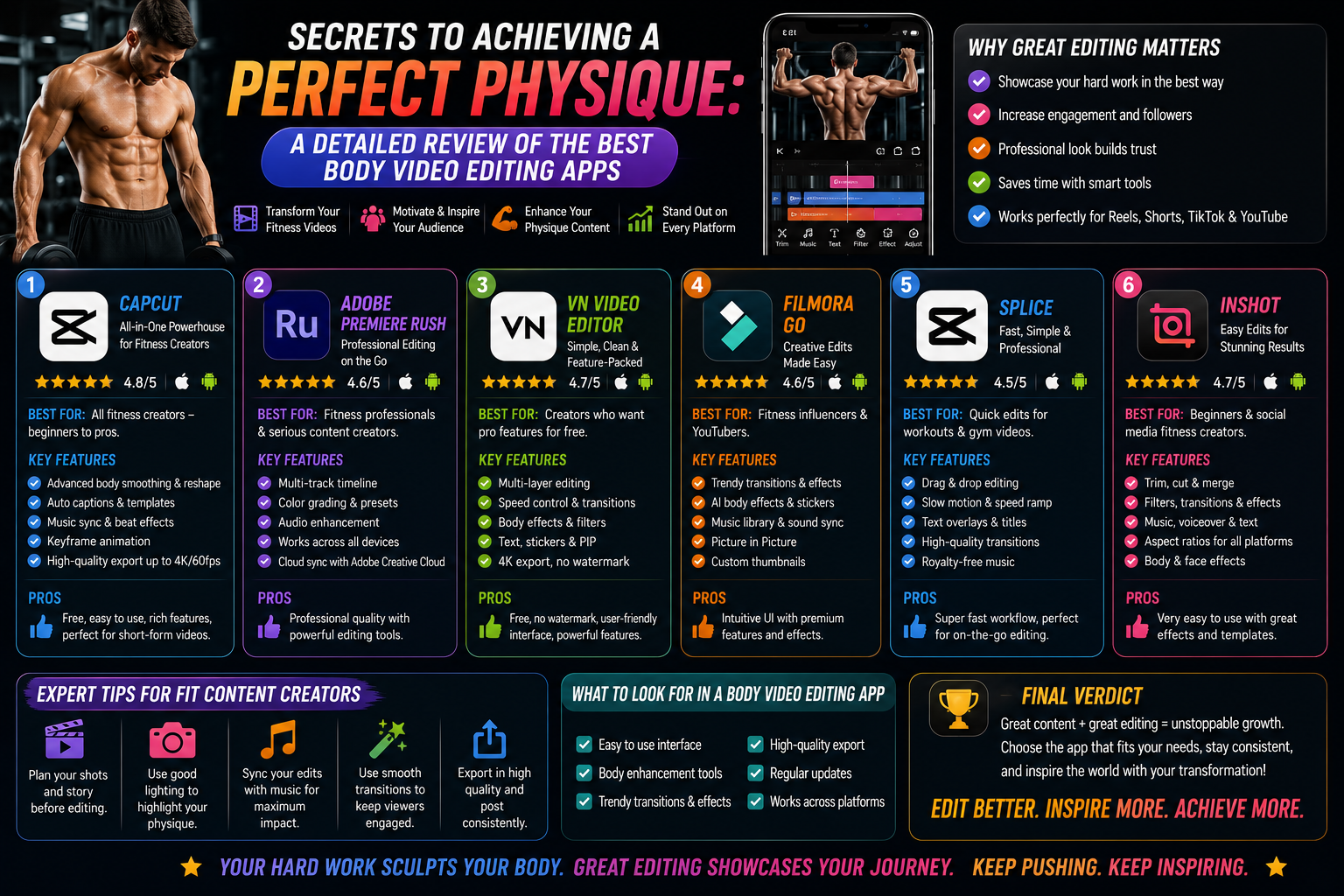
1. Trends in body video editing technology in the digital age.
Image and video processing technology has made tremendous strides in just the last few years. Previously, altering the appearance of subjects in videos required advanced graphic design knowledge and powerful computers. Now, everything has completely changed thanks to the advent of powerful AI-integrated applications. These applications go beyond simply applying color filters and deeply manipulate the geometric structure of subjects in videos.
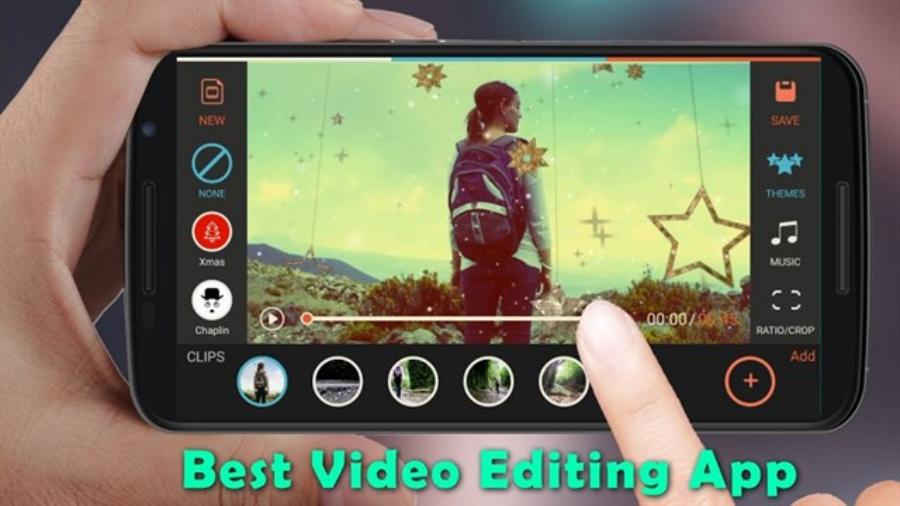
The shift from still images to short videos has presented new challenges for users. With the body constantly moving within the frame, editing requires absolute precision to prevent distortion or misalignment of features. Modern algorithms have addressed this problem by using real-time skeleton tracking. Thanks to this, whether you're dancing, walking, or posing, your physique remains balanced and natural. This demonstrates that technology not only enhances beauty but also understands human body language.
2. Important criteria when choosing a body video editing app.
Choosing the right app from thousands of options on the app store can be challenging. To ensure the best editing results, users need to base their decision on strict technical and aesthetic criteria.
2.1 Motion Tracking Capability
This is a crucial criterion for any application. A quality application must be able to smoothly track body anchor points. If the frame lags or the lines "jump" when the user moves, the video will look unnatural and easily recognizable as edited.
2.2 Naturalness of the results after processing
The most important aspect of editing is ensuring viewers don't notice the software's intervention. Leading applications often offer extensive customization options to adjust the intensity of the effects. Overuse of features like waist slimming or leg lengthening often leads to negative consequences for the overall video. Therefore, the ability to customize technical parameters is a top priority.
2.3 Diversity of supporting tools
Beyond body shaping, a comprehensive app should integrate tools for skin smoothing, lighting adjustments, tone correction, and even digital makeup. Combining body and facial retouching creates a harmonious overall look, saving users time by eliminating the need to switch between multiple different apps.
3. Essential features that a professional body editing app should have.
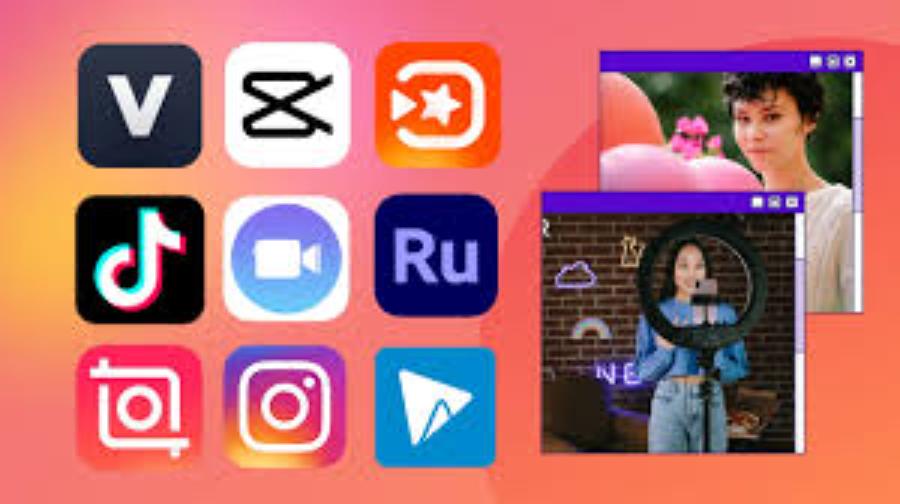
To create high-quality videos, apps need to be equipped with advanced features. Below are the most important functions that any content creator should look for.
-
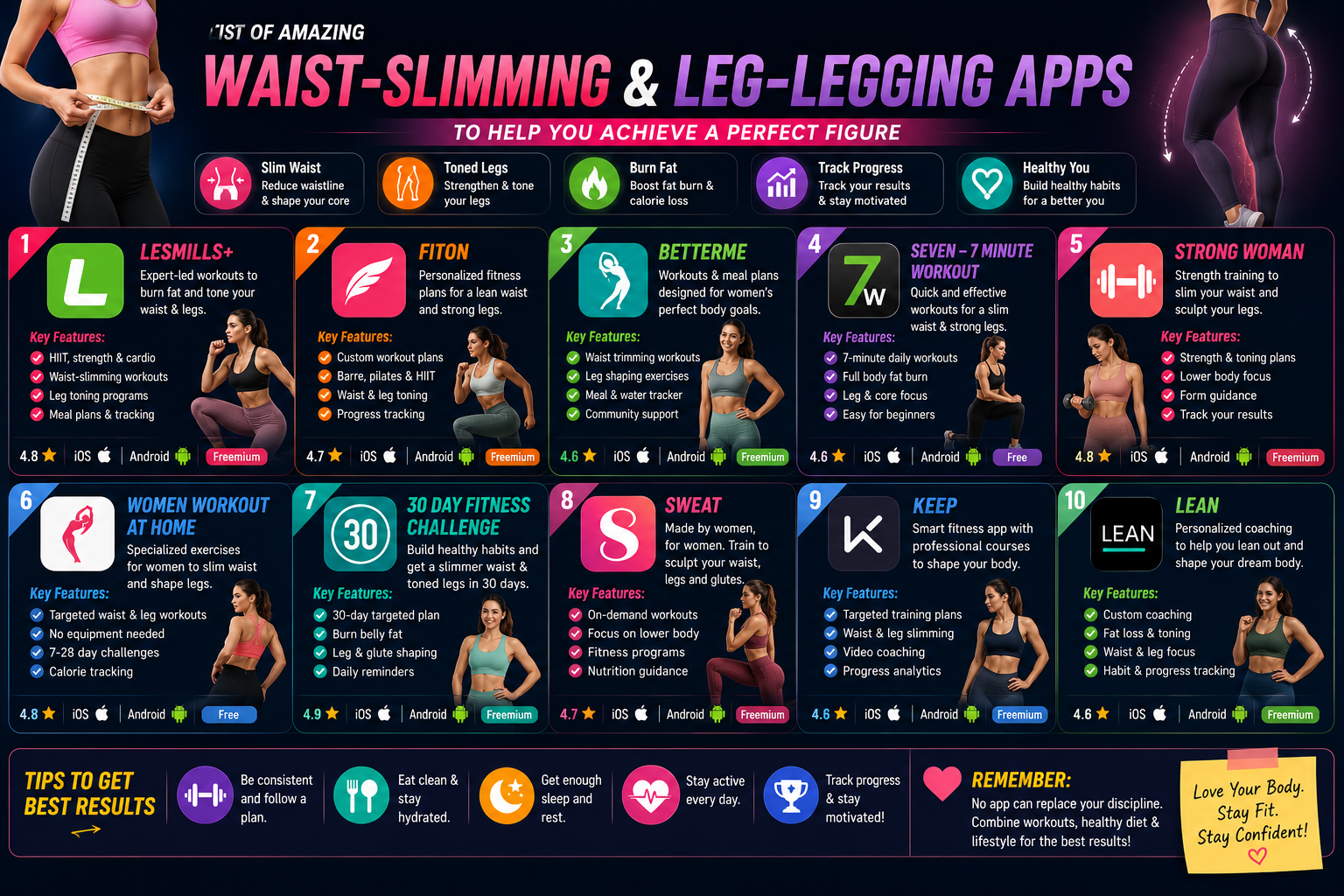
Body Reshaping: This feature allows you to lengthen your legs, slim your waist, and increase or decrease the size of your bust or hips independently. These operations must be performed using highly sensitive sliders to ensure pixel-perfect accuracy.
-
Skin Smoothing & Whitening: Modern apps aren't limited to just the face; they allow for treatment of the entire body. Removing imperfections and evening out skin tone helps the subject stand out under various lighting conditions.
-
Object Removal: Sometimes unwanted details appear in the background of a video. Advanced applications can intelligently remove these objects, helping to maintain the full focus on the person in front of the camera.
-
Color Grading: Color plays a crucial role in determining the emotion of a video. A good app should have a rich library of filters, ranging from classic cinematic styles to vibrant modern looks, helping to enhance the user's skin tone and clothing.
4. Experience the ultimate editing technology at appvip.ai
In the quest for perfect footage, access to quality tools is crucial to success. Instead of experimenting with a multitude of ineffective applications that waste time and storage space, users can find optimal solutions at appvip.ai .
This platform brings together top-rated video editing applications, carefully selected to meet the most demanding standards of modern users. At appvip.ai , the applications are not only powerful in features but also optimized in interface, allowing even casual users to use them as easily as professional filmmakers.
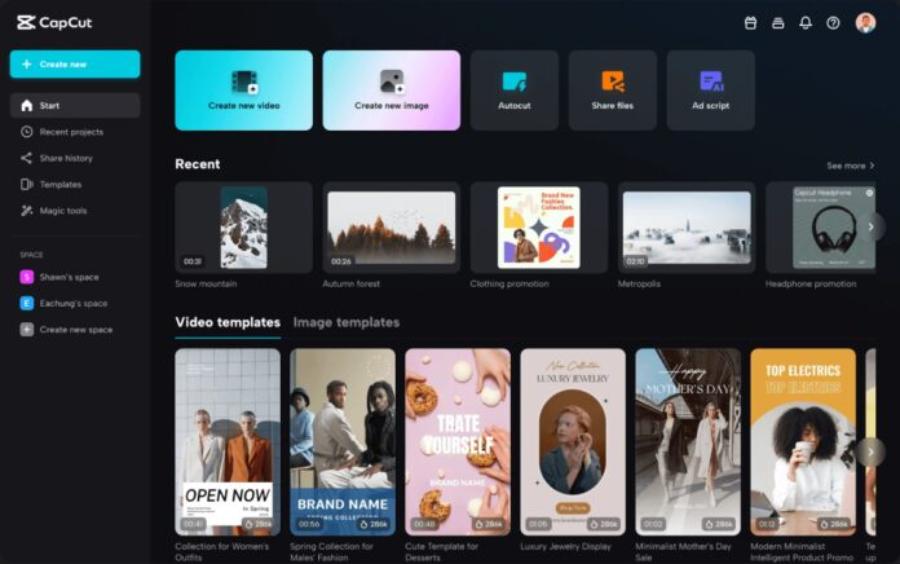
Accessing the tools recommended on appvip.ai offers a significant advantage due to the software's stability. Most applications here are regularly updated with the latest AI algorithms, ensuring compatibility with newer phone models and the ability to process high-resolution video without lag. If your goal is to create professional, sharp, and flattering videos, appvip.ai is a reliable destination to explore the most promising editing technologies.
5. Technical guide to editing videos of the body for a natural and captivating look.
Having powerful tools is the first step, but how you use them is what determines the professionalism of your work. To avoid a stiff-looking video, users need to adhere to basic technical principles during post-production.
5.1 Step 1: Prepare high-quality original video
No matter how advanced the technology, input quality remains paramount. Try to shoot videos in well-lit environments, ideally with natural light. Avoid overly tilted angles or excessive shaking, as this will make it difficult for the app's frame-tracking algorithm.
5.2 Step 2: Fine-tune your physique moderately.
The biggest mistake beginners make is over-editing. Start by making subtle adjustments. If you want to lengthen legs, only increase the adjustment by 5-10%. Excessive adjustments will distort surrounding objects, such as walls, floor tiles, or furniture, making it immediately obvious to viewers that the video has been edited.
5.3 Step 3: Use the "Keyframe" feature if available.
For advanced applications, using Keyframes allows users to change the level of editing at different stages of the video. For example, when you're moving closer to the camera, the waist-shaping level might need to be reduced to maintain a natural look, and increased when you're further away. This flexible adjustment creates a smoothness rarely seen in fully automated editing applications.
5.4 Step 4: Review the entire frame
Before exporting the video, review the entire process by pausing at the segments where you move fastest. This is often when editing effects are most prone to errors. If you notice any distorted or jerky areas, go back to the parameter adjustment step to fine-tune the application's selection (masking).
6. Common mistakes when undergoing body modification and how to fix them.
Many users encounter the problem of videos looking "fake" after editing. Understanding these mistakes will help you avoid them and improve your editing skills.

-
Ignoring the background: When you slim down the waist, objects in the background, such as door frames or walls, often become distorted. This is the clearest sign of a manipulated video. The solution is to use the "masking" feature to separate the subject from the background, or choose camera angles with a simple background and minimal geometric details.
-
Disproportion imbalance: Making the legs appear too long relative to the upper body creates an unrealistic feel. Always consider the overall picture. Human body proportions follow certain rules, and excessive deviations will make the viewer feel unsettled.
-
Overdoing skin smoothing: Excessive skin smoothing can make the face look flat, lacking dimension and depth. Combine skin smoothing with adjusting contrast and lighting to preserve the natural look of your face.
-
Lack of color consistency: After adjusting the pose, forgetting to adjust the overall color will make the video look disjointed. A helpful tip is to apply a light filter to the entire video after completing the body editing to blend the details together and create a more consistent look.
7. Conclusion
The world of content creation is constantly changing, and owning quality video editing tools is key to keeping up with trends. A beautiful, well-balanced video not only boosts your confidence but is also key to attracting attention in the fiercely competitive environment of social media. By mastering the techniques, choosing smart applications from reputable sources like appvip.ai , and maintaining a refined aesthetic sense, you can create impressive and inspiring videos.





















VIP Products








Best Selling Products
Upgrade genuine Capture One account
120 USD
Windows 10 & 11 Pro Key
36 USD
Copyright Adobe Lightroom Account
59 USD
Upgrade Duolingo Super
29 USD
ChatGPT Plus Account (GPT-4)
16 USD
Autodesk All App Account Copyright
120 USD
Upgrade Genuine Office 365
49 USD
Genuine Adobe Illustrator account
99 USD
Adobe Premiere Pro Account
99 USD
Adobe Photoshop Copyright - Full App
120 USD
MidJourney Account
29 USD
Freepik Premium Account
59 USD
Capcut Pro 1 Year
39 USD
Plugin Retouch4me
69 USD
Genuine Cheap Canva Pro
39 USD