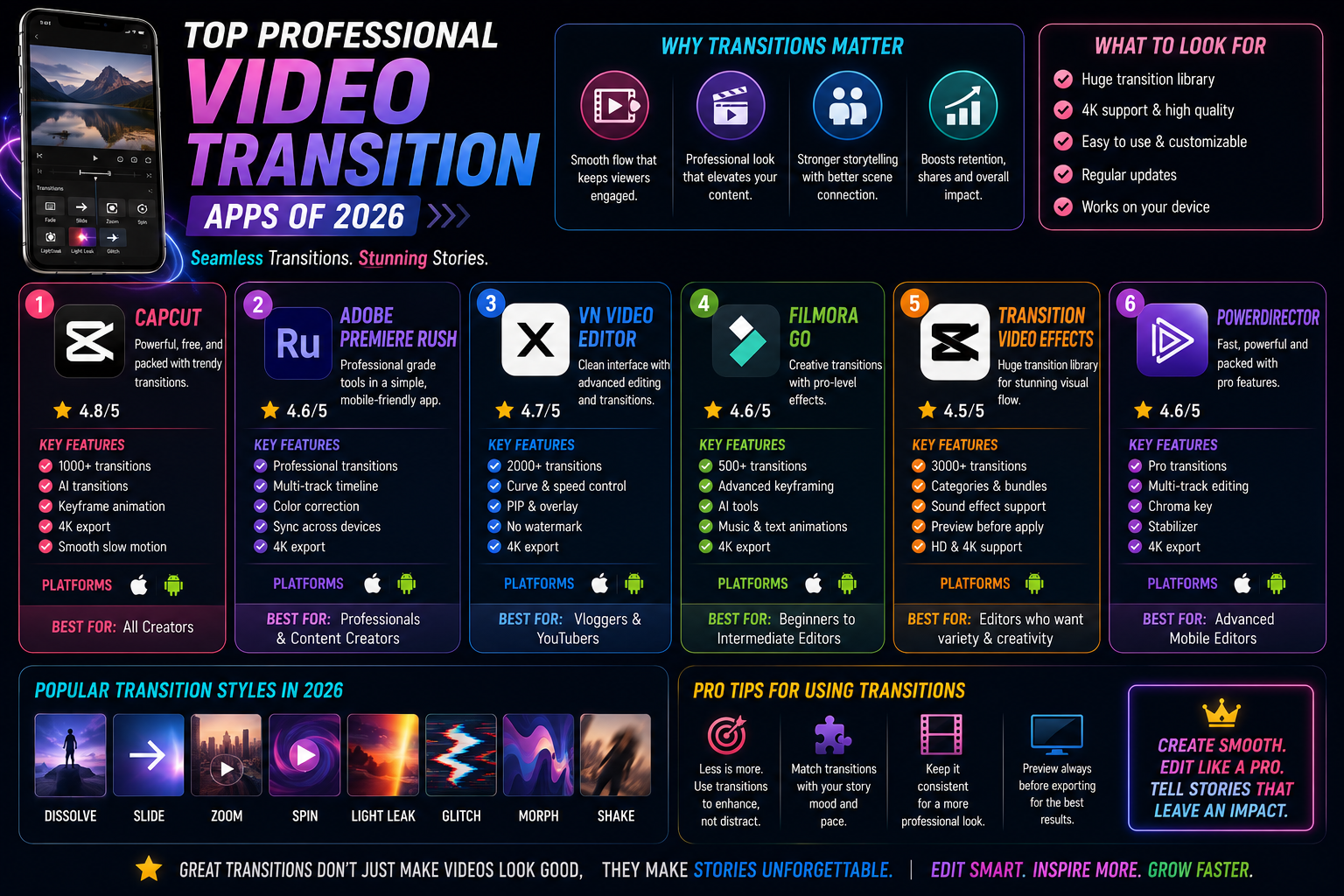
1. Trends in professional video editing on mobile devices in 2026
The art of visual storytelling has entered a new era, where the lines between mobile devices and bulky computers are blurring. With the rise of short-form video platforms, finding a powerful video transition app has become a top priority for every content creator. Successful videos rely not only on a compelling script or sharp visuals, but also heavily on how the scenes connect. Smooth transitions are key to retaining viewers and creating a unique personal touch in the millions of videos uploaded daily.
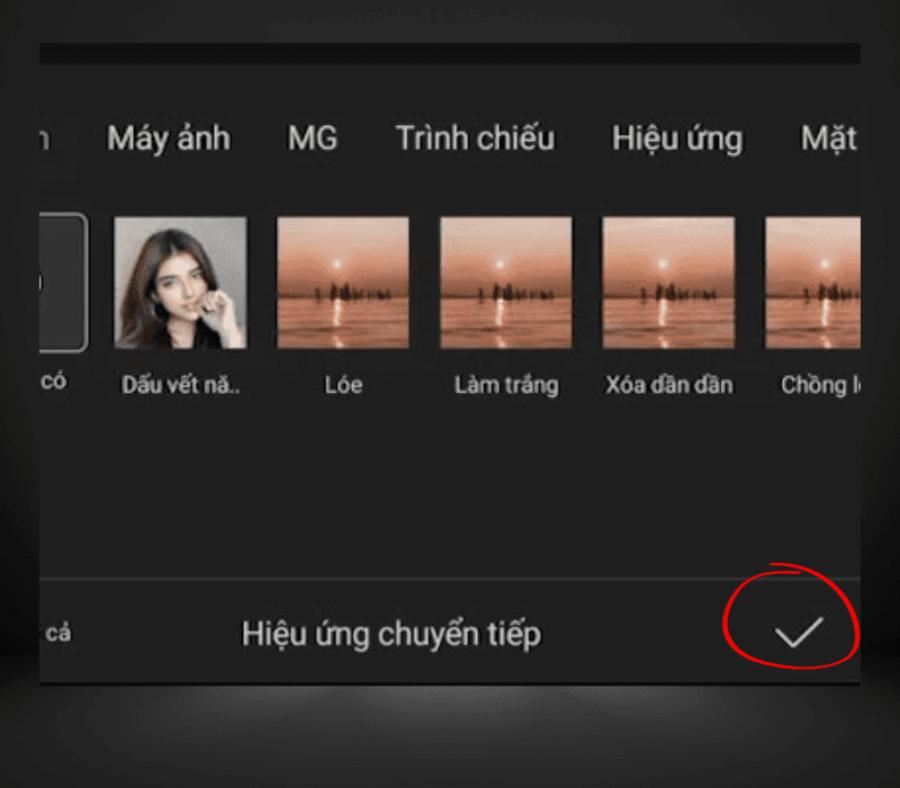
The rapid development of artificial intelligence has brought intelligent transition features to video editing applications, automatically recognizing actions to seamlessly blend them together. Users today are no longer satisfied with simple motion effects; they crave complex techniques like zoom-in, glitter, or masking, previously only available in professional software like After Effects or Premiere Pro. Understanding and mastering these tools will help you transform disjointed video clips into a complete and emotionally rich work of art.
2. The gold standards for choosing an effective video transition app
2.1. Rich and diverse effects library
A quality video editing app should possess a diverse collection of transition effects, from basic ones like overlay blur and image pushing to more complex ones like optical effects or spatial distortion. This allows users to express their own style without limitations, whether creating relaxing travel vlogs or energetic music videos.
2.2. Ability to customize time and speed
Transitions aren't just about inserting an effect between two clips. The ability to deeply control the start, end, and speed of the effect (curves) is what determines professionalism. A good video transition app should allow users to adjust it down to the millisecond to ensure the effect perfectly matches the rhythm of the music or the movement of the character in the frame.
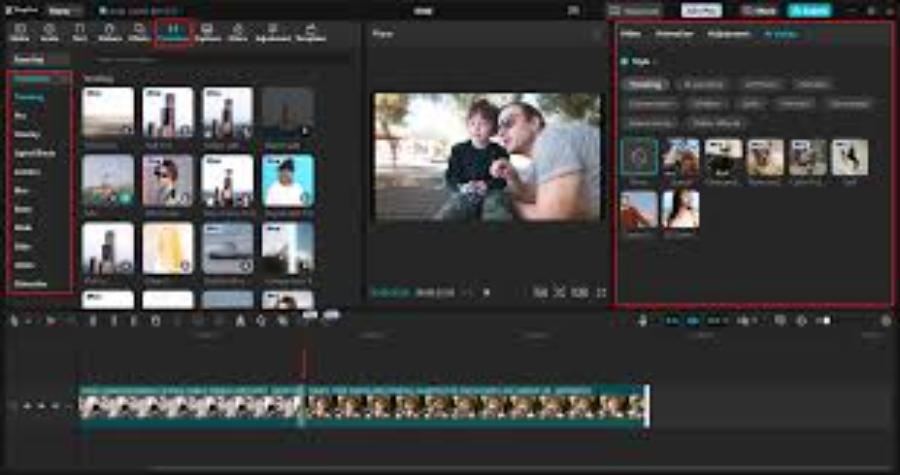
2.3. Video output quality is not degraded.
Many current applications offer beautiful effects but reduce the video resolution after processing. The 2026 standard requires applications to support 4K, or even 8K, output at high frame rates (60fps or 120fps) to ensure the smoothest possible transitions and prevent lag for viewers.
3. Detailed review of the top video transition apps currently available.
3.1. CapCut – The top choice for the short video trend
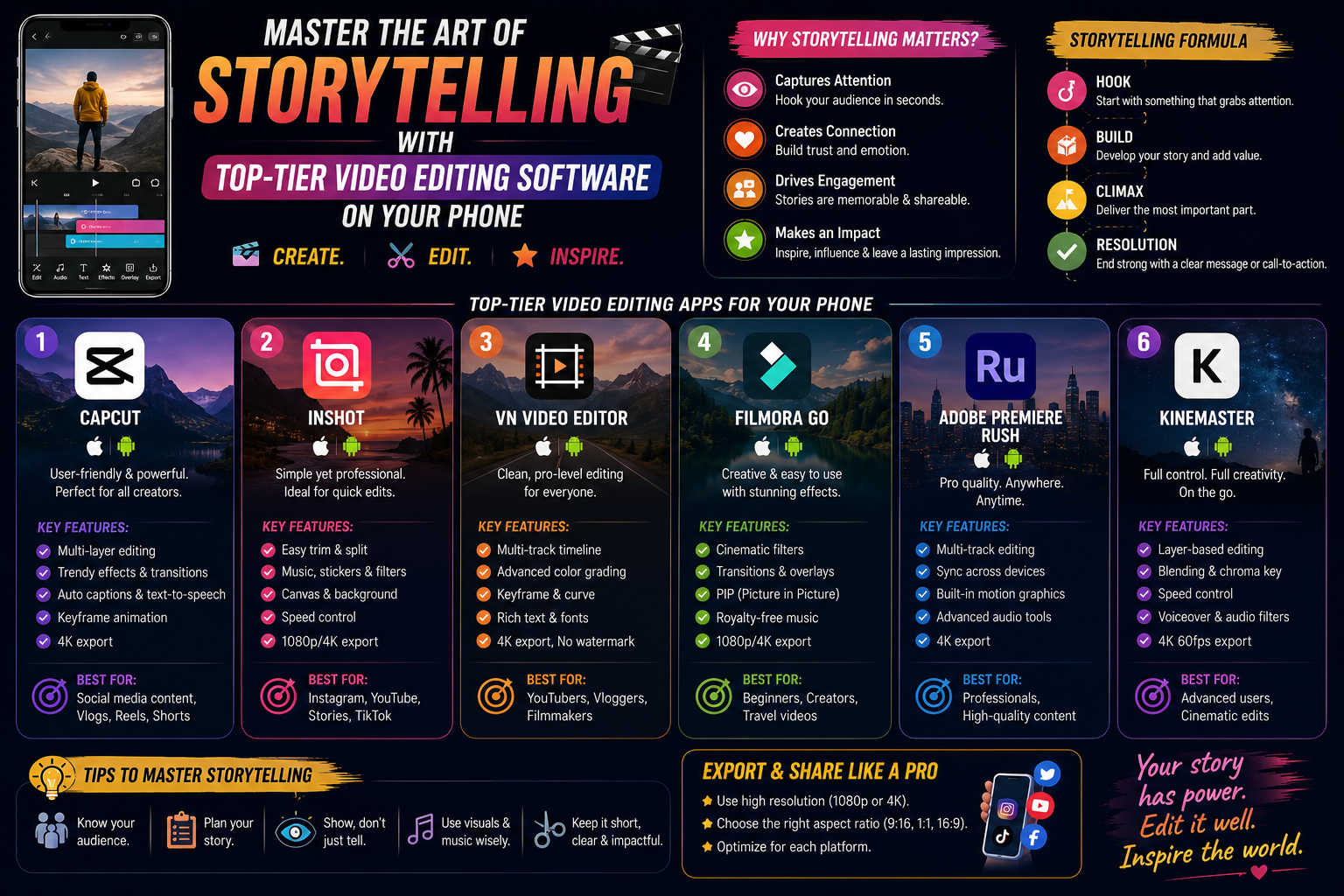
CapCut has established a strong position thanks to its intuitive interface and vast library of transition effects. The app is particularly powerful in its "Match Cut" and "3D Zoom" effects, making your videos look professional, as if they were created by a real post-production team. The auto-cut feature, which automatically inserts transitions synchronized with music, is a major plus for beginners who still want to create impressive videos.
3.2. Adobe Premiere Rush – Top-tier graphics from the Adobe family.
Inheriting the best features from the PC version, Premiere Rush delivers highly cinematic transitions. Effects like Pan, Zoom, and Dissolve are algorithmically refined to create absolute smoothness in lighting and color. This is the preferred choice for professional filmmakers who need to edit quickly on an iPad or phone while maintaining high artistic quality.
3.3. InShot – A versatile tool for social media
Although initially known as a photo editing app, InShot has transformed into a formidable video transition app . InShot's transition system focuses on simplicity and effectiveness, with transition filters in the style of film, nostalgic glitches, or modern graphic lines. InShot's strength lies in its fast processing speed, making it suitable for those who need to produce content continuously on a daily basis.
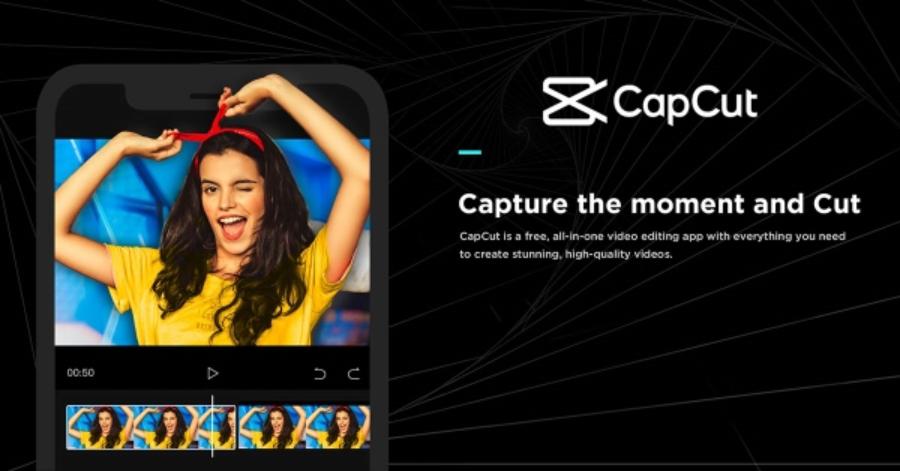
3.4. VN Video Editor – The Power of Professionalism for Free
VN Video Editor (Vlog Now) is one of the rare applications that offers detailed speed curve adjustment capabilities. This is extremely important for "Speed Ramp" transition effects. Users can create extremely fast transitions followed by sudden slowdowns, creating a dramatic and visually captivating effect.
4. Technical analysis of the most common transition types
4.1. Zoom Transition Effect
Zoom transitions are one of the most commonly used techniques to create a sense of continuous space. Instead of simply cutting between two scenes, the application creates a movement that moves closer to the object in scene A and begins scene B from a similar position. This creates a seamless visual flow, making the viewer feel as if they are flying through different scenes.
4.2. Glitch and Distortion Effects
Suitable for technology-related videos, EDM music, or esports, the Glitch effect brings a unique and dynamic touch. When using a video transition app with integrated Glitch, you're creating a visual ripple effect, helping to mask significant differences between two unrelated scenes.
4.3. Masking Effect
This is an advanced technique that modern apps like CapCut and LumaFusion support very well. An object passing through the frame acts as a "shutter," revealing a new scene behind it. This technique requires precise timing but yields incredibly stunning and sophisticated results.
5. Optimize scene transitions with artificial intelligence (AI) technology.
2026 marks a turning point as AI deeply intervenes in the editing process. Current video transition apps are no longer just repositories of static effects. AI will automatically analyze image data (motion tracking) to suggest the most suitable transition style based on the character's movement direction. For example, if the character in scene 1 is turning their head to the left, the AI will automatically select a swipe effect to the left to create consistency.
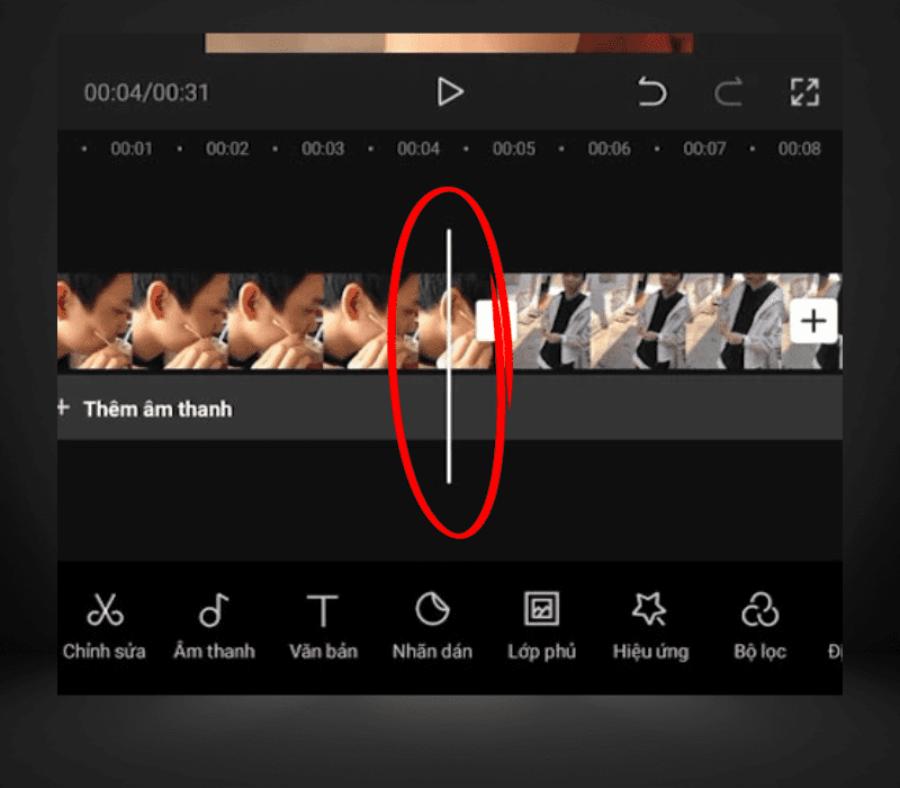
Furthermore, the ability to automatically remove the background and insert new scenes into empty areas creates "invisible cuts." Users no longer need to spend hours manually cutting and pasting frame by frame; instead, the power of cloud computing handles complex tasks in just seconds.
6. A 5-step process for creating professional transitions on your phone.
6.1. Arrange the clips according to the story's intent.
Before applying any effects, you need to ensure the clips are arranged in a logical sequence. Transitions are only truly effective when they connect two related pieces of content or create an artistic contrast.
6.2. Selecting the precise cutting point
Look for moments of strong movement or emphasis in the sound to place transition points. Timing the effects to coincide with the drum beat or when a character performs a decisive action will greatly enhance the visual impact.
6.3. Choose the right effect to match the video's color tone.
Each type of video transition app has its own strengths. If the video has a melancholic tone, use the gentle Dissolve effect. If the video is a vibrant travel journey, Spin, Zoom, or Slide effects will be the optimal choice.
6.4. Adjusting the duration of the effect
A common mistake made by beginners is making transition effects too long, creating a sluggish feel. Typically, a smooth transition should only last between 0.3 and 0.7 seconds. Experiment and feel the rhythm to get the most accurate number.
6.5. Review and Publication
After applying the changes, review the video several times in full-screen mode. Note any stuttering or visible cuts. If everything looks perfect, proceed to export the video in the highest quality format supported by your device.
7. Common errors when using video transition apps and how to fix them.
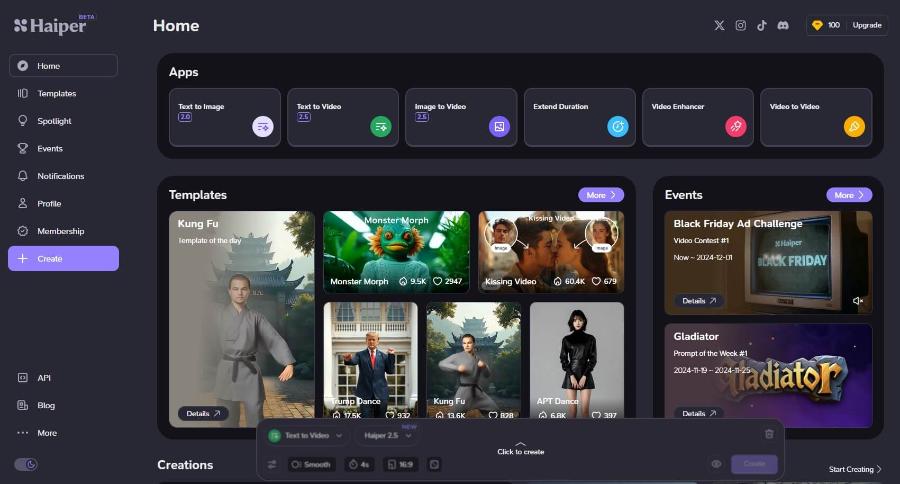
7.1. Overuse of different effects
Using too many transition effects in a short video can overwhelm viewers and distract them from the main content. The solution is to choose one or two consistent transition effects throughout to create a cohesive video style.
7.2. Scene transitions don't match the music.
Music is the soul of a video. If the visuals transition in one direction while the music breaks the rhythm, the video will become disjointed. Use the "Beats" feature on video transition apps to mark points where the footage needs to change.
8. Summary
Having a good video transition app is like a painter having the best quality brushes. However, no matter how modern the tool is, it's only a means of conveying ideas. The most important thing still lies in the aesthetic sense and keen observation of the editor. Transitions are not just a technique; they are the breath of the film, the way you guide the audience's emotions from one space to another