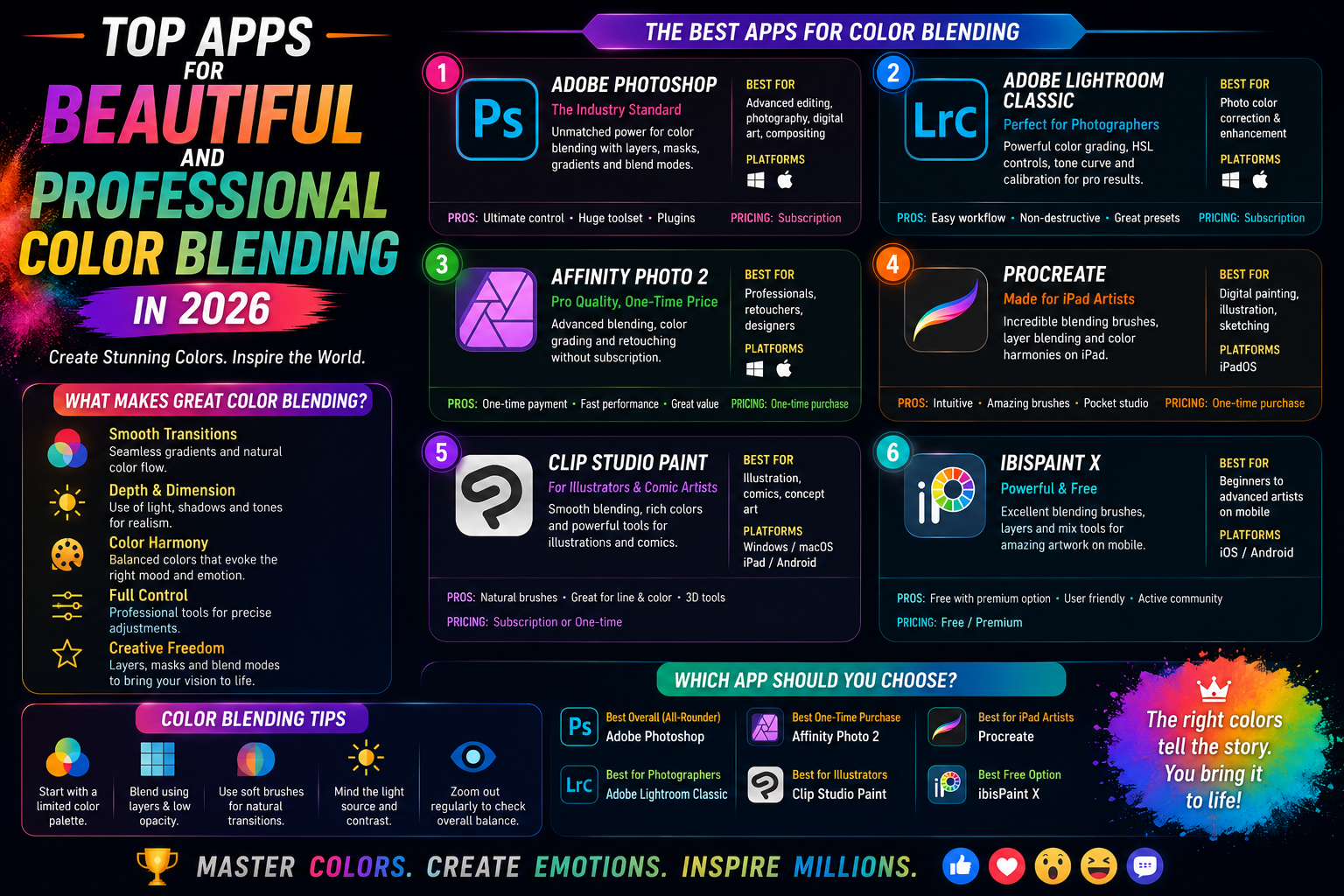
1. The importance of choosing a good color blending app in mobile photography.
Color blending is not simply applying a pre-made filter to an image. It's a process of adjusting parameters such as brightness, contrast, hue, and saturation to create a specific emotion for the viewer. A good application will give users maximum control over highlights, shadows, and distinct color ranges.
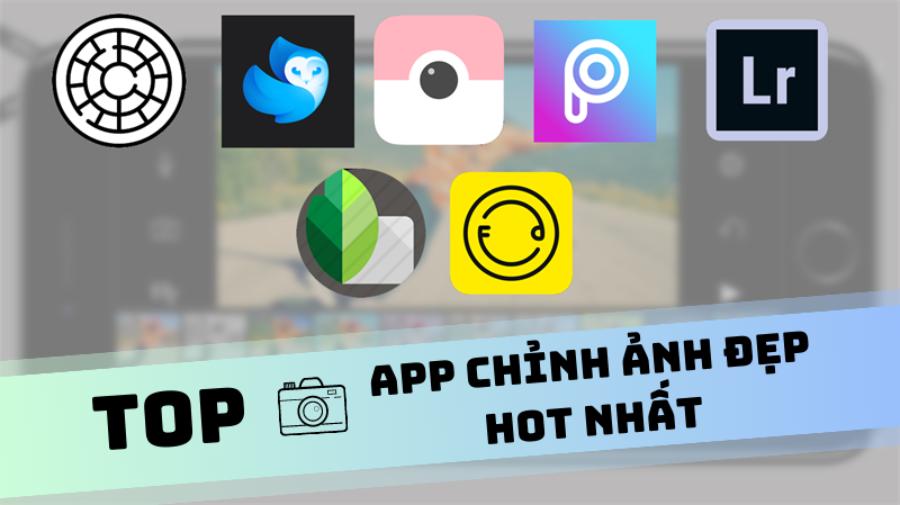
Using the right tools helps a photo tell a clearer story. For example, cool blue tones evoke feelings of loneliness and melancholy, while warm yellow tones bring nostalgia and happiness. Therefore, the variety of beautiful color blending apps available today allows us to transform everyday photos into cinematic frames in an instant.
2. Adobe Lightroom Mobile - The gold standard of photo editing.
When it comes to professional color grading applications, Adobe Lightroom always tops the list. It's a smaller but powerful version of the desktop version of Lightroom, perfectly optimized for touch experience.
2.1. The ability to deeply manipulate RAW files
Lightroom's greatest strength, making it a popular app for professional color blending , is its ability to handle RAW image formats. Editing RAW files helps retain maximum detail, preventing image distortion when you over-adjust brightness or color.
2.2. Advanced Color Mix and Color Grading Tools
Instead of just adjusting the overall color of the entire image, Lightroom allows you to manipulate specific color ranges (Red, Orange, Yellow, Green, Blue, Violet...). This is extremely useful when you want to highlight skin tone without affecting the colors of the surrounding scenery.
3. VSCO - The icon of vintage film-style color grading.
VSCO is more than just an app; it has created a community, a lifestyle. If you're looking for a beautiful color blending app with a cinematic or analog film feel, VSCO is the number one choice.
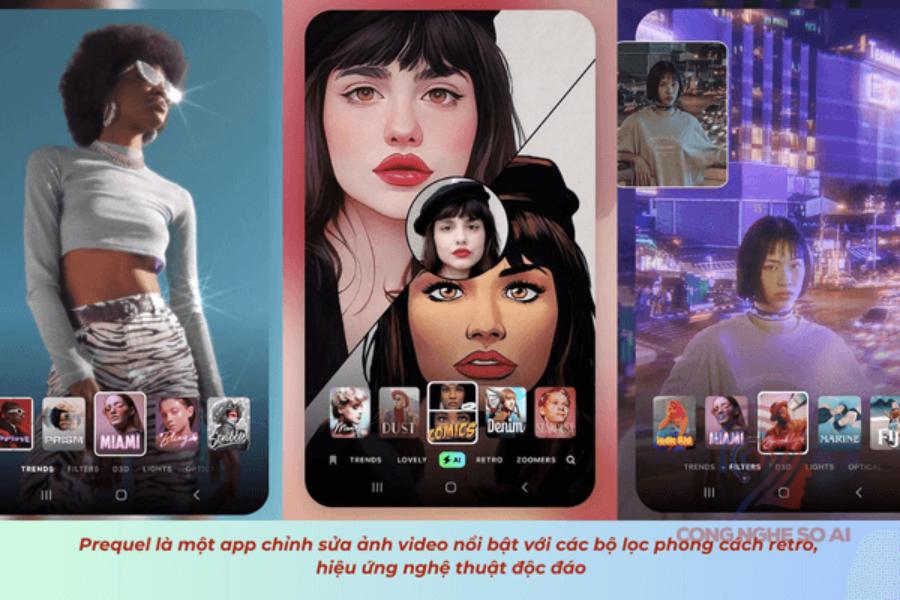
3.1. Diverse and artistic Filter (Preset) system
VSCO's filters are considered more "expressive" than many other apps. They accurately mimic the colors of legendary film cameras like Kodak, Fujifilm, and Agfa. Each color code has its own unique shade, from vibrant to melancholic.
3.2. Recipe tool helps save personal recipes.
After spending time and effort creating a pleasing color tone, you can save it as a "Recipe." This feature allows you to apply the same color tone to a series of different photos, creating a consistent and professional-looking personal profile.
4. Snapseed - A powerful tool from the "giant" Google
Snapseed is a completely free app that boasts features far exceeding expectations. It's a great color blending app, perfect for those who want detailed control over small areas of their photos.
4.1. The amazing Selective and Brush features
Unlike applying color correction to the entire image, Snapseed allows you to select a specific area to brighten or change the color. You can make the sky bluer without giving people's faces a bluish tint, or brighten faces in a backlit scene.
4.2. Double Exposure Tool for Creating Double-Exposure Images
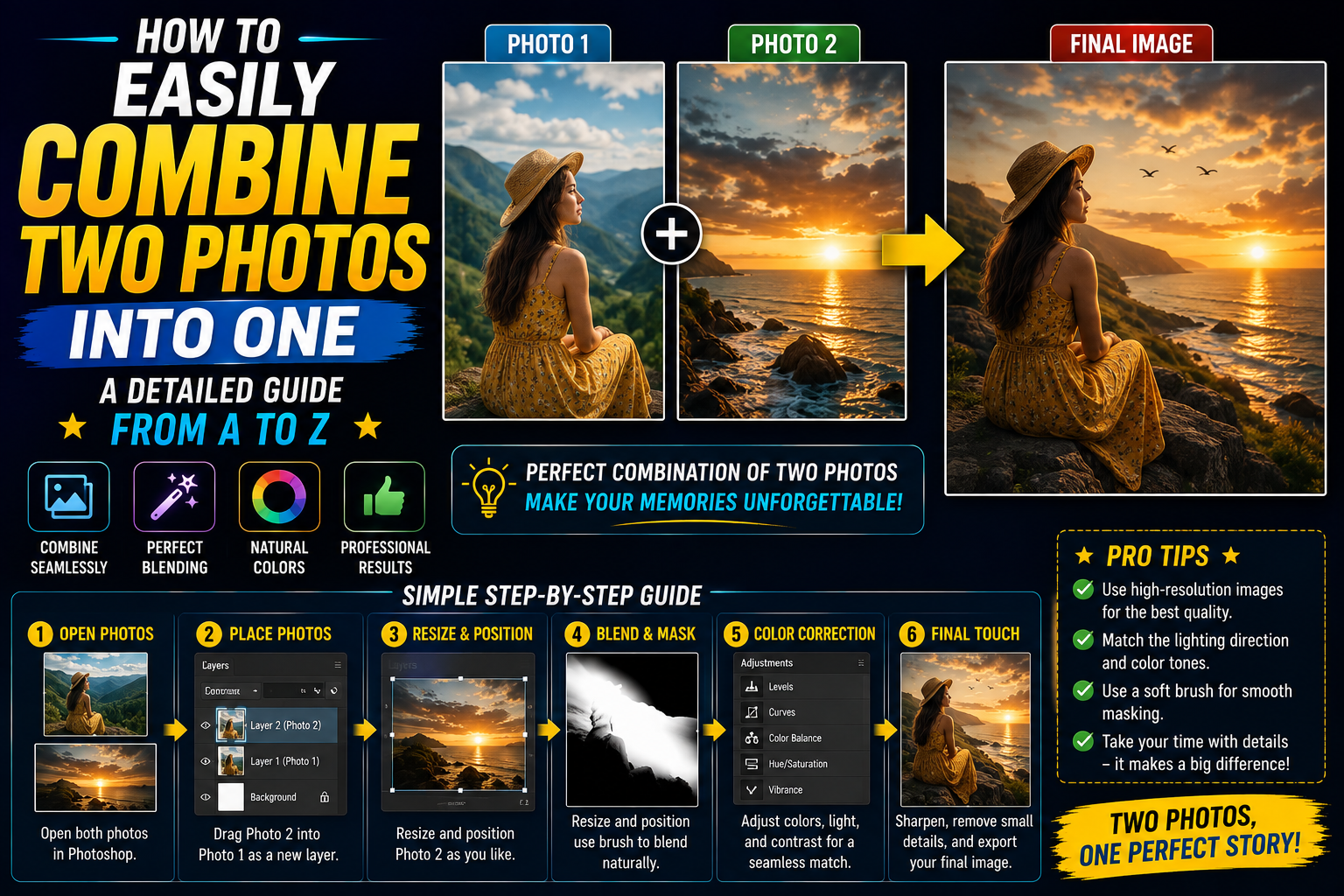
For artistic souls, Snapseed offers the ability to combine two photos. Combined with its built-in color filters, you can create stunning surreal works of art right on your phone.
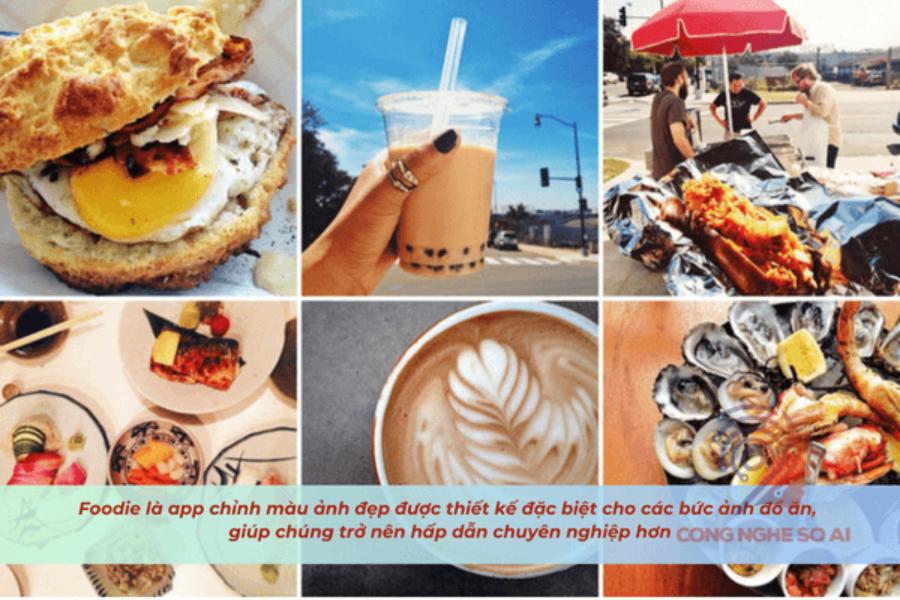
5. Foodie - A beautiful color blending app specifically for food and everyday life.
Don't let the name "Foodie" fool you. Although it started as a food photography app, Foodie has now become one of the most popular color blending apps for editing selfies and landscapes thanks to its bright, youthful colors.
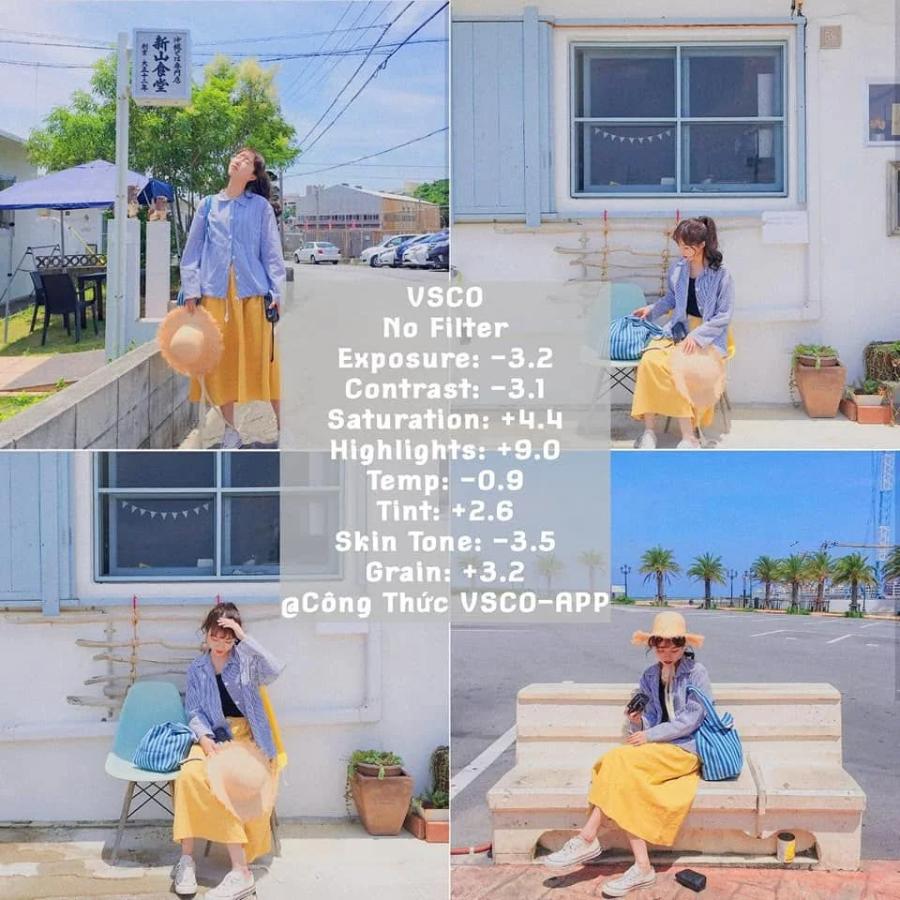
5.1. Optimal color filters for freshness
Foodie boasts a range of presets optimized to enhance the colors of food, making dishes look more appealing. However, the "PL" (Pleasant) or "YU" (Yummy) filters are especially suitable for editing outdoor photos with bright golden sunlight.
5.2. Convenient short video editing mode
Foodie doesn't just apply these color filters to still images; it also lets you apply them directly to videos. This is a great feature for those who frequently shoot vlogs or create content on TikTok.
6. PicsArt - A combination of color correction and graphic design.
PicsArt is a versatile "super app." If you want not only a beautiful color blending app but also want to incorporate stickers , hand-draw, or erase objects, then PicsArt is the ultimate destination.
6.1. AI Effects and Artistic Filters
PicsArt integrates artificial intelligence to suggest filters suitable for the context of your photo. Effects like Sketch, Canvas, or Magic transform your photo into a hand-painted picture in just seconds.
6.2. Professional background removal and image merging capabilities
In addition to color blending, PicsArt also supports users in cutting and pasting images with high precision. You can blend colors for the subject and background separately, creating interesting and unique color contrasts.
7. RNI Films - Bringing true film colors to your phone.
For those who love authentic nostalgia, RNI Films is a must-try. This app is a beautiful color blending tool that specializes in mimicking classic film reels with their characteristic grain and contrast.
7.1. A rich film library spanning different periods.
The app categorizes filters into sections such as Negative, Slide, Instant, and Black & White. Each section contains dozens of famous film types from the history of photography, giving users the experience of using a real film camera.
7.2. Simple and intuitive interface
RNI Films avoids overwhelming users with too many parameters. Everything is simplified so you can focus on selecting colors and adjusting filter intensity, resulting in a fast yet efficient workflow.
8. Darkroom - A premium photo editor for iOS users.
Darkroom has won Apple's design award for its sophisticated interface and powerful performance. It's a beautiful color blending app with excellent photo library management capabilities, allowing you to edit photos directly from your camera roll without importing them into the app.
8.1. Professional Curves Tool
Curves are a premium feature typically found only on computers. Darkroom brings this tool to mobile with incredible smoothness, allowing you to meticulously fine-tune colors across different light ranges.
8.2. Editing videos with synchronized colors
A major plus is that Darkroom supports video editing with all the same tools as photo editing. You can create a collection of photos and videos with perfectly matching colors to post to your stories, giving them a completely professional look.
9. Tezza - Color trends for young people and influencers
Tezza is an app developed by real content creators, so the colors in the app are always at the forefront of trends. This is an ideal color blending app for those who want to create photos with a fashion magazine style.
9.1. Exclusive presets with high aesthetic appeal.
Tezza's color palette tends towards warm brown tones, bright whites, or a retro 90s style. These colors are perfectly suited for fashion photography, backpacking, and a luxurious lifestyle.
9.2. Adding Textures and Frames
Besides color blending, Tezza also offers film dust, scratch, and various frame effects. These small details make the photo much more "artistic" than the original.
10. Kuji Cam - An improvisation of classic colors
If you love surprises, Kuji Cam will deliver that experience. This is a beautiful color blending app focused on the film photography style of 1998, with interesting light leak effects.
10.1. Random Light Effects
Whenever you take a picture or apply color, the Kuji Cam can automatically add streaks of red, orange, or green light to the image, mimicking the light leakage issues of old film cameras. This creates a unique look for each photograph.
10.2. Flexible adjustment of basic parameters
Despite its focus on automatic effects, Kuji Cam still provides sliders to adjust the level of dust, blur, and grain. You can completely control the "aged" look of your photos to your liking.
11. Conclusion
Mobile image editing is becoming increasingly sophisticated thanks to the support of artificial intelligence. Beautiful color blending apps are no longer limited to static filters; they now understand the content of the image to offer optimal editing suggestions. However, no matter how advanced the technology becomes, the aesthetic sense and artistic individuality of the editor remain the deciding factors in the soul of the photograph.