Best Selling Products

Capcut Pro 1 Year
39 USD

Upgrade Duolingo Super
29 USD

Adobe Premiere Pro Account
99 USD

Genuine Cheap Canva Pro
39 USD

Upgrade genuine Capture One account
120 USD

Plugin Retouch4me
69 USD

Genuine Adobe Illustrator account
99 USD

Freepik Premium Account
59 USD

Upgrade Genuine Office 365
49 USD

Adobe Photoshop Copyright - Full App
120 USD

ChatGPT Plus Account (GPT-4)
16 USD

Copyright Adobe Lightroom Account
59 USD

MidJourney Account
29 USD

Autodesk All App Account Copyright
120 USD

Windows 10 & 11 Pro Key
36 USD
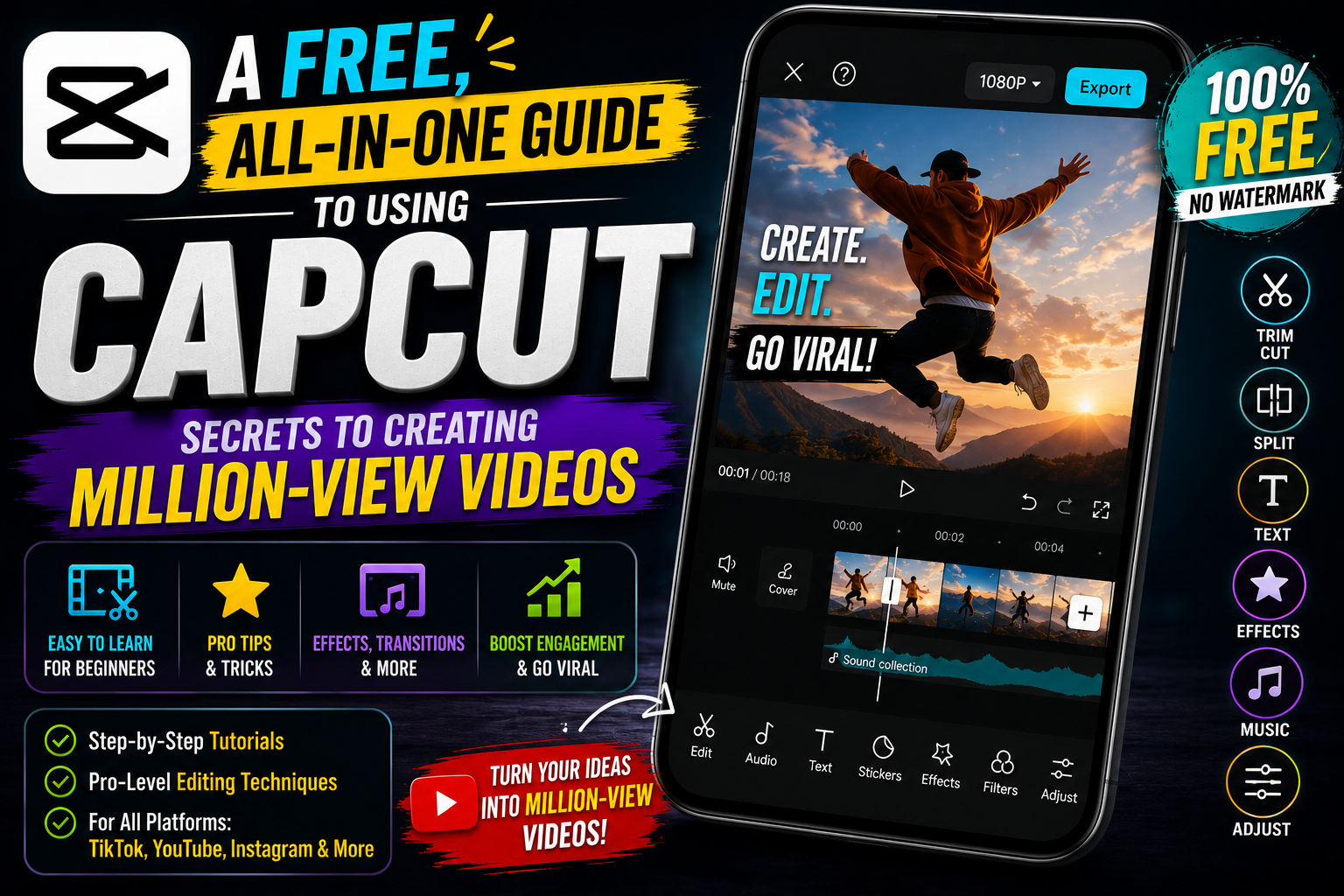
A free, all-in-one guide to using CapCut: Secrets to creating million-view videos.
Nội dung
- 1. The outstanding advantages of free CapCut
- 1.1. User-friendly and accessible interface
- 1.2. Extensive library of music and sound effects
- 1.3. Diverse visual effects and color filter system
- 2. Key features to master when using CapCut for free.
- 2.1. Cutting and splicing tools and speed adjustment
- 2.1. Inserting automatic text and subtitles
- 2.3. Remove video background without green screen.
- 3. Instructions on how to download and install CapCut for free on multiple platforms.
- 3.1. Installation on mobile phones (iOS and Android)
- 3.2. Using the CapCut version on a computer (PC/Laptop)
- 3.3. Convenient web browser version
- 4. A 4-step process to create a professional video from scratch.
- 4.1. Step 1: Brainstorming and preparing ingredients
- 4.1. Step 2: Rough arrangement and cutting
- 4.3. Step 3: Add transition effects and music
- 4.4. Step 4: Insert text, stickers, and overlays
- 4.5. Step 5: Review and publish
- 5. Tips and tricks for optimizing videos on CapCut for free.
- 5.1. Utilize the Keyframe feature to create fluid motion.
- 5.2. Use the "Match" feature to automatically create videos synchronized with music.
- 5.3. Optimizing video file size during export
- 6. Frequently Asked Questions about CapCut (Free)
- 6.1. Does the exported video have a watermark?
- 6.2. Is the application truly completely free?
- 6.3. How to fix application stuttering and lag?
- 7. Notes on music copyright when using CapCut for free.
- 7.1. Checking audio ownership
- 7.2. Clever ways to circumvent copyright law
- 8. Conclusion
Discover the full range of CapCut features for free on your phone and PC. Learn how to download, install, and get professional video editing tips for beginners.
1. The outstanding advantages of free CapCut
The success of this application is not accidental. It possesses unique features that were previously only available on expensive paid software.

1.1. User-friendly and accessible interface
The biggest advantage is its design simplicity. Even if you've never taken a video editing class, you can still understand the icons and their functions. The timeline is designed for easy zooming, allowing for precise, frame-by-frame trimming.
1.2. Extensive library of music and sound effects
Music is the soul of a video. CapCut, a free app, offers a huge library of music categorized by mood, genre, and trend. Especially, thanks to its close integration with TikTok, the most trending tracks are always updated first, making it easier for your videos to go viral.
1.3. Diverse visual effects and color filter system
Instead of spending hours adjusting lighting parameters, you can use available color filters to change the mood of your video. From cinematic and retro styles to vibrant modern looks, everything can be applied with just a tap.
2. Key features to master when using CapCut for free.
To fully utilize the application's power, users need to understand the key functionalities provided by the developer.
2.1. Cutting and splicing tools and speed adjustment
The most basic but important features are "Split" and "Speed". You can easily remove unnecessary parts or create smooth slow-motion effects to emphasize key moments. The "Speed Curve" feature allows you to artistically change the rhythm of the video, creating a professional look like movie trailers.
2.1. Inserting automatic text and subtitles
Typing subtitles manually is often very time-consuming. Fortunately, the free CapCut app integrates speech recognition technology to create subtitles automatically. You simply select the language, and the app will automatically convert your speech into text on the screen. In addition, there are many artistic font styles and text appearance effects available.
2.3. Remove video background without green screen.
Previously, removing a background required a specialized green screen. Now, with integrated artificial intelligence, CapCut allows you to separate the subject from the background with just the click of a button. This opens up limitless creative opportunities, allowing you to integrate yourself into any space without needing a complex real-world setting.
3. Instructions on how to download and install CapCut for free on multiple platforms.
Regardless of which device you use, the installation process is extremely quick and simple.

3.1. Installation on mobile phones (iOS and Android)
Users simply need to access the App Store or Google Play Store. After searching for the keyword, press the download button. The app frequently receives updates to fix bugs and add new features, so make sure your device is always running the latest version for the best experience.
3.2. Using the CapCut version on a computer (PC/Laptop)
To cater to more advanced editing needs, the publisher has released versions for Windows and macOS. These versions leverage the power of your computer's hardware, resulting in faster video rendering and a larger screen for easier layer management. You can download the installer directly from the application's official website.
3.3. Convenient web browser version
If you don't want to install software, the web version is the perfect choice. All projects are stored in the cloud, allowing you to edit anytime, anywhere, as long as you have an internet connection. This is extremely useful for teamwork or when you need to make urgent edits on an unfamiliar device.
4. A 4-step process to create a professional video from scratch.
Mastering the process will save you time and improve the quality of the final product.
4.1. Step 1: Brainstorming and preparing ingredients
Every successful video starts with a good idea. Prepare the original footage, images, and audio you plan to use. Organizing your data neatly will help prevent interruptions in the resource retrieval process during editing.
4.1. Step 2: Rough arrangement and cutting
Add all the clips to the timeline. At this step, trim away any unnecessary parts and arrange the clips in the correct narrative order. Don't focus too much on effects at this stage; the goal is to create a solid framework for the video.
4.3. Step 3: Add transition effects and music
Once you have the main storyline, start adding transition effects to make the video smoother. Next, insert background music and synchronize the cuts to the rhythm of the song. The synergy between visuals and sound is the element that keeps viewers engaged for the longest time.
4.4. Step 4: Insert text, stickers, and overlays
Add text snippets to explain the content or create highlights. Overlays such as noise effects, film dust, or fun stickers will help make the video more lively and express your unique personality.
4.5. Step 5: Review and publish
Before exporting the video, review the entire project to ensure there are no spelling or visual errors. Choose a suitable resolution (usually 1080p or 3K) and aspect ratio corresponding to the platform you intend to upload it to (e.g., 9:15 for TikTok).
5. Tips and tricks for optimizing videos on CapCut for free.
Expert advice will help your videos look much better than the average.

5.1. Utilize the Keyframe feature to create fluid motion.
Keyframes are tools that allow you to create custom movements for objects. You can make an image fly from one corner to another or zoom in/out slowly. This is the secret to videos with complex motion effects.
5.2. Use the "Match" feature to automatically create videos synchronized with music.
If you're having trouble finding the right rhythm, the "Match Cut" feature will automatically highlight the song's strong points. Simply align your clips with these yellow dots to create a perfectly timed video.
5.3. Optimizing video file size during export
To keep your video from being too large in size while maintaining sharpness, pay attention to the bitrate. CapCut, a free app, allows you to adjust this parameter. For social media, the "Recommended" setting is usually sufficient to strike a balance between quality and loading speed.
6. Frequently Asked Questions about CapCut (Free)
During use, users often encounter technical problems or have concerns about copyright.
6.1. Does the exported video have a watermark?
One of the best features is that you can completely remove the app logo at the end of the clip for free. Unlike many other apps that charge users to remove the watermark, CapCut allows you to do this directly within the editing interface by selecting the last clip and pressing delete.
6.2. Is the application truly completely free?
Currently, most of the essential features are free. However, there are also some advanced effects and features labeled "Pro". Users can choose to purchase a paid package if needed, but with the free version, you can absolutely create high-quality, professional videos.
6.3. How to fix application stuttering and lag?
If your device isn't very powerful, try clearing the cache in the app's settings. Also, close other background apps to free up RAM, which will help video previews run more smoothly.
7. Notes on music copyright when using CapCut for free.
Although the music library is vast, not every song can be used commercially on all platforms.
7.1. Checking audio ownership
When you plan to upload videos to Facebook or YouTube, their copyright scanning systems are very strict. Prioritize using music from the "Commercial" library or utilize the app's built-in copyright checker before uploading.
7.2. Clever ways to circumvent copyright law
Many creators often slightly alter the music speed or add small sound effects to avoid being detected by automated scanning algorithms. However, the most sustainable approach remains using licensed or royalty-free audio.
8. Conclusion
In summary, the free CapCut app is not just a tool, but an indispensable companion for anyone wanting to embark on the path of digital content creation. With its powerful features, diverse resources, and user-friendly interface, this application has truly democratized filmmaking, allowing anyone to tell their story through vivid footage.





















VIP Products








Best Selling Products
Capcut Pro 1 Year
39 USD
Upgrade Duolingo Super
29 USD
Adobe Premiere Pro Account
99 USD
Genuine Cheap Canva Pro
39 USD
Upgrade genuine Capture One account
120 USD
Plugin Retouch4me
69 USD
Genuine Adobe Illustrator account
99 USD
Freepik Premium Account
59 USD
Upgrade Genuine Office 365
49 USD
Adobe Photoshop Copyright - Full App
120 USD
ChatGPT Plus Account (GPT-4)
16 USD
Copyright Adobe Lightroom Account
59 USD
MidJourney Account
29 USD
Autodesk All App Account Copyright
120 USD
Windows 10 & 11 Pro Key
36 USD
Articles on the same topic