Best Selling Products

Genuine Adobe Illustrator account
99 USD

Windows 10 & 11 Pro Key
36 USD

Upgrade genuine Capture One account
120 USD

Adobe Premiere Pro Account
99 USD

Autodesk All App Account Copyright
120 USD

Plugin Retouch4me
69 USD

MidJourney Account
29 USD

Genuine Cheap Canva Pro
39 USD

ChatGPT Plus Account (GPT-4)
16 USD

Capcut Pro 1 Year
39 USD

Adobe Photoshop Copyright - Full App
120 USD

Freepik Premium Account
59 USD

Upgrade Duolingo Super
29 USD

Upgrade Genuine Office 365
49 USD

Copyright Adobe Lightroom Account
59 USD
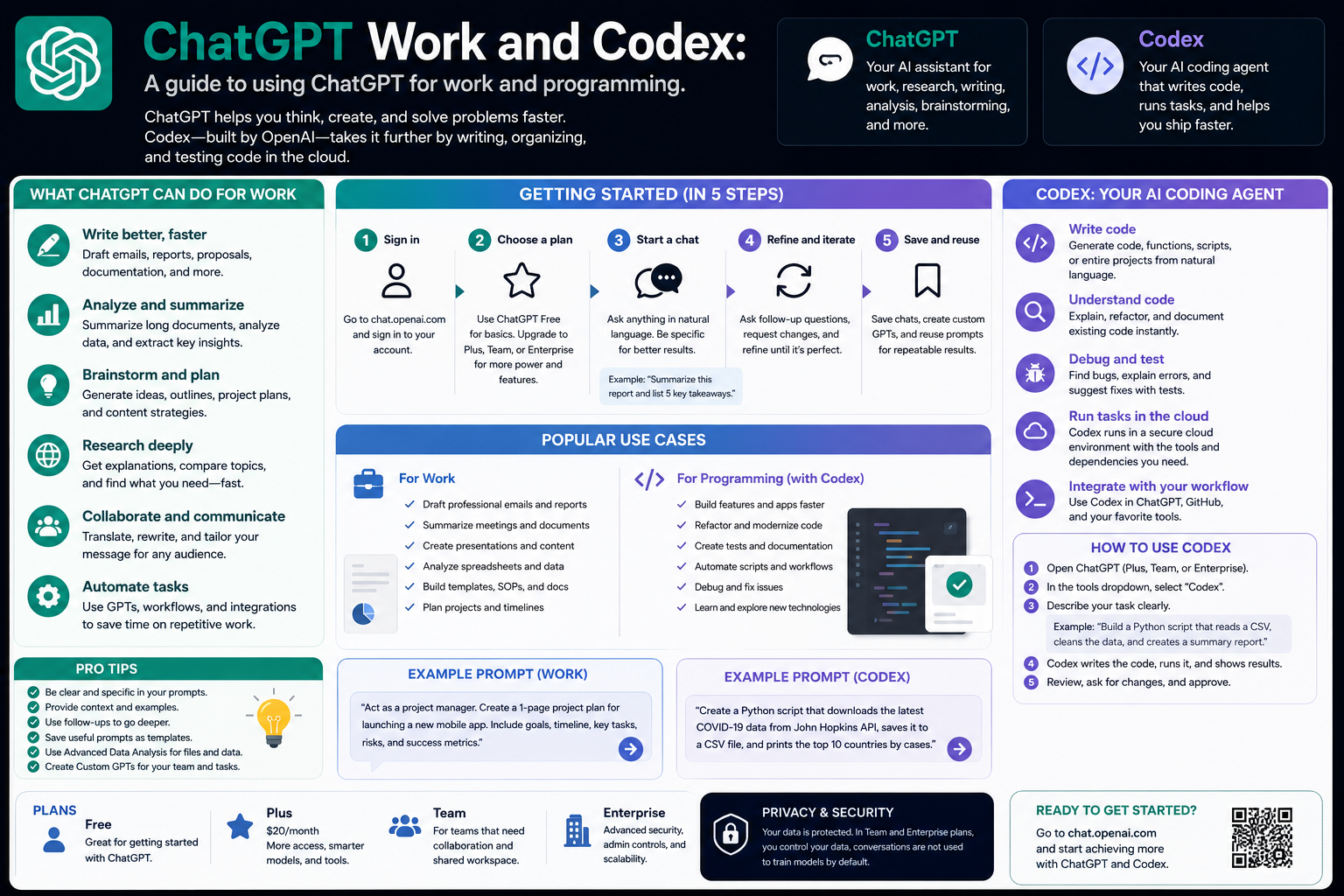
ChatGPT Work and Codex: A guide to using ChatGPT for work and programming.
Nội dung
- 1. Chat: Daily chat and support
- 2. Work: To complete the task
- 3. Working with documents
- 4. Create documents, spreadsheets, and presentations.
- 5. Writing and editing content
- 6. Create images
- 7. Work Connections
- 8. Codex: Programming and Engineering
- 9. Working with voice
- 10. Health support
- 11. Financial support
ChatGPT is evolving from an AI chat tool into a comprehensive support space for work, study, and programming.
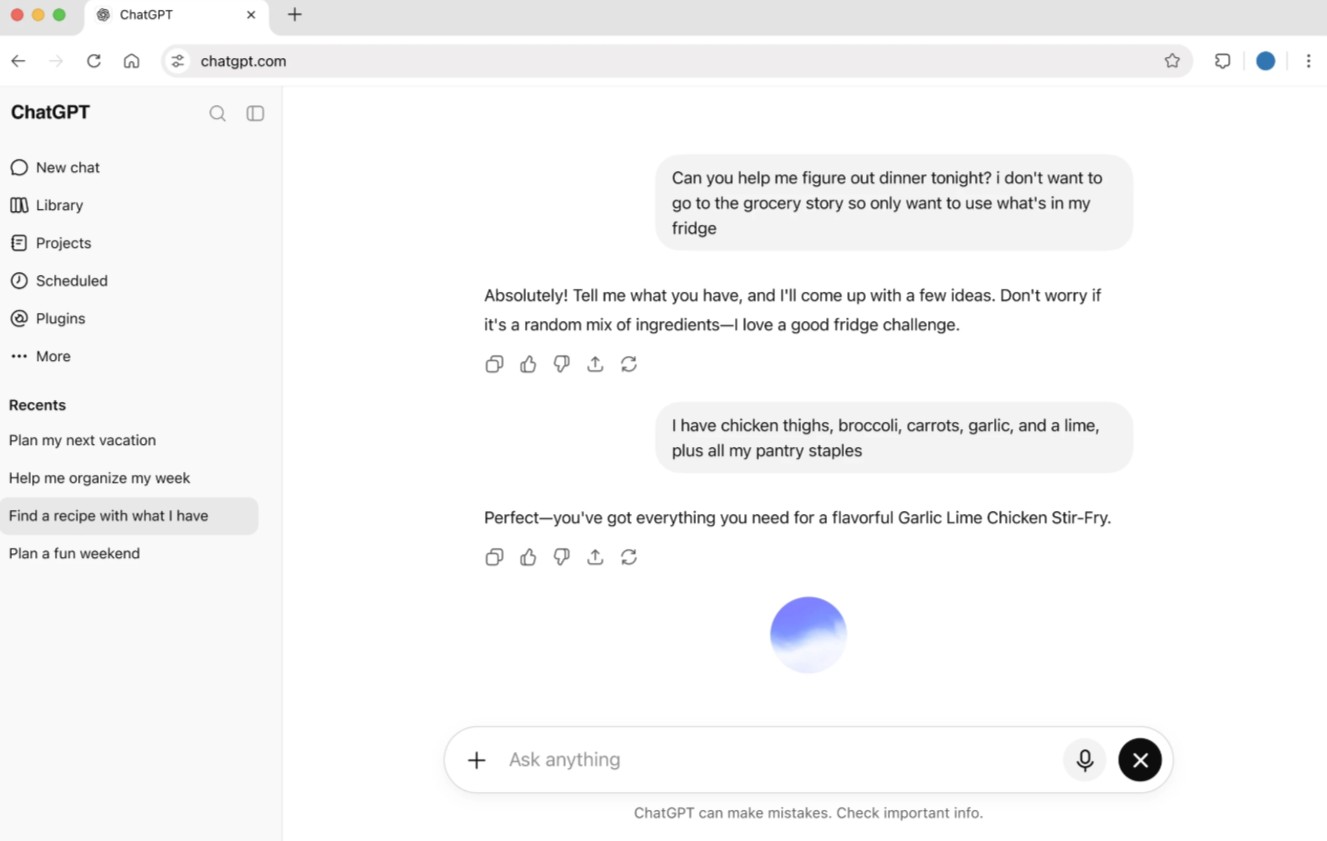
1. Chat: Daily chat and support
Chat is the most familiar starting point when using ChatGPT. Users can ask questions, learn a new topic, search for information, brainstorm ideas, or ask AI for help with common problems in life and work.
ChatGPT can act as a learning assistant, helping to explain terminology, analyze concepts, provide examples, and build review questions.
One possible statement to use is:
Explain the topic “[topic name]” to a beginner.
Request:
1. Explain the concept in simple language.
2. Divide the content into clear sections.
3. Provide at least three real-world examples.
4. Point out common misconceptions.
5. Finally, create 5 questions for me to test my knowledge.
This way of phrasing the question helps ChatGPT not only provide a definition but also build a complete learning roadmap.
2. Work: To complete the task
While Chat is suitable for quick tasks, Work is geared towards longer, multi-step tasks with specific outputs. OpenAI describes Work as an experience that can research, analyze information, and create products such as documents, spreadsheets, presentations, reports, or sites.
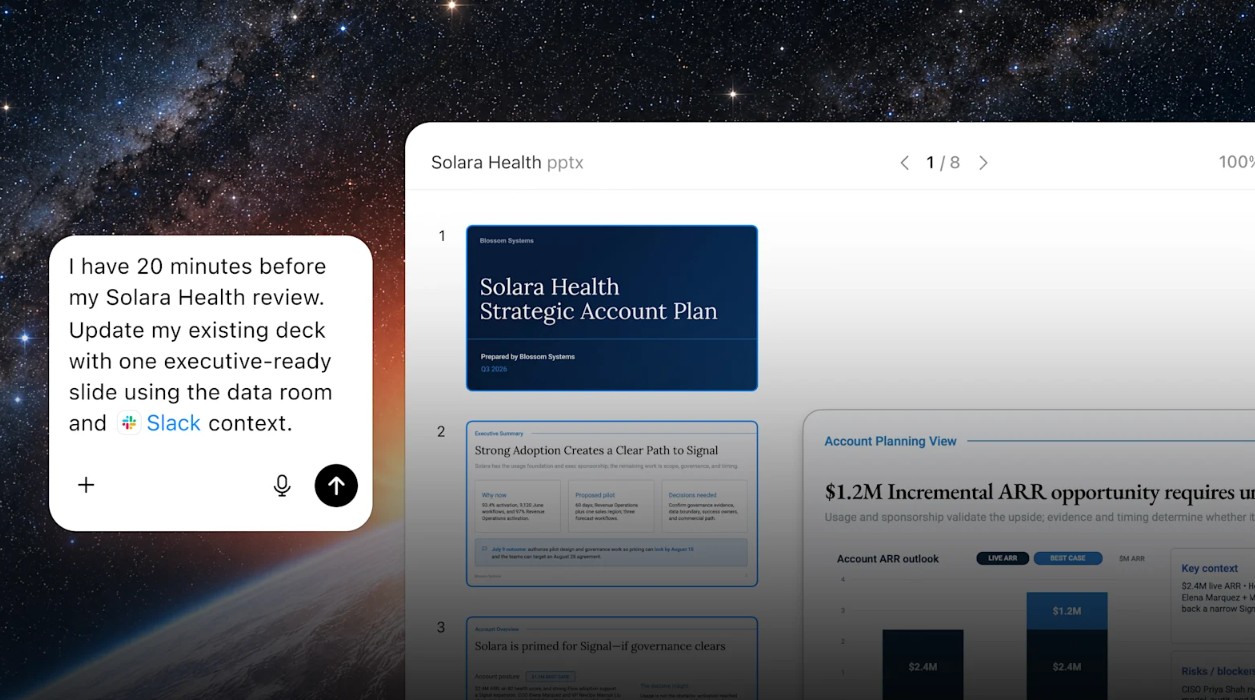
The process of creating a complete product can begin as follows:
Create a market analysis report on [market name].
Request:
1. Use the attached document as your primary source.
2. Identify the key trends.
3. Analyze your target customers.
4. Compare the competitors mentioned in the document.
5. Identify opportunities and risks.
6. Create a report that includes an operational summary, detailed analysis, and conclusions.
7. Present the results in a professionally structured document.
8. Do not create your own data if you cannot find it in the source.
9. Mark any information that requires further verification.
With the file creation process, OpenAI recommends that users describe the file to be created, attach the source, specify the output format, clearly state which elements must be preserved, and then review the product before using or sharing it.
3. Working with documents
Commonly supported formats include DOCX, PDF, XLSX, XLS, CSV, PPTX, and TXT, among many others.
For example, with a long PDF report, instead of reading the entire thing and taking notes themselves, users can request:
Please analyze the PDF document I just uploaded.
Perform the following steps in order:
1. Summary of main points.
2. Identify the key arguments.
3. Extract noteworthy data.
4. Identify the problems or risks mentioned.
5. Create a summary table of the main findings.
6. Suggest five questions that require further research.
7. Do not include information that is not present in the document.
ChatGPT can support spreadsheet analysis, document editing, PDF summarization, image processing, and the creation of new outputs based on provided files.
4. Create documents, spreadsheets, and presentations.
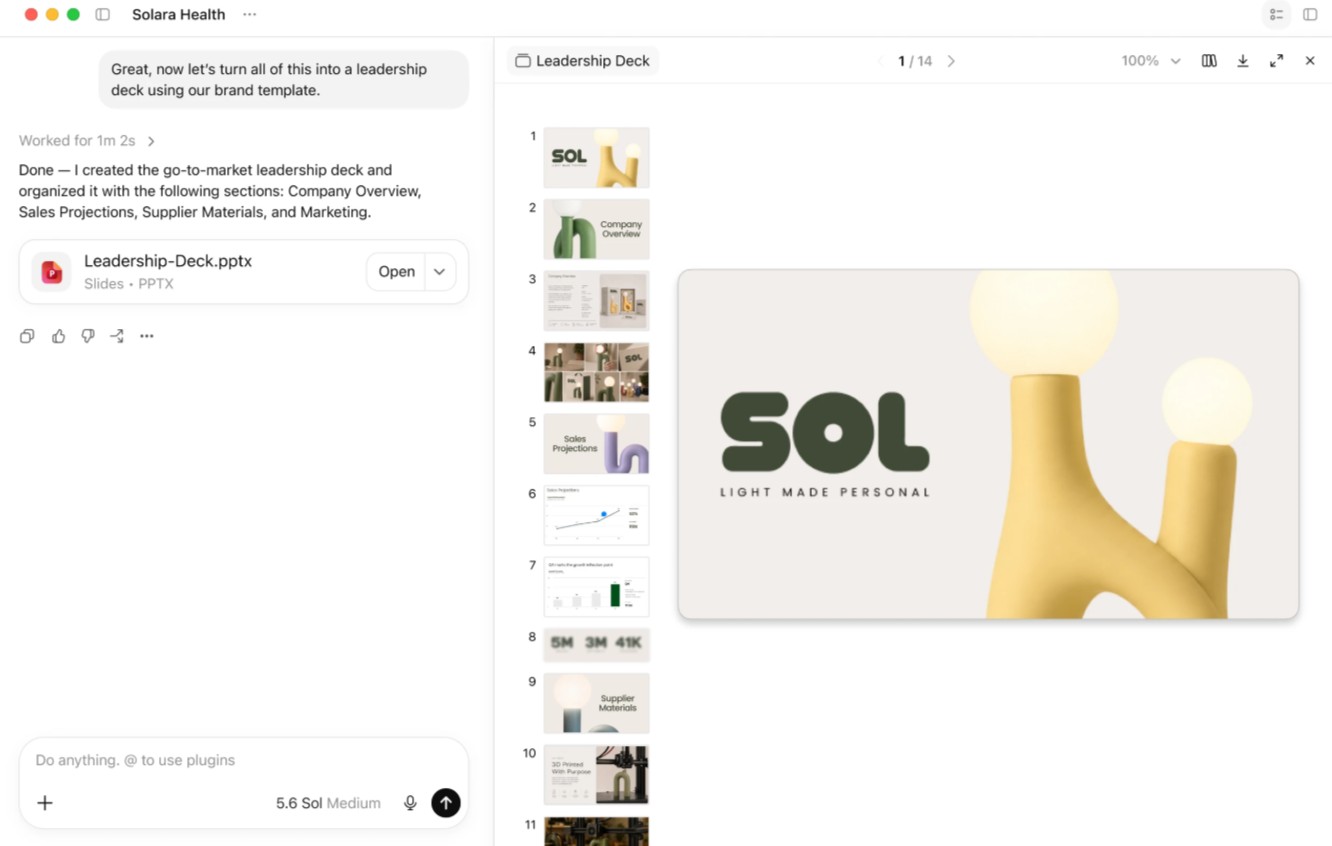
Work extends ChatGPT's capabilities to products typically created using office software. Users can start from a requirement, source document, or pre-existing template.
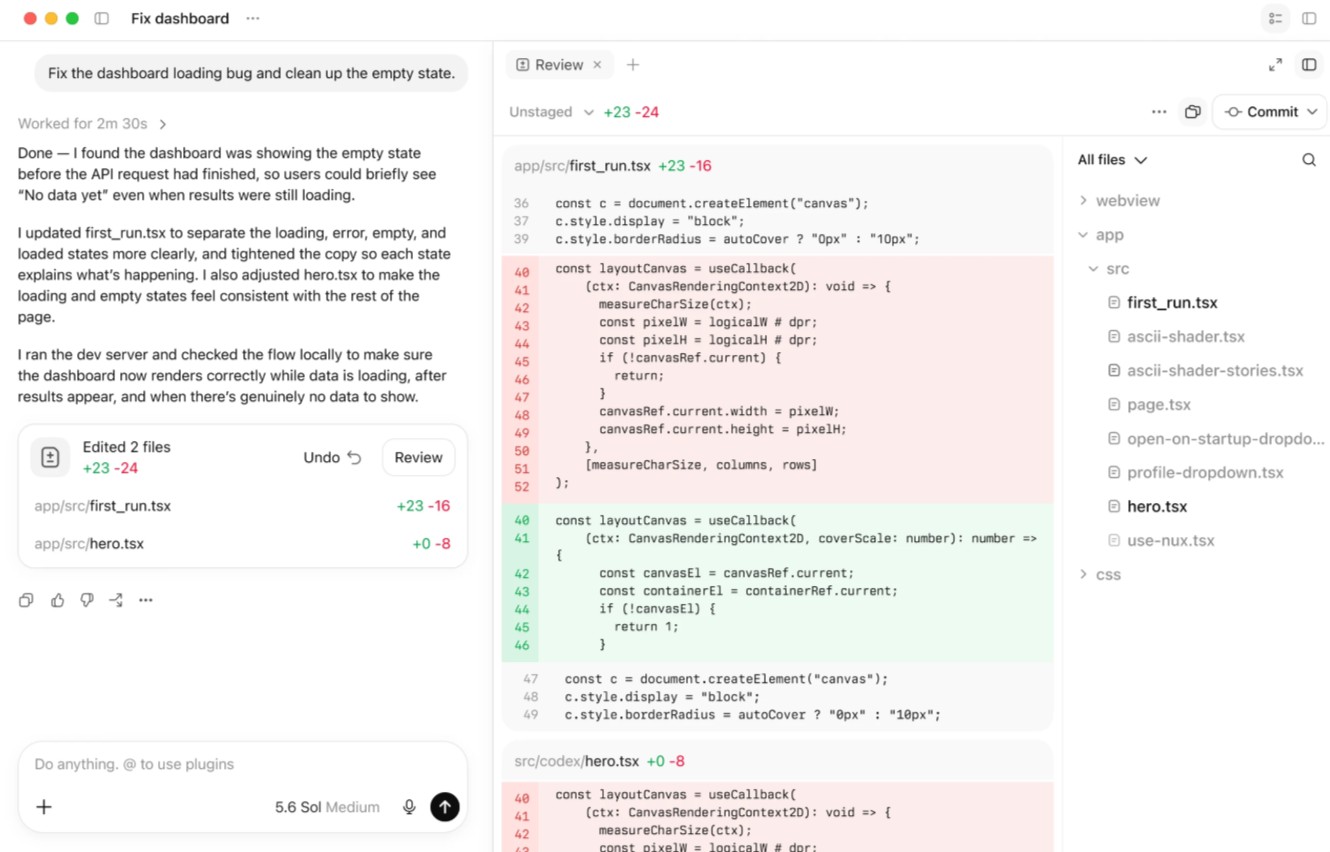
For spreadsheets, you can specify the necessary sheets, columns, formulas, and charts. For presentations, you can describe the number of slides, the order of content, the type of layout, and visual review criteria.
For example:
Create a 10-slide presentation on “[topic]”.
Request:
1. Slide 1: Title.
2. Slide 2: Background and Problem.
3. Slide 3: Data Overview.
4. Slides 4-6: Main analysis.
5. Slide 7: Compare the options.
6. Slide 8: Opportunities and Risks.
7. Slide 9: Proposal.
8. Slide 10: Conclusion.
9. Maintain a professional and easy-to-read style.
10. Do not create data that is not in the source.
After receiving the results, users should review the file and request further edits. AI-powered document creation should be viewed as a process involving creation, verification, editing, and finalization , rather than a one-time creation and immediate use.
5. Writing and editing content
ChatGPT can transform rudimentary notes into complete content. It's one of the most popular applications for marketers, educators, communicators, businesspeople, and content creators.
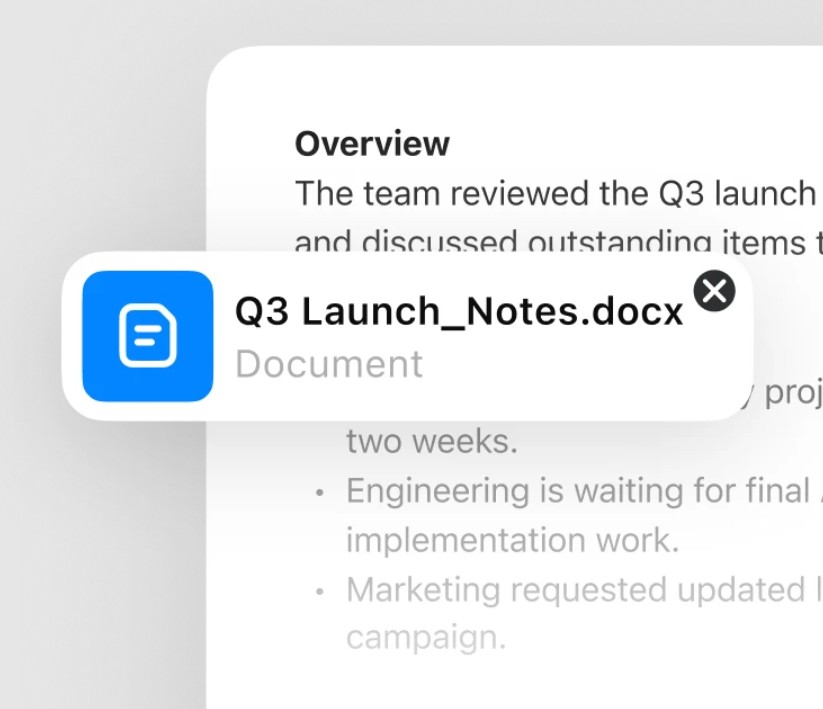
You can start with a few scattered ideas:
I have the following ideas:
- This product saves time.
- The target customers are office workers.
- Its strength is its ease of use.
- We want professional yet relatable content.
Develop these ideas into a product introduction.
Request:
1. Write an engaging title.
2. Begin by addressing the customer's problem.
3. Explain the solution.
4. Highlight the practical benefits.
5. Conclude with a call to action.
6. Do not exaggerate features that are not yet available.
Then, you can request changes to individual sections without having to rewrite the entire request. For example: "Keep the content the same but write a shorter introduction" or "Change the tone to a more professional one."
6. Create images
Besides text, ChatGPT can also support image creation from commands. Users can describe the subject, context, style, proportions, or purpose to build a suitable image.
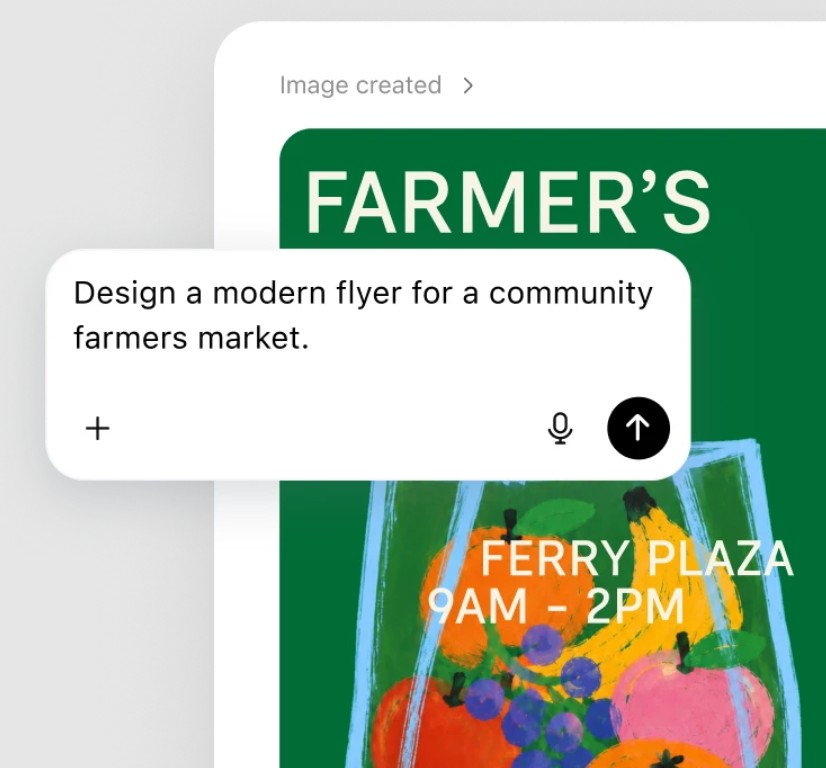
For example:
Create illustrations for a blog post about artificial intelligence.
Request:
Main topic: AI assisting in work.
- Style: modern, professional.
- Horizontal layout.
- It includes computers, data interfaces, and symbolic elements for automation.
- Avoid using too many distracting details.
- Suitable as a featured image for a post.
Images can also be used for flyers, brand identity, social media content, or other media products. The key is that the clearer the statement describes the goal and context, the higher the likelihood of achieving the desired results.
7. Work Connections
ChatGPT Work can connect to applications and systems that users are using, depending on the account and permissions granted. OpenAI currently describes the ability to connect with tools such as Slack, Microsoft Teams, Google Drive, SharePoint, email, calendar, CRM, and task management systems.
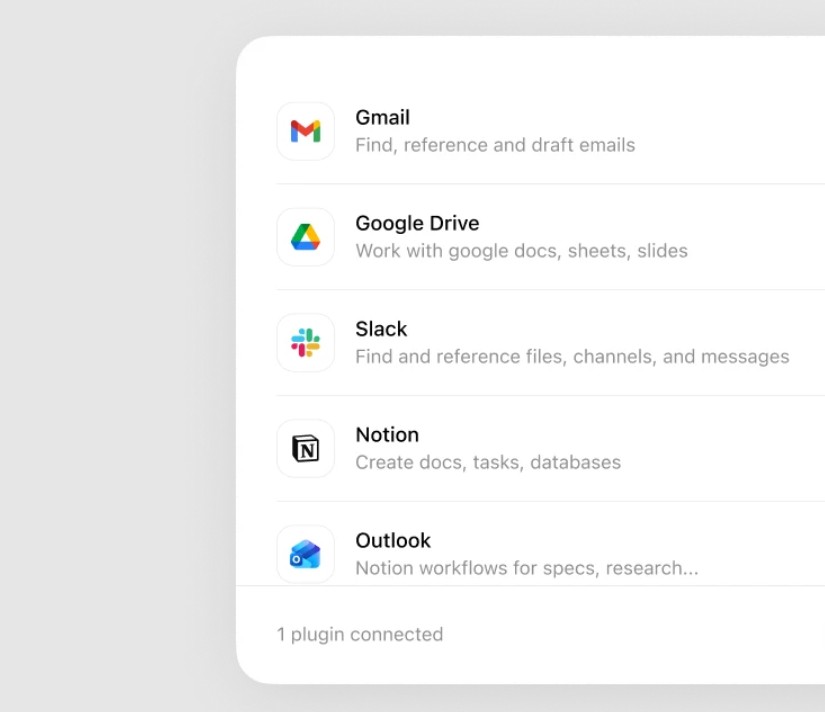
For example, a process might require ChatGPT to aggregate information from documents, conversations, and related data and then generate a report.
Please prepare this week's project update report.
1. Compile relevant information from the project documentation.
2. Check for important updates in the provided communications.
3. Identify the completed tasks.
4. Identify the tasks that are behind schedule.
5. List the risks and issues that need to be addressed.
6. Create the "Next Task" section.
7. Present this as a concise report to send to the team.
8. Do not assume the status of a task without data.
With Slack, the ChatGPT application can search and ask questions on messages, threads, and channels when enabled and permitted; in some cases, it can even perform actions on Slack based on granted permissions.
8. Codex: Programming and Engineering
It's worth noting that programming isn't just about "writing code." A development process can begin with research and planning, then move on to implementation, testing, review, and finally release.
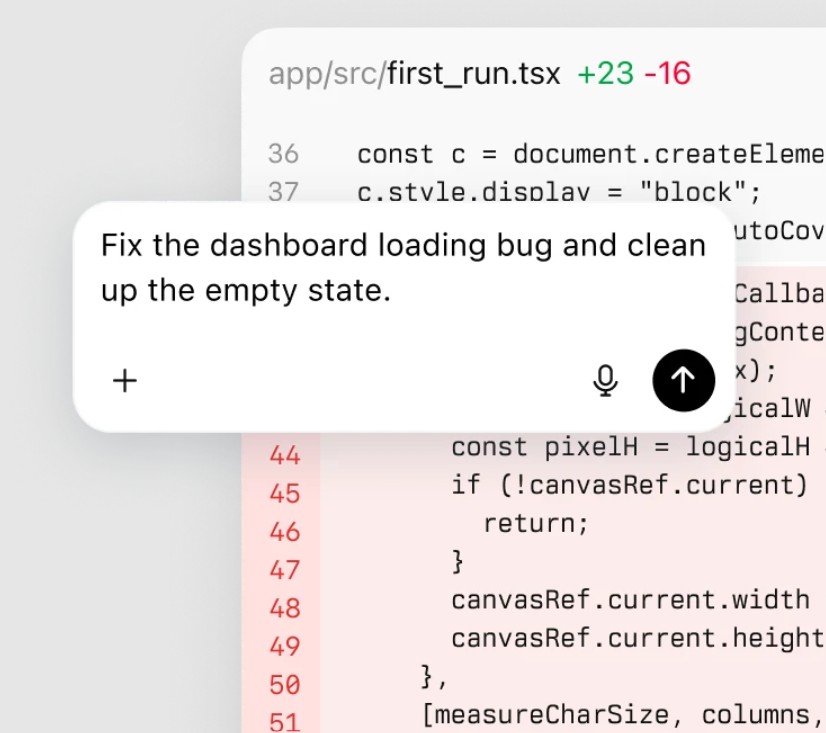
A request could be written as follows:
Please work on the current project following this process:
1. Read the repository structure and identify the relevant components.
2. Analyze the requirements for the new feature.
3. Propose an implementation plan before making any changes to the source code.
4. Identify the files that need editing.
5. Implement the changes.
6. Run appropriate tests.
7. If an error occurs, analyze the cause and correct it.
8. Rerun the test after fixing.
9. Review the changes to identify potential problems.
10. Summarize what has changed and the steps that need to be taken before release.
This approach transforms AI into a supportive agent throughout the engineering process, rather than simply a tool for generating code.
9. Working with voice
Users don't always want to type. With its Voice feature, ChatGPT can support real-time voice conversations in supported experiences. OpenAI says Voice can be used with Work and Codex on desktop applications, allowing users to speak, interrupt naturally, and coordinate tasks based on granted tools and permissions.

Voice is especially useful when brainstorming, practicing, studying, or when you need to communicate quickly but can't conveniently use a keyboard.
For example, instead of typing a long idea, you could say:
I'm currently brainstorming ideas for a new marketing campaign.
Please act as my opponent and ask me one question at a time to clarify:
1. Campaign objectives.
2. Target customers.
3. Main message.
4. Budget.
5. Deployment Channel.
Then help me develop a complete plan.
10. Health support
ChatGPT can also be used to learn about health-related topics, fitness, and healthy lifestyles. The tool can help explain terminology, provide overviews, or assist users in preparing questions for experts.
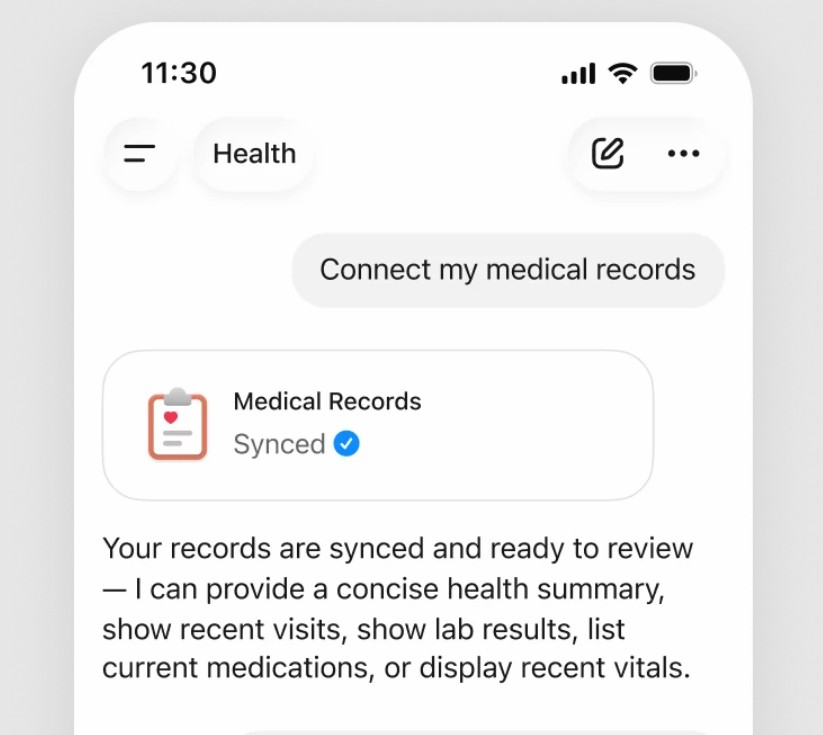
In supported health experiences, ChatGPT may connect to a number of supported health data sources or portals when the user actively sets up and grants permissions. Connectivity depends on the provider, application, and region.
However, information provided by AI should not be considered a diagnosis or a substitute for professional medical advice. Especially for serious symptoms or treatment decisions, users should seek the appropriate medical professional.
11. Financial support
ChatGPT can assist users in understanding financial concepts, budgeting, planning, and analyzing market conditions. With supported financial account connectivity features, users can receive personalized information based on their enabled data.
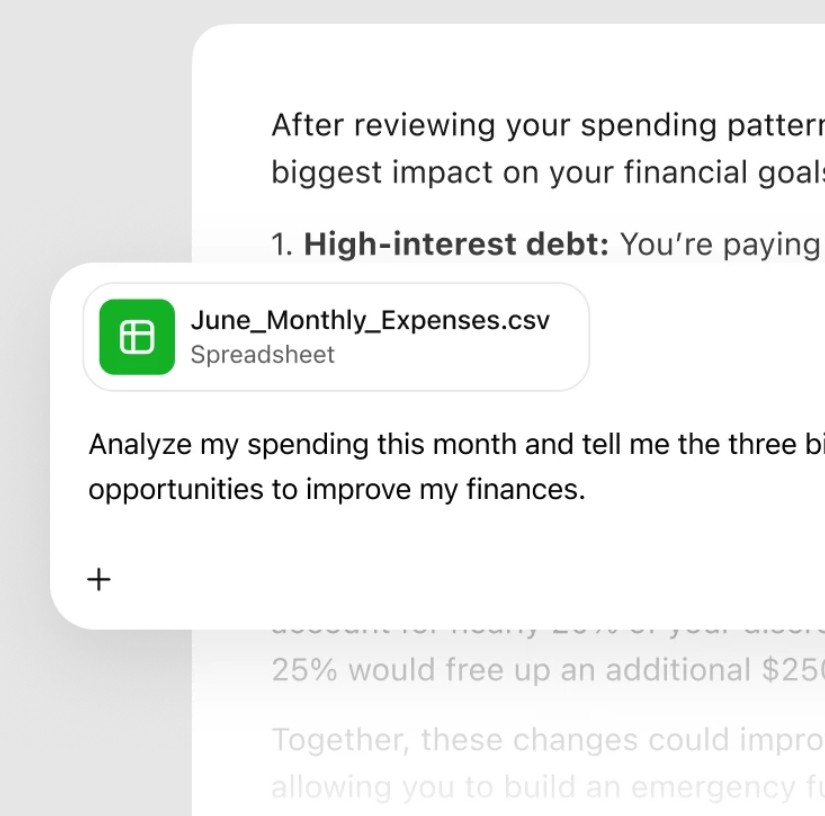
A basic prompt might be:
Please help me create a personal budget plan.
Information:
- Monthly income: [amount]
- Fixed costs: [amount]
- Variable costs: [amount]
- Savings goal: [amount]
- Current debt: [amount]
Request:
1. Categorize the expenses.
2. Calculate the proportion of each cost group.
3. Determine the optimal amount.
4. Propose a budget plan.
5. Present three cost-saving scenarios.
6. Clearly state the assumptions used.
In finance, particular caution is needed when using AI to make investment decisions or high-risk decisions. AI should play a supporting role in analysis and research, not as the sole source of decision-making.
ChatGPT is evolving from a simple chat tool into a space that can support multiple parts of the workflow. Users can chat to learn, work to get things done, and use the Codex to program , all within the ChatGPT ecosystem.
From content creation, image creation, document processing, spreadsheets, and presentations to research, application integration, voice support, and software development, the scope of use is ever-expanding. However, specific capabilities depend on the account package, device, application, access rights, and features being implemented.





















VIP Products








Best Selling Products
Genuine Adobe Illustrator account
99 USD
Windows 10 & 11 Pro Key
36 USD
Upgrade genuine Capture One account
120 USD
Adobe Premiere Pro Account
99 USD
Autodesk All App Account Copyright
120 USD
Plugin Retouch4me
69 USD
MidJourney Account
29 USD
Genuine Cheap Canva Pro
39 USD
ChatGPT Plus Account (GPT-4)
16 USD
Capcut Pro 1 Year
39 USD
Adobe Photoshop Copyright - Full App
120 USD
Freepik Premium Account
59 USD
Upgrade Duolingo Super
29 USD
Upgrade Genuine Office 365
49 USD
Copyright Adobe Lightroom Account
59 USD