Best Selling Products

Adobe Photoshop Copyright - Full App
120 USD

Upgrade Duolingo Super
29 USD

Freepik Premium Account
59 USD

Capcut Pro 1 Year
39 USD

Copyright Adobe Lightroom Account
59 USD

Upgrade genuine Capture One account
120 USD

Genuine Cheap Canva Pro
39 USD

Plugin Retouch4me
69 USD

Autodesk All App Account Copyright
120 USD

MidJourney Account
29 USD

Windows 10 & 11 Pro Key
36 USD

Upgrade Genuine Office 365
49 USD

ChatGPT Plus Account (GPT-4)
16 USD

Genuine Adobe Illustrator account
99 USD

Adobe Premiere Pro Account
99 USD
Create Visual Content Easily with Simple Video Editing Programs
Nội dung
- 1. Reasons why simple video editing programs are becoming increasingly popular.
- 1.1. Minimize learning time and familiarization with the tools.
- 1.2. Perfectly suited to the wave of rapid content creation.
- 2. Core criteria when choosing editing software for beginners
- 2.1. User-friendly interface and removal of distracting advanced features.
- 2.2. Built-in library of effects and ready-to-use design templates.
- 2.3. Good compatibility with common hardware configurations
- 3. Detailed review of the best simple video editing programs currently available.
- 3.1. Wondershare Filmora - The perfect balance between functionality and convenience
- 3.2. CapCut - The national tool that exploded onto all mobile and computer platforms.
- 3.3. Microsoft Clipchamp - The next-generation default video editor on Windows
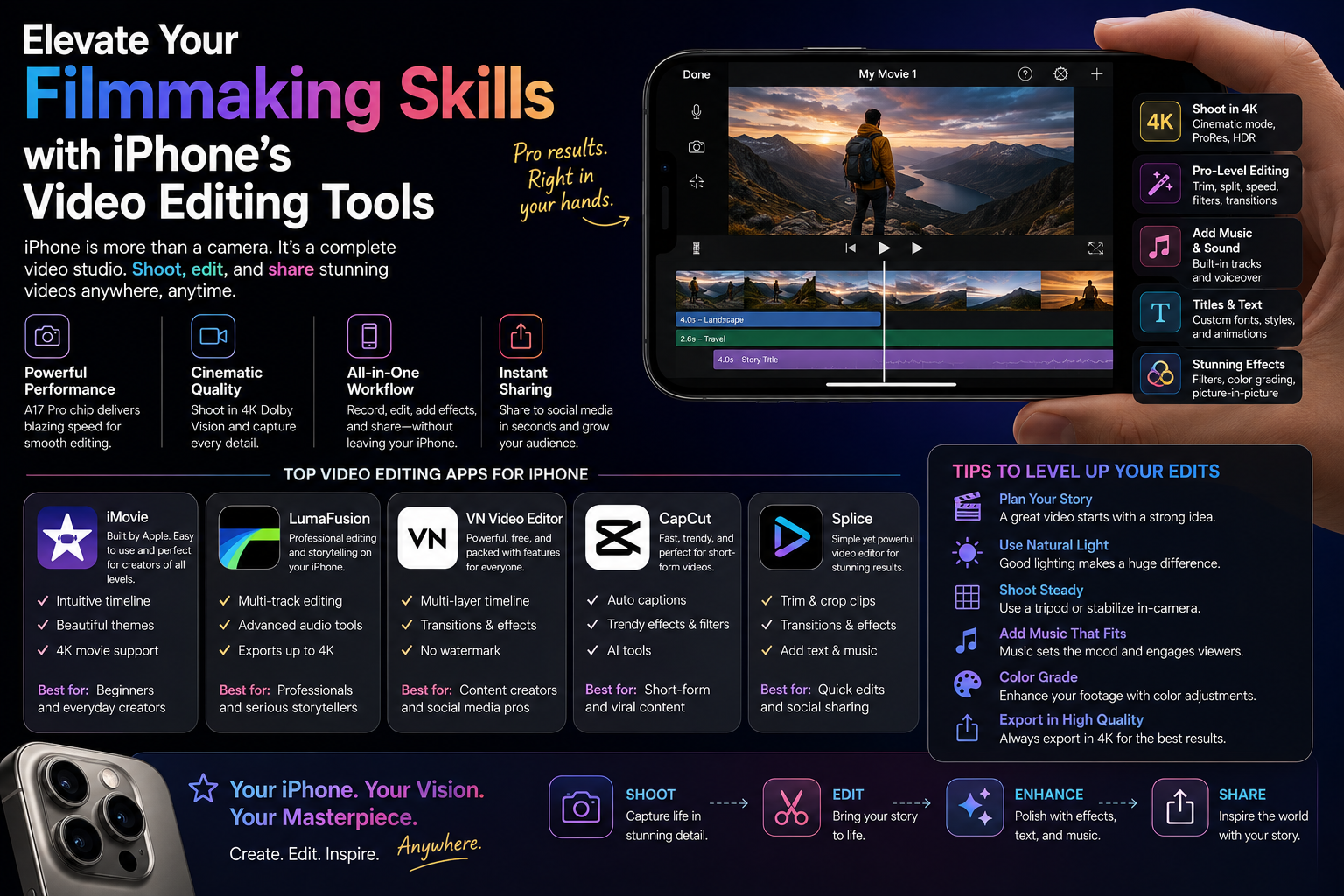
- 3.4. iMovie - Apple's standard and free editing solution.
- 3.5. Canva - Drag-and-drop video editing software similar to slide design.
- 4. Step-by-step process for creating a complete video for beginners.
- 4.1. Step 1: Collect and organize image and audio materials
- 4.2. Step 2: Trim and arrange the rough scenes
- 4.3. Step 3: Incorporate music and text effects
- 4.4. Step 4: Overall review and video publication
- 5. Experience the creative ecosystem and automated video creation using AI at appvip.ai
- 6. Conclusion
This compilation features simple video editing programs that make it easy for beginners to create visually appealing videos. Discover fast video editing tools to optimize your time.
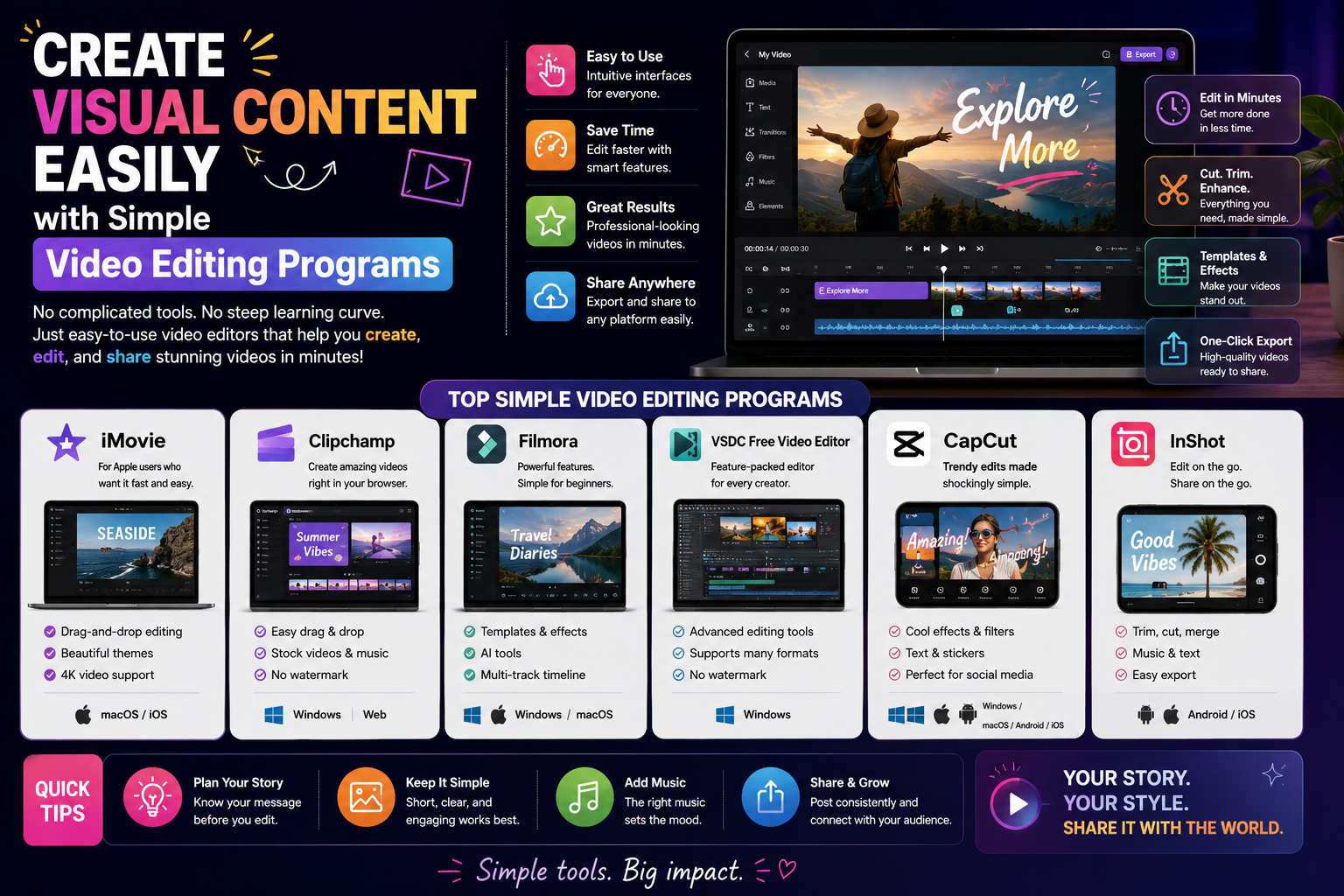
1. Reasons why simple video editing programs are becoming increasingly popular.
1.1. Minimize learning time and familiarization with the tools.
Traditional film editing processes previously required users to go through intensive courses on timelines, complex layers, and hundreds of dry technical parameters. The emergence of next-generation tools has completely eliminated this barrier by automating basic operations. Intuitive drag-and-drop interfaces make it easy for beginners to master the software after just a few minutes of initial use.

1.2. Perfectly suited to the wave of rapid content creation.
Digital content on modern social media platforms like TikTok, Reels, or YouTube Shorts requires consistent posting frequency and a rapid response to trends. A streamlined editing tool eliminates unnecessary and cumbersome post-production steps. Content creators can focus entirely on scripting, filming, and publishing videos instantly to maintain audience engagement.
2. Core criteria when choosing editing software for beginners
2.1. User-friendly interface and removal of distracting advanced features.
A good video editing software for the general public should have a clean workspace, with clearly illustrated function buttons and intuitive icons. Hiding complex menus and retaining only essential toolbars such as those for cutting, merging, inserting music, and adding text will prevent users from feeling overwhelmed during operation.
2.2. Built-in library of effects and ready-to-use design templates.
Support from readily available libraries is extremely important for those who lack strong visual skills. An ideal editing tool should be equipped with complete layout templates, royalty-free background music, and eye-catching transition effects. Users simply need to input their personal materials into the available frames to create a finished product without having to design from scratch.
2.3. Good compatibility with common hardware configurations
Many professional graphics software programs require computer systems with large memory capacity and expensive dedicated graphics cards to run. Conversely, streamlined editing programs need well-optimized source code to run smoothly on mid-range office computers or mobile phones, ensuring fast file export without freezing.
3. Detailed review of the best simple video editing programs currently available.
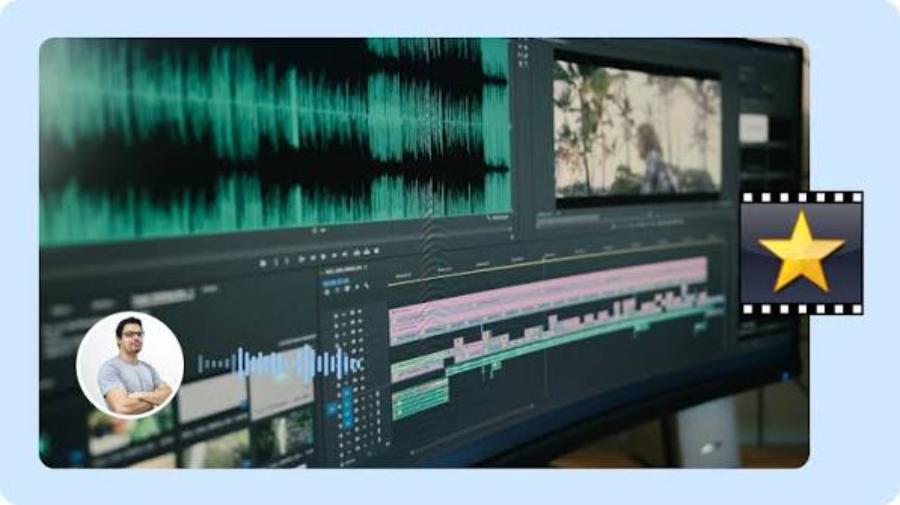
3.1. Wondershare Filmora - The perfect balance between functionality and convenience
Filmora consistently ranks at the top of the list of recommendations for those seeking a tool that is both easy to use and delivers high-quality results.
-
Key features: It boasts an "Instant Mode" that automatically scans all input materials to create a complete video based on travel, family, or event themes with just one click.
-
Advantages: A rich selection of Vietnamese fonts, an extremely intuitive drag-and-drop timeline interface, and a modern library of transition effects.
-
Disadvantage: The free trial version will insert a rather large copyright logo in the middle of the video when exporting the file.
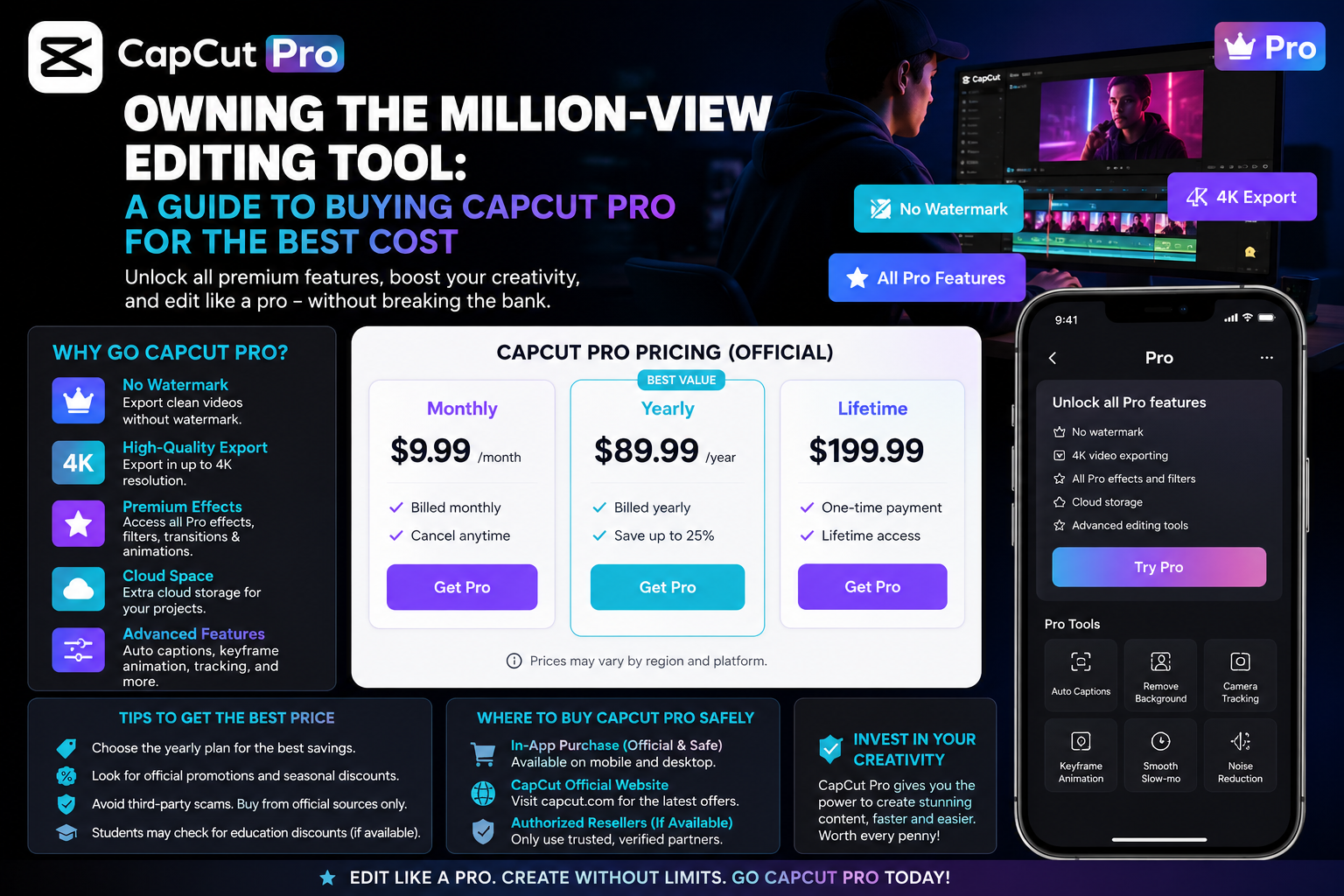
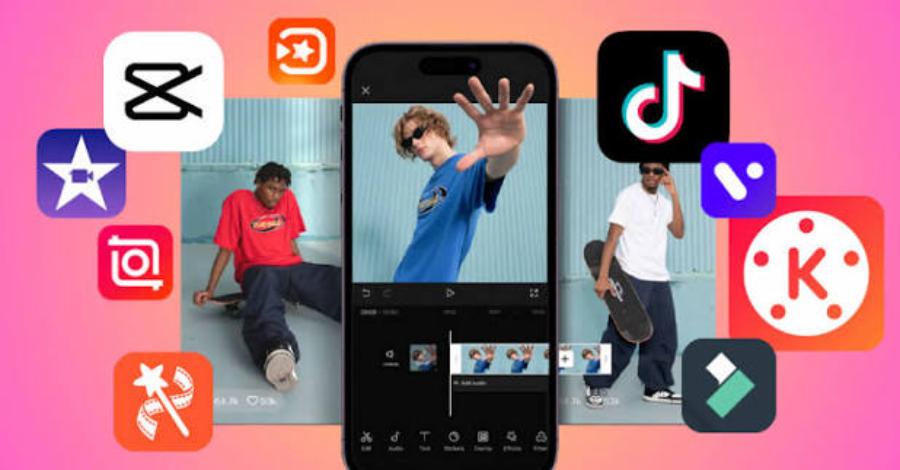
3.2. CapCut - The national tool that exploded onto all mobile and computer platforms.
Originally a mobile application, CapCut's PC version has now become an indispensable companion for the new generation of content creators.
-
Key features: Direct connection to a library of popular music, allowing for quick and automatic synchronization of visual effects to match the rhythm of the song.
-
Advantages: Extremely accurate voice-based automatic subtitle generation, a fun and completely free collection of animated stickers for basic tasks.
-
Disadvantage: Some AI-powered smart features are starting to require users to upgrade to a monthly paid plan.
3.3. Microsoft Clipchamp - The next-generation default video editor on Windows
Replacing the outdated Windows Movie Maker, Clipchamp brings a modern and professional feel right to the Windows operating system.
-
Key features: Cloud-based operation allows users to edit directly without installing heavy software on their computers if using the web version.
-
Advantages: Built-in text-to-speech tool using AI technology with extremely natural intonation, excellent support for Vietnamese.
-
Disadvantage: File export speed depends heavily on the stability of your internet connection.
3.4. iMovie - Apple's standard and free editing solution.
Users of Mac or iPad devices always have a great privilege: access to the manufacturer's own video editing application.
-
Key features: A minimalist design philosophy, focusing on optimizing the user experience with incredibly smooth cropping and background music integration.
-
Advantages: Completely free, ad-free, and boasts excellent hardware optimization capabilities, resulting in ultra-fast video rendering times.
-
Disadvantages: There is no version for Windows operating systems, and the number of available special effects is relatively limited.
3.5. Canva - Drag-and-drop video editing software similar to slide design.
Already renowned as a versatile graphic design tool, Canva has now upgraded its video editing capabilities to a whole new level.
-
Key features: The approach to creating videos uses independent slides, making it easy for office workers or teachers to access without needing to understand the concept of a timeline.
-
Advantages: Huge archive of sample images, videos, and decorative graphic elements; supports real-time online collaboration.
-
Disadvantage: Not suitable for intensive editing or processing of very long video files.
4. Step-by-step process for creating a complete video for beginners.
4.1. Step 1: Collect and organize image and audio materials
Good preparation will save you half the editing time. Before opening the software, gather all your recorded video files, illustrative images, and desired background music files into a single folder on your computer to avoid losing files during the editing process.
4.2. Step 2: Trim and arrange the rough scenes
Proceed to import all the footage into the timeline of the chosen simple video clip creation program . The next step is to use the cutting tool (scissors icon) to remove shaky footage, unnecessary pauses in the character's movements, and arrange the clips in a logical order.
4.3. Step 3: Incorporate music and text effects
Insert the background music into the audio progress bar at the bottom of the video, reducing the volume to around 15-20% if the video includes dialogue to avoid ear discomfort. Next, add short text snippets to highlight important messages in the clip.
4.4. Step 4: Overall review and video publication
Press the Play button to review the entire video from beginning to end to detect any audio or video errors. Once you are completely satisfied, select the Export button with the standard MP4 format and Full HD 1080p resolution to ensure clear display quality on all devices.
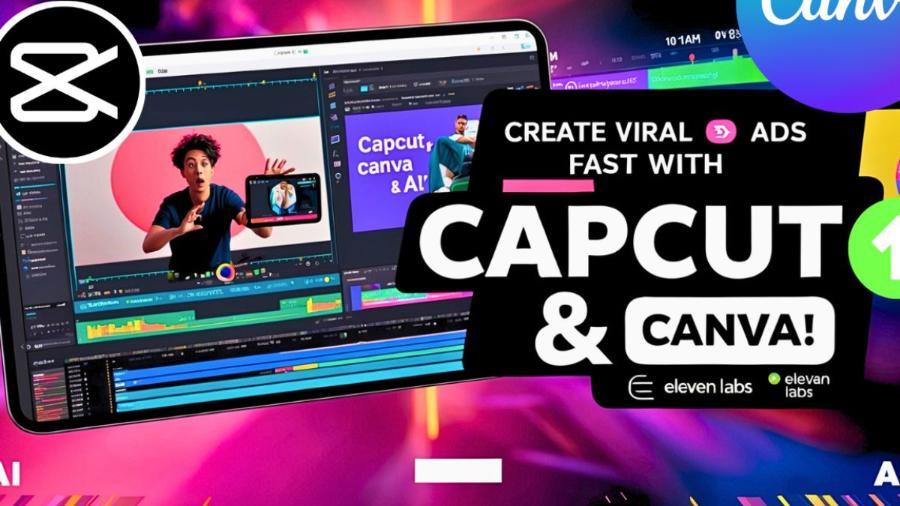
5. Experience the creative ecosystem and automated video creation using AI at appvip.ai
The explosion of artificial intelligence in 2026 has completely reshaped the mindset of daily digital content production. In this context, the website appvip.ai has emerged as an all-in-one super platform, offering a revolutionary technological solution for intelligent video creation and image editing. Users no longer need to manually perform time-consuming cutting and pasting tasks. The integrated AI system can automatically transform existing text descriptions or still images into high-quality moving footage in a variety of artistic styles.
6. Conclusion
With the help of a simple video editing program , you can confidently step into the vast world of digital content creation. Whether modern or simple, the tool ultimately serves only as a medium for conveying information; the core value of a successful video lies in the authentic story and emotions you put into it.





















VIP Products








Best Selling Products
Adobe Photoshop Copyright - Full App
120 USD
Upgrade Duolingo Super
29 USD
Freepik Premium Account
59 USD
Capcut Pro 1 Year
39 USD
Copyright Adobe Lightroom Account
59 USD
Upgrade genuine Capture One account
120 USD
Genuine Cheap Canva Pro
39 USD
Plugin Retouch4me
69 USD
Autodesk All App Account Copyright
120 USD
MidJourney Account
29 USD
Windows 10 & 11 Pro Key
36 USD
Upgrade Genuine Office 365
49 USD
ChatGPT Plus Account (GPT-4)
16 USD
Genuine Adobe Illustrator account
99 USD
Adobe Premiere Pro Account
99 USD