Best Selling Products

Capcut Pro 1 Year
39 USD

MidJourney Account
29 USD

Adobe Premiere Pro Account
99 USD

Freepik Premium Account
59 USD

Genuine Cheap Canva Pro
39 USD

Upgrade genuine Capture One account
120 USD

ChatGPT Plus Account (GPT-4)
16 USD

Upgrade Duolingo Super
29 USD

Genuine Adobe Illustrator account
99 USD

Adobe Photoshop Copyright - Full App
120 USD

Plugin Retouch4me
69 USD

Copyright Adobe Lightroom Account
59 USD

Autodesk All App Account Copyright
120 USD

Upgrade Genuine Office 365
49 USD

Windows 10 & 11 Pro Key
36 USD
Creating Cinematic Portrait Photos with Gemini, a Trending Photo on TikTok.
Nội dung
- 1. What is the Gemini cinematic portrait trend?
- 2. Why is the Gemini trend so popular?
- 3. How to create a cinematic Gemini portrait
- 3.1 Step 1: Access Gemini and upload your portrait photo.
- 3.2 Step 2: Enter the Gemini cinematic portrait creation prompt.
- 3.3 Step 3: Refine and upload the final image
- 4. Why should you use Gemini to create cinematic portraits?
- 5. Tips for creating the best Gemini cinematic portraits
- 6. Where should I get my Gemini AI upgraded?
- 7. Conclusion
The Gemini cinematic portrait trend is rapidly taking social media platforms, especially TikTok, by storm.
1. What is the Gemini cinematic portrait trend?
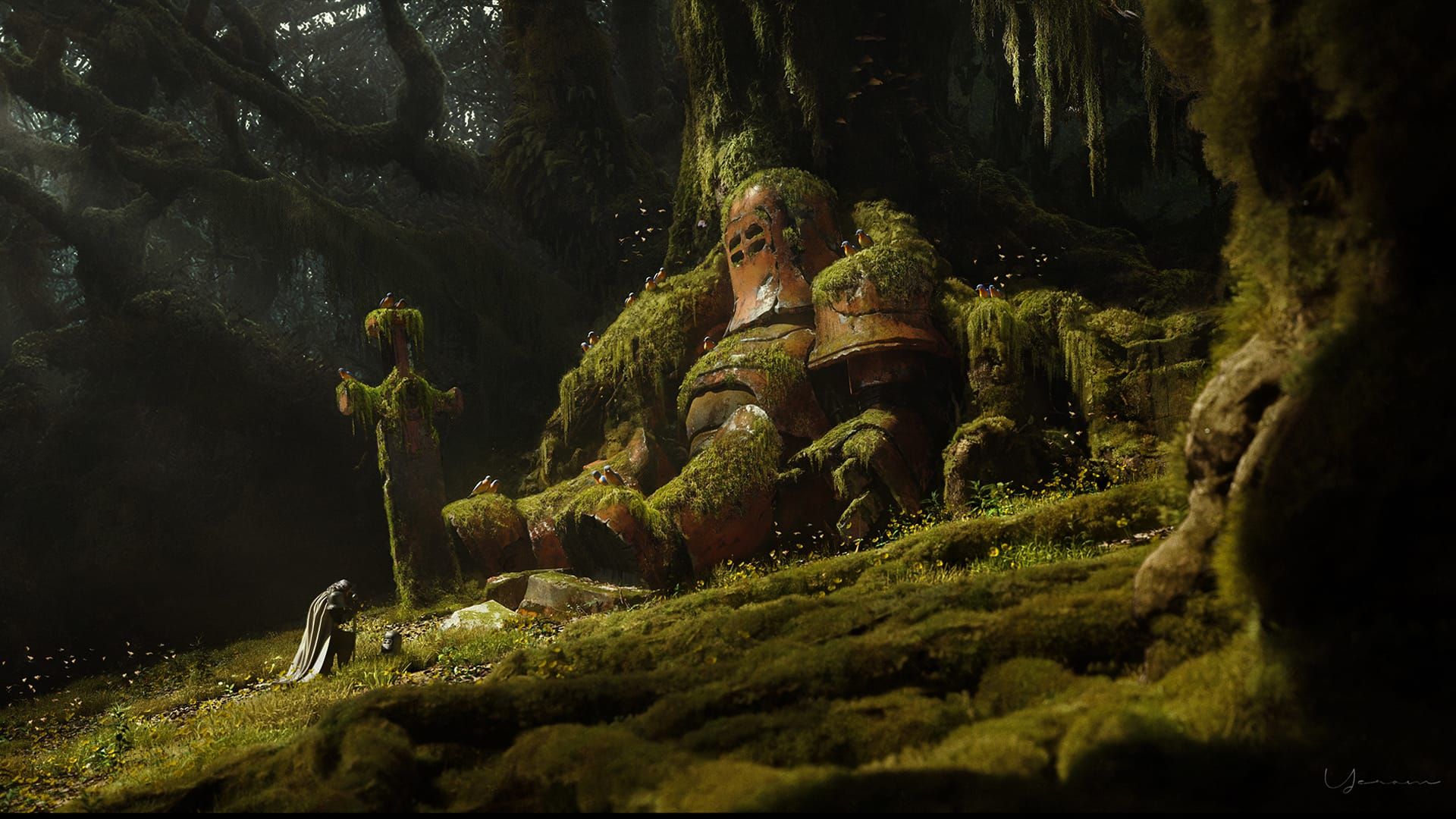
If you've ever scrolled through TikTok and stumbled upon those stunning portraits that look like they stepped right out of a movie—soft lighting, warm colors, deep gazes, and emotionally charged compositions—then that's the result of the Gemini cinematic portrait trend that's currently sweeping the internet. This trend uses Google's Gemini artificial intelligence technology to transform ordinary selfies into works of art with depth and emotion, as if they were taken by a professional photographer.
What makes this trend so appealing is the "cinematic" style that Gemini brings. Not only does it recreate images with standard cinematic lighting, but the Gemini AI also understands and subtly processes skin tones, facial expressions, and the overall color tone of the photo. The result is that each image possesses a beauty that is both realistic and dreamlike, modern and artistic—something that ordinary photo editing apps struggle to achieve. Thanks to this combination of intelligent technology and high aesthetic appeal, Gemini has quickly become the most beloved tool among content creators and TikTok users at this time.
2. Why is the Gemini trend so popular?
This trend not only creates beautiful photos, but also offers a completely new experience in self-expression through images. From art lovers to ordinary people, anyone can become the "main character" in their own cinematic photograph, without needing a professional camera or complex editing skills.
- Easy to use: One of the reasons Gemini is so popular is its simplicity and convenience. Users simply upload photos, enter the desired style prompt, and wait a few seconds. No Photoshop experience is needed, no heavy software installation is required, yet you get professional results that are indistinguishable from those shot on a studio.
- Impressive and highly artistic results: Gemini uses advanced AI technology to recognize faces, lighting, and overall color, then automatically adjusts composition, contrast, and color tones to create a "film-perfect" photograph. Details such as subtle light reflections, bright edges in the background, and warm, muted tones are reproduced extremely naturally, giving viewers the feeling of watching a real film.
- Catching the TikTok and social media trend: In just a few weeks, the hashtag related to "Gemini cinematic portrait" garnered tens of millions of views on TikTok. "Before-and-after" videos using Gemini received massive engagement, causing the trend to spread rapidly. Many influencers, KOLs, and photographers also joined in sharing their work, making the trend even more vibrant and widespread.
- Personalize your unique style: Everyone can choose their own way of expressing themselves when creating photos with Gemini. From classic styles with warm yellow lighting to modern cool tones or gloomy noir frames, everything can be easily achieved with just a few prompts. This personalization feature makes Gemini not just a photo editing tool, but also a "companion" that helps users express their emotions, stories, and lifestyles.
- The next-generation AI technology is impressive: Gemini's biggest difference from other AI image editing tools is its ability to "understand" emotions and lighting. Instead of using formulaic beautification, Gemini processes images based on context and the unique expression of each face. This makes the photos look natural and unnatural, while still maintaining a subtle cinematic quality. As a result, Gemini not only creates beautiful photos but also evokes emotion, a factor that makes this trend surpass previous photo editing trends.
Overall, the Gemini cinematic portrait trend is not just a passing phenomenon but is becoming a symbol of the intersection between technology and art. It opens a new path for personal image creation, where anyone can tell their story through a cinematic frame. And with its current rate of spread, Gemini promises to continue dominating TikTok and social media for a long time to come.
3. How to create a cinematic Gemini portrait
The Gemini cinematic portrait trend is appealing not only for its "film-perfect" effect but also for its incredibly simple execution. You don't need to be a photo editing expert or own expensive equipment; just a few basic steps are all it takes to create a truly cinematic photo. Below is a detailed guide to help you quickly jump on the trend and create photos that will impress everyone.
3.1 Step 1: Access Gemini and upload your portrait photo.
First, open your browser and access Google Gemini, Google's next-generation artificial intelligence tool. On the main interface, you'll see an input box and a pin or image icon ; this is where you upload the photo you want to edit. Choose a clear portrait photo, with the face looking straight ahead or slightly tilted, in natural light, and not obscured by hair or accessories.
Choosing the right original image is crucial, as Gemini will use it to identify facial features, emotions, and existing lighting before adding cinematic effects. If the image is too blurry, underexposed, or lacks detail, the results may not be as expected. You should prioritize photos taken in natural lighting environments with simple backgrounds so that the AI can process them more easily.
3.2 Step 2: Enter the Gemini cinematic portrait creation prompt.
This is the "soul" of the entire process. The prompt is a detailed description that helps Gemini understand how you want the photo to look: tone, emotion, lighting, style, or even the surrounding scenery. The clearer the description, the more authentic and cinematic the resulting photo will be.
After uploading your image, enter the prompt in English so the AI can understand it more accurately. Below are some sample prompts to help you create truly impressive cinematic photos.
Prompt suggestions for women:
“A cinematic, moody portrait of a young woman standing outdoors. Her long, dark hair is windswept across her face, adding a sense of motion. She wears a loose, dark overcoat with soft folds and a slightly oversized silhouette, giving her a sophisticated yet understated look. The background shows a blurred moving train, creating a dynamic yet nostalgic. The lighting is warm and dim, with a vintage film look, soft grain, and deep shadows, evoking an intimate, melancholic mood. Do not change her facial features.”
The above command helps the AI create a portrait of a woman with a serene expression, warm lighting, and a nostalgic feel – perfectly suited to the currently popular cinematic photography style.
Prompt suggestions for men:
“A cinematic, moody portrait of a young man standing outdoors. His long, dark hair is windswept across his face, adding a sense of motion. He wears a loose, dark overcoat with soft folds and a slightly oversized silhouette, giving him a sophisticated yet understated look. The background shows a blurred moving train, creating a dynamic yet nostalgic. The lighting is warm and dim, with a vintage film look, soft grain, and deep shadows, evoking an intimate, melancholic mood. Do not change his facial features.”
This prompt gives the male character a strong, calm, and classic look – like an emotionally charged art film. You can change a few details in the command, such as “sunset light,” “city street,” or “rainy background,” to create your own style.
After typing the prompt, simply press Enter and wait a few moments. Gemini will begin processing the data and display the results, usually within 10–30 seconds depending on the complexity of the command.
3.3 Step 3: Refine and upload the final image
When Gemini returns the results, you'll see one or more different versions of the image. Carefully examine each image to choose the one with the lighting, tone, and mood that best suits your preferences. If you're still not satisfied, you can enter additional commands such as "make it more cinematic," "increase contrast," "add blue tone," or "make the lighting softer" to let the AI understand which details you want to adjust.
What's special about Gemini is its contextual responsiveness. This means that if you request a "sadder film tone" or "like a sunset," the AI will automatically adjust elements like lighting, skin tone, saturation, and shadows to achieve the corresponding effect without distorting the face.
Once you're satisfied, simply tap Download to save the image to your device. This image can be used as a profile picture, posted on TikTok or Facebook, or as a personal poster – it's incredibly striking. If you want to create more styles, just repeat the steps above with a different prompt to create your own collection of "cinematic" photos.

4. Why should you use Gemini to create cinematic portraits?
- Superior image quality : Gemini uses advanced AI technology to create sharp, detailed images with realistic lighting and contrast, just like professional cinematic shots.
- Flexible style customization : Users can choose different "cinematic" styles such as classic, romantic, modern, or retro, allowing each photo to tell its own story and evoke unique emotions.
- Natural facial recognition : Gemini recreates soft facial features, deep eyes, and subtle emotions, without appearing artificial or forced like many other AI tools.
- Create photos quickly in seconds : No photo editing skills needed, just type in the prompt or upload a selfie, Gemini will automatically transform it into a perfect cinematic portrait.
- Subtle lighting and film color effects : From the warm glow of sunsets to the cool tones of city nights, Gemini reproduces characteristic hues and light, giving images depth and powerful emotion.
- User-friendly and easy to use : The minimalist interface is easy to navigate on both web and mobile devices, suitable for everyone, including beginners.
- Optimized for virality on TikTok : Photos created with Gemini are popular because they are both artistic and authentic, making it easy for users to follow trends and significantly increase engagement on social media.
5. Tips for creating the best Gemini cinematic portraits
- The original photo must be clear and well-lit : A high-quality selfie is the most important foundation for Gemini's effective processing. Choose a photo where the face is clearly visible, not blurry or out of focus; natural or artificial lighting is fine as long as it's not too dark. This helps the AI correctly recognize facial structure, expressions, and eye contact, thereby creating the sharpest and most natural-looking cinematic image.
- Provide detailed style descriptions in the prompt : AI can't accurately guess your aesthetic preferences if the prompt is too general. Instead of just typing "cinematic portrait," add specific elements like "90s Hong Kong film style," "cool tones like The Batman," "blurred lighting," or "cinematic close-up frame." The more detailed you are, the closer the results will be to your vision.
- Be patient and try again and again : Creating images with AI is a two-way interactive process. If the first result isn't satisfactory, refine the prompt, change a few keywords, or add descriptions about lighting, expression, and shooting angle. With each edit, Gemini will "understand you" better and produce a more refined version.
- Always include a request to preserve facial features : A common mistake is for AI to make faces look strange or overly artificial. Always add the phrase "preserve my facial features" or "keep my facial features" to the prompt. This way, Gemini will retain your unique features – your eyes, smile, facial angles – while still maintaining a cinematic feel.
- Avoid overly complex backgrounds : If the original image has too much detail, the AI can easily become confused when identifying the subject. Choose an image with a simple background, or use a photo taken in front of a wall or plain surface. This helps the AI focus on the face and main lighting, resulting in a harmonious, cinematic composition.
- Experiment with different styles : Don't stick to just one color tone or lighting style. Gemini supports a wide range of cinematic styles, from classic and romantic to cyberpunk, noir, and futuristic. Experimenting with different styles not only helps you discover your "artistic side" but also makes it easier to create viral photos on TikTok.

6. Where should I get my Gemini AI upgraded?
If you're looking for a reliable and affordable Google Gemini Advanced upgrade with professional service and dedicated support, The World of AI Software is the ideal destination. With years of experience in licensed software, they offer premium AI packages such as ChatGPT Plus, Canva Pro, Adobe Full Apps, Google One , and especially Gemini Advanced . When upgrading here, you can rest assured of transparency, full VAT invoices, and a fast, secure, and stable activation process.
Not only does AI Software World offer genuine products, but it also stands out with its dedicated customer service and extremely competitive prices . Immediately after payment, our technical team will assist you in activating Gemini Advanced within minutes, ensuring a smooth and risk-free user experience. Each upgrade package is guaranteed to be of high quality, from full functionality and fast processing speed to a reliable warranty policy. If you want to experience Google's advanced AI at a reasonable cost while still ensuring superior performance, AI Software World is definitely a trustworthy choice and "worth every penny".
7. Conclusion
Undeniably, the wave of creating cinematic portraits with Gemini has ushered in a "new era" for personal image creation, where anyone can become the main character in their own frame. With just a few steps, you can own a sophisticated, emotionally resonant, and cinematic photo without needing a professional camera or expensive studio. Let AI Software World accompany you on your journey to creating "once-in-a-lifetime" portraits where technology and art blend, perfectly capturing your beauty in the cinematic style that's currently taking TikTok by storm.





















VIP Products








Best Selling Products
Capcut Pro 1 Year
39 USD
MidJourney Account
29 USD
Adobe Premiere Pro Account
99 USD
Freepik Premium Account
59 USD
Genuine Cheap Canva Pro
39 USD
Upgrade genuine Capture One account
120 USD
ChatGPT Plus Account (GPT-4)
16 USD
Upgrade Duolingo Super
29 USD
Genuine Adobe Illustrator account
99 USD
Adobe Photoshop Copyright - Full App
120 USD
Plugin Retouch4me
69 USD
Copyright Adobe Lightroom Account
59 USD
Autodesk All App Account Copyright
120 USD
Upgrade Genuine Office 365
49 USD
Windows 10 & 11 Pro Key
36 USD