Best Selling Products

Upgrade genuine Capture One account
120 USD

Adobe Premiere Pro Account
99 USD

Freepik Premium Account
59 USD

Windows 10 & 11 Pro Key
36 USD

Adobe Photoshop Copyright - Full App
120 USD

ChatGPT Plus Account (GPT-4)
16 USD

Plugin Retouch4me
69 USD

Autodesk All App Account Copyright
120 USD

Capcut Pro 1 Year
39 USD

Genuine Cheap Canva Pro
39 USD

Genuine Adobe Illustrator account
99 USD

Upgrade Genuine Office 365
49 USD

MidJourney Account
29 USD

Upgrade Duolingo Super
29 USD

Copyright Adobe Lightroom Account
59 USD
Darktable vs. Lightroom and Capture One: Which is the best choice?
Nội dung
- 1. Overview of Darktable in the photo editing software market
- 2. Comparing Darktable and Lightroom in terms of usage costs.
- 3. Comparing interfaces and user experiences.
- 4. Comparing RAW image editing capabilities
- 5. Comparing AI features
- 6. Comparing image library management capabilities
- 7. Comparing Darktable and Capture One in terms of color processing capabilities.
- 8. Comparing the capabilities of tethering photography.
- 9. Performance Comparison
- 10. Compare customization options.
- 11. Suitable users for each software
- 12. Should I replace Lightroom or Capture One with Darktable?
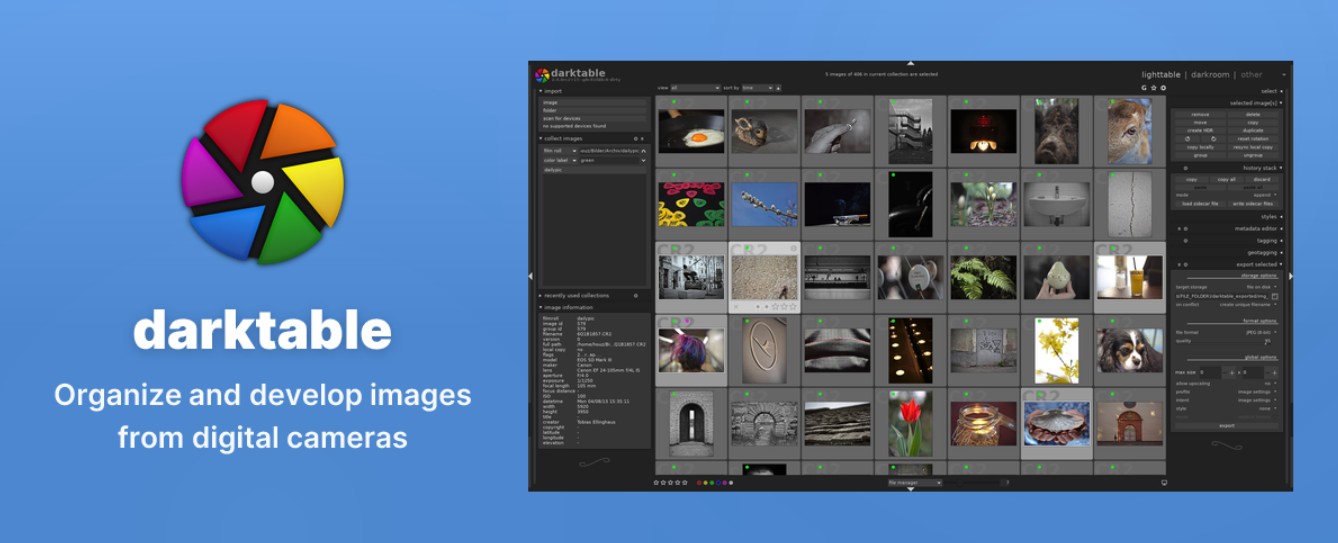
Darktable is open-source RAW image editing software developed with the goal of providing a completely free, professional post-processing solution for the photography community.
1. Overview of Darktable in the photo editing software market
Darktable is open-source RAW image editing software developed with the goal of providing a completely free, professional post-processing solution for the photography community. The software runs on various operating systems including Windows, Linux, and macOS, making it easily accessible to users without platform limitations.
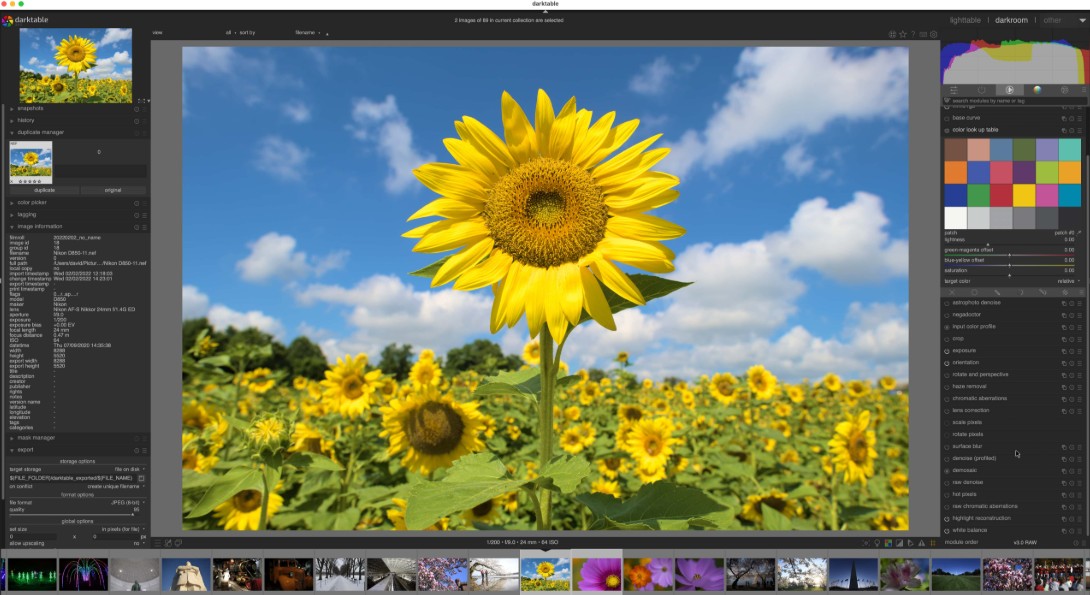
Darktable's standout feature is its advanced RAW image processing capabilities and its non-destructive editing philosophy. All changes are saved as separate parameters instead of directly affecting the original image. This allows users flexible editing and the ability to revert to any stage of the process.
Although it doesn't possess the commercial power and extensive ecosystem of Adobe or Capture One, Darktable is still considered one of the most powerful open-source software programs available today. For many users, it's not only a cost-effective tool but also a post-processing solution capable of handling professional photography projects.
2. Comparing Darktable and Lightroom in terms of usage costs.
Cost is the first factor users consider when choosing photo editing software.
Darktable is completely free. Users simply download and use it without paying any fees. There are no feature-limited versions, no paid account registration required, and no recurring subscription model.
Meanwhile, Lightroom is currently distributed on a subscription model. Users must pay monthly or annually to continue using the software. While the fee isn't too high for professional photographers, it's still a significant expense for students, photography beginners, or those who only edit photos occasionally.
From a purely financial standpoint, Darktable clearly has an absolute advantage. This is also the biggest reason why many people turn to Darktable as an alternative to Lightroom.
3. Comparing interfaces and user experiences.
One of the key factors determining how quickly you learn a software program is its user interface.
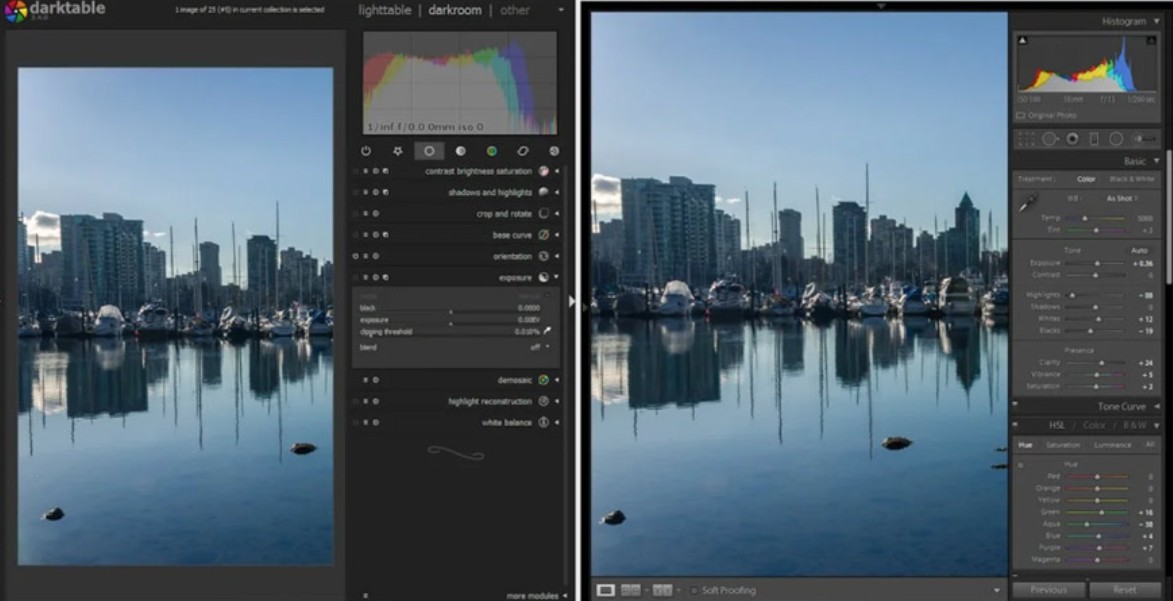
Adobe has invested heavily in the user experience of Lightroom. The tools are organized scientifically, intuitively, and are easy to access. Even those who have never edited photos before can quickly understand how the software works after a short period of familiarization.
Meanwhile, Darktable boasts a more technical interface. The large number of editing modules and the detailed tool layout can easily overwhelm beginners during their first few uses.
However, this doesn't mean Darktable is difficult to use forever. Once users understand the software's working structure, they will realize that Darktable provides a very deep level of control over each image parameter. This is a point highly appreciated by many experienced photographers.
Overall, Lightroom is more beginner-friendly, while Darktable is suitable for those willing to invest time in learning and unlocking the full potential of the software.
4. Comparing RAW image editing capabilities
RAW processing capability is the most important criterion when evaluating post-production software.
Lightroom has long been considered the gold standard in RAW image processing. The software offers a comprehensive set of tools, excellent detail recovery capabilities, and an optimized workflow for most photography needs.
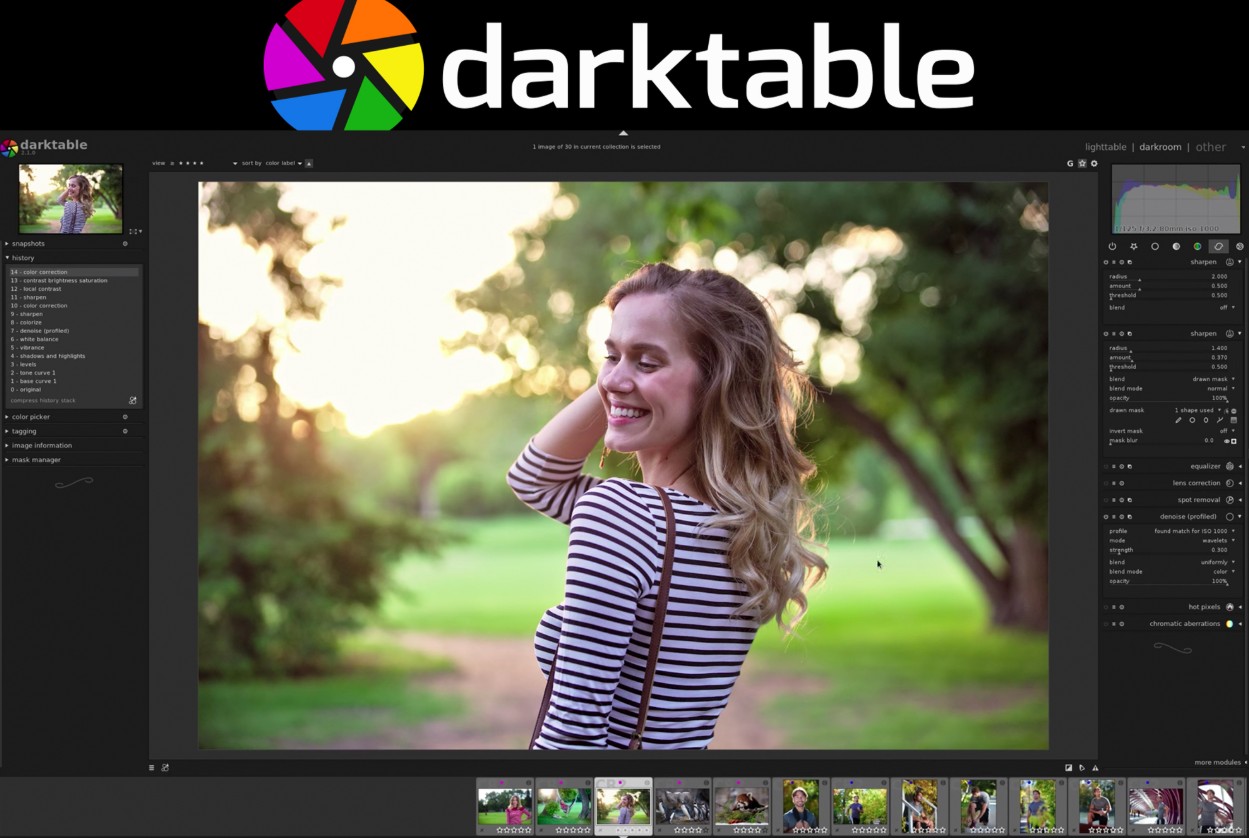
Darktable also supports a wide range of RAW formats from popular camera manufacturers. Users can adjust white balance, exposure, highlights, shadows, contrast, and color with high precision.
In many real-world tests, Darktable's output image quality is entirely comparable to Lightroom if properly optimized. However, Lightroom generally produces results faster due to its user-friendly interface and better optimized processing algorithms.
For professional users with post-production experience, the quality difference between Darktable and Lightroom is not too significant.
5. Comparing AI features
AI is becoming a major trend in modern photo editing software.
Lightroom now integrates a range of AI technologies such as subject recognition, automatic background separation, background blurring, intelligent object removal, AI-powered noise reduction, and automatic color adjustment based on image content.
These features significantly reduce processing time and improve work efficiency.
In contrast, Darktable remains primarily focused on traditional editing tools. Although the software is constantly being developed, it currently lacks the robust AI ecosystem found in Lightroom.
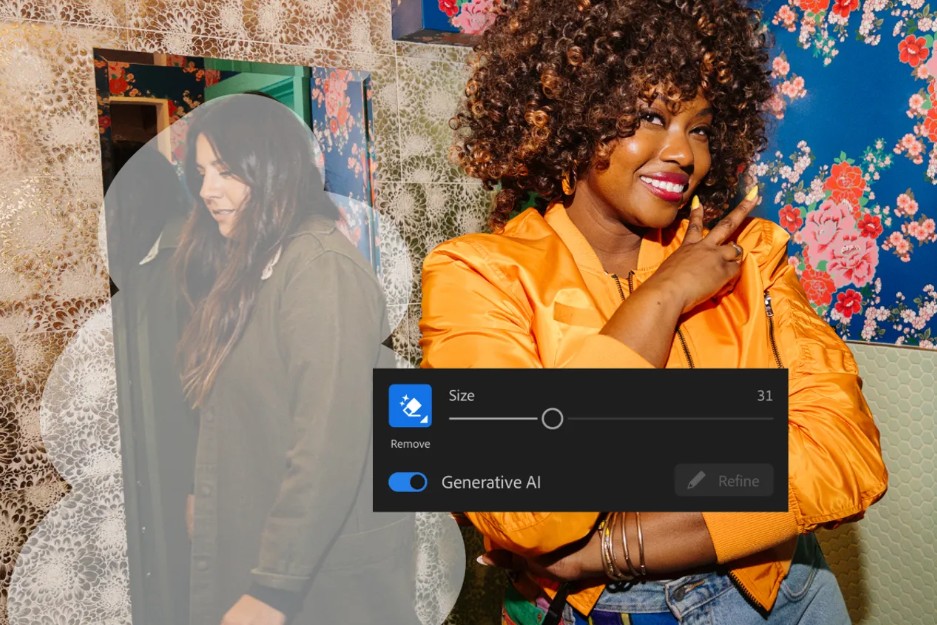
This is one of the biggest differences between the two platforms and also a key advantage that helps Lightroom maintain its leading position in the industry.
6. Comparing image library management capabilities
Managing thousands or tens of thousands of photos is a very common need for photographers.
Lightroom is renowned for its powerful library management system. Users can tag, categorize, search, and synchronize data across multiple devices via Adobe's cloud service.
Darktable also offers excellent photo library management with tools for marking, rating, and filtering photos based on various criteria.
However, Lightroom's biggest advantage lies in its ability to synchronize data across multiple devices. Users can edit photos on their computer and continue working on their phone or tablet without interruption.
This is a feature that Darktable currently cannot compete with.
7. Comparing Darktable and Capture One in terms of color processing capabilities.
While Lightroom is renowned for its robust ecosystem, Capture One is known as a software with top-tier color reproduction capabilities.
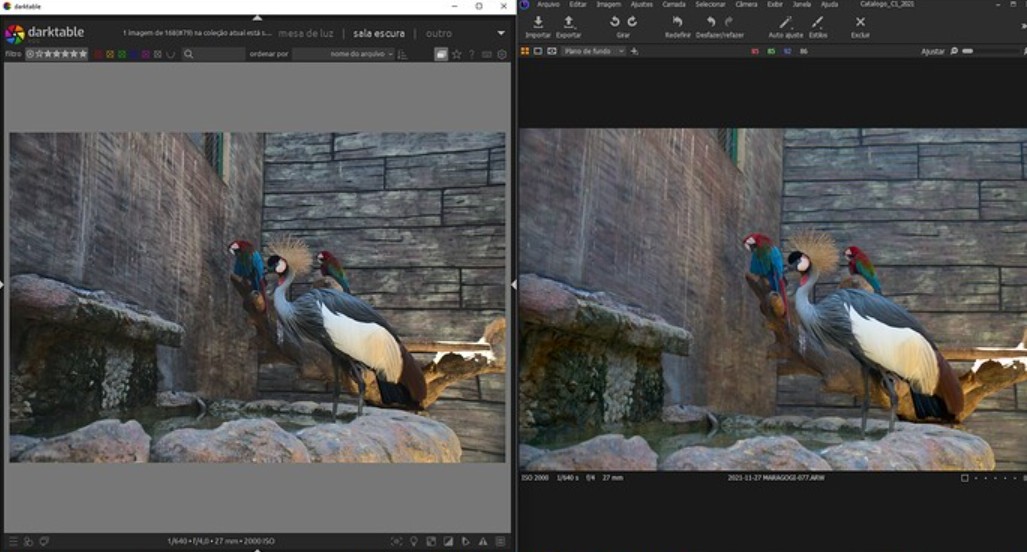
Capture One is particularly popular in fashion, advertising, and portrait photography due to its ability to handle skin tones extremely naturally. The colors produced by the software are often highly praised from the very first editing steps.
Darktable also boasts a powerful color management system and supports in-depth color correction through various modules. However, to achieve results comparable to Capture One, users often have to perform more fine-tuning steps.
This doesn't mean Darktable is of poor quality, but rather reflects the difference in optimization between the two software programs.
8. Comparing the capabilities of tethering photography.
Tethering is a feature that allows you to connect your camera directly to your computer to view and control images in real time during shooting.
Capture One has long been considered the top choice for professional studios thanks to its extremely stable and fast tethering capabilities.
Many commercial photographers use Capture One almost solely for this feature.
Darktable also supports tethering, but it's not as strong and stable as Capture One. For professional studio photography needs, Capture One remains the superior choice.
9. Performance Comparison
Performance directly impacts the user experience.
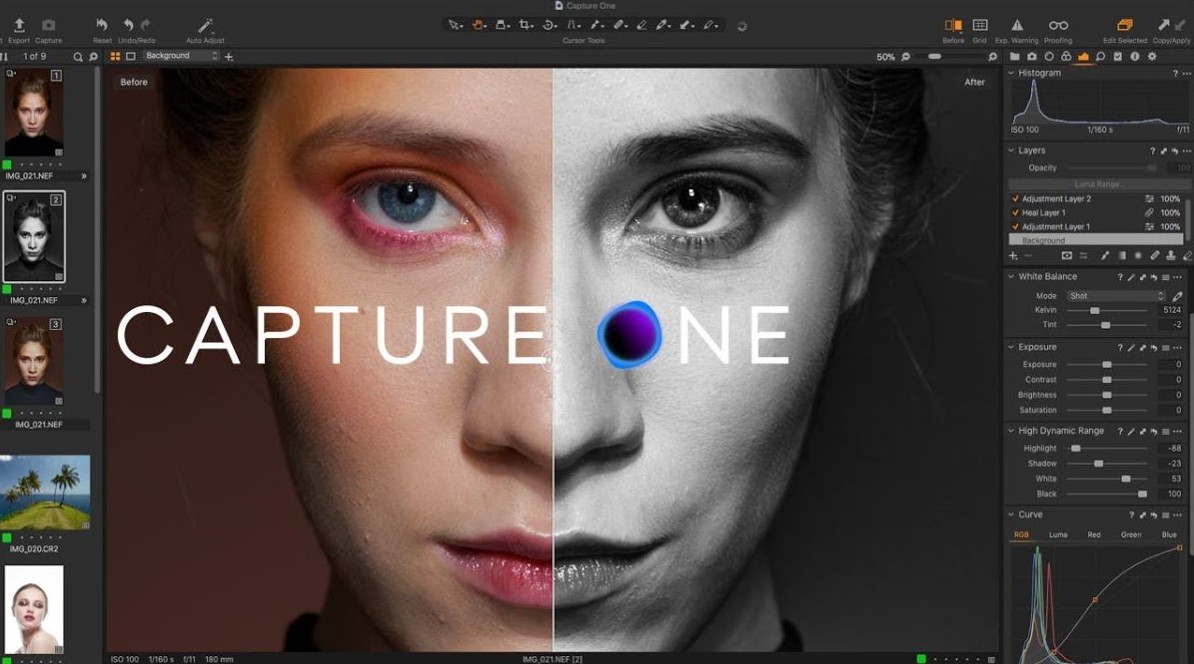
Capture One is highly optimized for high-end hardware systems and often delivers fast processing speeds in large projects.
Lightroom also has stable performance, but it is sometimes criticized for its speed when working with large photo libraries.
Darktable supports GPU acceleration and can work very effectively on properly configured systems. However, actual performance depends heavily on the user's hardware.
On low-end or older machines, Darktable sometimes fails to achieve the same smoothness as commercially available software that has been optimized for years.
10. Compare customization options.
One major advantage of Darktable comes from the fact that it is open-source software.
Users can customize many components within the software, leverage community-developed modules, or directly participate in the project's improvement process.
Meanwhile, Lightroom and Capture One operate on a commercial model, so users are limited to the range of features provided by the developers.
For those who appreciate flexibility and want more control over their workflow tools, Darktable offers more opportunities for exploration.
11. Suitable users for each software
Darktable is suitable for users who want to save money but still need a powerful post-processing tool. It's an ideal choice for students, photography beginners, Linux users, and anyone who loves open-source software.
Lightroom is suitable for most users thanks to its intuitive interface, numerous AI features, and robust synchronization ecosystem. It offers a good balance between performance and convenience.
Capture One is aimed at professional photographers, commercial studios, and those who need advanced color processing capabilities along with a robust tethering system.
12. Should I replace Lightroom or Capture One with Darktable?
The answer depends on the specific needs of each user.
If you need a free, powerful software and are willing to invest time in learning it, Darktable can absolutely become your primary post-processing tool. Darktable's RAW processing quality, color grading system, and image management capabilities are sufficient to meet most current photography needs.
However, if the work requires advanced AI features, cloud synchronization, or professional tethering processes, Lightroom and Capture One still have many advantages.





















VIP Products








Best Selling Products
Upgrade genuine Capture One account
120 USD
Adobe Premiere Pro Account
99 USD
Freepik Premium Account
59 USD
Windows 10 & 11 Pro Key
36 USD
Adobe Photoshop Copyright - Full App
120 USD
ChatGPT Plus Account (GPT-4)
16 USD
Plugin Retouch4me
69 USD
Autodesk All App Account Copyright
120 USD
Capcut Pro 1 Year
39 USD
Genuine Cheap Canva Pro
39 USD
Genuine Adobe Illustrator account
99 USD
Upgrade Genuine Office 365
49 USD
MidJourney Account
29 USD
Upgrade Duolingo Super
29 USD
Copyright Adobe Lightroom Account
59 USD