Best Selling Products

Genuine Cheap Canva Pro
39 USD

Copyright Adobe Lightroom Account
59 USD

Freepik Premium Account
59 USD

Plugin Retouch4me
69 USD

Capcut Pro 1 Year
39 USD

Genuine Adobe Illustrator account
99 USD

Autodesk All App Account Copyright
120 USD

ChatGPT Plus Account (GPT-4)
16 USD

Windows 10 & 11 Pro Key
36 USD

Upgrade Duolingo Super
29 USD

MidJourney Account
29 USD

Upgrade genuine Capture One account
120 USD

Adobe Photoshop Copyright - Full App
120 USD

Adobe Premiere Pro Account
99 USD

Upgrade Genuine Office 365
49 USD
Designing a Sales App: Which Tools Help Create a Unique App?
Nội dung
- 1. A 9-step process for designing a simple sales app.
- 2. Costs of designing and maintaining a sales app
- 3. TOP 7 high-quality e-commerce app design platforms
- 3.1 Softr
- 3.2 Draftbit
- 3.3 Flutterflow
- 3.4 Bubble
- 3.5 Appy Pie
- 3.6 Jotform – No Code App Builder
- 3.7 Google AppSheet
- 4. Frequently Asked Questions about E-commerce App Design
- 4.1 How much does it cost to create an online sales app?
- 4.2 What are some free tools for creating sales apps on mobile phones?
- 4.3 Is app design better for Android or iOS?
- 5. Conclusion
In today''''s digital age, owning a sales application not only helps businesses reach customers quickly but also creates a competitive edge in a fiercely competitive market
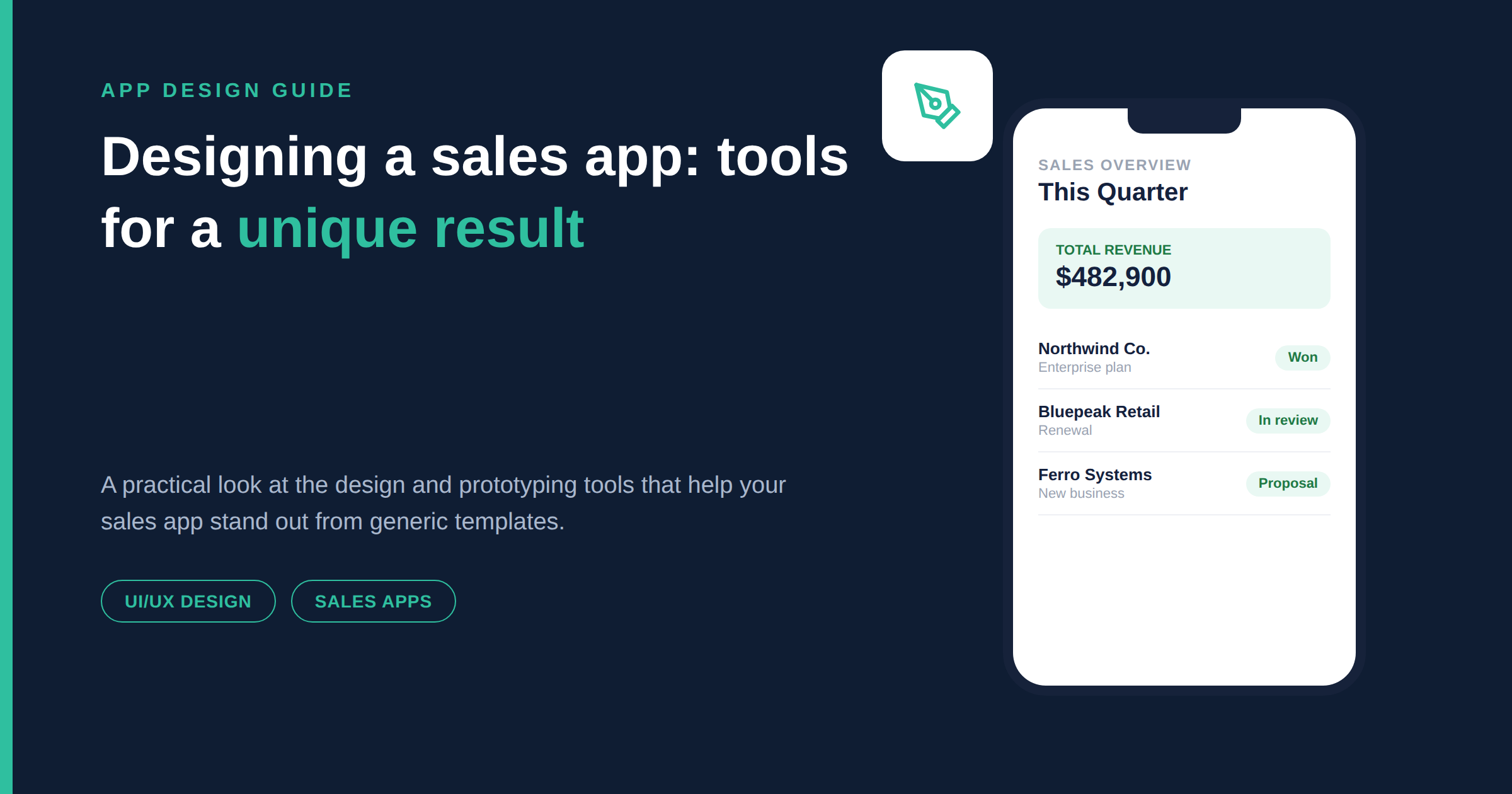
1. A 9-step process for designing a simple sales app.
The process of designing a sales application involves many important steps, from idea generation to completion and implementation. Below are 9 detailed steps to help you effectively realize your sales application.
Step 1: Develop ideas for designing a sales app.
First, you need to clearly define the app's goals. This includes knowing your target audience, the type of products or services you will offer, and the unique value your app provides compared to competitors. Consider the problems customers commonly encounter when shopping online and find ways to solve them, ensuring your app is truly useful and appealing.
Additionally, take notes of creative ideas that could improve the user experience. This will not only give you an overall view of the product but also create a solid foundation for subsequent design steps.
Step 2: Market research
Before you begin developing your app, you need to conduct thorough market research. Analyze existing sales apps, learn about the latest technology trends, and understand consumer shopping behavior. Understanding your competitors will help you identify their strengths and weaknesses, allowing you to tailor your own app strategy accordingly.
Gather user feedback on similar apps to identify the problems they encounter. This will not only help you learn from their experiences but also provide a basis for improving your product, ensuring that you meet customer expectations.
Step 3: Clearly define requirements and features
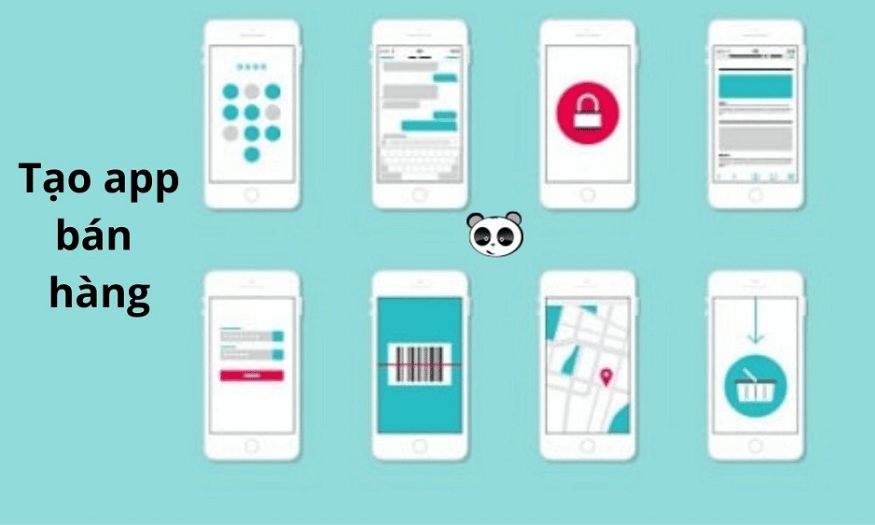
Clearly defining the requirements and features needed for the application is the next crucial step. This helps you optimize the development process and avoid wasting time and resources. Some basic features that a sales application needs include product categories, a shopping cart, and online payment. These features not only create a convenient shopping experience but also enhance customer trust.
Beyond basic features, you might consider adding advanced features such as chatbot integration for 24/7 customer support, store location information to help customers find the nearest location, and product recommendations based on user shopping habits. These elements will add value to your app.

Step 4: Design the user interface (UI/UX)
User interface (UI) and user experience (UX) are crucial to the success or failure of an application. To attract and retain users, the interface needs to be designed to be simple, easy to use, and aligned with the tastes of the target audience. Pay attention to color, font, and layout to ensure harmony and a comfortable user experience.
Furthermore, optimizing the app's operations is crucial. Ensure users can perform actions such as searching for products, adding items to their cart, and making payments quickly and conveniently. A seamless experience will encourage repeat business and encourage customers to recommend the app to others.
Step 5: Proceed with programming – Coding
After finalizing the UI/UX design, the next step is programming to bring your ideas to life. During this phase, you need to choose the programming language and tools that best suit your target platform, whether it's iOS, Android, or cross-platform. For iOS, Swift and Objective-C are popular choices, while Android often uses Java or Kotlin. If you want to develop a cross-platform application, Flutter and React Native are top choices.
During the development process, ensure that the workflow adheres to security standards and optimizes performance. This means writing clean, maintainable code and performing regular tests to ensure the application remains stable even under high user traffic. Applying best practices will help you create a sustainable and reliable application.
Step 6: Gather feedback
When a beta version of an application is released, gathering user feedback becomes crucial. This phase not only helps you detect technical bugs but also provides valuable insights into how users interact with the application. Through surveys, interviews, or analytical tools, you can gather precious information about what works well and what needs improvement.
Based on user feedback, you can fix bugs, improve features, and refine the application's interface. Listening to users not only helps improve product quality but also creates engagement and loyalty from customers.

Step 7: Release the app on Google Play and Apple App Store
After completing the testing and bug fixing steps, the application will be released on platforms such as the Google Play Store and Apple App Store. This process requires you to comply with the regulations of each platform, including registering a developer account, submitting a review application, and managing the application's details. Prepare a description of the application, including screenshots and a video introduction, to attract users.
Additionally, you need to pay attention to security and privacy requirements when releasing your app. Ensure that your app complies with Google and Apple's policies to avoid rejection or removal from the store.
Step 8: Promote the sales app
To achieve high download numbers for your app, a promotional strategy is essential. You can utilize marketing channels such as social media, email marketing, and paid advertising to reach users. Creating engaging and valuable content will help attract attention and encourage users to download the app.
Collaborating with KOLs (influencers) or implementing promotional programs are also effective ways to attract new users. Promotional campaigns can include discounts, giveaways, or special offers for new users, thereby motivating them to try your app.
Step 9: Continuously improve and maintain the sales app.
After the application is released, regular maintenance and updates are essential. Listen to user feedback to fix bugs, add new features, and ensure the application is always compatible with the latest operating systems. Maintaining a high-quality application will help retain users and create long-term value for the business.
Additionally, regularly monitor technology trends and consumer behavior to adjust your app development strategy. Continuous updates and improvements will help your app not only survive but also thrive in a fiercely competitive market.
2. Costs of designing and maintaining a sales app
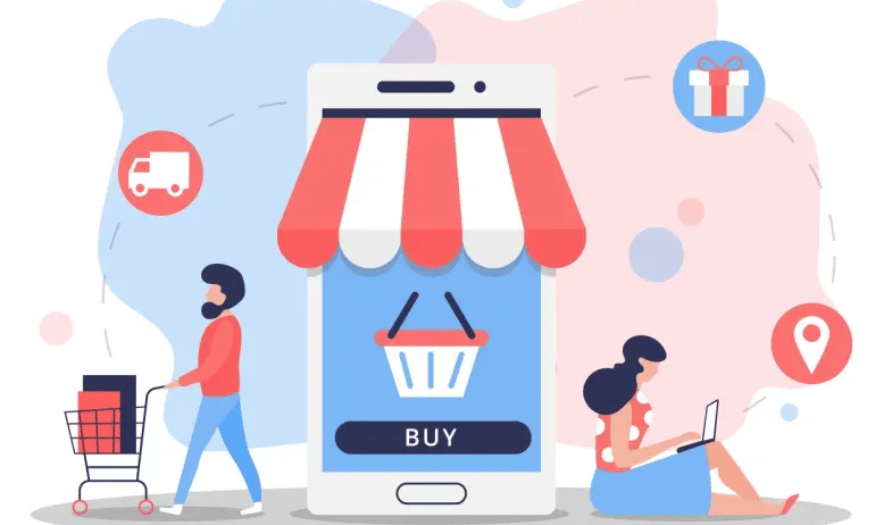
The cost of designing and maintaining a sales application is a crucial factor that businesses need to carefully consider. This cost typically varies depending on the complexity and features required by the application. For basic applications, design costs can range from 50 million to 200 million VND, including interface design, programming, and testing. However, if you want to develop a high-end application with many complex features such as AI integration, data analysis, or highly customizable features, the cost can reach 500 million VND or more.
Besides the initial design costs, businesses also need to prepare for application maintenance costs. This includes software updates, bug fixes, and data storage. On average, businesses will have to spend about 10% to 20% of the initial design cost each year to ensure that the application remains stable and secure. Regular maintenance not only improves application performance but also ensures timely responses to user requests and feedback.
Ultimately, investing in the design and maintenance of a sales app is not just an expense, but a long-term strategy. A well-designed and consistently maintained app will enhance user experience, retain customers, and drive revenue. Therefore, businesses need to carefully consider these factors to ensure their investment yields maximum value in the long run.
3. TOP 7 high-quality e-commerce app design platforms
3.1 Softr
Softr is a powerful no-code platform that allows users to easily create web applications and portals from databases like Airtable or Google Sheets. Its intuitive and user-friendly interface makes it easy for users, even those without programming skills, to build applications to their liking. Furthermore, Softr offers hundreds of ready-made templates, making the deployment process quick and efficient.
With its flexible and easy integration capabilities, Softr is ideal for small businesses looking to develop applications without significant investment in software development. This platform not only saves time but also reduces costs, enabling businesses to quickly bring their products to market.
3.2 Draftbit
Draftbit is a visual mobile application development platform that helps users design, build, and source code for React Native. This platform stands out for its high degree of customization and flexible integration, allowing developers to optimize their workflows. Draftbit is well-suited for experienced programmers, as it offers the flexibility to adapt and improve applications to specific needs.
In addition, Draftbit offers real-time application preview capabilities, allowing users to easily monitor and adjust changes immediately. This not only saves time but also improves work efficiency, resulting in high-quality products.
3.3 Flutterflow
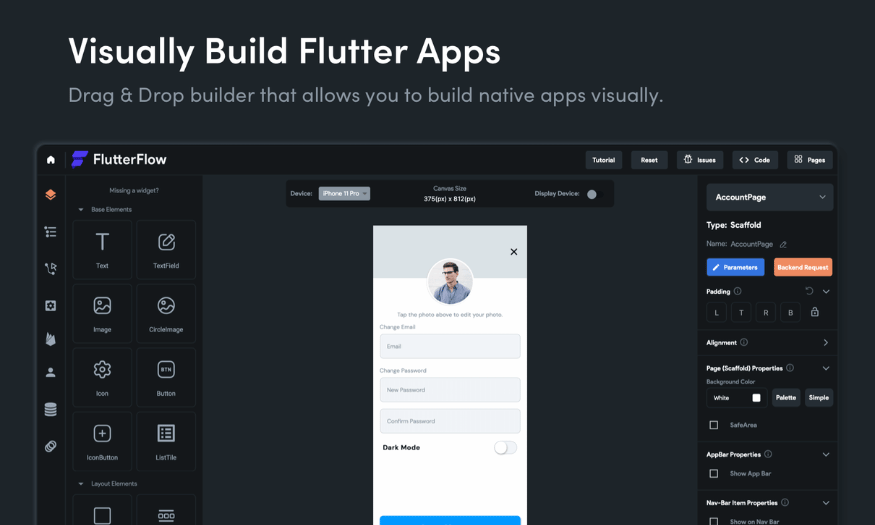
Flutterflow is a Flutter-based application builder that allows users to create beautiful and high-performance applications. With its drag-and-drop functionality, Flutterflow makes it easy to design interfaces without writing code. This is very useful for both programmers and beginners who want to quickly create applications.
In addition, Flutterflow supports source code export, allowing users to easily modify and extend the application later. Thanks to its integration of powerful features, Flutterflow is an ideal choice for those who want to develop mobile applications quickly and affordably.
3.4 Bubble
Bubble is a comprehensive no-code platform that allows users to build both web and mobile applications without writing code. The platform stands out for its ability to customize complex interfaces and application logic, making it easy for users to create unique products that meet their specific business needs. Bubble also supports API connections, expanding its integration capabilities with external services.
With its user-friendly interface and powerful features, Bubble is an ideal choice for startups or personal projects. This platform not only minimizes development time but also allows users to easily adapt their products based on market feedback.
3.5 Appy Pie
Appy Pie is one of the most popular no-code platforms today, allowing users to create applications without any programming knowledge. With many pre-designed templates and diverse integration capabilities, Appy Pie supports development ranging from enterprise applications to games and customer service. This platform helps users save time and effort in building applications.
Furthermore, Appy Pie offers many supporting tools such as user analytics and marketing, helping users not only develop applications but also optimize marketing strategies and attract customers. This is a great option for those who want to create applications without facing many technical barriers.
3.6 Jotform – No Code App Builder
Jotform offers a simple, no-code solution for creating applications from online forms. The platform allows users to quickly build applications with features such as data collection, order management, and appointment scheduling, all based on an easy-to-use drag-and-drop interface. Jotform is ideal for businesses looking to optimize their management processes without investing in complex software development.
In particular, Jotform supports integration with many other applications, making it easy for users to manage data and optimize workflows. This is a useful tool for small businesses and individuals who want to create applications quickly and efficiently.
3.7 Google AppSheet
Google AppSheet is a no-code platform designed to create mobile and web applications from data in Google Sheets, Excel, or other databases. With its automation features and easy integration into the Google ecosystem, AppSheet helps businesses improve productivity without requiring programming skills. This platform allows users to quickly create custom applications based on existing data.
Additionally, AppSheet supports many extended features such as push notifications and reporting, making it easy for users to manage and track important information. For businesses already using Google services, AppSheet is an ideal choice for developing applications without encountering many difficulties during the integration process.
4. Frequently Asked Questions about E-commerce App Design
4.1 How much does it cost to create an online sales app?
The cost of creating an online sales app is typically divided into two main parts: initial design costs and annual maintenance costs. For initial design costs, a basic app can cost around 50 to 100 million VND, including essential features such as product categories, a shopping cart, and basic payment options. Meanwhile, if you want to develop an advanced app with more complex features like chatbots, order tracking, and data analytics, the cost will range from 150 to 300 million VND.
Annual maintenance costs are also a crucial factor to consider. Typically, this fee ranges from 10 to 30 million VND, covering application updates, server maintenance, and technical support. However, prices can vary depending on the service provider and the specific requirements of your business, so you should research thoroughly before making a decision.
4.2 What are some free tools for creating sales apps on mobile phones?
There are several free tools that help you create your own sales app without programming skills, such as Softr, Appy Pie, and Bubble. These platforms offer user-friendly interfaces, making them ideal for small businesses or individuals who want to develop an app quickly. However, it's important to note that these tools often have limitations in features and customization, so they may not always fully meet complex requirements.
Nevertheless, using these tools is still a good option to start with. They allow you to quickly create a basic application and then potentially expand or move to a more professional platform as your business grows.
4.3 Is app design better for Android or iOS?
Choosing between an Android or iOS app design largely depends on your target audience. If your customers are primarily in Vietnam, where Android is dominant, you should prioritize developing an app for this platform. Conversely, if you're targeting a more upscale market, such as the US or Europe, iOS might be a better choice as users in these regions tend to spend more on apps.
Ideally, if budget allows, develop the app for both platforms. This will maximize customer reach and help you expand your business more effectively. Carefully consider your target audience and resources to make the most appropriate decision.
5. Conclusion
Designing a sales app is more than just creating a trading platform. It's about building an engaging and unique shopping experience that reflects your brand. By using the right design tools, you can create an app that's not only visually stunning but also functionally powerful. Start your creative journey today and conquer the online sales market with your own distinctive app!





















VIP Products








Best Selling Products
Genuine Cheap Canva Pro
39 USD
Copyright Adobe Lightroom Account
59 USD
Freepik Premium Account
59 USD
Plugin Retouch4me
69 USD
Capcut Pro 1 Year
39 USD
Genuine Adobe Illustrator account
99 USD
Autodesk All App Account Copyright
120 USD
ChatGPT Plus Account (GPT-4)
16 USD
Windows 10 & 11 Pro Key
36 USD
Upgrade Duolingo Super
29 USD
MidJourney Account
29 USD
Upgrade genuine Capture One account
120 USD
Adobe Photoshop Copyright - Full App
120 USD
Adobe Premiere Pro Account
99 USD
Upgrade Genuine Office 365
49 USD