Best Selling Products

Capcut Pro 1 Year
39 USD

Genuine Cheap Canva Pro
39 USD

Plugin Retouch4me
69 USD

Adobe Photoshop Copyright - Full App
120 USD

Copyright Adobe Lightroom Account
59 USD

Autodesk All App Account Copyright
120 USD

Genuine Adobe Illustrator account
99 USD

Upgrade genuine Capture One account
120 USD

Upgrade Duolingo Super
29 USD

Freepik Premium Account
59 USD

Adobe Premiere Pro Account
99 USD

Windows 10 & 11 Pro Key
36 USD

Upgrade Genuine Office 365
49 USD

ChatGPT Plus Account (GPT-4)
16 USD

MidJourney Account
29 USD
Don''t continue charging your laptop if it shows these 5 signs; the charger may be in danger.
Nội dung
Laptop chargers may seem like small accessories, but they directly affect the safety of your device. Signs such as unusual heat, a burning smell, or slow charging can be warnings that your charger is deteriorating. Learn about 5 important signs to replace your charger in time, avoiding the risk of fire, explosion, and laptop damage.
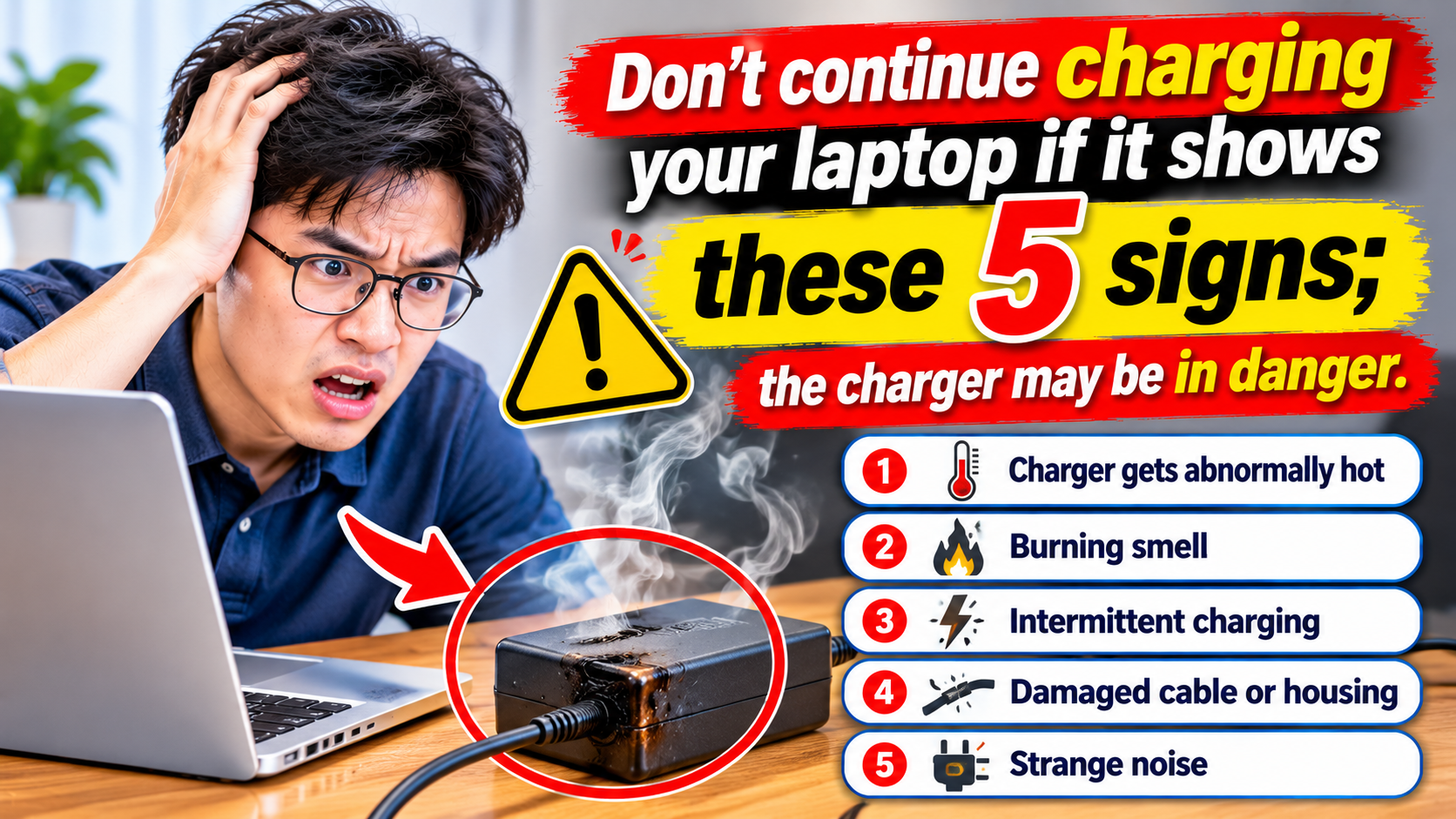
1. The charger shows signs of malfunction.
One of the simplest ways to assess the condition of a laptop charger is to check for signs of external damage. After a period of use, the cables, plugs, or protective casing of the charger may degrade due to environmental factors and improper usage habits.
Signs that require special attention include cracked wires, peeling insulation, exposed inner wires, abnormal bending or kinking of cables, or discoloration. These indicate that the protective layer of the conductor has been damaged, increasing the risk of electrical leakage during use.
Besides the cable, users should also check the plastic power adapter on the charger. If this part shows cracks, deformation from impact, or signs of melting, its ability to protect the internal components may no longer be guaranteed. Similarly, bent, loose, or deformed pins can also cause unstable electrical contact, resulting in intermittent charging.
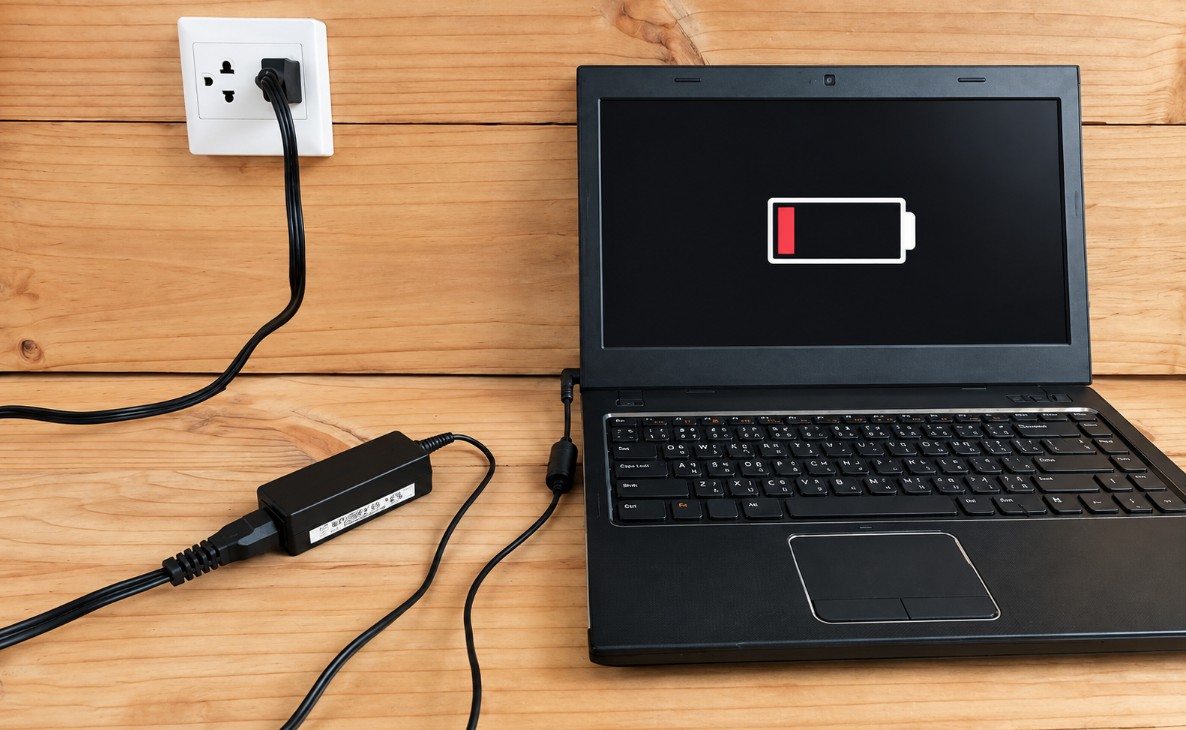
When physical damage like the above is detected, users should not continue using the charger because the risk of electrical accidents is quite high. Attempting to wrap tape around the damaged wire is only a temporary solution and cannot guarantee long-term safety.
Besides visible faults, chargers can also suffer internal damage without obvious external signs. For example, if a charger has been exposed to water, high humidity, or a significant height, the internal components may be affected. This damage can reduce power conversion efficiency, cause overheating, or lead to unstable operation.
Therefore, even if the charger can still charge the laptop after such incidents, users should still check it carefully or replace it to avoid future risks.
2. Unusual sounds or smells appear.
During operation, some laptop chargers may emit a very faint buzzing sound due to the internal electronic components converting current. This is usually normal if the sound is quiet and doesn't occur frequently.
However, if the buzzing becomes louder, occurs continuously, or is accompanied by crackling or popping sounds, users should pay attention as this could be a sign that the charger is malfunctioning. Internal components such as the inductor, capacitor, or power conversion circuit may have failed, causing the charger to no longer function properly.
Another dangerous sign is a burning smell coming from the charger. A burning smell, the smell of melting plastic, or the smell of heated electronic components often indicates that the charger is overheating or experiencing an electrical problem. If you notice an unusual smell or smoke, you should immediately unplug the charger from the power outlet and stop using it.
Continuing to charge a laptop when it shows signs of burning can increase the risk of short circuits, damage the laptop, and even endanger the user.
Small changes in the sound or smell of your charger should not be taken lightly. These are often early warning signs of more serious problems.
3. Laptop charges slower than usual.
One common sign that your laptop charger is malfunctioning is a significant decrease in charging speed compared to before. If your laptop used to fully charge in a few hours but now takes much longer, the cause could be that the charger is no longer providing enough power.
During use, forcefully pulling the power cord, bending it too much, or improperly coiling it can damage the internal conductive wires. Even if the outside of the cord appears intact, the inner core may be broken or its ability to transmit electricity may have deteriorated. This will cause the power supply to the laptop to become unstable, affecting charging speed.
In addition to the cable, users should also check the connection ports between the charger and the laptop. Dust, debris, or pet hair stuck in the charging port can reduce electrical contact, making power transmission inefficient.
However, not all cases of slow laptop charging are due to the charger. A worn-out laptop battery after prolonged use can also cause the device to charge less efficiently. Therefore, users should check the battery status using battery management tools or software to determine the exact cause.
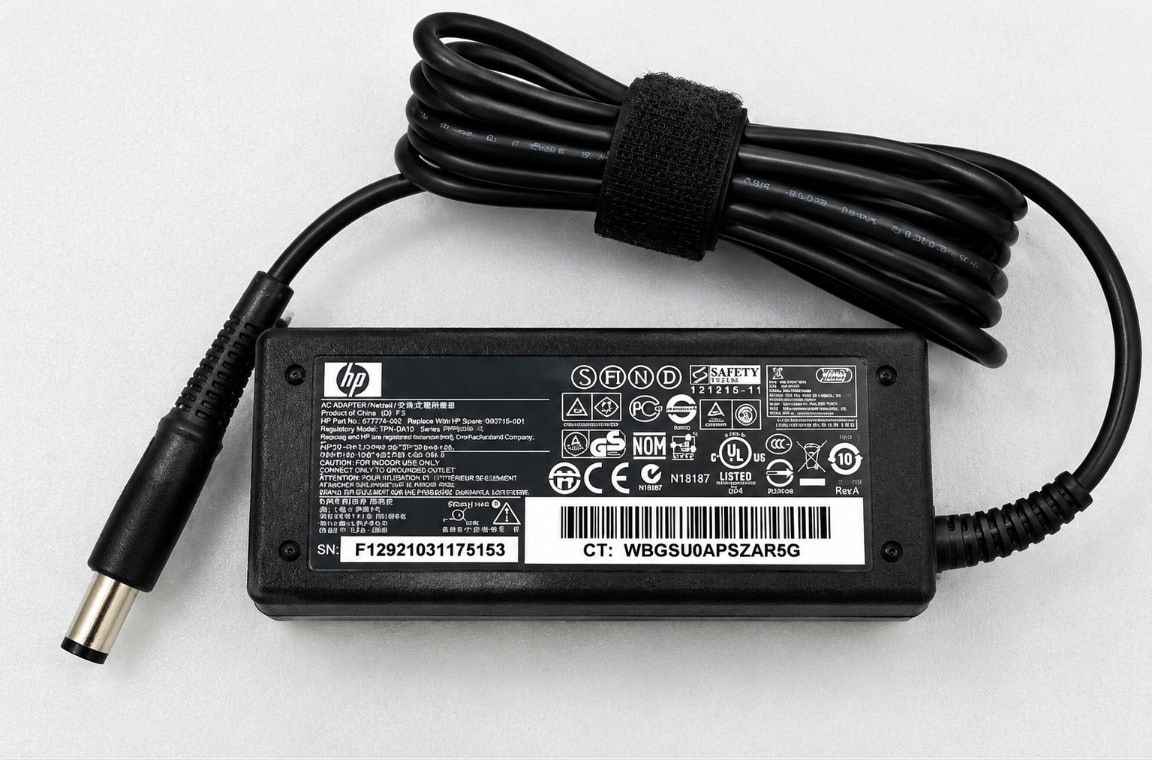
If the battery is still working well but the charging speed has decreased, the charger may be the part that needs to be checked and replaced.
4. The charger gets unusually hot during use.
It's perfectly normal for laptop chargers to generate heat during operation. The charger has to convert the electricity from the household power supply into the appropriate voltage to power the laptop, so a certain amount of heat will be generated in this process.
However, if the charger becomes excessively hot to the touch, especially significantly hotter than before, this could be a sign of an internal problem. Degraded electronic components, unstable switching circuitry, or poor heat dissipation can all cause the temperature to rise.
Excessive heat not only reduces the lifespan of the charger but can also damage internal components. In severe cases, the accumulated heat can lead to burnout or a fire hazard.
Besides unusual heat, users should also pay attention when plugging the charger into the power outlet. If sparks appear, observe the color and intensity of the sparks. A small, fleeting blue spark may sometimes be due to electrical discharge upon contact. However, yellow or orange sparks, prolonged sparks, or sparks accompanied by a burning smell could be an abnormal sign, indicating damage to the plastic or internal components.
When encountering these issues, users should stop using the charger and replace it with a new one instead of continuing to experiment repeatedly.
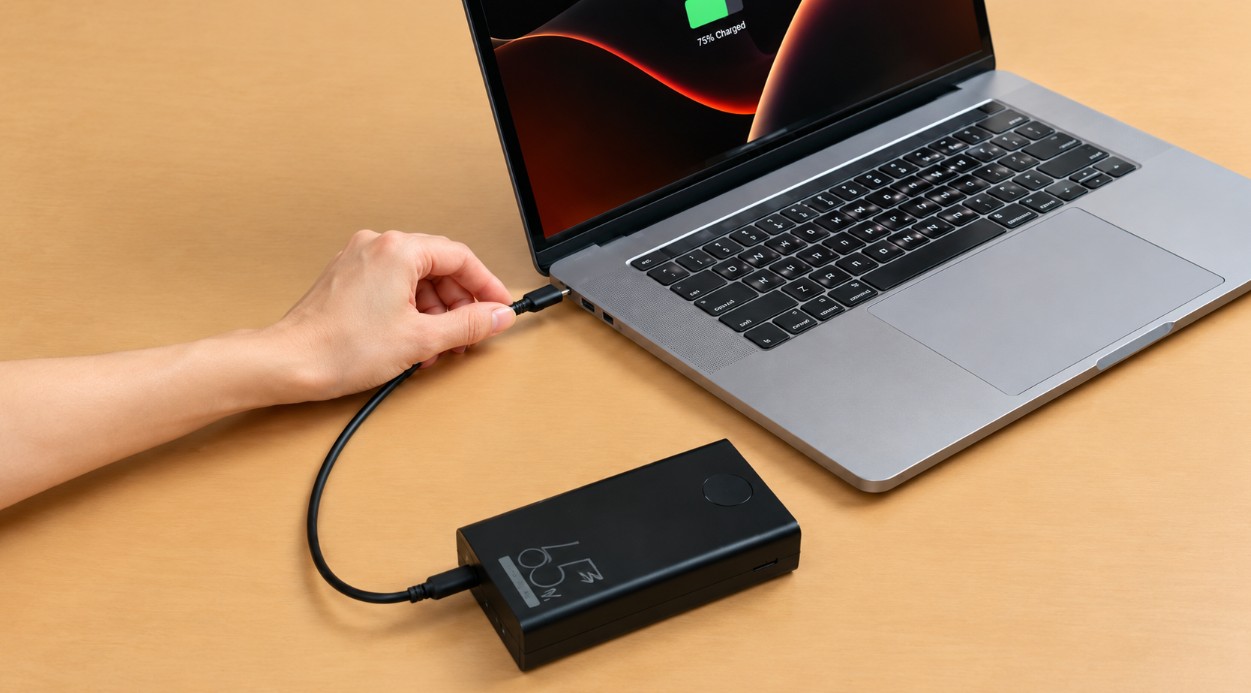
5. The circuit breaker trips when the charger is plugged in.
Another serious sign that your laptop charger may be faulty is when the circuit breaker automatically trips every time you plug it in. This is a safety mechanism of the electrical system to prevent excessive current or electrical leakage that could cause danger.
When the charger experiences a serious fault, such as a short circuit or leakage current, it can cause an abnormal surge in current. At this point, the circuit breaker will automatically trip to limit the risk of fire or damage to other electrical devices in the house.
In this case, users can try plugging the charger into a different outlet to determine the cause. However, if the circuit breaker continues to trip, do not attempt to use that charger further.
Replacing the charger with a new one is a safer option, especially if the charger shows signs of electrical malfunction. Users should choose a genuine charger or one with specifications compatible with their laptop to ensure compatibility and safety during use.
6. Conclusion
Laptop chargers are just as important as the battery or other internal components. A faulty charger not only affects the usability of the laptop but also poses numerous safety risks.
Signs such as damaged cables, burning smells or strange noises, unusually slow laptop charging, overheating chargers, or the power switch tripping when plugged in are all warnings that users should not ignore.
Regularly checking your charger and replacing it when necessary is a simple way to protect your laptop, extend its lifespan, and prevent dangerous electrical incidents. When any unusual signs are detected, users should prioritize safety over continuing to use a potentially faulty charger.





















VIP Products








Best Selling Products
Capcut Pro 1 Year
39 USD
Genuine Cheap Canva Pro
39 USD
Plugin Retouch4me
69 USD
Adobe Photoshop Copyright - Full App
120 USD
Copyright Adobe Lightroom Account
59 USD
Autodesk All App Account Copyright
120 USD
Genuine Adobe Illustrator account
99 USD
Upgrade genuine Capture One account
120 USD
Upgrade Duolingo Super
29 USD
Freepik Premium Account
59 USD
Adobe Premiere Pro Account
99 USD
Windows 10 & 11 Pro Key
36 USD
Upgrade Genuine Office 365
49 USD
ChatGPT Plus Account (GPT-4)
16 USD
MidJourney Account
29 USD