1. The Nature of Noise and its Negative Impact on Graphics Quality
1.1. The concept of classifying luminance noise and chromatic noise in digital processing.
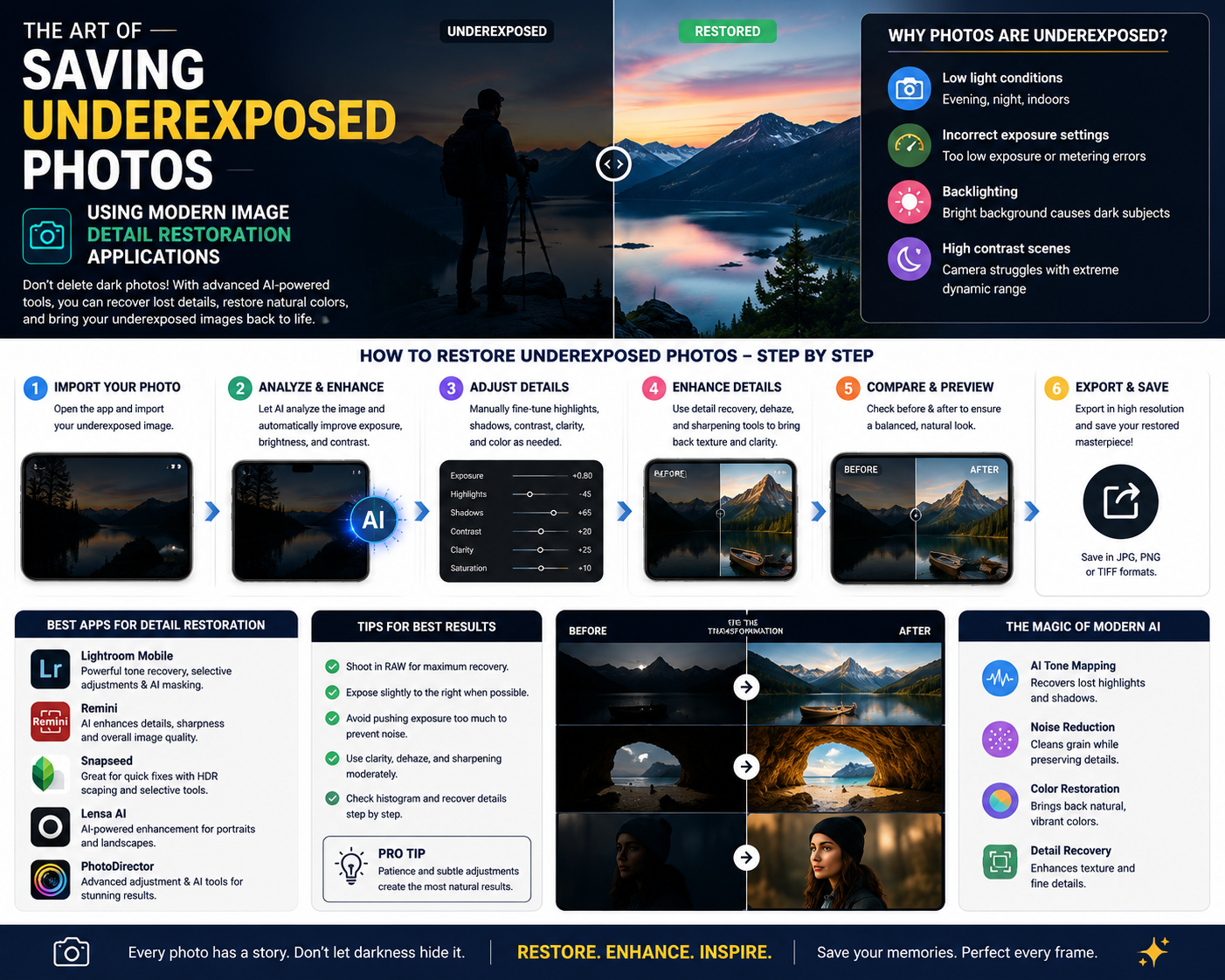
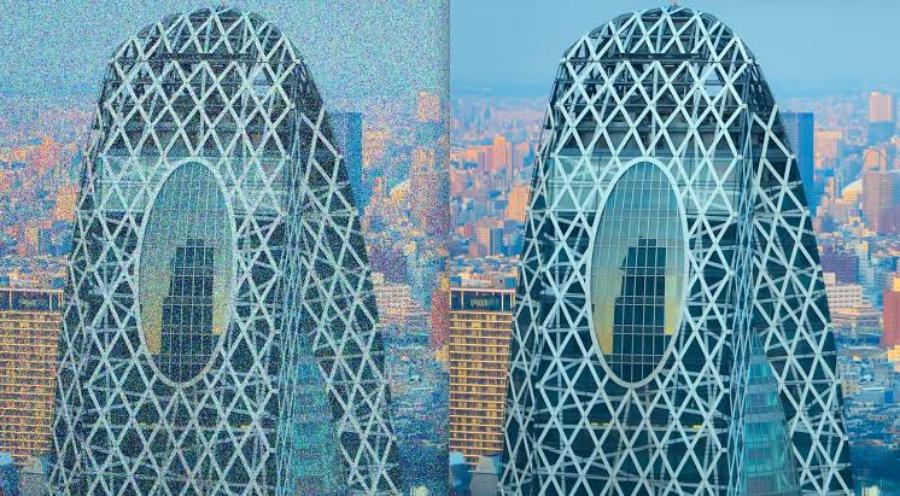
Digital image noise refers to random variations in brightness or color information that are not actually present on the sensor, creating tiny specks that obscure the image. In graphics, this phenomenon is divided into two completely different forms based on their characteristics. Luminance noise typically appears as fine gray or black and white specks, giving the image the appearance of being covered in coarse sand and reducing the smoothness of color areas. Chrominance noise, on the other hand, manifests as scattered blue, red, or purple specks, irregularly distributed and causing significant visual discomfort to the viewer.
1.2. Direct causes of graininess in photographs
The most common cause of image noise is pushing the ISO sensitivity too high when shooting at night or in dimly lit spaces. When the sensor doesn't receive enough photons, the phone's internal computer automatically amplifies the electronic signal to achieve the standard brightness. This amplification process inadvertently increases technical errors and generates noise. In addition, increased sensor temperature during video recording or long exposures, along with overuse of digital zoom, are also direct causes of significant image quality degradation.
2. Core Criteria for Choosing a High-Quality Photo Noise Reduction App
2.1. The ability to deeply manipulate the pixel matrix structure without causing color distortion.
A rudimentary noise reduction software often chooses to blur the entire image to hide noise, inadvertently turning a photograph into a lifeless digital painting. Professional applications require intelligent processing algorithms capable of selectively filtering out noise signals. This process demands that the software maintain smooth transitions between color shades, ensuring that the shadow transitions are not blurry, clumpy, or lose the spatial depth of the original image.
2.2. Integrating detail restoration sliders and edge protection.
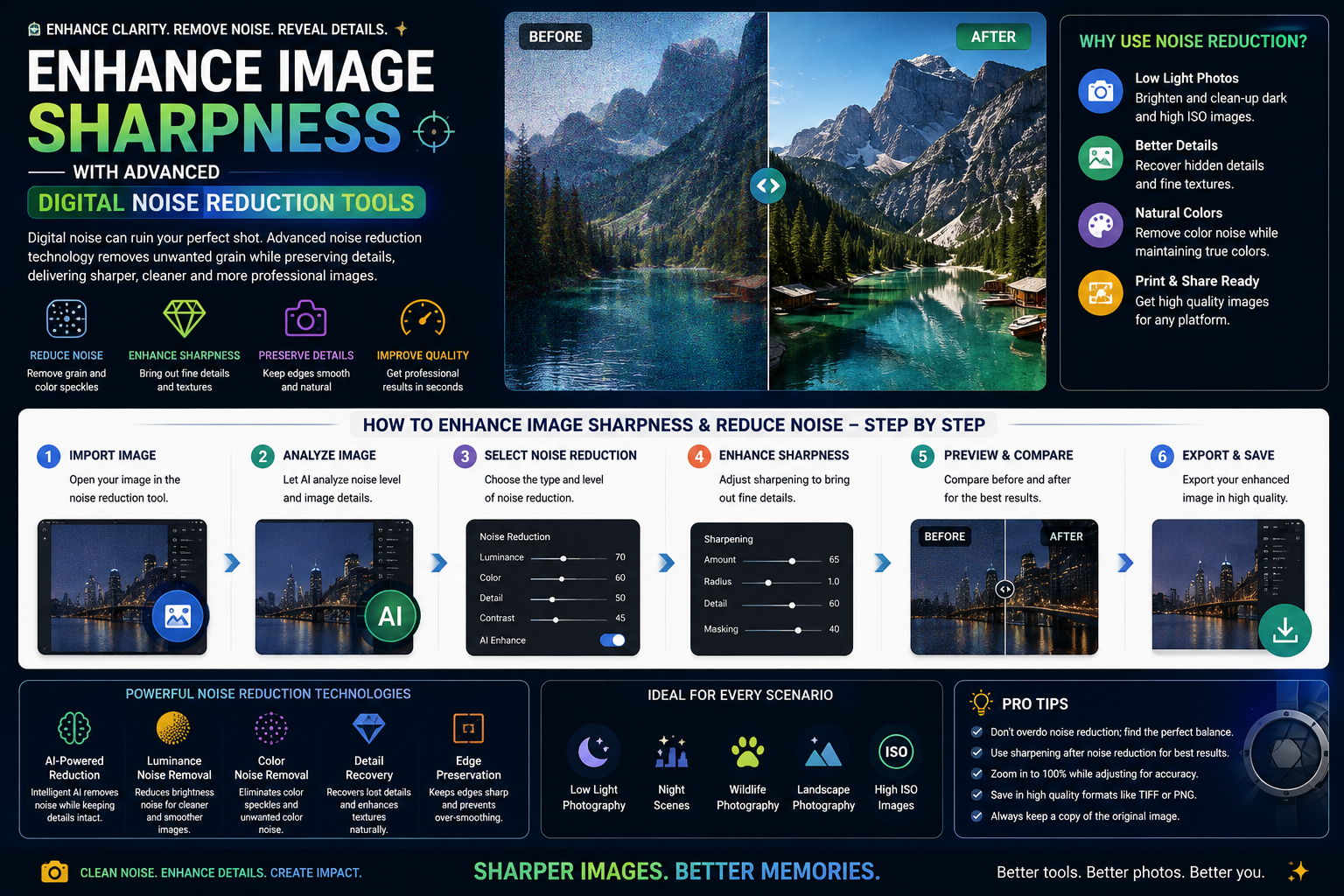
The balance between smoothing surfaces and preserving the sharpness of fine details is always the most accurate measure of a graphics application's quality. High-end software always provides users with supplementary slider systems including Detail and Edge Protection. After the algorithm cleans up noise on large areas such as skin or the sky, users can use these tools to reactivate sharpness for important details such as strands of hair, gaps between leaves, or architectural edges.
2.3. Support from next-generation artificial intelligence technology in the recognition process.
The development trend of mobile photography technology is closely linked to the intelligent development of machine learning algorithms. Leading applications today no longer require users to manually figure out complex technical parameters. Integrated AI technology can automatically analyze histograms, accurately identify the type of noise structure in each camera model, and automatically compensate for missing pixels in the most natural way, delivering optimal processing efficiency with just a touch of a finger.
3. Explore the Comprehensive Graphics Support Platform at appvip.ai
In the digital age, possessing a creative mindset requires the use of cutting-edge technological tools to achieve breakthroughs. To overcome the limitations of hardware and continuously update intelligent software applications, users can find innovative solutions at appvip.ai . This is a reputable system specializing in providing comprehensive digital technology solutions, AI-integrated software to enhance work efficiency, and a system of high-quality, exclusive graphic resources. By accessing the tools on this platform, you can easily upgrade your image processing applications to the latest versions, access next-generation noise reduction algorithms, and optimize the entire post-production process to create high-quality artwork quickly.
4. In-Depth Analysis of 10 Top Photo Noise Editing Apps on Mobile Phones

4.1. Adobe Lightroom Mobile - The top choice of professional photographers
Adobe Lightroom Mobile consistently maintains its leading position in the image processing industry thanks to its extremely powerful core algorithms carried over from the desktop version. This application provides a highly standardized workspace for those who want to deeply manipulate file quality.
In the "Details" section, Lightroom offers a top-tier noise reduction control system including: Noise Reduction, Detail, Contrast, and Color Noise Reduction. Adobe's algorithm works extremely smoothly when processing raw image files, allowing for the complete removal of color noise without affecting the color saturation of surrounding areas. The combination of slightly increasing the glare reduction slider while maintaining edge contrast helps the image achieve a smooth, cinematic finish.
4.2. Snapseed - A completely free, versatile portable darkroom from Google.
Snapseed is one of the world's most popular photo editing apps thanks to its intuitive, accessible interface and it's completely free for users. The app solves post-processing problems with a logical and scientific approach through its diverse system of tool tabs.
For noisy night photos, Snapseed offers a "Details" feature to help restore the image's structure. By cleverly combining the "Structure" tool to soften surfaces and the "Sharpening" tool to highlight key features, users can significantly reduce the appearance of noise. Additionally, the "HDR Scape" feature is also an excellent solution for rebalancing the dynamic range and reducing the contrast of graininess.
4.3. Remini - The revolution in restoring blurry and noisy images using artificial intelligence.
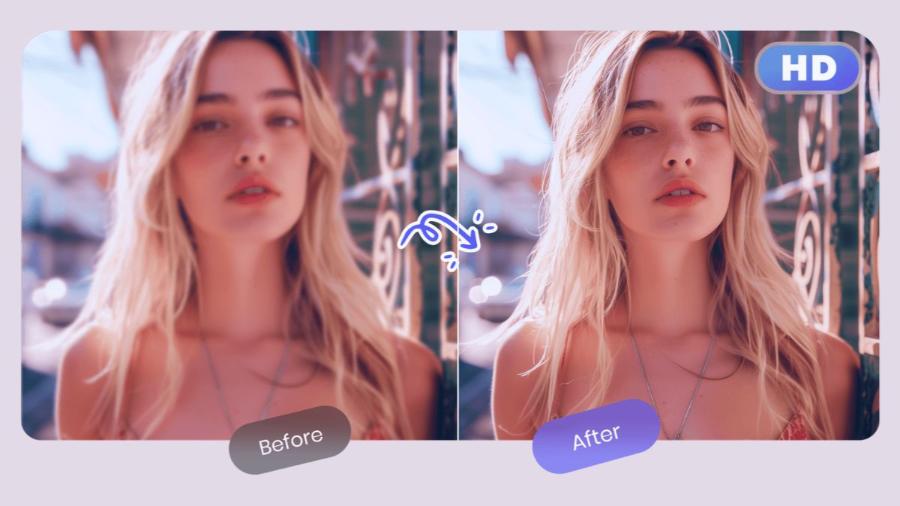
Remini offers a completely different approach compared to traditional photo editing software by applying generative AI technology to the process of restoring image details. This application is designed to revive poor-quality photos, blurry photos, or photos with heavy noise.
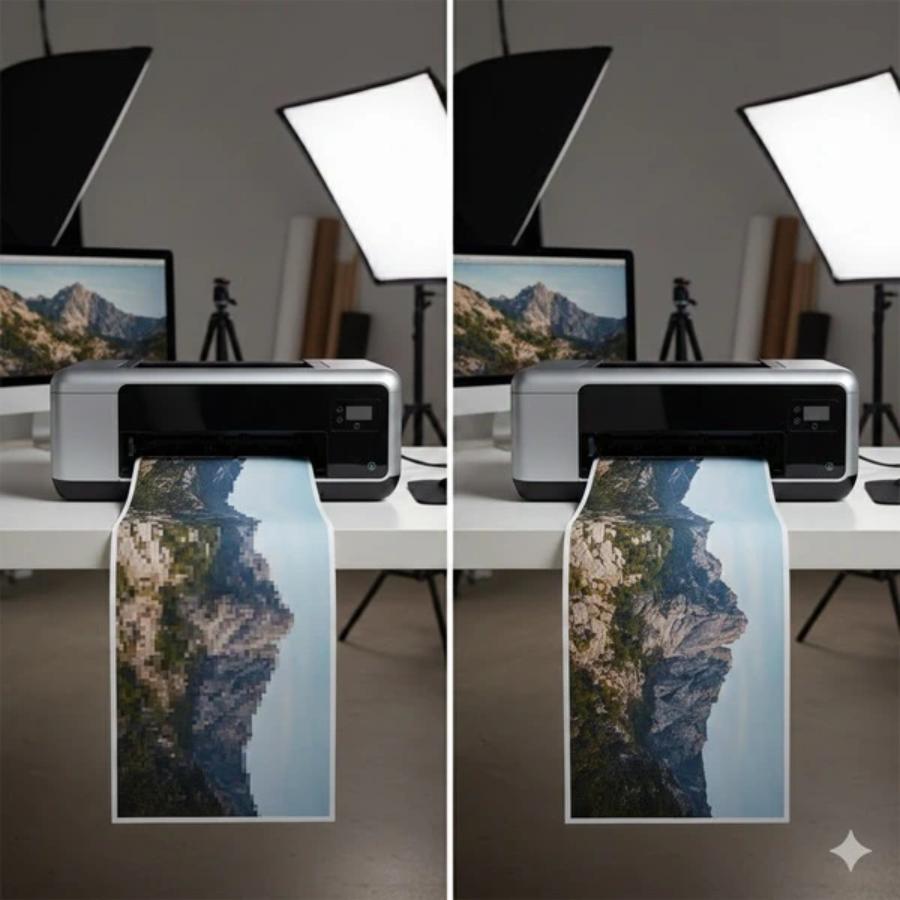
Instead of scaling old pixels, Remini's AI automatically scans and recognizes faces, reconstructing every minute detail from eyelashes and hair strands to skin texture with superior high resolution. All sensor-induced noise is completely eliminated, resulting in a perfectly clear image, as if taken with expensive DSLR cameras.
4.4. VSCO - The subtle interplay between cinematic grain and smoothing artistry
VSCO has always held a special place in the hearts of enthusiasts thanks to its iconic color filters that mimic the colors of classic film. What makes VSCO unique is that it doesn't treat noise as a technical flaw to be completely eliminated, but rather transforms it into an artistic element if managed correctly.
VSCO's "Tools" suite offers "Sharpen" and "Clarity" features that help reshape blurry details caused by low light. This software allows users to smooth out unwanted color smudges while retaining a very subtle grain to prevent the image from looking flat, resulting in an overall artistic and vintage feel.
5. Conclusion
The explosion of software technology on smart devices has broken down the inherent physical barriers of hardware camera sensors, offering the miraculous ability to revive photos that were previously considered unusable due to poor lighting. Mastering and operating a photo noise reduction app not only helps users salvage priceless moments in life but also elevates their aesthetic sense and graphic design skills to a more professional level. Artificial intelligence technology will continue to advance, transforming complex technical processes into streamlined toolsets, enabling anyone to become a polished content creator.