Best Selling Products

Upgrade Genuine Office 365
49 USD

Adobe Photoshop Copyright - Full App
120 USD

Copyright Adobe Lightroom Account
59 USD

Plugin Retouch4me
69 USD

Upgrade genuine Capture One account
120 USD

Freepik Premium Account
59 USD

Windows 10 & 11 Pro Key
36 USD

Genuine Cheap Canva Pro
39 USD

Upgrade Duolingo Super
29 USD

Autodesk All App Account Copyright
120 USD

Genuine Adobe Illustrator account
99 USD

Adobe Premiere Pro Account
99 USD

MidJourney Account
29 USD

Capcut Pro 1 Year
39 USD

ChatGPT Plus Account (GPT-4)
16 USD
Everything You Need to Know About the Best Free Video Editing Programs Worth Using in 2026
Nội dung
- 1. What is a free video editing program?
- 2. What factors make the best free video editing software?
- 2.1 Powerful and easy-to-use editing features
- 2.2 Fewer limitations for free users
- 2.3 Stable performance and flexible video export capabilities
- 2.4 Easy to learn and accessible for beginners
- 2.5 Integration of many modern additional features
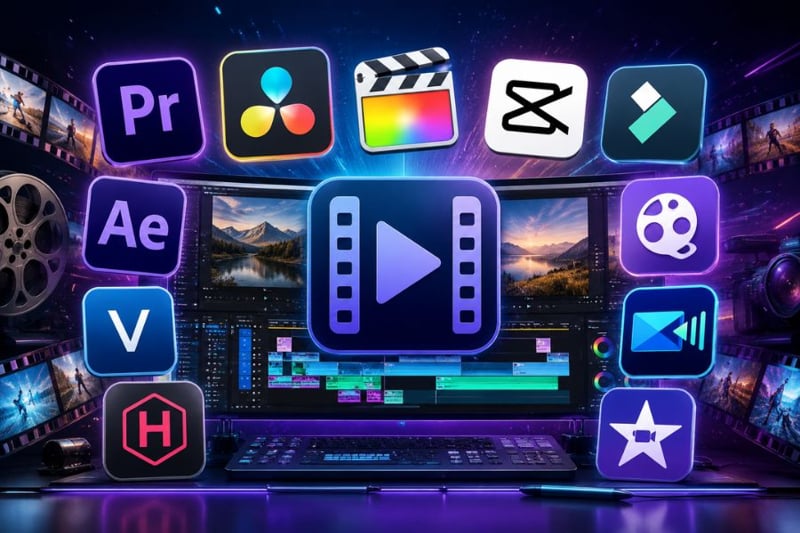
- 3. Overview of the best free video editing programs
- 4. Detailed review of the best free video editing programs
- 4.1 DaVinci Resolve – The leading professional free video editing program
- 4.2 CapCut – A modern and easy-to-use free video editing program
- 4.3 Adobe Premiere Rush – A free video editing program for quick editing
- 4.4 Clipchamp – A convenient online free video editing program
- 4.5 iMovie – The best free video editing program for Apple users
- 4.6 Kdenlive – A powerful open-source free video editing program
- 5. Conclusion
Video is becoming an important content trend across all digital platforms. Therefore, the demand for a free video editing program is becoming increasingly popular in 2026.
1. What is a free video editing program?
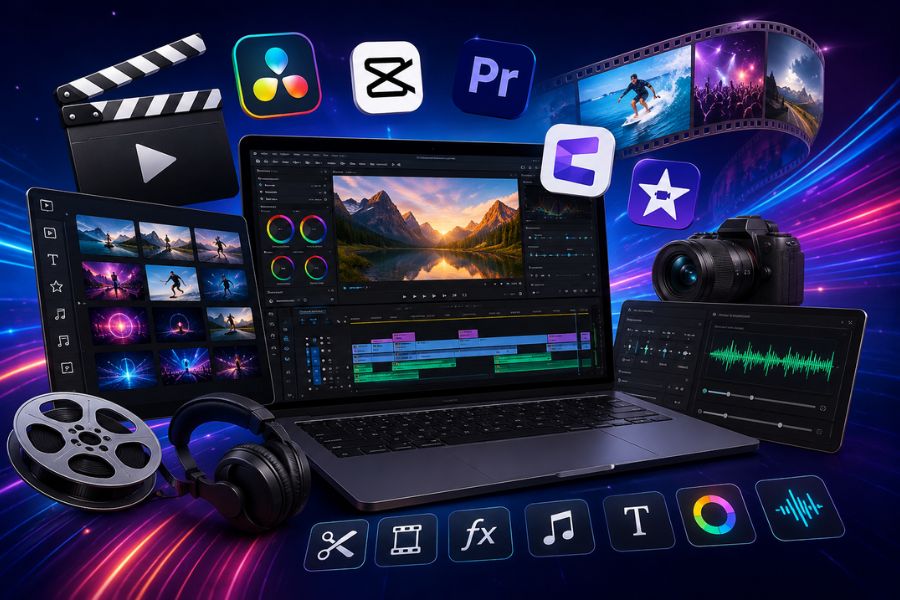
A free video editing program refers to software or applications that help users cut and merge clips, add effects, insert music, adjust colors, and export videos without requiring payment. This is a solution chosen by many people who want to create TikTok videos, YouTube content, vlogs, or sales videos but do not yet have the budget to invest in expensive professional software. Today, many free tools have integrated smart AI, making video editing simpler, faster, and more accessible than ever before.
These free video editing programs are not only for professionals but are also suitable for students, office workers, and people just starting content creation. With only a few simple steps, users can create attractive, engaging videos with their own unique style. Thanks to the rapid development of technology, free software now features friendly interfaces, many modern effects, and high-quality export capabilities, effectively meeting creative needs in the digital era.
.jpg)
2. What factors make the best free video editing software?
2.1 Powerful and easy-to-use editing features
A good free video editing program should first provide all essential editing features such as cutting and merging clips, inserting music, adding effects, and exporting high-quality files. In addition, many software options now integrate AI technology for automatic subtitle generation, background removal, and text-based editing. What matters is not only the number of features but also the smooth user experience, allowing both beginners and professional content creators to work easily and quickly.
2.2 Fewer limitations for free users
A worthwhile free video editing program should allow Full HD video exports without annoying watermarks. This is one of the most important factors users consider when choosing free editing software for YouTube, TikTok, or Facebook. Additionally, unlimited exports and access to essential effects allow users to create freely without needing to upgrade too soon.
2.3 Stable performance and flexible video export capabilities
Performance is the factor that determines whether the editing experience is truly smooth. A quality free video editing program should run stably even on mid-range devices. Video preview playback should minimize lag while supporting multiple export formats suitable for different publishing platforms. Some software also supports direct export to YouTube or TikTok, helping users save significant time.
2.4 Easy to learn and accessible for beginners
Not everyone has professional video editing experience, so an intuitive interface and clear tutorials are major advantages. A good free video editing program often comes with tutorial videos, supporting documentation, or a large user community to help beginners quickly get familiar. As a result, users can learn video editing at home without joining complicated courses.
2.5 Integration of many modern additional features
Beyond basic editing capabilities, many free video editing programs today are developed as versatile creative toolkits. Users can edit audio, add subtitles, manage media libraries, or connect directly with cloud storage services. These additional features not only optimize workflow but also enhance video quality more professionally, making them especially suitable for content creators in the digital age.
.jpg)
3. Overview of the best free video editing programs
| Free video editing program | Support platform | Who is it suitable for? | Key features | Limitations of the free version |
| DaVinci Resolve | Windows, Mac | People who need professional video editing | Integrates video editing, audio, effects, and post-production in a single software program. | Outputs 4K 60fps video, but some advanced effects are limited. |
| CapCut | Windows, Mac, Web | TikTok and YouTube content creators | Simple drag-and-drop interface, AI support, and multiple effects with just one click. | Some templates and premium features require payment. |
| Adobe Premiere Rush | Windows, Mac | People who need to quickly create videos to post on social media. | Automatically create videos from selected clips, simple operation. | Limited access to some advanced editing tools. |
| Clipky | Web, Windows | People who like to edit videos online. | A wealth of free resources from the Microsoft ecosystem. | Only supports video output up to 1080p. |
| iMovie | Mac, iPhone, iPad | Apple ecosystem users | Powerful synchronization with iCloud and an extremely easy-to-use interface. | Only supports 16:9 aspect ratio. |
| Kdenlive | Windows, Mac, Linux | Linux users or those who need powerful free software. | Many advanced tools such as green screen, video synchronization, and sophisticated effects. | GPU rendering features are still under testing. |
4. Detailed review of the best free video editing programs
4.1 DaVinci Resolve – The leading professional free video editing program
When talking about professional free video editing programs on Windows and Mac, DaVinci Resolve is always one of the highest-rated names. This software offers a complete editing ecosystem with filmmaking tools, color grading, audio processing, and advanced effects. Its highlight is its ability to support cinematic-standard editing while remaining free for general users. In addition to its intuitive interface, the software provides a large number of tutorials and a strong support community, making it easier for beginners to learn and improve their editing skills. Although it may feel slightly complex for newcomers, if you are serious about content creation, this is definitely the most worthwhile free video editing program to experience today.
.jpg)
4.2 CapCut – A modern and easy-to-use free video editing program
CapCut is a free video editing program that is extremely suitable for users who love simplicity but still want advanced features. Its intuitive drag-and-drop interface allows beginners to edit videos after only a few minutes of practice. Besides basic actions such as cutting clips and adding music, CapCut also supports background removal, color adjustment, AI effects, and text-based video editing. Its greatest advantage is the ability to export high-quality 8K videos in multiple professional formats completely free. Although some advanced features require a Pro upgrade, the free version is still powerful enough to create impressive TikTok, Reels, and YouTube Shorts videos.
4.3 Adobe Premiere Rush – A free video editing program for quick editing
If you need a simple free video editing program for creating videos quickly, Adobe Premiere Rush is a highly worthwhile choice. The software is optimized for social media creators with a clean and easy-to-use editing workflow. Simply select your desired clips, and Premiere Rush will automatically combine, arrange, and generate a video in a short time. In addition, the application supports adding background music, sound effects, and direct export to YouTube or Facebook. Although it lacks advanced tools such as professional color grading or multicam editing, Premiere Rush remains an ideal free video editing program for users who value speed and convenience.
.jpg)
4.4 Clipchamp – A convenient online free video editing program
Clipchamp is a free video editing program that runs directly in a web browser, making it suitable for users who do not want to install heavy software on their computers. Despite being an online platform, Clipchamp still delivers a smooth editing experience with a modern drag-and-drop interface. Users can edit multiple tracks, add effects, filters, text, and audio directly in Chrome or Edge. In addition, the software integrates a rich library of free Microsoft resources, making content creation easier. With Full HD export capability and direct sharing support for YouTube and TikTok, Clipchamp is becoming a popular free video editing program today.
4.5 iMovie – The best free video editing program for Apple users
For MacBook, iPhone, and iPad users, iMovie is a familiar and highly user-friendly free video editing program. The software has a simple, easy-to-learn interface while still meeting both basic and advanced editing needs. Users can easily drag and drop videos, add transitions, titles, and edit audio with just a few quick actions. Its highlight is seamless synchronization with the Apple ecosystem and iCloud photo library, making editing from iPhone to Mac completely smooth. Although limited to a 16:9 aspect ratio, its stable performance and smooth user experience make it a highly worthwhile free video editing program for Apple users.
.jpg)
4.6 Kdenlive – A powerful open-source free video editing program
Kdenlive is a standout open-source free video editing program for Windows, Mac, and especially Linux. It is highly rated for offering many professional-level features while remaining completely free. From color grading and effects to green screen compositing, LUT support, and video restoration, Kdenlive handles modern filmmaking needs very well. Its interface is logically designed, intuitive, and provides a professional feel comparable to many famous paid tools. Although GPU rendering features are still being improved, Kdenlive is undoubtedly one of the most comprehensive free video editing programs for users who value flexibility and customization.
5. Conclusion
Choosing the right free video editing program will help you save money while still creating professional-quality products. Depending on your needs, you may prioritize software that is easy to use, AI-supported, or packed with modern video effects. In the future, free video editing tools will certainly continue to evolve rapidly and provide even more convenient creative experiences for users.





















VIP Products








Best Selling Products
Upgrade Genuine Office 365
49 USD
Adobe Photoshop Copyright - Full App
120 USD
Copyright Adobe Lightroom Account
59 USD
Plugin Retouch4me
69 USD
Upgrade genuine Capture One account
120 USD
Freepik Premium Account
59 USD
Windows 10 & 11 Pro Key
36 USD
Genuine Cheap Canva Pro
39 USD
Upgrade Duolingo Super
29 USD
Autodesk All App Account Copyright
120 USD
Genuine Adobe Illustrator account
99 USD
Adobe Premiere Pro Account
99 USD
MidJourney Account
29 USD
Capcut Pro 1 Year
39 USD
ChatGPT Plus Account (GPT-4)
16 USD