Best Selling Products

Genuine Cheap Canva Pro
39 USD

Autodesk All App Account Copyright
120 USD

Upgrade genuine Capture One account
120 USD

ChatGPT Plus Account (GPT-4)
16 USD

Windows 10 & 11 Pro Key
36 USD

Genuine Adobe Illustrator account
99 USD

Capcut Pro 1 Year
39 USD

Upgrade Genuine Office 365
49 USD

Upgrade Duolingo Super
29 USD

Adobe Premiere Pro Account
99 USD

Plugin Retouch4me
69 USD

Adobe Photoshop Copyright - Full App
120 USD

Copyright Adobe Lightroom Account
59 USD

Freepik Premium Account
59 USD

MidJourney Account
29 USD
Genuine CorelDRAW account: Professional design without interruption.
Nội dung
- 1. What is CorelDRAW?
- 2. What is a genuine CorelDRAW account?
- 3. Why should you use a genuine CorelDRAW account?
- 3.1. Stable design, minimizing disruptions.
- 3.2. Greater peace of mind regarding copyright issues.
- 3.3. Opportunity to access new updates
- 3.4. Suitable for professional work
- 4. Key features of CorelDRAW
- 4.1. Sharp vector design
- 4.2. Abundant template and resource library
- 4.3. Professional design and printing support
- 4.4. Non Destructive Effects
- 4.5. Objects Docker
- 4.6. Convenient project work and management
- 5. Advantages and disadvantages of CorelDRAW
- 5.1. Advantages
- 5.2. Disadvantages
- 6. How to get started using CorelDRAW
- 7. Why should you upgrade your official CorelDRAW account at Sadesign?
- 8. Conclusion
A genuine CorelDRAW account is a worthwhile option for designers, printing professionals, businesses, and anyone who frequently works with vector design.
1. What is CorelDRAW?
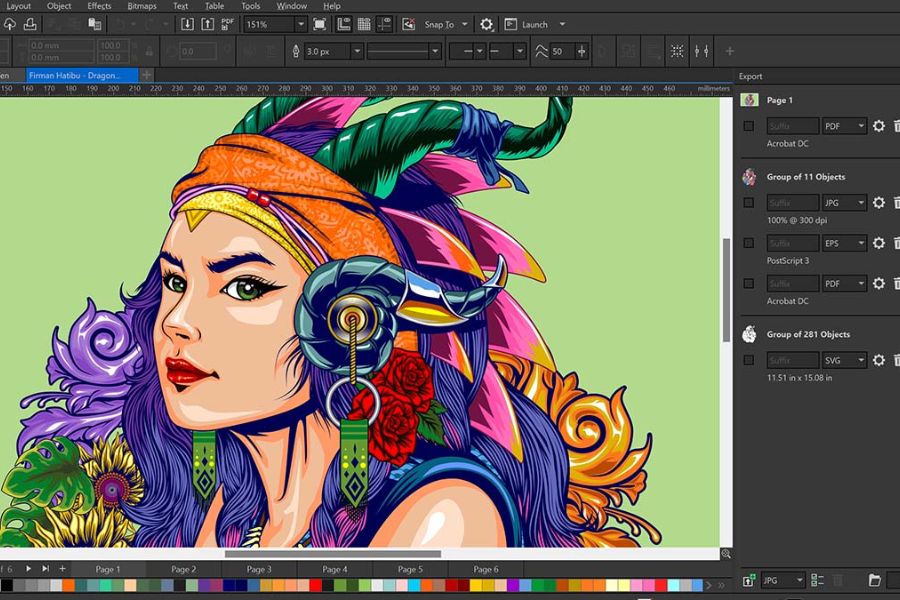
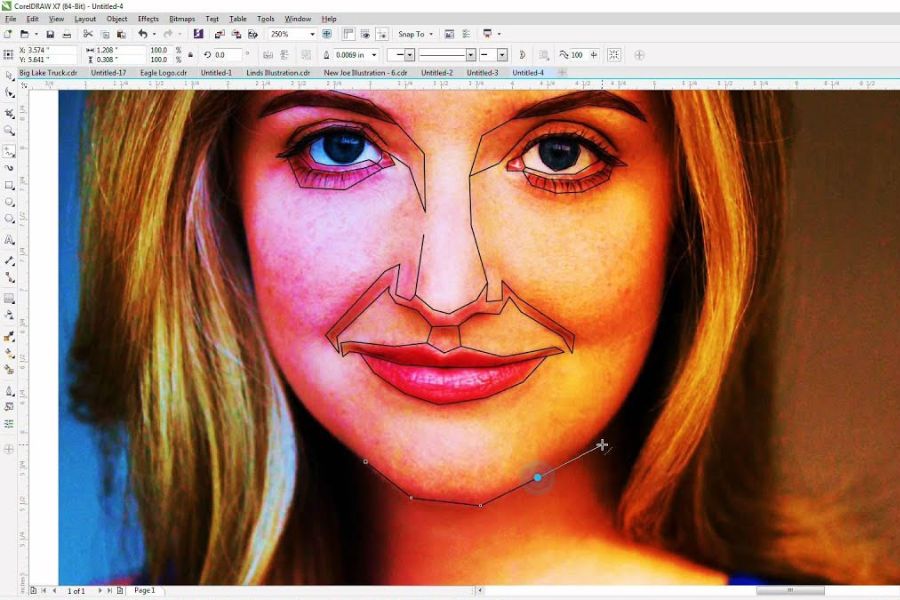
CorelDRAW is a popular graphic design software with a strong focus on creating and editing vector graphics . Unlike raster images, which are composed of pixels, vector graphics are built on lines, points, and geometric objects. This allows designs to be scaled up or down while maintaining sharpness.
This is one of the reasons CorelDRAW is widely used in graphic design, advertising, and especially the printing industry. Users can create a variety of products such as logos, business cards, posters, banners, catalogs, brochures, standees, labels, packaging, stickers, and other business publications. Beyond vector design, CorelDRAW also supports many tools for bitmap processing, color, effects, and object management. Its intuitive interface allows beginners to learn relatively quickly, while its advanced toolset effectively meets the needs of professional designers.
2. What is a genuine CorelDRAW account?
A genuine CorelDRAW account is one that is used with valid access rights according to Corel's licensing policy. Users can log in, activate, and use the software according to their service plan or license without relying on unofficial activation methods.
The key advantage of a legitimate account lies in its stability and transparency. When working on important projects, especially those for clients or businesses, using licensed software helps mitigate risks related to unexpected software outages, activation errors, or license warnings. Furthermore, depending on the version and service package, users can access updates, new features, and Corel's support ecosystem. This is a crucial factor to consider if you use CorelDRAW frequently and want to build a long-term design workflow.
3. Why should you use a genuine CorelDRAW account?
3.1. Stable design, minimizing disruptions.
For designers, software stability directly impacts workflow progress. A project nearing completion can result in significant time wasted if the software malfunctions, causing activation errors or inaccessibility.
Using a genuine CorelDRAW account streamlines the workflow and reduces reliance on unofficial activation methods. This is a suitable option for those who frequently use CorelDRAW for their daily work.
3.2. Greater peace of mind regarding copyright issues.
Software licensing is increasingly important to businesses and clients alike. For design studios, agencies, or printing companies, using software with valid licenses demonstrates professionalism in their operations.
In particular, if CorelDRAW is used on computers for business purposes, choosing a primary account will give the business more control over software management and minimize unnecessary risks.
3.3. Opportunity to access new updates
Graphics software is constantly being improved to meet the ever-increasing demands of users. Updates can add tools, improve performance, or enhance compatibility with file formats.
By using a valid account and the appropriate version, users can proactively monitor updates from the developer instead of relying on installations from unknown sources.
3.4. Suitable for professional work
If you're only designing for personal needs, many people might not notice a significant difference between the various options. However, for professional designers, each tool can impact the speed and quality of their work.
A stable design environment allows you to focus on ideas, operations, and product refinement instead of wasting time dealing with software-related issues.
4. Key features of CorelDRAW
4.1. Sharp vector design
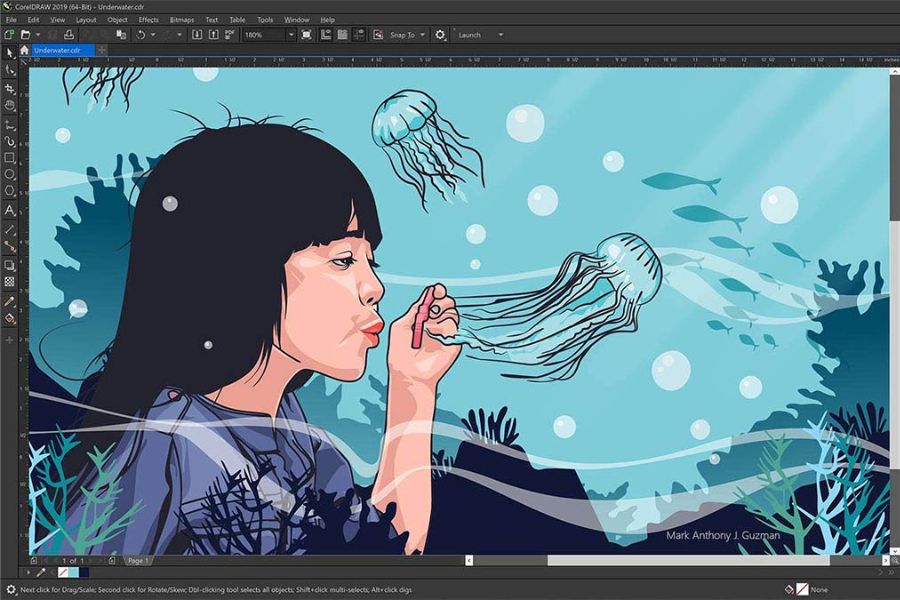
CorelDRAW's vector processing capabilities are a standout strength. Users can create lines, shapes, icons, and many other graphic objects.
A major advantage of vector graphics is their ability to be resized flexibly. A logo designed for use on a business card can be scaled up to a larger size for printing on banners or billboards while maintaining sharpness, provided the design is done correctly.
4.2. Abundant template and resource library
CorelDRAW offers numerous design templates and resources to help users get started on projects faster. Templates can be a useful reference when you're stuck for ideas or need to complete a design in a short amount of time.
Users can use the available layout and then change the colors, content, size, images, and graphic elements to create a product that suits their brand or intended use.
4.3. Professional design and printing support
CorelDRAW is highly regarded in the printing industry for its ability to control color, size, and file output. The software supports popular color systems such as RGB, CMYK, and Grayscale, giving designers more control when preparing files.
The ability to support PDF/X standards is also an advantage for the file export process for printing. Designers can check and prepare designs to suit the requirements of each project, minimizing unwanted discrepancies when moving to the printing stage.
4.4. Non Destructive Effects
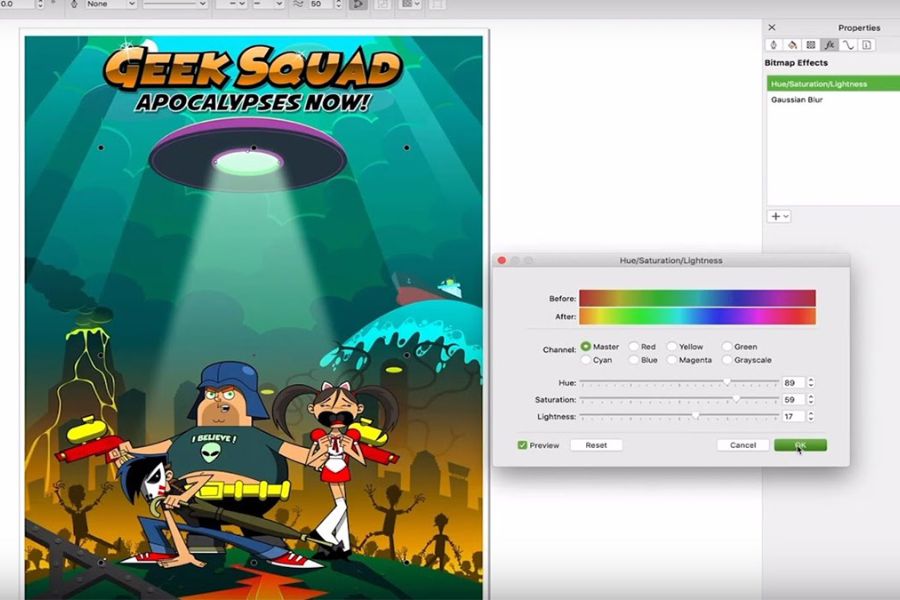
Non-Destructive Effects can be understood as a group of effects that allow users to edit while limiting direct impact on the original object. This is a useful approach when designers need to experiment with different styles.
Instead of having to recreate the design from scratch, users can adjust or change the effects to find the right solution. This makes the creative process more flexible, especially when the design needs to be revised multiple times according to client requirements.
4.5. Objects Docker
Docker Objects helps manage objects within a design. When a file contains many components, controlling each object and its display order can become complex.
With this tool, users can easily select, arrange, and manage objects. This is a useful feature when working with multi-layered designs or those with complex layouts.
4.6. Convenient project work and management
Features related to storing, sharing, and managing designs make it more convenient for users to work across multiple devices or collaborate with other team members.
For freelancers, agencies, or design teams, effective project management can save time and prevent the loss or misuse of design versions.
5. Advantages and disadvantages of CorelDRAW
5.1. Advantages
One of CorelDRAW's strengths is its intuitive interface and relatively accessible toolset. Beginners can easily learn the basics, while experienced designers can still utilize advanced tools.
Some notable advantages include:
-
Flexible vector design capabilities.
-
Supports a wide range of editing and effects creation tools.
-
Suitable for logo design, posters, banners, packaging, and printed materials.
-
Supports multiple popular color systems.
-
It has the capability to export files for various purposes.
-
Assists in managing objects in complex designs.
-
There are resources and design templates available to support the creative process.
-
It has been continuously developed and improved through various versions.
5.2. Disadvantages
Despite its many advantages, CorelDRAW also has some points users need to consider. As it is commercial software, users need to choose a license package that suits their needs and budget.
Furthermore, to fully utilize the entire system of tools, beginners need to dedicate time to learning and practicing. Complex projects may also require a computer with suitable specifications to ensure stable processing speed.
6. How to get started using CorelDRAW
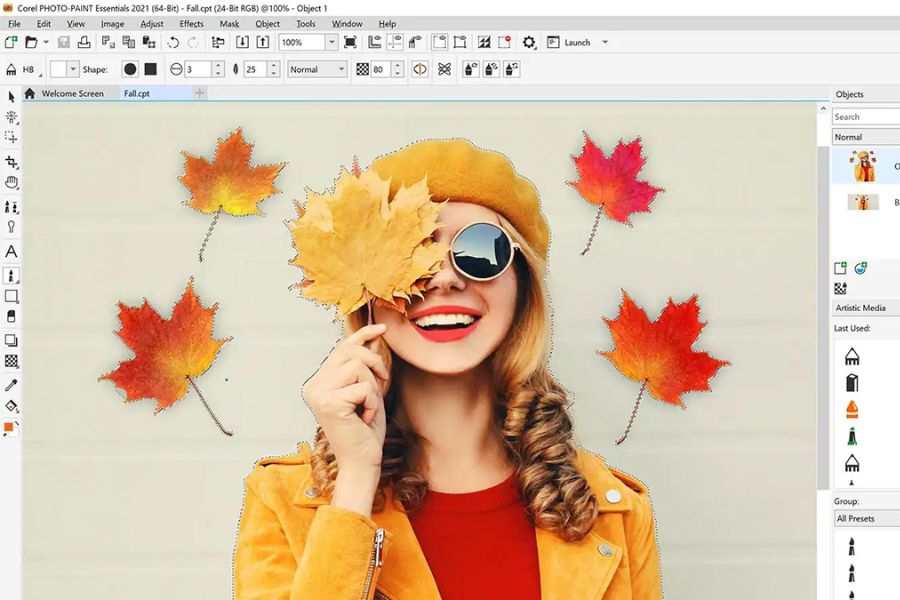
To get started with CorelDRAW, you should first choose a version that suits your operating system and needs. Then, download the software from the official source or use a genuine CorelDRAW account with valid permissions. After installation, log in and activate it according to the provider's instructions. Next, you can begin to familiarize yourself with the interface, toolbars, color palettes, workspaces, and basic modeling tools.
Beginners shouldn't try to learn all the features at once. Start with basic operations like creating shapes, selecting objects, resizing, aligning, copying, grouping objects, and using colors. Once you're familiar with the basics, you can move on to techniques like logo creation, text manipulation, blending, contouring, transparency, perspective, envelopes, or advanced effects.
7. Why should you upgrade your official CorelDRAW account at Sadesign?
If you're looking for a genuine CorelDRAW solution for long-term design work, Sadesign is a worthwhile option. Instead of wasting time searching for versions from unknown sources, users can choose an account solution that suits their actual needs. Sadesign aims to provide software solutions and licensed accounts for individuals, designers, freelancers, businesses, and those who frequently work with creative tools. Choosing the right account makes using CorelDRAW more convenient and minimizes unwanted activation issues.
8. Conclusion
Genuine CorelDRAW accounts not only provide a professional design environment but also give users greater peace of mind during the creation, editing, and publishing process. With its strengths in vector graphics, diverse tools, printing support, and many features that optimize workflows, CorelDRAW is suitable for both beginners and professional designers. If you frequently design logos, banners, posters, packaging, catalogs, or other printed materials, choosing a genuine CorelDRAW account is a worthwhile investment. Using a legitimate license allows you to focus more on your work, minimize interruptions, and be more proactive in updating and utilizing the software. When upgrades are needed, choose a suitable package and a reputable provider for a convenient, safe, and long-lasting user experience.





















VIP Products








Best Selling Products
Genuine Cheap Canva Pro
39 USD
Autodesk All App Account Copyright
120 USD
Upgrade genuine Capture One account
120 USD
ChatGPT Plus Account (GPT-4)
16 USD
Windows 10 & 11 Pro Key
36 USD
Genuine Adobe Illustrator account
99 USD
Capcut Pro 1 Year
39 USD
Upgrade Genuine Office 365
49 USD
Upgrade Duolingo Super
29 USD
Adobe Premiere Pro Account
99 USD
Plugin Retouch4me
69 USD
Adobe Photoshop Copyright - Full App
120 USD
Copyright Adobe Lightroom Account
59 USD
Freepik Premium Account
59 USD
MidJourney Account
29 USD