Best Selling Products

Adobe Photoshop Copyright - Full App
120 USD

Genuine Cheap Canva Pro
39 USD

Adobe Premiere Pro Account
99 USD

Windows 10 & 11 Pro Key
36 USD

Genuine Adobe Illustrator account
99 USD

Autodesk All App Account Copyright
120 USD

Capcut Pro 1 Year
39 USD

Freepik Premium Account
59 USD

Upgrade Duolingo Super
29 USD

Plugin Retouch4me
69 USD

Copyright Adobe Lightroom Account
59 USD

ChatGPT Plus Account (GPT-4)
16 USD

Upgrade genuine Capture One account
120 USD

Upgrade Genuine Office 365
49 USD

MidJourney Account
29 USD
Genuine Adobe Illustrator account: A professional, stable, and efficient design solution.
Nội dung
- 1. What is Adobe Illustrator?
- 2. Key features of licensed Adobe Illustrator
- 2.1. Sharp vector design
- 2.2. Pen Tool and Powerful Drawing System
- 2.3. Diverse colors, gradients, and effects
- 2.4. Professional typography design
- 2.5. Flexible file export
- 2.6. Connecting with the Adobe Ecosystem
- 3. Who should use a licensed version of Adobe Illustrator?
- 3.1. Designers and graphic designers
- 3.2. Branding and Marketing Professionals
- 3.3. Artists and Illustrators
- 3.4. Students and beginners in design
- 4. Benefits of using a licensed Adobe Illustrator account
- 5. Which software programs are compatible with Adobe Illustrator?
- 6. Instructions for upgrading your Adobe Illustrator account to a licensed version at Sadesign
- 6.1. Accessing and searching for products
- 6.2. Choosing the right package
- 6.3. Get information and start using it.
- 7. You should upgrade your Adobe Illustrator account to a genuine licensed version at Sadesign.
- 8. Conclusion
In the field of graphic design, a licensed version of Adobe Illustrator is the preferred choice for many designers, businesses, and creative professionals due to its powerful, precise, and flexible vector graphics capabilities.
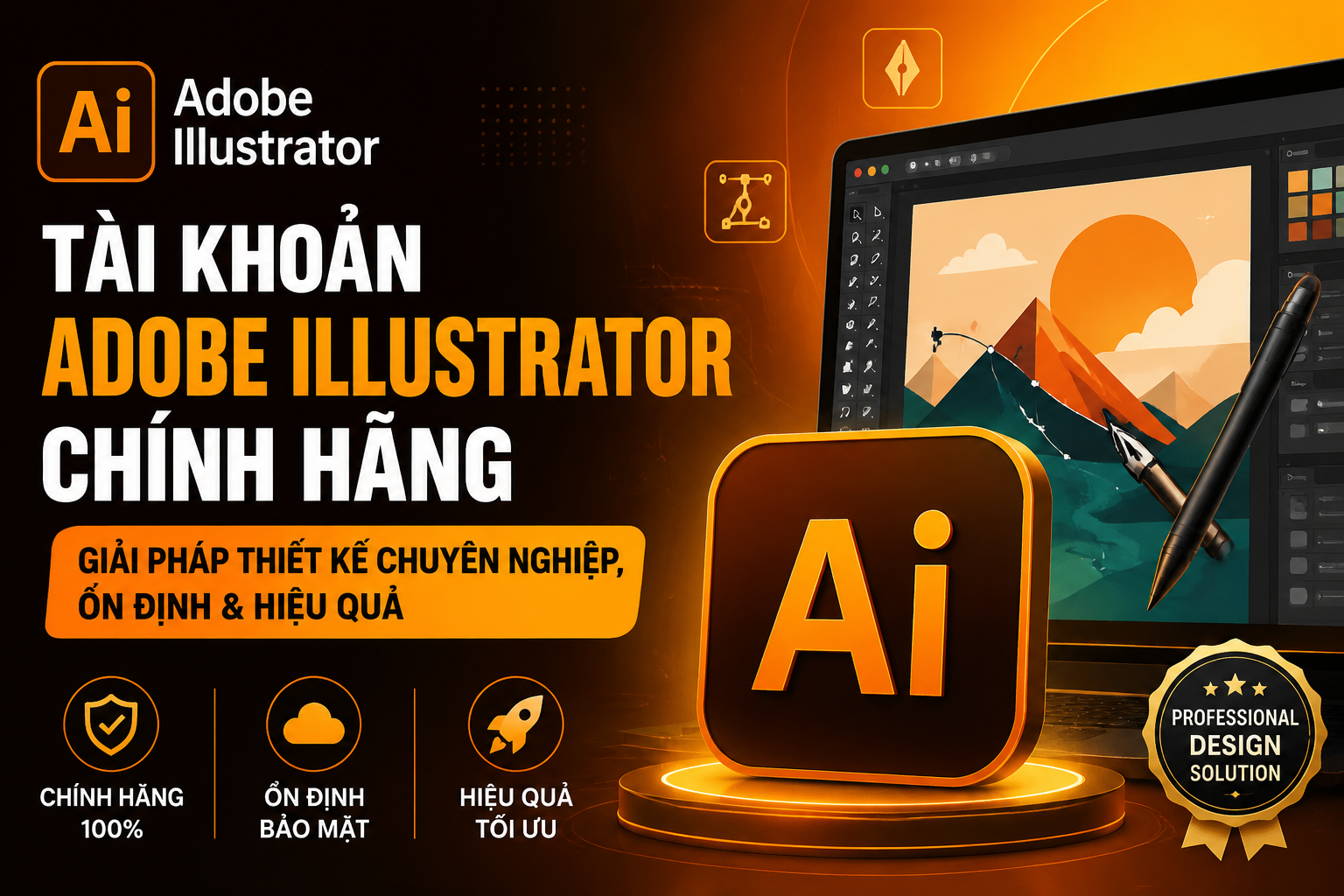
1. What is Adobe Illustrator?
Adobe Illustrator is a popular vector graphics design software developed by Adobe. Unlike raster images, which are typically made up of pixels, vector graphics in Illustrator are built on paths, anchor points, shapes, and mathematical formulas. This allows designs to be scaled up or down while maintaining sharpness.
Illustrator's strength lies in its ability to control every detail in the design. Users can easily create lines, shapes, typography, colors, and graphic effects exactly as they envision. This is also why the software is widely used in brand identity design, advertising, printing, and content creation.
By choosing a licensed version of Adobe Illustrator , users can work with official software and take advantage of the Adobe ecosystem more conveniently. This is especially important for those who frequently work on professional projects requiring stability and high compatibility.
2. Key features of licensed Adobe Illustrator
Not only is Adobe Illustrator famous for its vector design capabilities, but it also boasts a diverse range of tools that help transform creative ideas into visually appealing and professional products.
2.1. Sharp vector design
This is the core feature that made Illustrator famous. Users can create logos, icons, illustrations, textures, and many other graphic elements with flexible zooming capabilities without affecting quality.
In particular, vector design is very suitable for products that need to be used in many different sizes, such as brand logos, signage, packaging, posters, or advertising materials.
2.2. Pen Tool and Powerful Drawing System
Illustrator offers many tools for creating lines and shapes, with the Pen Tool being one of the most important. Users can precisely control anchor points, curves, and paths.
In addition, tools like Shape, Pencil, Curvature, and geometric combination features make the modeling process more flexible, from basic shapes to complex designs.
2.3. Diverse colors, gradients, and effects
Illustrator supports a rich color system, gradients, and various color mixing methods to create designs with depth. Users can build their own color palettes, apply gradients, or combine multiple effects to highlight their products.
Thanks to its excellent color control capabilities, Illustrator is particularly useful for branding projects and print design.
2.4. Professional typography design
Beyond image processing, Illustrator is also a powerful tool for designing text. Users can adjust fonts, sizes, spacing, alignment, and transform text in many different ways.
Typography can be combined with shapes, lines, and effects to create text logos, posters, banners, or other media products with a unique style.
2.5. Flexible file export
Illustrator supports many popular file formats such as AI, SVG, PDF, EPS, and PNG. This makes designs easy to use in both digital and print environments.
In particular, the ability to export SVG is very useful when designing icons, logos, and graphic elements for use on websites or digital platforms.
2.6. Connecting with the Adobe Ecosystem
A major advantage of Illustrator is its ability to integrate with many other applications within the Adobe ecosystem. Designers can use Illustrator alongside Photoshop, InDesign, After Effects, or other tools to build a seamless creative workflow.
This is a notable advantage for those who frequently work on integrated design projects and need to exchange resources between multiple software programs.
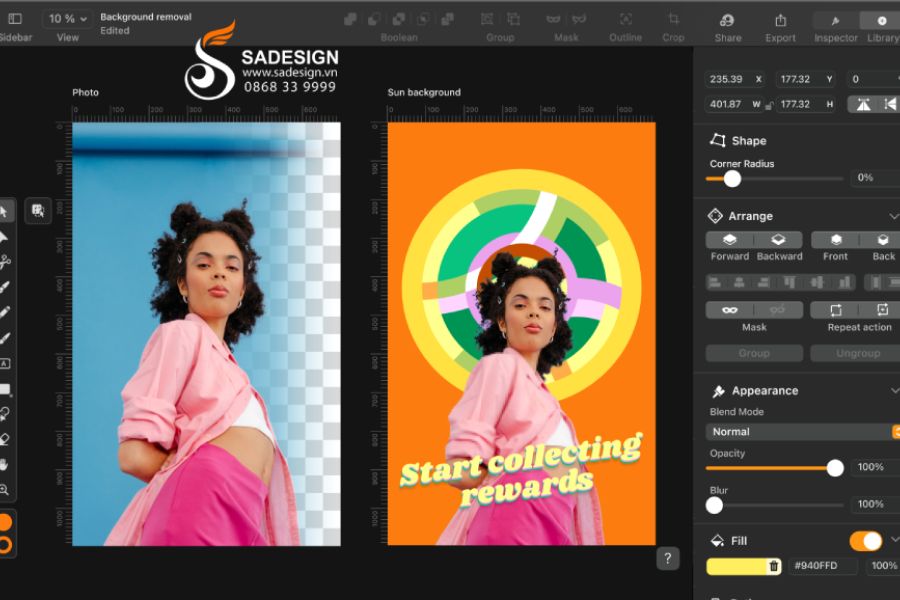
3. Who should use a licensed version of Adobe Illustrator?
A licensed version of Adobe Illustrator is suitable for a wide range of users, from design beginners to professional designers.
Upgrade your Adobe Illustrator account now!
3.1. Designers and graphic designers
This is the most common user group. Illustrator supports the creation of logos, brand identities, posters, banners, brochures, icons, and many other graphic publications.
For professional designers, a stable software environment helps minimize disruptions during the workflow and makes it easier to handle important projects.
3.2. Branding and Marketing Professionals
Logos, packaging, brand identity, and advertising imagery all require high-quality graphics. Illustrator allows you to create brand resources that can be used flexibly across multiple platforms and sizes.
This allows the marketing team to build a consistent image across the website, social media, advertisements, and other communication materials.
3.3. Artists and Illustrators
Illustrator is also a suitable choice for those who love digital drawing. Its system of paths, brushes, shapes, and colors allows users to create illustrations ranging from simple to complex.
3.4. Students and beginners in design
For students majoring in graphic design, fine arts, media, or marketing, Illustrator is a software worth learning and practicing with. Using a licensed Adobe Illustrator account from the start also helps learners become familiar with the official software environment.
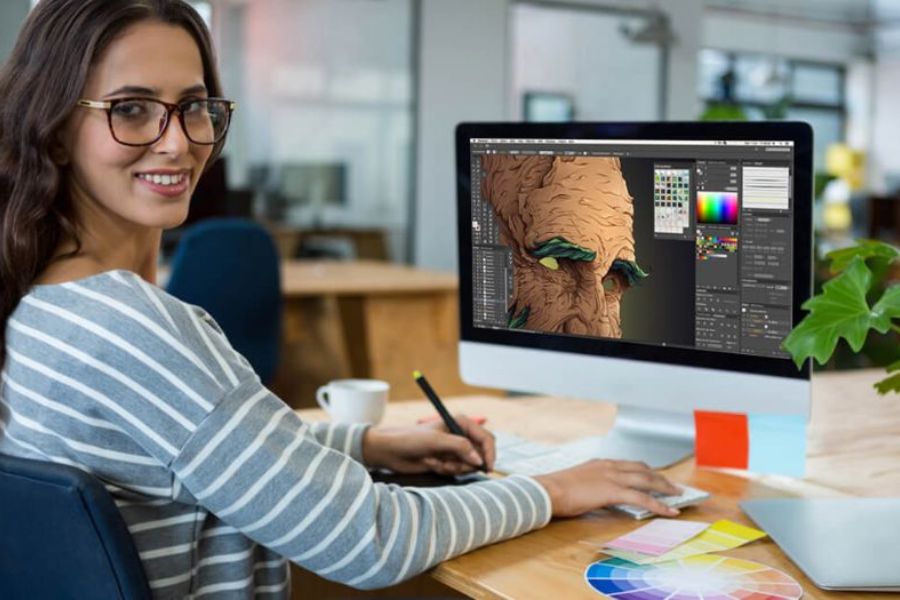
4. Benefits of using a licensed Adobe Illustrator account
Using licensed software is not simply about having access to the application. It's also a choice that helps users build professional and sustainable workflows.
First and foremost, a genuine account offers a more stable user experience, suitable for frequent design needs. Users can also proactively update the software to access new improvements and features from Adobe.
In addition, using licensed software helps to mitigate common risks associated with using software from unknown sources, such as activation errors, service interruptions, or security-related issues.
For freelancers, designers, and businesses, this is an even more important factor because software is a direct work tool. A stable account can help make the creative process more convenient and professional.
5. Which software programs are compatible with Adobe Illustrator?
Illustrator works best when used with other applications within the Adobe ecosystem. For example, Photoshop is suitable for raster image editing and image processing, while Illustrator focuses on vector graphics.
Adobe InDesign can handle layout design for books, magazines, brochures, and multi-page documents. Adobe After Effects supports motion and effects creation, while Premiere Pro specializes in video editing and production.
This combination helps users build a complete creative workflow, from graphic design and photo editing to video production and content publishing.
6. Instructions for upgrading your Adobe Illustrator account to a licensed version at Sadesign
If you're looking for a solution to use a licensed version of Adobe Illustrator , you can check out Sadesign's upgrade service. The process is designed to be simple, making it easy for users to choose and activate their account.
6.1. Accessing and searching for products
First, visit the Sadesign website and search for products related to licensed Adobe Illustrator. Carefully check the service package information, usage period, and accompanying conditions before making a choice.
6.2. Choosing the right package
Depending on your personal needs, work requirements, or the equipment you use, you can choose the appropriate Adobe Illustrator package. After reviewing the information, proceed to place your order and provide the necessary details to complete the process.
6.3. Get information and start using it.
After completing registration, users receive account information or activation instructions provided by Sadesign. Next, they log into Adobe and install Illustrator on their device to begin designing.
During use, if users encounter any issues related to login or activation, they can contact Sadesign's support team for assistance.
7. You should upgrade your Adobe Illustrator account to a genuine licensed version at Sadesign.
If Illustrator is your go-to tool for designing logos, brand identity, illustrations, packaging, or other media products, then a licensed Adobe Illustrator account is a worthwhile investment. A suitable account not only gives you access to the official software but also supports a more stable, professional, and convenient workflow. Sadesign offers Adobe account upgrade solutions for various needs. By choosing Sadesign's services, you can receive support throughout the registration, activation, and usage process, saving you time compared to searching for accounts from unreliable sources.
If you need a genuine Adobe Illustrator license , check out Sadesign's services and choose the package that suits your needs. This is the first step towards having a professional and stable design environment, ready to transform all your creative ideas into impressive products.
8. Conclusion
A licensed Adobe Illustrator account is the right choice for those who want to build a professional design workflow, from creating logos and brand identities to illustrations, packaging design, and communication materials. With its powerful vector tools, precise processing capabilities, and flexible connectivity within the Adobe ecosystem, Illustrator helps users realize their creative ideas more effectively. If you are looking for a genuine licensed Adobe Illustrator account , Sadesign is a worthwhile option with a simple upgrade process and support during activation and usage. Choose the right package for a stable, convenient, and professional design experience.





















VIP Products








Best Selling Products
Adobe Photoshop Copyright - Full App
120 USD
Genuine Cheap Canva Pro
39 USD
Adobe Premiere Pro Account
99 USD
Windows 10 & 11 Pro Key
36 USD
Genuine Adobe Illustrator account
99 USD
Autodesk All App Account Copyright
120 USD
Capcut Pro 1 Year
39 USD
Freepik Premium Account
59 USD
Upgrade Duolingo Super
29 USD
Plugin Retouch4me
69 USD
Copyright Adobe Lightroom Account
59 USD
ChatGPT Plus Account (GPT-4)
16 USD
Upgrade genuine Capture One account
120 USD
Upgrade Genuine Office 365
49 USD
MidJourney Account
29 USD