Best Selling Products

Autodesk All App Account Copyright
120 USD

Genuine Adobe Illustrator account
99 USD

Upgrade Genuine Office 365
49 USD

Adobe Photoshop Copyright - Full App
120 USD

ChatGPT Plus Account (GPT-4)
16 USD

Genuine Cheap Canva Pro
39 USD

Windows 10 & 11 Pro Key
36 USD

Copyright Adobe Lightroom Account
59 USD

Plugin Retouch4me
69 USD

Upgrade Duolingo Super
29 USD

Capcut Pro 1 Year
39 USD

MidJourney Account
29 USD

Adobe Premiere Pro Account
99 USD

Upgrade genuine Capture One account
120 USD

Freepik Premium Account
59 USD
Guide to buying Google One safely and quickly from an official source.
Nội dung
- 1. What is Google One?
- 2. Why should you buy Google One from an official retailer?
- 2.1. Expanding storage capacity
- 2.2. Convenient data synchronization
- 2.3. Data backup support
- 3. What data plans does Google One offer?
- 3.1. 100 GB Package
- 3.2. 200 GB Package
- 3.3. Large Data Packages
- 4. Guide to safely buying genuine Google One.
- 4.1. Check your Google account before buying.
- 4.2. Choose the right Google One plan.
- 4.3. Proceed with the upgrade.
- 5. Why should you buy a genuine Google One account instead of one from an unknown source?
- 6. You should upgrade your Google One account at Sadesign.
- 7. Conclusion
Google One is becoming a familiar storage solution for users who frequently work with Google Drive, Gmail, and Google Photos.
1. What is Google One?
Google One is a Google membership service that provides additional storage and other benefits for Google accounts. This storage is shared across Google Drive, Gmail, and Google Photos, rather than being exclusive to a single service. Each regular Google account has a maximum of 15 GB of free storage, after which users can upgrade to paid plans as their storage needs increase.
It's worth noting that Google One isn't a completely separate storage application. You still use your familiar Google account to access Drive, Gmail, Photos, and related services. After a successful upgrade, the new storage is added to your account and can be used for necessary data. For those who frequently store photos, videos, work documents, design files, or emails with attachments, Google One offers more control. Instead of constantly deleting old data to free up storage, you can choose a suitable storage plan and continue using the Google ecosystem more conveniently.
2. Why should you buy Google One from an official retailer?
2.1. Expanding storage capacity
One of the most common reasons to buy Google One is running out of storage. With 15GB of free storage shared across Gmail, Drive, and Photos, the space can run out quite quickly if you frequently take photos, record videos, or save many documents.
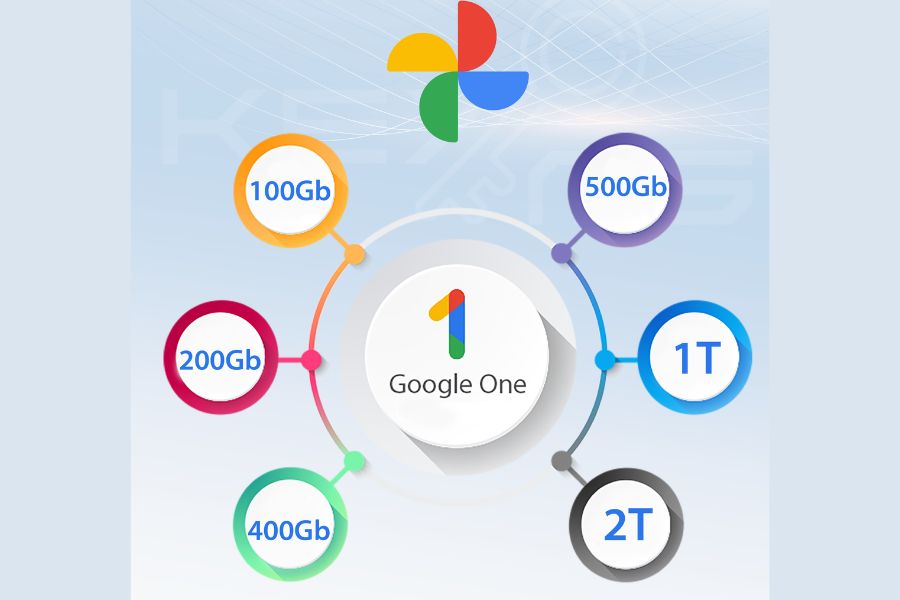
When upgrading, you can choose from a variety of storage options to suit your needs. Google currently offers storage plans such as Basic 100 GB and Standard 200 GB, and larger Google AI plans like Google AI Plus, Google AI Pro, and Google AI Ultra are also available.
2.2. Convenient data synchronization
Google One works within the Google ecosystem, so data can be accessed across multiple devices when you're logged in with the correct account. You can work on your computer, check documents on your phone, or view backed-up photos on another device without constantly manually copying data.
This is a valuable advantage for those who frequently work in multiple locations. Instead of relying entirely on hard drives or USB drives, you can store data in the cloud and access it when needed.
2.3. Data backup support
Google One also supports features related to device backup and storage management. Google introduces the ability to back up photos, videos, contacts, and other data, making it more convenient for users when switching devices or experiencing problems with their phones.
However, users should still proactively check their backup settings and recovery account. Purchasing Google One should not be considered a complete replacement for all forms of backing up important data.
3. What data plans does Google One offer?
3.1. 100 GB Package
The 100GB plan is suitable for individual users with moderate storage needs. If you primarily use Google Drive for documents, Gmail for work, and Google Photos for backing up personal photos, this could be a worthwhile option.
The advantage of this package is that it offers significantly more storage than the free option, but it's still suitable for those who don't need excessive storage.
3.2. 200 GB Package
If you frequently store photos, videos, documents, and personal data, 200 GB will provide more than enough space. This plan is also suitable for those who want to use Google One long-term without having to check their storage frequently.
3.3. Large Data Packages
For content creators, designers, business owners, or those with large datasets, higher storage packages are more suitable. Google currently offers Google AI packages with capacities ranging from hundreds of GB to several TB, and includes access to Google's AI features depending on the package and region.
Therefore, before buying, you should determine whether you only need more storage or want to use additional AI benefits. This is an important factor to avoid paying for features you don't really need.
4. Guide to safely buying genuine Google One.
4.1. Check your Google account before buying.
First, log in to the correct Google account you want to upgrade. This step may seem simple, but it's crucial because if you purchase the wrong account, the storage will be added to the other account.
You should check:
-
The Gmail address you are currently using.
-
Current storage capacity.
-
Payment status.
-
Recovery phone number.
-
Recovery email.
-
The device is currently logged in.
In particular, do not provide your password or two-factor authentication code to untrustworthy vendors. If the vendor needs the information to perform an upgrade, prioritize a secure and transparent activation method.
4.2. Choose the right Google One plan.
After choosing an account, consider your actual needs. If you only need to store documents and personal photos, the basic storage plan may be sufficient. If you frequently store videos or large files, you should consider a higher-tier plan.
Google states that users can subscribe to Google One using their personal Google account and choose a plan that suits their needs. Some plans may offer monthly or annual payments depending on the region. Don't just look at the storage capacity; also consider the usage period, sharing options, included benefits, and activation method before making a decision.
4.3. Proceed with the upgrade.
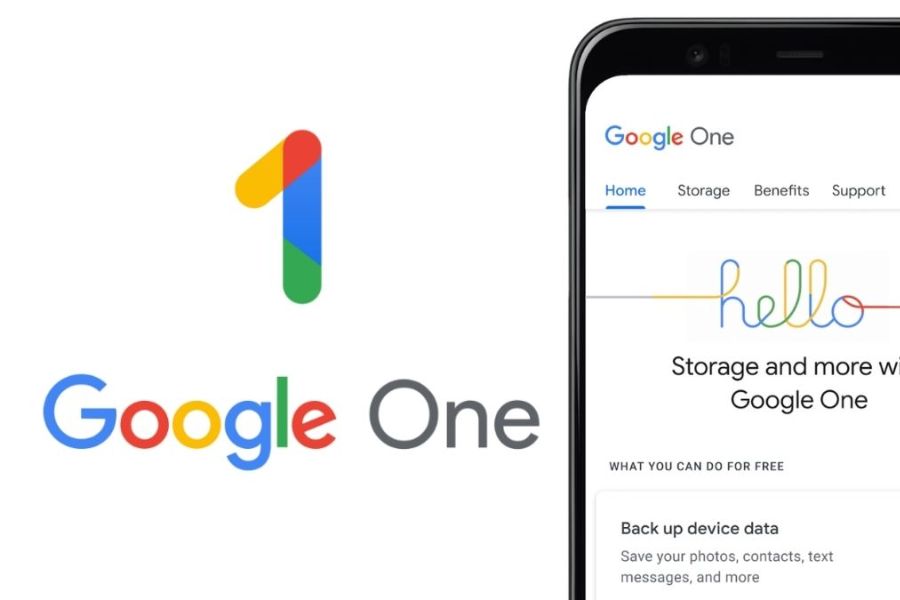
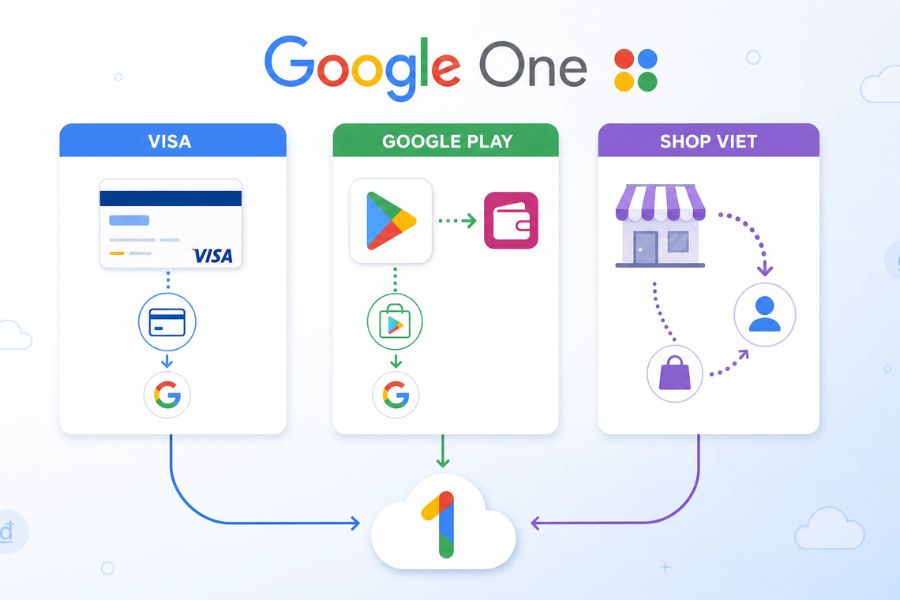
If you purchased directly from Google, you can access Google One, log in to your account, and select the plan you want. On Android, Google also guides users to open the Google One app and select the upgrade option to purchase more storage. If purchasing through a digital service provider, prioritize those with clear procedures, transparent product information, and post-activation support. After completion, check your account balance again. Google notes that in some cases, changes to your storage limit may take up to 24 hours to take effect.
5. Why should you buy a genuine Google One account instead of one from an unknown source?
When searching the market, users may encounter many offers to purchase Google One at very different prices. However, price shouldn't be the only factor in the decision. With accounts from unknown sources, you may encounter problems related to account control, usage duration, or maintaining access. Meanwhile, upgrading to a personal account through a transparent method makes it easier to manage your data and check your plan status.
For sensitive data, security should be the top priority. A small saving is not worth the risk of losing access or compromising personal data.
6. You should upgrade your Google One account at Sadesign.
If you're looking for a convenient and fast Google One solution and want to upgrade your account, Sadesign is a worthwhile option. Sadesign currently offers various storage options, including 100 GB, 200 GB, 300 GB, 1 TB, 2 TB, and 5 TB packages with different upgrade options. Notably, Sadesign focuses on providing upgrade solutions directly on the customer's Google account, while also offering support and assistance during the upgrade process.
Depending on your needs, you can choose a storage package that's just right for storing photos, videos, documents, or work data. Having multiple options helps users avoid buying an oversized package when it's not truly necessary. If you're unsure which package to choose, you can discuss it with Sadesign for advice based on your actual storage requirements.
Instead of figuring out too many steps on their own, users can contact Sadesign for guidance on choosing a package and upgrading. This is a suitable option for those who are not very tech-savvy or want to save time. One of the factors to consider when buying digital services is after-sales support. If you are unfamiliar with how to check storage capacity, activate, or use Google One, having the Sadesign team to assist you will make the process easier.
7. Conclusion
Google One is a worthwhile solution if you frequently find yourself running out of storage space in Google Drive, Gmail, or Google Photos. Besides providing extra storage, the service also supports backup, data management, and sharing storage with family for packages that include this feature. To purchase Google One safely, prioritize personal accounts, carefully check the storage plan, duration, and activation method. Also, choose a provider with clear information and transparent support policies. If you want to save time and need support during the upgrade process, you can check out Google One at Sadesign . With various storage options and upgrade methods, Sadesign aims to help users quickly add more storage space to their Google accounts, making it more convenient for work, study, and personal data storage.





















VIP Products








Best Selling Products
Autodesk All App Account Copyright
120 USD
Genuine Adobe Illustrator account
99 USD
Upgrade Genuine Office 365
49 USD
Adobe Photoshop Copyright - Full App
120 USD
ChatGPT Plus Account (GPT-4)
16 USD
Genuine Cheap Canva Pro
39 USD
Windows 10 & 11 Pro Key
36 USD
Copyright Adobe Lightroom Account
59 USD
Plugin Retouch4me
69 USD
Upgrade Duolingo Super
29 USD
Capcut Pro 1 Year
39 USD
MidJourney Account
29 USD
Adobe Premiere Pro Account
99 USD
Upgrade genuine Capture One account
120 USD
Freepik Premium Account
59 USD