Best Selling Products

Plugin Retouch4me
69 USD

Windows 10 & 11 Pro Key
36 USD

Capcut Pro 1 Year
39 USD

Upgrade Duolingo Super
29 USD

Autodesk All App Account Copyright
120 USD

ChatGPT Plus Account (GPT-4)
16 USD

Adobe Premiere Pro Account
99 USD

Adobe Photoshop Copyright - Full App
120 USD

Genuine Adobe Illustrator account
99 USD

MidJourney Account
29 USD

Freepik Premium Account
59 USD

Genuine Cheap Canva Pro
39 USD

Upgrade Genuine Office 365
49 USD

Copyright Adobe Lightroom Account
59 USD

Upgrade genuine Capture One account
120 USD
Google AI Ultra or Pro: Which is the perfect companion for content creators in 2025?
Nội dung
- 1. Introducing the key features of Google AI Ultra
- 1.1. Creating videos using natural descriptions
- 1.2 Editing videos using voice commands
- 1.3 Superior image and sound quality
- 1.4 Deep integration with the Google ecosystem
- 2. Introducing the key features of Google AI Pro
- 2.1 Creating videos from pre-existing scripts
- 2.2 Creating natural and multilingual voiceovers
- 2.3 SEO-optimized video scripts
- 2.4 Image quality and processing speed
- 3. Overall comparison of Google AI Ultra vs Google AI Pro
- 3.1 Performance and Processing Capabilities
- 3.2 Image and sound quality
- 3.3 Level of automation
- 3.4 Teamwork and Collaboration Skills
- 3.5 Cost
- 4. Which account should I buy?
With a host of powerful AI enhancements, both packages are worth trying. However, choosing the right Ultra or Pro package can determine the pace of your progress in your video editing journey.

Google AI is emerging as one of the most powerful and comprehensive platforms, particularly thanks to its deep integration with familiar products like YouTube, Google Drive, Workspace, and Photos. To meet the diverse needs of users, Google has released two premium packages: Google AI Pro and Google AI Ultra . Both are aimed at content creators, but each caters to a different user group.
The question is: if you're looking to invest in an AI tool for video production, which package should you choose for the best results? This article will provide a detailed analysis of the differences between Google AI Ultra and Google AI Pro, helping you make the most informed decision for your creative journey.
1. Introducing the key features of Google AI Ultra
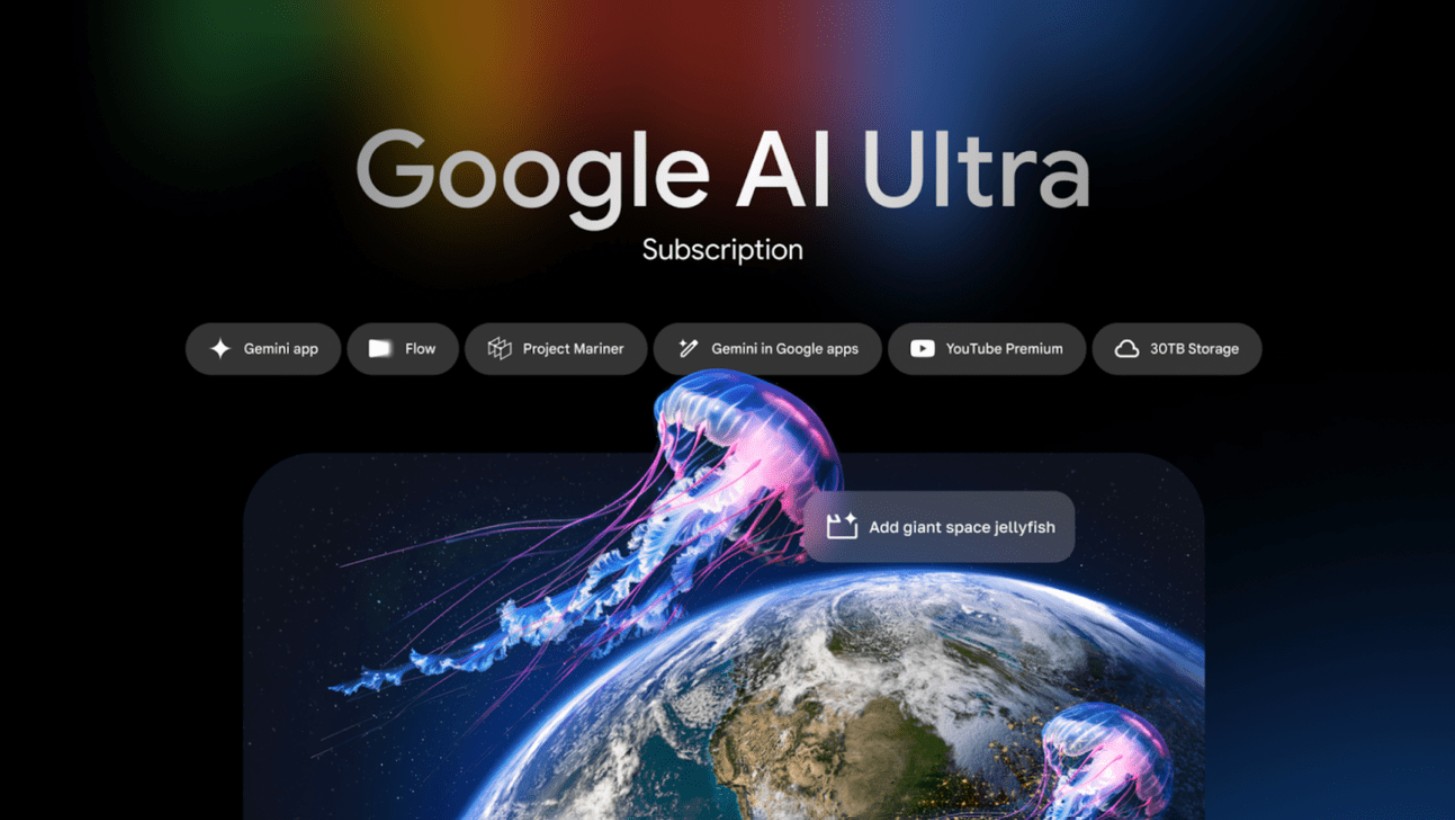
Launched in mid-2025, Google AI Ultra quickly became a symbol of power and speed in the field of AI-powered content creation. This package is designed specifically for film production studios, advertising agencies, professional creators, or anyone who needs cinematic video quality.
The most notable aspect of Ultra is its ability to understand natural context, seamlessly combining images, audio, and motion through the Gemini Ultra multimodal hybrid AI model, which allows for simultaneous processing of language, images, and audio.
With Ultra, you simply describe your idea verbally or in a few lines of text, and the system will automatically analyze it, create a storyboard, select the setting, lighting, and sound, and build a complete video. What sets Ultra apart is the accuracy and aesthetic quality of its output, often described as having a rare "cinematic quality" not found in other AI tools.
1.1. Creating videos using natural descriptions
One of Ultra's most amazing features is its ability to create complete videos from just a short description. You can write: "Create a minimalist coffee brand introduction video with warm brown tones, the sound of a coffee grinder, soft morning light, and acoustic background music," and in just a few minutes, Ultra will have the entire video complete with visuals, sound, and smooth transition effects.
1.2 Editing videos using voice commands
Beyond just creating videos, Ultra also allows you to edit using voice commands. For example, you can say "add slow motion to the second segment," or "replace the background with a sunrise scene at sea," and within seconds, your command will be executed precisely. This feature makes the editing and post-production process feel as natural as a conversation, rather than the complex sequence of operations found in traditional software.
1.3 Superior image and sound quality
Ultra is capable of outputting video at resolutions up to 12K HDR ProMotion, combined with SuperRes+ Rendering technology to preserve subtle details in every frame. Audio is processed using AI SonicClean technology, automatically eliminating background noise, balancing volume, and recreating a three-dimensional soundscape, creating a realistic and immersive experience like watching a movie in a theater.
Buy Google AI Ultra and VEO 3 accounts at a low price.
1.4 Deep integration with the Google ecosystem
What makes Ultra special is its deep integration with Google Workspace. You can save projects directly to Drive, share them with your team in Google Meet, add notes in Google Docs, and publish directly to YouTube with just a few clicks.
The entire creative process is within a unified ecosystem, saving time and increasing collaboration for your creative team.
2. Introducing the key features of Google AI Pro
If Ultra is likened to a "cinematic camera," then Google AI Pro is like a compact, powerful, versatile "high-end travel camera" suitable for the vast majority of content creators.
Launched earlier than Ultra, Google AI Pro quickly became the most popular tool for YouTubers, freelance creators, small businesses, and anyone new to AI video production.
2.1 Creating videos from pre-existing scripts
Google AI Pro works by automatically creating videos from text. Simply input your script, and the tool will automatically suggest suitable images, background music, colors, and layout.
For example: “Create a 1-minute video introducing organic cosmetics, natural style, with a smiling model, soft lighting” – Pro will immediately create the scene, select a light pastel color tone, and add appropriate music.
Although it doesn't quite reach the same level of "emotion" as Ultra, Pro still delivers an impressive video editing experience, especially when you want to control the details of each part of the project.
2.2 Creating natural and multilingual voiceovers
Pro integrates Google Voice Studio, allowing you to choose from over 120 different voices: from youthful American-British female voices to deep, warm European male voices. Each voice can be adjusted to convey emotions such as joy, seriousness, expressiveness, or intimacy, making the content more lively and relatable. Additionally, users can record their own voice and then let AI process, filter out noise, and soften the voice to achieve broadcast-quality sound.
2.3 SEO-optimized video scripts
Another strength of Google AI Pro is its ability to create SEO-optimized scripts. By entering keywords, product descriptions, and target audiences, Pro will suggest compelling titles, concise descriptions, and even hashtags to help videos perform better when uploaded to YouTube or other social media platforms.
This feature is especially useful for content creators, marketers, or small and medium-sized businesses looking to increase visibility and reach their target customers.

2.4 Image quality and processing speed
Pro supports video editing in 8K HDR resolution, ensuring sharp images, balanced colors, and stability. While not as powerful as Ultra, Pro has the advantage of faster processing speeds on average computers, allowing mainstream users to create professional videos without expensive equipment.
3. Overall comparison of Google AI Ultra vs Google AI Pro
This is the most important part to consider when deciding which package is truly right for you. Both are powerful, but they target different user groups.
3.1 Performance and Processing Capabilities
Google AI Ultra uses the Gemini Compute X platform: a cloud computing system optimized for complex graphics and video processing. It can render longer videos with multiple layers of effects and sound while maintaining high speed.
Meanwhile, Google AI Pro runs on a standard infrastructure, more suitable for short videos or social media content.
If you're making films, commercials, or videos with lots of effects, Ultra is far superior. But if you just need to create regular content for YouTube or TikTok, Pro is a more practical choice.
3.2 Image and sound quality
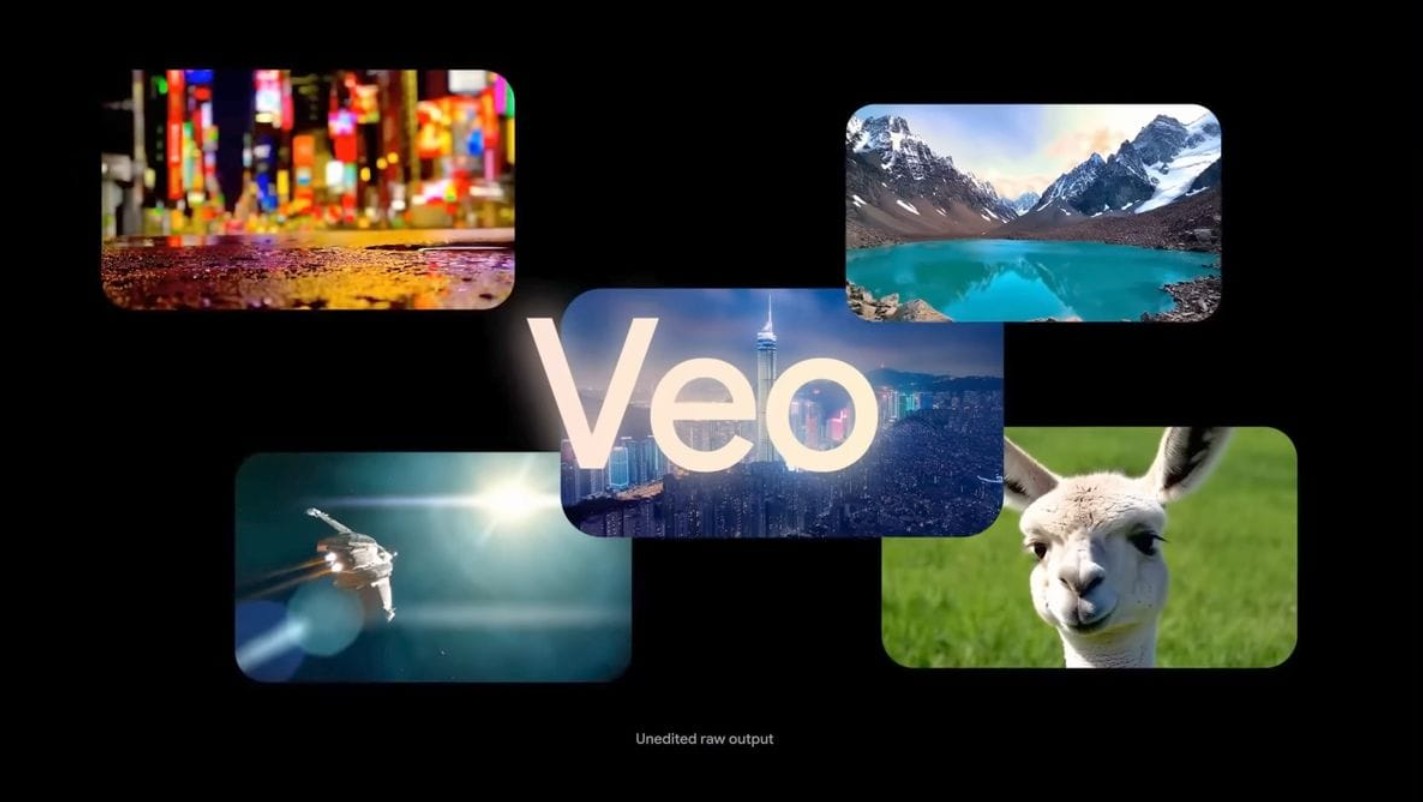
Ultra boasts 12K HDR ProMotion resolution, while Pro is limited to 8K. To the naked eye, the difference isn't significant when viewed on a phone or tablet, but it becomes noticeable on a large screen or in commercials.
In terms of audio, Ultra offers better three-dimensional sound rendering and more natural synchronization of character lip movements with dialogue. Pro is still excellent, but lacks spatial depth.
3.3 Level of automation
Ultra can create and edit completely automatically from just a short description, while Pro requires users to input more details and manually adjust some elements.
In other words, Ultra is suitable for those who want speed and a high level of artistry, while Pro is suitable for those who prefer to do things themselves and have control over the details.
3.4 Teamwork and Collaboration Skills
Ultra supports real-time collaboration via Google Studio Cloud, allowing multiple people to edit videos simultaneously, similar to working together on Google Docs. Pro only supports sharing and commenting, not simultaneous editing.
If you are an agency or creative team, Ultra is clearly the more efficient choice.
3.5 Cost
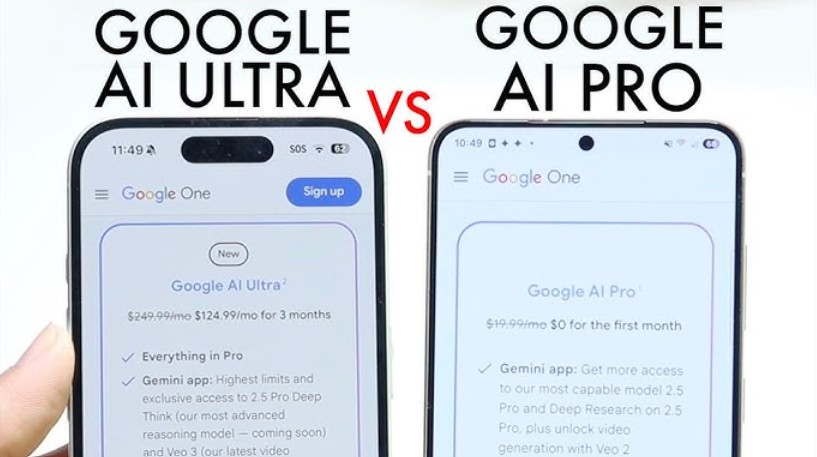
The current price for Google AI Pro is $29/month, while Ultra is $79/month. The nearly three-fold difference makes many people hesitate, but the important thing is to determine your usage goals.
If you monetize content, run ads, or need a professional product, Ultra is worthwhile. If you simply need a fast, cost-effective, and flexible video editing tool, Pro is a more suitable choice.
4. Which account should I buy?
The answer depends on your creative goals, budget, and frequency of use.
If you're a freelancer, YouTuber, self-creator, or small business owner, Google AI Pro is an affordable option that still delivers excellent quality. This package is powerful enough to create promotional videos, tutorials, reviews, or short viral clips without taking up much time.
If you work in film production, a large advertising agency, or a creative studio, Ultra is a worthwhile investment. It saves dozens of hours of post-production work while ensuring commercially successful output.
Additionally, if you're still undecided, a smart strategy is to start with Pro and upgrade to Ultra when needed. Both packages offer data synchronization, so you lose nothing when switching projects; videos and design templates remain intact.
The world of innovation is changing every day thanks to the explosion of artificial intelligence. In this race, Google has asserted its leading position with two powerful products: Google AI Pro and Google AI Ultra.
Both are excellent choices, but they serve different purposes:
-
Pro is for dynamic, creative individuals who need efficiency and cost savings.
-
Ultra is for filmmakers, professional marketers, or studios who want the highest standards.
Regardless of which version you choose, the most important thing is your idea and how you leverage the power of AI to tell your story in the most creative way





















VIP Products








Best Selling Products
Plugin Retouch4me
69 USD
Windows 10 & 11 Pro Key
36 USD
Capcut Pro 1 Year
39 USD
Upgrade Duolingo Super
29 USD
Autodesk All App Account Copyright
120 USD
ChatGPT Plus Account (GPT-4)
16 USD
Adobe Premiere Pro Account
99 USD
Adobe Photoshop Copyright - Full App
120 USD
Genuine Adobe Illustrator account
99 USD
MidJourney Account
29 USD
Freepik Premium Account
59 USD
Genuine Cheap Canva Pro
39 USD
Upgrade Genuine Office 365
49 USD
Copyright Adobe Lightroom Account
59 USD
Upgrade genuine Capture One account
120 USD