Best Selling Products

MidJourney Account
29 USD

Upgrade Genuine Office 365
49 USD

Autodesk All App Account Copyright
120 USD

Freepik Premium Account
59 USD

Upgrade genuine Capture One account
120 USD

Plugin Retouch4me
69 USD

ChatGPT Plus Account (GPT-4)
16 USD

Windows 10 & 11 Pro Key
36 USD

Capcut Pro 1 Year
39 USD

Adobe Premiere Pro Account
99 USD

Genuine Adobe Illustrator account
99 USD

Adobe Photoshop Copyright - Full App
120 USD

Copyright Adobe Lightroom Account
59 USD

Upgrade Duolingo Super
29 USD

Genuine Cheap Canva Pro
39 USD
Google Gemini Video AI: The New Feature Making ChatGPT Watch Its Back
Nội dung
- 1. What Makes Gemini Stand Out?
- 2. Things You Need to Know About Gemini’s Video Feature
- 3. Detailed Guide to Using Google Gemini’s Video Feature
- 4. Comparing Google Gemini and ChatGPT
- 5. Important Notes When Using Google Gemini
- 6. Real-World Applications of Google Gemini Video AI
- 7. Tips to Optimize Your Experience With Gemini
- 8. Affordable AI Software Upgrade Addresses
- 9. Conclusion
In the digital era, video has become one of the most popular forms of entertainment and learning. However, watching an entire video can sometimes take a lot of time, especially when the content is not truly necessary or engaging.
1. What Makes Gemini Stand Out?
Google Gemini stands out thanks to its ability to combine advanced artificial intelligence with an intuitive user experience, helping process information quickly and accurately. Not only does Gemini support text and image analysis, but it also expands into video, bringing tools that were once unimaginable. Users can leverage Gemini to summarize complex content, detect important details, and receive direct answers from videos, saving significant time.
Another strength of Gemini is its flexible interaction capability. Users can ask open-ended questions related to videos or request specific details to be identified. This feature makes information more visual, easier to understand, and suitable for various purposes such as learning, research, or entertainment. With AI developed by Google, Gemini also learns from previous questions to improve its analytical abilities, delivering an increasingly intelligent experience.
In addition, Gemini features a user-friendly interface and integration across multiple platforms, including Android, iOS, and web. This allows users to easily access and use it anytime, anywhere. Its ability to combine multiple data types and analyze information rapidly makes Gemini a superior tool, creating a competitive advantage over other AI products, especially ChatGPT, which still does not support direct video analysis.
%20(1).jpg)
2. Things You Need to Know About Gemini’s Video Feature
Gemini’s video feature supports analyzing videos up to 5 minutes long, allowing users to explore information in detail and with high accuracy. You can ask Gemini to identify a specific segment or focus on a certain piece of information, helping save time while still capturing all the important content. This is a remarkable advancement that allows users to control their video viewing experience more intelligently.
Notably, Gemini can identify video shooting locations, providing a visual and useful perspective for those interested in the context or places appearing in a video. This feature is especially valuable for researchers, journalists, or anyone wanting to explore information in detail without watching the entire video. Uploaded videos can also be replayed directly within Gemini after analysis, allowing users to both learn and experience the content flexibly.
The video analysis feature is currently free for both standard and paid users, operating on Gemini 2.5 Flash and 2.5 Pro versions. Compared to ChatGPT, Gemini offers a major advantage thanks to its ability to process uploaded videos and provide information directly from them. This opens new opportunities for learning, entertainment, and research, making Gemini one of the most noteworthy AI choices on the market today.
3. Detailed Guide to Using Google Gemini’s Video Feature
Step 1: Access the Gemini app or website
To begin, open the Gemini app on your Android or iOS device, or access the official Google Gemini website. Gemini’s user-friendly interface helps users quickly identify the input box and main functions. You should ensure your device has a stable internet connection so the video upload process runs smoothly without interruption.
Once inside the app or website, spend a few minutes familiarizing yourself with the basic features such as previously uploaded videos, the search bar, and analysis options. This will help you maximize Gemini’s intelligent tools and optimize your experience when analyzing videos.
Step 2: Select a video
After opening the app, tap the + icon in the input box and choose Gallery to upload a video from your phone. Then tap Add to continue the analysis process. This method allows you to easily select the video you want to analyze without wasting time.
If using the website, you can also drag and drop videos directly into the input box. The drag-and-drop feature makes the process faster and more convenient while also allowing you to upload multiple videos at once for efficient AI analysis. This is an excellent way to optimize time and take advantage of the AI’s powerful data processing capabilities.%20(1)(1).jpg)
Step 3: Ask questions
After the video is uploaded, you can begin asking Gemini questions directly. A starter question like “What do you see in this video?” will provide an overview of the content. This is especially useful when you want to grasp the main information before diving deeper into specific details.
After the initial response, you can continue asking more detailed questions, such as when an event appears, where the video was filmed, or specific elements within the video. Gemini will analyze each frame to provide accurate answers, helping you extract maximum information from the video without watching the entire content.%20(1).jpg)
Step 4: Review and save the results
Once you receive Gemini’s analysis and answers, you can replay the video directly in the app or website to verify the details described by the AI. This helps you compare information and better understand the video content.
Additionally, Gemini allows users to save analysis results or export reports for future reference. This is particularly useful for learning, research, or sharing information with colleagues, ensuring that all important details are remembered and easily accessible anytime.
4. Comparing Google Gemini and ChatGPT
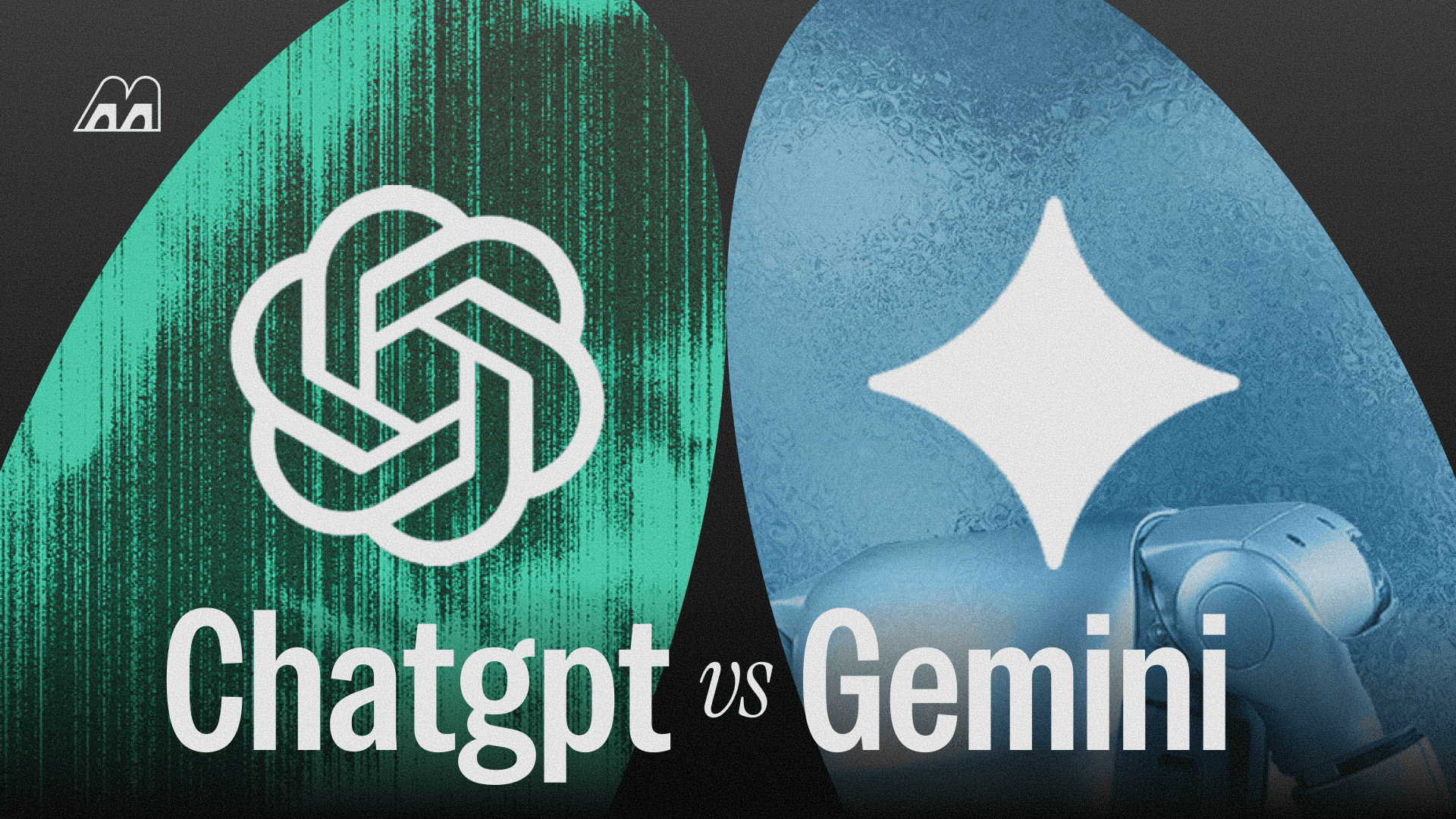
Compared to ChatGPT, Google Gemini offers a superior advantage thanks to its ability to process uploaded videos and provide direct information from them. This not only saves time but also opens new opportunities for learning, entertainment, and research. Gemini goes beyond text and image analysis by intelligently understanding video content, making it one of the most compelling AI options available today.
Below is a detailed comparison table between Google Gemini and ChatGPT:
Looking at the comparison table, it is clear that Google Gemini excels in video processing, detailed interaction, and multimedia support. While ChatGPT remains a strong choice for text processing, Gemini opens up a more comprehensive experience, helping users save time and absorb information in a visual, fast, and effective way.
5. Important Notes When Using Google Gemini
Google Gemini is a powerful AI tool that helps analyze videos quickly and in detail, bringing a completely new learning, research, and entertainment experience. However, to maximize its smart features and avoid unwanted errors, users should pay attention to several important points before and during use. Understanding these notes will help save time, improve efficiency, and fully enjoy Gemini’s capabilities.
Important notes when using Google Gemini:
-
Choose high-quality videos: Clear videos with good lighting and clear audio will help Gemini accurately analyze every detail, from scenes to appearing objects. Blurry or shaky videos may lead to inaccurate or incomplete analysis results.
-
Limit video length: Gemini supports videos up to 5 minutes long, so it is best to select short, focused clips for faster and more effective AI processing. Videos that are too long may slow down analysis and make extracting detailed information more difficult.
-
Ask clear and specific questions: When interacting with Gemini, using specific questions helps the AI understand your needs precisely, allowing it to provide detailed responses about time, location, or specific elements in the video.
-
Review and verify analysis results: After Gemini responds, replay the video and compare important details. This ensures the information is complete, accurate, and useful for learning or research purposes.
-
Save and export analysis reports: Gemini allows users to save analyses or export reports for long-term reference. This is especially useful when you need to revisit information or quickly share it with colleagues or friends.
-
Ensure a stable internet connection: A smooth network connection helps the video upload process and AI responses work without interruption, preventing data loss or analysis errors.
-
Update to the latest version: Using the newest Gemini version ensures access to the latest features, improved processing speed, and more accurate analysis capabilities.
-
Protect personal information: When uploading videos to Gemini, ensure they do not contain sensitive or private information if you do not want it unintentionally shared. AI analyzes uploaded data to provide results, but security should always remain a priority.
-
6. Real-World Applications of Google Gemini Video AI
Google Gemini Video AI is not only a video analysis tool but also opens up many practical applications in daily life and professional work. From learning and research to content creation and entertainment, Gemini helps users access information quickly, visually, and efficiently.
Practical applications:
-
Learning and research: Students and researchers can use Gemini to summarize lecture videos, analyze experiments, or identify important details in visual materials without watching entire videos.
-
Content creation: Video creators, TikTokers, and YouTubers can analyze sample videos, find ideas, extract key scenes, and plan content production quickly.
-
Smart entertainment: Users can quickly grasp storylines, interesting details, or standout scenes in movies and music clips without watching lengthy videos entirely.
-
Media and journalism: Reporters and editors can use Gemini to analyze events, extract important information, and create quick summaries for articles or news reports.
-
Training and coaching: Businesses and training organizations can apply Gemini to analyze instructional videos, evaluate effectiveness, and extract key insights for employees or learners.
7. Tips to Optimize Your Experience With Gemini
To fully leverage the power of Google Gemini Video AI, users need to know how to ask questions, choose suitable videos, and combine multiple smart features. These tips will help analyses become faster, information more accurate, and the AI experience more effective overall.
Tips to optimize your experience:
-
Ask clear and specific questions: Instead of asking general questions, ask about specific details such as “Where does this scene take place?” or “Who appears at minute 2?” so Gemini can provide more accurate responses.
-
Choose high-quality videos: Sharp videos with good lighting and clear audio allow the AI to analyze details more effectively, resulting in faster and more accurate responses.
-
Combine video analysis with text: When deeper information is needed, you can upload videos along with related text documents so Gemini can synthesize the data and provide a more comprehensive perspective.
-
Divide long videos into smaller clips: If a video exceeds 5 minutes, split it into shorter segments so the AI can analyze each part in detail and with greater accuracy.
-
Use AI responses as the basis for follow-up questions: After receiving responses from Gemini, continue asking additional questions to explore more details, creating a continuous learning and analysis process.
-
Save and organize analysis results: After receiving results, save or export reports for long-term reference, preventing data loss and making it easier to share with colleagues, friends, or research groups.
-
8. Affordable AI Software Upgrade Addresses
Appvip is a trusted provider specializing in licensed software in Vietnam, serving diverse needs from individuals to businesses. With a commitment to delivering high-quality genuine products along with dedicated support services, Appvip helps customers confidently use software without worrying about security risks or copyright violations.
We provide a wide range of software solutions, from Microsoft 365, Adobe Photoshop, AI tools, to educational and content creation applications. All products are genuine licensed versions, ensuring the latest feature updates and stable operation across devices. Customers also receive professional technical support, helping resolve issues quickly and effectively.
In addition, Appvip always offers competitive pricing and attractive promotions, making it easier for users to access licensed software without excessive costs. This makes Appvip a reliable choice for those seeking high-quality software, strong security, and enthusiastic support throughout the entire usage process.
9. Conclusion
Google Gemini Video AI is not only a major advancement in artificial intelligence technology but also a powerful assistant that helps users save time and absorb information quickly. From summarizing videos to answering detailed questions, Gemini creates a fresh, intelligent, and convenient experience that everyone should try. By transforming complex videos into easy-to-understand information, Gemini is redefining how we interact with digital content, making competitors like ChatGPT keep a close eye on its development.





















VIP Products








Best Selling Products
MidJourney Account
29 USD
Upgrade Genuine Office 365
49 USD
Autodesk All App Account Copyright
120 USD
Freepik Premium Account
59 USD
Upgrade genuine Capture One account
120 USD
Plugin Retouch4me
69 USD
ChatGPT Plus Account (GPT-4)
16 USD
Windows 10 & 11 Pro Key
36 USD
Capcut Pro 1 Year
39 USD
Adobe Premiere Pro Account
99 USD
Genuine Adobe Illustrator account
99 USD
Adobe Photoshop Copyright - Full App
120 USD
Copyright Adobe Lightroom Account
59 USD
Upgrade Duolingo Super
29 USD
Genuine Cheap Canva Pro
39 USD