Best Selling Products

Plugin Retouch4me
69 USD

Adobe Premiere Pro Account
99 USD

Genuine Adobe Illustrator account
99 USD

Capcut Pro 1 Year
39 USD

Freepik Premium Account
59 USD

Adobe Photoshop Copyright - Full App
120 USD

Upgrade Genuine Office 365
49 USD

Copyright Adobe Lightroom Account
59 USD

Windows 10 & 11 Pro Key
36 USD

Autodesk All App Account Copyright
120 USD

Upgrade genuine Capture One account
120 USD

Genuine Cheap Canva Pro
39 USD

MidJourney Account
29 USD

Upgrade Duolingo Super
29 USD

ChatGPT Plus Account (GPT-4)
16 USD
Google Maps + Gemini: When artificial intelligence becomes the perfect "co-driver"
Nội dung
Thanks to the power of Gemini, Google Maps is now like an all-powerful AI assistant sitting in the passenger seat, silently planning your itinerary, predicting traffic, and paving the way for the smoothest route before you even have a chance to worry about traffic jams.
Google Maps is entering a new era as Google officially integrates the Gemini artificial intelligence deeply into the core of the product. This is not just a regular upgrade, but a "rebirth" of the map application, transforming it into an all-powerful assistant capable of understanding context, engaging in natural conversations, and supporting users as a true "companion" on every journey.
Integrating Gemini into Google Maps reflects Google's vision of unifying its AI services, aiming for a seamless ecosystem across familiar apps like Gmail, Calendar, YouTube, and Assistant. This time, the goal is to make travel smarter, smoother, and less stressful than ever before.
1. Google enhances the power of Google Maps with Gemini AI.
Previously, users could only enter an address and follow the directions, but now, Google Maps can "converse" with you. Thanks to the integration of Gemini, the application is no longer a dry navigation tool but has become an intelligent companion that understands natural language and provides flexible, accurate responses in every context.
You can activate Gemini directly in Google Maps with the familiar command “Hey Google” or by tapping the newly added AI icon in the corner of the screen. This completely transforms your driving experience. Instead of stopping to search, simply say: “Find me a coffee shop with parking on this route,” and Gemini will instantly scan data, community reviews, and map information to provide the best suggestion. If you change your mind, just say “Add a stop at a nearby bakery,” and the app will automatically adjust the route without manual intervention.
According to Vishal Dutta, Google Maps Product Manager, this experience is like having "a knowledgeable local friend sitting in the passenger seat, always ready to guide, tell stories, and help you navigate any situation along the way." This is truer than ever, as Gemini can combine real-time Maps data with vast web knowledge to create unique, "fact-based" answers instead of the vague responses often seen in previous AIs.
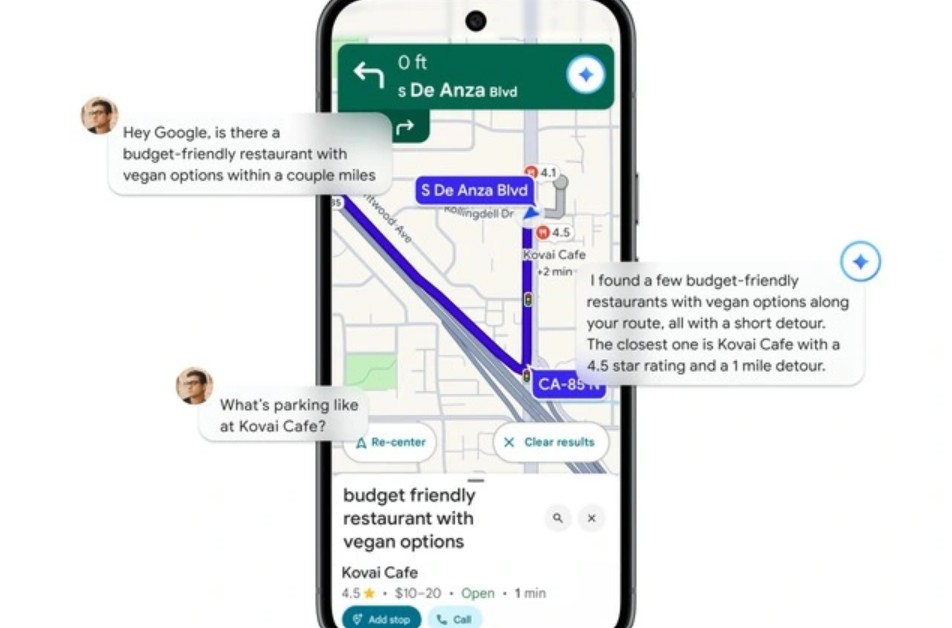
Another breakthrough is its multi-application connectivity. Gemini doesn't operate independently, but communicates directly with other services in the Google ecosystem. For example, if you're driving and realize you need to add a meeting in the afternoon, you can say, "Add a client appointment for 3 PM today." Immediately, Gemini will sync with Google Calendar, create the event, and even suggest travel times so you don't run late.
The feeling Google wants to convey is: wherever you are, whether you're on the go or busy, everything is under control with just your voice.
2. Directions using gas stations, automatically avoiding traffic jams.
While the previous section discussed Gemini's communicative intelligence, this section demonstrates AI's spatial vision capabilities when combined with massive amounts of visual data from Street View and AR technology.
For years, one of the most common complaints about navigation apps has been the "dry" way they display directions. Commands like "turn left after 500 meters" sound accurate but can sometimes confuse drivers, especially in areas with many side roads or complex intersections. Google has found the solution: Gemini will provide directions using familiar visual cues instead of abstract units of measurement.
Now, instead of "turn left after 500 meters," you'll hear Gemini say: "Turn left at the next gas station" or "Go straight until you see La Bella restaurant, then turn right." This way of giving directions is much closer to how people talk in real life, making it easier for drivers to visualize and reducing navigation errors.
This feature works because Gemini can analyze billions of Street View images to identify landmarks, signs, and buildings, and compare them to their actual locations on a map. As you move, the AI automatically identifies the most recognizable landmarks within your field of vision to use as directions.
Alongside this, Google also introduced the Proactive Traffic Alerts feature. Previously, you had to turn on Google Maps to receive traffic jam or incident notifications. But now, Gemini will silently monitor your frequently used routes in the background, and if it detects an impending accident, construction, or traffic jam, the AI will proactively send alerts even when navigation is not enabled.
Imagine you're getting ready to leave home for work. Normally, you wouldn't open Maps because you're so familiar with the route. But that day, Gemini will notify you: "There's an accident on your usual route, so please depart 10 minutes late or take an alternative route via Nguyen Van Linh Street." A small action, but enough to save you an hour in traffic.
What makes this feature impressive is its ability to learn user behavior. Gemini not only remembers your usual routes but also learns your schedules, departure habits, weather, and even preferences. If you often stop at a coffee shop in the morning, the AI might suggest: "If you want to get to work by 8:30, you should leave the shop at 8:10 because there's construction work near the overpass." That's when the AI truly becomes your "travel companion."
But that's not all; Google also combines the power of Google Lens and augmented reality (AR). Simply point your phone at a building, restaurant, or landmark, and Gemini will instantly display information: name, reviews, opening hours, real-life images, customer comments, and distance from your location. This is especially useful when traveling in unfamiliar places, eliminating the need for manual lookup – just "look" and you'll know everything.
Thanks to its advanced image recognition capabilities, AI can understand which building you're looking at and suggest relevant data. For example, if you're standing in front of a museum, simply ask, "Gemini, is this place worth visiting?" and the AI will respond by compiling thousands of Google Maps user reviews, along with information on opening hours and ticket prices.
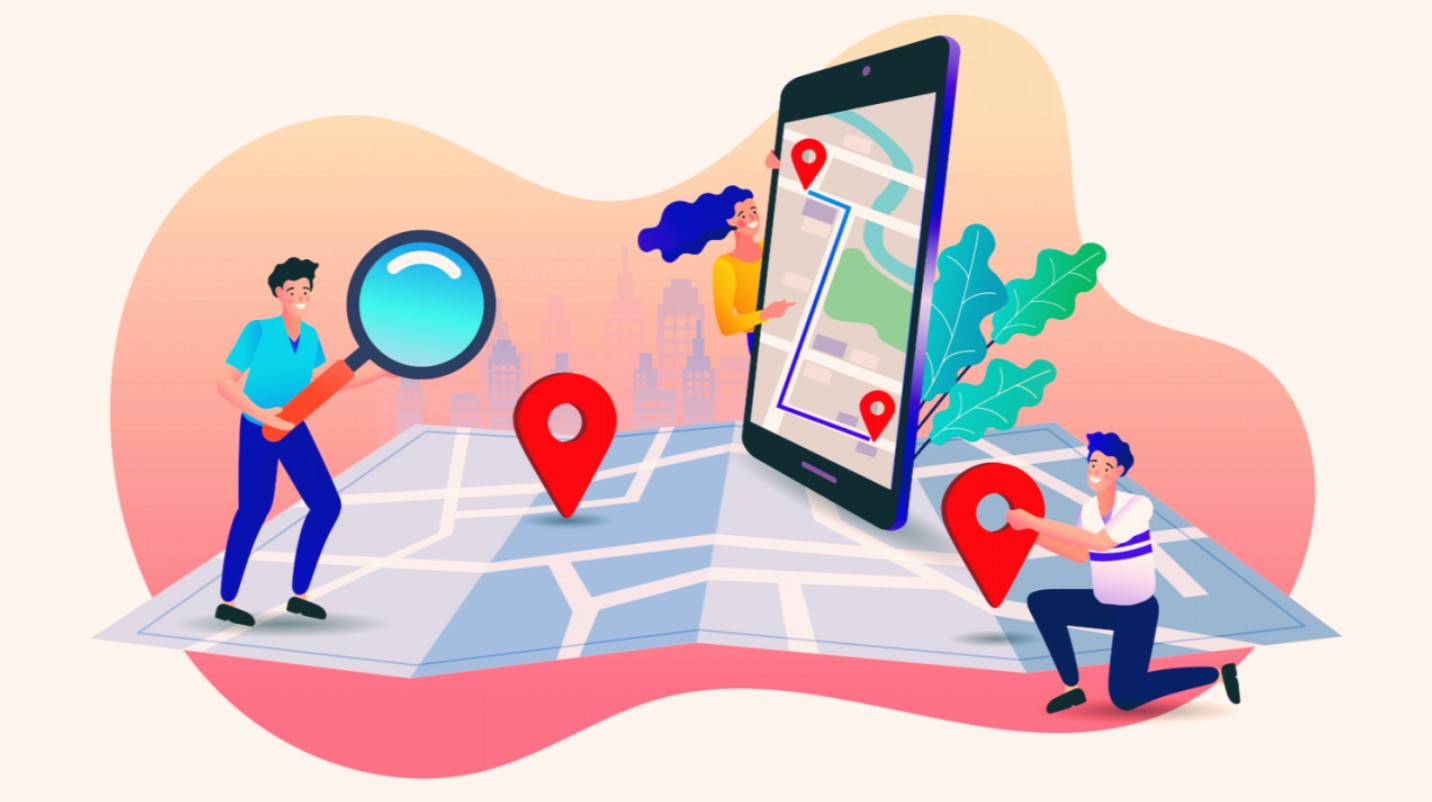
Google also reassured users that all these new features are "grounded" with real-world Maps data, meaning all suggestions, directions, and landmarks are verified. The AI will not "fantasize" or display false information like many typical chatbots.
Specifically, all of these features will be free for users logged into Google, and will be gradually rolled out to Android, iOS, and Google-integrated in-car systems. At the current update rate, global users are expected to experience the full features by 2025.
3. Maps become smart companions.
Looking further ahead, the integration of Gemini is not only aimed at improving the Maps user experience, but also reflects Google's larger ambition: to transform maps into a natural communication platform between humans and technology.
Google understands that in the mobile age, user behavior isn't just about "finding directions." Users want suggestions, companionship, and, more importantly, they want to be understood. A map is only good if it understands where you're going, why you chose that route, and can help you make the most appropriate decisions. That's why Gemini is trained not only to "understand commands," but also to understand the user's intent.
For example, if you say, "I want to find a quiet place to work near the city center," Gemini will not only list cafes but also consider factors like noise levels, travel time, and even community reviews of the workspace. It learns to reason like a real person, and that's what differentiates a tool from an assistant.
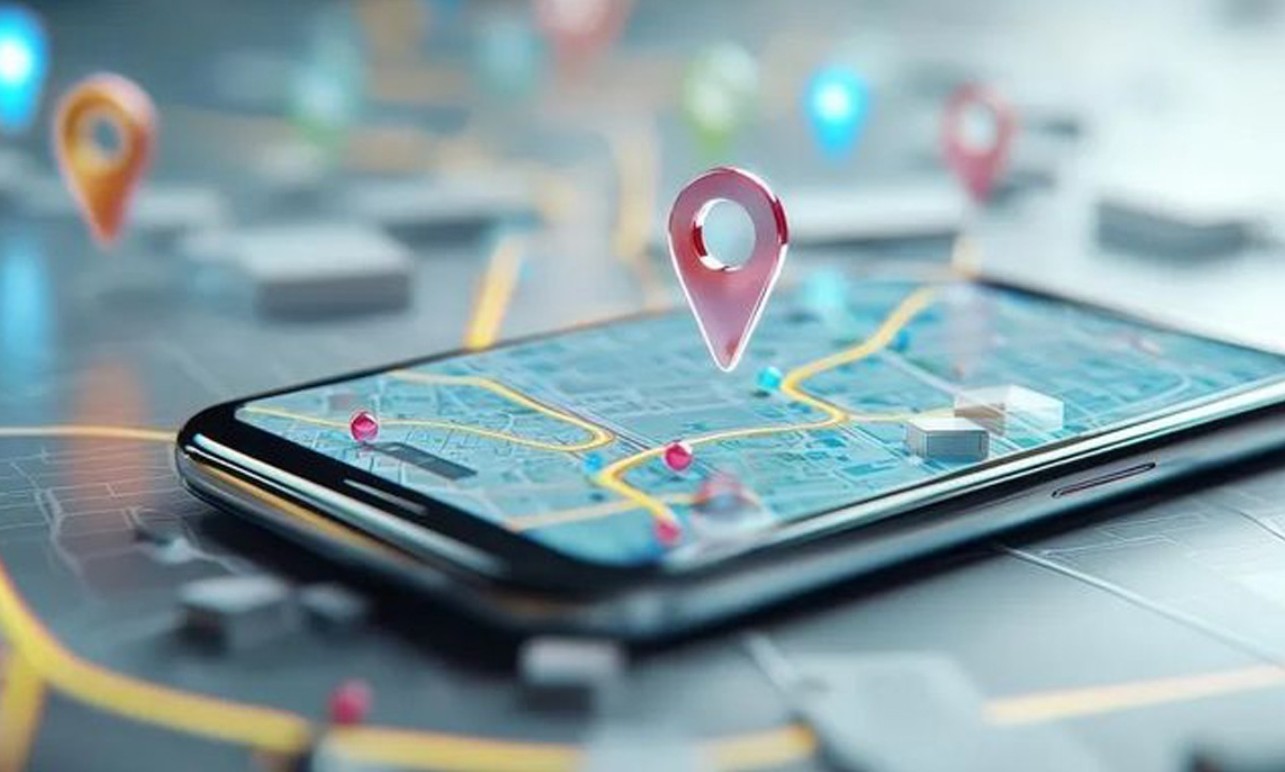
4. A strategic leap forward in Google's AI race.
Undeniably, the inclusion of Gemini in Google Maps is strategically significant. While rivals like Apple and Microsoft are focusing their efforts on developing their own AI assistants, Google has chosen to leverage familiar products, where users are already engaged daily, to gradually expand the reach of artificial intelligence.
Maps is a perfect fit for this strategy. Every day, there are over a billion location searches on the platform, and hundreds of millions of trips are routed through the app. This is a massive data pool for Gemini to learn from and continuously improve its ability to understand real-world context.
The fusion of general AI (Gemini) and specialized AI (Maps) helps Google maintain its leading position in the digital mapping field, while also strengthening its position in the race for the next generation of AI assistants.
Google Maps is gradually moving beyond the boundaries of a typical map application. With Gemini, Google is not only improving its navigation tools, but is redefining the concept of "intelligent travel experience."
There, each journey becomes a natural conversation between humans and technology. You are no longer alone on your journey because now, there is always a friend who understands you, accompanies you, and is ready to help you overcome every turn along the way.





















VIP Products








Best Selling Products
Plugin Retouch4me
69 USD
Adobe Premiere Pro Account
99 USD
Genuine Adobe Illustrator account
99 USD
Capcut Pro 1 Year
39 USD
Freepik Premium Account
59 USD
Adobe Photoshop Copyright - Full App
120 USD
Upgrade Genuine Office 365
49 USD
Copyright Adobe Lightroom Account
59 USD
Windows 10 & 11 Pro Key
36 USD
Autodesk All App Account Copyright
120 USD
Upgrade genuine Capture One account
120 USD
Genuine Cheap Canva Pro
39 USD
MidJourney Account
29 USD
Upgrade Duolingo Super
29 USD
ChatGPT Plus Account (GPT-4)
16 USD