Best Selling Products

Plugin Retouch4me
69 USD

Capcut Pro 1 Year
39 USD

Upgrade Genuine Office 365
49 USD

Autodesk All App Account Copyright
120 USD

ChatGPT Plus Account (GPT-4)
16 USD

Adobe Premiere Pro Account
99 USD

Genuine Cheap Canva Pro
39 USD

Upgrade genuine Capture One account
120 USD

Windows 10 & 11 Pro Key
36 USD

Copyright Adobe Lightroom Account
59 USD

Upgrade Duolingo Super
29 USD

Genuine Adobe Illustrator account
99 USD

Adobe Photoshop Copyright - Full App
120 USD

Freepik Premium Account
59 USD

MidJourney Account
29 USD
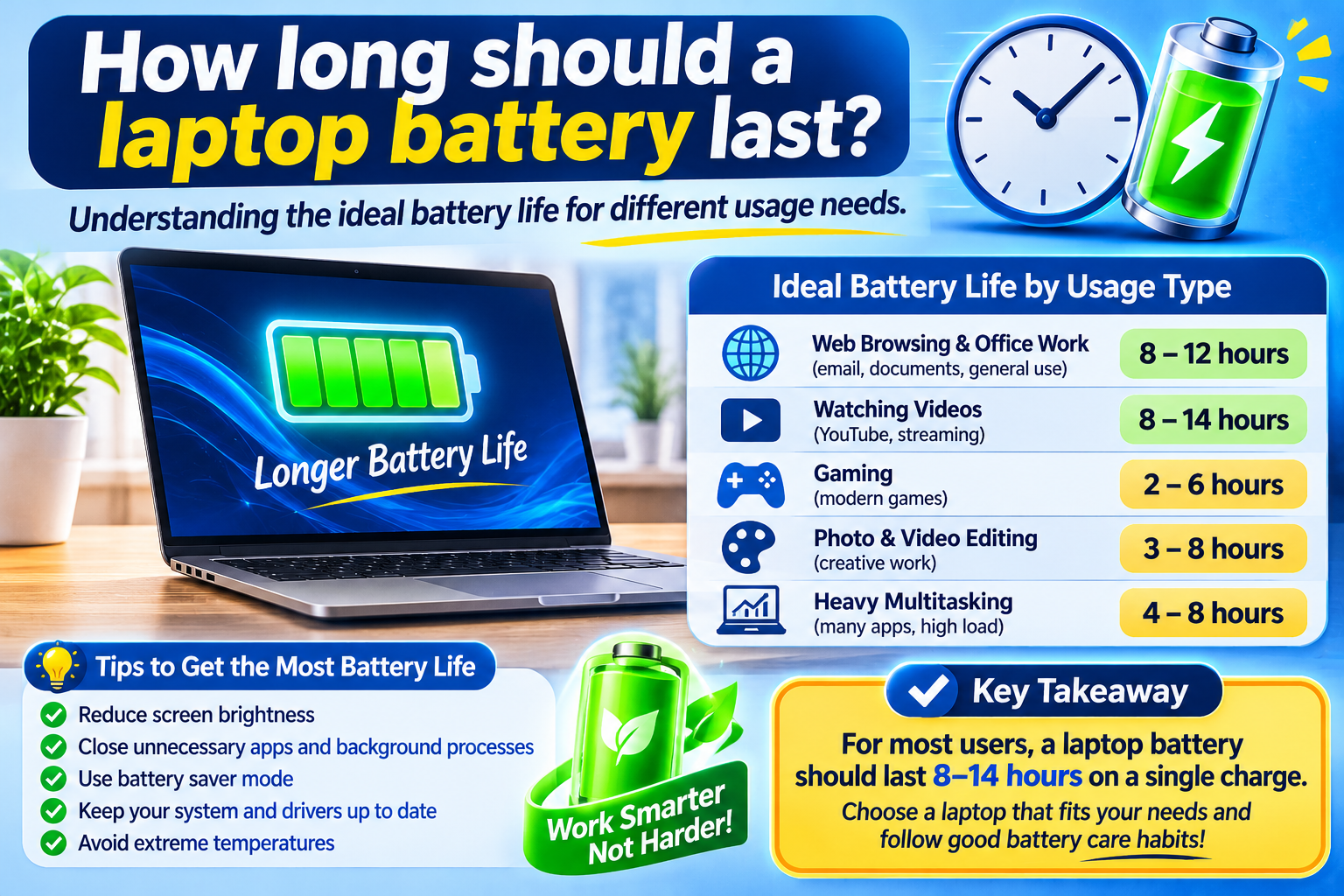
How long should a laptop battery last? Understanding the ideal battery life for different usage needs.
Nội dung
- 1. Understanding laptop battery life correctly
- 2. How long does a laptop battery last to be considered good?
- 3. Factors affecting battery life
- 4. How does the charger affect battery life?
- 5. How to optimize laptop battery life
- 6. Proper charging habits help extend battery life.
- 7. Choose a laptop with a battery that suits your needs.
How long does a laptop battery last to be considered good? This is a question many people are concerned about when choosing and using a laptop.
1. Understanding laptop battery life correctly
Laptop battery life refers to the amount of time the device can operate after a full charge without needing to be connected to an external power source. This is a crucial factor in determining the device's portability, especially for those who frequently work outdoors, study at school, or travel often.
Many people assume that the more expensive a laptop is, the better its battery life. However, this isn't entirely true. A high-end gaming laptop might have powerful specifications, but its battery life will be significantly shorter than that of a thin and light office laptop.
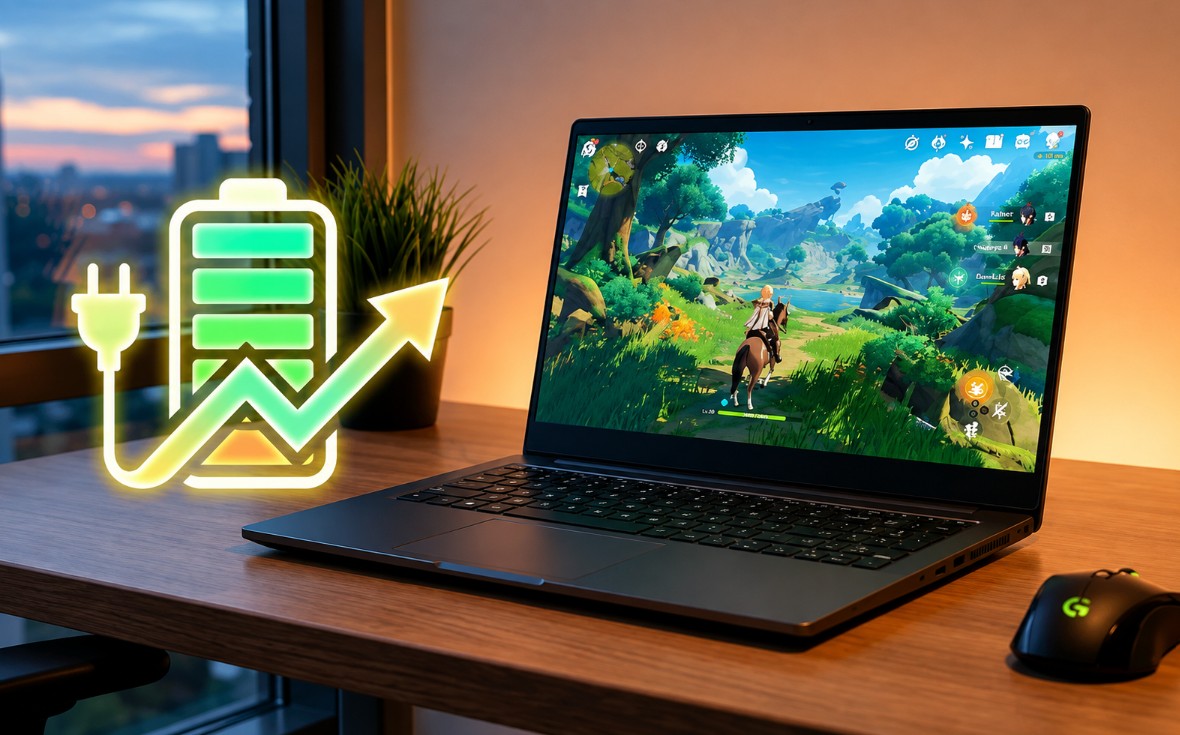
The reason lies in the fact that the internal components consume different amounts of power. High-performance processors, dedicated graphics cards, high-resolution screens, or powerful cooling systems all require more energy to operate. Conversely, thin and light laptop models often prioritize power efficiency with optimized processors and simpler designs.
Understanding actual battery life helps users choose a device that suits their needs. If you frequently work for many hours continuously without a power source, a laptop with a good battery will provide a more comfortable user experience, while reducing the frequency of charging and preventing premature battery degradation.
2. How long does a laptop battery last to be considered good?
There's no fixed number to judge whether a laptop battery is good or not, as each user group has different requirements. However, based on the current market, a laptop with a battery life of 8 hours or more on a single charge is generally considered to be capable of meeting mobile needs well.
Modern laptops typically have battery life ranging from 4 to 12 hours, depending on design and usage. Under ideal conditions, some ultra-thin or ultrabook models can achieve 8 to 12 hours of use, or even up to 15 hours when performing light tasks such as web browsing, word processing, or video playback.
For mainstream laptops used for office work and studying, a battery life of 6 to 10 hours is considered quite good. This is enough time for users to work or study throughout the day without needing to constantly carry a charger.
Meanwhile, budget laptops typically offer around 4 to 7 hours of battery life due to less optimized hardware or lower battery capacity. While this is sufficient for basic needs, it can be inconvenient for users who frequently travel.
Gaming laptops, however, are a special case. Due to their use of high-performance processors and power-hungry dedicated graphics cards, the battery life of this product group is typically only about 2 to 4 hours when performing normal tasks. When playing games or handling demanding graphics, the usage time may be even shorter.
Therefore, a laptop with good battery life doesn't necessarily have to offer the longest usage time, but rather one that suits your needs. For office users, 8 hours or more is ideal. For gamers or professionals, performance is often prioritized over battery life.
3. Factors affecting battery life
Laptop battery life depends not only on battery capacity but also on many factors during use.
First, consider the hardware configuration. The processor, graphics card, RAM, and screen all directly affect power consumption. A laptop using an energy-efficient chip will likely have a longer battery life than one using a high-performance chip.
The screen is also one of the most power-consuming components. The higher the brightness, resolution, or refresh rate, the more power it consumes. Therefore, adjusting the brightness appropriately can significantly extend battery life.
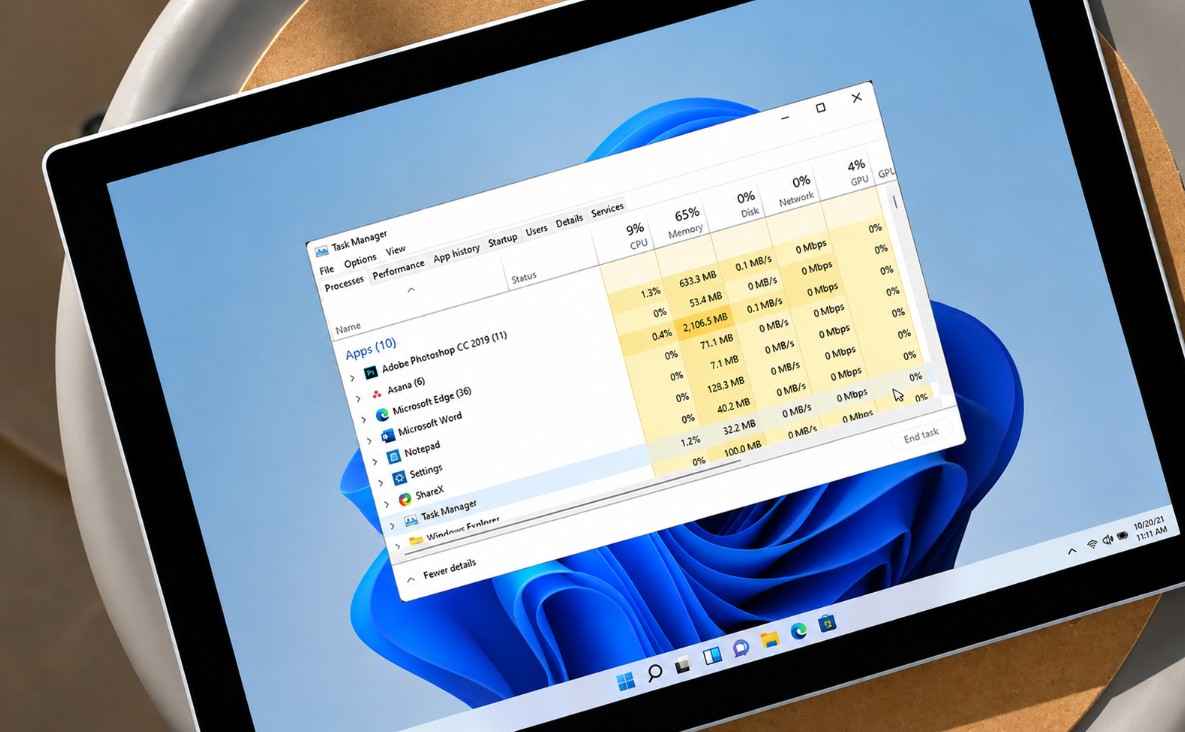
Additionally, background applications also affect battery life. Unnecessary software that runs continuously can cause the CPU to process more tasks, leading to faster battery drain.
Temperature also plays a crucial role in battery life. When a laptop operates in an excessively hot environment, the battery's ability to store energy may be degraded. Conversely, excessively low temperatures can also cause a temporary decrease in battery performance.
It is recommended that users use and store their laptops in an environment with an ideal temperature of around 20 to 25°C to ensure stable battery performance and maintain a long lifespan.
4. How does the charger affect battery life?
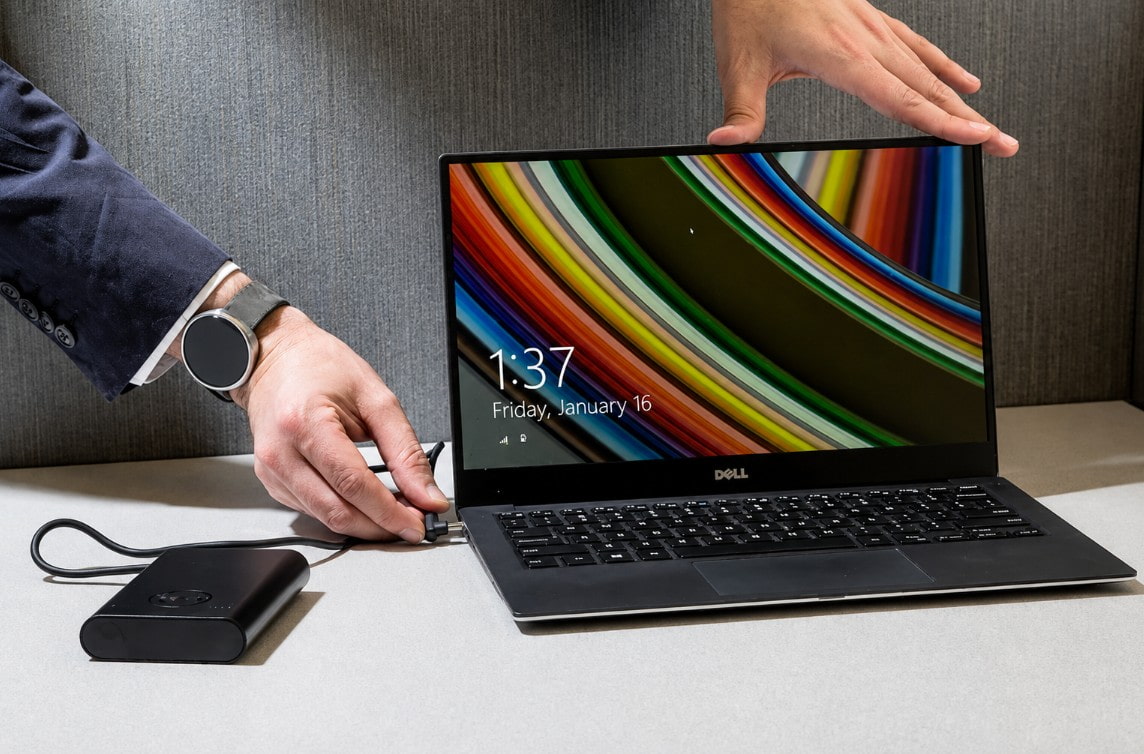
Besides usage, the charger is also a crucial factor affecting laptop battery life. Many users have a habit of using cheap replacement chargers or chargers of unknown origin when their original charger breaks down.
However, using an unsuitable charger can cause several problems. If the voltage or current supplied is incorrect, the battery can be affected during charging. In the long run, this can reduce battery performance, resulting in shorter usage time per charge.
To ensure safety, users should prioritize using the charger that came with the device or genuine products certified by the manufacturer for compatibility. This is a simple but effective way to protect the battery and avoid power-related problems.
In addition, proper care of the charger is also important. Avoid excessive bending of the charging cable, keep the charger away from high temperatures, and limit use if the cable shows signs of damage.
5. How to optimize laptop battery life
To extend the battery life of a laptop after each charge, users can apply some simple optimization methods during use.
First, adjust the screen brightness to a suitable level. It's not necessary to use maximum brightness in all cases, because the brighter the screen, the higher the energy consumption.
Additionally, closing unused applications helps reduce the load on the system. Background software, browsers with too many tabs open, or applications that automatically start with Windows can all cause the battery to drain faster.
Users should also activate power saving mode when high performance is not needed. Modern operating systems all have built-in battery management modes that reduce power consumption by adjusting CPU performance, limiting background applications, and optimizing device operation.
When performing demanding tasks such as gaming, video editing, 3D rendering, or streaming for extended periods, users should have a charger ready or ensure a power source is nearby. These tasks consume a lot of energy and can cause the battery to drain quickly.
6. Proper charging habits help extend battery life.
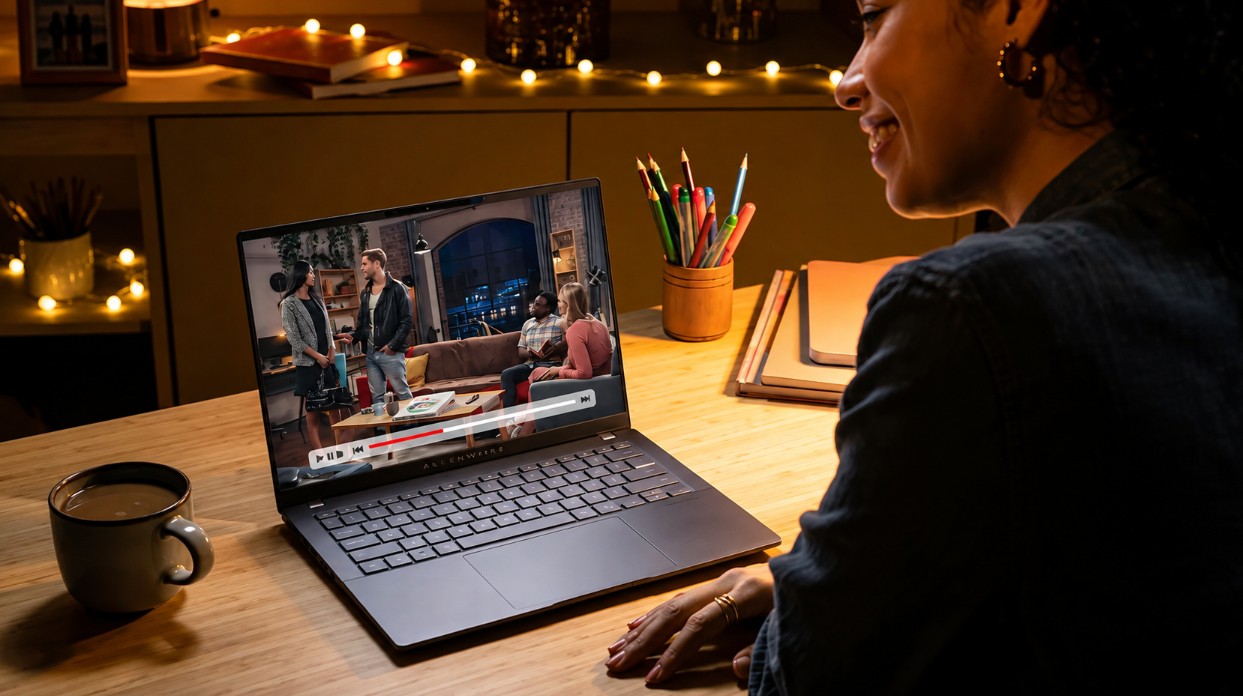
One of the issues many people are concerned about is how to charge their laptops to prolong battery life. Previously, many people had the habit of letting the battery completely drain before recharging. However, with the common lithium-ion batteries available today, frequently letting the battery level drop too low can affect its lifespan.
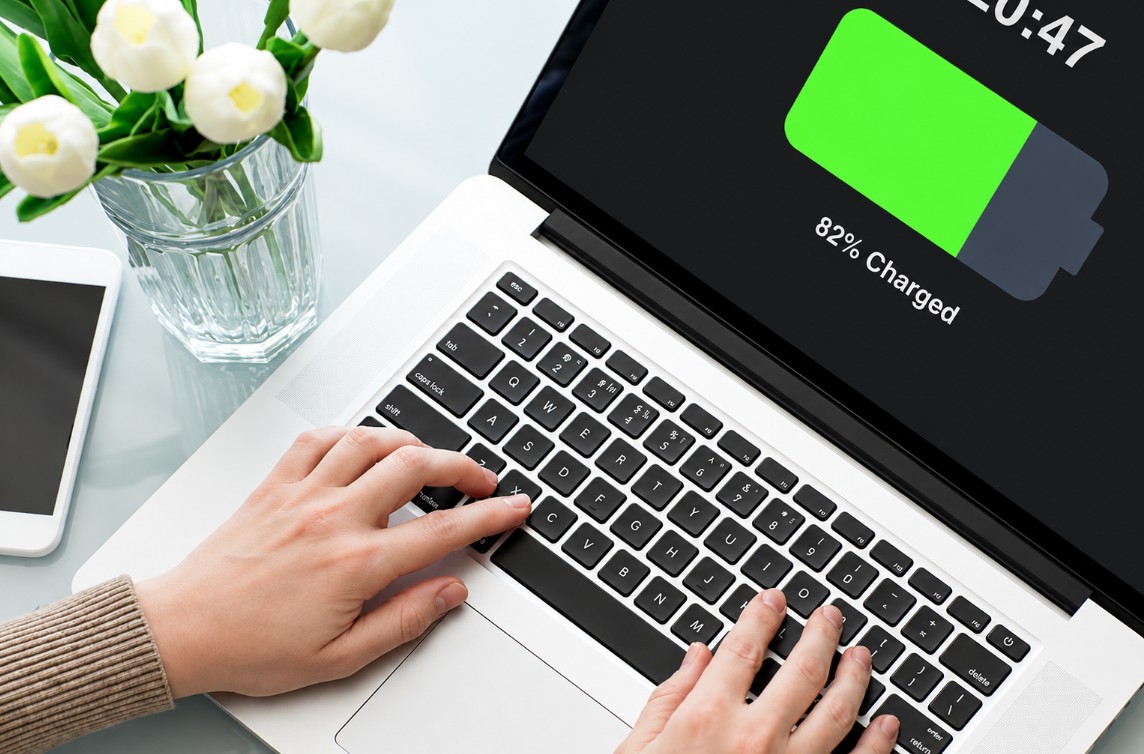
A widely adopted principle is the 40-80 rule. According to this rule, users should charge their battery when it reaches around 40% and stop charging when it reaches around 80%. Maintaining the battery within this capacity range can help reduce stress on the battery and contribute to its longevity.
Furthermore, you shouldn't leave your laptop plugged in for extended periods even when the battery is full, especially in high-temperature environments. While many modern laptops have mechanisms to automatically shut off or regulate the power supply when the battery is full, maintaining a stable temperature for the device remains crucial.
Users should also avoid letting their laptops completely run out of battery for extended periods. When a battery is over-discharged and not recharged, its energy storage capacity can be affected.
7. Choose a laptop with a battery that suits your needs.
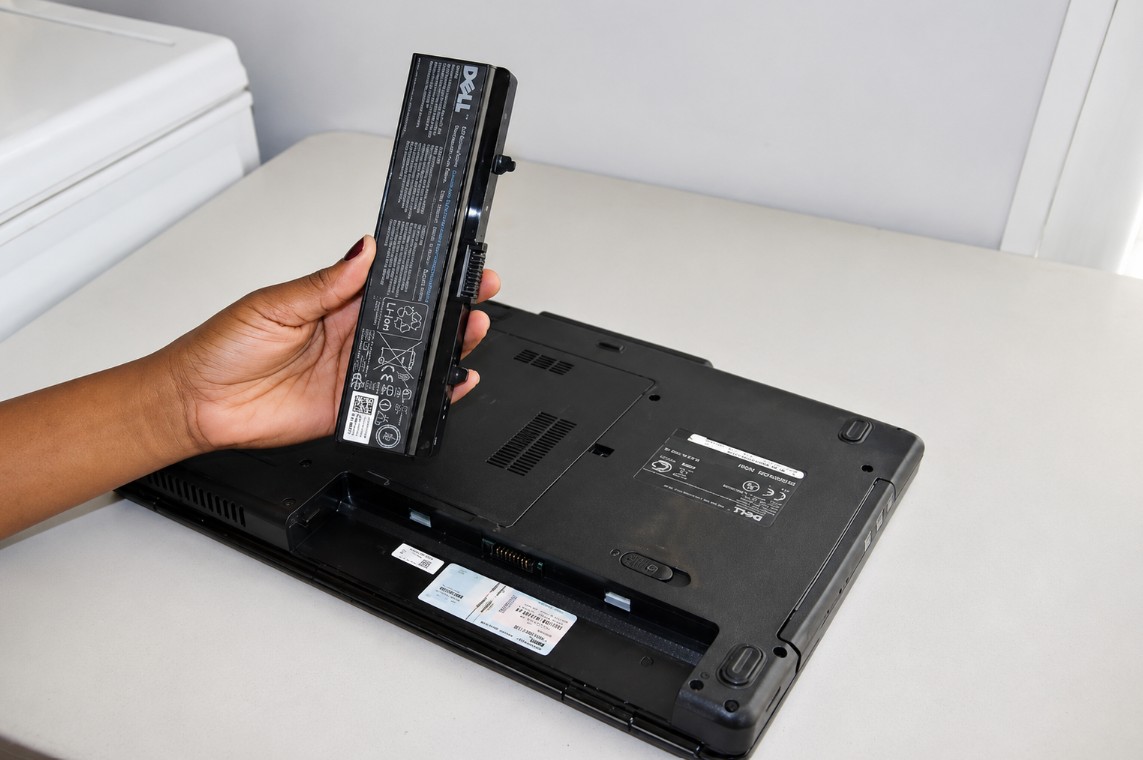
When buying a new laptop, users shouldn't just look at the advertised battery capacity but also consider their actual usage needs.
If you frequently work in an office, study, or travel a lot, thin and lightweight laptops with 8 to 12 hours of battery life will be a suitable choice. These devices usually strike a good balance between performance, weight, and energy efficiency.
If you need a powerful machine for gaming or professional tasks like video editing or graphic design, you should accept shorter battery life in exchange for performance. In this case, a stable power connection will be more important than having an excessively long battery life.
Most importantly, choose a device that suits your usage habits. A laptop with a 10-hour battery life but lacking the necessary performance wouldn't be the optimal choice. Conversely, a powerful laptop used for only a few hours a day might still be suitable for users who frequently work in a fixed location.
By using the right charger, optimizing system settings, maintaining stable temperatures, and adopting sensible charging habits, users can extend battery life, reduce replacement costs, and maximize the portability of their laptop.





















VIP Products








Best Selling Products
Plugin Retouch4me
69 USD
Capcut Pro 1 Year
39 USD
Upgrade Genuine Office 365
49 USD
Autodesk All App Account Copyright
120 USD
ChatGPT Plus Account (GPT-4)
16 USD
Adobe Premiere Pro Account
99 USD
Genuine Cheap Canva Pro
39 USD
Upgrade genuine Capture One account
120 USD
Windows 10 & 11 Pro Key
36 USD
Copyright Adobe Lightroom Account
59 USD
Upgrade Duolingo Super
29 USD
Genuine Adobe Illustrator account
99 USD
Adobe Photoshop Copyright - Full App
120 USD
Freepik Premium Account
59 USD
MidJourney Account
29 USD