Best Selling Products

MidJourney Account
29 USD

Capcut Pro 1 Year
39 USD

Adobe Premiere Pro Account
99 USD

Windows 10 & 11 Pro Key
36 USD

Genuine Adobe Illustrator account
99 USD

Freepik Premium Account
59 USD

Upgrade genuine Capture One account
120 USD

Plugin Retouch4me
69 USD

Genuine Cheap Canva Pro
39 USD

Upgrade Duolingo Super
29 USD

Copyright Adobe Lightroom Account
59 USD

ChatGPT Plus Account (GPT-4)
16 USD

Autodesk All App Account Copyright
120 USD

Adobe Photoshop Copyright - Full App
120 USD

Upgrade Genuine Office 365
49 USD
How to create natural, expressive, and engaging movie review voices using AI.
Nội dung
- 1. Why should we use AI to create voiceovers for movie reviews?
- 2. Top 5 AI voice-over tools for movie reviews worth trying today.
- 2.1. FPT.AI Voicemaker
- 2.2. CapCut Text to Speech
- 2.3. ElevenLabs
- 2.4. Narakeet
- 2.5. VEED.io AI Voice Generator
- 3. Instructions on how to create movie review voices using AI in a simple way.
- 4. Tips to make your AI-generated movie review voice sound more natural and engaging.
- 5. Conclusion
Video reviews, movie summaries, and film storytelling are becoming increasingly popular on TikTok, YouTube Shorts, and Facebook Reels. Besides compelling storylines and stunning visuals, the voiceover is a crucial element in determining the viewer''s experience. A clear, rhythmic voiceover with well-timed intonation will make the story more engaging, create curiosity, and keep viewers hooked longer. Instead of repeatedly recording yourself, you can use AI to quickly create high-quality movie review voices. Current tools also support various voices, languages, and styles, suitable for different content genres. Let''s explore how to create natural and expressive movie review voices using AI with the following instructions from Sadesign!

1. Why should we use AI to create voiceovers for movie reviews?
AI voice-generating technology is becoming a useful solution for video content creators, especially those specializing in movie reviews and summaries. Instead of spending a lot of time practicing reading, recording, and editing background noise, you only need to prepare a script and then input it into the tool to generate the narration. This makes the video production process simpler and more time-efficient. Key benefits of using AI voice-generating technology for movie reviews include:
-
Save production time: Simply input the content, select the voiceover, and create the audio, and you can complete the voiceover in a short amount of time.
-
Versatile performance styles: You can choose a deep male voice, a soft female voice, a storytelling voice, or a fast reading voice depending on the content.
-
Stable audio quality: The voiceover is minimally affected by environmental noise, resulting in clearer narration in the video.
-
Easy to edit: When you want to change a line of dialogue, you simply update the text and recreate the corresponding audio segment.
-
Maintain a distinctive style: Using a consistent voiceover helps viewers easily recognize your movie review channel.
In particular, AI can help create voiceovers suitable for various film genres. Action films require a strong, decisive narrative; romantic films are suited to a gentle, heartfelt voice; while horror films should have a slow pace and pauses to create suspense.
2. Top 5 AI voice-over tools for movie reviews worth trying today.
If you're looking for tools to help create natural-sounding movie review voices, you can check out the 5 options below. Each tool has its own advantages, suitable for different content production needs.
2.1. FPT.AI Voicemaker
FPT.AI Voicemaker is a text-to-speech tool suitable for those who frequently produce Vietnamese content. The platform supports multiple voice options based on gender and region, making it easy for users to find a voice that resonates with their target audience.
Some notable features of FPT.AI Voicemaker:
-
Supports multiple male and female voices with different styles.
-
There are voice options for different regions of Vietnam: North, Central, and South.
-
Supports adjusting the playback speed to match the video length.
-
Convert text to speech and export the audio file.
-
Capable of handling intonation, punctuation, and pauses.
FPT.AI Voicemaker's strength lies in its ability to create familiar and easy-to-listen-to Vietnamese voices. This tool is suitable for channels that specialize in summarizing movies, telling movie stories, or reviewing TV series. For best results, you should listen to many different voices and choose a consistent voice for your channel.

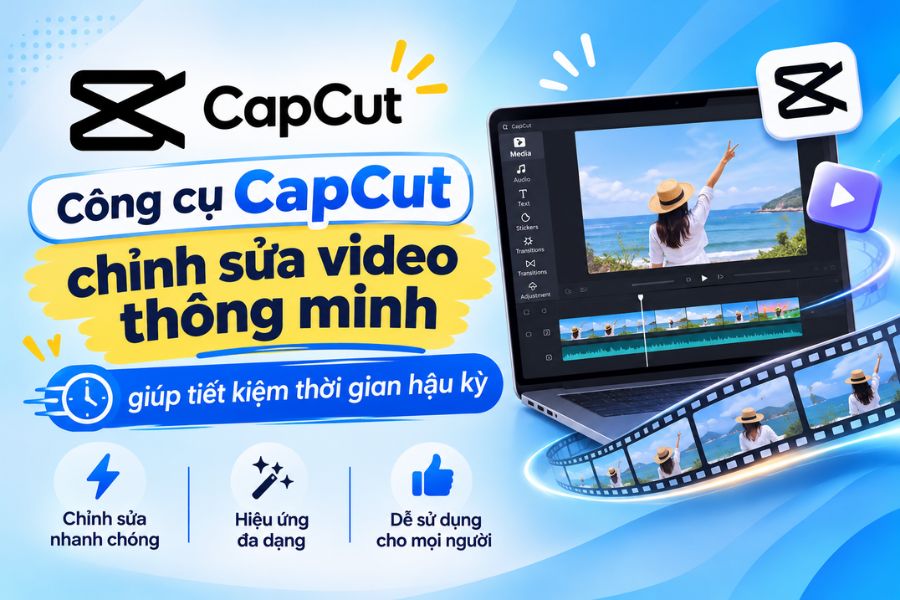
2.2. CapCut Text to Speech
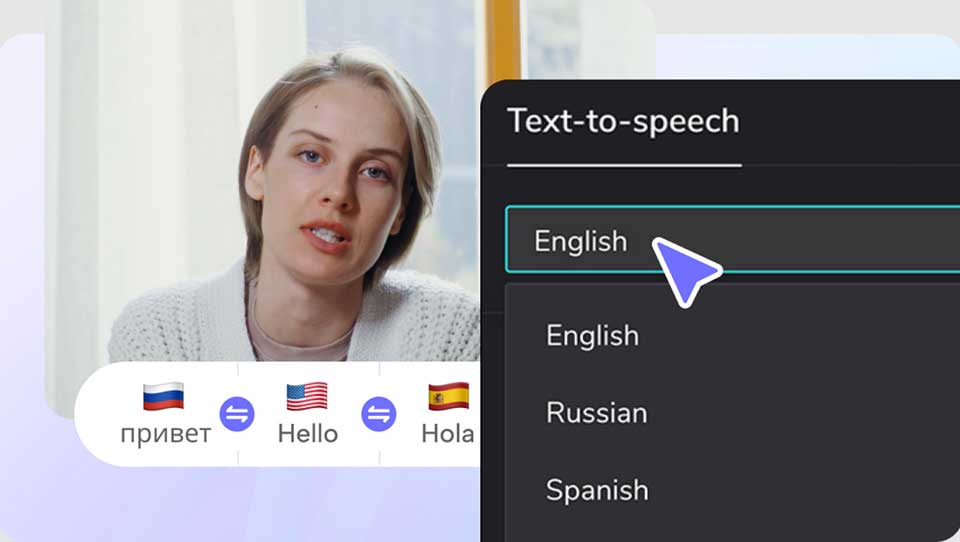
CapCut is a familiar tool for short video creators. Besides features for cutting, adding effects, and editing images, CapCut also integrates Text-to-Speech, which converts text content into AI-generated speech during the video editing process.
The outstanding advantages of CapCut include:
-
Convert text to speech with a variety of AI voice options.
-
Supports adjustment of reading speed and volume.
-
Allows for the combination of voice with images, videos, and effects.
-
It supports creating subtitles to help viewers follow the content more easily.
-
You can edit and export videos suitable for TikTok, Reels, and Shorts.
The biggest advantage of CapCut is that you can complete almost the entire video production process on a single platform. After creating the voiceover, you simply combine it with movie scenes, add subtitles and background music, and you have a complete video. This is a suitable option for beginners or creators who frequently upload movie review content.
2.3. ElevenLabs
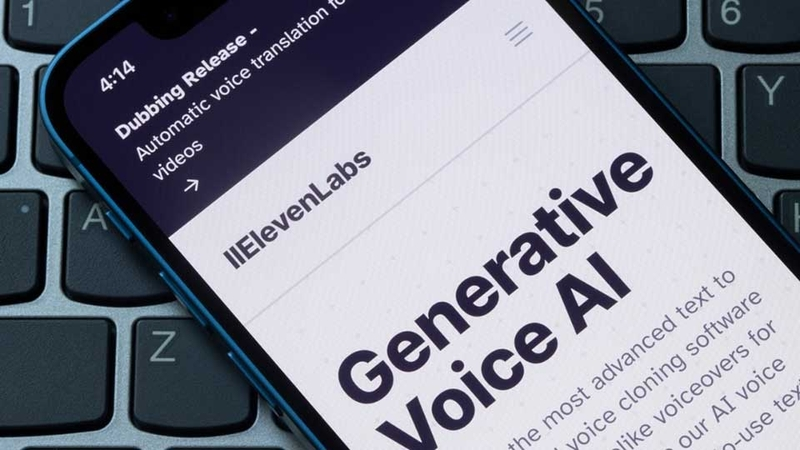
ElevenLabs is a standout AI-powered voice generator known for its ability to reproduce intonation and nuances quite naturally. The platform supports multiple languages, boasts a diverse library of voices, and offers options to customize the delivery to suit different content.
Some notable advantages of ElevenLabs:
-
Supports multiple languages, suitable for international content.
-
Provides a library of AI voices with various styles.
-
It is possible to adjust the tone and style of the voice.
-
Supports fast text-to-speech conversion.
-
Offer voice cloning functionality on suitable plans.
For movie review videos, ElevenLabs is suitable if you want an emotional narrative, avoiding a robotic feel. For example, character introductions, plot twists, or climactic retellings can be more engaging thanks to a flexible delivery. However, if using Vietnamese, you should carefully check the pronunciation of character names, place names, and foreign words. Breaking the script into short sentences also helps make the voiceover sound more natural.
2.4. Narakeet
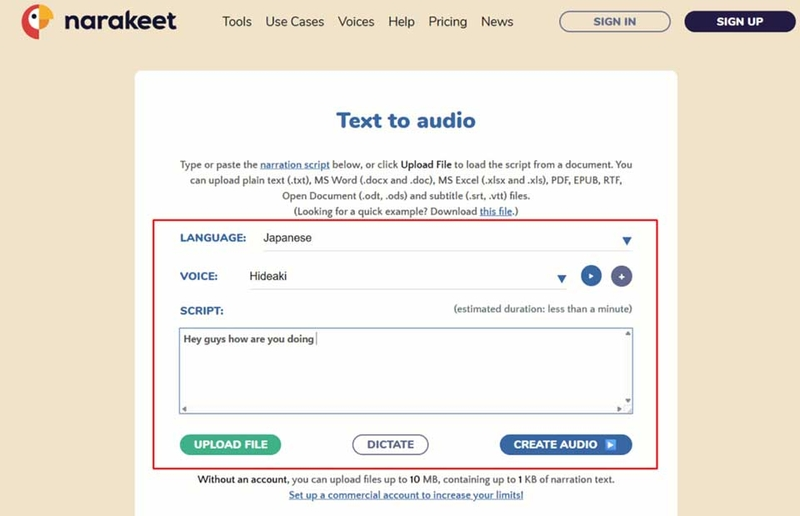
Narakeet is an online text-to-speech tool that supports multiple languages, including Vietnamese. Users can create audio files directly in their browser without needing to install complex software.
Narakeet's standout features include:
-
Supports online text-to-speech conversion.
-
Offers a variety of language and voice options.
-
Allows you to create audio files from pre-existing scripts.
-
Supports creating narrated videos from text content.
-
It can be used directly in the browser.
Narakeet is suitable for those who want to create quick and easy movie review voiceovers without too much technical work. You can use the tool to create narration for movie summaries, character introductions, or analyses of noteworthy plot points. To make the output audio easier to listen to, prepare a script with a clear structure, avoid overly long sentences, and use punctuation appropriately. This helps the AI better determine the reading pace, preventing the narration from sounding rushed.
2.5. VEED.io AI Voice Generator
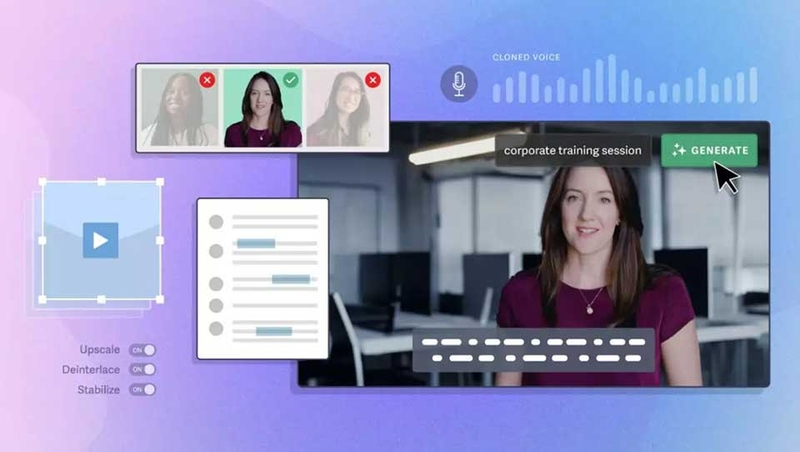
VEED.io is an online video editing platform that integrates AI-powered voice-over tools. It's a suitable choice for creators who want to combine voice-overs, subtitles, and image editing in a single workflow.
Some useful features of VEED.io:
-
Convert text to speech using AI.
-
Supports multiple languages and voice options.
-
Integrates online video editing tools.
-
Supports creating and editing subtitles.
-
Allows for the combination of voiceover with images and background music.
For movie review videos, VEED.io saves you time by eliminating the need to switch between multiple software programs. After creating the narration, you can continue editing the footage, adjusting subtitles, and finalizing the video directly on the platform.
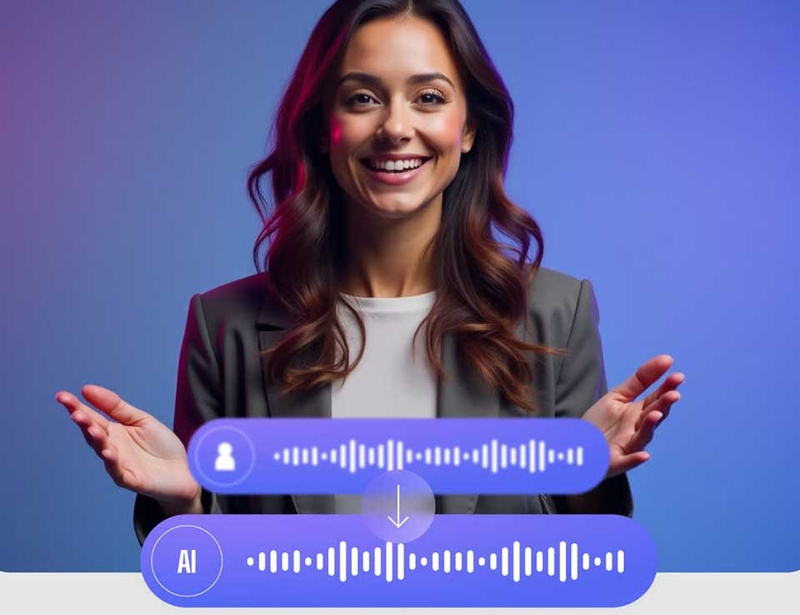
3. Instructions on how to create movie review voices using AI in a simple way.
After choosing the right tool, you can start creating a movie review voiceover from a pre-written script. The process below can be applied to CapCut, ElevenLabs, Narakeet, and many other Text-to-Speech platforms.
Step 1: Prepare a movie review script.
First, write your content in a clear sequence, including an engaging introduction, narrative body, and a suspenseful conclusion. Use short, easy-to-understand sentences and avoid paragraphs that contain too much information.
Step 2: Access the AI voice generator tool.
Open the tool you want to use and look for the Text-to-Speech or AI Voice Generator feature. Depending on your platform, you may need to log in to your account before you begin.
Step 3: Enter the text content
Copy the prepared script and paste it into the input field. Double-check punctuation, spelling, and character names to minimize pronunciation errors.
Step 4: Choose a suitable voice.
Listen to different voice options: male, female, or narrative-style voices. Choose a voice that suits the film genre and your target audience.
Step 5: Create and test the audio
Press the voiceover creation button, then listen to the entire content again. If you find pronunciation errors, inappropriate pauses, or a lack of emotion in the voiceover, edit the text and recreate it.
Step 6: Add voiceover to video
Import the audio file into video editing software, align the images with the narration, and add subtitles. You can also insert suitable background music to enhance the emotion of each scene.
4. Tips to make your AI-generated movie review voice sound more natural and engaging.
A good voiceover tool alone won't necessarily create an engaging film review if the script lacks focus or the delivery isn't appropriate. To make your voiceover feel more natural, consider these tips:
-
Write short, easy-to-read sentences: Avoid overly long sentences or those containing too many ideas. Break down the content into smaller sentences so that the AI can process the tone better.
-
Emphasize key plot points: The climaxes, unexpected situations, or turning points of the story should be highlighted.
-
Choose a voice that suits the film genre: Horror films require a deep, slow voice, comedies can use a cheerful tone, and romantic films should prioritize a gentle storytelling style.
-
Adjust the reading speed: The AI shouldn't read too fast, making it difficult for the audience to follow. Maintain a moderate pace and increase the tempo in sections that need to create drama.
-
Use punctuation appropriately: Periods, commas, and question marks help the AI determine pauses, thereby creating a more natural narrative rhythm.
-
Combine appropriate background music: Music can enhance the emotion of a video, but the volume needs to be adjusted appropriately so as not to overpower the narration.
-
Check pronunciation before posting: Pay special attention to movie titles, character names, place names, and foreign words.
Furthermore, the opening sequence needs careful planning to keep viewers engaged. Instead of introducing the film in a conventional way, you could begin with a thought-provoking question or reveal an unexpected plot twist. This approach encourages viewers to continue watching to discover what happens next.
5. Conclusion
Creating movie review voices using AI is a useful solution that helps creators save time, simplify the voice-over process, and improve video quality. Depending on your needs, you can choose FPT.AI Voicemaker, CapCut, ElevenLabs, Narakeet, or VEED.io to create a suitable voiceover. However, don't forget to invest in the script, intonation, and audio post-production. These are the elements that make movie review videos more lively, engaging, and keep viewers interested for longer





















VIP Products








Best Selling Products
MidJourney Account
29 USD
Capcut Pro 1 Year
39 USD
Adobe Premiere Pro Account
99 USD
Windows 10 & 11 Pro Key
36 USD
Genuine Adobe Illustrator account
99 USD
Freepik Premium Account
59 USD
Upgrade genuine Capture One account
120 USD
Plugin Retouch4me
69 USD
Genuine Cheap Canva Pro
39 USD
Upgrade Duolingo Super
29 USD
Copyright Adobe Lightroom Account
59 USD
ChatGPT Plus Account (GPT-4)
16 USD
Autodesk All App Account Copyright
120 USD
Adobe Photoshop Copyright - Full App
120 USD
Upgrade Genuine Office 365
49 USD