Best Selling Products

Genuine Adobe Illustrator account
99 USD

Genuine Cheap Canva Pro
39 USD

Adobe Premiere Pro Account
99 USD

Freepik Premium Account
59 USD

Plugin Retouch4me
69 USD

Capcut Pro 1 Year
39 USD

Copyright Adobe Lightroom Account
59 USD

Autodesk All App Account Copyright
120 USD

ChatGPT Plus Account (GPT-4)
16 USD

Upgrade genuine Capture One account
120 USD

Upgrade Duolingo Super
29 USD

Adobe Photoshop Copyright - Full App
120 USD

Windows 10 & 11 Pro Key
36 USD

MidJourney Account
29 USD

Upgrade Genuine Office 365
49 USD
Is Making Videos from Photos Difficult? Suggested Easy-to-Use Apps for Creating Videos from Photos
Nội dung
Creating videos from photos is no longer as complicated as many people used to think. With the development of technology and modern editing applications, anyone can easily create vivid videos from just a few simple photos.
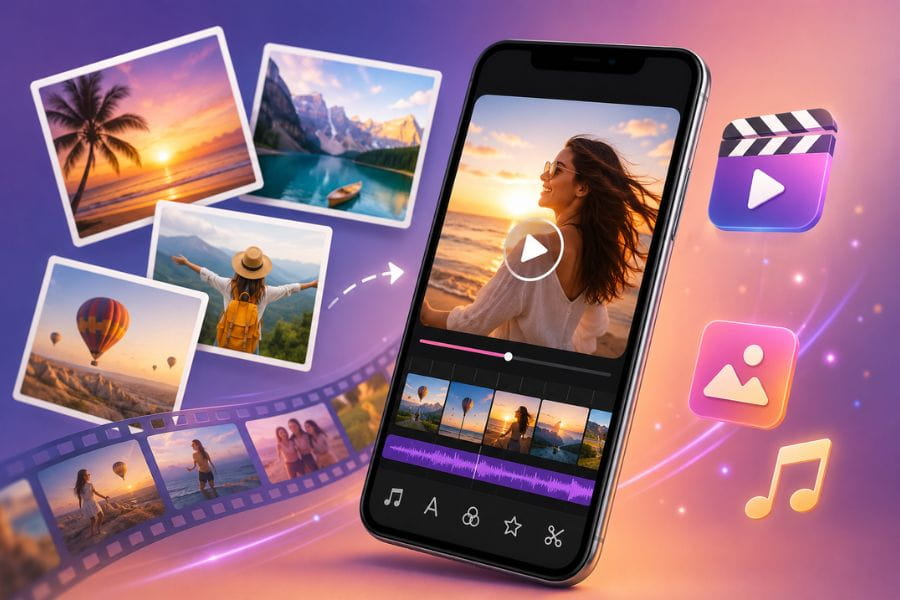
1. Is Making Videos from Photos Difficult?
Making videos from photos today is not difficult at all, unlike what many people still think. With just a few photos already stored on your phone and the support of modern editing apps, you can create vivid, beautiful, and professional videos in just a few minutes. Today’s tools are optimized for beginners, so the process is very simple, from selecting photos, adding music, inserting text, to creating transition effects. In particular, the trend of making videos from photos is becoming increasingly popular on TikTok, Facebook, and Instagram because it is easy to do while helping convey emotions more authentically and attractively.
No professional video editing skills are required to create beautiful videos
You only need a phone or computer to work easily
Today’s apps all include ready-made templates for convenience
Support adding music, effects, filters, and automatic transitions
Save time while still creating videos that attract viewers
Suitable for making memory videos, travel videos, sales content, or social media posts
Many apps also integrate AI to make photo-to-video creation faster and more professional
%20(1).png)
2. Apps for Creating Videos from Photos and Music on iPhone and Android
2.1 Magisto
Magisto is an app suitable for beginners who want to create videos from photos quickly on their phones. The app has a simple and easy-to-use interface, so users do not need much time to get familiar with it. Just choose your favorite photos, add background music, and select a built-in video style, and Magisto will automatically help create a complete video with smooth and eye-catching transitions.
Magisto’s biggest strength lies in optimizing speed while still ensuring high aesthetics. Although it is not deeply focused on advanced editing, it still handles basic needs well such as adding text, color filters, and changing between horizontal and vertical layouts for TikTok, Facebook, or Instagram posts. If you are looking for a simple photo-to-video tool that is easy to use and saves time, Magisto is a very suitable choice.
%20(1).jpg)
2.2 CapCut
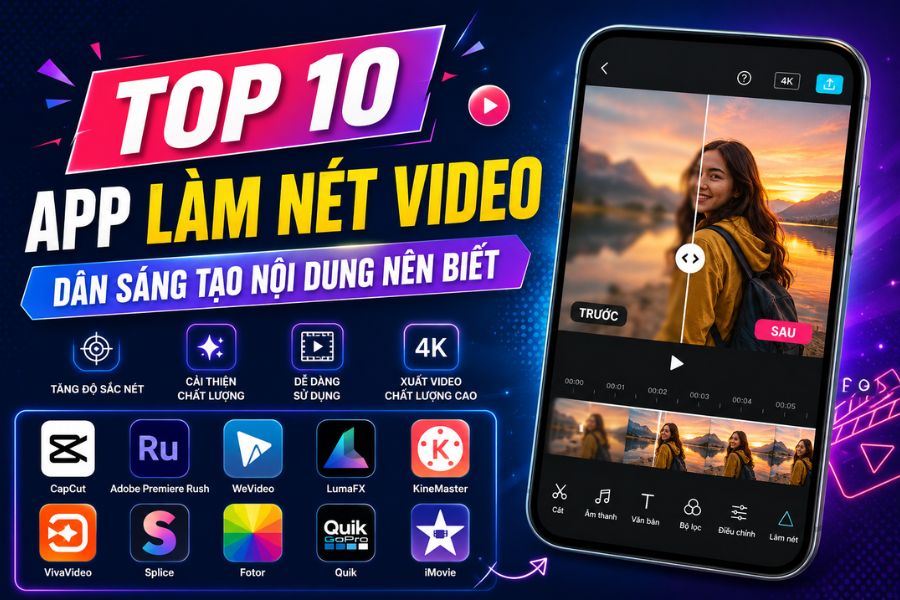
CapCut is currently one of the most popular photo-to-video apps thanks to its diverse effects library and flexible editing capabilities. The app is especially popular among TikTok users because it comes with many trending templates, beautiful transitions, and professional editing tools that are still easy to use. Even beginners can quickly create impressive videos with just a few basic steps.
In addition to combining photos and adding music, CapCut also supports many outstanding features such as automatic subtitles, green screen background removal, video overlays, speed adjustment, and cinematic effects. In particular, the app has many ready-made editing templates, so you only need to choose a template and add your personal photos to instantly create a finished social media video. This is the ideal choice for those who want to create photo videos with a youthful, modern, and attractive style.
2.3 FilmoraGo
FilmoraGo is a highly rated video editing app thanks to its user-friendly interface and professional-level photo-to-video creation features on mobile devices. The app allows users to easily combine images, music, and effects to create videos with a personal touch. All editing operations are simplified, making it suitable for both beginners and experienced video editors.
One of FilmoraGo’s outstanding advantages is its flexible customization for every frame. Users can adjust photo duration, add fast or slow motion effects, insert stickers, apply color filters, or add text freely. In addition, the PiP feature allows adding extra photos or videos over the main content to create more creative and professional effects. If you want to create videos from photos with many customization options while keeping mobile editing simple, FilmoraGo is definitely worth trying.
%20(1).jpg)
2.4 VivaVideo
VivaVideo is one of the most loved photo-to-video apps thanks to its easy-to-use interface and diverse effects library. It is suitable for both beginners and users who want to create more professional-looking videos. Simply choose your photos, add background music, and apply built-in effects to quickly create vivid videos for TikTok, Facebook, or Instagram.
A key highlight of VivaVideo is its flexible customization. Users can change aspect ratios, insert subtitles, add stickers, apply color filters, and choose transitions in various styles. In addition, the app supports video trimming, duration adjustment, and direct voice recording to make videos more personalized and engaging. If you are looking for an easy-to-use photo-to-video app with plenty of creative features, VivaVideo is a great option to explore.
2.5 Photo Video Maker
Photo Video Maker is an app designed for users who want to create videos from photos quickly while maintaining good aesthetics. It helps combine images and music to create impressive videos in just a few basic steps. Its intuitive interface and easy-to-use editing tools allow even beginners to quickly get started and create videos in their own style.
Besides combining photos and adding music, Photo Video Maker also offers useful editing features such as trimming, adjusting speed, adding transition effects, and applying eye-catching color filters. In particular, it supports exporting videos with stable quality, making it ideal for TikTok edits, YouTube Shorts, or preserving memorable moments. This is an ideal choice for users who want simple yet professional and engaging photo-to-video creation.
%20(1).jpg)
2.6 InShot
InShot is a standout video editing app chosen by many content creators thanks to its professional photo-to-video creation features while remaining extremely easy to use. The app allows users to combine photos, music, and effects to create beautiful videos suitable for different social media platforms. Its friendly interface and simple controls make editing faster even for beginners.
One of InShot’s strongest advantages is its wide feature library, including music insertion, emoji overlays, transitions, background blur, video trimming, and flexible speed adjustment. In addition, the app supports exporting high-resolution videos and direct sharing to Facebook, Instagram, or TikTok. If you want to create photo videos with a modern, creative style optimized for social media, InShot is definitely a tool worth trying.
3. Criteria for Choosing the Right Photo-to-Video App
To create more beautiful and professional photo videos, choosing the right app for your needs is very important. Each app has its own strengths, from beginner-friendly interfaces to advanced tools for creative content production. A suitable app not only makes editing easier but also saves time and significantly improves video quality. Therefore, before choosing, you should consider several important criteria to find the most effective and convenient tool for creating videos from photos.
Prioritize apps with simple, easy-to-use interfaces if you are a beginner
Choose apps with many transitions, stickers, and filters to make videos more vivid
Use apps that allow detailed customization such as photo duration, video speed, or flexible text insertion
A rich music library will make videos more emotional and engaging
Prioritize apps that support high-quality exports such as Full HD or 4K for better social media uploads
Apps with ready-made templates save time and make it easier to create trending videos
Choose apps compatible with both Android and iPhone for more convenience
If you edit videos frequently, consider paid versions to unlock more professional features
%20(1).jpg)
4. Conclusion
Creating videos from photos is now quite easy thanks to the support of many smart and user-friendly applications. By simply choosing the right photo-to-video app for your needs, you can transform static images into professional, attractive, and emotional videos in a short time. What matters most is not using overly complex software, but how you arrange your images, choose background music, and creatively deliver your message. If you are a beginner, prioritize apps with simple interfaces, many ready-made templates, and easy-to-use controls to save time learning. Hopefully, through this article, you will feel more confident starting your journey of creating videos from photos to preserve memories or develop social media content more effectively.





















VIP Products








Best Selling Products
Genuine Adobe Illustrator account
99 USD
Genuine Cheap Canva Pro
39 USD
Adobe Premiere Pro Account
99 USD
Freepik Premium Account
59 USD
Plugin Retouch4me
69 USD
Capcut Pro 1 Year
39 USD
Copyright Adobe Lightroom Account
59 USD
Autodesk All App Account Copyright
120 USD
ChatGPT Plus Account (GPT-4)
16 USD
Upgrade genuine Capture One account
120 USD
Upgrade Duolingo Super
29 USD
Adobe Photoshop Copyright - Full App
120 USD
Windows 10 & 11 Pro Key
36 USD
MidJourney Account
29 USD
Upgrade Genuine Office 365
49 USD