Best Selling Products

Adobe Premiere Pro Account
99 USD

MidJourney Account
29 USD

Windows 10 & 11 Pro Key
36 USD

ChatGPT Plus Account (GPT-4)
16 USD

Genuine Adobe Illustrator account
99 USD

Adobe Photoshop Copyright - Full App
120 USD

Upgrade Duolingo Super
29 USD

Upgrade genuine Capture One account
120 USD

Copyright Adobe Lightroom Account
59 USD

Freepik Premium Account
59 USD

Plugin Retouch4me
69 USD

Upgrade Genuine Office 365
49 USD

Autodesk All App Account Copyright
120 USD

Capcut Pro 1 Year
39 USD

Genuine Cheap Canva Pro
39 USD
Master every aspect of video post-production with Adobe Premiere.
Nội dung
- 1. Editing: Creating the perfect story from disparate pieces.
- 2. Color: Balance and establish the tone to guide the emotion.
- 3. Sound: Sound mixing to create memories for the viewer.
- 4. Effect: When the technique serves to evoke emotions, it doesn't overshadow the content.
- 5. Title: Creating animated text to complete the story
- 6. Explore the features of Premiere.
- 6.1. Creating Object Masks
- 6.2. Over 90 new effects and transitions from Film Impact
- 6.3. Media Intelligence
- 6.4. Seamless integration with Frame.io and Adobe Stock
- 6.5. Seamless creative process
Premiere offers a comprehensive suite of tools for modern video post-production. Editing, color grading, audio, and effects are seamlessly integrated, giving you complete control over the entire process within a single platform.
Master every aspect of video post-production with Adobe Premiere.
Premiere offers a comprehensive suite of tools for modern video post-production. Editing, color grading, audio, and effects are seamlessly integrated, giving you complete control over the entire process within a single platform.
Master every aspect of video post-production with Adobe Premiere.
Adobe Premiere Pro has long been considered the standard in the video post-production industry. But in its newer versions, Premiere goes beyond simply providing powerful editing tools. It's progressively elevating the editing experience to a new level, where editors can seamlessly edit, create, and refine videos, with minimal interruptions from cumbersome technical operations.
Edit and trim videos. Add effects, mix audio, and create title animations. Speed up your workflow with AI. Create complex masks in seconds with Premiere Object Masking (BETA). And most importantly, you can edit anywhere with the new iPhone app. All of this isn't just "new features," it's a change in how we do our jobs.
Buy Adobe Premiere Pro Accounts at a Cheap Price
1. Editing: Creating the perfect story from disparate pieces.
The essence of video editing isn't about cutting and pasting images, but about building rhythm and emotion. Premiere provides a set of industry-standard editing tools designed to serve storytelling directly and effectively.
Premiere's three-point editing technique is intuitively supported. Editors can precisely control the entry point, exit point, and clip placement on the timeline, ensuring each cutting decision is purposeful. Combined with a flexible timeline interface and smooth responsiveness, the rough editing process becomes faster and less prone to errors.
The key takeaway is that Premiere doesn't force editors to change their familiar workflows. Instead, it expands options, allowing each person to create videos in a way that best suits their own vision.
.jpg)
One of Premiere's biggest advancements in recent years is its Text-Based Editing feature. Instead of rewinding and fast-forwarding the timeline to find the right line, editors can work directly on the video's transcript.
Premiere automatically creates accurate transcripts, allowing you to arrange, trim, and refine clips simply by editing the text. Deleting a sentence in the transcript means deleting the corresponding video segment from the timeline. This is especially useful for interview videos, podcasts, talk shows, or educational content where dialogue is central.
Besides saving time, text-based editing allows editors to focus more on the content, instead of being distracted by technical operations.
In large projects, retrieving a specific shot is often a nightmare. Media Intelligence has completely transformed this experience.
Instead of remembering file names or clip locations, you simply describe what you're looking for. AI can identify objects, locations, frames, even specific dialogue or sound effects like rain or dog barking. Results are returned in seconds, allowing editors to quickly find suitable footage or alternative clips with similar images.
Media intelligence not only saves time but also opens up the possibility of re-exploiting archives in more creative ways, especially for long-term projects.
2. Color: Balance and establish the tone to guide the emotion.
Color in video is not only aesthetically pleasing, but also a powerful tool for evoking viewers' emotions. Premiere offers a comprehensive color grading system, allowing editors to control everything from basic white balance to creating unique color styles.
One of Premiere's strengths is its ability to directly process raw and log footage from various camera types. Editors can import footage into the timeline and begin color grading immediately, without relying on pre-existing LUTs. This allows for a more flexible creative process and avoids the "uniform color" feel often associated with Premiere.
.jpg)
AI in Premiere supports instant color balancing, quickly establishing an initial color foundation. From there, editors can fine-tune further using the color wheel and dedicated curves to achieve the desired tone.
Integrated video measurement tools allow for objective color accuracy checks, ensuring videos meet broadcast or print standards. This combination of AI and manual control saves editors time while retaining creative control.
3. Sound: Sound mixing to create memories for the viewer.
A video might tolerate imperfect visuals, but poor-quality audio will almost certainly drive viewers away. Premiere understands this and provides a professional audio toolset powerful enough for both commercial and personal creative projects.
The editor can reduce noise, increase dialogue clarity, and precisely control volume levels. Advanced sound effects allow for detailed processing of each layer of sound, from voice and background music to environmental effects.
.jpg)
Premiere integrates a rich music library, allowing you to search, license, and use music directly in your project. AI can automatically adjust the length and tempo of the music to match the video, saving you time on manual synchronization.
This is a huge advantage for advertising videos, social content, or projects with tight deadlines, where efficiency and speed are key.
4. Effect: When the technique serves to evoke emotions, it doesn't overshadow the content.
Premiere offers hundreds of cinematic effects and transitions, from basic to advanced. However, its strength lies not in quantity, but in its flexible customization capabilities. Editors can start with pre-designed templates and then adjust them to create their own personal touch.
These effects are optimized for smooth playback on the timeline, allowing for continuous, uninterrupted testing and refinement.
.jpg)
With the redesigned shape masks in Adobe Premiere (BETA), creating precise effects is easier than ever. The masks can accurately track fast motion between frames, ideal for selective color grading or local effects.
When combined with AI, editors can handle complex tasks in a short amount of time while maintaining professional quality.
5. Title: Creating animated text to complete the story
Titles are not just information; they're also key to making a first impression. Premiere allows you to create polished titles, subtitles, and graphics using professional templates that can be customized directly within the software.
Editors don't need to switch to After Effects for basic text animations, saving time and maintaining workflow.
.jpg)
The ability to translate subtitles into 18 languages using AI makes videos more accessible to a global audience. This is a particularly important feature in the age of cross-border digital content.
6. Explore the features of Premiere.
6.1. Creating Object Masks
The Object Masking feature in Premiere (BETA) is one of the most notable improvements. Simply hover your mouse over the subject and click, and the AI will automatically create a mask and accurately track its movement throughout the clip.
This is an extremely valuable tool for color correction, effects, and compositing, allowing editors to focus on the concept rather than technical manipulation.
6.2. Over 90 new effects and transitions from Film Impact
Film Impact's range of modern effects and transitions gives editors even more creative options. All are GPU-accelerated, enabling real-time playback and are completely free to use in Premiere.
6.3. Media Intelligence
Media Intelligence allows you to search for footage by describing similar sound effects, dialogue, or images. Editors can quickly censor unwanted language with just one click, making post-production cleaner and more accurate.
.jpg)
6.4. Seamless integration with Frame.io and Adobe Stock
Deep integration with Frame.io allows for importing content, sharing builds, and syncing feedback directly within Premiere. Meanwhile, Adobe Stock enables access to millions of resources, licensing, and adding to projects without leaving the software.
6.5. Seamless creative process
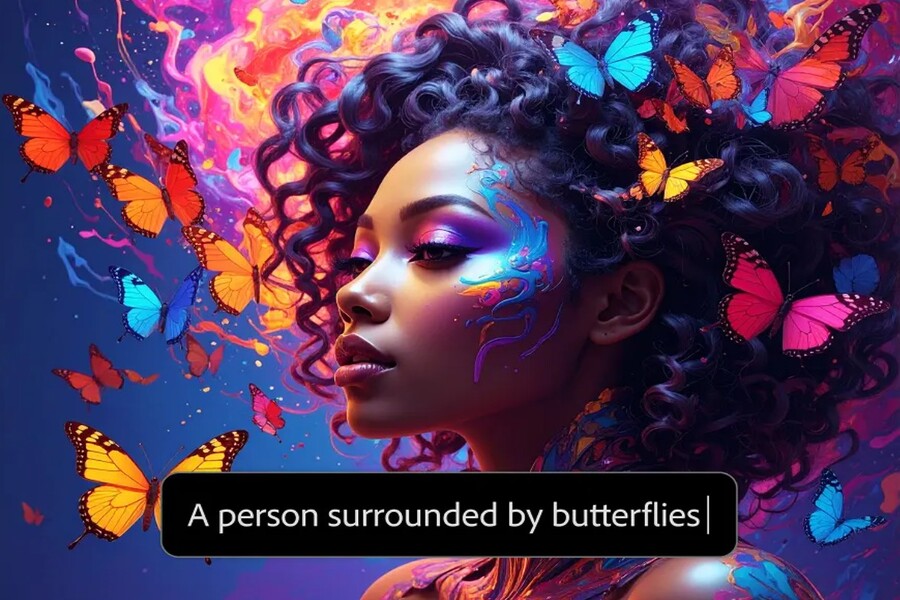
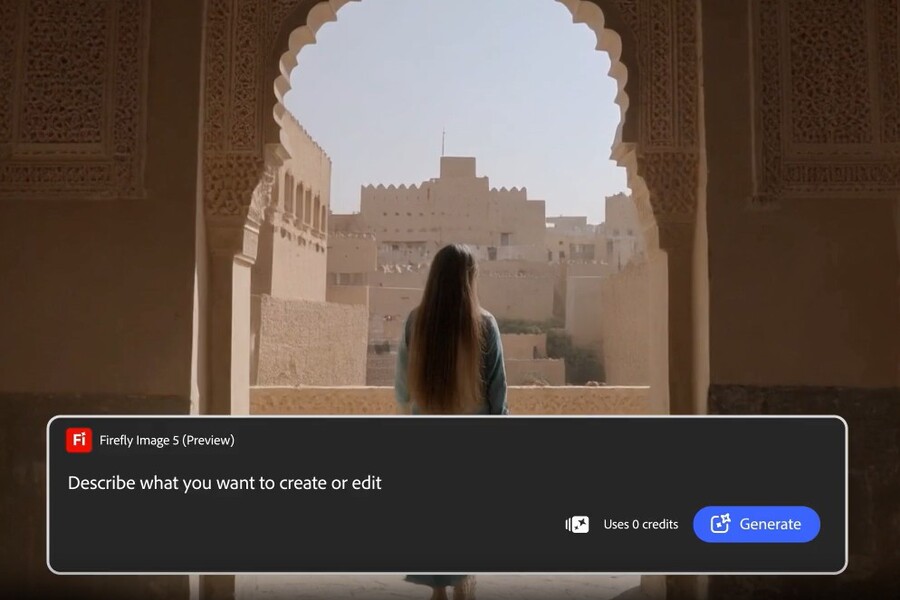
Editors can create videos on the Firefly web application, then send clips directly to Premiere for advanced editing. This opens up a new workflow where AI assists from the idea stage to the final post-production.
Video editing is always at a higher level with Premiere, not because the software is "more feature-rich," but because it understands how editors work. The AI in Premiere doesn't replace creative thinking, but rather frees professionals from





















VIP Products








Best Selling Products
Adobe Premiere Pro Account
99 USD
MidJourney Account
29 USD
Windows 10 & 11 Pro Key
36 USD
ChatGPT Plus Account (GPT-4)
16 USD
Genuine Adobe Illustrator account
99 USD
Adobe Photoshop Copyright - Full App
120 USD
Upgrade Duolingo Super
29 USD
Upgrade genuine Capture One account
120 USD
Copyright Adobe Lightroom Account
59 USD
Freepik Premium Account
59 USD
Plugin Retouch4me
69 USD
Upgrade Genuine Office 365
49 USD
Autodesk All App Account Copyright
120 USD
Capcut Pro 1 Year
39 USD
Genuine Cheap Canva Pro
39 USD