Best Selling Products

Autodesk All App Account Copyright
120 USD

Upgrade Duolingo Super
29 USD

Copyright Adobe Lightroom Account
59 USD

Windows 10 & 11 Pro Key
36 USD

Genuine Adobe Illustrator account
99 USD

Adobe Premiere Pro Account
99 USD

Plugin Retouch4me
69 USD

Adobe Photoshop Copyright - Full App
120 USD

Upgrade Genuine Office 365
49 USD

Freepik Premium Account
59 USD

Genuine Cheap Canva Pro
39 USD

MidJourney Account
29 USD

Upgrade genuine Capture One account
120 USD

Capcut Pro 1 Year
39 USD

ChatGPT Plus Account (GPT-4)
16 USD
Photo editing apps with stickers help make your pictures more lively and attractive.
Nội dung
- 1. The appeal of stickers in mobile photography trends.
- 2. Criteria for choosing a photo editing app with stickers
- 2.1. A rich and diverse resource library covering a wide range of topics.
- 2.2. Flexible sticker customization options
- 2.3. Feature to create stickers from personal photos
- 4. Review of the most popular photo editing apps with stickers.
- 4.1. PicsArt - A huge ecosystem of user-created stickers
- 4.2. Snow - The pinnacle of augmented reality (AR) stickers
- 4.3. Line Camera - A cute style from the Land of Cherry Blossoms
- 5. How to add stickers to photos like a pro.
- 5.1. Rules of Balance and Composition
- 5.2. Color coordination between stickers and original images
- 6. Creating personalized stickers - A leading trend in 2026
- 6.1. Leveraging intelligent background separation technology
- 6.2. Designing text-based stickers (Typography)
- 7. Experience the ultimate app store at appvip.ai
- 8. Common mistakes when using stickers on photos
- 8.1. Overstuffing with stickers
- 8.2. Stickers obscure important details.
- 8.3. Use low-resolution stickers
- 9. The application of stickers in business and branding.
- 9.1. Create contact and promotional stickers
- 9.2. Marking image copyright with logo stickers
- 10. How to optimize lighting for stickers to harmonize with the photo.
- 10.1. Adjust the brightness and contrast of the sticker.
- 10.2. Creating a simulated drop shadow
- 11. Conclusion
Discover the top photo editing apps with beautiful and easy-to-use stickers for your phone. A collection of apps that add cute stickers, icons, emojis, and trendy photo effects for Android and iPhone.
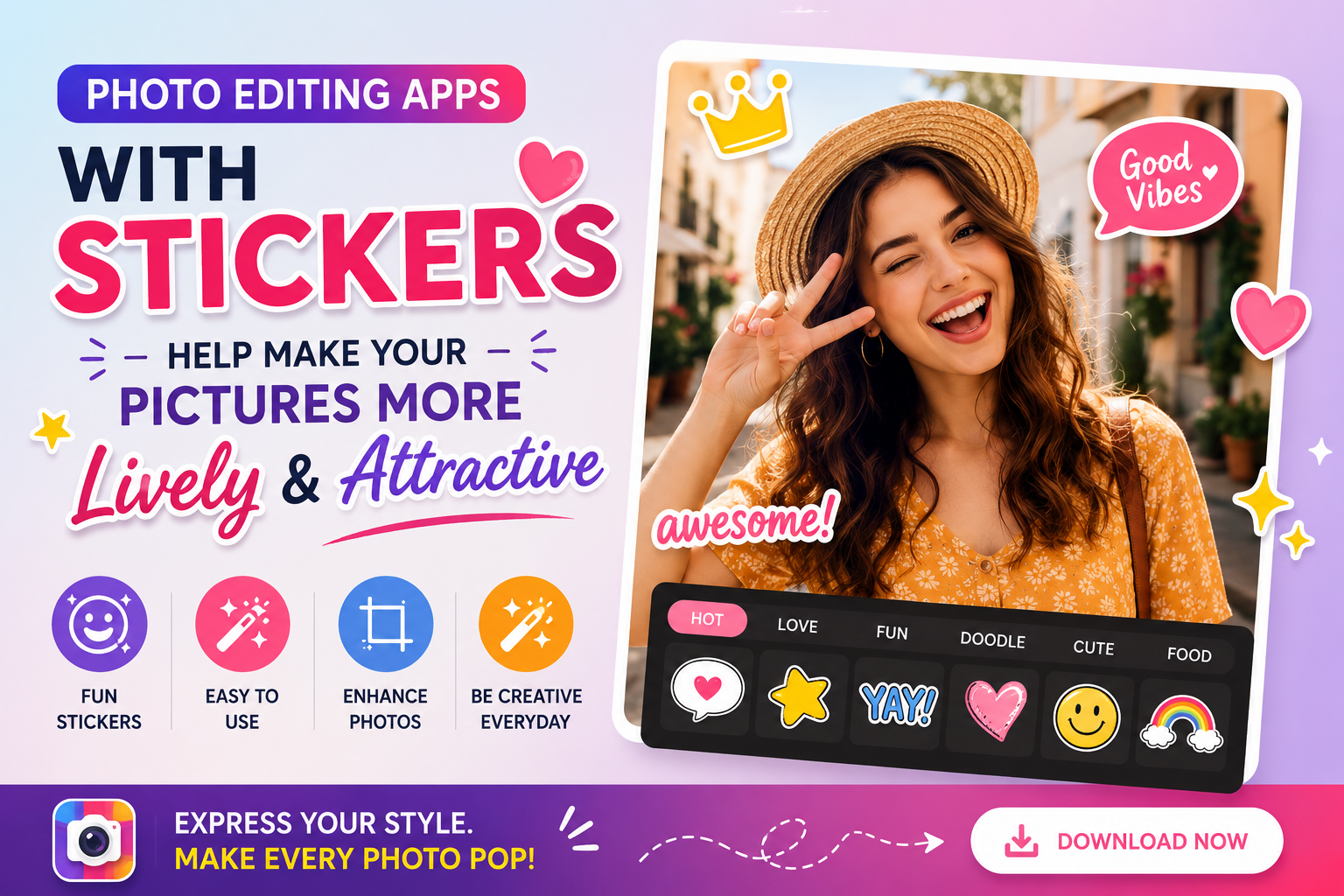
1. The appeal of stickers in mobile photography trends.
Mobile photography has entered a new era where editing goes beyond just color and brightness. The emergence of digital stickers has created a powerful wave of creativity, allowing users to infuse emotions, messages, and unique personalities into each frame. Using a photo editing app with quality stickers transforms a stiff image into something soft, fun, and more engaging for viewers on social media platforms.
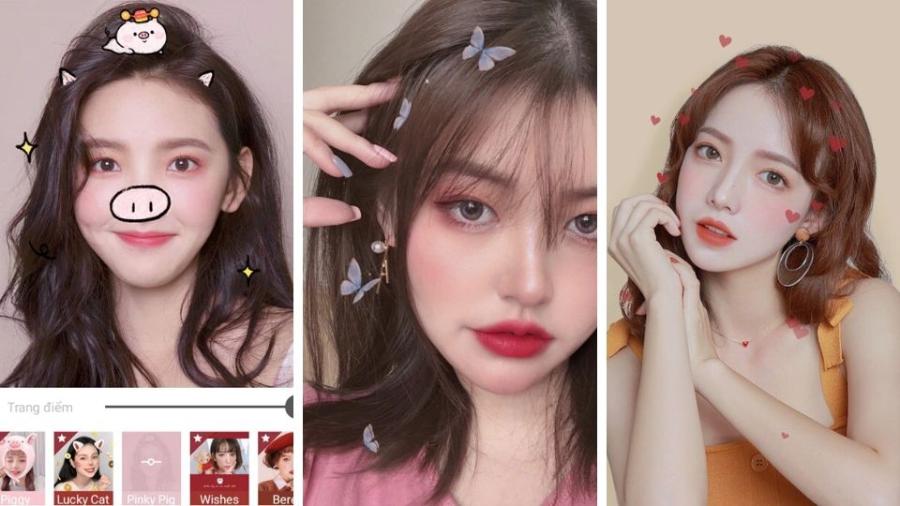
These stickers come in a wide variety, from simple emojis and artistic hand-drawn designs to vibrant animated stickers. They act as catalysts, helping to convey the story in a photo more clearly and impressively. For young people, stickers are also a tool to cover up minor flaws in photos or simply to create a composition with a strong personal touch without needing complex graphic design software on a computer.
2. Criteria for choosing a photo editing app with stickers
With thousands of options on app stores, users need to be discerning to find truly powerful tools that suit their needs. A good app isn't just about the number of stickers, but also about its functionality and supplementary features.
2.1. A rich and diverse resource library covering a wide range of topics.
A worthwhile photo editing app with stickers should have a huge sticker library, covering many different styles such as Vintage, Aesthetic, Cute, or Grunge. This diversity allows users to avoid being limited in their ideas and can be applied to many types of photos, from portraits and food photos to travel landscapes.
2.2. Flexible sticker customization options
Features that allow you to change the color, opacity, gloss, or flip the sticker are extremely important. This helps the sticker blend perfectly into the lighting and background of the original photo, avoiding a disjointed or overly artificial look.
2.3. Feature to create stickers from personal photos
Personalization is the leading trend right now. Apps that allow users to crop photos of themselves or their pets to create exclusive stickers are highly appreciated by the content creation community.
4. Review of the most popular photo editing apps with stickers.
Below is a compilation of top apps that help you own awesome sticker collections, completely free or at a reasonable cost.

4.1. PicsArt - A huge ecosystem of user-created stickers
PicsArt is not just a photo editor, but also a creative social network. Its greatest strength lies in the millions of stickers designed and shared daily by the community.
-
Features: You can find anything from lighting effects and angel wings to artistic quotes.
-
Features: The incredibly powerful "Sticker Maker" tool helps you remove the background from photos to create stickers with just one touch.
4.2. Snow - The pinnacle of augmented reality (AR) stickers
If you love stickers that combine with faces or create makeup effects, Snow is a name you can't miss.
-
Features: AR sticker filters move in sync with facial movements, perfect for creating Stories or taking Selfies.
-
Features: A sticker library that is constantly updated to reflect seasonal holidays and global trends.
4.3. Line Camera - A cute style from the Land of Cherry Blossoms
As the name suggests, this app brings the essence of the famous Line icons. This photo editing app with stickers is extremely popular among students.
-
Features: The stickers have an adorable style, bright colors, and delicate drawings.
-
Feature: Allows you to professionally watermark your photos with custom-designed stickers.
5. How to add stickers to photos like a pro.
Adding stickers may seem simple, but creating a harmonious overall look requires certain aesthetic rules.
5.1. Rules of Balance and Composition
Never place stickers too close to the edges of the photo or over important details of the main subject. Choose "white space" (empty areas) in the photo to place stickers; this allows the photo to breathe and avoids a cluttered look.
5.2. Color coordination between stickers and original images
If the photo has a cool tone, you should prioritize stickers in blue, white, or gray. Conversely, bright, sunny photos will suit stickers with warm tones. Color coordination helps the stickers look like an integral part of the photo from the moment it was taken.
6. Creating personalized stickers - A leading trend in 2026
Instead of using pre-made stickers, designing your own stickers is becoming a strong trend. This helps make your photos truly unique.
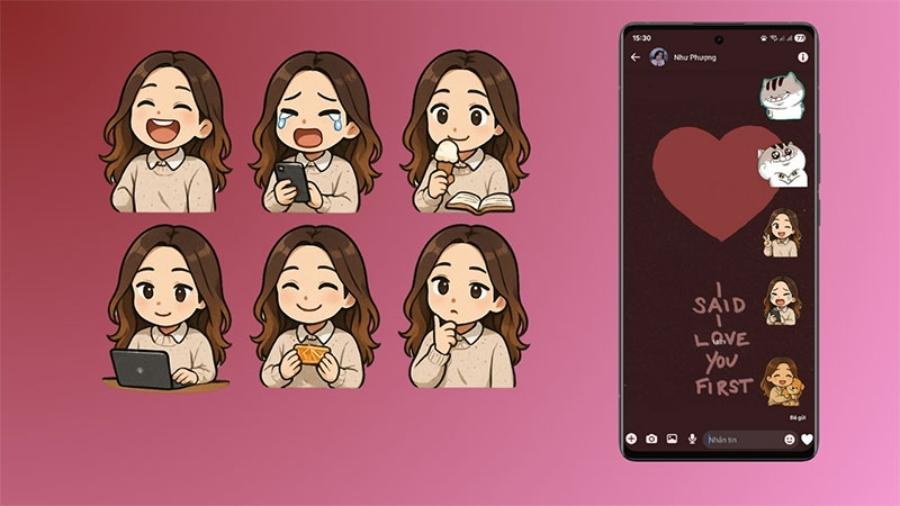
6.1. Leveraging intelligent background separation technology
Modern photo editing apps with stickers often integrate AI to separate the subject from the background. You can use your own face with funny expressions to turn it into a sticker, then insert it into other photos to add fun.
6.2. Designing text-based stickers (Typography)
Short, meaningful phrases designed with attractive fonts are also considered a form of premium sticker. They help you convey your message directly and artistically without needing to write lengthy captions.
7. Experience the ultimate app store at appvip.ai
To achieve the most perfect photos, finding and owning copyrighted photo editing tools is a priority for many. The website appvip.ai is currently one of the leading platforms providing information, reviews, and optimal solutions for various mobile applications. Here, users can find articles sharing experiences using photo editing apps with stickers, from basic to advanced levels, and access a wealth of high-quality graphic resources. With the goal of providing convenience and enhancing the digital experience, this site will surely help you easily choose the most effective tools to professionally refresh your personal photo collection.
8. Common mistakes when using stickers on photos
Many users often make mistakes that detract from the aesthetic value of their photos. Let's review them to avoid them.
8.1. Overstuffing with stickers
A photo with too many stickers will distract the viewer's attention. Stickers should only be decorative accessories, not the focal point that takes up all the space in the photo.
8.2. Stickers obscure important details.
Be careful when placing stickers near faces or symbolic objects in the photo. Accidentally obscuring part of an eye or a smile will completely ruin the emotional impact of the picture.
8.3. Use low-resolution stickers
If you download stickers from unreliable sources, they will appear pixelated when enlarged. This makes the image look very unprofessional and aesthetically unappealing.
9. The application of stickers in business and branding.
Beyond just entertainment, photo editing apps with stickers are also a great marketing tool for online store owners.
9.1. Create contact and promotional stickers
Instead of using dry text, you can design eye-catching labels like "Sale Off," "New Arrival," or "Hot Deal" to stick on your product photos. This method helps customers easily attract attention and remember the information faster.
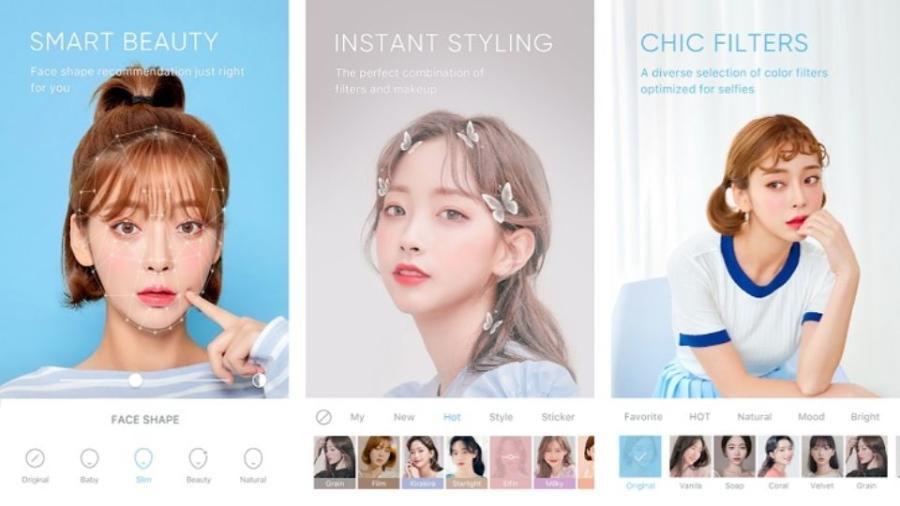
9.2. Marking image copyright with logo stickers
Using a brand logo as a low-transparency sticker (watermark) is an effective and subtle way to protect image copyright, helping to affirm the brand's professionalism in the market.
10. How to optimize lighting for stickers to harmonize with the photo.
One advanced technique to make stickers look more "realistic" is to adjust the lighting and shadows on the sticker itself.
10.1. Adjust the brightness and contrast of the sticker.
If the original photo is brightly lit, increase the contrast of the sticker. If the photo was taken in low light or dim conditions, lower the sharpness of the sticker so that it blends into the overall space.
10.2. Creating a simulated drop shadow
Some photo editing apps with advanced sticker features allow you to create shadows for stickers. Adding a slight shadow underneath or beside the sticker creates depth, making the sticker appear to actually exist within the scene.
11. Conclusion
The perfect combination of photography techniques and the art of using stickers from photo editing apps opens up a world of endless creativity for anyone. Whether you're a casual user wanting to capture fun moments or a professional content creator, stickers are always the ideal companion to refresh your image style. Start experimenting, try new things, and keep creating to turn each photo into your own unique and interesting story.





















VIP Products








Best Selling Products
Autodesk All App Account Copyright
120 USD
Upgrade Duolingo Super
29 USD
Copyright Adobe Lightroom Account
59 USD
Windows 10 & 11 Pro Key
36 USD
Genuine Adobe Illustrator account
99 USD
Adobe Premiere Pro Account
99 USD
Plugin Retouch4me
69 USD
Adobe Photoshop Copyright - Full App
120 USD
Upgrade Genuine Office 365
49 USD
Freepik Premium Account
59 USD
Genuine Cheap Canva Pro
39 USD
MidJourney Account
29 USD
Upgrade genuine Capture One account
120 USD
Capcut Pro 1 Year
39 USD
ChatGPT Plus Account (GPT-4)
16 USD