Best Selling Products

MidJourney Account
29 USD

ChatGPT Plus Account (GPT-4)
16 USD
Upgrade genuine Capture One account
120 USD

Capcut Pro 1 Year
39 USD

Genuine Adobe Illustrator account
99 USD
Genuine Cheap Canva Pro
39 USD

Windows 10 & 11 Pro Key
36 USD

Upgrade Genuine Office 365
49 USD

Freepik Premium Account
59 USD
Plugin Retouch4me
69 USD

Copyright Adobe Lightroom Account
59 USD

Adobe Premiere Pro Account
99 USD
Autodesk All App Account Copyright
120 USD

Adobe Photoshop Copyright - Full App
120 USD
Upgrade Duolingo Super
29 USD
Protect your private messages easily with ChatGPT''s chat lock feature.
Nội dung
- 1. What is ChatGPT's chat locking feature?
- 2. How do Locked Chats work?
- 3. Key benefits of the chat lock feature
- 3.1 Better protection of personal information
- 3.2 Convenience of sharing equipment
- 3.3 Support for managing sensitive conversations
- 4. Security limitations you need to know before using it.
- 5. What are the notable features of private storage in Locked Chats?
- 6. Types of conversations that do not support locking.
- 7. Which ChatGPT packages support the chat lock feature?
- 8. Conclusion
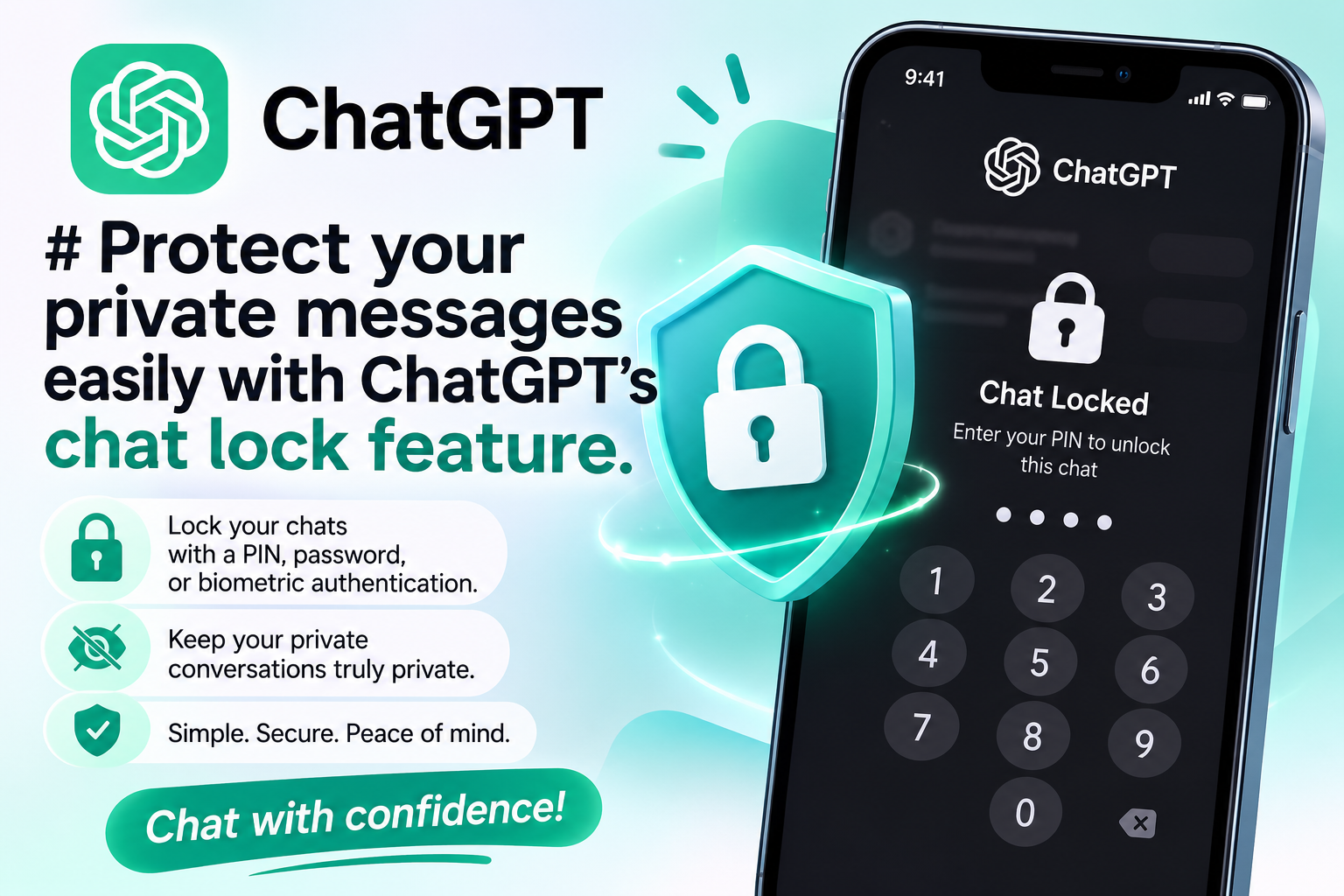
ChatGPT is increasingly used for work, study, and even personal matters. However, when conversations may contain sensitive information, private plans, or shared content that others don''t want seen, protecting the conversation content becomes a significant concern. To address this need, OpenAI has implemented the Locked Chats feature, allowing users to lock important chats using a PIN or biometric authentication method on compatible devices. This is a practical addition, giving users proactive control over access to private conversations directly within the application. Let''s explore it with Sadesign!
1. What is ChatGPT's chat locking feature?
Locked Chats is a feature that protects private conversations with an extra layer of authentication. Instead of having important chat logs appear in the regular chat history, users can move them to a separate area, limiting the chances of others accidentally reading them when sharing a device.
This feature is particularly useful now that ChatGPT is no longer just a question-and-answer tool. Many people use the app to discuss work, build personal plans, consult on sensitive issues, or save ideas they don't want to make public. When someone else borrows your phone or computer, locking individual conversations provides extra control over privacy protection.
Some notable features of Locked Chats include:
-
PIN Lock: Users can set a four-digit PIN to protect selected conversations.
-
Biometric authentication support: On compatible devices, users can use Face ID or Touch ID for authentication.
-
Separated from regular history: Locked chats will be moved to the Locked Chats area, and will not be displayed as regular conversations.
-
Increased control over private content: Users can retain essential conversations without having to delete them out of fear of others seeing them.

2. How do Locked Chats work?
A notable feature of Locked Chats is its access-focused protection mechanism, rather than requiring users to delete chat history or switch to temporary chat mode. When a conversation is locked, its content is moved to a separate area, isolated from the regular chat list, pinned items, and typical search results within the app.
Thanks to this organizational method, users can still retain essential information without it being directly visible to others. For example, you might be using ChatGPT to plan a surprise gift, prepare unreleased work content, or discuss a personal matter. Instead of deleting the conversation after use, you can lock it for easy access when needed.
The mechanism of this feature can be understood through the following points:
-
Authentication before access: A PIN or biometric method is used to add an extra step in access control.
-
Move conversations to a private area: Locked content is no longer in the regular chat list.
-
Reduced risk of accidental viewing: It's less likely for others to inadvertently stumble upon private conversations when ChatGPT is open on your device.
-
Retain essential content: Locking a chat doesn't mean deleting the conversation, so you can still preserve the information you want to save.
3. Key benefits of the chat lock feature
3.1 Better protection of personal information
While using ChatGPT, users can share a lot of information related to schedules, relationships, career goals, or other matters they don't want to make public. Locking appropriate conversations helps reduce the risk of others seeing the content when borrowing your device or using the app nearby. This feature doesn't replace all account security measures, but it provides a useful additional layer of control over selected conversations.
3.2 Convenience of sharing equipment
Not everyone has their own device in every situation. Sometimes, you need to show your phone to family members to look at photos, ask friends to search for information, or use a shared computer to handle work. Locked Chats helps reduce the likelihood of private conversations being exposed during these times. Importantly, users don't need to delete important conversations just to avoid prying eyes. Content that needs to be saved can still be kept private in the locked area.
3.3 Support for managing sensitive conversations
When using ChatGPT frequently, conversation history can become long and contain many different topics. Separating conversations that need protection helps users easily distinguish personal content from regular exchanges. However, for more effective data protection, you should still limit including passwords, authentication codes, or sensitive financial information in conversations unless absolutely necessary.

4. Security limitations you need to know before using it.
Despite its many benefits, Locked Chats is not an absolute security solution. According to the information provided, this feature primarily supplements access control to conversations, rather than creating an end-to-end encryption system or a separate, deeply encrypted storage area. Therefore, users need to understand the scope of protection correctly to avoid confusing locking the chat interface with protecting all account data.
Some important limitations include:
-
Not a replacement for end-to-end encryption: Chat locking does not mean that only users can decrypt data using end-to-end encryption.
-
No change in retention time: Moving conversations to Locked Chats does not automatically change the system's data retention policy.
-
Do not delete previously saved information: ChatGPT data saved from other conversations is not automatically deleted when you lock a chat.
-
Do not change model enhancement settings: The dialog lock does not automatically adjust settings related to data usage for model enhancement.
-
Caution is advised when resetting your PIN: According to the feature description, resetting your PIN may permanently delete all conversations, files, and content protected by the old PIN.
Of these, the last point is particularly important. Before resetting your PIN, users should carefully read the instructions displayed in the application and understand the consequences of the action. If there is a risk of data loss, consider this carefully before proceeding to avoid losing irretrievable content.
5. What are the notable features of private storage in Locked Chats?
Another point of interest is the storage mechanism of the Locked Chats area. According to the information provided, conversations in this area use a private storage shared among conversations within the same area. New information exchanged here will not be transferred to the account's shared storage under the described mechanism. This is relevant for those who want to keep private topics separate from the general chat experience. For example, you can dedicate an area to personal exchanges and use ChatGPT outside of that area for questions about studies, work, or general knowledge. However, users should still clearly distinguish between conversation storage and account data. The private storage feature does not mean that all related information has been deleted from the system or is protected by end-to-end encryption.
To manage privacy more effectively, you should:
-
Check the memory settings and data usage permissions in ChatGPT.
-
Avoid sharing identifying information or sensitive data unnecessarily.
-
Read the notice carefully before changing your PIN or performing any action that may delete data.
-
Combine chat lock with device screen lock and other account protection measures.
6. Types of conversations that do not support locking.
Locked Chats does not apply to all conversation formats in ChatGPT. Some specific content types are outside the scope of support, so users need to check for lockability before rearranging their chat history. Cases described as not supported by this feature include:
-
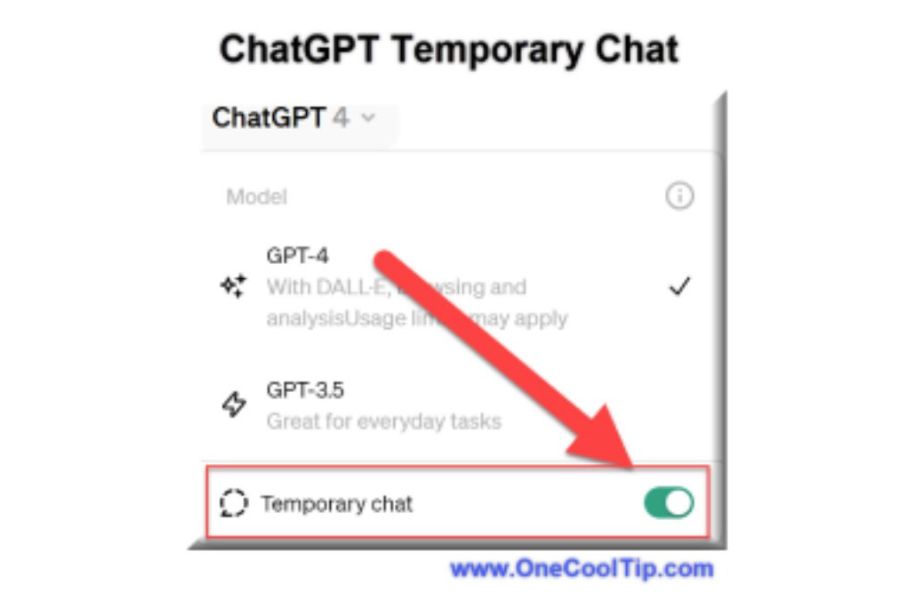
Temporary chat: Conversations created on a temporary basis.
-
Archived chat: Conversations have been archived.
-
Group chat: Discussions involving multiple participants.
-
Sharing link: Conversation content is shared via a link.
-
Chats with scheduled tasks: Conversations related to scheduled tasks.
-
Chat with meeting recordings: Conversations in this format.
If you need to protect an important conversation, you should check the type of conversation before looking for a locking option. If the content is not supported, consider other appropriate measures such as device protection, account access control, and reviewing shared links.
7. Which ChatGPT packages support the chat lock feature?
According to the information provided, Locked Chats is rolled out to most ChatGPT packages, from free accounts to those for individuals, businesses, and education. Support is described as including Free, Go, Plus, Pro, Business, Enterprise, and Edu, excluding the Healthcare version of ChatGPT. The rollout is phased across supported platforms. Therefore, the time the feature appears may vary depending on the account or device. If you don't see Locked Chats, you should check for app updates and follow official announcements from OpenAI instead of assuming your account is unsupported. A few things users should note:
-
Check if the application has been updated to the appropriate version.
-
View security options and conversation management settings in your account.
-
Confirm whether the device supports the biometric authentication method you are using.
-
Refer to the official instructions to understand how to set up and restore access.
8. Conclusion
The Locked Chats feature marks a practical addition to ChatGPT's efforts to enhance privacy. With the ability to lock conversations using a PIN or biometric authentication on compatible devices, users have more options to keep important conversations separate from their regular chat history. However, this feature does not replace end-to-end encryption, does not automatically delete recorded data, and does not change the system's storage policy. Therefore, to effectively protect your information, you should use Locked Chats in conjunction with account and device security measures, and always think carefully before sharing sensitive data with AI.

















VIP Products






Best Selling Products
MidJourney Account
29 USD
ChatGPT Plus Account (GPT-4)
16 USD
Upgrade genuine Capture One account
120 USD
Capcut Pro 1 Year
39 USD
Genuine Adobe Illustrator account
99 USD
Genuine Cheap Canva Pro
39 USD
Windows 10 & 11 Pro Key
36 USD
Upgrade Genuine Office 365
49 USD
Freepik Premium Account
59 USD
Plugin Retouch4me
69 USD
Copyright Adobe Lightroom Account
59 USD
Adobe Premiere Pro Account
99 USD
Autodesk All App Account Copyright
120 USD
Adobe Photoshop Copyright - Full App
120 USD
Upgrade Duolingo Super
29 USD