Best Selling Products

Adobe Photoshop Copyright - Full App
120 USD

Freepik Premium Account
59 USD

Capcut Pro 1 Year
39 USD

Autodesk All App Account Copyright
120 USD

Genuine Adobe Illustrator account
99 USD

Upgrade genuine Capture One account
120 USD

Windows 10 & 11 Pro Key
36 USD

Copyright Adobe Lightroom Account
59 USD

Adobe Premiere Pro Account
99 USD

Genuine Cheap Canva Pro
39 USD

MidJourney Account
29 USD

ChatGPT Plus Account (GPT-4)
16 USD

Plugin Retouch4me
69 USD

Upgrade Genuine Office 365
49 USD

Upgrade Duolingo Super
29 USD
Should you install third-party antivirus software when using Windows 11?
Nội dung
Windows 11 is designed with security at its core, from hardware to software. So, does installing additional antivirus software actually make things safer, or does it just slow down your computer?
1. Windows 11 already includes Microsoft Defender, so is it really necessary to buy antivirus software?
In the past, Windows security was considered a persistent weakness. Those who used Windows XP or Windows 7 will surely remember the feeling of unease whenever they plugged in an unfamiliar USB drive, downloaded a file from the internet, or simply accessed a website from an unknown source. Antivirus software was almost mandatory at the time, if you didn't want your computer to quickly become a breeding ground for malware, spyware, and all sorts of malicious code.
Microsoft Defender was once considered a "token" solution. It existed to show that Windows also had antivirus, but very few people trusted its actual protection capabilities. Because of this prejudice, many people still habitually install a third-party antivirus software every time they install a new Windows system.
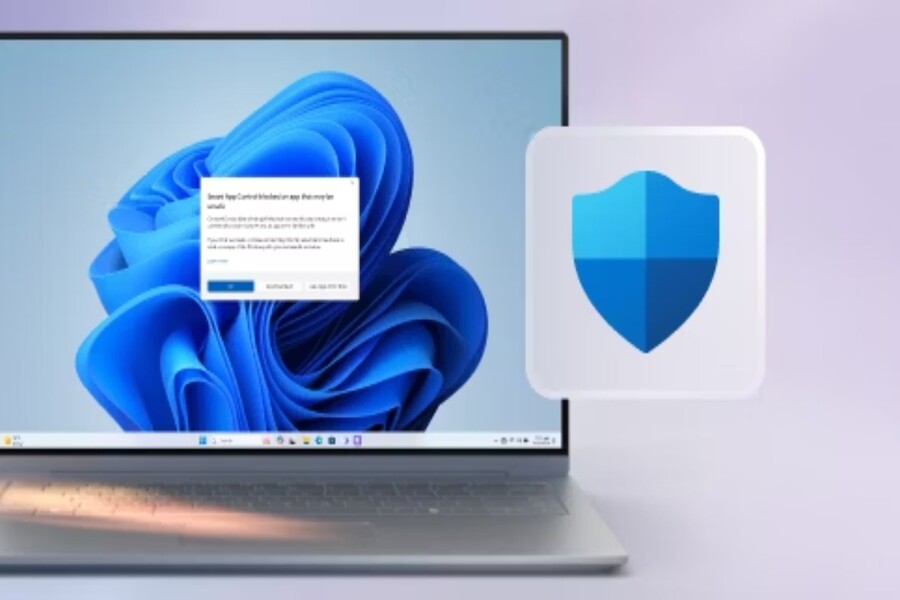
However, if you look at Windows 11 with a modern perspective, you'll realize that comparison has become outdated. Microsoft Defender on Windows 11 is no longer a standalone program, but the centerpiece of a security ecosystem called Windows Security. It's deeply integrated into the operating system, tightly linked to system updates, application control mechanisms, browsers, and even hardware through new security standards.
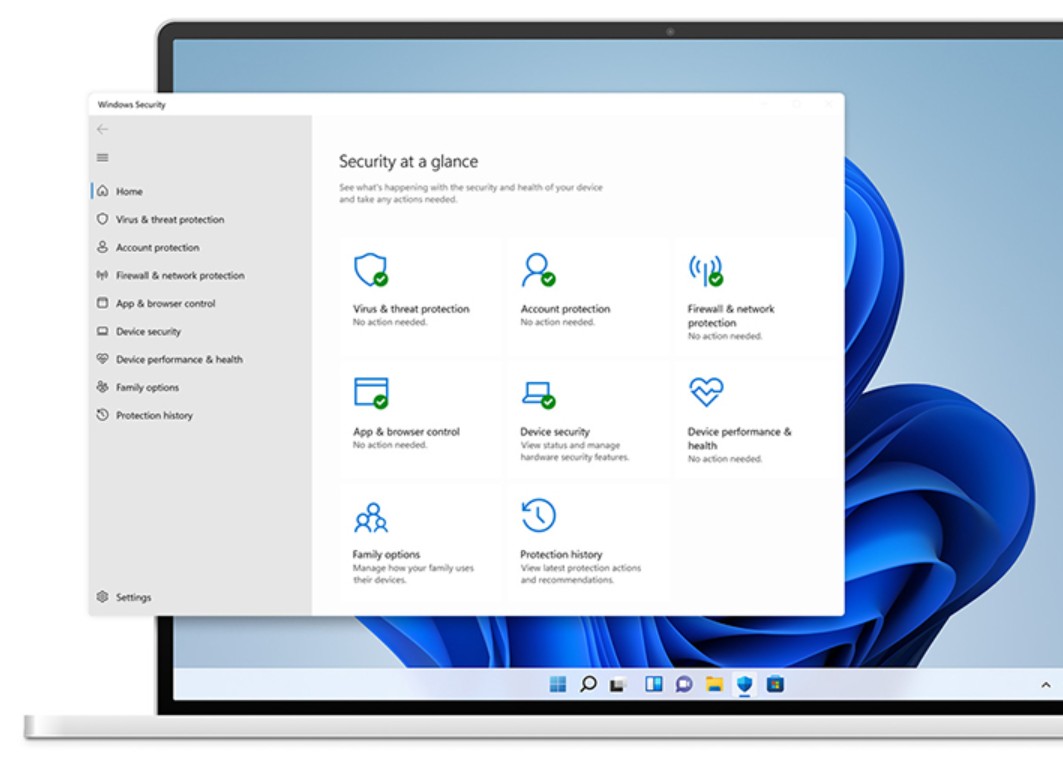
Independent tests from leading security review organizations in recent years have revealed a rather surprising fact for many ordinary users: Microsoft Defender achieves a near-perfect real-time malware detection and prevention rate. In many tests, this figure approaches 100%, matching and sometimes surpassing some well-known paid antivirus software.
More importantly, Defender doesn't rely solely on traditional virus databases. It utilizes behavioral analytics, artificial intelligence, and cloud data to detect new threats. When a malware emerges somewhere in the world, information about it can be updated and disseminated to millions of Windows 11 machines in a very short time.
Therefore, the question is no longer "Is the Defender powerful enough?", but rather "powerful enough for whom, and in what circumstances?". To answer accurately, we need to delve into each user group and their actual needs.
2. The optimal choice for average Windows 11 users.
The majority of current Windows 11 users belong to the general public. They use their computers for studying, office work, browsing the web, watching movies, basic photo editing, light design, or small-scale freelance work. For this group of users, the most important factors are not only the level of protection, but also stability, smoothness, and convenience during use.
Windows Security is considered very suitable for that need. Because it's integrated directly into the operating system, Defender operates almost "invisible." You don't need to configure much, you won't be bothered by ads, and you won't have to worry about license expiration or annual renewals.
Another major advantage is performance. In the design field, there are many cases where computers with not-so-high specifications become slow, laggy, or freeze simply because they have heavy antivirus software installed. Conversely, Microsoft Defender is optimized to use system resources efficiently, minimizing the impact on processing speed, especially when working with large files.
SmartScreen acts as a gatekeeper, controlling the files you download and the websites you visit. In the context of increasingly sophisticated online scams, SmartScreen helps prevent many risks from the outset, before they have a chance to cause harm.
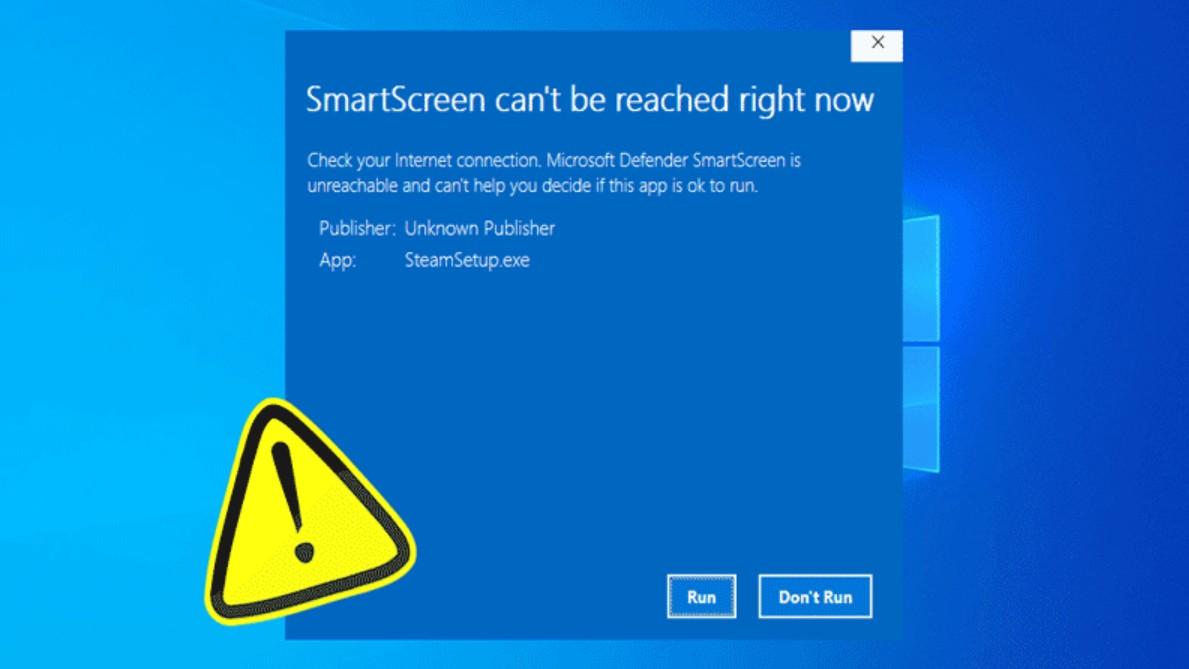
However, security experts consistently emphasize that software is only one part of the security picture. User habits are the deciding factor. A machine running Windows 11 with Defender fully enabled is still at high risk of attack if the user frequently downloads cracked software, disables security alerts, or grants administrator privileges to unfamiliar applications.
In reality, most personal computer security incidents don't stem from software vulnerabilities, but from human negligence. When you maintain basic principles like using licensed software, regularly updating your system, and being cautious with emails and suspicious links, Microsoft Defender is perfectly capable of being a reliable shield.
3. When do you need heavy-duty "weapons"?
While Microsoft Defender is powerful for general use, the world of cybersecurity is not just about simple threats. In recent years, cyberattacks have changed significantly in nature. Hackers no longer randomly spread viruses just to cause damage, but focus on specific targets to steal data or extort money.
Ransomware is a prime example. In just a moment of carelessness, all the important data on a computer can be encrypted, forcing users to face a difficult choice: pay the ransom or lose their data. For those working in business, creative fields, or project management, the consequences of such an attack can far outweigh the value of the computer itself.
Furthermore, phishing scams aimed at stealing information are becoming increasingly sophisticated. Fake emails, websites identical to legitimate login pages, messages containing malicious links… all are designed to exploit users' psychology and habits. In these scenarios, Windows' default security measures are sometimes not deep enough to detect and completely prevent them.
This is where third-party security solutions show their value. Software like Bitdefender Total Security or Norton 360 doesn't just focus on virus removal; it builds a multi-layered security ecosystem. They offer advanced ransomware protection, detailed application behavior monitoring, early intrusion alerts, and internet connection protection via VPN.
For business environments, security requirements are even higher. Computers belonging to senior staff, accounting departments, or managers are often prime targets for hackers. Solutions like AhnLab V3 or Avast Business Security are designed for centralized management, allowing for monitoring, updates, and rapid response across the entire system. These are features that the standard Microsoft Defender on Windows 11 cannot fully provide.
In this context, investing in sophisticated security software is no longer a superfluous expense, but rather an integral part of a risk management strategy. It helps businesses and individuals working in sensitive environments minimize risks, protect data, and maintain long-term stability.
4. Expert advice
The issue of whether or not to buy antivirus software shouldn't be viewed in a black-and-white light. There's no one-size-fits-all solution, and no tool is powerful enough if users lack security awareness.
If you only use Windows 11 for basic needs, such as office work, studying, and entertainment, and have a habit of using your computer safely, Microsoft Defender is a reasonable and economical choice. You save money while getting a stable, regularly updated, and hassle-free security solution.
Conversely, if you handle sensitive data, work in business, finance, professional content creation, or frequently connect to public networks, investing in paid security software is something to seriously consider. The peace of mind it provides is sometimes more important than the specific features themselves.
Most importantly, remember that antivirus software is not a magic bullet. Regular data backups, system updates, increased cybersecurity awareness, and maintaining a cautious attitude are always key factors in protecting yourself in the digital world.
So, should you buy antivirus software for Windows 11?
The short answer is: not mandatory, but it can be very necessary in some cases .
Windows 11 with Microsoft Defender is already robust enough to protect most average users, provided you have safe computing habits. However, as data value increases and risks become more sophisticated, investing in a comprehensive security solution is no longer a luxury, but a smart preventative strategy.





















VIP Products








Best Selling Products
Adobe Photoshop Copyright - Full App
120 USD
Freepik Premium Account
59 USD
Capcut Pro 1 Year
39 USD
Autodesk All App Account Copyright
120 USD
Genuine Adobe Illustrator account
99 USD
Upgrade genuine Capture One account
120 USD
Windows 10 & 11 Pro Key
36 USD
Copyright Adobe Lightroom Account
59 USD
Adobe Premiere Pro Account
99 USD
Genuine Cheap Canva Pro
39 USD
MidJourney Account
29 USD
ChatGPT Plus Account (GPT-4)
16 USD
Plugin Retouch4me
69 USD
Upgrade Genuine Office 365
49 USD
Upgrade Duolingo Super
29 USD