Best Selling Products

Capcut Pro 1 Year
39 USD

Plugin Retouch4me
69 USD

Genuine Cheap Canva Pro
39 USD

Copyright Adobe Lightroom Account
59 USD

Adobe Photoshop Copyright - Full App
120 USD

Freepik Premium Account
59 USD

Autodesk All App Account Copyright
120 USD

Upgrade genuine Capture One account
120 USD

Genuine Adobe Illustrator account
99 USD

Windows 10 & 11 Pro Key
36 USD

Upgrade Genuine Office 365
49 USD

Upgrade Duolingo Super
29 USD

ChatGPT Plus Account (GPT-4)
16 USD

Adobe Premiere Pro Account
99 USD

MidJourney Account
29 USD
Simple Free Music-to-Video Editing on Your Phone
Nội dung
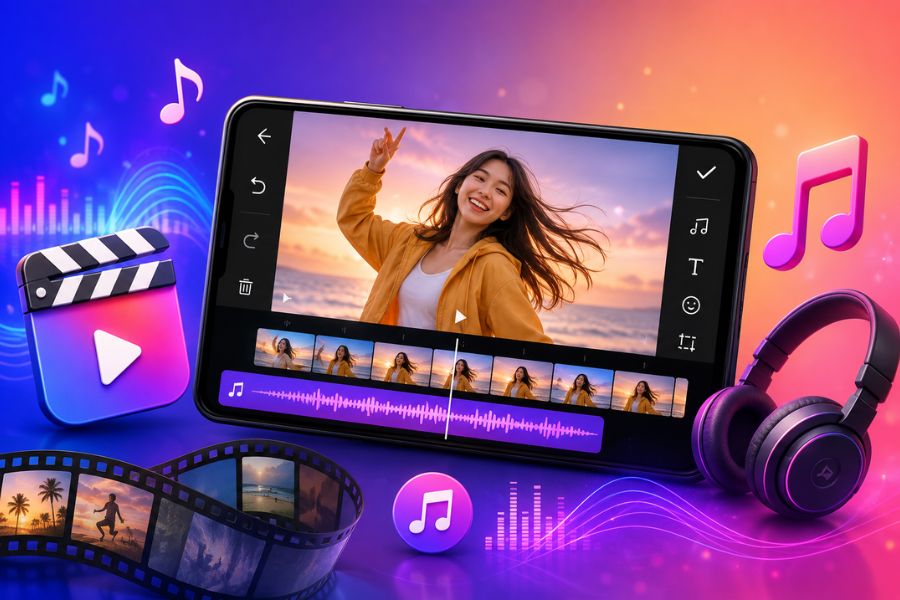
In an era where short videos reign supreme on TikTok, Facebook Reels, or YouTube Shorts, editing music into videos has become an important step that makes content more engaging and appealing to viewers. A suitable song not only creates emotion but also helps increase viewer retention, improving the effectiveness of message delivery.
1. TikTok
When it comes to free music-to-video editing apps on your phone, TikTok is certainly a name that can't be overlooked. Not only is it the world's leading short-video sharing platform, TikTok also fully integrates professional recording, editing, and music-syncing tools. With a massive music library along with a host of constantly updated trending effects, users can easily create captivating videos in just a few minutes.
Outstanding features of TikTok:
Massive music library with millions of domestic and international songs.
Quick updates of hot trending songs.
Record and edit video directly within the app.
Hundreds of unique effects, filters, and transitions.
Diverse sticker library that makes videos more lively.
Easily share videos to a community with a large viewership.
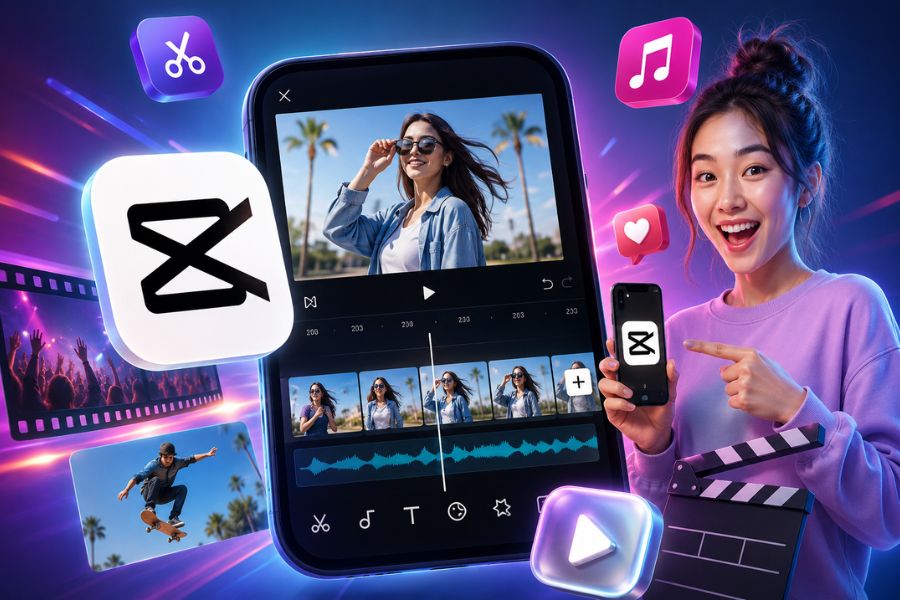
2. CapCut
CapCut is a music-to-video editing app chosen by a large number of content creators thanks to its intuitive interface and powerful toolset. The app allows you to add background music, extract audio from other videos, sync music with visuals, and create professional effects without needing complex editing skills. This is an ideal solution for anyone who wants to quickly create TikTok, Reels, or Shorts videos.
Outstanding features of CapCut:
Add background music to videos with just a few simple steps.
Supports extracting audio from your favorite videos.
Flexibly adjust video speed, fast or slow.
Rich animated sticker library, updated continuously.
Modern color filters that make videos stand out more.
Many professional and eye-catching transition effects.
.jpg)
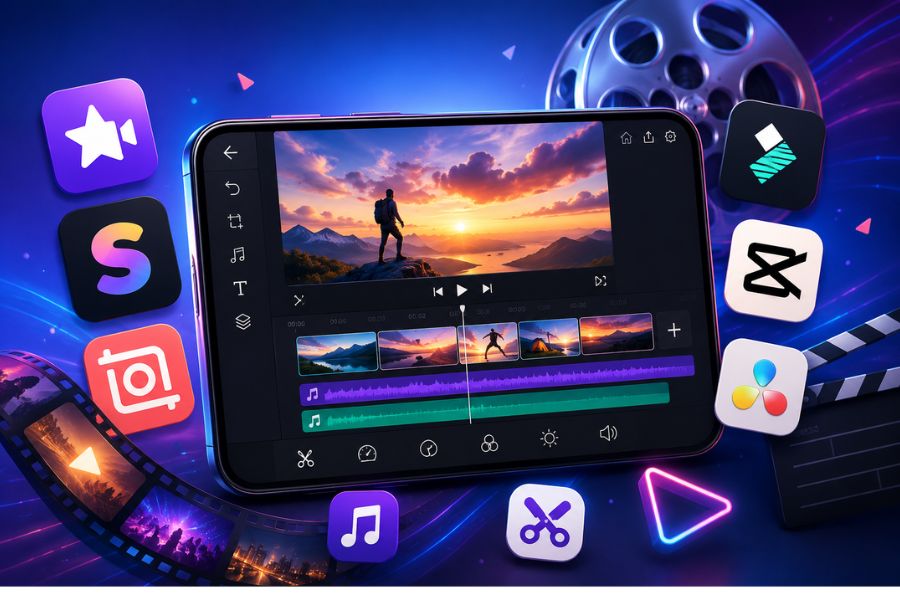
3. VN Video Editor
VN Video Editor is a highly rated music-to-video editing tool thanks to its balance between simplicity and professionalism. The app provides many audio editing tools that help users easily sync music with each frame. In addition, VN continuously updates trending video templates, helping users create viral content quickly.
Outstanding features of VN Video Editor:
Professional video editing with easy-to-perform actions.
Rich free music library, reducing copyright concerns.
Supports flexible addition and customization of audio.
Many available templates that save editing time.
Updated guides and editing tips following TikTok trends.
Integrates a convenient photo-editing tool.
4. VivaVideo
VivaVideo is a music-to-video editing app notable for its rich effects library and its ability to combine photos, video, and audio in a single project. The app offers many in-depth editing tools, helping users easily create creative, emotionally rich videos that captivate viewers. This is a suitable choice for both beginners and those who want to enhance the quality of their content.
Outstanding features of VivaVideo:
Add free background music with many different genres.
Quick tools to cut, merge, and split videos.
Supports recording video with unique effects and stickers.
Color adjustment that makes visuals look more professional.
Combine photos and video within the same project.
Diverse emoji library that boosts creativity for videos.
Easily insert and edit multiple videos at once.
Supports upgrading video export quality to a high resolution.
.jpg)
5. KineMaster
KineMaster is one of the most beloved music-to-video editing apps thanks to its powerful editing toolset that is still easy to use on a phone. From adding background music and voiceovers to combining professional sound effects, KineMaster meets users' content creation needs well. This is a suitable choice for anyone who wants to create high-quality, professional-style videos without needing a computer.
Outstanding features of KineMaster:
Easily add background music, voiceovers, and sound effects.
Precise tools to cut, merge, and split videos.
Supports reverse playback to create unique effects.
Color adjustment that makes visuals sharper.
Create professional time-lapse and slow-motion effects.
Rich resource library including music, fonts, stickers, and transition effects.
Supports inserting multiple lively animation layers.
Compatible with many different aspect ratios.
Export high-quality video when upgrading to a Pro account.
6. InShot
If you're looking for a music-to-video editing app that is simple yet fully featured, InShot is a choice worth considering. The app has a friendly, easy-to-operate interface, suitable even for beginners. With just a few basic steps, you can add music, insert effects, adjust speed, and create impressive videos to post on TikTok, Facebook Reels, or YouTube Shorts.
Outstanding features of InShot:
Quick video cutting, merging, and editing.
Add background music and sound effects with just a few steps.
Diverse video effects library that makes content stand out more.
Insert lively stickers that boost creativity for videos.
Supports many aspect ratios suited to social media platforms.
Flexibly customize playback speed, fast or slow.
Intuitive interface, easy to use for all types of users.
.jpg)
7. VideoShow
VideoShow is a music-to-video editing app loved by many young people thanks to its ability to create videos from photos and edit videos professionally right on the phone. With a rich music library along with many useful editing tools, VideoShow helps users easily create creative footage that captivates viewers and carries a strong personal touch.
Outstanding features of VideoShow:
Easily create videos from photos and edit videos.
Supports combining multiple videos within the same project.
Rich music library with many different genres.
Easily add and customize sound effects.
Diverse color filters, effects, and video themes.
Flexibly adjust video playback speed.
Insert artistic text with many unique font styles.
Quickly save and share videos to social media platforms.
Free to use with a friendly, easy-to-learn interface.
8. Quik
Quik is a music-to-video editing app developed for those who love creating content quickly while still ensuring professionalism. With an intuitive interface along with the ability to automatically sync visuals and music, Quik helps you create impressive videos in just a few minutes. In particular, the royalty-free music library and available video templates make the editing process simpler than ever, suitable for both beginners and professional content creators.
Outstanding features of Quik:
Easily add photos, video, text, and music to your project.
More than 20 unique video styles with beautiful transition effects.
Supports flexible cutting, merging, rotating, and arranging of photos and videos.
Automatically syncs music with motion in the video.
The 24H Flashbacks feature helps compile memorable moments from the day.
Export high-quality video and quickly share to social media.
Simple interface, easy to use for all types of users.
.jpg)
9. FilmoraGo
FilmoraGo is one of the highly rated music-to-video editing apps thanks to its combination of professionalism and ease of use on a phone. The app provides a full set of editing tools from basic to advanced, helping users easily create creative videos with a personal touch. With a diverse effects library along with the ability to quickly add background music, FilmoraGo is a suitable choice for TikTok, Facebook Reels, or YouTube Shorts videos.
Outstanding features of FilmoraGo:
Create videos from images with just a few simple steps.
Add background music that makes videos more lively and captivating.
Rich library of stickers, labels, and effects.
Supports many aspect ratios suited to social media platforms.
Tools to cut, merge, add text, and edit video professionally.
Customize unique fast-forward, slow-motion, or reverse effects.
Intuitive interface, easy to learn and use.
10. Splice
Splice is a music-to-video editing app chosen by many content creators and YouTubers thanks to its powerful yet very accessible editing toolset. Not only does it support adding background music, Splice also allows direct voice recording for voiceovers, helping videos convey content more clearly and professionally. This is an ideal solution for anyone who wants to create storytelling videos, vlogs, or engaging knowledge-sharing videos right on their phone.
Outstanding features of Splice:
Simple, quick photo and video cutting and merging.
Easily add background music and record voice directly.
In-depth audio editing such as trimming, mixing, and adjusting volume.
Supports flexible video speed changes.
Easily add text and titles to videos.
Export high-quality video with just one tap.
Quickly share to YouTube, TikTok, Facebook, and many other platforms.
.jpg)
11. Conclusion
Editing music into videos today is no longer a complicated task thanks to the support of many free apps on the phone. With just a few simple steps, you can already add background music, sync audio, and create more professional, lively videos to share on social media platforms. Hopefully these suggestions from AppVip.ai will help you choose the app that suits your needs, making it easy to create impressive videos that captivate viewers from the very first seconds.





















VIP Products








Best Selling Products
Capcut Pro 1 Year
39 USD
Plugin Retouch4me
69 USD
Genuine Cheap Canva Pro
39 USD
Copyright Adobe Lightroom Account
59 USD
Adobe Photoshop Copyright - Full App
120 USD
Freepik Premium Account
59 USD
Autodesk All App Account Copyright
120 USD
Upgrade genuine Capture One account
120 USD
Genuine Adobe Illustrator account
99 USD
Windows 10 & 11 Pro Key
36 USD
Upgrade Genuine Office 365
49 USD
Upgrade Duolingo Super
29 USD
ChatGPT Plus Account (GPT-4)
16 USD
Adobe Premiere Pro Account
99 USD
MidJourney Account
29 USD