Best Selling Products

Upgrade Duolingo Super
29 USD

Copyright Adobe Lightroom Account
59 USD

Plugin Retouch4me
69 USD

MidJourney Account
29 USD

Genuine Adobe Illustrator account
99 USD

ChatGPT Plus Account (GPT-4)
16 USD

Adobe Photoshop Copyright - Full App
120 USD

Adobe Premiere Pro Account
99 USD

Autodesk All App Account Copyright
120 USD

Upgrade Genuine Office 365
49 USD

Upgrade genuine Capture One account
120 USD

Freepik Premium Account
59 USD

Genuine Cheap Canva Pro
39 USD

Windows 10 & 11 Pro Key
36 USD

Capcut Pro 1 Year
39 USD
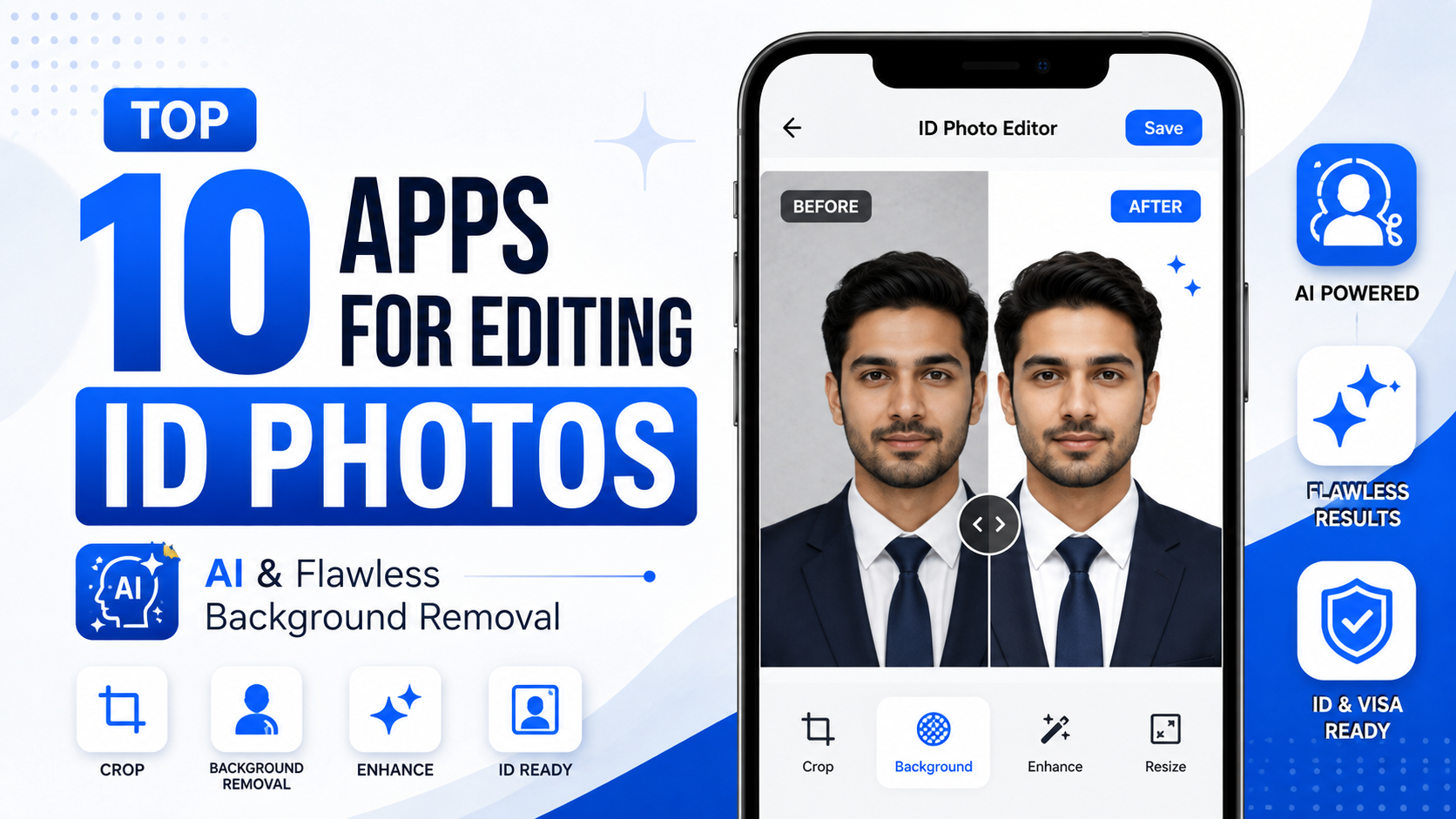
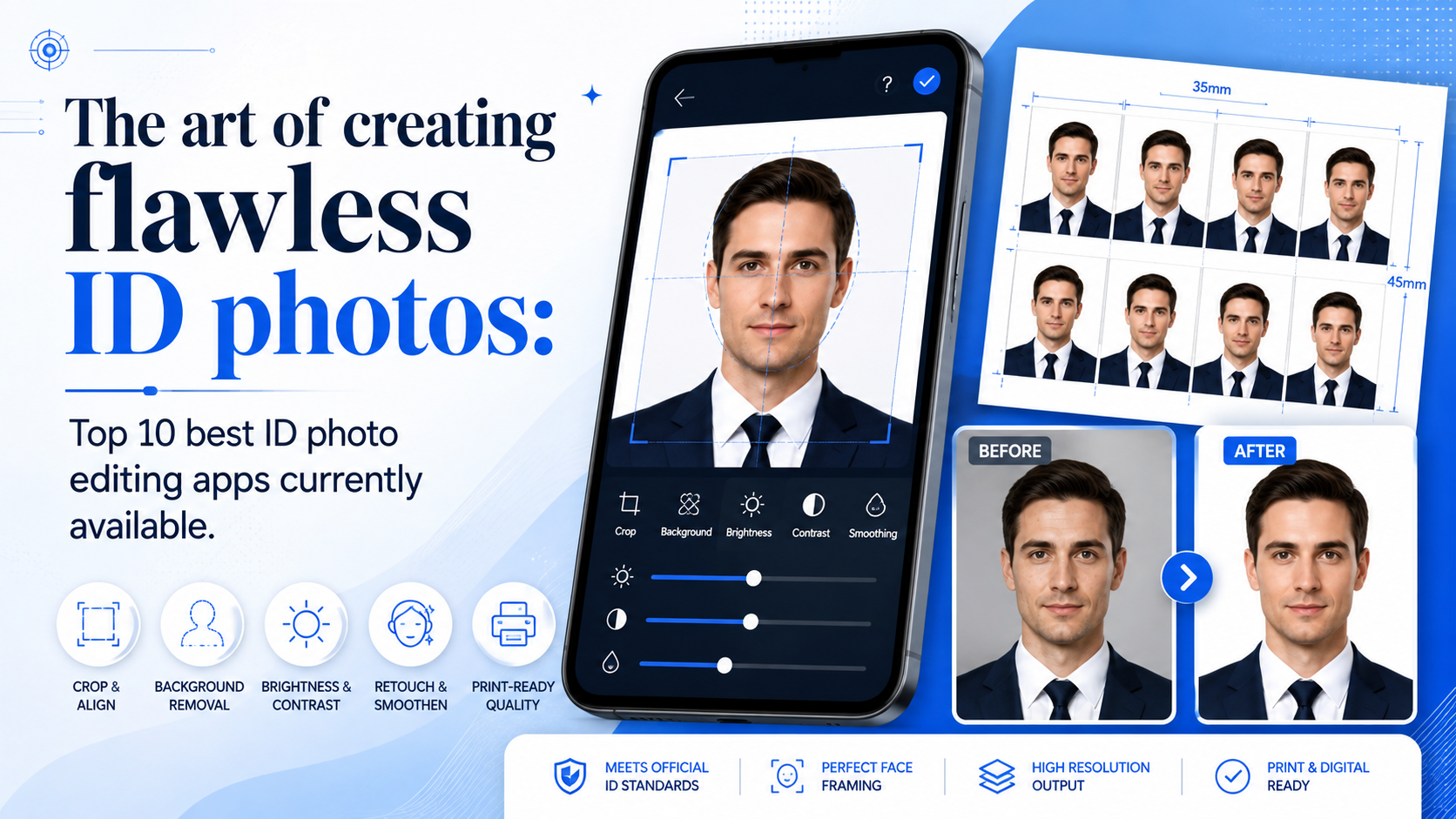
The art of creating flawless ID photos: Top 10 best ID photo editing apps currently available.
Nội dung
- 1. Photoroom: The wizard who removes backgrounds and changes outfits
- 2. ID Photo Creator: A solution for precise image cropping.
- 3. Passport photo maker: Standardize passport photos in a flash.
- 4. ID Photo Application: Convenience Comes from Simplicity
- 5. Passport photo booth creator: A mini studio in the palm of your hand.
- 6. Canva: Unlimited design power for creative ID photos
- 7. Snapseed: The ultimate in detail customization for professionals.
- 8. Meitu: The pinnacle of aesthetics and stunning beauty.
- 9. Picsart: Transform your ID photos in diverse and artistic ways.
- 10. Adobe Photoshop (Mobile): Professional quality from Adobe
- 11. Conclusion
With just a few taps, smart ID photo editing apps will transform your anxieties into absolute confidence.
1. Photoroom: The wizard who removes backgrounds and changes outfits
Photoroom has long established itself as a powerful "wizard" in the world of photo editing thanks to its superior AI technology. For ID photos, this application completely eliminates worries about cluttered backgrounds by accurately separating the subject down to the strand of hair. But that's not all; Photoroom also understands the needs of busy people by integrating a lightning-fast "clothing change" feature, transforming a casual t-shirt into a sophisticated business suit in just seconds.
-
Automatic background removal using AI : Accurately identifies and removes complex backgrounds with up to 99% accuracy.
-
Standard background library : Provides ready-made background colors, including blue and plain white, that meet the standards for passport and ID photos.
-
Smart office outfit matching : Automatically places perfectly fitting professional shirts and suits into the frame.
-
Studio lighting processing : Automatically balances dark and bright areas on the face, creating the feel of shooting with a professional DSLR camera.
-
High-quality output : Ensures sharp images, free from pixelation or blurring when printed.
2. ID Photo Creator: A solution for precise image cropping.
If you're looking for a tool that gets straight to the point with absolute precision in terms of parameters, ID Photo Creator is the answer. This application is specifically designed for processing document photos thanks to its extremely intelligent facial positioning grid system. You'll no longer have to worry about whether the distance from your chin to the top of your head is correct, because everything is perfectly automated.
-
International size range : Fully supports popular formats such as 3x4, 4x6, 2x3, and passport standards of many countries.
-
Face positioning grid : Displays a circular camera icon to position the eyes, nose, and chin, helping users adjust the shooting angle for a proper, frontal shot.
-
Automatic scaling : Intelligently resizes and crops images so that the subject occupies the perfect proportion within the frame.
-
Minimalist interface : The steps are optimized according to the process, making it extremely easy to use, even for those who are not tech-savvy.
-
Photo stacking feature : Allows you to stack multiple photos onto a large sheet of paper (such as A6 or A4) in preparation for printing, saving you money.
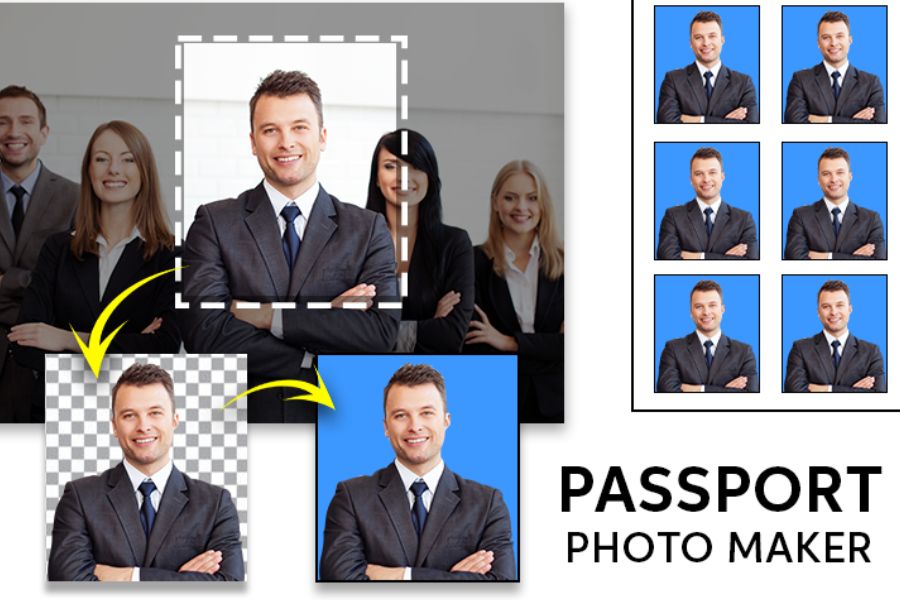
3. Passport photo maker: Standardize passport photos in a flash.
Passport Photo Maker is like a digital legal expert always by your side to ensure your passport photo is never rejected. The app constantly updates to reflect the strict regulations on passport photos from immigration authorities worldwide. Despite this rigorous approach, the app also boasts sophisticated beauty filters, helping you look vibrant and full of life without losing your unique identifying features.
-
Global standard update : Automatically applies size and distance filters according to the specific requirements of each country.
-
Natural Skin Smoothing Toolkit : Gently fades minor imperfections like acne and blemishes, preserving the skin's natural texture.
-
Intelligent white balance : Eliminates yellow or blue tints in lighting caused by indoor lighting.
-
One-touch background change : Seamlessly switch between the international standard white background and the traditional blue background.
-
Multi-format storage : Allows exporting images as JPEG files for online submission or PDF files for convenient printing.
4. ID Photo Application: Convenience Comes from Simplicity
Sometimes, true beauty comes from the simplest things, and the ID Photo Application is proof of that philosophy. Instead of cramming in unnecessary features, the app focuses all its power on optimizing ID photos taken with your phone's camera into true works of art. This is the perfect choice for those who need an ID photo urgently within 5 minutes to complete an online application.
-
Standardized Live Photo Shooting : Built-in camera with a template frame allows you to automatically adjust your face angle while shooting.
-
Adjust contrast : This helps increase the sharpness of facial features, making the photo look more detailed and clear.
-
Remove monochrome backgrounds : Identify the background color and replace it with subtle solid colors with just a swipe.
-
File export history management : Save your edited photos so you can reuse or reprint them whenever needed.
-
Ultra-lightweight : Runs smoothly even on older phone models without lag or overheating.
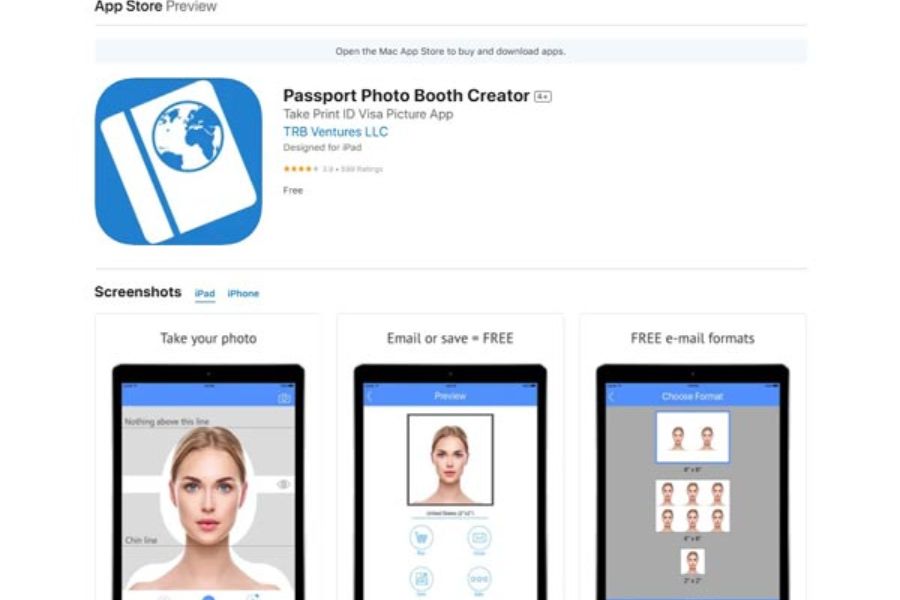
5. Passport photo booth creator: A mini studio in the palm of your hand.
Imagine bringing a professional photo booth from abroad right into your phone – that's exactly the experience Passport Photo Booth Creator offers. This app focuses on creating the perfect lighting environment for the photo. With detailed guidance on everything from chin positioning to eye direction, you can easily get a stunning passport photo that looks like it was taken in a studio.
-
Real-time posing guidance : Displays live instructions on the camera screen to help you adjust your facial angle for a clear, unobstructed view.
-
Facial editing tool : Allows for subtle adjustments to eye brightness and smile intensity to make the photo look more friendly.
-
Intelligent shadow control : Eliminates unwanted shadow areas under the chin or behind the ears caused by uneven lighting.
-
Create multi-purpose print sheets : Automatically arrange photos of different sizes (e.g., mix 3x4 and 4x6) on the same print page.
-
Quick sharing : Supports sending photos directly via email or cloud storage applications with their original size.
6. Canva: Unlimited design power for creative ID photos
Although not primarily an app for ID photos, Canva is a "secret weapon" chosen by many designers and young people to create outstanding ID photos. Thanks to its vast array of features and the top-notch AI background removal technology of the Pro version, Canva allows you to freely design, crop, and integrate ID photos into pre-made templates in a highly professional and personalized way.
-
The ultimate AI background removal tool : Cleanly removes complex backgrounds, even difficult areas like frizzy hair.
-
Customize size in pixels/cm : Allows you to precisely type in the size of your ID photo according to the specific requirements of each organization.
-
A rich library of effects and color filters : Easily adjust skin tone from fair and rosy, natural to healthy and vibrant.
-
Frame and text design : Suitable for those who want to create employee ID cards or student ID cards with integrated images and information.
-
Cross-platform synchronization : Edit on your phone and easily download to your computer via your synchronized Canva account.
7. Snapseed: The ultimate in detail customization for professionals.
Dubbed Google's "miniature Photoshop," Snapseed gives users pixel-perfect control over their photos. For ID photos, Snapseed doesn't artificially alter your appearance; instead, it focuses on correcting lighting and sharpness issues. The app's "Healing" and "Selective" tools help you expertly clean up skin and adjust background lighting like a seasoned photographer.
-
Healing Tool for blemish removal : Naturally and flawlessly removes acne, scars, or unruly stray hairs from the face.
-
Selective Editing : Allows you to brighten only the face area without overexposing the background.
-
Expand feature : Automatically uses AI to compensate for shoulder or head space if you accidentally shoot too close.
-
Head Pose Tool : Gently adjust the head angle or lens focus to correct image distortion caused by your phone's camera.
-
Save editing formulas : This allows you to apply a single tone and brightness setting to multiple family ID photos.
8. Meitu: The pinnacle of aesthetics and stunning beauty.
If your top priority is a stunning and captivating ID photo, then Meitu is definitely a name you can't ignore. Globally renowned for its 3D facial recognition beauty technology, Meitu can completely eliminate any signs of fatigue on your face. A major plus of the app is its specialized "ID Photo" mode, which helps you achieve smooth skin and trendy, subtle makeup while maintaining a harmonious look so you don't appear too different from how you look in real life.
-
Professional automatic makeup : Automatically adds a soft layer of lipstick, elegantly defines eyebrows, and subtly contours the face for a refined look.
-
Upgrade to crystal-clear skin : Minimizes pores, effectively removes dark circles under the eyes, while maintaining skin transparency.
-
Customize facial structure : Allows for adjusting eye opening, subtly lifting the nostrils, or naturally slimming the chin.
-
Fashionable clothing and backdrops : Offering a wide range of classic and modern shirts and vests, all digitally tailored with sharp detail.
-
HD Photo Saving Mode : Ensures that after going through a series of enhancement steps, the photo still retains extremely high resolution for printing.
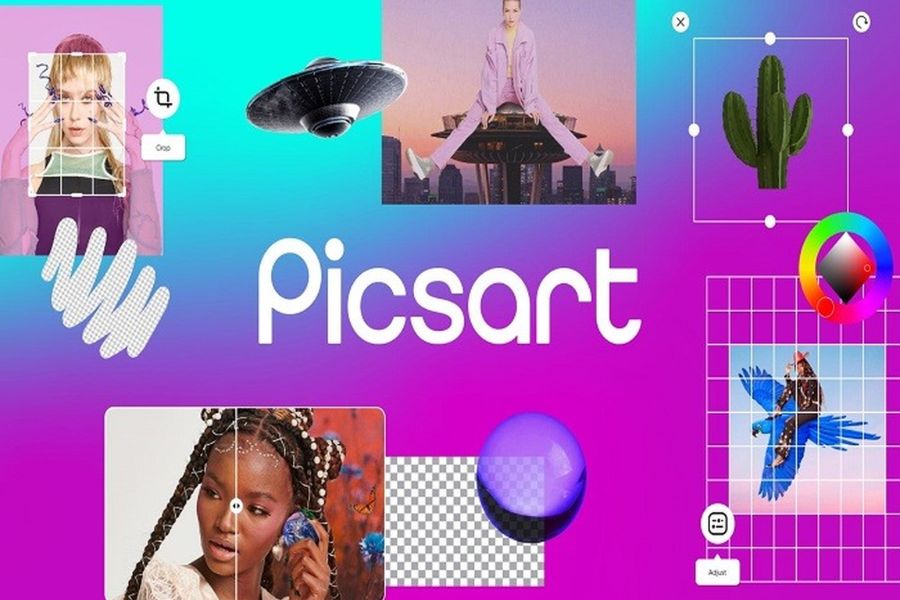
9. Picsart: Transform your ID photos in diverse and artistic ways.
Picsart is a comprehensive image creation ecosystem where you can transform a hastily taken selfie into a high-quality ID photo. With increasingly sophisticated AI technology, Picsart offers features ranging from basic cropping and background changing to advanced features like changing hair color, retouching foundation, or even completely altering your outfit with incredible realism.
-
Crop photos to standard aspect ratios : Integrated common ID photo cropping frames eliminate the need for users to remember centimeter measurements.
-
Replace the background with intelligent AI : Simply select the subject area, and the AI will automatically separate it, allowing you to integrate it into any background color.
-
Detail-correcting brush set : Allows you to manually smooth out rough areas of skin or adjust a crooked collar.
-
Extensive clothing sticker library : Easily search and combine white shirt collar, tie, and suit designs suitable for both men and women.
-
Exclusive skin tone filter : Helps correct skin tone from pale to rosy, full of positive energy.
10. Adobe Photoshop (Mobile): Professional quality from Adobe
Rounding out the list is none other than the mobile version of the "king" of the graphics industry – Adobe Photoshop. For those who appreciate precision, meticulousness, and want to personally control every parameter of their ID photo, this application offers the most powerful core image processing tools. You'll feel like you're sitting in front of a computer screen in a large studio thanks to its excellent control over color range and contrast.
-
Professional layer processing : Allows for separate management of the face image and the background so that editing doesn't affect each other.
-
Advanced color correction system (Curves/Levels) : Helps fine-tune lighting and color saturation for absolute precision.
-
Powerful detail removal tool : Perfectly removes dirt stains on clothes, frizzy hair, or skin imperfections.
-
Preserves metadata and RAW quality : Supports editing even high-quality original photos taken with professional cameras and transferred to your phone.
-
Export files to industrial print standards : Supports the best file formats for archiving, ensuring that the colors printed are exactly the same as what you see on the screen.
11. Conclusion
Getting a perfect ID photo that meets administrative requirements is now easier than ever thanks to smart editing apps. By cleverly combining background removal tools, AI-powered clothing editing, and practical home photography tips, you can confidently create professional, sharp ID photos without spending too much time or money at expensive studios. Choose the most suitable app from the list above to be ready to complete all your application documents, passports, or national identity cards perfectly.





















VIP Products








Best Selling Products
Upgrade Duolingo Super
29 USD
Copyright Adobe Lightroom Account
59 USD
Plugin Retouch4me
69 USD
MidJourney Account
29 USD
Genuine Adobe Illustrator account
99 USD
ChatGPT Plus Account (GPT-4)
16 USD
Adobe Photoshop Copyright - Full App
120 USD
Adobe Premiere Pro Account
99 USD
Autodesk All App Account Copyright
120 USD
Upgrade Genuine Office 365
49 USD
Upgrade genuine Capture One account
120 USD
Freepik Premium Account
59 USD
Genuine Cheap Canva Pro
39 USD
Windows 10 & 11 Pro Key
36 USD
Capcut Pro 1 Year
39 USD