Best Selling Products

Adobe Premiere Pro Account
99 USD

Genuine Adobe Illustrator account
99 USD

ChatGPT Plus Account (GPT-4)
16 USD

Genuine Cheap Canva Pro
39 USD

Windows 10 & 11 Pro Key
36 USD

Adobe Photoshop Copyright - Full App
120 USD

Upgrade Duolingo Super
29 USD

Upgrade genuine Capture One account
120 USD

Upgrade Genuine Office 365
49 USD

Plugin Retouch4me
69 USD

Copyright Adobe Lightroom Account
59 USD

Autodesk All App Account Copyright
120 USD

Capcut Pro 1 Year
39 USD

MidJourney Account
29 USD

Freepik Premium Account
59 USD
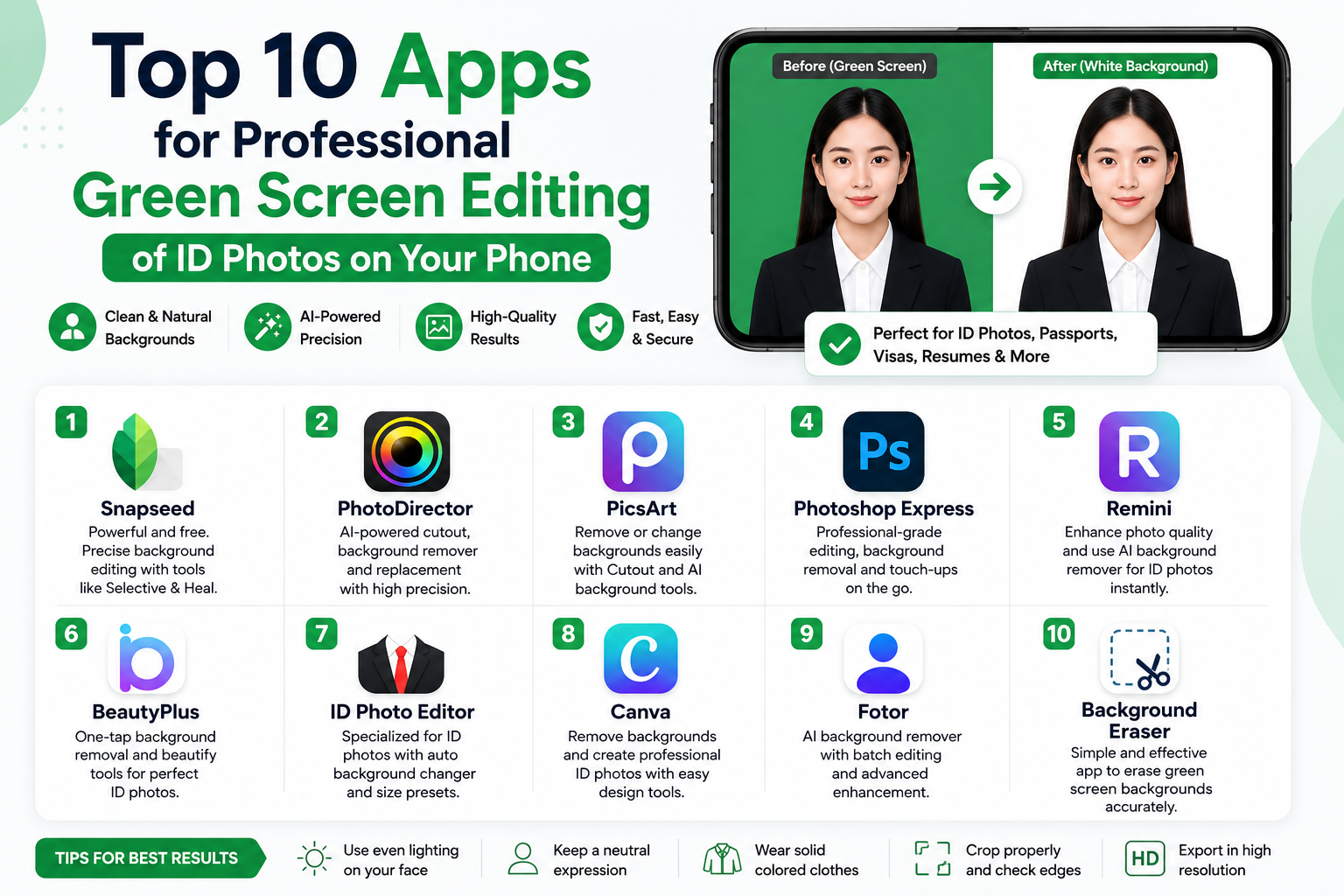
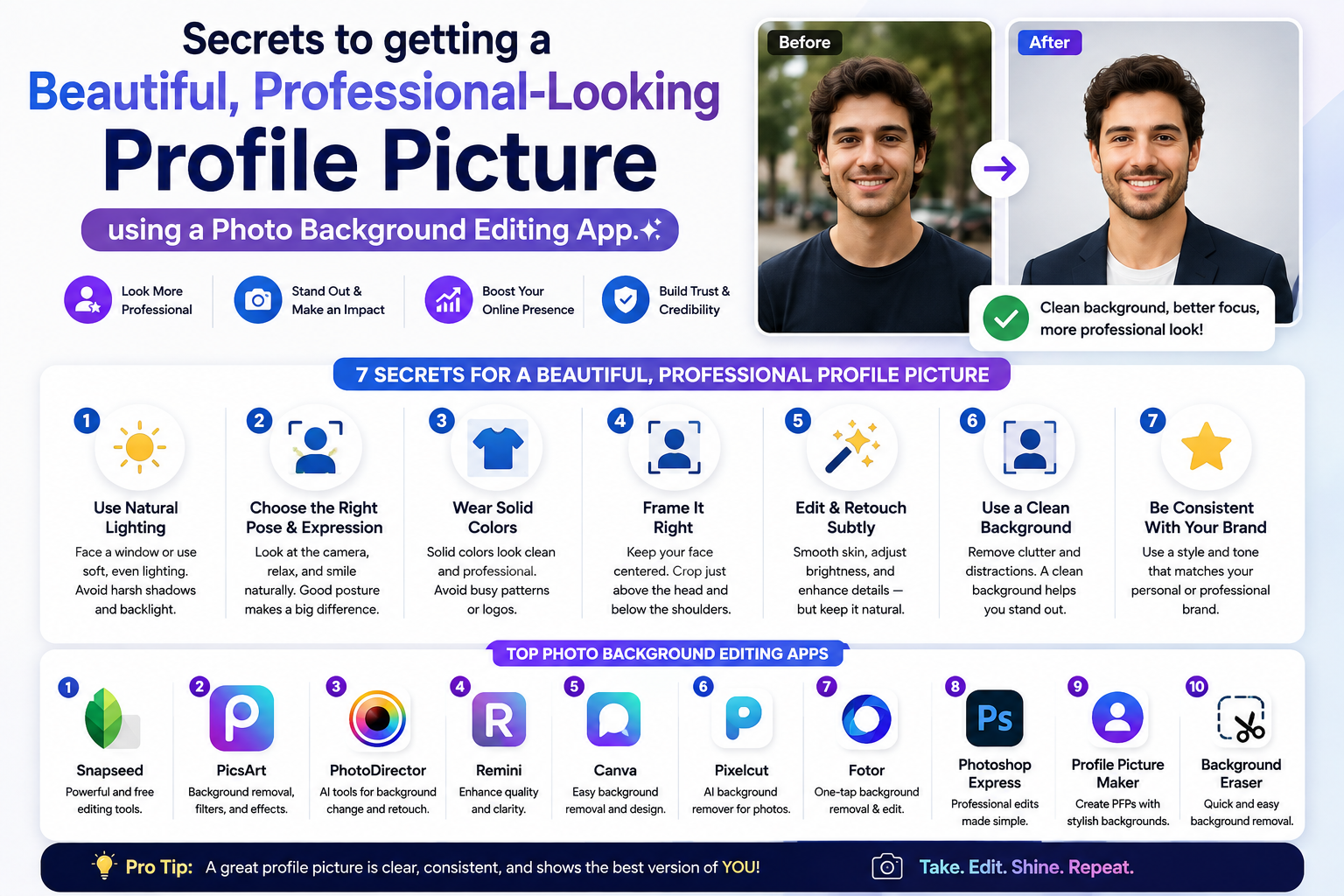
Top 10 apps for editing ID photos with AI and flawless background removal.
Nội dung
- 1. The golden criteria for choosing the best photo editing app for ID photos.
- 2. Top 10 apps for editing ID photos with AI and flawless background removal.
- 2.1. PhotoRoom - The ultimate AI background removal wizard.
- 2.2. ID Photo Creator - Professional ID Photo Maker Assistant
- 2.3. ID Photo Application - Convenient and fast for everyone.
- 2.4. Passport Photo Maker - International Passport Photo Expert
- 2.5. Picsart AI Photo Editor - The all-powerful photo creator
- 2.6. Canva - Design beautiful and unique ID photos, precise down to the millimeter.
- 2.7. B612 - Photo editing app for ID photos with built-in beauty filters.
- 2.8. Erase.bg - Free high-resolution ID photo background remover
- 2.9. Adobe Photoshop Express - Premium editing from Adobe
- 2.10. Simple Photo Booth - A quick solution for creating student ID photos.
- 3. Step-by-step guide to creating green/white background passport photos at home.
- 4. Essential tips when manually adjusting ID photo backgrounds using apps.
- 5. Conclusion
Need a passport photo urgently for a job application, passport, or student ID but don''t have time to go to a photo studio?
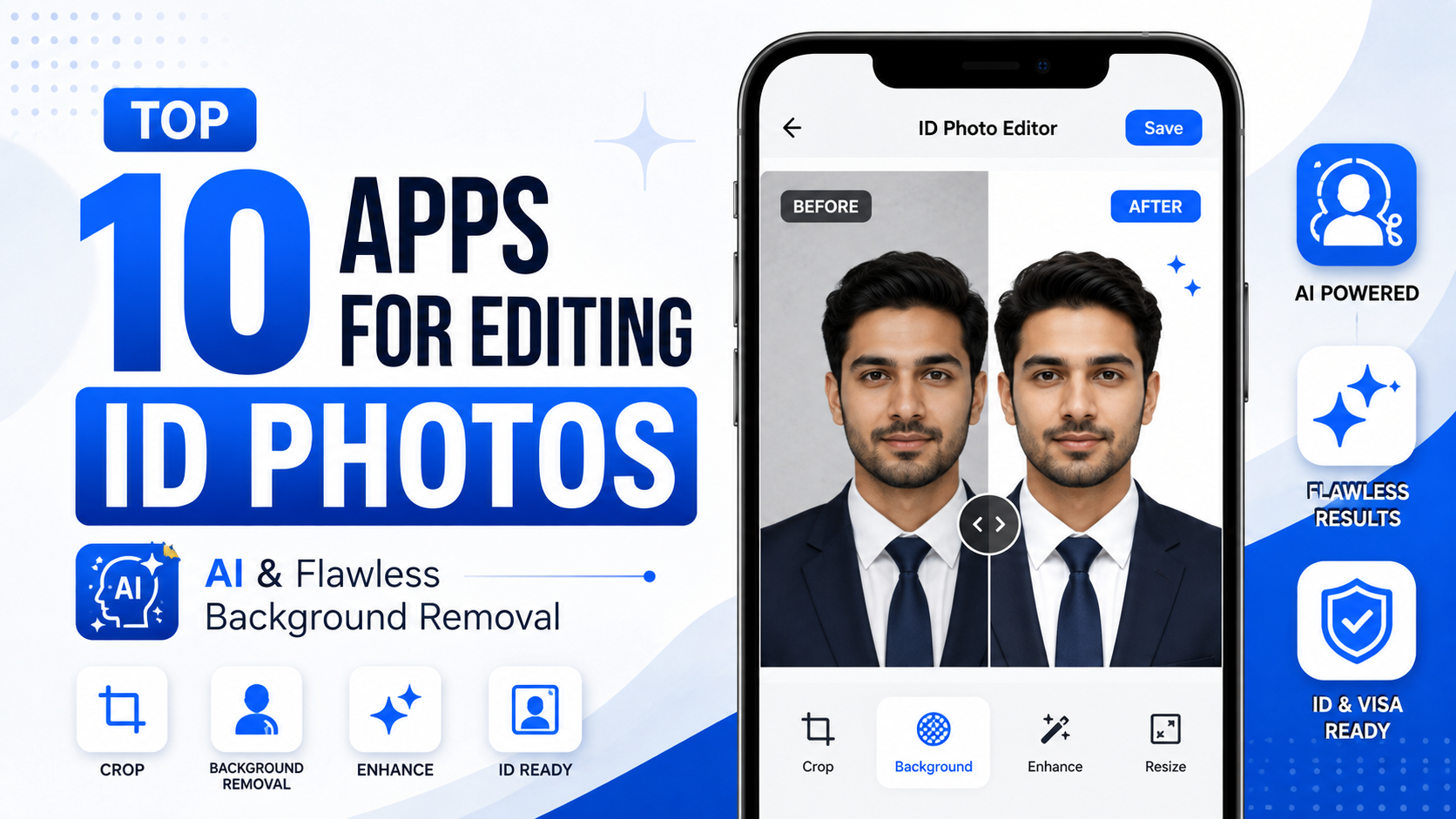
1. The golden criteria for choosing the best photo editing app for ID photos.
Not every photo editing app on the app store can produce a passport photo that meets the strict standards of authorities. To guide you, here are the core criteria for evaluating and choosing a truly worthwhile photo editing app for passport photos :
-
Intelligent AI background separation technology : Capable of recognizing hair, shoulders, and clothing to smoothly separate them from the original background without smudging or unevenness.
-
Standard background color chart : Provides the correct cyan/blue and pure white color codes, without any color deviations or bluish/yellowish tints.
-
Office attire matching feature : Supports a diverse collection of men's and women's shirts and vests, automatically matching the collar to create a natural, realistic look.
-
Maintain sharp resolution : The application must allow exporting image files in HD or Ultra HD quality so that they do not appear pixelated or blurry when printed.
-
Intuitive and easy-to-use interface : Even those unfamiliar with technology or graphics can get started and complete their photo editing in just 3 minutes.
2. Top 10 apps for editing ID photos with AI and flawless background removal.
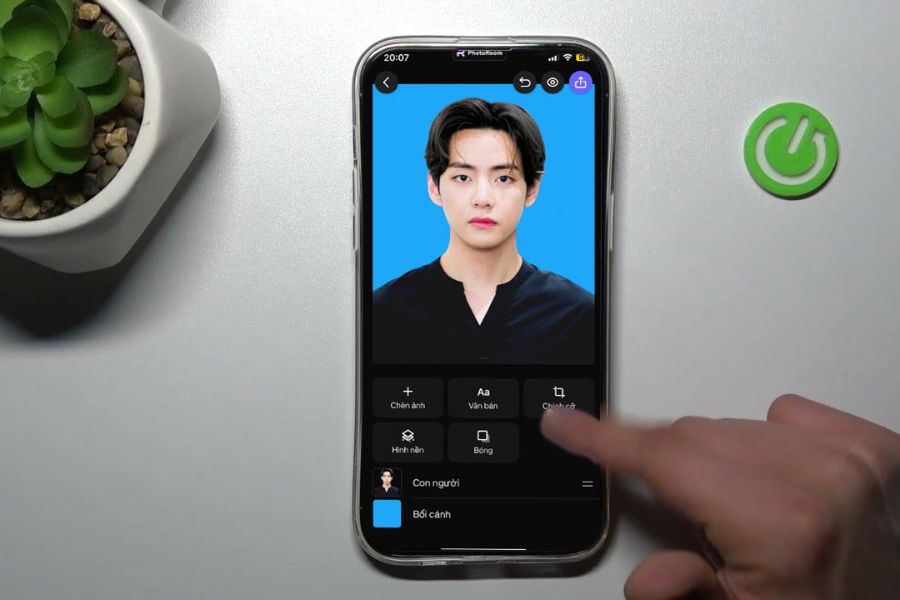
2.1. PhotoRoom - The ultimate AI background removal wizard.
Dubbed the king of background blurring, PhotoRoom uses a super-intelligent AI scanning algorithm to perfectly separate the subject from the original background, even the most stubborn fine hairs.
-
Ultra-fast background separation : It takes less than 2 seconds to smoothly isolate the subject from the original background.
-
Change background color with various options : Switch to a standard international white or blue background for your ID photo with just one touch.
-
Professional effects library : Supports natural shadows behind the subject, giving ID photos depth and a realistic look, just like they were taken in a studio.
2.2. ID Photo Creator - Professional ID Photo Maker Assistant
If you need an app designed solely for professional ID photo editing, ID Photo Creator is the perfect choice, offering a range of tools to optimize your profile.
-
Standard size format : Includes built-in photo sizes for over 100 countries worldwide, from passport and visa photos to identity cards.
-
Smart office attire : A vast collection of shirts, ties, and suits is automatically adjusted by AI to fit your body proportions perfectly.
-
Natural skin smoothing : Automatically identifies facial imperfections to blur acne and dark spots while preserving the natural look of the skin.
2.3. ID Photo Application - Convenient and fast for everyone.
An extremely minimalist photo editing app for ID photos , focused on high efficiency, helps you create standard ID photos with just a few basic drag-and-drop operations.
-
User-friendly interface : Minimalist design, no annoying ads, suitable for even elderly users.
-
Smart cropping : Automatically positions the eyes, nose, and mouth to align the face with the "golden ratio" for ID photos.
-
Economical print publishing : Supports stacking multiple small photos onto one large sheet of paper (A4, 10x15) so you can take them to the printer immediately.
2.4. Passport Photo Maker - International Passport Photo Expert
This app is a lifesaver for those who frequently have to apply for study abroad, travel, or immigration visas to countries with strict visa requirements.
-
Stay updated on passport photo regulations : Always keep up-to-date with the latest passport photo standards from embassies of countries such as the US, South Korea, Japan, and Europe.
-
Automatic photo error checking : Immediately alerts the user if the head angle, lighting, or facial expression is not up to standard.
-
Advanced background customization : Allows you to adjust the brightness and saturation of the green/white background to harmonize with your skin tone.
2.5. Picsart AI Photo Editor - The all-powerful photo creator
More than just an artistic photo editing app, Picsart is also a powerful app for editing ID photos thanks to its intelligent background removal tool and vast sticker ecosystem.
-
One-touch background removal tool : Instantly erases old backgrounds with extreme precision.
-
Customize your brush manually : This allows you to manually paint and touch up small details along the hairline that the AI might have missed.
-
Diverse color filters : Helps balance overall lighting and correct errors in ID photos taken in low light or backlit conditions.
2.6. Canva - Design beautiful and unique ID photos, precise down to the millimeter.
Known for its popularity in the graphic design world, Canva boasts a powerful AI-powered background removal feature in its Pro version, helping you design the most elegant and professional ID photos.
-
Drag-and-drop ecosystem : Easily insert images into rectangular or square frames of the desired size.
-
Easily add shirt collars : Take advantage of the rich vector graphics library to add crisp white shirt collars and smooth vests.
-
Convenient cloud storage : Edited ID photos are saved to your Canva account, allowing you to download them from your computer or phone anytime.
2.7. B612 - Photo editing app for ID photos with built-in beauty filters.
If you feel insecure about your natural look in your ID photo, B612 will transform you into the best version of yourself thanks to its amazing makeup technology and color filters.
-
Natural-looking virtual makeup : Automatically adds lipstick, eyebrow pencil, and subtle contouring to brighten your face in front of the camera.
-
Change the background directly during shooting : You can choose a green or white background right at the moment of shooting to adjust your facial angle for the best look.
-
Face slimming tool kit : Helps adjust jawline, lift nose, and widen eye corners harmoniously, without looking artificial.
2.8. Erase.bg - Free high-resolution ID photo background remover
If you're hesitant to install heavy software, Erase.bg is an extremely lightweight web/app solution specifically designed for handling complex backgrounds.
-
No loss of image quality : Maintains the camera's original sharpness, ensuring the image remains clear after background removal.
-
Handling background discoloration : Provides good recognition even when taking ID photos against a wall with uneven colors.
-
Exceptional processing speed : It only takes a few seconds to upload your image and you'll have a transparent PNG image file ready for background merging.
2.9. Adobe Photoshop Express - Premium editing from Adobe
Inheriting cutting-edge image processing technology from its desktop version, Photoshop Express delivers an incredibly professional and realistic photo editing experience for ID photos.
-
Noise reduction algorithm : Helps make ID photos taken with a phone in a dark room smoother, minimizing image graininess.
-
Precise cropping : Supports tools for measuring dimensions accurately down to the pixel level.
-
Advanced detail editing : Allows for deep manipulation of contrast, highlights, and shadows to give the image more depth.
2.10. Simple Photo Booth - A quick solution for creating student ID photos.
A simple, lightweight application, extremely useful for students who need to quickly create ID photos to submit to their schools.
-
Extremely lightweight application : It doesn't consume much system resources and runs smoothly even on low-configuration phones.
-
Instructions for proper angle alignment : An oval dashed line will appear on the screen to help you position your face correctly in the center.
-
Flexible file format saving : Allows exporting images as JPEG or PNG depending on the requirements of the receiving agency.
3. Step-by-step guide to creating green/white background passport photos at home.
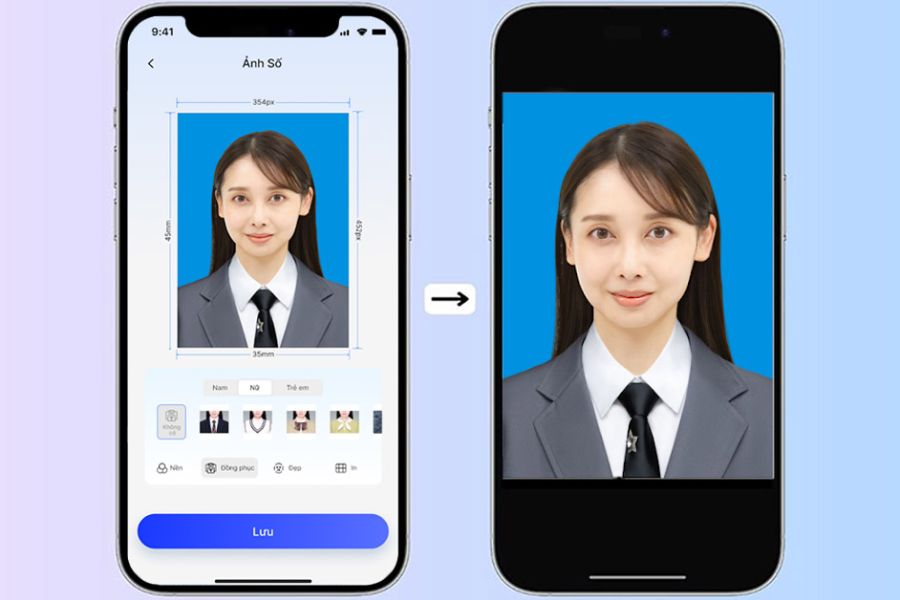
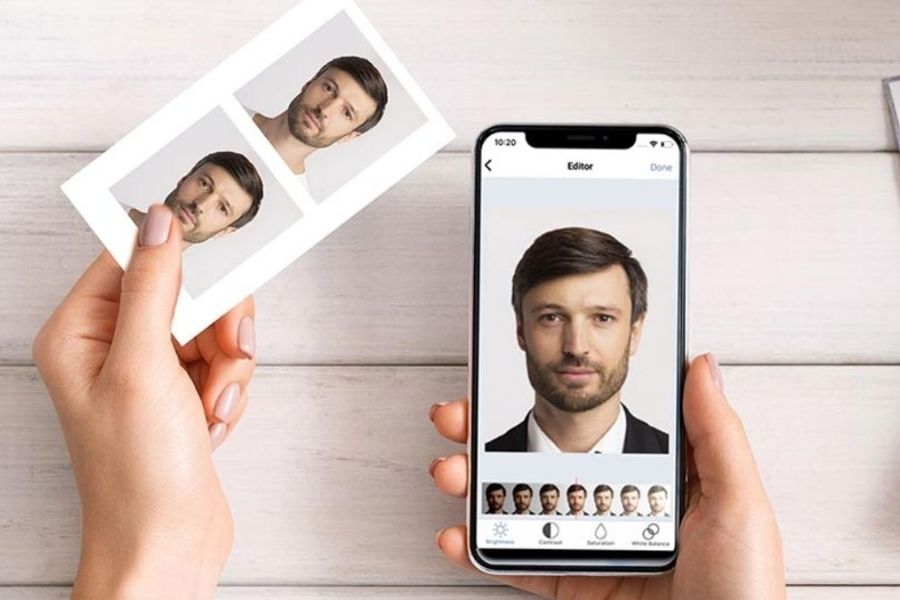
To get a stunning ID photo using photo editing apps , simply choosing the right app isn't enough. You need to master these four essential steps to make your photo look as professional as if it were taken in a high-end studio:
-
Step 1: Prepare the space and lighting : Stand in front of a plain wall (any color will do), choose a spot where natural light shines directly on your face (avoid light from one side that casts shadows on half your face).
-
Step 2: Set up the correct shooting angle : Place the phone at eye level, about 1-1.5 meters from your face. Keep your back straight, look directly into the camera lens (not at the screen), and keep your shoulders balanced.
-
Step 3: Import and process the photo using an app : Open your favorite photo editing app , select the background removal feature, then choose a blue or white background depending on your needs.
-
Step 4: Crop and export : Select the desired crop size (3x4 or 4x6), adjust the brightness, gently smooth the skin, and then save the image at the highest quality.
4. Essential tips when manually adjusting ID photo backgrounds using apps.
Editing your ID photo at home offers many conveniences; however, if you don't follow the unspoken rules below, your photo is very likely to be rejected by authorities when applying for a visa:
-
Absolutely avoid overusing beauty filters : Making your chin too sharp, enlarging your eyes too much, or removing identifying moles will render your ID photo invalid.
-
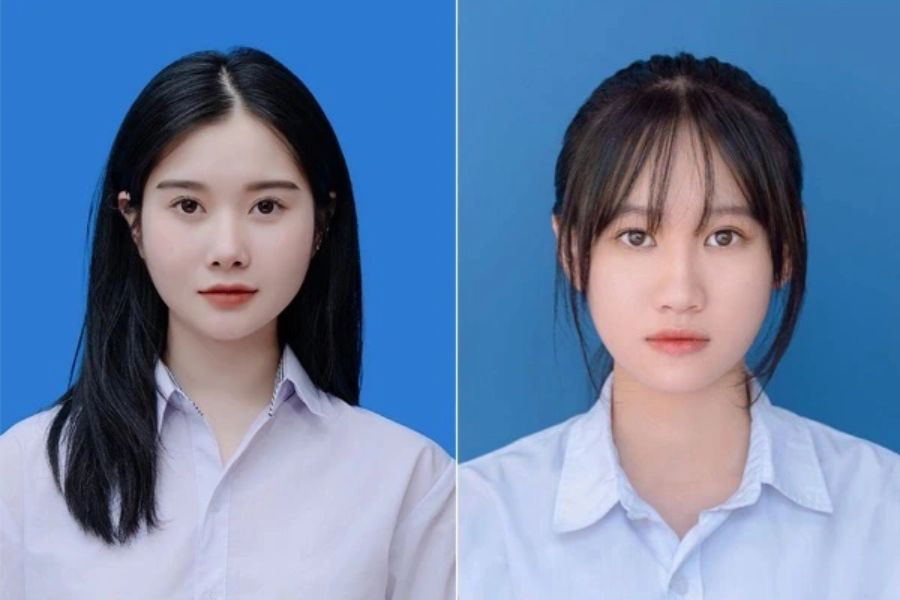
Please note the hair style regulations : Hair must be neatly styled to clearly reveal the entire face, including both ears and forehead (especially for passport and ID photos).
-
Choose clothing with good contrast : If you plan on a white background, wear a dark-colored shirt (dark blue, black); conversely, if you choose a blue background, wear a white shirt so that the subject stands out and doesn't blend into the background.
-
Carefully check the resolution before printing : Always export files in the highest quality format to avoid blurry or pixelated images when printing on ID photo paper.
5. Conclusion
Having a great ID photo is no longer a luxury or a complicated matter thanks to the powerful assistance of smart ID photo editing apps . With just a few simple taps and swipes, you can transform hastily taken photos at home into polished, professional, and legally compliant ID photos. Download one of the ten suggested apps above to your phone and get ready to create the most confident ID photos for your future endeavors!





















VIP Products








Best Selling Products
Adobe Premiere Pro Account
99 USD
Genuine Adobe Illustrator account
99 USD
ChatGPT Plus Account (GPT-4)
16 USD
Genuine Cheap Canva Pro
39 USD
Windows 10 & 11 Pro Key
36 USD
Adobe Photoshop Copyright - Full App
120 USD
Upgrade Duolingo Super
29 USD
Upgrade genuine Capture One account
120 USD
Upgrade Genuine Office 365
49 USD
Plugin Retouch4me
69 USD
Copyright Adobe Lightroom Account
59 USD
Autodesk All App Account Copyright
120 USD
Capcut Pro 1 Year
39 USD
MidJourney Account
29 USD
Freepik Premium Account
59 USD