1. The trend of creating beautiful photos using next-generation AI technology.
The rapid development of artificial intelligence has completely changed the way we think and create visual content. Creating beautiful images no longer requires spending hours in front of a computer meticulously cutting, pasting, or editing every pixel in Photoshop. Instead, large-scale language models and deep learning algorithms allow dry text descriptions (prompts) to be transformed into vibrant, deep, and incredibly realistic images. This trend ushers in a new era where the only limit to a beautiful image is your own imagination.
-
Text-to-Image : Allows you to transform even the wildest ideas into visual images in just seconds.
-
Intelligent Photo Editing (AI Editing) : Automatically removes unwanted objects, expands the frame using AI algorithms, and naturally compensates for missing details.
-
Image Upscaling (AI Upscaling) : Transform blurry, low-resolution photos into sharp, 4K images without color distortion.
-
Style Transfer : Transform everyday photos into unique oil paintings, Japanese anime artwork, or cyberpunk-style images.
-
Unlimited creativity : Providing powerful support for content creators, designers, and marketers to optimize their time in producing media publications.
2. Top AI software for creating beautiful images from text currently available.
If you're looking for a groundbreaking solution to create stunning images without requiring any photography skills, AI text-to-speech tools are the perfect answer. These platforms possess massive databases, in-depth semantic analysis capabilities, and understand even the most intricate artistic details such as camera angles, cinematic lighting, and surface textures. Simply input your ideas in English or Vietnamese, and the system will automatically calculate and deliver results that far exceed expectations.
-
Midjourney : The world's leading image creation tool, renowned for its artistic quality, mesmerizing lighting, and extreme realism, making it ideal for concept photos and 3D simulations.
-
DALL-E 3 : An AI platform developed by OpenAI, directly integrated into ChatGPT Plus, offering absolute command-following capabilities and very smooth Vietnamese language processing support.
-
Microsoft Copilot : A completely free solution for creating beautiful images, utilizing the same DALL-E 3 core technology, easily accessible directly through a web browser or mobile app.
-
Leonardo.ai : A platform with many specialized editing templates, making it easy for users to create anime character images, game models, interior designs, and commercial product images.
-
Ideogram : Currently the best AI tool for creating beautiful images with accurate typography, without font errors or missing characters like other AI tools.
-
Stable Diffusion : A powerful open-source tool for advanced users, allowing deep manipulation of image structure and control over character poses via ControlNet.
3. Versatile applications for designing and creating beautiful images on a computer.
Alongside the wave of AI, traditional and semi-professional graphic design software still holds its position thanks to its versatility and ability to manually adjust details. To create beautiful images for business, advertising banners, or synchronized Instagram feeds, users need tools with good layer management and a rich template system. The combination of pre-made templates and the user's layout thinking will create communication products that are both aesthetically pleasing and highly functional.
-
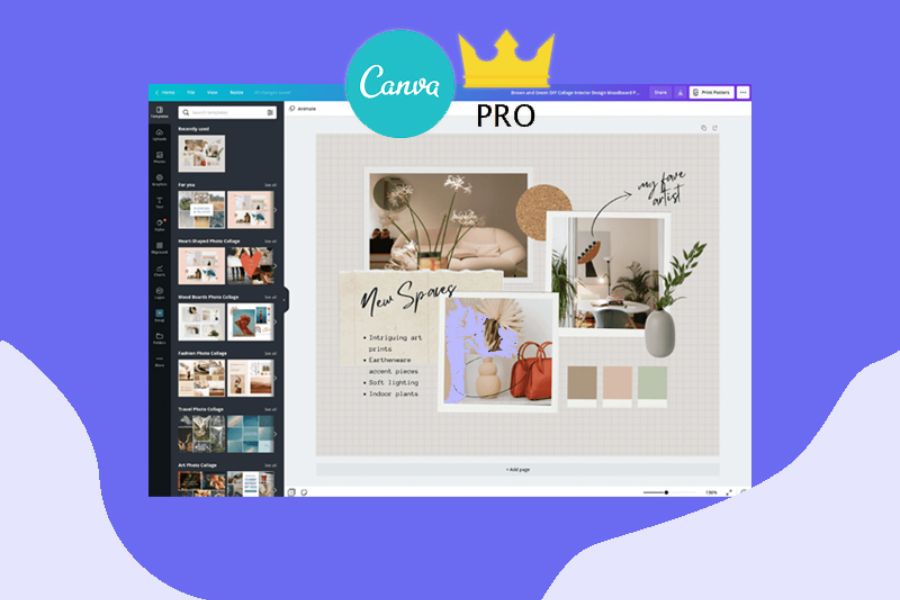
Canva : The national design platform with millions of ready-made templates, now integrates AI Magic Studio features to make creating beautiful images faster than ever.
-
TaoAnhDep.com : A purely Vietnamese website specializing in providing tools for creating trending photo collages, memes, phone wallpapers, and greeting cards – all incredibly convenient.
-
Adobe Photoshop : The icon of the graphics industry now integrates Adobe Firefly (Generative Fill) functionality, enabling professional-level cropping, scaling, and editing of images.
-
Figma : Although primarily a UI design tool, Figma is very powerful in page layout, creating visual layouts, and facilitating teamwork to create beautiful images for landing pages.

4. Secrets to creating beautiful photos using color editing apps on your phone.
For travel enthusiasts and those who love capturing everyday life, the mobile phone is the most convenient mini-studio. Creating beautiful photos from raw images on your smartphone requires powerful post-processing tools to correct exposure, white balance, and apply artistic color filters (presets). Modern mobile apps are equipped with color processing algorithms that rival professional cameras, elevating your photos with just a few taps.
-
Lightroom Mobile : A leading application for in-depth color management and editing, allowing you to change individual color ranges (HSR) and apply advanced image sharpening tools.
-
Snapseed : A completely free photo editing software from Google, famous for its selective editing tools and extremely smooth removal of unwanted objects.
-
VSCO : With its diverse and artistic collection of vintage film-style presets, it's the number one choice for young people who want to create beautiful photos in a minimalist, cinematic style.
-
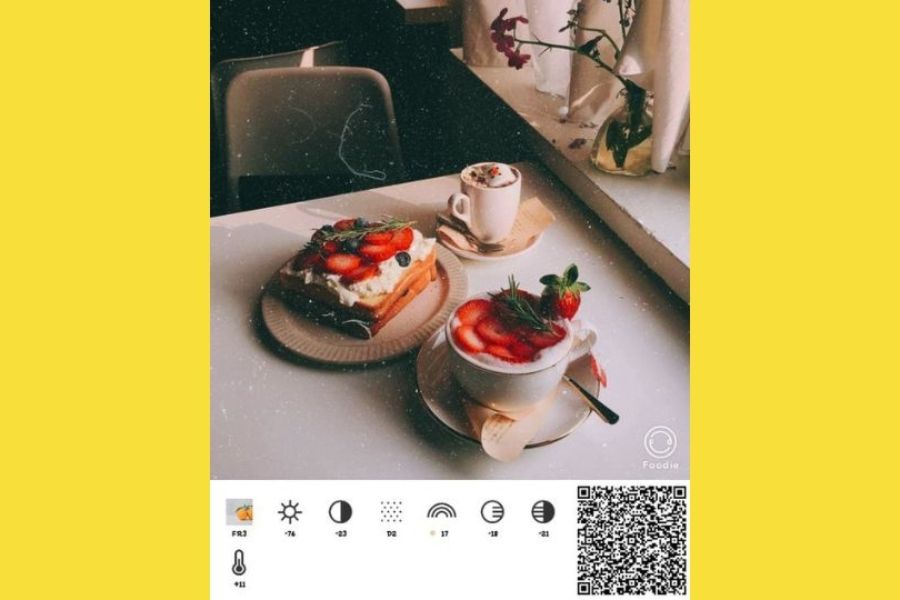
Foodie : An app specifically designed for capturing and editing food and landscape photos, featuring bright, eye-catching color filters and enhanced color saturation for objects.
5. Photo editing apps specializing in artistic effects and photo collages.
When ordinary photos aren't enough to satisfy your creative personality, that's when layering effects, double exposure, and stickers come into play. Creating beautiful digital collages requires an application with a vast graphic resource library and an active community of users sharing formulas. These tools transform your photos into a fashion runway or a unique and unconventional pop art piece.
-
PicsArt : A comprehensive image editing ecosystem with thousands of tools for cropping, adding text, hand-drawing, and AI effects that transform photos into unique artwork.
-
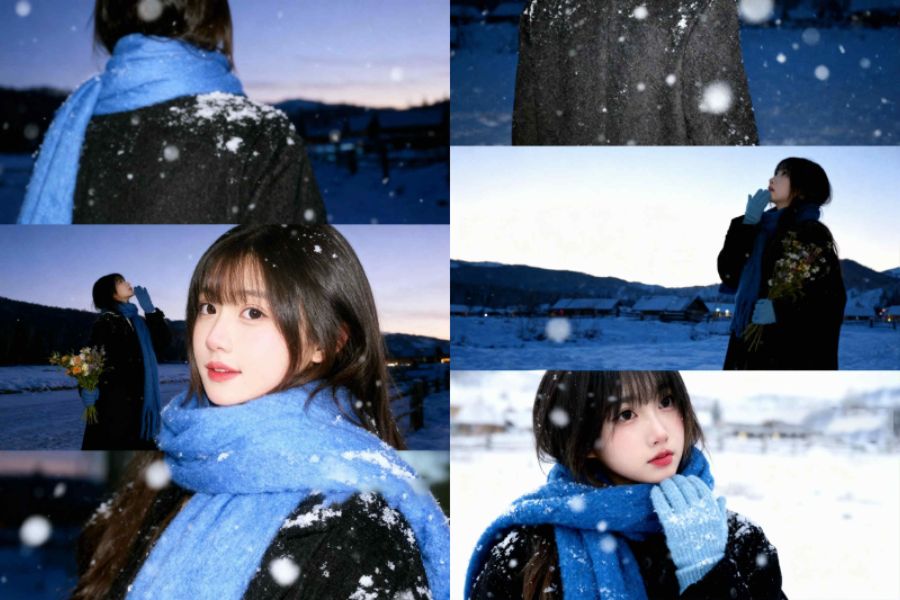
Xingtu (Chinese Photo) : A miraculous photo editing app from China that offers natural portrait beautification, leg lengthening, face slimming, and trend-setting cinematic photo colors.
-
Meitu : An AI-powered photo editing tool that transforms portraits into cartoon characters, while also boasting incredibly smooth skin correction features.
-
Prisma : An application that uses artificial neural networks to completely transform your photos into works of art in the style of famous painters.
6. A guide to the steps of compositional thinking to create beautiful, professionally photographed images.
No matter how modern the tools are, they are merely supporting instruments; human visual thinking is the core element that determines whether a work touches the viewer's emotions. To consistently create beautiful images, you need to master the basic rules of visual perception to guide the viewer's eye to the main subject. Cultivating artistic vision through spatial arrangement will help you be proactive in any shooting situation, regardless of the equipment you are using.
-
Rule of Thirds : Divide the frame into a 3x3 grid and place the main subject at the intersection of the lines to create balance and natural depth.
-
Utilize leading lines : Use trees, roads, railings, or architectural lines to guide the viewer's eye directly to the focal point of the photograph.
-
Frame within a frame : Look for windows, tree canopies, or architectural gaps to create a natural frame enveloping the subject, increasing the sense of intrigue.
-
The rule of symmetry : Suitable for architectural photos, water features, or frontal views to create a sense of solemnity, perfection, and high levels of arrangement.
-
Simplify the background : Eliminate distracting details as much as possible by choosing a clean angle or blurring the background to highlight the subject you want to convey.
7. How to write standard prompt commands to help AI create beautiful images as desired.
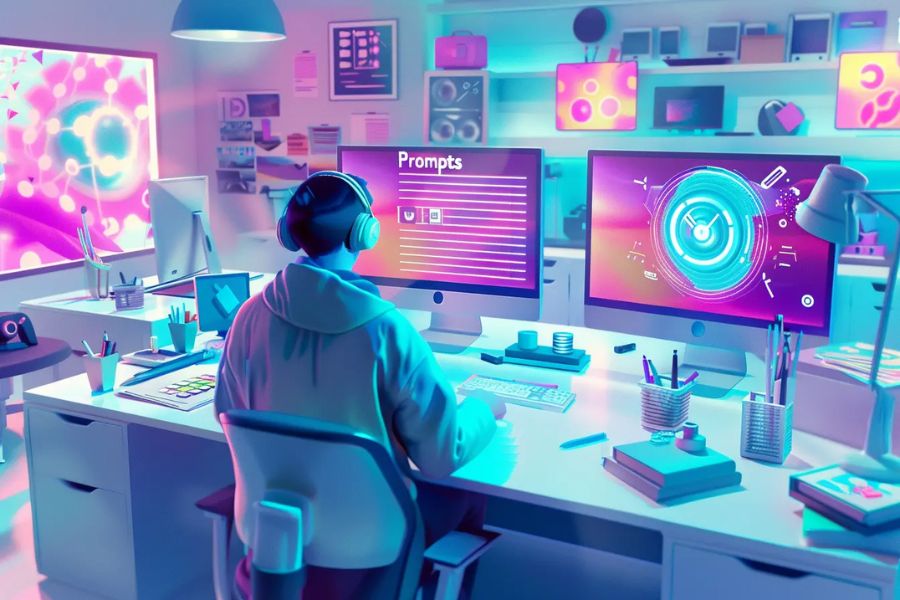
For artificial intelligence systems, language is the universal key that unlocks the creative space. Many people encounter situations where AI returns unexpected results because the commands are too vague or lack keywords to define the style. To create beautiful photos using AI, you need to learn how to communicate with the computer using a coherent prompt structure, moving from the general to the specific, including the subject, background, lighting, and even simulated camera parameters.
-
Basic prompt formula : Main subject + Action/Detail + Surrounding context + Art style + Lighting & Camera angle + Resolution.
-
Use lighting keywords : Add phrases like "cinematic lighting," "golden hour," "neon glow," or "volumetric ray" to enhance the photo's visual appeal.
-
Define your style clearly : Specify whether you want to create beautiful images in a "photorealistic," "anime style," "oil painting," or "3D render Pixar style."
-
Add technical specifications : Add keywords such as "8k resolution", "highly detailed", "shot on 35mm lens" to force the AI to use the highest quality rendering algorithms.
-
Use the Negative Prompt : List the details you don't want to appear, such as "ugly, deformed hands, blurry, low quality," for AIs like Stable Diffusion.
8. Methods to optimize images for uploading to social media without distortion.
Unfortunately, many photos that have been meticulously edited and beautifully crafted end up blurry and significantly degraded in quality when uploaded to Facebook, Instagram, or TikTok. This is due to the platforms' automatic image compression algorithms, which aim to save storage bandwidth. To maintain maximum sharpness, you need to master the image output parameters regarding pixel size, aspect ratio, and file format to ensure perfect compatibility with each social media platform's filters.
-
Correct aspect ratio : Use a 1:1 or 4:5 ratio for Instagram posts, a 9:16 ratio for Stories/Reels, and a 16:9 ratio for cover photos or horizontal videos.
-
Control file size and format : Prioritize exporting images in JPEG or PNG format with a reasonable file size, avoiding exporting excessively large files that would cause Facebook's compression system to scan more aggressively.
-
Enable high-quality image uploads : Always check and activate the "Upload in HD" option in the settings of social media applications.
-
Use sharpening tools before posting : Apply the Sharpen feature in Lightroom or use AI Remini to compensate for the loss of detail during compression.
9. Conclusion
Creating beautiful photos is no longer a privilege reserved for a select few; it has become an exciting soft skill that enriches your digital life. Whether you choose to work with cutting-edge AI tools or stick with classic photo editing apps on your phone, the core of a beautiful photo still lies in the story and emotions you convey. Start downloading the right apps, practice basic composition rules, and don't hesitate to experiment with new styles to create works that reflect your unique personality.