Best Selling Products

MidJourney Account
29 USD

Plugin Retouch4me
69 USD

Capcut Pro 1 Year
39 USD

Adobe Photoshop Copyright - Full App
120 USD

Upgrade genuine Capture One account
120 USD

Windows 10 & 11 Pro Key
36 USD

Freepik Premium Account
59 USD

Genuine Cheap Canva Pro
39 USD

Adobe Premiere Pro Account
99 USD

ChatGPT Plus Account (GPT-4)
16 USD

Upgrade Genuine Office 365
49 USD

Genuine Adobe Illustrator account
99 USD

Upgrade Duolingo Super
29 USD

Autodesk All App Account Copyright
120 USD

Copyright Adobe Lightroom Account
59 USD
The Secret to Getting a "Thousand-Admirers" Figure in a Flash With Body-Slimming Apps
Nội dung
- 1. What Are Body-Slimming Apps, and Why Are They So Popular?
- 2. Golden Criteria for Choosing the Perfect Body-Slimming App
- 3. Detailed Reviews of the Most Popular Body-Slimming Apps Today
- 3.1. Meitu – The King of Photo Editing and Body Hacking From China
- 3.2. Xingtu (醒图) – The Godly App of Douyin Devotees
- 3.3. Perfect Me – A Specialist in Sculpting Body Curves
- 3.4. Peachy – A Beauty Assistant for Artistic Photos
- 3.5. Spring – A Height-Hacking Solution With No Background Warping Worries
- 3.6. Body Editor – An All-Powerful Tool for Both Men and Women
- 4. The Secret to Slimming the Waist and Lengthening Legs Naturally Without Getting Caught
- 5. Important Notes When Using Body-Slimming Apps
- 6. Conclusion
Having a balanced, hourglass-standard figure with endlessly long legs is the dream of anyone posting photos on social media. However, the camera angle, lighting, or outfit don''''''''t always work in our favor, making the body easy to lose its shape and confidence in photos. Don''''''''t worry — the arrival of smart body-slimming apps is a wonderful "lifesaver" that helps you naturally fine-tune your figure, confidently shining without spending hours exercising or on a strict diet.
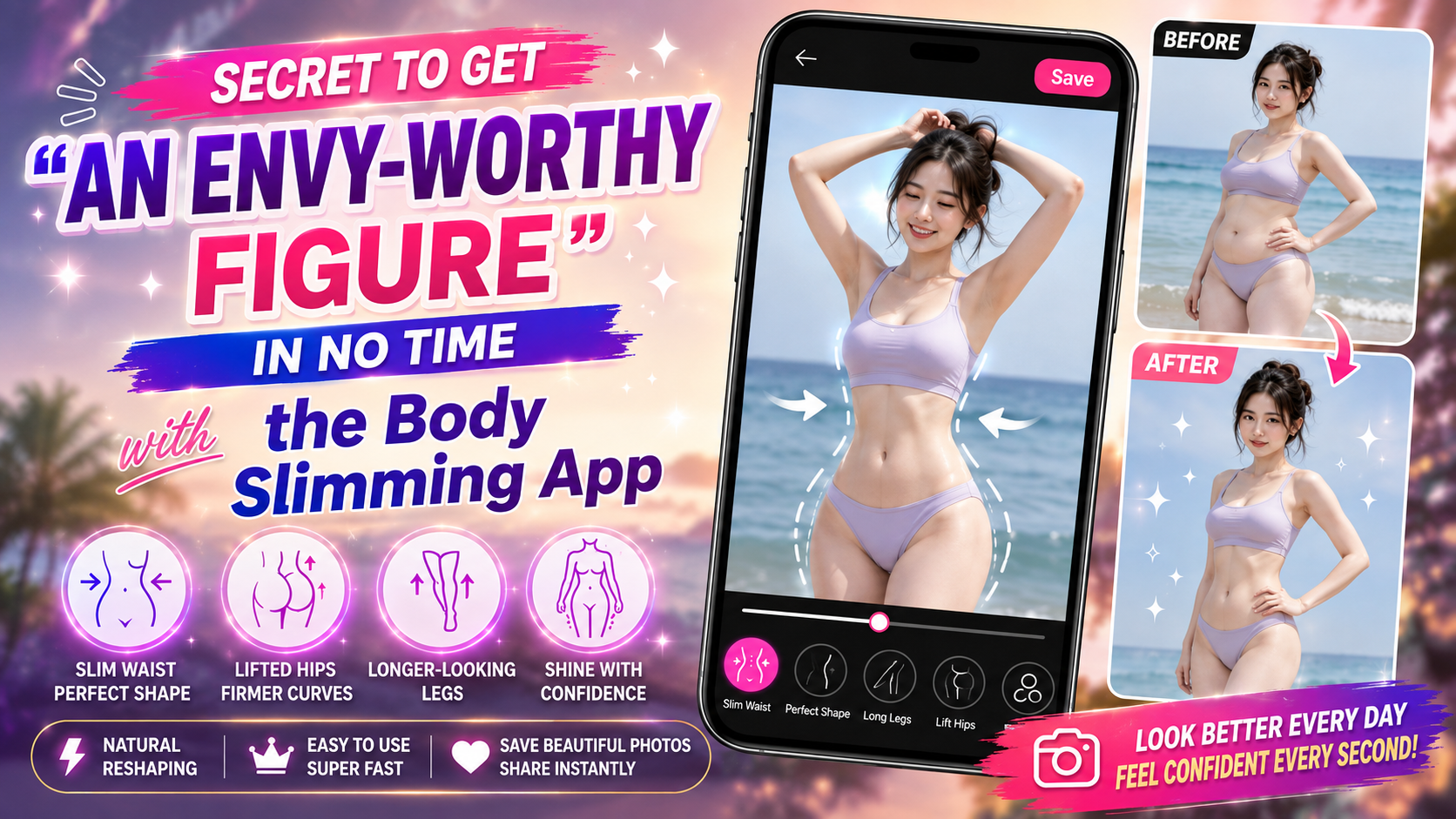
1. What Are Body-Slimming Apps, and Why Are They So Popular?
In an era where technology reigns supreme, a body-slimming app isn't just an ordinary photo-editing tool — it's become an indispensable "beauty assistant" in young people's phones. These apps integrate smart recognition technology, letting you meticulously change the body's curves, making a photo more eye-catching and professional in just a few taps.
Optimizes time: Transforms your figure precisely in just a few seconds instead of having to use complicated Photoshop software on a computer.
Removes self-consciousness: Helps you hide small flaws such as belly fat, large arms, or a double chin so you always feel confident with your look.
Preserves sharpness: Modern technology helps edit the figure without reducing photo quality, so there's no worry about pixelation or blurring.
Astonishingly natural: Smart area-separation capability allows the waist to be slimmed and legs lengthened without distorting the surrounding setting.
Increases social media engagement: Photos with a beautiful, balanced figure always easily attract thousands of interactions and likes.
.jpg)
2. Golden Criteria for Choosing the Perfect Body-Slimming App
Among the hundreds of apps appearing on app stores, finding a truly high-quality body-slimming app suited to personal needs isn't easy. A good app needs to balance ease of use, diverse features, and, especially, authentic-looking editing results that aren't "overdone."
A friendly interface: Simple, intuitive drag-and-drop operation, so even people not tech-savvy can use it skillfully the first time.
Smart AI recognition technology: Automatically identifies parts such as the waist, hips, and legs to adjust them precisely, avoiding distorting the background.
Diverse features: Not just waist-slimming, but also integrating leg lengthening, breast lifting, arm slimming, and even adding six-pack abs.
High output resolution: Lets you export photos at sharp quality, preserving the camera's original colors.
A large user community: Many ready-made editing formulas (presets) from other users for you to quickly apply without editing yourself.
3. Detailed Reviews of the Most Popular Body-Slimming Apps Today
To give you an overview and make it easy to choose, below is a list of the top body-slimming apps, analyzed in detail from their advantages to their core features.
3.1. Meitu – The King of Photo Editing and Body Hacking From China
Meitu has long affirmed its dominant position in the photo-editing world thanks to its ability to perfectly understand the user's body structure. This app has smart AI algorithms that can automatically detect the skeletal frame to provide the most sensible body-proportion adjustment suggestions.
Automatic body recognition: With just one tap, the system automatically slims the waist and lifts the hips without you needing to manually adjust anything.
Smart leg lengthening: The ability to lengthen legs according to anthropometric proportions, helping you look taller naturally, without deformity.
Background protection: An algorithm keeps straight lines in the surrounding setting, such as walls or utility poles, from bending or warping.
Smooth video editing: Not just still photos — Meitu also supports slimming the figure directly in short videos.
A rich filter library: Combines figure editing with applying eye-catching film-style or youthful color tones.
.jpg)
3.2. Xingtu (醒图) – The Godly App of Douyin Devotees
If you regularly follow Chinese hot girls, you'll certainly know Xingtu — the top domestic Chinese body-slimming app today. Xingtu's strength lies in its modern aesthetic thinking, helping users keep their own distinctive beauty while still eliminating every body flaw.
Slims the figure to the golden ratio: Helps you achieve a small-head, long-leg, high-waist proportion that's extremely fashionable.
Slims each area individually: You can select exactly the arm, calf, or shoulder area to slim down.
Naturally removes excess fat: A feature that smooths curves, removing the creases of belly fat when sitting.
Minimalist interface: Although in Chinese, the feature icons are very intuitive, easy to figure out through trial.
Smart formula saving: Lets you copy figure-editing parameters from one photo to another extremely quickly.
3.3. Perfect Me – A Specialist in Sculpting Body Curves
Perfect Me is a specialized body-slimming app, designed to serve just one single purpose: beautifying the figure and face. If you want a hot hourglass figure or toned abs, this is the number-one choice.
Recreates an ant-waist: A powerful yet extremely smooth waist-slimming tool that doesn't blur the surrounding details.
Breast lifting and hip enhancement: Helps highlight alluring curves for women when wearing bikinis.
Adds abs and tattoos: Provides realistic six-pack ab stickers and muscular chest stickers for men too.
Full-body skin editing: Helps whiten body skin, removing dark spots on knees and elbows for even skin tone.
Facial contouring: Includes V-line chin sculpting, nose lifting, and eye enlarging in sync with the body shape.
.jpg)
3.4. Peachy – A Beauty Assistant for Artistic Photos
Peachy wins over users through its finesse and gentle touch in every editing stroke, making a photo edited with this body-slimming app look like a magazine shot. This app is very well suited for anyone who loves a refined editing style — "edited to look unedited."
Smooth swipe operation: A sensitive slider lets you adjust the width of the hips and waist extremely fluidly.
Removes body flaws: Quickly removes stretch marks, scars, or blemishes on the body.
Natural muscle definition: Makes arms look more toned, creating an "11-line" ab crease effect for women.
Multi-directional height increase: Can choose to lengthen from the waist or from the knees down to create balance.
Saves high-quality photos: Doesn't compress photo file size, supporting ultra-sharp resolution export for printing.
3.5. Spring – A Height-Hacking Solution With No Background Warping Worries
If your biggest fear when using a body-slimming app is warping the background behind you, Spring (Spring Effects) was made to completely solve that fear. This is a rare app that uses a three-axis grid-line system to lengthen the body scientifically.
A 3-line proportion system: Precisely locates the neck, hips, and ankles to lengthen the body according to accurate biological proportions.
Horizontal slimming: Evenly narrows the body's width, making you look several kilos slimmer instantly.
Automatic background locking: Locks background details such as floor tiles or door frames firmly in place so they don't shift.
Maximally easy to use: Only 3 main features, no clutter, focused on solving the height-and-weight problem.
Lightweight: The app runs smoothly even on lower-spec phones.
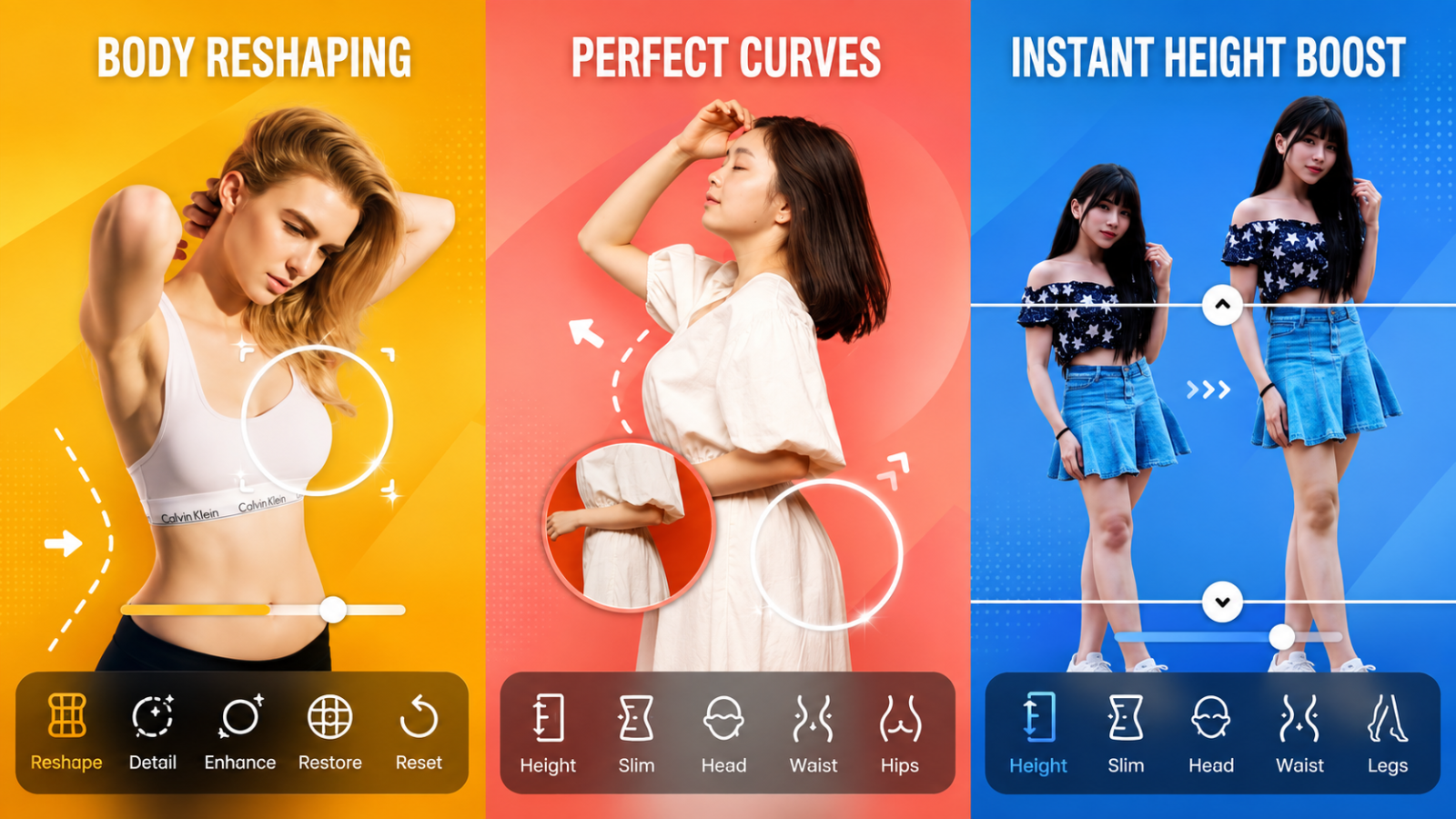
3.6. Body Editor – An All-Powerful Tool for Both Men and Women
Body Editor is a powerful body-slimming app, providing a miniature cosmetic-surgery clinic right in the palm of your hand. This app has a whole range of tools from basic to advanced, to transform any figure from heavy to slim, or from short to tall.
Natural breast and hip enhancement: Increases the size of curves in a full, rounded way, creating bounce and depth in the photo.
Slims the arms and thighs: Dissolves the worry of "bodybuilder arms" or "pillar-thick thighs" in wide-angle photos.
A rich sticker collection: Adds facial hair, wigs, abs, or artistic tattoos onto the body.
Artistic photo collaging: Includes a collage-creation tool for you to show off your before-and-after figure transformation journey.
Suggests matching color filters: Warm, elegant tones that highlight a healthy figure after editing.
4. The Secret to Slimming the Waist and Lengthening Legs Naturally Without Getting Caught
Using a body-slimming app is an art, and the person editing the photo is an artist who knows where to stop so the photo still looks authentic. The biggest mistake many people make is over-relying on the tool sliders, causing walls to bend, stairs to warp, or body proportions to look strange enough for viewers to easily notice.
Choose a simple background: Prioritize shooting in front of plain walls, the sky, or spaces with few horizontal/vertical stripe details for easier editing.
Edit little by little: Instead of pushing a tool slider to the maximum, gently tap it up in small increments to control the degree of distortion in the photo.
Follow body proportions: The length of the legs should be proportional to overall height — avoid lengthening the legs too much, which makes the body look unbalanced.
Use the background-freeze feature: Take advantage of the area-lock (freeze) tool in the app to fix the surrounding space in place before slimming the figure.
Combine with outfit editing: Sometimes just adjusting the folds of a shirt or the fullness of a skirt with the app is enough to automatically make the waist look slimmer.
.jpg)
5. Important Notes When Using Body-Slimming Apps
Although these supporting apps give us a perfect look in the virtual world, understanding and using body-slimming apps in a civilized, wise way is extremely necessary. Don't let yourself become overly dependent on digital filters, which could leave you feeling self-conscious when facing real life.
Privacy protection: Only download apps from trusted sources such as the App Store or Google Play to avoid personal image leaks.
Avoid psychological dependence: Consider the app a tool for enhancing a photo, not the sole standard for judging yourself.
Cherish natural beauty: Combine photo editing with taking care of your health and exercising in real life for a lasting, healthy, beautiful figure.
Check carefully before posting: Always zoom in carefully on every corner of the photo to check for any unusual distortion or warping before hitting share.
Make the most of the free version: Most basic figure-slimming features are free — you don't necessarily need to buy a paid plan unless your needs are very high.
6. Conclusion
A beautiful photo doesn't just lie in perfectly adjusted curves — it also radiates from your own positive energy and confidence in real life. Consider a digital tool a small assistant that helps enhance a memorable moment, and don't forget to love and take care of yourself with a healthy lifestyle and diligent exercise so you always have a healthy, beautiful body, full of life from deep within.





















VIP Products








Best Selling Products
MidJourney Account
29 USD
Plugin Retouch4me
69 USD
Capcut Pro 1 Year
39 USD
Adobe Photoshop Copyright - Full App
120 USD
Upgrade genuine Capture One account
120 USD
Windows 10 & 11 Pro Key
36 USD
Freepik Premium Account
59 USD
Genuine Cheap Canva Pro
39 USD
Adobe Premiere Pro Account
99 USD
ChatGPT Plus Account (GPT-4)
16 USD
Upgrade Genuine Office 365
49 USD
Genuine Adobe Illustrator account
99 USD
Upgrade Duolingo Super
29 USD
Autodesk All App Account Copyright
120 USD
Copyright Adobe Lightroom Account
59 USD