Best Selling Products

Upgrade Duolingo Super
29 USD

MidJourney Account
29 USD

Upgrade genuine Capture One account
120 USD

Windows 10 & 11 Pro Key
36 USD

Plugin Retouch4me
69 USD

Autodesk All App Account Copyright
120 USD

Capcut Pro 1 Year
39 USD

Genuine Cheap Canva Pro
39 USD

Adobe Premiere Pro Account
99 USD

Copyright Adobe Lightroom Account
59 USD

Upgrade Genuine Office 365
49 USD

ChatGPT Plus Account (GPT-4)
16 USD

Adobe Photoshop Copyright - Full App
120 USD

Freepik Premium Account
59 USD

Genuine Adobe Illustrator account
99 USD
This seemingly harmless habit is silently damaging your laptop every day.
Nội dung
- 1. Why is placing a laptop on a soft surface more dangerous than you think?
- 2. High temperatures silently reduce performance and damage components.
- 3. The battery is the component most severely affected by temperature.
- 4. Warning signs you shouldn't ignore
- 5. Simple yet highly effective solutions to protect your laptop.
- 6. Small changes today can help your laptop last for many more years.
Many people still repeat this habit while working or relaxing without realizing it causes the device to overheat quickly. Over time, performance decreases, the battery degrades faster, and components also deteriorate sooner than expected.
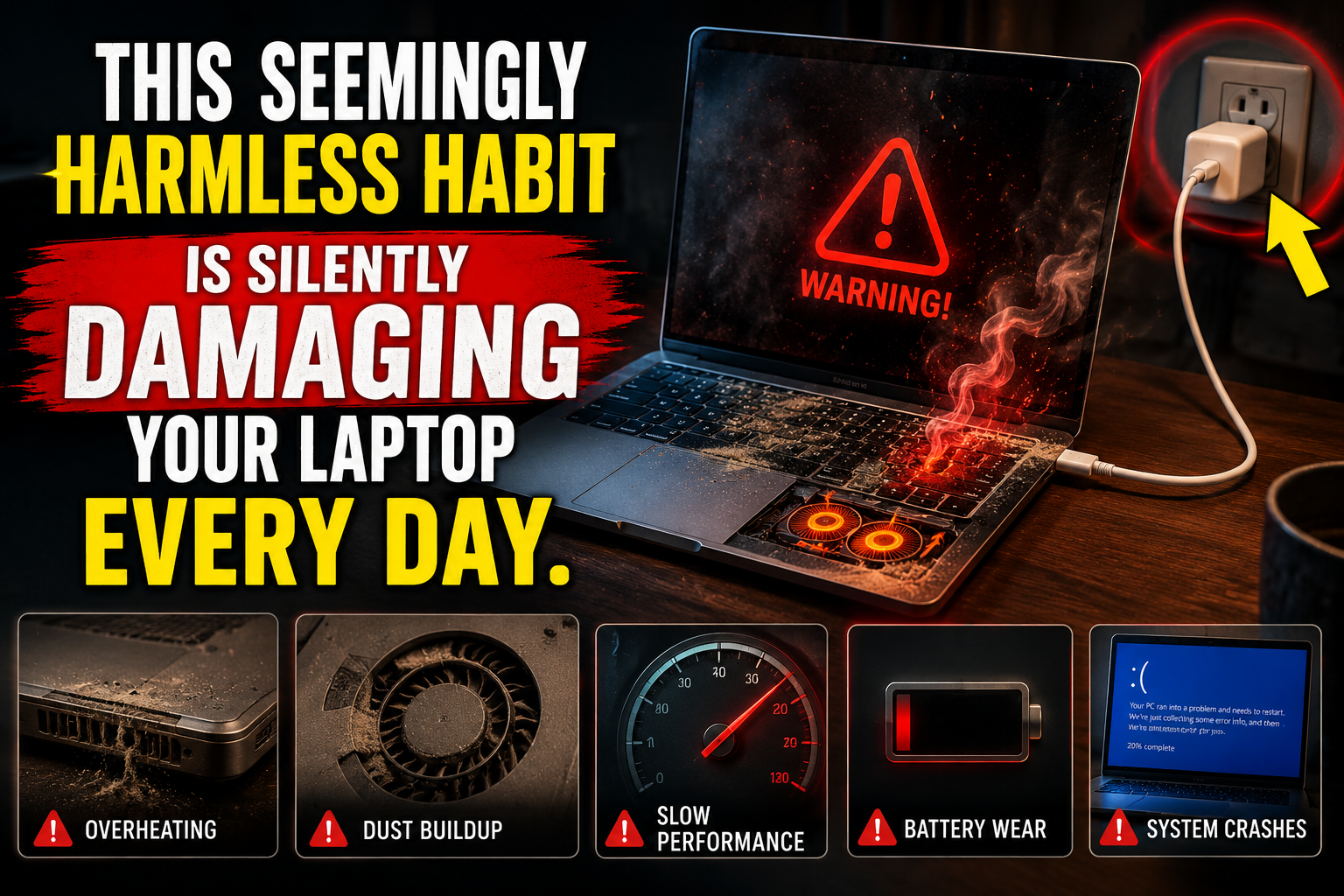
1. Why is placing a laptop on a soft surface more dangerous than you think?
Many people enjoy the feeling of lying in bed with their laptop next to them to work or watch movies. This creates a sense of comfort, especially after stressful working hours. The sofa is also a familiar spot for relaxing while handling emails, studying online, or entertaining oneself. However, what many people overlook is that most laptops today are designed with cooling systems on the bottom, sides, or back of the machine.
This system works by drawing in cool air from the outside environment, passing the airflow over heat-generating components like the CPU and GPU, and then expelling the hot air. This process requires the air intake and exhaust vents to remain clear. When placed on a hard surface like a desk, there is enough space for air to circulate. However, when placed on a soft surface like a mattress or sofa, the weight of the laptop causes the fabric to sag, inadvertently blocking the ventilation vents.
At this point, the fan system is still running but is almost unable to draw in enough air. The heat generated during data processing is not being dissipated effectively, leading to heat buildup inside the device. Importantly, this doesn't happen immediately with noticeable overheating, but rather gradually increases involuntarily. Users might only feel the device is slightly warmer than usual, but the internal components are operating under continuously high temperatures.

Prolonged exposure to high temperatures is one of the biggest causes of premature degradation of electronic components. Semiconductor circuits gradually lose stability, thermal paste dries out faster, batteries age more quickly, and the fan system is overloaded. This is why many laptops start experiencing a host of problems after only a few years of use, even though their initial configuration was still very powerful.
2. High temperatures silently reduce performance and damage components.
Temperature directly impacts the performance of all electronic devices. Modern laptops are equipped with a self-protection mechanism called thermal throttling. When the CPU or GPU temperature exceeds a safe threshold, the system automatically reduces the processing clock speed to limit further heat generation. This is how the machine protects its components from immediate damage, but it also significantly reduces performance.
Users can easily notice this through slower laptop performance, even when running familiar tasks. Switching windows becomes sluggish, opening software takes longer, videos may stutter slightly, and photo or video editing applications become less responsive. For gamers, unusual FPS drops even when the machine has sufficient specifications are a clear sign of thermal throttling.
The worrying thing is that when high temperatures become a regular occurrence, the laptop will constantly operate in reduced-performance mode. Users might mistakenly think that the machine is old or that the software is becoming increasingly resource-intensive, leading them to consider upgrading or replacing it. However, in reality, the cause is sometimes simply that the cooling system is being obstructed by incorrect machine placement.
High temperatures also affect many other components. SSDs may reduce their read/write speeds to protect the memory chips. RAM becomes less stable when the internal ambient temperature continuously increases. Motherboards subjected to repeated thermal expansion and contraction are prone to cracking over time. These are insidious damages that often only become apparent when the fault is already serious.
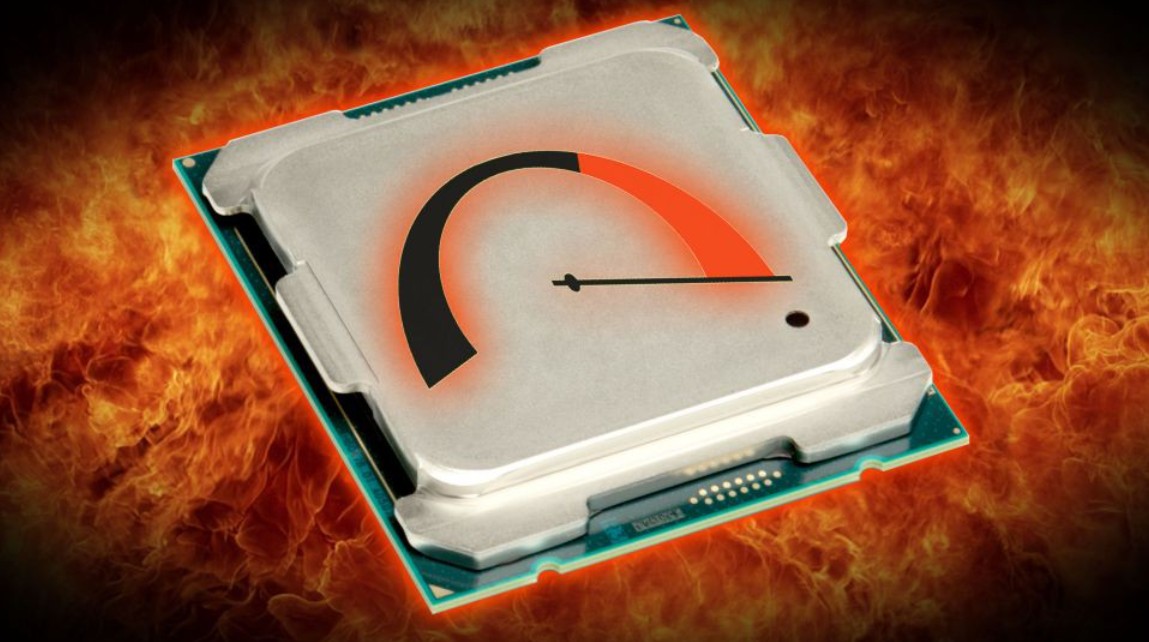
A properly cooled laptop can maintain stable performance for many years. Conversely, if it is frequently exposed to excessive heat, all components will age faster. This is why two laptops of the same model and used for the same amount of time will have different performance levels: one that is properly cared for continues to function well, while the other constantly malfunctions.
3. The battery is the component most severely affected by temperature.
If there's one component most sensitive to temperature, it's the lithium-ion battery. These batteries are used in almost every laptop today thanks to their high energy density and ability to be recharged multiple times. However, they are very vulnerable to damage from frequent exposure to high temperatures.
Inside the battery are complex chemical reactions. When the temperature exceeds the optimal threshold, the rate of chemical degradation increases, reducing its ability to store electrical energy. This is the main reason why batteries degrade over time. Under normal conditions, this process occurs slowly over hundreds of charge-discharge cycles. But when laptops frequently overheat due to poor heat dissipation, the rate of battery aging can accelerate significantly.
Initially, you might notice the battery draining a little faster than when it was new. Then, the battery life decreases significantly, the device displays inaccurate battery readings, or the battery percentage fluctuates erratically. More seriously, the battery may swell due to gas produced from an abnormal chemical reaction. A swollen battery not only reduces battery life but can also bend the laptop frame, push the keyboard apart, crack the touchpad, or even cause a fire or explosion if subjected to strong pressure.
Many people think that battery degradation is inevitable and therefore don't pay too much attention to it. That's true to a certain extent, but usage patterns greatly determine how quickly a battery degrades. A battery that is kept cool, avoids charging in hot environments, and isn't forced to operate continuously at high temperatures will last much longer.
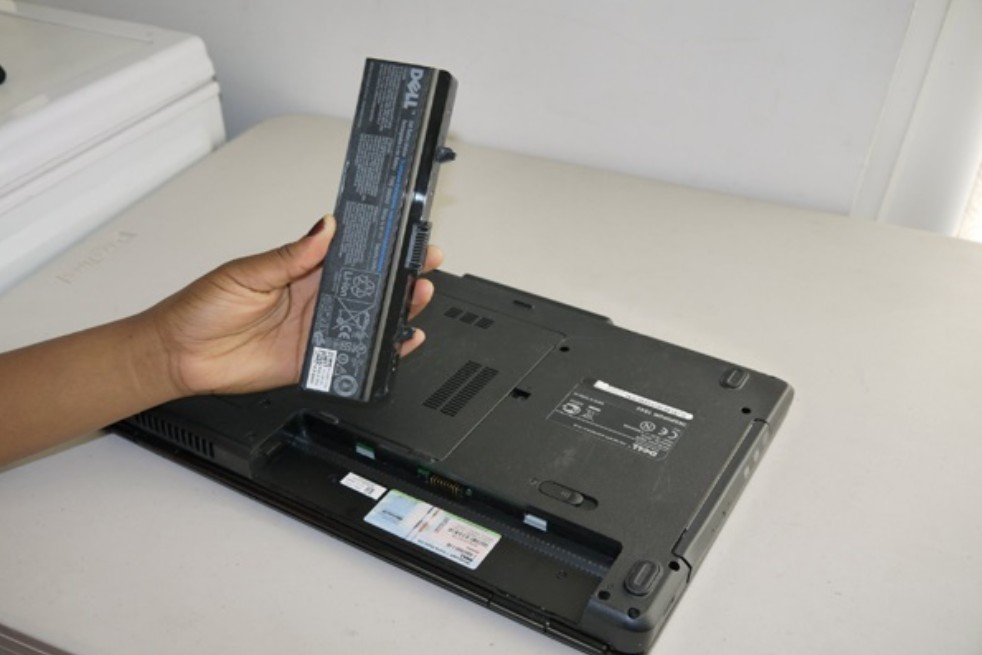
Placing a laptop on a mattress or sofa while it's charging and running demanding tasks puts the battery under extreme heat stress. This habit silently reduces battery life faster than any other factor.
4. Warning signs you shouldn't ignore
Laptops rarely issue clear warnings like "I'm overheating." Instead, they send signals through indicators that many people often overlook.
The most noticeable sign is an unusually loud fan noise. If you're just browsing the web or watching videos and the fan is still whirring loudly and continuously, the system is likely struggling to cool down. This is not normal.
Another sign is a noticeable increase in temperature at the bottom or keyboard area. If you find it uncomfortable to touch the bottom of the machine, the internal temperature may be very high. It's normal for the machine to heat up during heavy processing, but if this temperature persists for too long or occurs even during light tasks, it needs to be checked immediately.
Unusual lag, freezing, spontaneous restarts, or unexpected shutdowns are also important warning signs. Many laptops will automatically shut down when the temperature exceeds a dangerous level to protect the components. If your machine has ever experienced this, it's very likely that the cooling system is having problems.
A rapidly draining battery when the device is hot is also a cause for concern. At high temperatures, the energy conversion efficiency decreases, causing the battery to drain faster.
If you notice one or more of these signs recurring frequently, don't continue using it as if nothing is wrong. It's time to change the way you position your laptop, clean the system, or give it a break.
5. Simple yet highly effective solutions to protect your laptop.
The good news is you don't need to be a technician to protect your laptop from overheating. Just by changing a few small habits, you can significantly improve the device's lifespan.
The most effective solution is to always place your laptop on a hard, flat surface. A desk is the ideal choice. If you must use it on a bed or sofa, use a cooling pad or a dedicated stand to create space for airflow.
A cooling pad is a worthwhile investment. Besides raising the laptop to the correct height, many models also incorporate fans to provide direct cooling. They significantly reduce CPU and GPU temperatures during heavy workloads.
If you don't have a cooling pad, you can prop your laptop up using a piece of cardboard or a sturdy, flat object. Just creating a few centimeters of space underneath will significantly improve ventilation.
Regular cleaning is also very important. After a few months of use, dust will accumulate in the fan and heat sink fins. Using compressed air to clean the fins or having the machine serviced every 6 to 12 months will help the system operate more efficiently.
Additionally, limit the number of unnecessary applications you open. Dozens of browser tabs, background software, and constant data synchronization all cause the CPU to work harder than necessary.
When your computer gets too hot, pause your work, close heavy applications, or let your laptop rest for 15 to 30 minutes. This is much better than forcing it to run continuously.
6. Small changes today can help your laptop last for many more years.
The lifespan of a laptop doesn't entirely depend on brand or price. A high-end machine can still degrade quickly if used incorrectly every day. Conversely, a mid-range laptop can function reliably for many years if properly maintained.
Most users only focus on specifications, RAM capacity, or SSD speed when buying a device, forgetting that daily usage is the deciding factor in how durable the device will be.
Properly positioning the machine, keeping the cooling system clean, using a suitable stand, avoiding overheating, and listening for warning signs are simple things that yield long-term benefits.
Laptops are tools for work, study, and creativity. Taking care of them isn't complicated; it's just a matter of maintaining small habits regularly.
Next time you're tempted to put your laptop on a blanket to watch a movie or work while lounging on the sofa, remember that the convenience of a few hours might come at the cost of years of device longevity. A small change today could make your laptop last much longer in the future.





















VIP Products








Best Selling Products
Upgrade Duolingo Super
29 USD
MidJourney Account
29 USD
Upgrade genuine Capture One account
120 USD
Windows 10 & 11 Pro Key
36 USD
Plugin Retouch4me
69 USD
Autodesk All App Account Copyright
120 USD
Capcut Pro 1 Year
39 USD
Genuine Cheap Canva Pro
39 USD
Adobe Premiere Pro Account
99 USD
Copyright Adobe Lightroom Account
59 USD
Upgrade Genuine Office 365
49 USD
ChatGPT Plus Account (GPT-4)
16 USD
Adobe Photoshop Copyright - Full App
120 USD
Freepik Premium Account
59 USD
Genuine Adobe Illustrator account
99 USD