Best Selling Products

Upgrade Genuine Office 365
49 USD

Upgrade genuine Capture One account
120 USD

Capcut Pro 1 Year
39 USD

Plugin Retouch4me
69 USD

Freepik Premium Account
59 USD

Windows 10 & 11 Pro Key
36 USD

ChatGPT Plus Account (GPT-4)
16 USD

Genuine Cheap Canva Pro
39 USD

Genuine Adobe Illustrator account
99 USD

Upgrade Duolingo Super
29 USD

Adobe Photoshop Copyright - Full App
120 USD

Adobe Premiere Pro Account
99 USD

Autodesk All App Account Copyright
120 USD

MidJourney Account
29 USD

Copyright Adobe Lightroom Account
59 USD
Top 10 Stunning, Trendiest Video Filter Apps of 2026
Nội dung
- 1. CapCut – The Go-To Video Filter App for the Creator Generation
- 2. VSCO – A Color Wizard for Nostalgic Cinematic Footage
- 3. Prequel – A Video Filter App Full of Youthful Artistic Flair
- 4. Foodie – The Perfect Choice for Lifestyle and Food Videos
- 6. Adobe Lightroom – The Pinnacle of Professional Color Grading for Video
- 8. KineMaster – The Power of Multi-Layer, In-Depth Color Grading
- 10. TikTok – An Unmissable Library of Lightning-Fast Trending Filters
Have you ever wondered why TikTokers'' videos or Influencers'' Reels always have such a captivating, polished, smooth color to them? The secret isn''t in expensive cameras — it''s the magic of transformation from video filter apps.
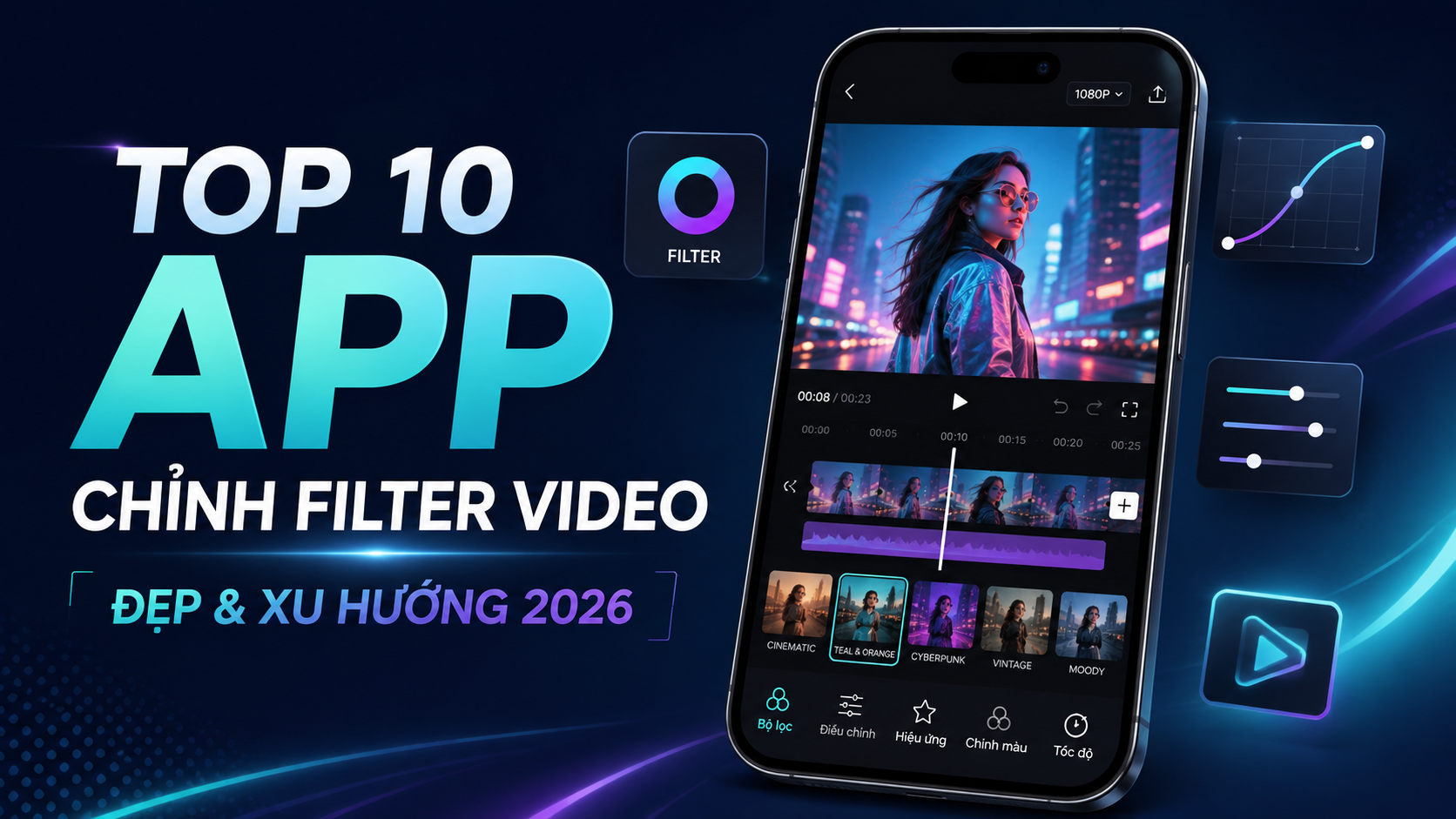
1. CapCut – The Go-To Video Filter App for the Creator Generation
If you're a fan of short-form video, you certainly can't skip CapCut — the video-editing app currently topping the charts. This isn't just an ordinary cutting tool — it's a video filter app with a massive color library and dizzyingly fast trend updates. From classic Hong Kong cinema colors and bright youthful tones to dark, mysterious hues, CapCut can deliver it all in just one tap. This app's biggest advantage is its intuitive interface, letting even beginners create a satisfying product.
A trending filter library: Continuously updated with color filters following global TikTok trends.
Built-in template integration: Millions of ready-made video templates with beautiful filters from the creator community.
Deep parameter customization: Lets you adjust the saturation, contrast, and brightness of a filter.
Completely free: Use most high-quality filters without spending any money.
A rich set of accompanying effects: Smoothly combines color filters with dynamic effects.
2. VSCO – A Color Wizard for Nostalgic Cinematic Footage
Long famous as an icon in photo editing, VSCO has brought all of its color-technology expertise to moving footage. For anyone pursuing an artistic, nostalgic, or minimalist style, VSCO is the irreplaceable, perfect-match video filter app. The color filters here are modeled after legendary analog film stock from Kodak or Fujifilm, bringing a very distinctive depth and artistic quality. Whether your video is shot in low light or backlit conditions, VSCO's presets still know how to balance it out to create a harmonious, highly cinematic whole.
Premium color presets: Features extremely realistic, exclusive filters that simulate analog film.
Smooth color transitions: Filters applied to video don't look harsh, preserving detail in both bright and dark areas.
In-depth editing tools: Supports adjusting skin tone and grain to create a classic feel.
Formula syncing: Easily save your favorite color formula to apply to later videos.
An artistic community: A place to learn from and reference thousands of color formulas from photographers around the world.
.jpg)
3. Prequel – A Video Filter App Full of Youthful Artistic Flair
Prequel is a name taking the Instagram and Gen Z community by storm thanks to filters with a futuristic, sparkly, surreal feel. If you feel traditional color filters have become too boring, try this groundbreaking video filter app. Prequel perfectly combines '90s retro tones with modern visual effects such as neon, glitch, VHS, or sparkle effects. This app makes every story or short video of yours stand out, catching viewers' attention from the very first seconds.
Unique visual effects: Specializes in Indie, Kidcore, Cyberpunk, and Vaporwave styles.
AI-combined filters: Automatically detects the setting to suggest the most suitable color filter.
VHS and Glitch effects: Perfectly recreates the feel of old but fashionable videotape footage.
Seasonal updates: Regularly releases unique festival, Christmas, and Halloween-themed filters.
High export quality: Preserves the sharp resolution of the original video after applying the filter.
4. Foodie – The Perfect Choice for Lifestyle and Food Videos
Don't let the name Foodie fool you, because this app isn't just for filming food. In fact, Foodie has risen to become one of the most beloved video filter apps for landscape, travel, and daily vlog content thanks to its clear, bright color tones. The filters here are very smartly categorized by purpose, such as "Sweet," "Fresh," "Picnic," or "Romantic." If you want your video filled with sunshine, positive energy, and vivid color, Foodie is the powerful assistant that helps you attract millions of likes.
Clear color tones: Makes the video's setting bright, with natural, eye-pleasing color.
Smart filter categorization: Easily search for filters by theme, such as food, landscape, or portrait.
A timer and alignment grid: Helps frame the shot precisely right from the moment you hit record.
Live shooting mode: Applies filters smoothly in real time while recording video.
Minimalist interface: A gentle screen swipe to change the filter extremely quickly.
.jpg)
5. InShot – A Convenient Editor With a Multi-Tone Color Filter Library
InShot is the go-to choice for anyone looking for a balance between editing features and color-grading capability. As a video filter app, InShot offers a diverse filter library ranging from basic to advanced, suited for every type of content from study and work to entertainment. You can easily adjust the tone of each filter to fit the actual lighting of the video. Besides that, its rich capabilities for inserting music, transition effects, and stickers make InShot a mini studio right on your phone.
Multi-style color filters: Full range of tones from warm and cool to vibrant.
Overlay effects: Artistically layers colors and light on top of the original video.
Background removal and compositing: Combines color filters with smart AI-powered background removal.
Optimized for social media: Easily change the aspect ratio (1:1, 9:16, 16:9) after color grading.
Export video without losing quality: Supports exporting extremely sharp 4K files.
6. Adobe Lightroom – The Pinnacle of Professional Color Grading for Video
If you're a perfectionist who wants to hand-craft one-of-a-kind color tones, Adobe Lightroom is the ultimate tool. Unlike instant-noodle apps, Lightroom is a professional-grade video filter app that lets you dig deep into each individual color range (Color Mix/HSL). You can turn the green of leaves into autumn's golden-yellow, or push the blue of the sky to become deeper. The arrival of video color-grading features on Lightroom has blurred the line between editing on a phone and on dedicated professional computer software.
A powerful HSL system: Freely change the Hue, Saturation, and Luminance of each individual color.
Color Grading feature: Grades color separately for Shadows, Midtones, and Highlights.
Copy and paste settings: Grade one frame, then apply it in batch to the entire video.
Presets from experts: Take advantage of thousands of ready-made color filters shared by professional photographers.
Cloud syncing: Easily manage and edit video in sync across your phone, iPad, and computer.
(1).jpg)
7. VN Video Editor – A Cinematic-Standard Video Filter App
VN Video Editor (Vlog Now) is an app especially favored by vloggers and short-film makers shooting on their phones. What makes VN a formidable video filter app is its ability to support importing external LUT (Look-Up Table) files. This means you can bring Hollywood-standard cinematic colors, made on a computer, right into the phone app to apply to your video. Besides that, VN's built-in color filters are also very finely designed, without flattening the color or losing detail from the original video.
External LUT import support: The ability to expand the color-filter library limitlessly from outside sources.
A color Curve: Precisely fine-tunes a filter's brightness, darkness, and contrast using a curve chart.
Filter separation by scene: Apply different color filters to each cut within the same video.
A professional timeline interface: Manages filters, effects, and audio in an intuitive multi-layer format.
No watermark added: Exports a completely clean video, with no brand logo stuck at the end.
8. KineMaster – The Power of Multi-Layer, In-Depth Color Grading
KineMaster has long been a major force in mobile video editing thanks to a feature set as in-depth as desktop software. Acting as a video filter app, KineMaster offers extremely powerful color customization through layers. You don't just apply one filter over the whole video — you can stack multiple color-effect layers, adjust Opacity, and use Blending modes to create one-of-a-kind color combinations.
Multi-layer color blending: Combines multiple filters and color overlays to add depth to the frame.
A Color Adjustment tool: Finely adjusts brightness, saturation, contrast, and even color temperature.
Chroma Key support: Perfect background separation to composite different backgrounds and setting filters.
An Asset Store: Thousands of filters, effects, and stickers updated every week.
60 FPS video export support: Ensures motion after applying a filter remains smooth, without lag.
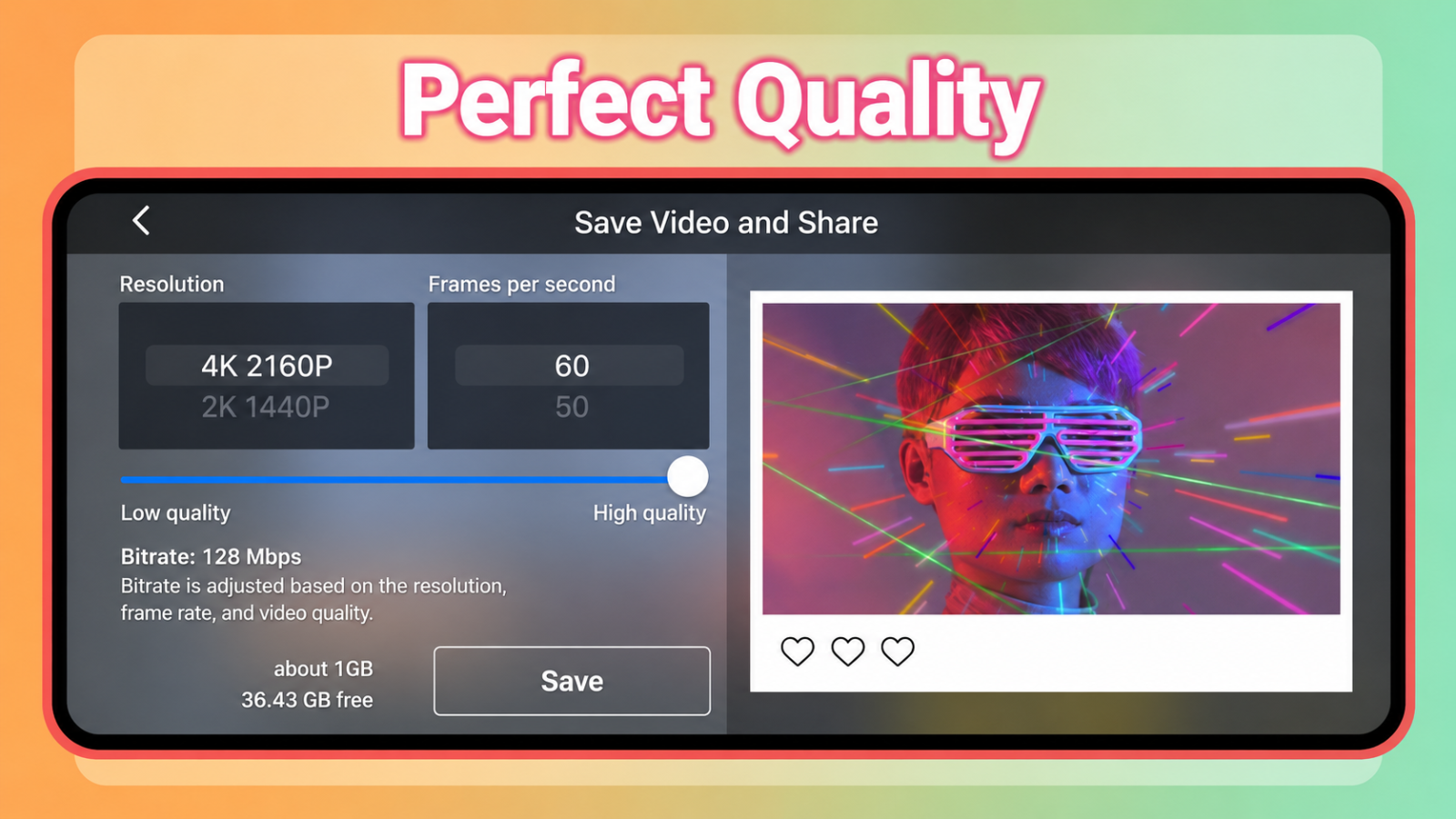
9. SNOW – A Top-Tier Video Filter App for Beauty and Virtual Life
If your goal is close-up face videos, selfies, or story clips chatting with your audience, SNOW is the number-one savior. This is a video filter app that leans toward the Korean and Japanese beauty trend style. SNOW's strength is its smooth combination of a clear, smooth color filter with AI facial-recognition technology for natural makeup. Your video will instantly become radiant, with bright, rosy skin, without revealing any trace of over-editing.
Smart beauty filters: Automatically optimizes skin tone, smoothing and brightening skin in real time.
AR makeup effects: Applies trendy makeup styles right while recording video.
A cute, gentle filter library: Perfectly suited for girls making sweet-candy-style videos.
A rich set of animated stickers: Thousands of interactive stickers to make video more fun and lively.
Built-in trending background music: Grade color while also inserting trending songs from social media.
10. TikTok – An Unmissable Library of Lightning-Fast Trending Filters
It would be a big omission to skip over the very platform that's the biggest producer of short video on the planet. TikTok isn't just a social network — it's also an extremely powerful built-in video filter app. TikTok's absolute advantage is its deep understanding of users — the color filters here are always tied to trending challenges and songs. You can choose a filter, record the video, edit, and post immediately all within a single app, maximizing time and phone storage savings.
Hourly trend updates: Color filters always come paired with visual effects that are currently "on trend."
Unique AI-interactive filters: Transforms the space's color based on hand gestures or facial expressions.
Algorithm optimization: Using native filters helps a video reach a wider audience and trend more easily.
Convenient one-touch operation: Apply a beautiful color with just one horizontal swipe.
Perfect audio syncing: The filter moves rhythmically in sync with the melody of the hottest songs.
.jpg)
11. Conclusion
We hope that with the list of 10 top video filter apps above, you've found the right tool to bring your creative ideas to life. A great film starts with a beautiful frame — download your favorite app now and start creating your first million-view footage today!





















VIP Products








Best Selling Products
Upgrade Genuine Office 365
49 USD
Upgrade genuine Capture One account
120 USD
Capcut Pro 1 Year
39 USD
Plugin Retouch4me
69 USD
Freepik Premium Account
59 USD
Windows 10 & 11 Pro Key
36 USD
ChatGPT Plus Account (GPT-4)
16 USD
Genuine Cheap Canva Pro
39 USD
Genuine Adobe Illustrator account
99 USD
Upgrade Duolingo Super
29 USD
Adobe Photoshop Copyright - Full App
120 USD
Adobe Premiere Pro Account
99 USD
Autodesk All App Account Copyright
120 USD
MidJourney Account
29 USD
Copyright Adobe Lightroom Account
59 USD