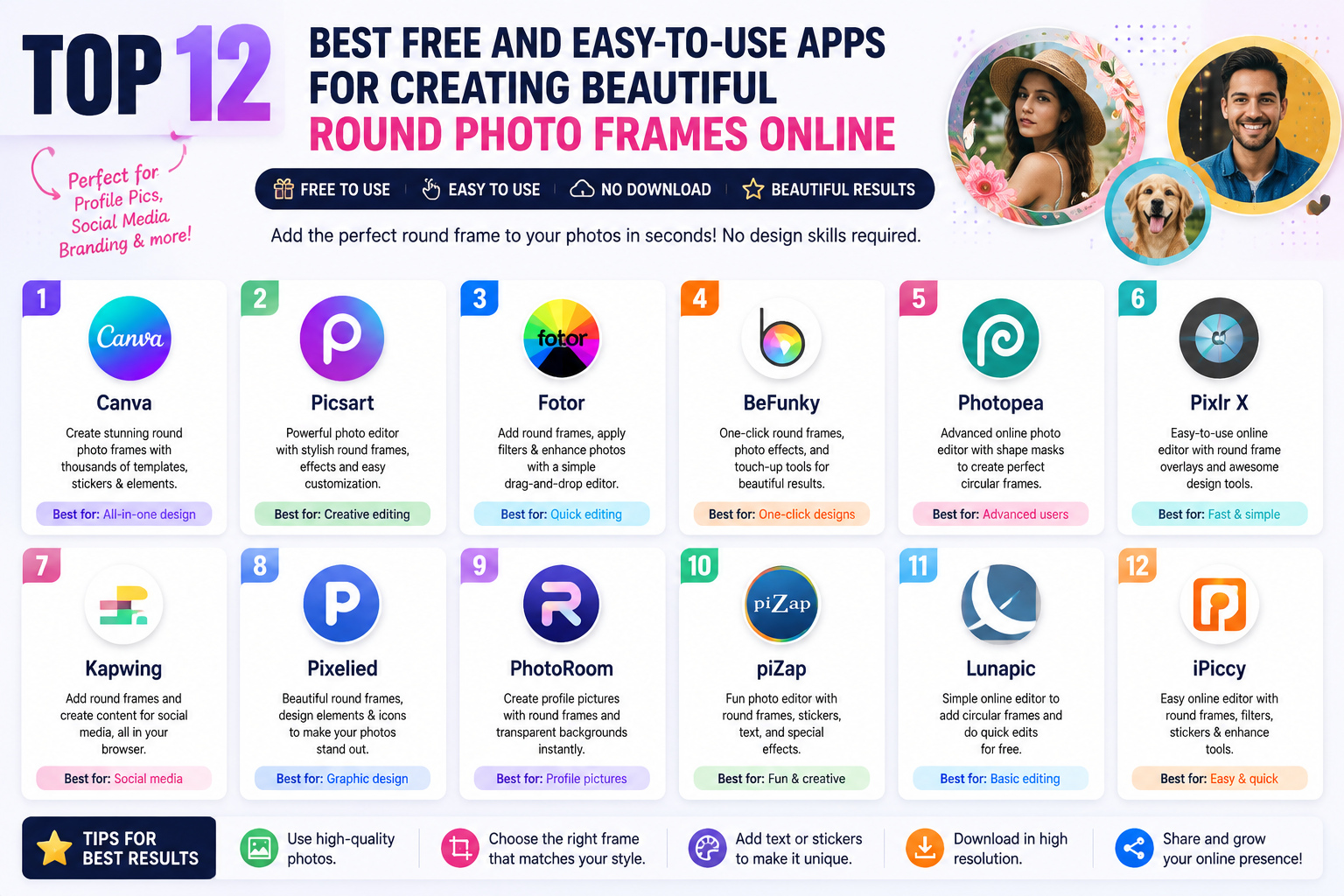
1. Canva: The most popular graphic design website.
Canva is one of the most popular online design tools today thanks to its simple, user-friendly interface and vast resource library. Not only does it support designing banners, posters, and social media posts, but Canva is also a top choice when you want to quickly create round photo frames online without needing professional editing skills.
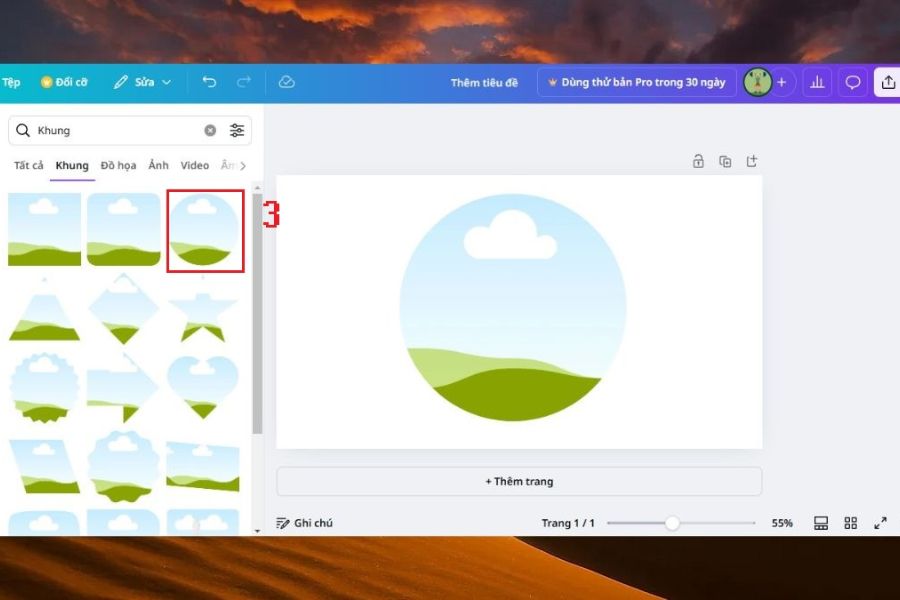
Canva's highlight lies in its Frame feature, with thousands of ready-made templates. Users simply drag and drop images into the circular frame, and Canva will automatically crop the image to the desired shape. Additionally, you can add background colors, effects, borders, or decorative details to create a more attractive and professional profile picture.
2. Fotor: A fast online tool for cropping images into circles.
Fotor is the ideal choice for those who want to crop photos into circles online easily while still ensuring image quality. With its powerful online editing tools, Fotor allows users to upload photos, select the area to be cropped, and create a complete circular photo frame in just seconds.
No complex software installation is required; you can easily adjust the size and position of images for the most balanced layout. Besides the online circular photo frame creation feature, Fotor also provides many tools for color correction, adding effects and filters to make your photos stand out, suitable for profile pictures or brand images.
3. Photoroom: Automatically create circular profile pictures using AI.
Photoroom is a smart photo editing app chosen by many for its ability to automatically process images quickly. With its circular profile picture creation feature, this tool makes it easy to transform ordinary portraits into professional profile pictures with just a few simple steps.
Photoroom's impressive feature is its ability to recognize subjects and automatically adjust the composition accordingly. When creating a circular photo frame online using Photoroom, you can add colored borders, shadow effects, or creative backgrounds to make your profile picture more attractive without spending a lot of time editing.
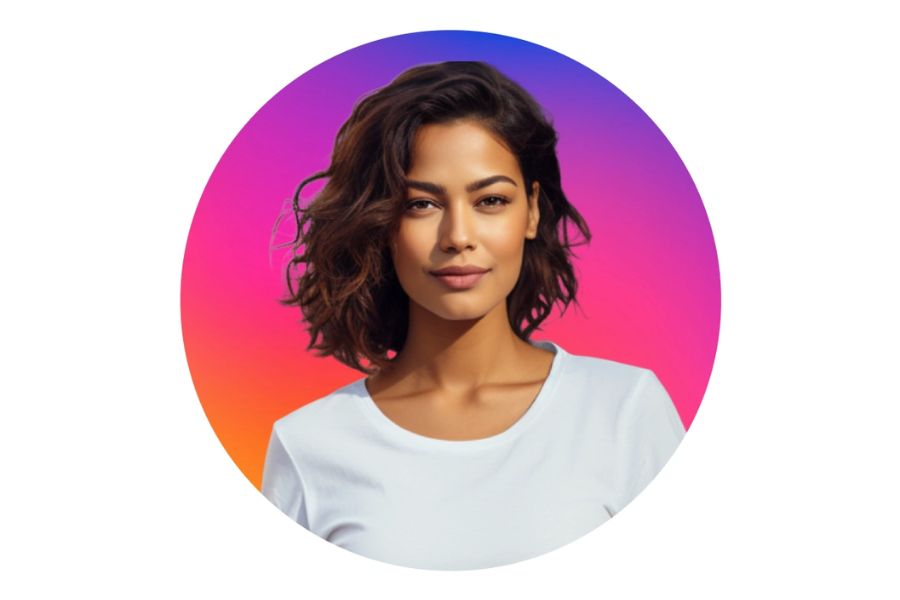
4. PicsArt: Create creative circular photo frames with Shape Crop
PicsArt is a popular photo editing app with a wide range of creative tools for design enthusiasts. The Shape Crop feature in PicsArt allows you to easily crop photos into various shapes, including circular frames, making creating circular photo frames online quicker and more convenient.
Beyond simply cropping images, PicsArt offers numerous editing options such as adding colored borders, shadow effects, artistic filters, or decorative stickers. Thanks to its flexible customization capabilities, you can create unique circular profile pictures that reflect your personal style or enhance brand recognition.
5. PhotoAiD: An online tool for creating circular images using intelligent AI technology.
PhotoAiD is one of the outstanding image editing platforms thanks to its ability to apply AI technology to process images quickly and accurately. This tool is especially suitable for those who need to create profile pictures, avatars, or edit images to professional standards without performing too many complicated operations.
With its online circular photo frame creation feature , PhotoAiD supports cropping photos into circles for free, automatically adjusting the frame and optimizing the layout to create balanced images. This is a useful option for those who want to create personal avatars, online profile pictures, or images for use on platforms requiring a professional look.
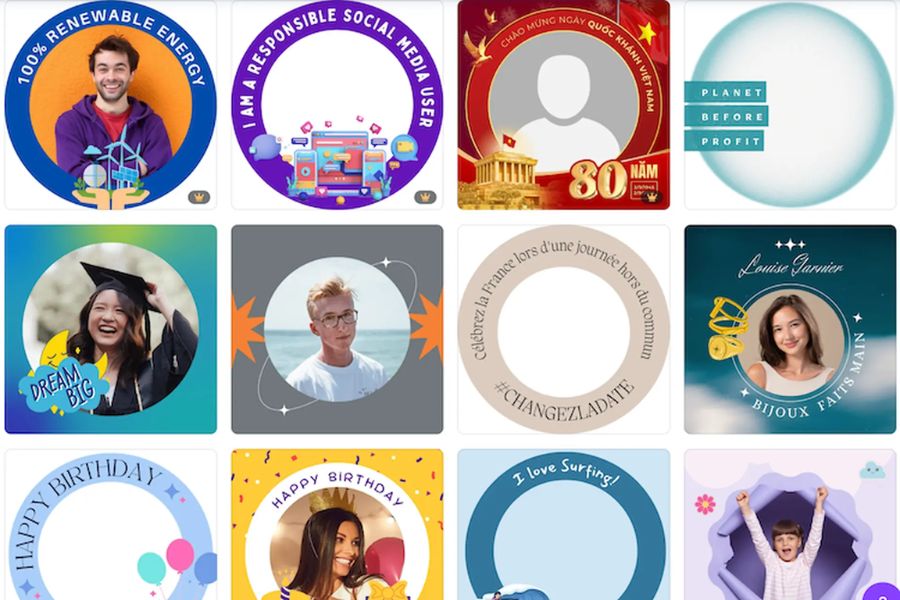
6. Ghepanh.pro : A website for cropping photos into circles, simple and easy to use.
If you're looking for a quick and easy online tool to crop photos into circles , Ghepanh.pro is a worthwhile option. The website is designed with a minimalist approach, focusing on convenience, allowing even those without photo editing experience to create beautiful circular images in just a few steps.
Ghepanh.pro 's strengths lie in its simplicity and processing speed. Users simply upload an image, select the area to be cropped, and the system automatically creates a suitable circular frame. This tool is ideal for creating social media avatars, personal profile pictures, or quickly editing images without needing to install additional software.
7. Anhnghethuatdulich: Free online circular image cropping tool
Anhnghethuatdulich is a free online tool that supports cropping photos into circles , helping users easily transform ordinary photos into professional-looking images with a circular composition. With its simple interface, this tool is suitable for both beginners and those who need to process photos quickly.
A notable advantage of Anhnghethuatdulich is its ability to export images with transparent backgrounds in PNG format. This feature is especially useful when you want to use circular images to incorporate into logos, banner designs, personal profiles, or other media products. Thanks to this, creating circular photo frames online becomes more flexible and convenient for a variety of uses.
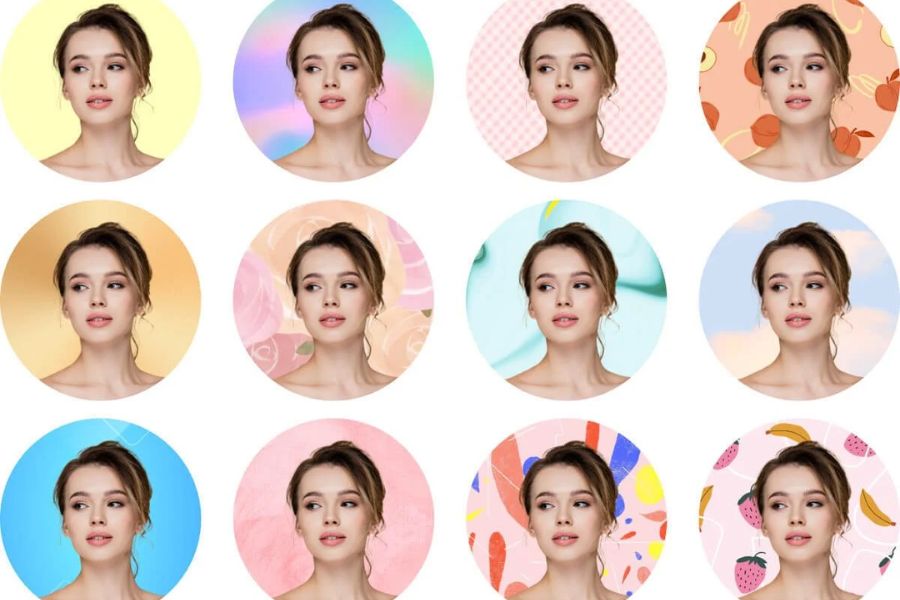
8. Adobe Express: Create professional circular photo frames online with Adobe.
Adobe Express is an online design tool from the Adobe ecosystem, suitable for those who want to create aesthetically pleasing profile pictures, brand images, or promotional images. With its circular cropping feature, users can easily transform ordinary photos into professional circular avatars in just a few steps.
The highlight of Adobe Express is its ability to combine powerful photo editing tools with a diverse library of design templates. After creating a circular photo frame online , you can further add backgrounds, effects, icons, or text to create unique images suitable for social media, personal profiles, or marketing activities.
9. Kapwing: A tool for quickly creating circular images online directly in your browser.
Kapwing is an online image and video editing platform chosen by many content creators thanks to its modern and easy-to-use interface. This tool supports circular cropping, allowing users to quickly create avatars, profile pictures, or brand images without downloading any software.
With Kapwing, you simply upload your image, select the circular cropping area, and adjust the size as desired. Besides creating circular photo frames online , the platform also offers many creative features such as adding text, effects, backgrounds, and filters, making the final product more professional.
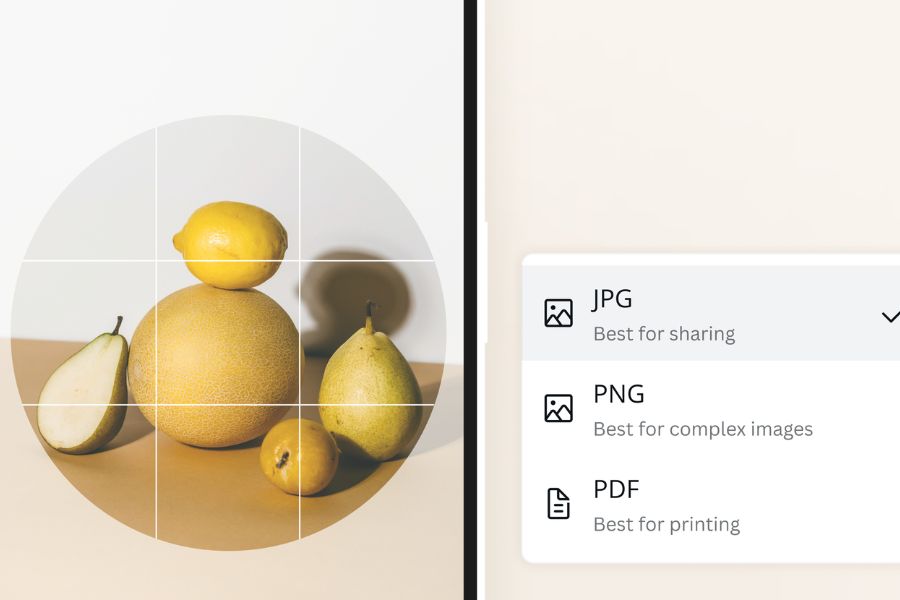
10. LunaPic: Free circular photo cropping with many creative customization options.
LunaPic is a free online photo editing tool that stands out with many unique features, including the ability to quickly crop images into circles. It's a suitable choice for those who want to create simple circular avatars without needing to register an account or use complex editing software.
Not only does LunaPic support cropping images into circles online , it also allows users to add effects, change colors, create transparent backgrounds, and edit images in various styles. Thanks to this flexibility, you can easily create beautiful circular profile pictures to use on social media or other online platforms.
11. Pixlr: Quickly create circular photo frames online with smart editing tools.
Pixlr is one of the most popular online photo editing tools thanks to its fast image processing, user-friendly interface, and no software installation required. With its flexible cropping feature, Pixlr makes it easy for users to create circular photo frames online for avatars, profile pictures, or images for promotional activities.
Pixlr's highlight is its ability to customize images after cropping with many creative tools such as adding borders, adjusting colors, creating effects, blurring backgrounds, or combining different image layers. Thanks to this, you can not only create simple round images but also design a unique, professional profile picture that suits your personal style.

12. BeFunky: A simple online tool for cropping images into circles, with many beautiful templates.
BeFunky is a prominent online photo editing platform with an intuitive interface, suitable for both beginners and experienced image designers. This tool supports cropping images into various shapes, including circular frames, making creating circular photo frames online quicker and more convenient.
Beyond just cropping images, BeFunky offers a variety of creative tools such as adding borders, color filters, artistic effects, and pre-designed templates. Thanks to its combination of simple operation and diverse customization options, BeFunky is a suitable choice for creating attractive circular avatars, brand images, or designs for social media.
13. Conclusion
With the development of photo editing platforms today, creating round photo frames online has become simpler and faster than ever. From familiar tools like Canva, Fotor, and PicsArt to smart applications like Photoroom, Adobe Express, and Pixlr, each platform offers unique features to help you easily create beautiful and professional profile pictures. Depending on your needs, you can choose the appropriate tool to crop images, add effects, create borders, or design avatars in your personal style. Hopefully, this list of Top 12 apps will help you quickly create impressive round photo frames, enhance aesthetics, and make a unique impression on all online platforms.