Best Selling Products

Copyright Adobe Lightroom Account
59 USD

Adobe Premiere Pro Account
99 USD

Genuine Cheap Canva Pro
39 USD

MidJourney Account
29 USD

Upgrade genuine Capture One account
120 USD

Adobe Photoshop Copyright - Full App
120 USD

Autodesk All App Account Copyright
120 USD

Genuine Adobe Illustrator account
99 USD

Upgrade Duolingo Super
29 USD

Windows 10 & 11 Pro Key
36 USD

Freepik Premium Account
59 USD

ChatGPT Plus Account (GPT-4)
16 USD

Plugin Retouch4me
69 USD

Capcut Pro 1 Year
39 USD

Upgrade Genuine Office 365
49 USD
What are Leg Lengthening Apps? Top 7 Most Popular Apps Today
Nội dung
- 1. What is an app for lengthening legs?
- 1.1 How does the leg-lengthening app work?
- 1.2 Who should use a leg-lengthening app?
- 2. Why are apps that lengthen legs becoming increasingly popular?
- 2.1 Key benefits of using a leg lengthening app
- 2.2 Should the leg-lengthening feature be overused?
- 3. Criteria for choosing a suitable app to lengthen legs.
- 4. Top 7 most popular leg-lengthening apps currently available.
- 4.1. Meitu
- 4.2. BeautyPlus
- 4.3. YouCam Perfect
- 4.4. Peachy
- 4.5. PrettyUp
- 4.6. Body Editor
- 4.7. Everlook
- 5. Conclusion
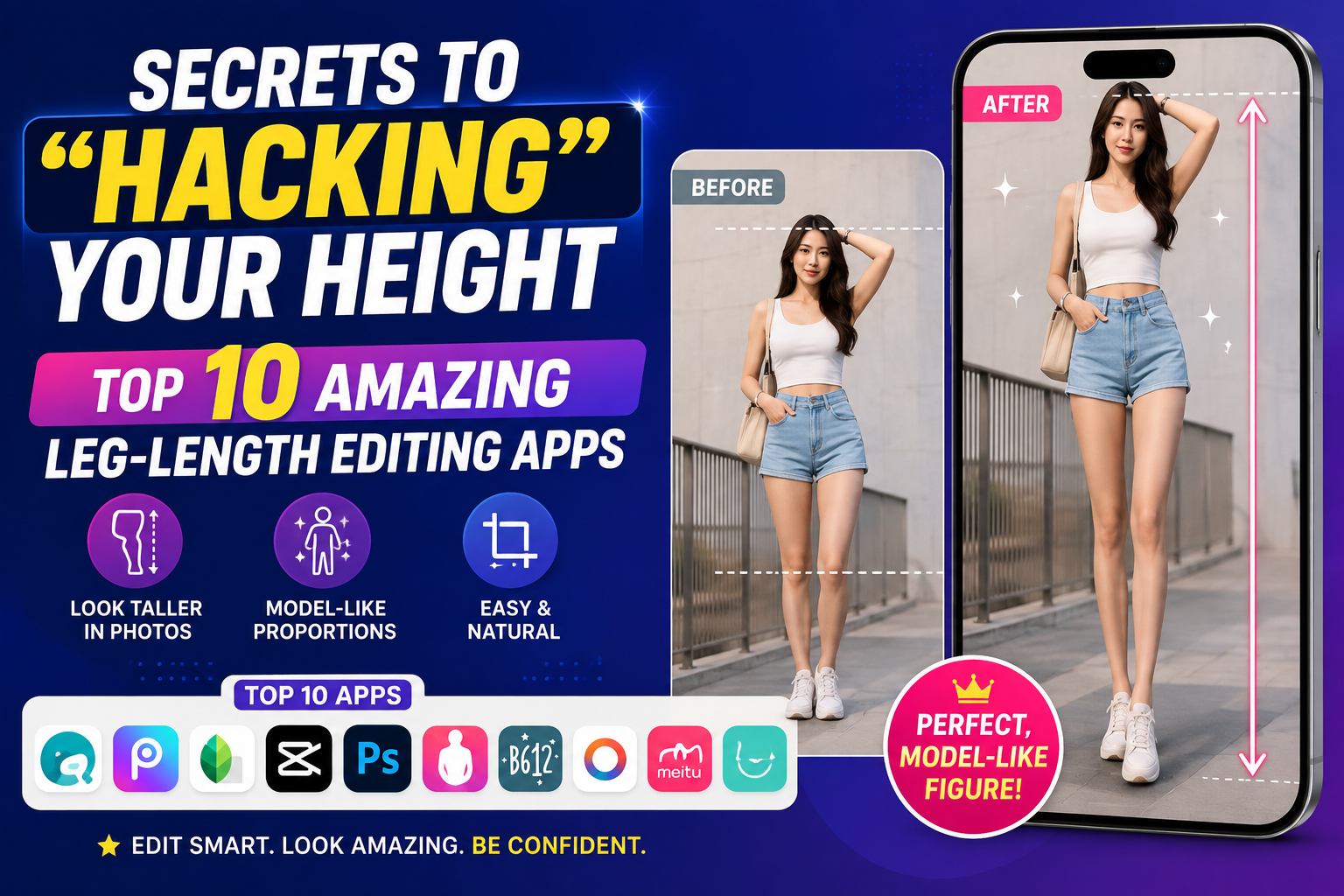
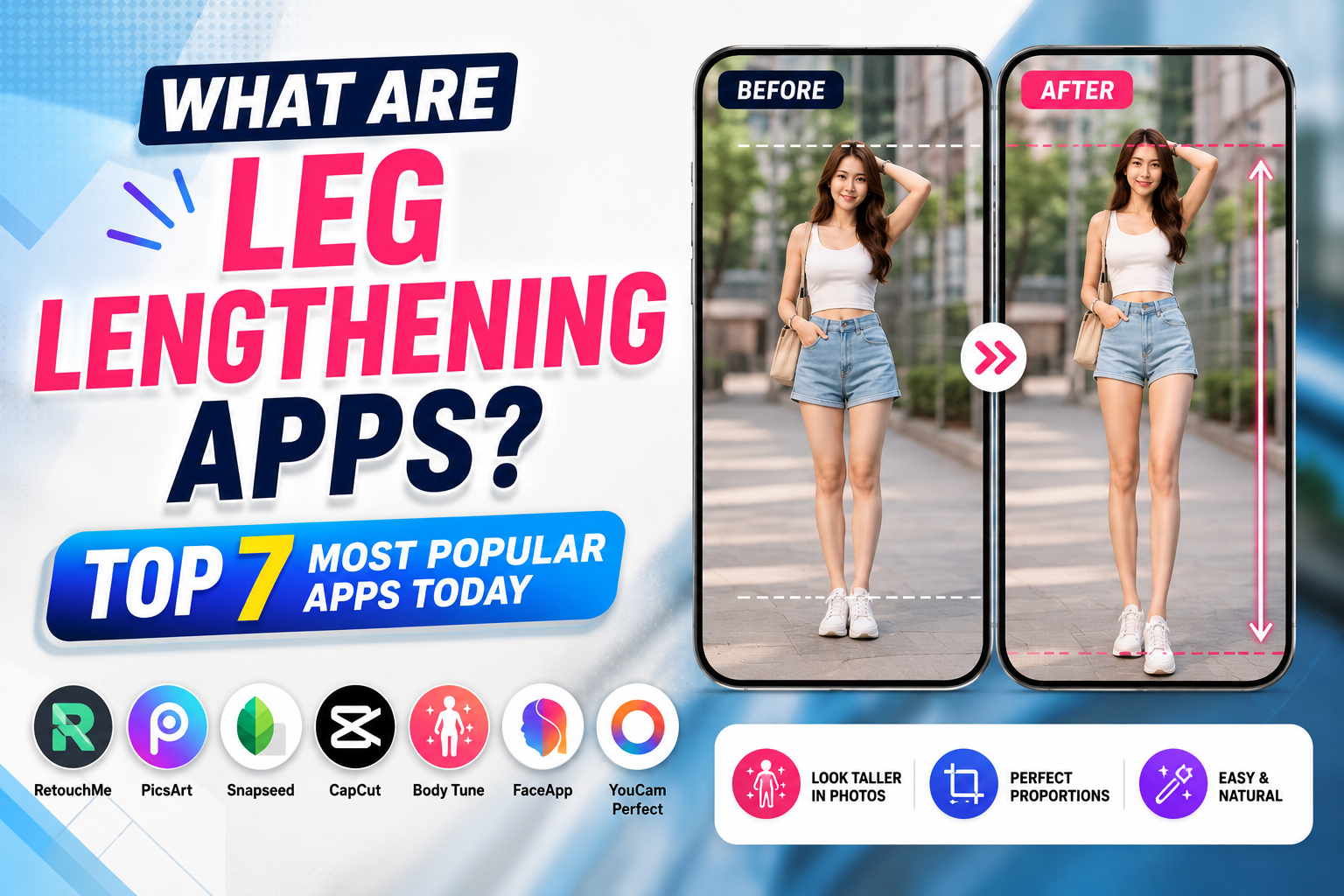
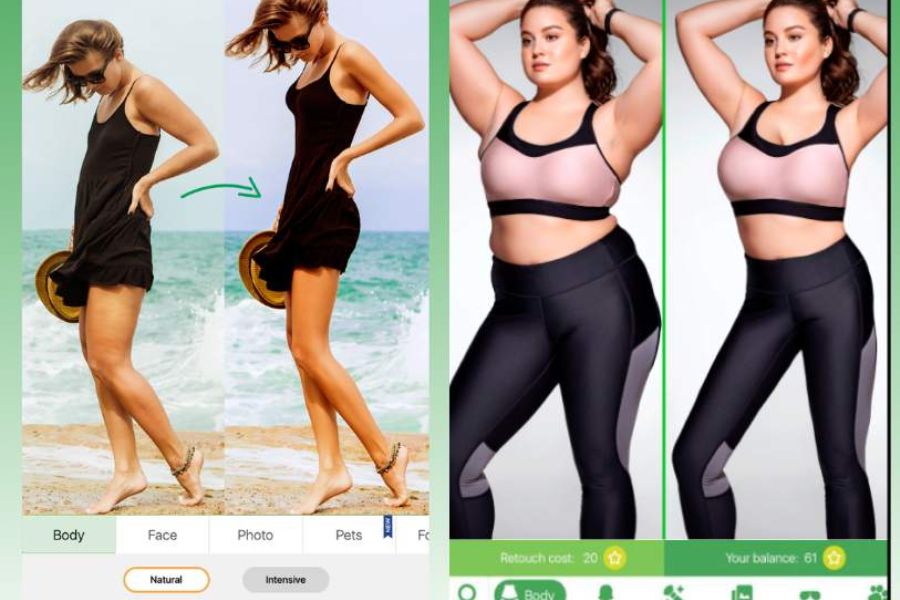
With the help of AI technology, current apps can lengthen legs, increase height, and naturally adjust posture in just a few taps.
1. What is an app for lengthening legs?
Leg-lengthening apps are photo or video editing applications developed to alter body proportions, particularly the legs. Using AI tools or body recognition algorithms, the app automatically identifies the position of the hips, knees, and ankles to stretch the legs without distorting the rest of the image.
1.1 How does the leg-lengthening app work?
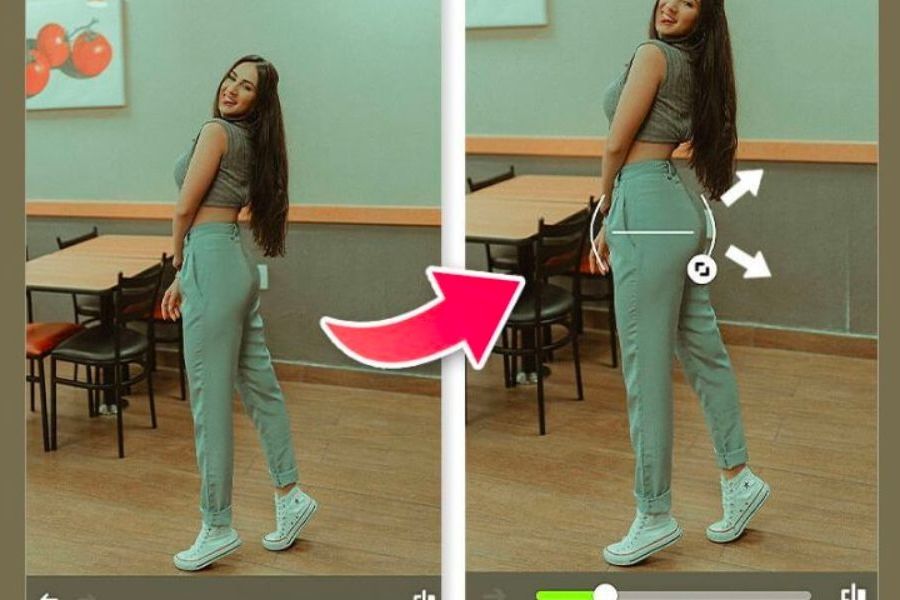
Most current applications use AI technology combined with body recognition to identify individual body parts in an image. After recognition, users simply select the leg lengthening tool and adjust the desired level. The AI will automatically calculate to lengthen the legs while maintaining a balanced proportion.
Some advanced apps even support real-time editing, allowing users to preview the results before saving the image. This helps prevent over-editing that could make legs look disproportionate or distort details in the frame.
1.2 Who should use a leg-lengthening app?
Not everyone has the ideal height or model-like body proportions. Therefore, leg-lengthening apps are suitable for a wide range of people.
Some groups of people who use it regularly include:
-
A person who loves taking fashion photos.
-
Content creator on TikTok, Facebook, and Instagram.
-
Clothing sellers need better product images.
-
People who want to preserve impressive travel photos.
-
Beginners learning photo editing on their phones.
2. Why are apps that lengthen legs becoming increasingly popular?
The rapid growth of social media has led to an increasing demand for beautiful photos. Without needing to alter their appearance in real life, users can improve their body proportions through smart editing tools. This is why leg-lengthening apps have become one of the most frequently used features in photo editing applications.
2.1 Key benefits of using a leg lengthening app
Besides making legs look longer, these apps also offer many other useful features during the photo editing process.
Some notable advantages include:
-
It helps to make the body more balanced.
-
Enhance the feeling of natural height.
-
Quick editing in just a few seconds.
-
AI-assisted automatic body recognition.
-
Easy to use, even for beginners.
-
Combines multiple beauty tools into a single app.
-
Share directly on social media platforms.
2.2 Should the leg-lengthening feature be overused?
Photo editing is perfectly normal, but users should only adjust it to a reasonable extent. Legs that are too long compared to the torso will make the photo look unnatural and easily noticeable. Instead of trying to stretch the legs to the maximum, prioritize harmony between the body parts. A beautiful photo is one that makes the viewer feel natural, balanced, and without signs of excessive editing.
3. Criteria for choosing a suitable app to lengthen legs.
Currently, there are dozens of body editing apps available on both Android and iPhone. However, not all apps deliver beautiful and natural results. Choosing the right tool will save time and improve the quality of the edited images. Besides leg lengthening features, users should also consider the interface, processing speed, ability to export high-quality images, and the included beauty tools. A comprehensive app will allow you to edit quickly without needing to install too many different software programs.
Before downloading an app, you should consider the following factors:
-
There are AI-powered tools for lengthening legs.
-
Keep the background of the image natural and free from distortion.
-
Easy to use for beginners.
-
Supports full-body reshaping.
-
Export high-resolution images.
-
There is a free version.
-
Regularly updated.
-
Compatible with Android and iPhone.
4. Top 7 most popular leg-lengthening apps currently available.
4.1. Meitu
Meitu is one of the most popular photo editing apps in Asia and consistently ranks among the favorite apps for lengthening legs . The app integrates AI technology to accurately recognize body features, allowing users to adjust leg length, waistline, shoulder width, or facial contours with simple drag gestures.
Meitu's strength lies in its ability to maintain a natural look after editing. Besides the leg-lengthening feature, the app also boasts hundreds of color filters, beauty effects, and AI makeup tools to help create professional-looking photos right on your phone.
Advantage
-
AI accurately identifies the body.
-
The leg lengthening procedure looks very natural.
-
The interface is beautiful and easy to use.
-
Many beautiful filters and effects.
-
It's available for both Android and iOS.

4.2. BeautyPlus
BeautyPlus is not only famous for its facial beautification capabilities but also for its highly effective body shaping features. Users can lengthen their legs, reduce their waistline, or adjust their body proportions as desired in just seconds.
The app also integrates AI to intelligently process background images, minimizing distortion of walls or objects in the background. This is a suitable option for those who frequently post photos on social media.
Advantage
-
Quick body adjustments.
-
AI provides intelligent beauty enhancement.
-
There are many filter options.
-
Export high-quality images.
-
Easy to use.
4.3. YouCam Perfect
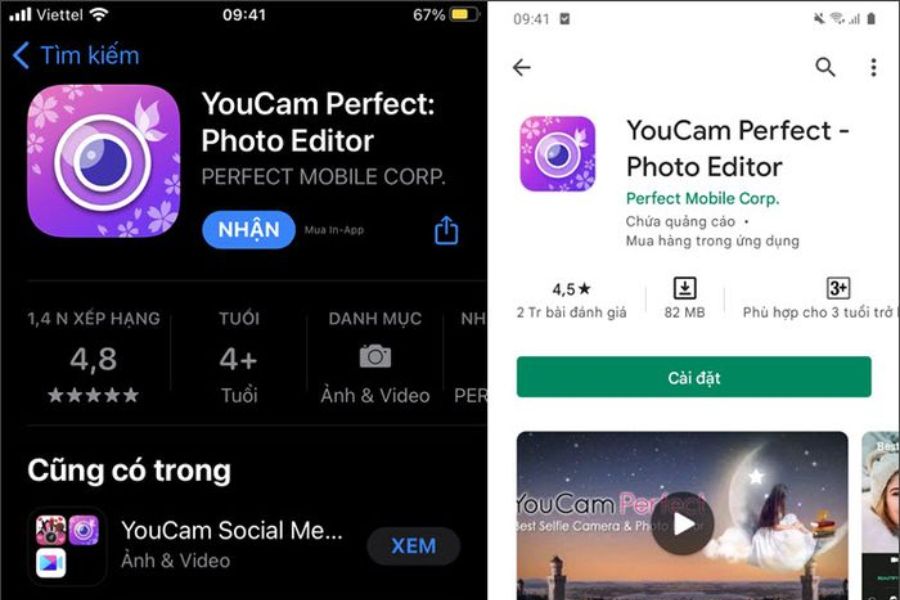
YouCam Perfect is a versatile photo editing app with millions of downloads worldwide. Its Body Tuner tool allows you to lengthen legs, increase height, and adjust body proportions with just a few taps.
In addition, the app supports object removal, background replacement, photo merging, and portrait beautification. This is a suitable choice for both beginners and frequent content creators.
Advantage
-
Adjust to natural height.
-
AI is good at body recognition.
-
There are many photo editing tools.
-
Supports object deletion.
-
Intuitive interface.
4.4. Peachy
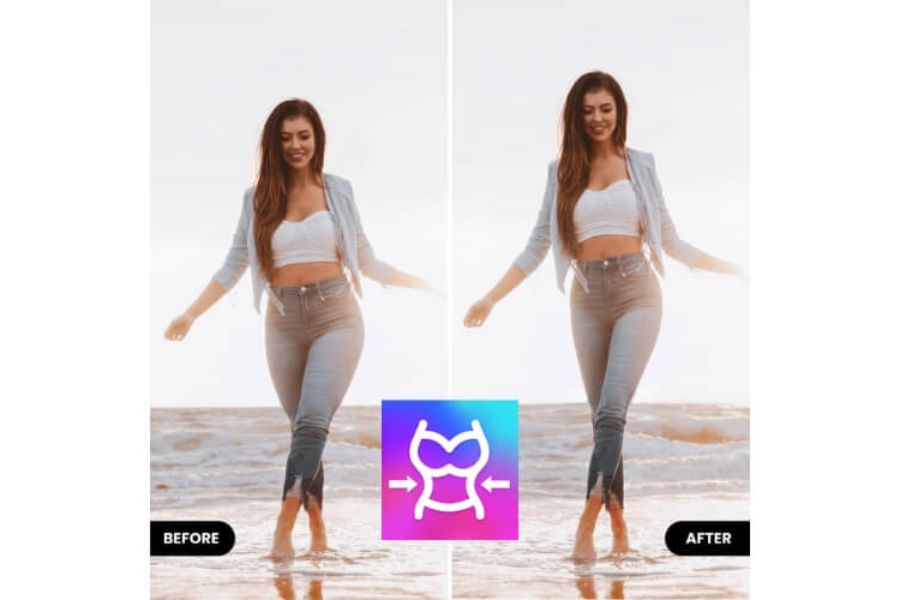
Peachy is specifically designed for body shaping. The leg-lengthening feature works smoothly, allowing users to adjust individual body parts without affecting the overall image.
Besides leg lengthening, Peachy also helps slim down upper arms, slim the waist, lift the hips, and create natural body curves. This app is very popular among fashion and lifestyle enthusiasts.
Advantage
-
Advanced body customization.
-
Lengthen your legs naturally.
-
There are many styling tools.
-
Easy to operate.
-
The image is sharp.
4.5. PrettyUp
PrettyUp is a standout app thanks to its ability to edit both photos and videos. Not only does it help lengthen legs in still images, but it also supports smooth body adjustments in videos.
PrettyUp's AI helps maintain natural movement, minimizing distortion when characters move. This is a suitable choice for those creating TikTok, Reels, or short videos on social media.
Advantage
-
Edit both photos and videos.
-
AI handles motion smoothly.
-
Naturally beautiful leg lengthening.
-
Modern interface.
-
Many beauty effects.
4.6. Body Editor
Body Editor is one of the highly-rated leg-lengthening apps thanks to its professional yet user-friendly body editing capabilities. From the first use, users can quickly familiarize themselves with the intuitive interface and scientifically arranged tools. Simply upload a photo, select the leg-lengthening feature, and adjust the sliders; the app will automatically process the image to create the illusion of longer and more balanced legs.
In addition to leg lengthening, Body Editor integrates many body shaping tools such as waist slimming, height enhancement, arm slimming, abdominal muscle sculpting, and hip adjustment. Thanks to this, users can perfect their entire physique in a single application without switching between multiple software programs. Body Editor is suitable for both beginners and those who frequently edit photos before posting them on social media.
Some of the app's highlights include:
-
Leg lengthening is quick and easy to do.
-
Supports full-body reshaping.
-
AI minimizes background distortion during editing.
-
Export high-quality images.
-
There is a free version with all the basic features.
4.7. Everlook
Everlook is a popular photo editing app in many Asian countries thanks to its ability to enhance facial features and adjust body shape. The app's leg-lengthening feature works quite accurately, helping users improve their height in photos while maintaining harmonious body proportions.
In addition, Everlook boasts many trendy color filters, makeup effects, and AI-powered beauty tools. It's a suitable choice for those who love a youthful, modern style and want to have outstanding photos for Facebook, Instagram, or TikTok. Everlook scores points for its fast image processing capabilities and many useful features.
Notable strengths include:
-
Adjust your leg length naturally.
-
Skin beautification using AI.
-
Hundreds of beautiful color filters.
-
Simple interface.
-
Suitable for new users.
5. Conclusion
The development of AI technology has made leg-lengthening apps a powerful tool for those who love photography and content creation. With just a few simple steps, you can improve your body proportions, make your legs look longer, create a more balanced physique, and produce impressive photos to share on social media.





















VIP Products








Best Selling Products
Copyright Adobe Lightroom Account
59 USD
Adobe Premiere Pro Account
99 USD
Genuine Cheap Canva Pro
39 USD
MidJourney Account
29 USD
Upgrade genuine Capture One account
120 USD
Adobe Photoshop Copyright - Full App
120 USD
Autodesk All App Account Copyright
120 USD
Genuine Adobe Illustrator account
99 USD
Upgrade Duolingo Super
29 USD
Windows 10 & 11 Pro Key
36 USD
Freepik Premium Account
59 USD
ChatGPT Plus Account (GPT-4)
16 USD
Plugin Retouch4me
69 USD
Capcut Pro 1 Year
39 USD
Upgrade Genuine Office 365
49 USD