Best Selling Products

Plugin Retouch4me
69 USD

ChatGPT Plus Account (GPT-4)
16 USD

Copyright Adobe Lightroom Account
59 USD

Genuine Cheap Canva Pro
39 USD

Genuine Adobe Illustrator account
99 USD

Upgrade Genuine Office 365
49 USD

MidJourney Account
29 USD

Capcut Pro 1 Year
39 USD

Autodesk All App Account Copyright
120 USD

Adobe Photoshop Copyright - Full App
120 USD

Freepik Premium Account
59 USD

Upgrade Duolingo Super
29 USD

Upgrade genuine Capture One account
120 USD

Windows 10 & 11 Pro Key
36 USD

Adobe Premiere Pro Account
99 USD
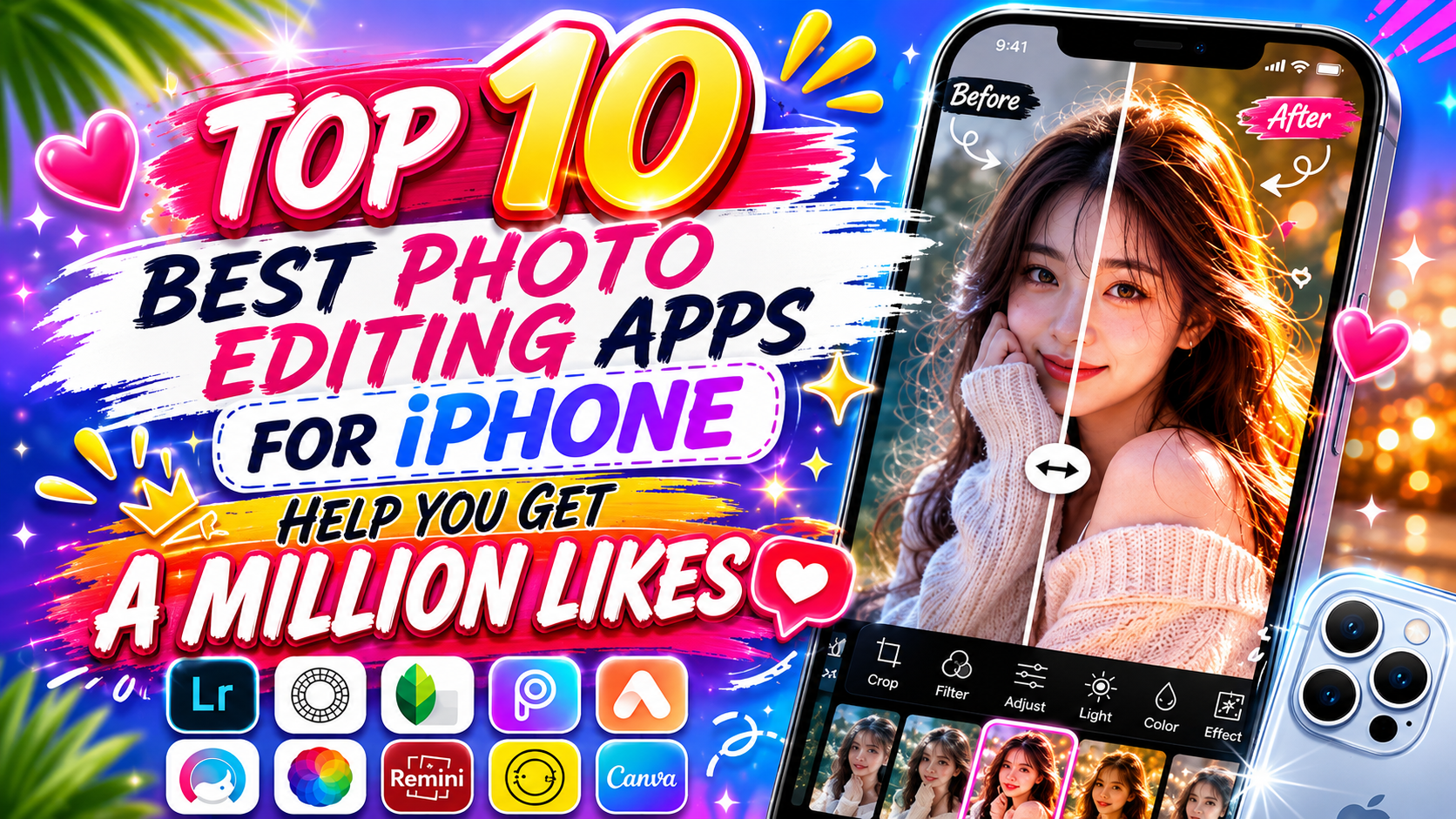
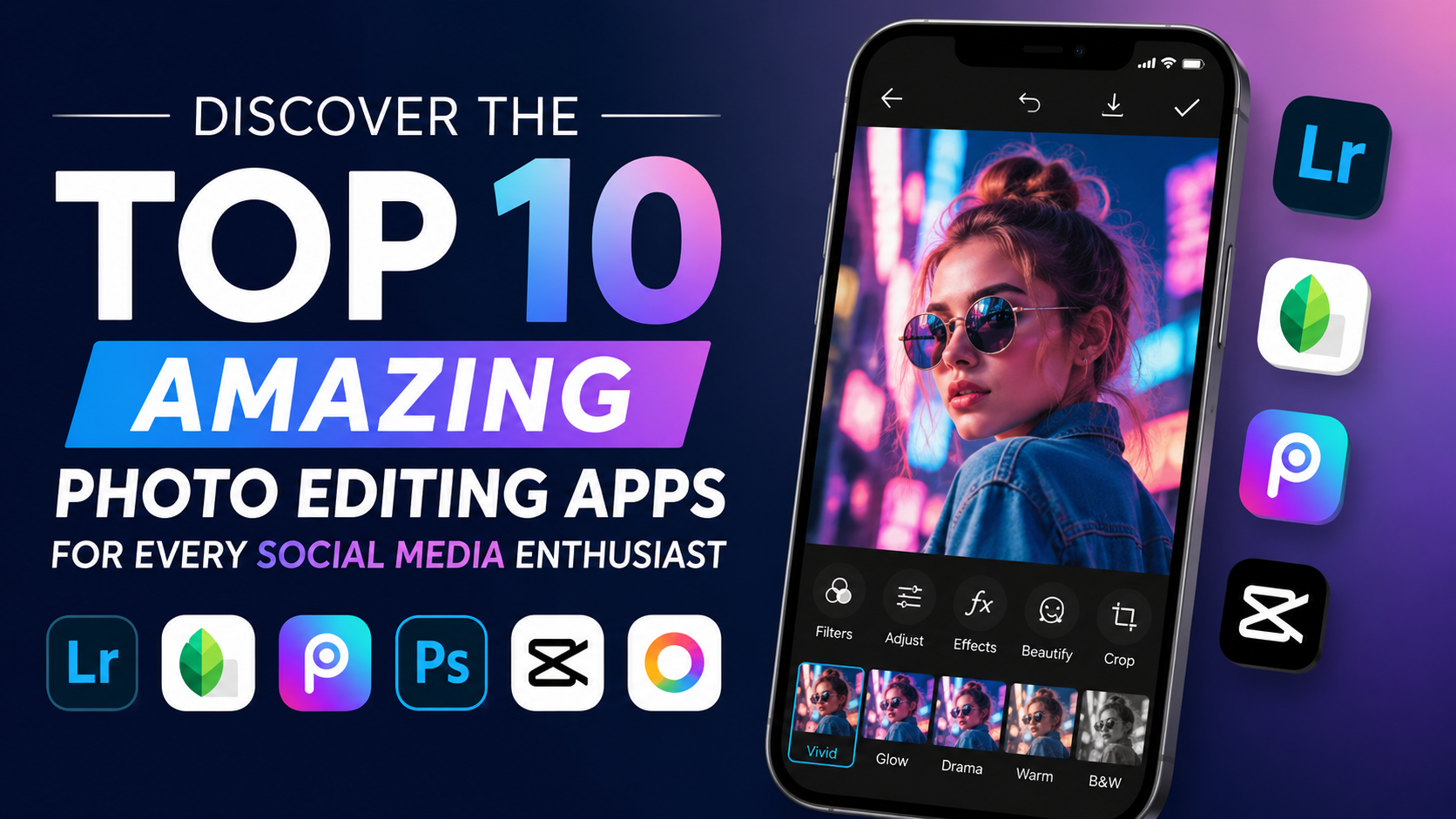
Discover the Top 10 Amazing Photo Editing Apps for Every Social Media Enthusiast.
Nội dung
- 1. Snapseed - The Free Photo Editing Wizard from Google
- 2. Adobe Lightroom Mobile - The Pinnacle of Color Matching from the Graphics Giant
- 3. PicsArt AI Photo Editor - A Versatile Creative Universe for Photo Editing and Collage
- 4. VSCO - A Nostalgic Love Song from Timeless Film Footage
- 5. LightX - The Perfect Solution for Background Cutting, Splicing, and Line Shaping
- 6. EPIK - The Era of AI Photo Editing and Trendy Profile Design
- 7. Xingtu (Provincial Map) - Secret Techniques for Enhancing Beauty from China
- 8. Canva - Where Photo Editing Meets Graphic Design Thinking
- 9. Foodie - Delicious Flavors for the Eyes and Vibrant Images
- 10. Adobe Photoshop Express - The Miniature Power of a Photography Legend
- 11. Conclusion
Whether you''re a street photographer looking to capture the poetic essence of the city, a Gen Z enthusiast passionate about the vintage film aesthetic, or a business owner needing stunning images to close thousands of deals, the top 10 helpful tools below will help you transform everyday moments into artistic masterpieces that garner millions of likes.
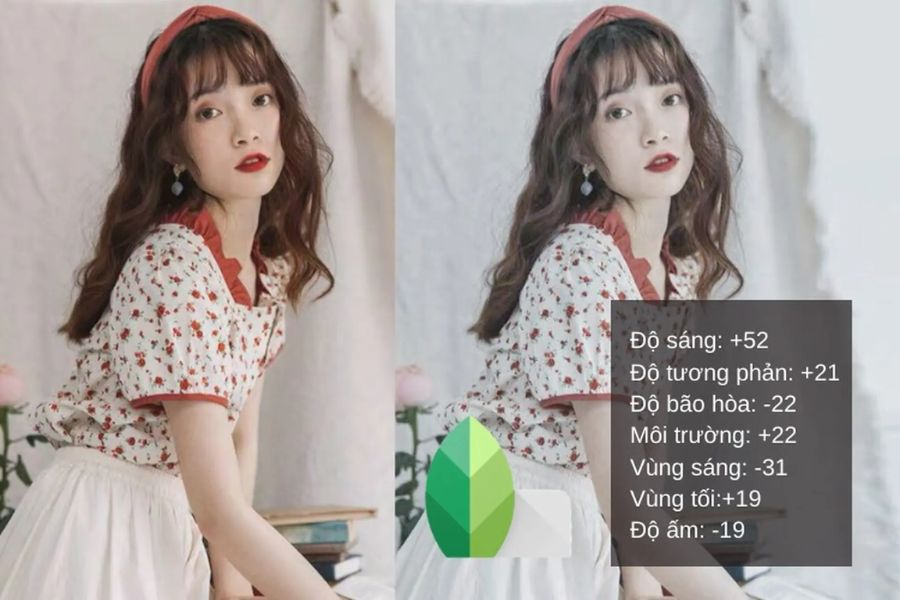
1. Snapseed - The Free Photo Editing Wizard from Google
If you're looking for a professional, free, and ad-free photo editing app, Snapseed, developed directly by Google, is the perfect answer. Described as a mini-studio, this app boasts intelligent image processing with an intuitive drag-and-swipe interface, allowing users to easily master everything from basic to advanced techniques. Snapseed's most appealing feature is its pixel-perfect understanding, enabling you to deeply manipulate even the smallest details in your photos without compromising the original file quality.
-
The Brush toolkit allows you to selectively enhance, change brightness, saturation, or color temperature on small areas of the image.
-
Healing feature: Remove unwanted details, clutter, or strangers who accidentally appeared in the frame with just a gentle touch.
-
Selective feature: Utilizes intelligent control point technology to adjust the brightness of a specific skin area or dark corner without affecting the overall appearance.
-
Image Expansion (Expand): Uses artificial intelligence to automatically calculate and compensate for surrounding details, naturally expanding the viewing angle of the image.
-
Perspective editing: Corrects distortion caused by the phone camera lens, recreating architectural lines as accurately as if photographed with a professional camera.
-
High-quality file export: Supports editing and exporting RAW image files while preserving the original data, ideal for professional printing needs.
2. Adobe Lightroom Mobile - The Pinnacle of Color Matching from the Graphics Giant
Adobe Lightroom Mobile has long established itself as a "bible" of mobile photography, inheriting the superior color processing algorithms from its desktop version. Instead of focusing on playful collage techniques, this application concentrates its full power on optimizing lighting, white balance, and recreating color depth. For those who want to build a professional, cohesive Instagram page with a strong personal touch, Lightroom is an irreplaceable companion.
-
The Tone Curve system: The ultimate tool for smoothly and artistically controlling highlights, midtones, and shadows.
-
Color Mix feature: Allows you to change the saturation, hue, and brightness of each individual color range (especially useful when you want to highlight skin tone).
-
Create and save personalized presets: This allows you to package your newly adjusted color formula into a unique filter set, enabling quick application to a series of other photos in just a second.
-
Professional photography mode: Integrates RAW (DNG) shooting mode directly into the app, maximizing the amount of detail captured from the phone's sensor.
-
Cloud synchronization: Seamlessly connect editing data between your phone, tablet, and computer via your Adobe Creative Cloud account.
-
AI Masking feature: Automatically recognizes the sky or the main subject to create a unique, editable mask layer, producing an extremely realistic depth effect.
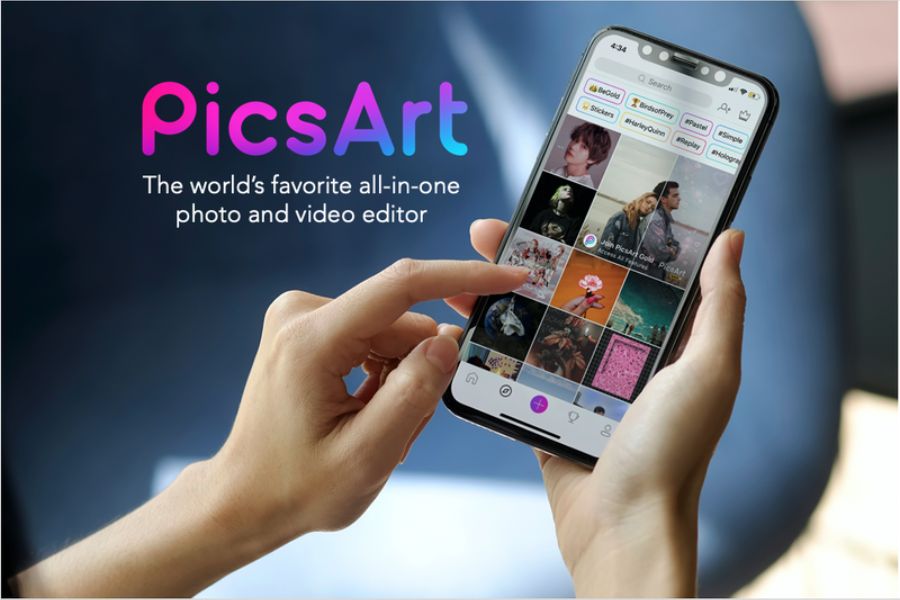
3. PicsArt AI Photo Editor - A Versatile Creative Universe for Photo Editing and Collage
If Lightroom is the sanctuary of color, then PicsArt is a playground of unlimited creativity, where you can turn your wildest ideas into reality. This is the national photo editing app for those who love cropping, adding artistic text, creating magical effects, and producing unique graphic-style photos. With powerful support from next-generation artificial intelligence (AI) features, PicsArt transforms previously complex design tasks into incredibly fun and fast experiences.
-
Collage tool: Provides thousands of creative grids, frames, and layouts, from minimalist to unconventional, allowing you to freely tell your own story.
-
Huge Sticker Library: Access millions of community-created stickers or instantly transform your own photos into exclusive stickers.
-
AI Remove & Replace feature: Smartly remove objects using AI or completely replace a detail in an image with another object using descriptive text.
-
Unique Effects & Filters: Features popular filters such as Sketch, Glitch, and Double Exposure.
-
Add artistic text: Integrates over 200 diverse fonts with various effects such as shadows, curves, and eye-catching text borders.
-
Drawing tools: Provides professional brushes and a layering system similar to Photoshop, allowing you to unleash your artistic creativity on images.
4. VSCO - A Nostalgic Love Song from Timeless Film Footage
VSCO is more than just a photo editing app; it's a lifestyle, a community for those captivated by the beauty of nostalgia and romance. This app is globally renowned for its collection of color filters that accurately mimic the legendary film negatives of Fuji, Kodak, and Agfa. VSCO's colors possess a unique quality: subdued, deep, slightly melancholic, yet incredibly artistic, transforming everyday snapshots into soulful cinematic masterpieces.
-
Film Presets: Perfectly reproduces the grain, contrast, and tonal characteristics of classic vintage film reels.
-
Grain & Fade tool: Adds fine grain and blurs dark areas to create a vintage, nostalgic feel reminiscent of photos from the 90s.
-
Advanced HSL adjustment: Fine-tune detailed Hue, Saturation, and Lightness parameters for each color range to personalize available filters to your liking.
-
Recipes feature: Allows you to save a log of color correction steps for easy reuse in future photo shoots.
-
Synchronized Video Editing: Apply all the premium film color filters from your photos to your videos, ensuring perfect consistency on your profile.
-
Internal social network: A civilized photo exhibition space, without displaying likes or comments, a place where only art and connections between like-minded souls exist.
5. LightX - The Perfect Solution for Background Cutting, Splicing, and Line Shaping
LightX is a comprehensive photo editing app, but it's best known for its incredibly excellent background removal and processing capabilities. No messy manual selection is needed; LightX uses intelligent algorithms to recognize the boundaries of the subject, allowing you to separate people and objects from the background in seconds. Additionally, the app integrates body and face shaping features, making it a secret weapon for creating more captivating portraits and clothing photos.
-
Background Cutout: Automatically detects the subject to cut out or replace the background with a completely new and incredibly smooth background.
-
Photo Blend: Create surreal works of art by blending two or more photos together using intelligent blending modes.
-
Body Refine: A tool for subtly slimming the waist, lengthening legs, and toning the arms without distorting the surrounding lines.
-
Smooth skin and remove imperfections: Automatically cleanses acne, dark spots, brightens teeth, and enhances the natural beauty of your face in close-up photos.
-
Create caricatures: Transform portrait photos into funny and entertaining cartoon drawings or caricatures.
-
Color Splash tool: Converts the entire image to black and white, retaining only the vibrant colors in a single detail to create a strong visual impact.
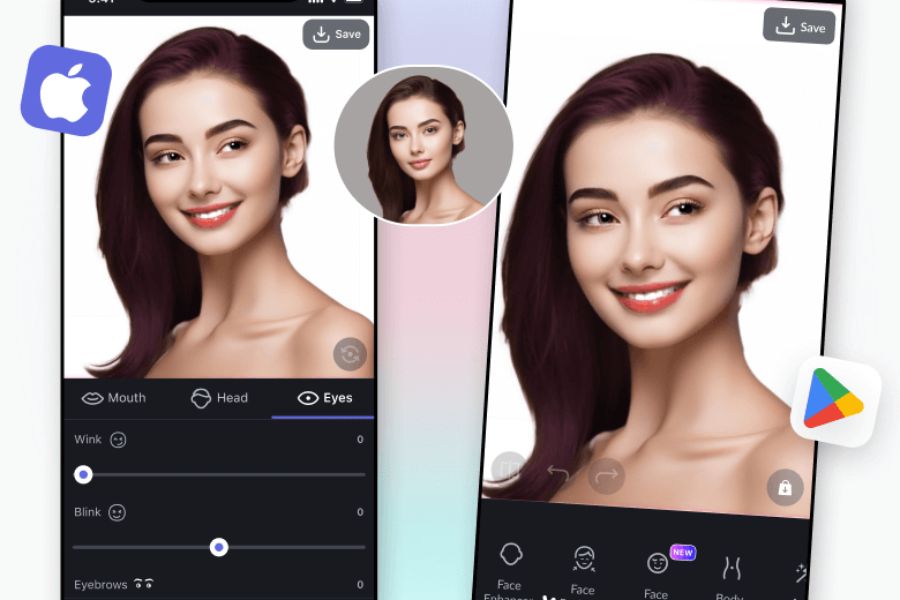
6. EPIK - The Era of AI Photo Editing and Trendy Profile Design
EPIK is currently one of the names creating a global sensation among young people thanks to its pioneering integration of the most advanced artificial intelligence (AI) technologies into mobile photography. If you've ever marveled at those stunning American-style yearbook portraits or Korean-style ID photos you see online, 90% of them were created using EPIK. This photo editing app possesses an extremely modern aesthetic, keeping up with all the hottest makeup, fashion, and photo editing trends in the modern world.
-
AI Yearbook / AI Profile feature: Transform a few everyday selfies into a professional studio portrait album with various outfit styles.
-
AI Makeup: Automatically recognizes facial features to apply makeup layouts ranging from natural to dramatic, and adjusts lipstick and eyeshadow colors.
-
Natural body reshaping: Tools for leg lengthening, breast enhancement, and waist slimming using AI algorithms help maintain harmonious body proportions without looking artificial.
-
Trending Template Library: Constantly updated with thousands of ready-made image design templates from the community, helping you catch social media trends with just one click.
-
Image Enhancement: Restore old, blurry photos caused by shaky hands to sharp, high-resolution images using AI.
-
Smart seasonal filters: Automatically suggest the most suitable color tones for the weather or outfit in your photo.
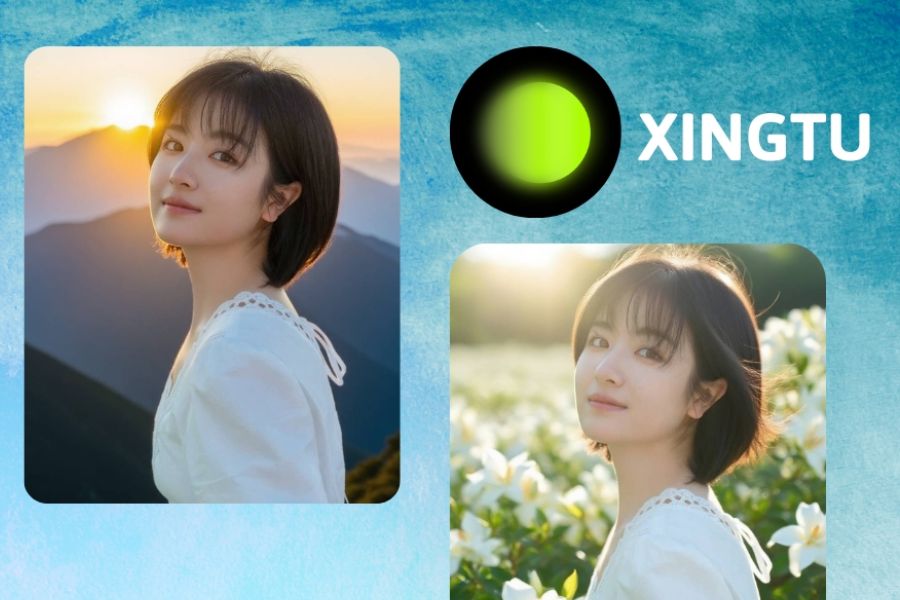
7. Xingtu (Provincial Map) - Secret Techniques for Enhancing Beauty from China
Xingtu (also known as Xingtu) is a legendary photo editing app that's always on the "must-have" list for young people who love the Chinese beauty style. What makes Xingtu so special is its ability to miraculously "restructure" one's appearance in a very natural way, leaving no trace of editing. From slimming the face according to the golden ratio, contouring and highlighting the nose, to adding sparkling light effects like in mythological films, Xingtu handles it all with unparalleled smoothness.
-
3D facial reshaping: Deep intervention into individual features such as nasal bridge height, nostril width, lip thickness, and creating a V-line chin with ideal aesthetic proportions.
-
Crystal Skin Coating: An algorithm that blurs pores, evens skin tone, while preserving natural skin texture, avoiding a cakey or unrefined appearance.
-
Leg lengthening and body proportions: The smart leg lengthening tool automatically calculates to maintain the most perfect proportions for the head, torso, and legs.
-
Exclusive lighting effects: Add stunning sunset streaks, vibrant neon lights, or sparkling crystal-like light effects to your photos for an artistic touch.
-
Douyin Hot Trend Color Filters: Featuring an exclusive collection of colors inspired by Chinese cinema, from sophisticated cool tones to sweet warm tones.
-
One-touch makeup: Includes complete makeup looks from famous celebrities, allowing you to transform your appearance in just a second.
8. Canva - Where Photo Editing Meets Graphic Design Thinking
Canva is more than just a simple photo editing app; it's a comprehensive graphic design platform, ideal for anyone wanting to transform images into media publications, sales posts, or creative social media stories. With its philosophy of "design for everyone," Canva integrates basic photo editing tools with a vast library of millions of ready-made design templates, fonts, and graphics. In particular, the introduction of the Magic Studio (AI) ecosystem has transformed Canva into a versatile assistant, helping you optimize images for any purpose.
-
Magic Edit feature: Simply select an area and type your desired text, and Canva's AI will automatically add or change that detail as you wish.
-
One-touch background removal (Magic Eraser): Cleanly and precisely remove the background from product or portrait images for use in design publications.
-
Huge template system: Provides ready-made standard sizes for Facebook, Instagram, and TikTok posts, allowing you to drag and drop images to create beautiful banners instantly.
-
Rich Element and Graphics Library: Add borders, drawings, shapes, and animated stickers to your photos to enhance visual appeal.
-
Diverse text options: Access thousands of pre-designed text combinations created by art experts to make your message stand out.
-
Real-time teamwork: Allows multiple people to access, edit photos, and contribute ideas to a design project simultaneously, all on their phones.
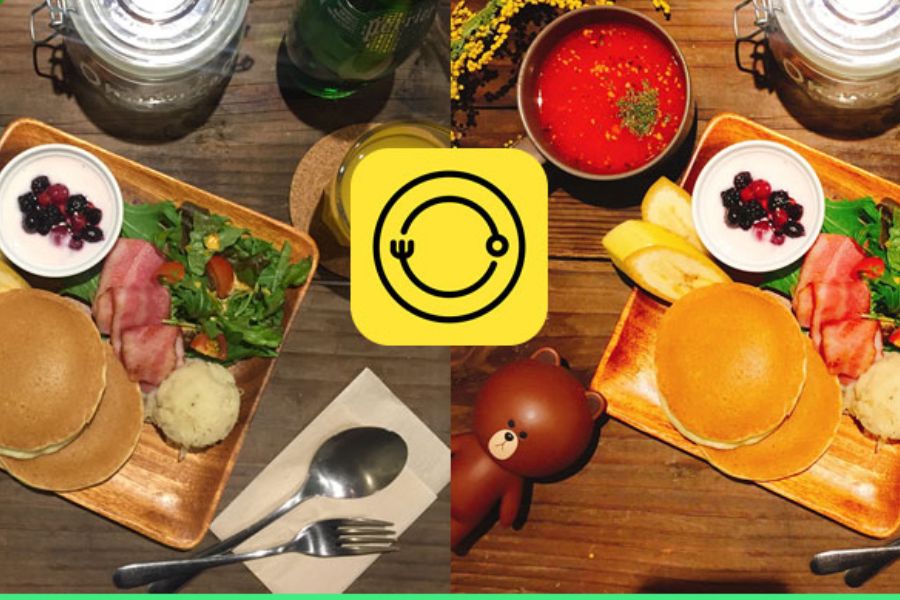
9. Foodie - Delicious Flavors for the Eyes and Vibrant Images
As its name suggests, Foodie was born with a sacred mission: to transform every dish, every drink, and every coffee break into a culinary work of art that awakens the taste buds. Instead of somber tones, Foodie boasts highly saturated, bright, and absolutely clear color filters. Interestingly, although optimized for food photography and editing, thanks to these vibrant and eye-pleasing colors, Foodie has become a top choice for young people to take selfies and outdoor landscape photos.
-
Specialized color filters for food: Clearly categorizes suitable color tones for each type of dish, such as: BBQ, Sweet, Fresh, etc.
-
Top View feature: With integrated intelligent surface recognition, the screen will change color to indicate when you are holding the phone perfectly parallel to the dining table.
-
Vibrant Selfie Filters: Offer skin-brightening tones and natural blush, perfect for coffee dates and photo opportunities with your best friends.
-
Food Highlighting Mode: Automatically blurs the surrounding background with a smooth Bokeh effect, making your plate of food the sole focal point.
-
Edit colorful short videos: Allows you to shoot and directly apply vibrant color filters to your videos, capturing every smoky moment of your food.
-
Minimalist interface, ultra-fast speed: Extremely fast image processing and saving speeds, allowing you to finish editing in a flash so you can enjoy your meal while it's still hot.
10. Adobe Photoshop Express - The Miniature Power of a Photography Legend
Rounding out the list is Adobe Photoshop Express, a mobile, streamlined version of the most legendary photo editing software of all time. This application is designed for busy people who still demand extremely high-quality and precise image output. Photoshop Express focuses on quickly fixing technical errors in photos such as red-eye from flash, noise from underexposure, and distortion, and provides intelligent image stitching with the extremely high accuracy of Adobe's algorithms.
-
Superior Noise Reduction: Smoothly removes digital noise (luminance and color noise) from photos taken at night or in low-light conditions.
-
Red-eye and animal eye correction: This feature automatically detects and corrects light reflection errors on the retina accurately and naturally.
-
Spot Healing: Quickly removes small blemishes on the lens, pimples on the skin, or unwanted details clinging to the image surface.
-
Integrated Look Filters: Provides over 80 color filters categorized by mood themes such as Pop, Cinematic, Black & White, etc.
-
Easily add personalized watermarks: Allows you to quickly insert signatures and logos into photos to protect image copyright before uploading.
-
Intelligent Auto-Fix: One-touch mode automatically analyzes the histogram to instantly rebalance the contrast and exposure of your photo.
11. Conclusion
If you appreciate authenticity, meticulous detail, and want to master every lighting parameter, look no further than Snapseed or Lightroom . If you want to transform your look and enhance your beauty to confidently shine on social media, Xingtu or EPIK will be your trusted companions. And if you want to turn your photos into a unique and creative message for business or graphic art, place your trust in PicsArt or Canva . Download the right tool to your phone now, step out, and begin your journey of capturing the world through your own artistic lens!





















VIP Products








Best Selling Products
Plugin Retouch4me
69 USD
ChatGPT Plus Account (GPT-4)
16 USD
Copyright Adobe Lightroom Account
59 USD
Genuine Cheap Canva Pro
39 USD
Genuine Adobe Illustrator account
99 USD
Upgrade Genuine Office 365
49 USD
MidJourney Account
29 USD
Capcut Pro 1 Year
39 USD
Autodesk All App Account Copyright
120 USD
Adobe Photoshop Copyright - Full App
120 USD
Freepik Premium Account
59 USD
Upgrade Duolingo Super
29 USD
Upgrade genuine Capture One account
120 USD
Windows 10 & 11 Pro Key
36 USD
Adobe Premiere Pro Account
99 USD