Best Selling Products

ChatGPT Plus Account (GPT-4)
16 USD

Autodesk All App Account Copyright
120 USD

Genuine Cheap Canva Pro
39 USD

Plugin Retouch4me
69 USD

Genuine Adobe Illustrator account
99 USD

Upgrade genuine Capture One account
120 USD

Upgrade Genuine Office 365
49 USD

Copyright Adobe Lightroom Account
59 USD

Adobe Photoshop Copyright - Full App
120 USD

Upgrade Duolingo Super
29 USD

Windows 10 & 11 Pro Key
36 USD

Freepik Premium Account
59 USD

Adobe Premiere Pro Account
99 USD

Capcut Pro 1 Year
39 USD

MidJourney Account
29 USD
Top 10 Beautiful Photo Editing Apps on iPhone to Help You Get Photos with a Million Likes
Nội dung
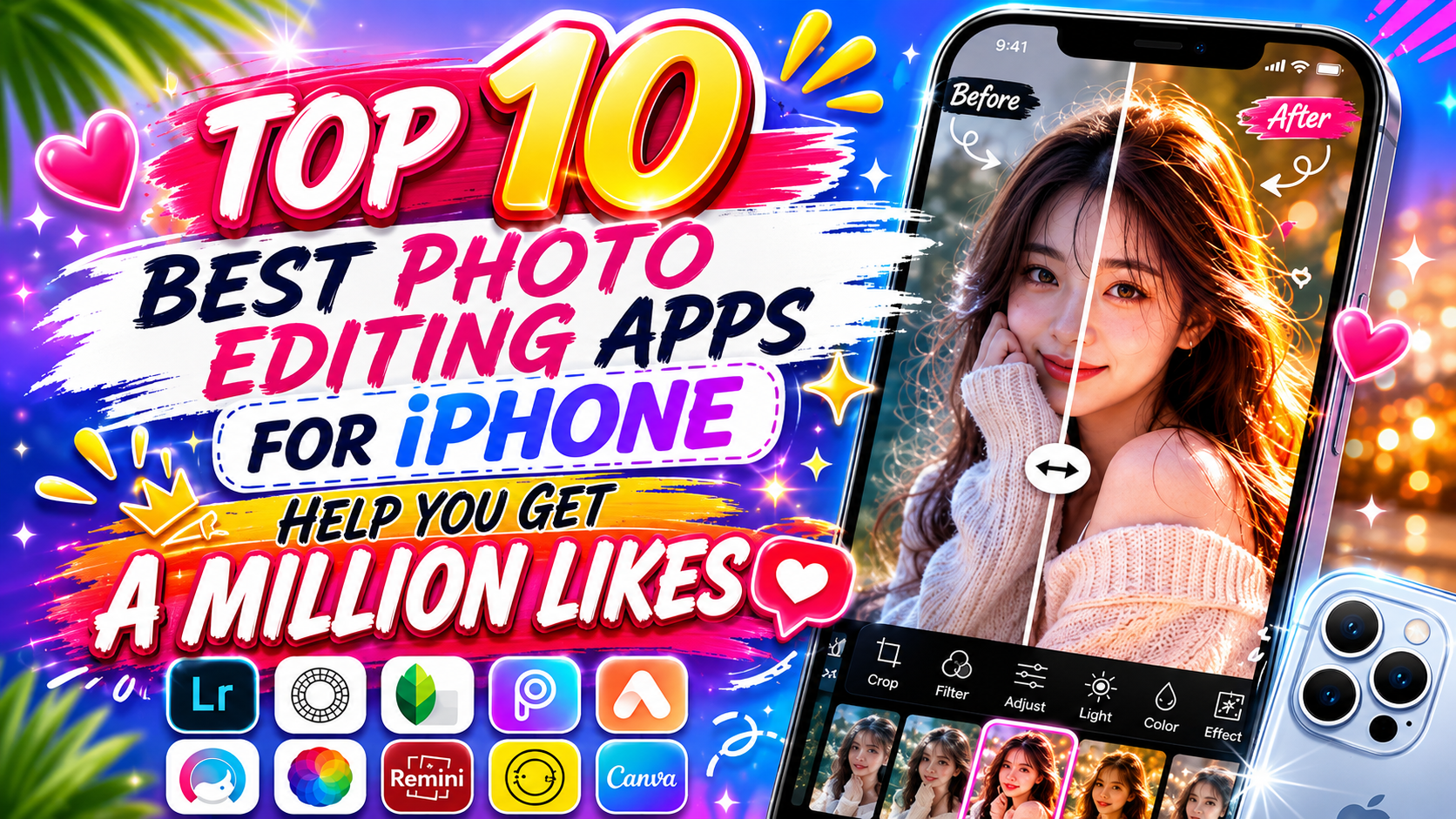
The iOS operating system has always been home to many cutting-edge photo-beautifying tools, helping you easily transform every shot exactly the way you want. This article will introduce you in detail to the 10 most popular beautiful photo editing apps on iPhone today, helping you master every style from classic film colors and professional editing to stunning selfies. Let''s explore with Appvip.ai now!
1. Adobe Lightroom Mobile
Adobe Lightroom Mobile is a top-tier app for anyone who wants to dive deeply and professionally into a photo's color and light. This app's most valuable feature is its HSL color mixing tool, which lets you change the hue, saturation, and lightness of each individual color channel — such as turning withered grass into lush green. In addition, the app also supports processing original RAW photos and allows users to save color formulas (Presets) to quickly apply to a batch of photos afterward.
Lightroom's interface is designed very intuitively with drag-and-drop sliders, making it easy for you to quantify the level of change in contrast, highlights, or shadows. Despite having Adobe's highly academic, advanced toolset, the app still divides its sections very scientifically so that beginners can get familiar with it quickly after just a few practice attempts.
.png)
2. Snapseed
If you're looking for a completely free photo editing app with no annoying ads yet extremely powerful editing capabilities, Snapseed is exactly the one. This app, developed by Google, is famous for its "Selective Edit" tool, which lets you tap on any point on a photo to increase or decrease the brightness of just that area without affecting the entire frame. The app's "Healing" tool also works very smartly, helping you naturally remove passersby, litter, or unwanted details.
Snapseed's control method is quite unique, using a vertical swipe gesture to select a feature and a horizontal swipe to increase or decrease its intensity, optimizing the display space on the iPhone screen. You can also use the "Expand" tool to let the app automatically calculate and extend the edges of a photo without distorting the main subject, which is very suitable for landscape or architectural photos.
3. VSCO
VSCO has long become an icon among young people and is an indispensable app for fans of vintage or minimalist styles. VSCO's fame doesn't come from flashy cut-and-paste tools, but from its exclusive, deeply nuanced system of color filters that simulate cinematic film. Just apply a color code like A6, C1, or M5, and your ordinary phone-shot photo will instantly take on a distinctly artistic tone.
Alongside its legendary color filters, the app also lets you add fine grain effects and shadow fade to make your photo look as if it were taken with an old-fashioned mechanical camera. VSCO's interface follows a maximally minimalist approach with elegant icons, providing a neat and refined editing space for users.
.jpg)
4. Foodie
True to its name, Foodie is a photo editing app created specifically to serve the food-photography, café, and lifestyle needs of young people. The app has more than 30 specialized color filters named after themes like "Delicious," "Fruit," and "BBQ," with the ability to automatically boost the yellow and red tones of food, making it look fresh, juicy, and maximally visually appetizing.
One extremely valuable feature of Foodie is its top-view angle recognition mode, which helps you frame a perfectly standard Flatlay shot just like a magazine. When you hold the phone parallel to the tabletop, the screen automatically turns bright yellow to signal that the shooting angle has reached perfect balance, making it easier than ever to press the shutter.
5. EPIK
EPIK is a rising star among multi-purpose apps thanks to its integration of many smart technologies, offering an "all-in-one" editing solution for users. The app has a very in-depth portrait beautifying toolset that still maintains a natural skin texture, combined with the ability to automatically recognize facial bone structure to slim the chin, refine the nose, or widen the eyes with extreme precision.
In addition, EPIK's sky background replacement effect works extremely accurately, automatically separating cloud layers and applying ambient color so it stays in sync with the subject's lighting. The app's resource library, containing thousands of stickers, artistic fonts, and pre-made design templates, will help you easily create Y2K magazine-style composite photos that are extremely trendy.
6. BeautyPlus
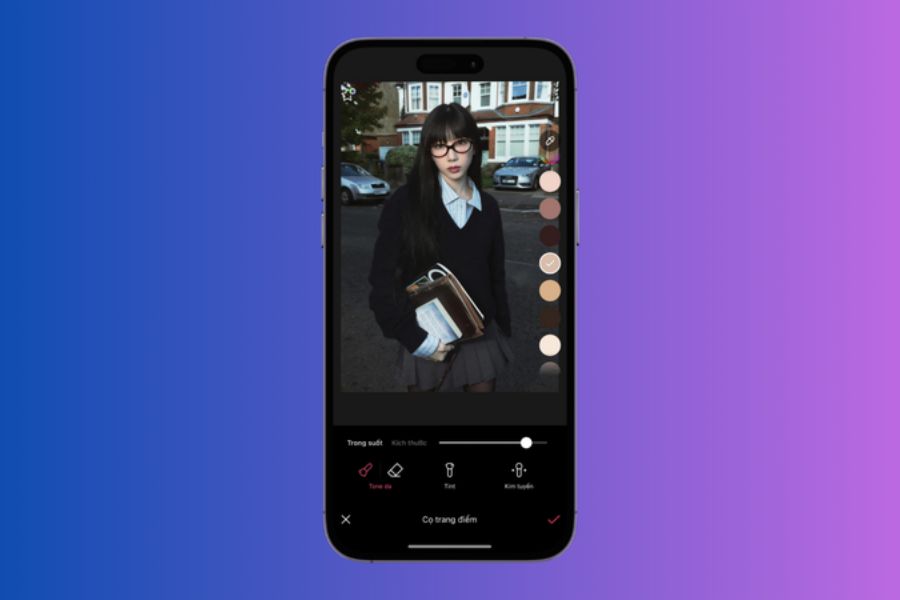
When it comes to editing selfies and optimizing appearance, BeautyPlus is one of the longest-standing apps with one of the largest user bases on iPhone. BeautyPlus's skin-smoothing algorithm can thoroughly remove acne, dark spots, or under-eye circles while still retaining the detail of the pupils and hair strands, completely avoiding a flattened or fake-looking skin effect.
The app's automatic makeup feature lets you choose lipstick color, eyebrow shape, eyeliner, and blush in many styles, from sharp and bold to a clear, fresh Korean look. In addition, BeautyPlus's leg-lengthening and body-slimming tool works very smoothly, automatically tightening curves based on realistic proportions without distorting the background.
7. Dazz Cam
In the digital era, Dazz Cam has appeared and pioneered the perfect recreation of the photo-shooting experience using classic film cameras and pocket digital cameras (Digicams) from past decades. Unlike apps that simply apply a color filter, Dazz Cam simulates the entire operating mechanism of famous film camera models by calculating light direction to create random light leak streaks and realistic dust-grain noise.
The app's interface simulates the body of a mechanical camera with lively physical buttons, giving users a thrilling feeling as the photo needs a few seconds to "develop" right on the screen. You can even insert a classic orange date stamp in the corner of the photo, turning your iPhone into a stylish, miniature collection of vintage cameras.
.jpg)
8. PicsArt
PicsArt is dubbed a "mini Photoshop" for mobile, aimed at creative souls who love cutting, pasting, blending photos, and making graphics. PicsArt's layer management system lets you stack multiple images on top of one another, adjust opacity, and select unique blend modes to create artistic double-exposure effects.
The app's background removal tool, powered by smart technology, works extremely well, letting you separate a subject from its background in just a few seconds so you can freely composite it into other imaginative settings. PicsArt also provides a library of artistic brushes, water-splash effects, vibrant neon effects, and the ability to insert text with hundreds of unique fonts for you to freely create.
9. Meitu
Meitu is an extremely formidable app that consistently ranks among the top most-downloaded photo editing apps in Asia thanks to its perfect combination of portrait-beautifying technology and animation effects. Meitu's biggest strength is its body-editing and skin-restoration feature, which automatically blurs wrinkles, evens out skin tone, and even adds volume to hair to make it look fuller.
In addition, Meitu is very famous for its filters that transform real photos into anime-style paintings, oil paintings, or cute chibi drawings. The app's library of frames and sparkle effects is extremely rich, runs very smoothly on iPhone, and has been fully localized into Vietnamese, making it extremely easy to use.
.jpg)
10. Photoleap
Closing out the list is Photoleap (formerly known as Lightleap), an app that specializes in fixing landscape photos ruined by bad weather or lacking artistic highlights. Photoleap has an incredibly powerful sky replacement tool that lets you turn a dull, gray sky into brilliant golden sunshine, a blazing sunset, or even an entire night sky full of shooting stars with just one tap.
The app also has a feature that creates motion for static details, making flowing water, drifting clouds, or rising smoke look as lively as an artistic animated photo. The app's tools for inserting light leak effects and weather effects like falling rain or snow cover are also simulated with high realism, greatly elevating your travel photos.
11. Conclusion
Each of the beautiful photo editing apps for iPhone suggested above has its own distinct strengths for turning raw photos into works of art. Depending on your personal aesthetic taste and purpose of use, you can flexibly choose the tool that suits you best as your companion. Download these apps to your iPhone right now and start your journey of creating stunning, distinctively personal shots starting today.





















VIP Products








Best Selling Products
ChatGPT Plus Account (GPT-4)
16 USD
Autodesk All App Account Copyright
120 USD
Genuine Cheap Canva Pro
39 USD
Plugin Retouch4me
69 USD
Genuine Adobe Illustrator account
99 USD
Upgrade genuine Capture One account
120 USD
Upgrade Genuine Office 365
49 USD
Copyright Adobe Lightroom Account
59 USD
Adobe Photoshop Copyright - Full App
120 USD
Upgrade Duolingo Super
29 USD
Windows 10 & 11 Pro Key
36 USD
Freepik Premium Account
59 USD
Adobe Premiere Pro Account
99 USD
Capcut Pro 1 Year
39 USD
MidJourney Account
29 USD