Best Selling Products

ChatGPT Plus Account (GPT-4)
16 USD

MidJourney Account
29 USD

Genuine Adobe Illustrator account
99 USD

Genuine Cheap Canva Pro
39 USD

Upgrade Genuine Office 365
49 USD

Freepik Premium Account
59 USD

Adobe Photoshop Copyright - Full App
120 USD

Capcut Pro 1 Year
39 USD

Windows 10 & 11 Pro Key
36 USD

Plugin Retouch4me
69 USD

Upgrade Duolingo Super
29 USD

Copyright Adobe Lightroom Account
59 USD

Autodesk All App Account Copyright
120 USD

Upgrade genuine Capture One account
120 USD

Adobe Premiere Pro Account
99 USD
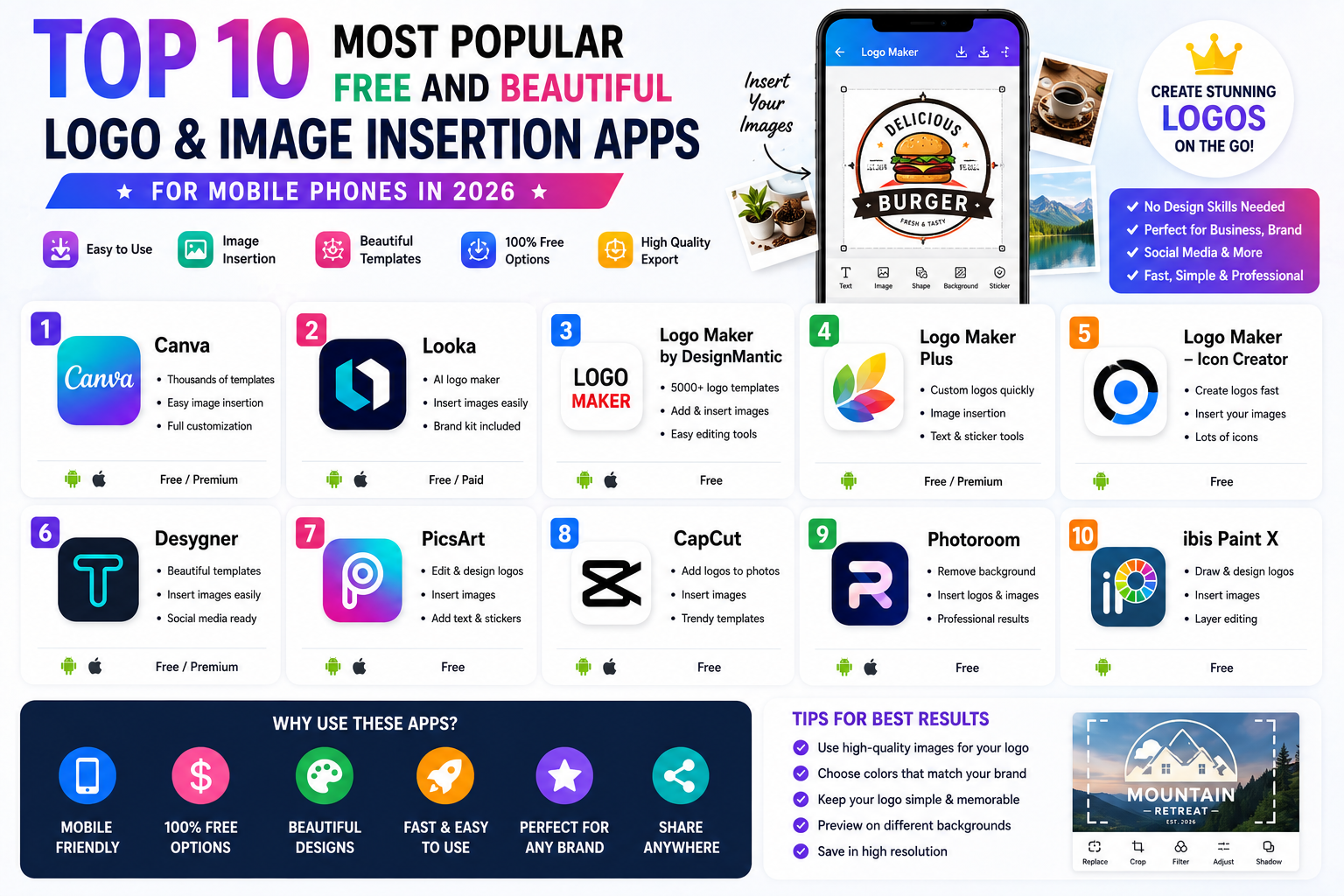
Top 10 Most Popular Free and Beautiful Logo and Image Insertion Apps for Mobile Phones in 2026
Nội dung
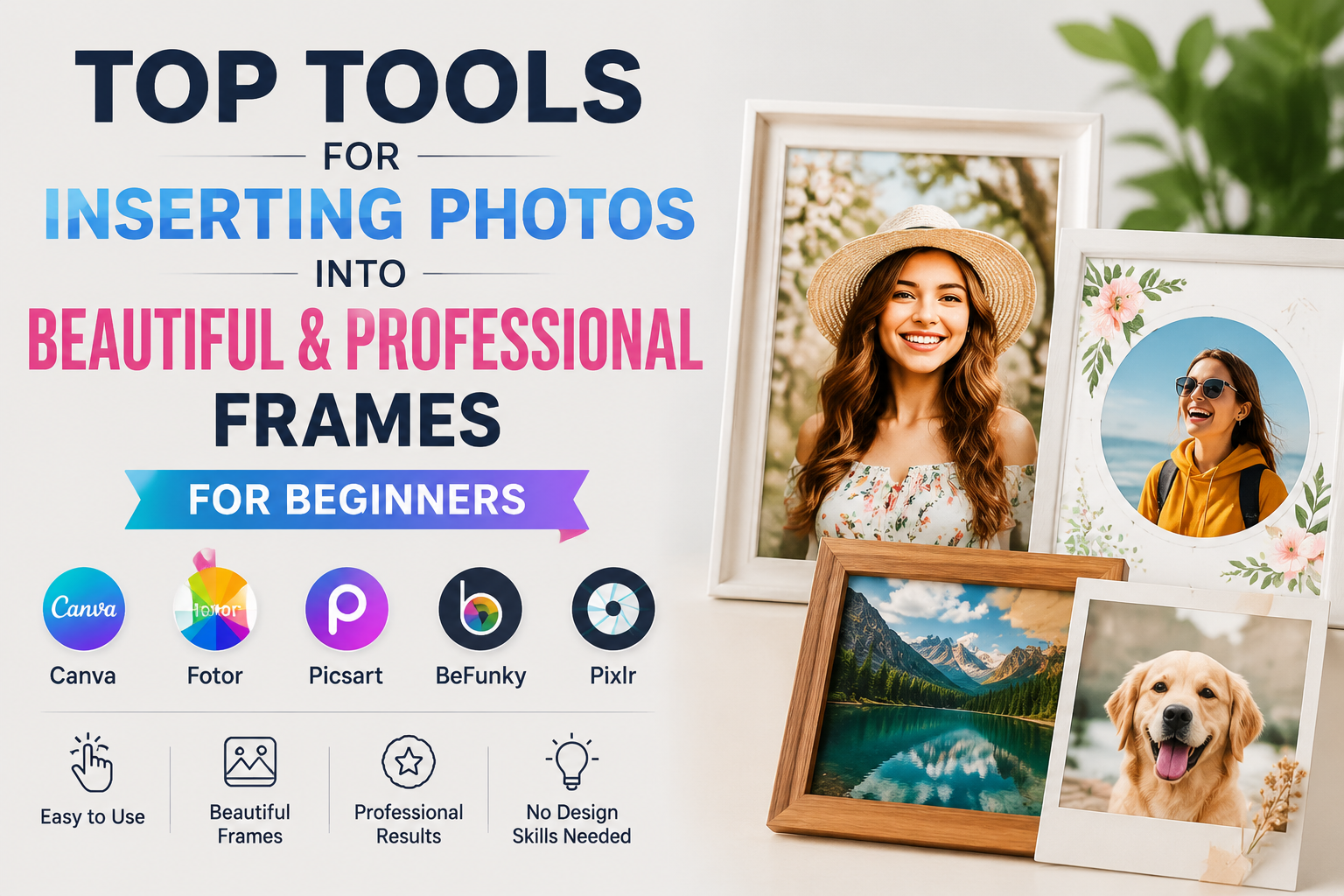
- 1. Canva – The most popular app for creating logos and inserting images on mobile phones.
- 2. PicsArt – Extremely flexible photo editing and logo insertion.
- 3. Adobe Express – Professional logo design from Adobe
- 4. Logo Maker - Design Monogram – Easily design your brand logo.
- 5. Logo Maker Plus (Logopit) – Create unique 3D logos and watermarks
- 6. eZy Watermark Photo – Expert in bulk watermark insertion
- 7. Snapseed – Insert logos using the Double Exposure feature
- 8. Polish (Photo Editor Pro) – Creative logo design with various AI tools.
- 9. LogoScopic Studio – Design logos directly on your smartphone
- 10. Watermark Add & Edit Photo – Expert in creating copyrighted watermarks
- 11. Conclusion
With just a smartphone, you can design brand logos, create copyright watermarks, or add logos to photos for sales, personal branding, or social media content creation.
1. Canva – The most popular app for creating logos and inserting images on mobile phones.
Canva consistently ranks among the most popular design apps today. With millions of users worldwide, Canva makes creating logos and adding images to your phone simple, even for those with no prior design experience. With just a few drag-and-drop actions, you can create a beautiful logo or add a watermark to an image in minutes.
Canva's highlight is its library of thousands of ready-made logo templates across various fields such as business, fashion, cosmetics, education, technology, and food. Users can change colors, fonts, icons, and directly insert logos onto images with highly flexible adjustments to size, transparency, and position. Additionally, Canva supports saving high-quality images, suitable for posting on Facebook, TikTok, Instagram, or printing.
Outstanding advantages
-
Huge logo template library.
-
Supports quick watermark creation.
-
Synchronize between phone and computer.
-
The Vietnamese interface is easy to use.
-
Many resources are free.

2. PicsArt – Extremely flexible photo editing and logo insertion.
PicsArt is not only famous as a versatile photo editing app, but also as a very effective tool for creating logos to insert into photos on your phone . Thanks to its powerful editing tools, users can easily add logos, crop backgrounds, add effects, or create watermarks in their own style.
One major advantage of PicsArt is its ability to process images quite professionally right on your phone. You can import PNG logos with transparent backgrounds, adjust the size, rotate, blur, or change the transparency to create natural-looking watermarks. Additionally, its library of stickers, fonts, and artistic effects helps make images stand out without needing computer software.
Outstanding advantages
-
Powerful editing tools.
-
Insert a stunning PNG logo.
-
Supports AI background removal.
-
A diverse library of effects.
-
Suitable for content creators.
3. Adobe Express – Professional logo design from Adobe
Adobe Express is the ideal choice for those who want to design professional-style logos while still being able to easily use it on a smartphone. This application was developed by Adobe to simplify the design process while maintaining high image quality.
The application offers thousands of modern logo templates along with a rich library of icons, illustrations, and fonts. Users can create new logos or upload existing ones to insert directly into images. Adobe Express also supports color correction, effects, layout adjustments, and high-resolution image export, making it ideal for small businesses, online stores, and content creators.
Outstanding advantages
-
Professional interface.
-
Adobe has a rich resource library.
-
Insert a logo quickly.
-
Export high-quality images.
-
Synchronize data across multiple devices.
4. Logo Maker - Design Monogram – Easily design your brand logo.
If your main goal is to create a logo rather than edit photos, then Logo Maker - Design Monogram is an application well worth trying. This is specialized software specifically designed for designing logos for businesses, personal brands, or retail stores.
The app boasts a vast library of vector icons, artistic fonts, and hundreds of customizable logo templates in various styles. Once the design is complete, users can easily export the logo with a transparent background to insert into product images, banners, or social media posts. This makes the process of creating logos for image insertion on mobile phones quick and time-saving.
Outstanding advantages
-
Specializing in logo design.
-
A rich vector library.
-
Many beautiful fonts.
-
Export the PNG file with a transparent background.
-
Easy to use for beginners.
5. Logo Maker Plus (Logopit) – Create unique 3D logos and watermarks
Logo Maker Plus, also known as Logopit, stands out for its ability to create 3D logos, gradient effects, and many modern design styles. This application is suitable for those who want to have a striking logo without needing graphic design skills.
After completing the logo, the application allows you to directly insert it onto an image, adjust the opacity, size, and position to create a professional watermark. In addition, Logo Maker Plus supports various gradient color styles, shadow effects, and lighting effects to make the logo more eye-catching when posted on social media or websites.
Outstanding advantages
-
Create beautiful 3D logos.
-
Adjusting transparency is easy.
-
Many modern effects.
-
Large icon library.
-
Intuitive interface.
6. eZy Watermark Photo – Expert in bulk watermark insertion
For online sellers, photographers, or content creators, eZy Watermark Photo is an almost indispensable tool. The application focuses on inserting watermark logos onto multiple images at once, saving a significant amount of time.
Users can upload their own logos, customize their position, rotation, size, opacity, and apply them in bulk with just a few taps. This is an ideal solution if you frequently upload many product photos or want to protect your images from unauthorized copying.
Outstanding advantages
-
Insert logos in bulk.
-
Create watermarks quickly.
-
Supports multiple image formats.
-
The position can be adjusted flexibly.
-
Suitable for online business.
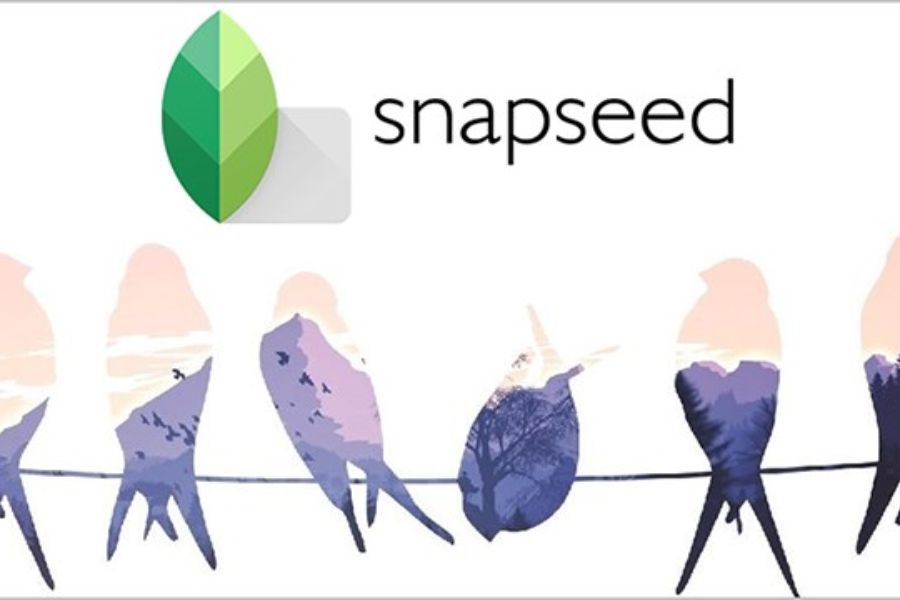
7. Snapseed – Insert logos using the Double Exposure feature
Snapseed is a popular free photo editing app developed by Google. Although not a dedicated logo design software, Snapseed still effectively supports creating logos by inserting them into photos on your phone through its Double Exposure feature.
After importing a PNG logo, users can adjust its position, transparency, and blend it seamlessly with the background image. Additionally, Snapseed offers numerous tools for adjusting brightness, color, sharpness, and white balance, ensuring that the image retains its professional quality after the logo is added.
Outstanding advantages
-
Completely free.
-
Advanced photo editing.
-
Insert a logo using Double Exposure.
-
Simple interface.
-
Contains no advertisements.
8. Polish (Photo Editor Pro) – Creative logo design with various AI tools.
Polish is a photo editing app that has become quite popular recently thanks to its integration of many modern AI features. In addition to photo editing capabilities, the app also supports inserting images, adding stickers, removing backgrounds, and creating logos in various styles.
Users can create their own watermarks or import logos from the library to insert onto product photos, portraits, or advertising posters. A diverse font library along with hundreds of stickers and effects makes design quick and highly creative.
Outstanding advantages
-
AI support for background removal.
-
Insert logo quickly.
-
Lots of nice stickers.
-
A wide variety of fonts.
-
Easy to use for beginners.
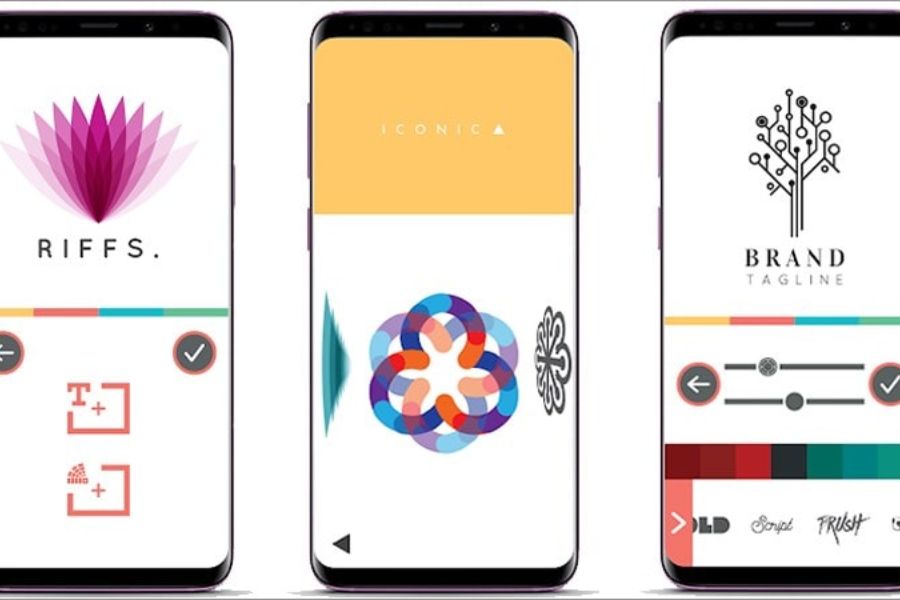
9. LogoScopic Studio – Design logos directly on your smartphone
LogoScopic Studio is popular thanks to its intuitive interface and simple design process. Simply choose a template, edit the icon, colors, and fonts, and you can create a complete logo right on your phone.
The application provides thousands of modern icons suitable for various industries. Once completed, the logo can be exported with a transparent background to be inserted over images or used as a brand avatar, banner, and profile picture on social media platforms.
Outstanding advantages
-
Quick logo design.
-
The interface is easy to use.
-
A beautiful icon collection.
-
Export PNG with transparent background.
-
Aligns with personal branding.
10. Watermark Add & Edit Photo – Expert in creating copyrighted watermarks
Rounding out the list is Watermark Add & Edit Photo, an application specifically designed for adding watermarks and logos to photos. This is a suitable option for sellers, photographers, or content creators who want to protect their image copyrights.
The app allows you to import existing logos or create text watermarks, then adjust the size, position, rotation angle, and transparency as desired. Additionally, you can save watermark templates for use across multiple photo sets, saving time each time you edit.
Outstanding advantages
-
Specialized in adding watermarks.
-
Adjust the position precisely.
-
Supports logos and text.
-
Save the watermark template.
-
The interface is simple and easy to use.
11. Conclusion
Nowadays, creating logos and adding images on your phone is no longer a complicated task, as many apps are available, ranging from basic to professional. Whether you're an online seller, business owner, content creator, or simply want to watermark your personal images, apps like Canva, PicsArt, Adobe Express, or eZy Watermark Photo can meet your needs with quick and easy operation right on your smartphone. Prioritize apps with user-friendly interfaces, support for high-quality image export, and comprehensive editing features to create professional images, increase brand recognition, and effectively protect your content copyright.





















VIP Products








Best Selling Products
ChatGPT Plus Account (GPT-4)
16 USD
MidJourney Account
29 USD
Genuine Adobe Illustrator account
99 USD
Genuine Cheap Canva Pro
39 USD
Upgrade Genuine Office 365
49 USD
Freepik Premium Account
59 USD
Adobe Photoshop Copyright - Full App
120 USD
Capcut Pro 1 Year
39 USD
Windows 10 & 11 Pro Key
36 USD
Plugin Retouch4me
69 USD
Upgrade Duolingo Super
29 USD
Copyright Adobe Lightroom Account
59 USD
Autodesk All App Account Copyright
120 USD
Upgrade genuine Capture One account
120 USD
Adobe Premiere Pro Account
99 USD