Best Selling Products

Genuine Adobe Illustrator account
99 USD

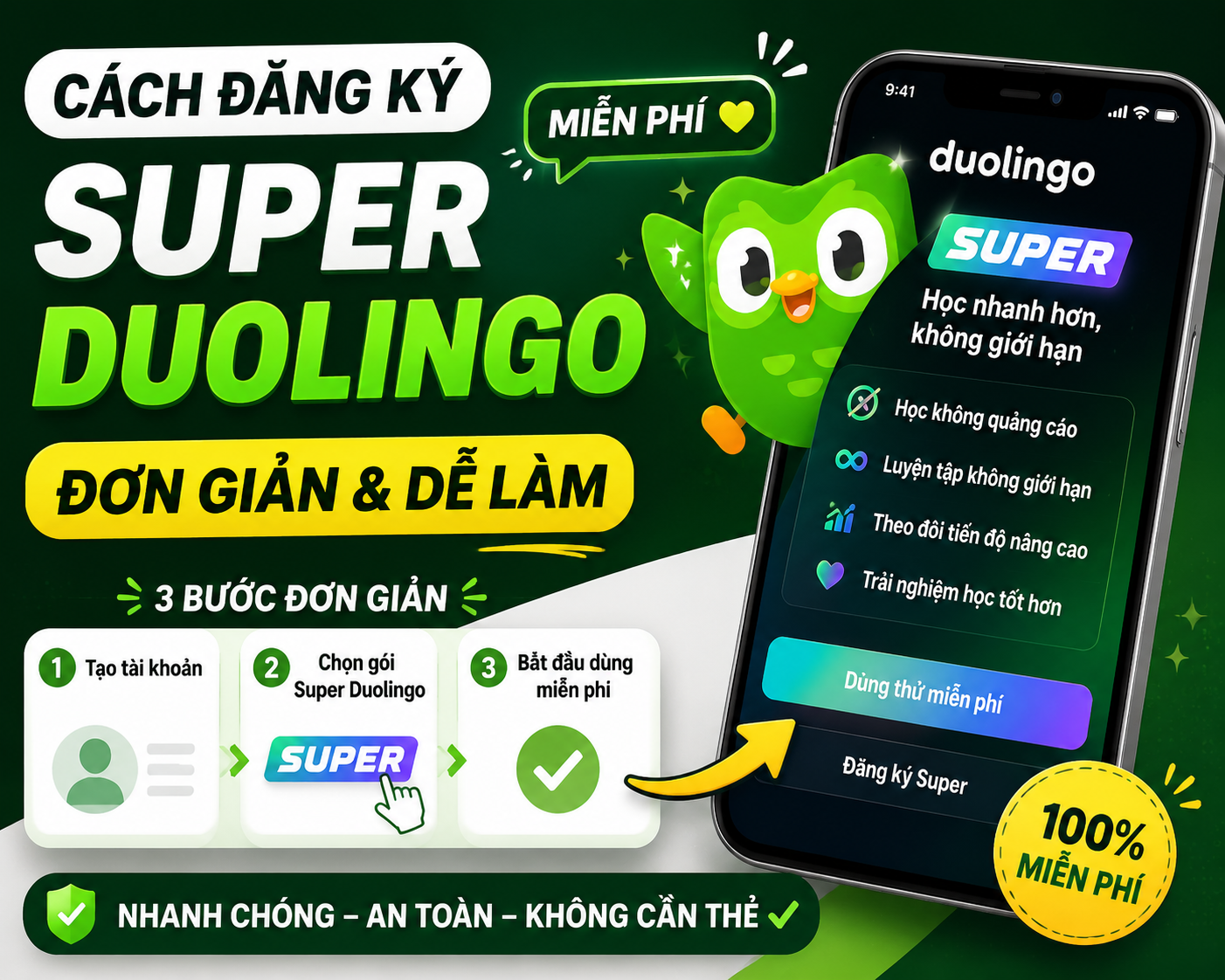
Upgrade Duolingo Super
29 USD

Upgrade Genuine Office 365
49 USD

Capcut Pro 1 Year
39 USD

Copyright Adobe Lightroom Account
59 USD

Adobe Premiere Pro Account
99 USD

Windows 10 & 11 Pro Key
36 USD

Freepik Premium Account
59 USD

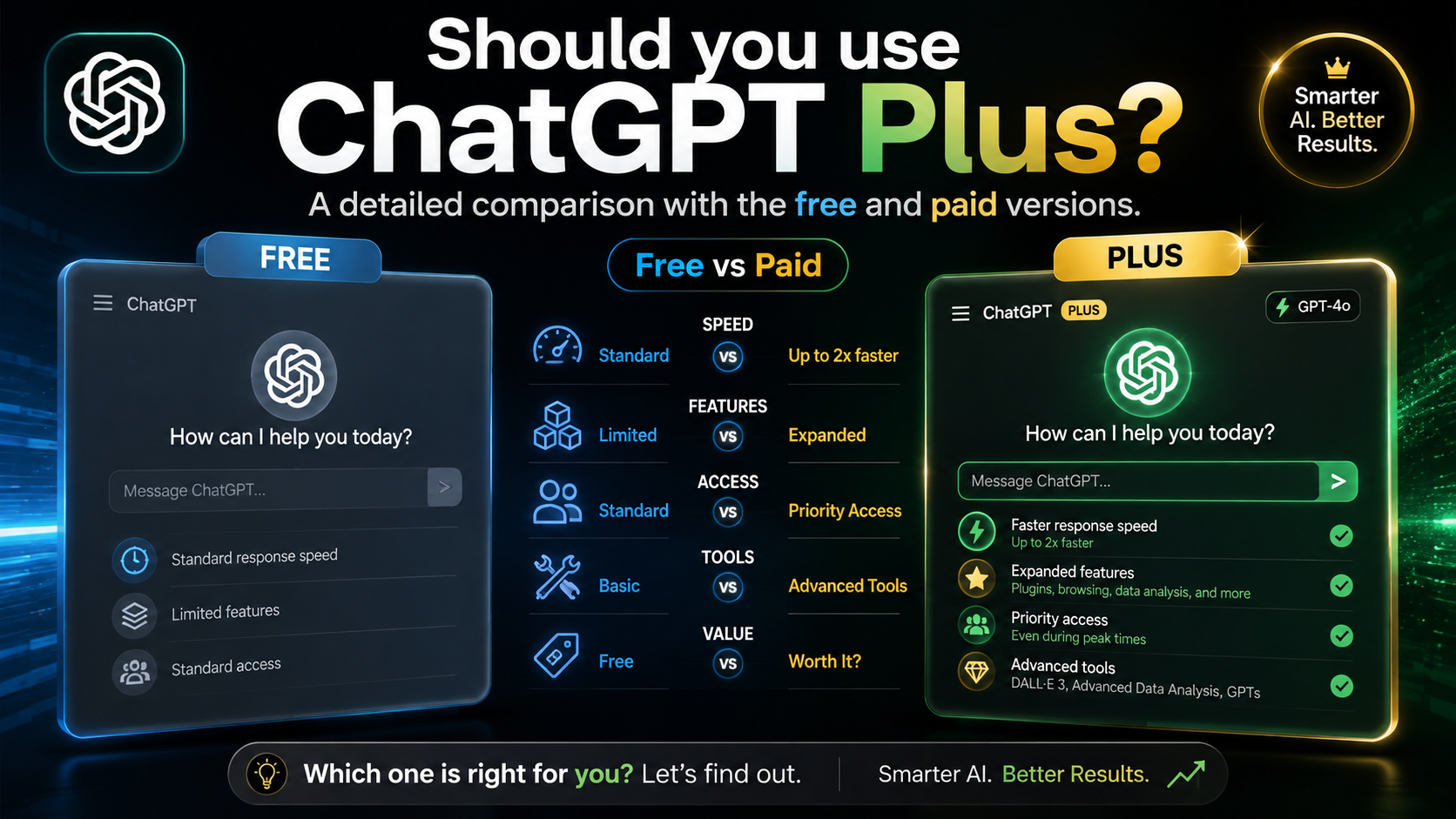
ChatGPT Plus Account (GPT-4)
16 USD

Upgrade genuine Capture One account
120 USD

Genuine Cheap Canva Pro
39 USD

MidJourney Account
29 USD

Autodesk All App Account Copyright
120 USD

Adobe Photoshop Copyright - Full App
120 USD

Plugin Retouch4me
69 USD
What is Canva? Discover the simple, professional design tool for everyone.
Nội dung
- 1. What is Canva?
- 2. Why has Canva become such a popular design tool?
- 3. Key features of Canva
- 3.1. Designing diverse content types
- 3.2. Extensive design template library
- 3.3. Easy-to-use drag-and-drop tool
- 3.4. Image library and design resources
- 3.5. Supports multiple fonts and text effects
- 3.6. Design videos directly in Canva
- 4. Who is Canva suitable for?
- 4.1. Online business owners
- 4.2. Marketing and Content Professionals
- 4.3. Students and teachers
- 4.4. Office workers
- 5. What are the differences between the free and paid versions of Canva?
- 6. Benefits of using Canva for work and creativity
- 6.1. Saving time
- 6.2. No advanced design skills required.
- 6.3. Enhancing the professionalism of images
- 6.4. Easy to edit and collaborate
- 7. Tips for using Canva to create better designs
- 8. Should I upgrade my official Canva account at Sadesign?
- 9. Conclusion
If you ever thought graphic design was only for those who knew Photoshop or had a professional background, Canva will change your mind.
1. What is Canva?
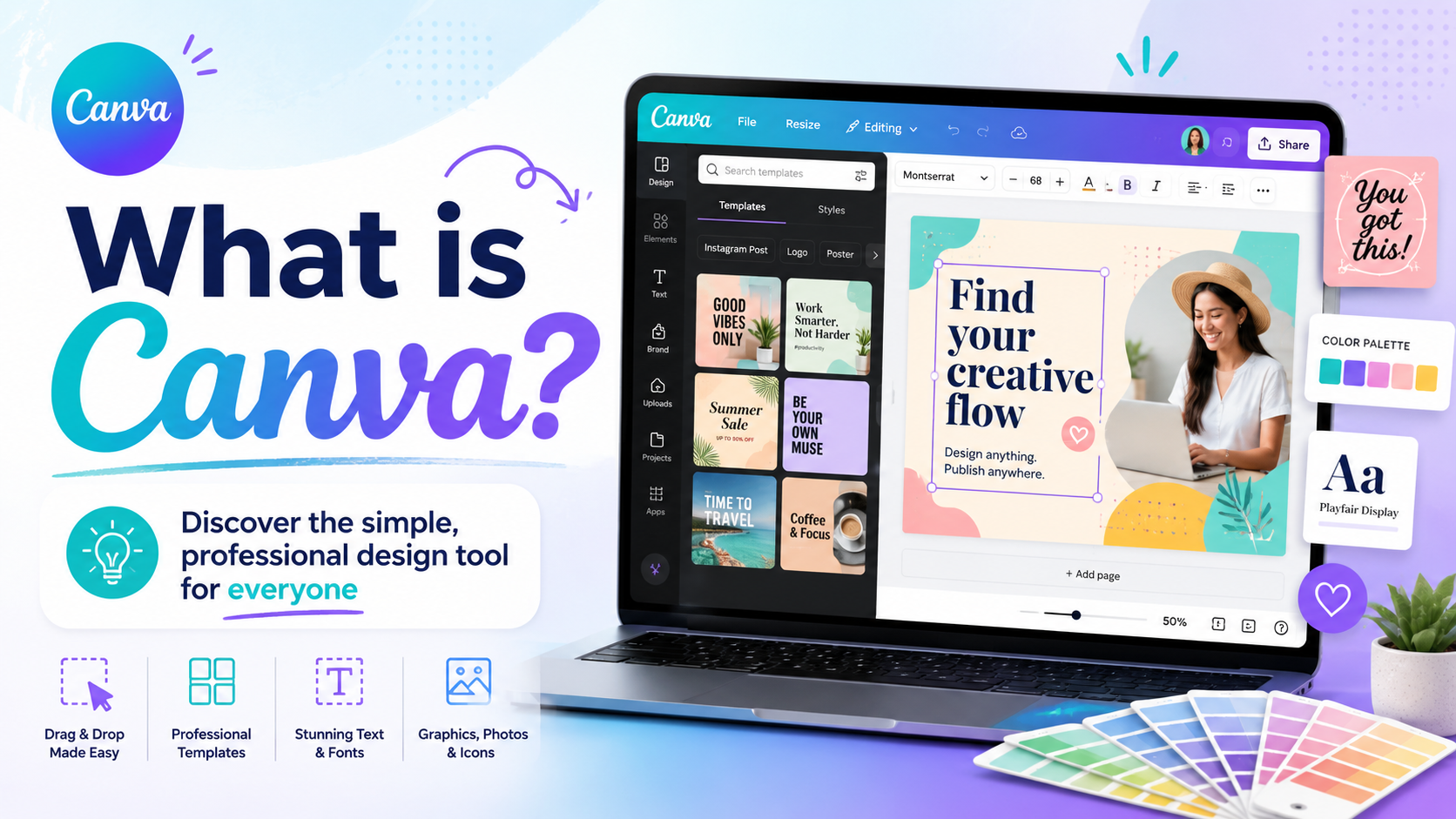
What is Canva? Canva is an online graphic design platform launched in 2013 by Melanie Perkins and her colleagues in Australia. From its inception, Canva has focused on simplifying design, enabling anyone to create visually appealing and engaging products without needing to be a professional designer. Instead of requiring users to familiarize themselves with a multitude of complex tools, Canva focuses on an intuitive drag-and-drop experience. Users simply select a design template, change images, colors, content, or layout as needed, and they can create a complete product.
What makes Canva increasingly popular is its wide range of applications. You can use Canva to design social media posts, posters, banners, CVs, presentation slides, logos, flyers, infographics, invitations, videos, and much more. Not only is it suitable for beginners, Canva is also a powerful tool for marketers, online business owners, teachers, students, office workers, and content creators who need to create designs quickly while maintaining aesthetic appeal.
2. Why has Canva become such a popular design tool?
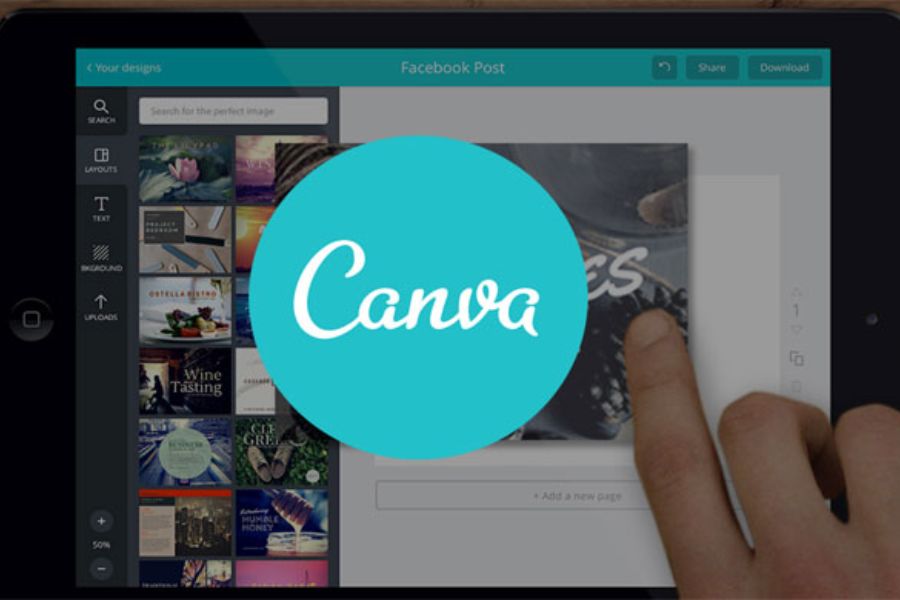
One of the biggest reasons Canva is so widely used is its ability to significantly reduce design time. While traditional design might take hours to build a layout from scratch, Canva offers many ready-made templates, giving users a complete platform to get started.
This is especially helpful for those who aren't graphic design professionals. You don't need a deep understanding of layers, vectors, or complex design techniques. Instead, Canva offers simple, accessible operations that you can learn in a short amount of time.
In addition, Canva operates on an online platform, allowing users to access designs from various devices. This is a significant advantage for those who frequently work, study, or create content from multiple locations.
3. Key features of Canva
3.1. Designing diverse content types
Canva can meet a wide range of design needs. From a simple Facebook post to a brand identity, presentation, or promotional video, users can find the right tool for their needs.
Some popular content creations that can be done on Canva include:
-
Facebook, Instagram, and other social media posts.
-
Website banners and advertising images.
-
Posters, flyers, and billboards.
-
CV and job application.
-
Presentation slides.
-
Logo and brand identity.
-
Infographics and charts.
-
Invitations, menus, brochures.
-
Short videos and slideshow videos.
-
This is a thumbnail image for YouTube.
This versatility makes Canva more than just a simple design software; it's a tool that serves many purposes, from studying and working to business.
3.2. Extensive design template library
If you don't know where to start, you can use the ready-made templates on Canva. This is one of the most attractive features of the platform. The templates are categorized by various themes and purposes. Users can search for templates by keyword, choose a suitable style, and then edit the content.
Instead of building a layout from scratch, you only need to change the images, fonts, colors, and content. This significantly shortens the design completion time. In particular, Canva's design templates are often built with well-balanced layouts. This is an advantage for beginners because you can learn how to coordinate colors, arrange content, and build layouts using the ready-made templates.
3.3. Easy-to-use drag-and-drop tool
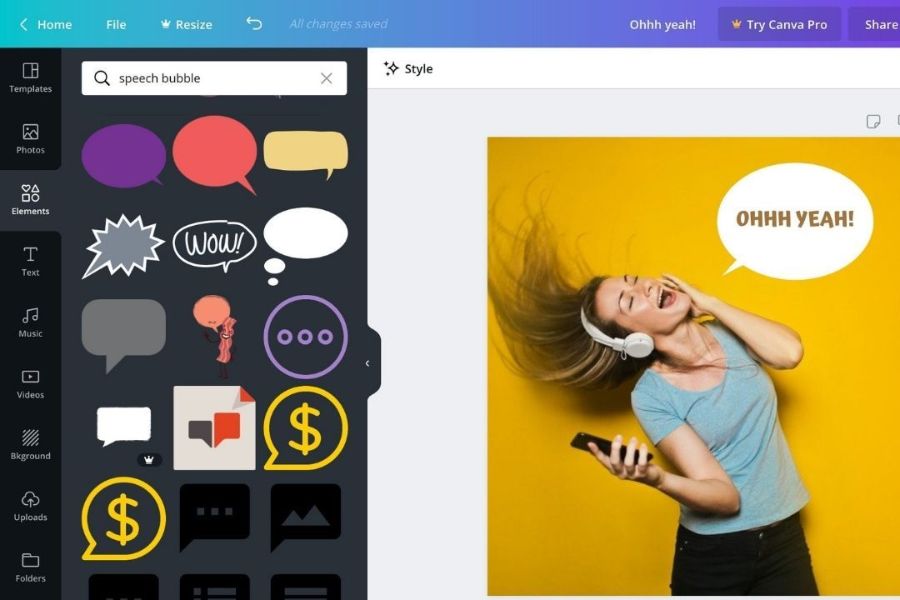
Canva is designed around drag-and-drop functionality. You can select an element and drag it to the desired location in your design. Images, icons, frames, lines, text, and many other elements can all be edited directly. Users can also easily change the size, position, color, or effects without complicated operations.
This is what makes Canva suitable for a wide range of users. Even someone with no prior design experience can start creating products immediately after getting familiar with the interface.
3.4. Image library and design resources
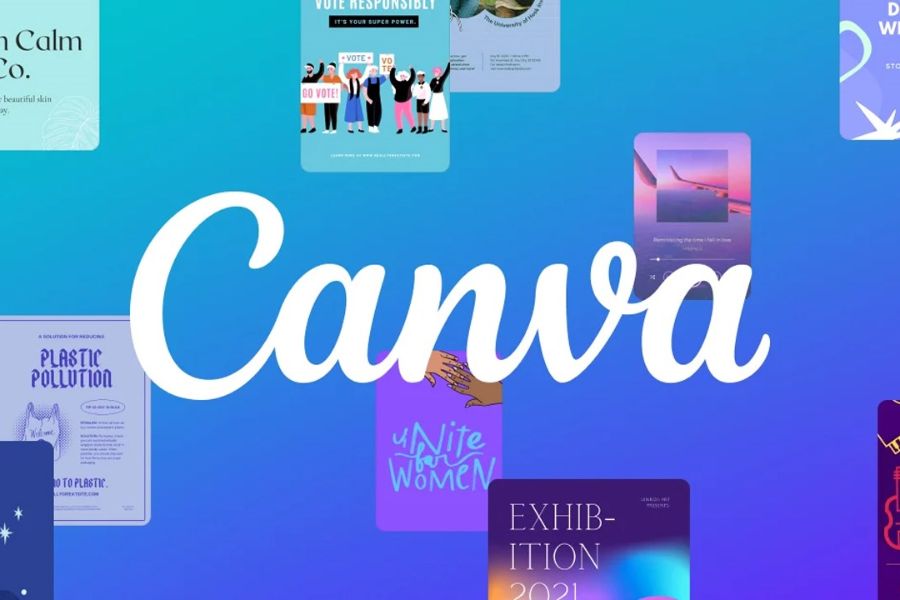
Canva boasts a diverse library of resources, including images, icons, graphics, illustrations, videos, audio, and many other design elements. Thanks to this resource library, users don't necessarily have to search for each element from multiple sources. You can search directly within Canva and incorporate the appropriate resources into your design.
For those who frequently create content or run online businesses, this feature saves a considerable amount of time. By simply combining images, text, and appropriate elements, you can create a complete design.
3.5. Supports multiple fonts and text effects
Fonts play a crucial role in giving a design its personality. Canva offers a wide variety of fonts in diverse styles, from minimalist and modern to creative and striking. You can combine different fonts, change the size, color, spacing, and add effects to highlight your content. In particular, Canva supports many text formatting options, making slogans, headlines, or advertising messages stand out even more.
3.6. Design videos directly in Canva
Beyond just image editing, Canva also supports video design and editing. This is a particularly useful feature for social media content creators. You can create videos from pre-made templates, adding images, videos, text, music, transition effects, and other graphic elements.
For short videos used for advertising, product introductions, or social media content, Canva helps users quickly complete their projects without necessarily needing professional video editing software.
4. Who is Canva suitable for?
4.1. Online business owners
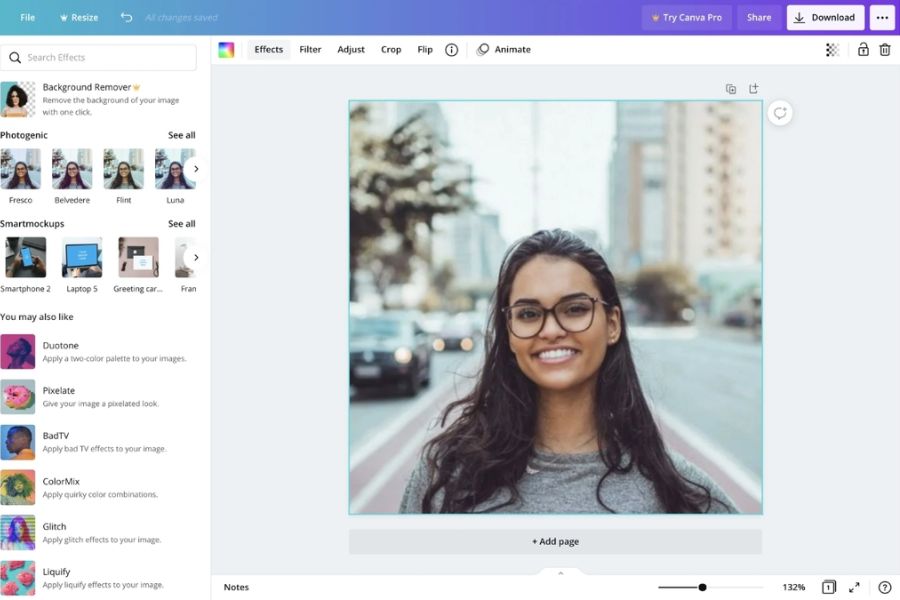
For online sellers, beautiful images can make a huge difference. Canva helps you quickly design product images, promotional banners, advertising posters, or social media content. Instead of hiring a designer for each small design, you can create many basic pieces yourself and proactively adjust them as needed.
4.2. Marketing and Content Professionals
Canva is particularly well-suited for those who frequently produce visual content. From social media posts and infographics to advertising banners, many tasks can be accomplished on a single platform. Using pre-made templates also helps content teams maintain a consistent visual style and saves production time.
4.3. Students and teachers
Canva is also a useful tool in educational environments. Users can create presentation slides, mind maps, infographics, learning materials, or posters for projects. Thanks to its user-friendly interface, presenting information becomes more intuitive and engaging.
4.4. Office workers
Office workers can use Canva to create slides, visual reports, internal documents, diagrams, schedules, or presentation materials. It's a suitable option if you want to create beautiful documents but don't want to spend too much time learning professional design software.
5. What are the differences between the free and paid versions of Canva?
Canva has a free version that meets many basic design needs. Users can use the templates, fonts, images, and tools provided in the free package to create products. However, if you use Canva regularly for work or business, the paid version will offer more significant benefits.
Canva's paid subscription expands access to a premium resource library, numerous design templates, advanced editing tools, and features that optimize the creative process. This is especially useful for those who frequently create banners, advertising content, social media content, or brand identity packages, as having access to these premium resources provides more options and reduces search time.
6. Benefits of using Canva for work and creativity
6.1. Saving time
Instead of starting a design from scratch, you can leverage existing templates and customize them to your needs. This is a simple way to speed up content production.
6.2. No advanced design skills required.
Canva helps transform complex design tasks into intuitive steps. Beginners can easily get started and create aesthetically pleasing products on their own.
6.3. Enhancing the professionalism of images
A well-presented, visually appealing design will help brands make a better impression on customers. Canva offers many templates and tools to help users easily improve image quality.
6.4. Easy to edit and collaborate
Designs can be edited as needed to change content. Additionally, Canva supports sharing designs so multiple people can view or collaborate, which is very convenient for work teams.
7. Tips for using Canva to create better designs
-
To keep your Canva design visually appealing, you should first clearly define your product's objective. An advertisement, a presentation slide, or a social media post will require a different presentation style.
-
Next, avoid using too many fonts and colors in a single design. A simple layout with a clear focal point usually creates a more professional feel.
-
You should also prioritize high-quality images and arrange content in order of importance. The title should be eye-catching, the main information easy to see, and supporting content shouldn't take up too much space.
-
Finally, don't hesitate to refer to existing templates. This is not only a quick way to create designs but also helps you learn about color schemes, layouts, and font choices.
8. Should I upgrade my official Canva account at Sadesign?
For basic design tasks, the free version of Canva may suffice. However, for those who frequently design for work, business, marketing, or content creation, using the paid version will provide a more complete and convenient experience.
Having a genuine Canva account allows you to access many advanced resources and features, thereby expanding your creative possibilities and optimizing design time. Instead of having to search for each image, template, or element externally, you can work more efficiently directly within Canva. If you plan to use Canva long-term, you can consider upgrading to a genuine Canva account at Sadesign for a solution that suits your design needs. A stable account will ensure a smoother workflow, especially for frequent Canva users.
9. Conclusion
Hopefully, you now understand what Canva is and why it's becoming increasingly popular for learning, work, business, and content creation. Canva's greatest strength lies in its simplicity and flexibility. Even without a professional design background, you can create visually appealing products thanks to its extensive library of templates, resources, and intuitive tools. If your needs are limited to basic design, the free version of Canva is a good starting point. However, if you design frequently and want to utilize more advanced resources and features, using the official Canva version is a worthwhile investment to improve efficiency and work quality.





















VIP Products








Best Selling Products
Genuine Adobe Illustrator account
99 USD
Upgrade Duolingo Super
29 USD
Upgrade Genuine Office 365
49 USD
Capcut Pro 1 Year
39 USD
Copyright Adobe Lightroom Account
59 USD
Adobe Premiere Pro Account
99 USD
Windows 10 & 11 Pro Key
36 USD
Freepik Premium Account
59 USD
ChatGPT Plus Account (GPT-4)
16 USD
Upgrade genuine Capture One account
120 USD
Genuine Cheap Canva Pro
39 USD
MidJourney Account
29 USD
Autodesk All App Account Copyright
120 USD
Adobe Photoshop Copyright - Full App
120 USD
Plugin Retouch4me
69 USD