Best Selling Products

Genuine Cheap Canva Pro
39 USD

Freepik Premium Account
59 USD

Genuine Adobe Illustrator account
99 USD

Autodesk All App Account Copyright
120 USD

Windows 10 & 11 Pro Key
36 USD

Adobe Premiere Pro Account
99 USD

Upgrade Duolingo Super
29 USD

Upgrade genuine Capture One account
120 USD

Plugin Retouch4me
69 USD

Upgrade Genuine Office 365
49 USD

MidJourney Account
29 USD

Adobe Photoshop Copyright - Full App
120 USD

Capcut Pro 1 Year
39 USD

Copyright Adobe Lightroom Account
59 USD

ChatGPT Plus Account (GPT-4)
16 USD
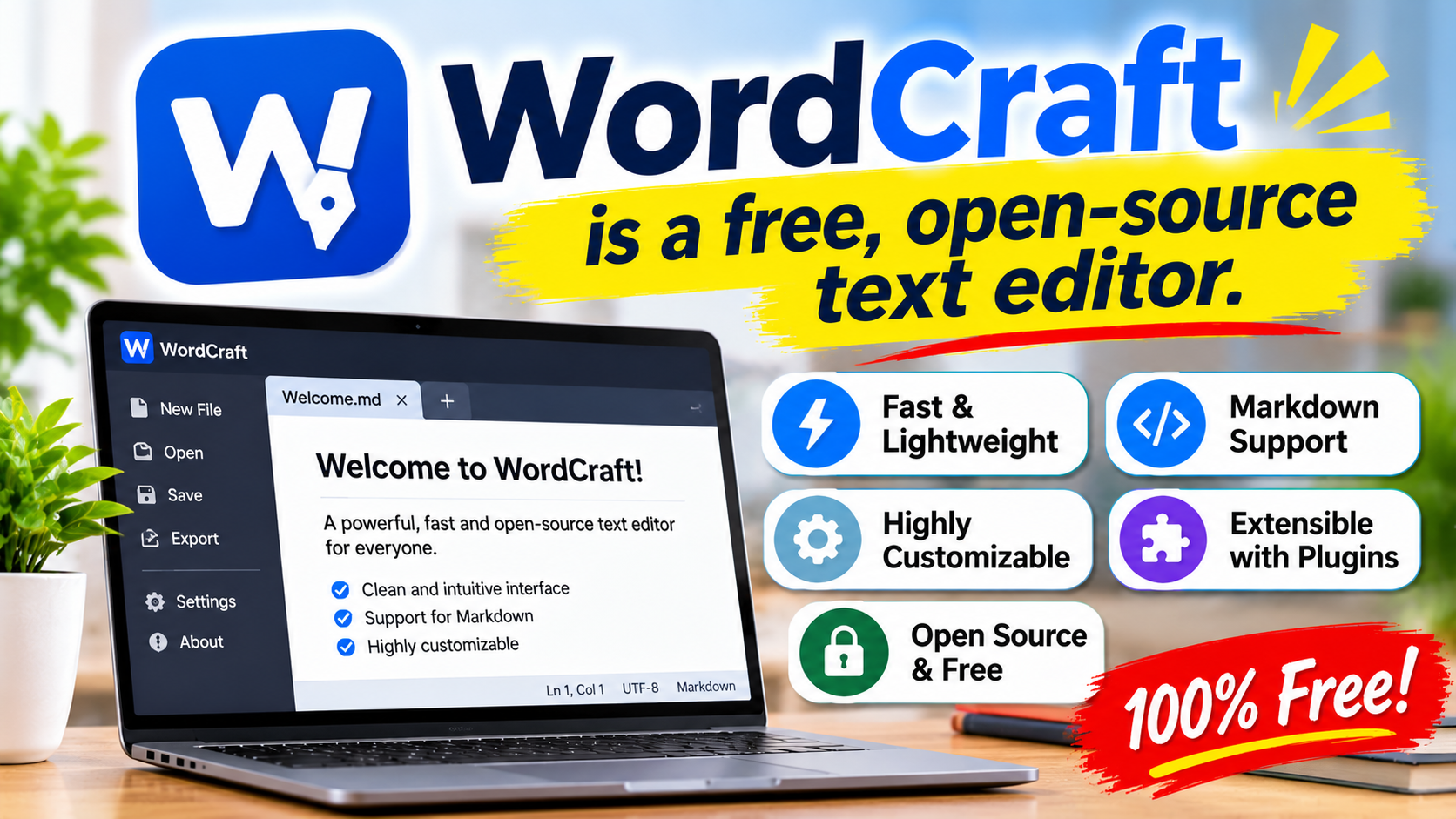
WordCraft is a free, open-source text editor.
Nội dung
- 1. WordCraft is built using Rust, focusing on speed and offline functionality.
- 2. Familiar Ribbon interface and ability to handle multiple document formats.
- 3. Track changes, citations, and mail merge for professional work.
- 4. Integrating command systems and unlocking automation possibilities using AI.
- 5. Support for multiple operating systems and limitations you should know.
- 6. Conclusion
Learn WordCraft, the open-source word processor built with Rust. Explore features such as DOCX formatting, change tracking, mail merge, offline operation, and AI-powered automation.
1. WordCraft is built using Rust, focusing on speed and offline functionality.
One of WordCraft's distinguishing features is that it's built using Rust, a system programming language known for its high performance and secure memory management.
In a word processor, performance isn't just about application startup time. The software also has to constantly handle data entry, paragraph formatting, line breaks, page rendering, and content management as documents grow longer.
Rust is well-suited for these tasks due to its ability to compile into machine code and support parallel programming. However, actual speed still depends on the software architecture, algorithms, and document processing methods.
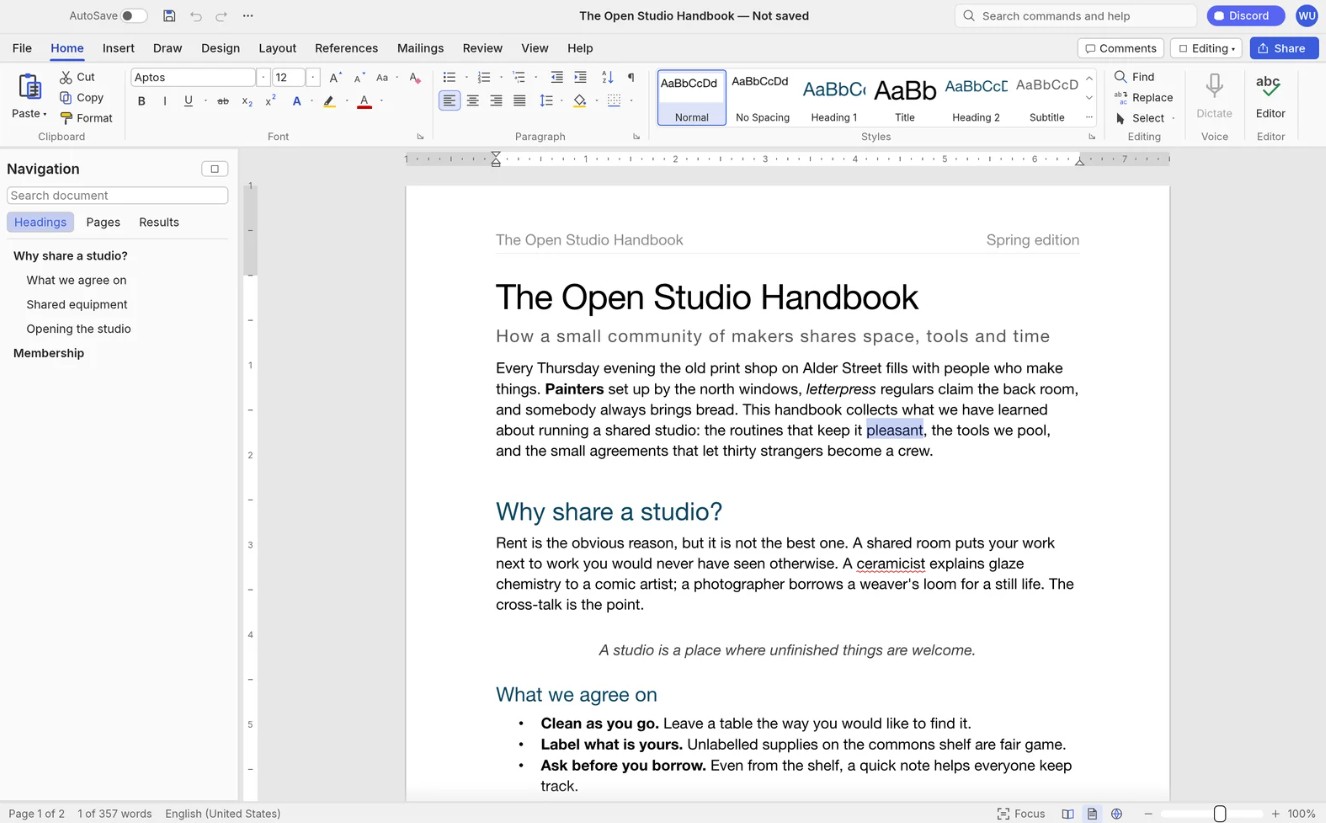
According to the project's own information, WordCraft uses a caching mechanism for paragraph layouts. When users edit content, the software can reuse previously calculated results instead of reprocessing the entire document. Pages are also displayed on demand to minimize unnecessary work.
The project provides an example of editing a 188-page document with a recalculation layout time of approximately 1.4 milliseconds. This is a remarkable figure, but it's important to understand that it only reflects a specific layout task, not the time it takes to open or save the entire document.
Furthermore, WordCraft is designed to work offline. Users can create, format, and process documents locally without needing a constant internet connection. This is an advantage for those who frequently work with unstable internet connections or who want to limit uploading documents to online services.
2. Familiar Ribbon interface and ability to handle multiple document formats.
WordCraft aims to reduce learning time by using a Ribbon interface similar to Microsoft Word. Functions are organized into tabs and tool groups, helping users quickly find frequently used operations.
The Styles library allows you to apply formatting styles such as headings, paragraphs, and regular body text. Instead of changing the font, size, and spacing for each paragraph, users can format by style to maintain consistency throughout the document.
Familiar operations such as bolding, italics, creating lists, and adjusting list levels are also designed to work in a way that is user-friendly for Word users.
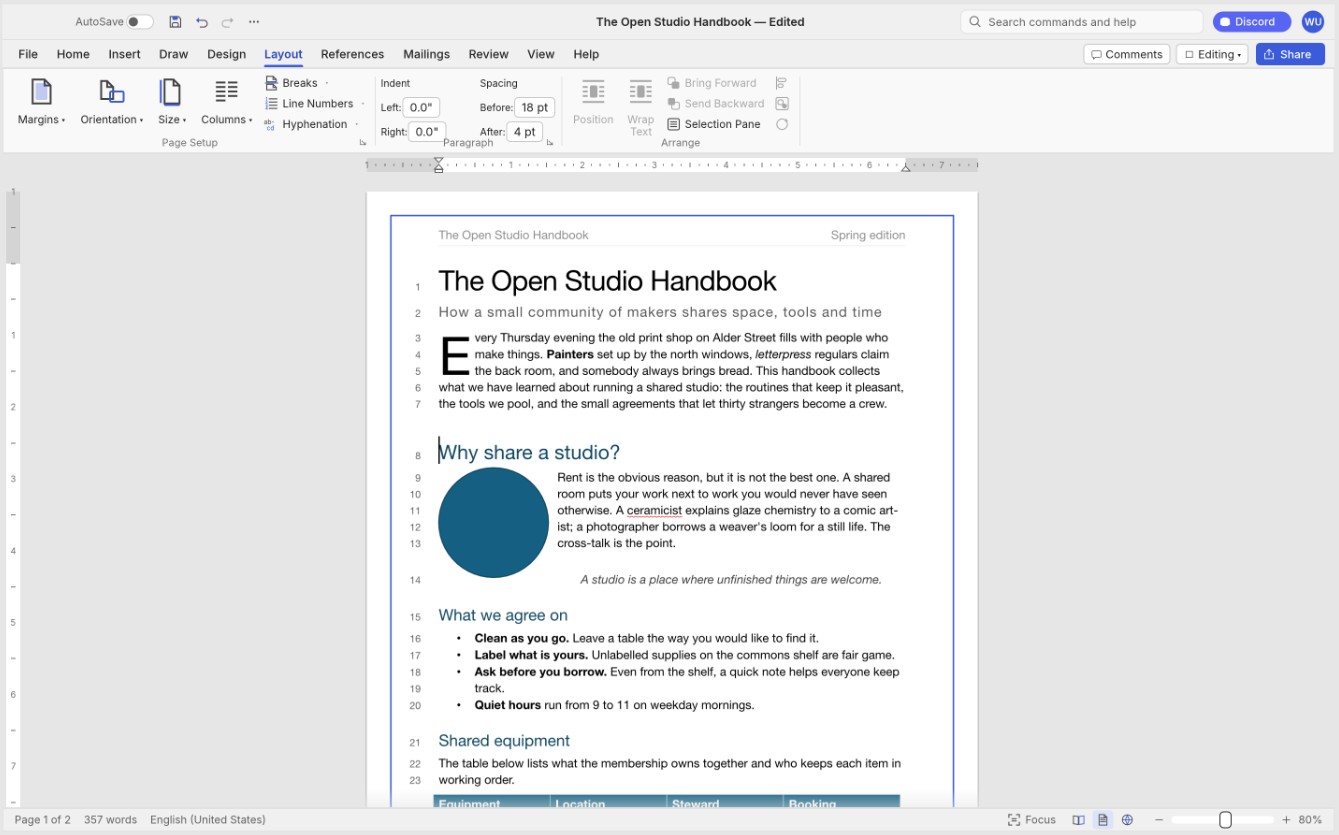
Format compatibility is another important advantage. According to the project's source code repository, WordCraft supports reading and writing DOCX, and also supports formats such as ODT, RTF, HTML, Markdown, and TXT. The software also has PDF export functionality with selectable and copyable text.
As a result, users can use WordCraft for a variety of tasks, from drafting reports and writing blog posts to preparing documents for sharing or printing.
However, DOCX support does not mean full compatibility with Microsoft Word. Documents with complex tables, charts, SmartArt, embedded objects, or multi-section layouts still need to be tested after opening and saving. If you frequently handle important documents, you should test on a copy before using it officially.
3. Track changes, citations, and mail merge for professional work.
WordCraft is not just for text input; it also integrates many features geared towards office workers, students, and those who frequently edit long documents.
First, there's the change tracking feature. When enabled, the software records content that is added, deleted, or edited. Reviewers can view the changes and approve or reject each edit as needed. The margin commenting feature allows for immediate feedback exchange, reducing the need to send multiple versions of the document back and forth.
The document comparison function is also useful when you need to compare the initial draft with the revised version. This is a suitable tool for reviewing reports, editing articles, or collaborating on document completion among multiple people.
For academic documents, WordCraft offers features such as creating tables of contents, footnotes, endnotes, citations, and bibliographies. The project covers common citation styles such as APA, MLA, Chicago, and IEEE, along with tools for creating image annotations, indexes, and cross-references.
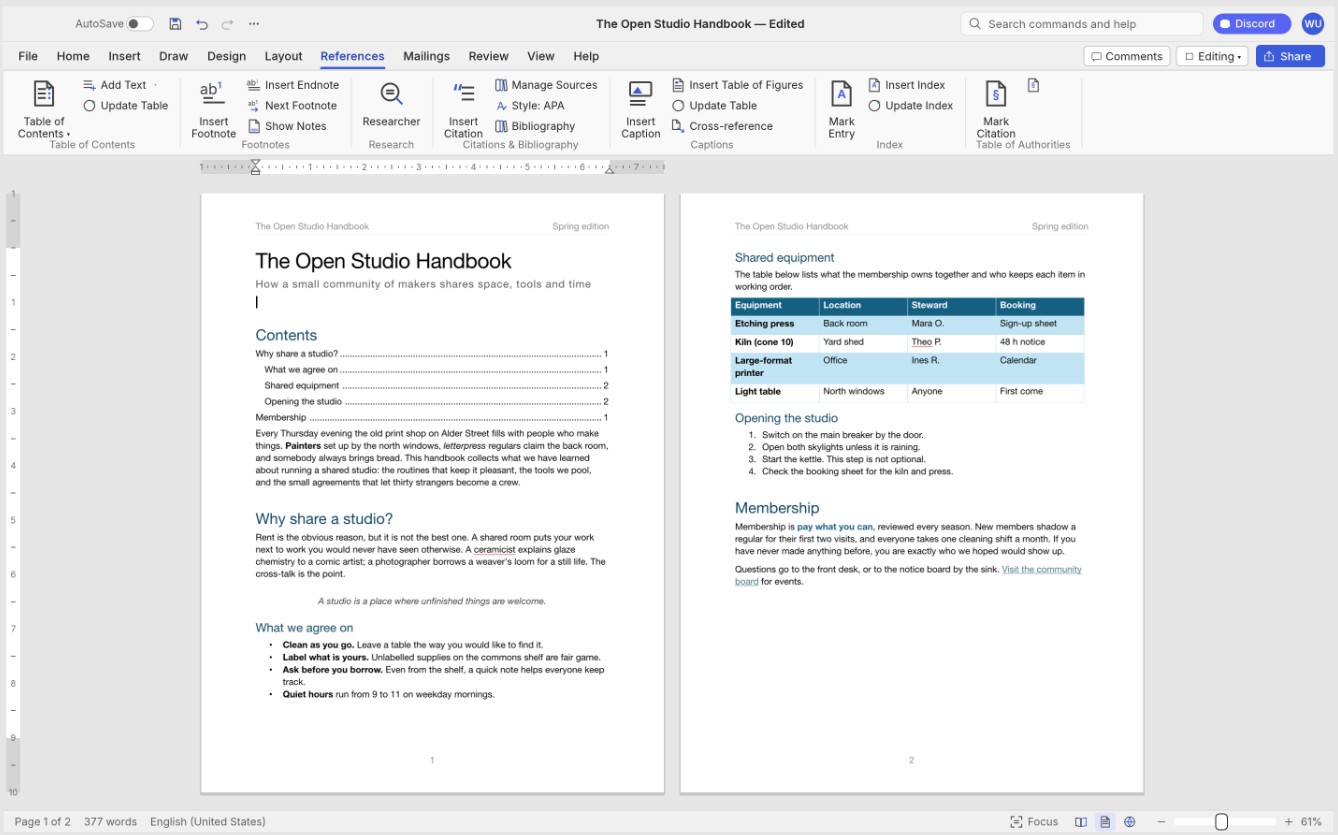
Another noteworthy feature is mail merge. Users can combine a document template with a data list to create multiple personalized documents. For example, an organization needing to create hundreds of invitations with different names, titles, and departments could use a common template instead of composing each one separately.
WordCraft also describes offline spell and grammar checking capabilities. However, Vietnamese users should separately check the quality of Vietnamese language support, as language checking capabilities may vary depending on the dictionary and software configuration.
4. Integrating command systems and unlocking automation possibilities using AI.
One notable difference of WordCraft is its command-line design. According to the source code repository, the system has hundreds of commands for interface manipulation, keyboard shortcuts, command-line tools, JSON control channels, and MCP servers.
MCP stands for Model Context Protocol, a protocol that helps AI applications connect with external tools and data in a structured way.
When properly configured, an AI agent can use commands provided by WordCraft to perform a number of operations on a document. For example, the automation process can find content, insert text, change formatting, check document structure, or request file saving.
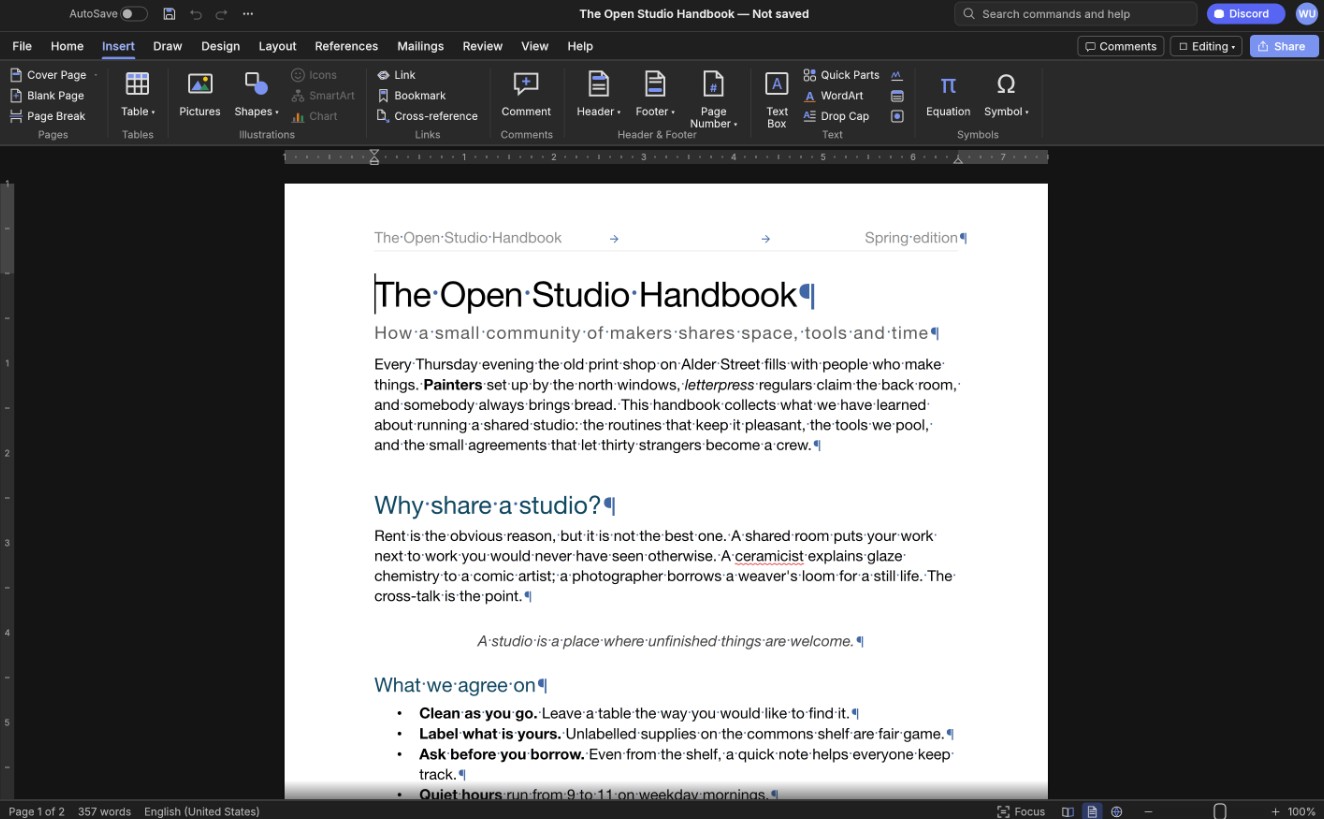
This approach opens up the possibility of integrating word processors with office automation systems. Instead of simply requiring AI to guide users step-by-step, users can build processes where the AI directly calls on authorized tools.
However, MCP support doesn't mean WordCraft automatically integrates every AI chatbot. Users still need compatible tools, proper connection setup, and appropriate permissions. Editing or exporting documents also needs to be checked to avoid errors.
The number of instructions can vary depending on the version or branch of the source code. Therefore, when studying a project, users should consult the technical documentation for the specific version they are using, rather than considering a fixed number as an immutable characteristic.
5. Support for multiple operating systems and limitations you should know.
WordCraft aims to run on macOS, Windows, and Linux; the source code repository also includes BSD and a web version using WebAssembly. Using a shared Rust source code platform allows the project to develop applications for various environments.
For Windows users, it's necessary to check your machine's architecture and the corresponding installation. macOS users should choose the correct version for Apple Silicon or Intel. On Linux, the installation method will depend on the release package and the distribution method supported by the project.
Despite its many noteworthy features, WordCraft still needs to be evaluated based on its level of practical refinement. The project documentation acknowledges areas for further improvement, including testing with real-world DOCX documents, layout fidelity, chart and SmartArt preservation capabilities, and several advanced functionalities.
This means WordCraft is suitable for experimentation and testing with everyday tasks, but it shouldn't be assumed that all complex documents can be converted without any differences.
6. Conclusion
Overall, WordCraft's appeal lies not only in its goal of creating a free text editor, but also in how the project combines performance, local workflow capabilities, and automation within a single application. With continued improvements in stability and format compatibility, WordCraft has the potential to become a valuable option within the open-source office software ecosystem.





















VIP Products








Best Selling Products
Genuine Cheap Canva Pro
39 USD
Freepik Premium Account
59 USD
Genuine Adobe Illustrator account
99 USD
Autodesk All App Account Copyright
120 USD
Windows 10 & 11 Pro Key
36 USD
Adobe Premiere Pro Account
99 USD
Upgrade Duolingo Super
29 USD
Upgrade genuine Capture One account
120 USD
Plugin Retouch4me
69 USD
Upgrade Genuine Office 365
49 USD
MidJourney Account
29 USD
Adobe Photoshop Copyright - Full App
120 USD
Capcut Pro 1 Year
39 USD
Copyright Adobe Lightroom Account
59 USD
ChatGPT Plus Account (GPT-4)
16 USD