Best Selling Products

Upgrade genuine Capture One account
120 USD

Adobe Premiere Pro Account
99 USD

Freepik Premium Account
59 USD

Capcut Pro 1 Year
39 USD

Adobe Photoshop Copyright - Full App
120 USD

Copyright Adobe Lightroom Account
59 USD

Genuine Cheap Canva Pro
39 USD

Upgrade Genuine Office 365
49 USD

ChatGPT Plus Account (GPT-4)
16 USD

Plugin Retouch4me
69 USD

MidJourney Account
29 USD

Genuine Adobe Illustrator account
99 USD

Windows 10 & 11 Pro Key
36 USD

Upgrade Duolingo Super
29 USD

Autodesk All App Account Copyright
120 USD
10 Important Criteria When Buying a Tablet
Nội dung
- 1. Determine your usage needs
- 2. Choose the screen size and quality
- 3. Check performance and RAM capacity
- 4. Choose suitable storage capacity
- 5. Pay attention to battery life and charging speed
- 6. Choose a suitable operating system
- 7. Check connectivity and accessories
- 8. Compare prices and budget
- 9. Learn about warranty policy and software updates
- 10. Try it out in person before buying
- 11. Conclusion
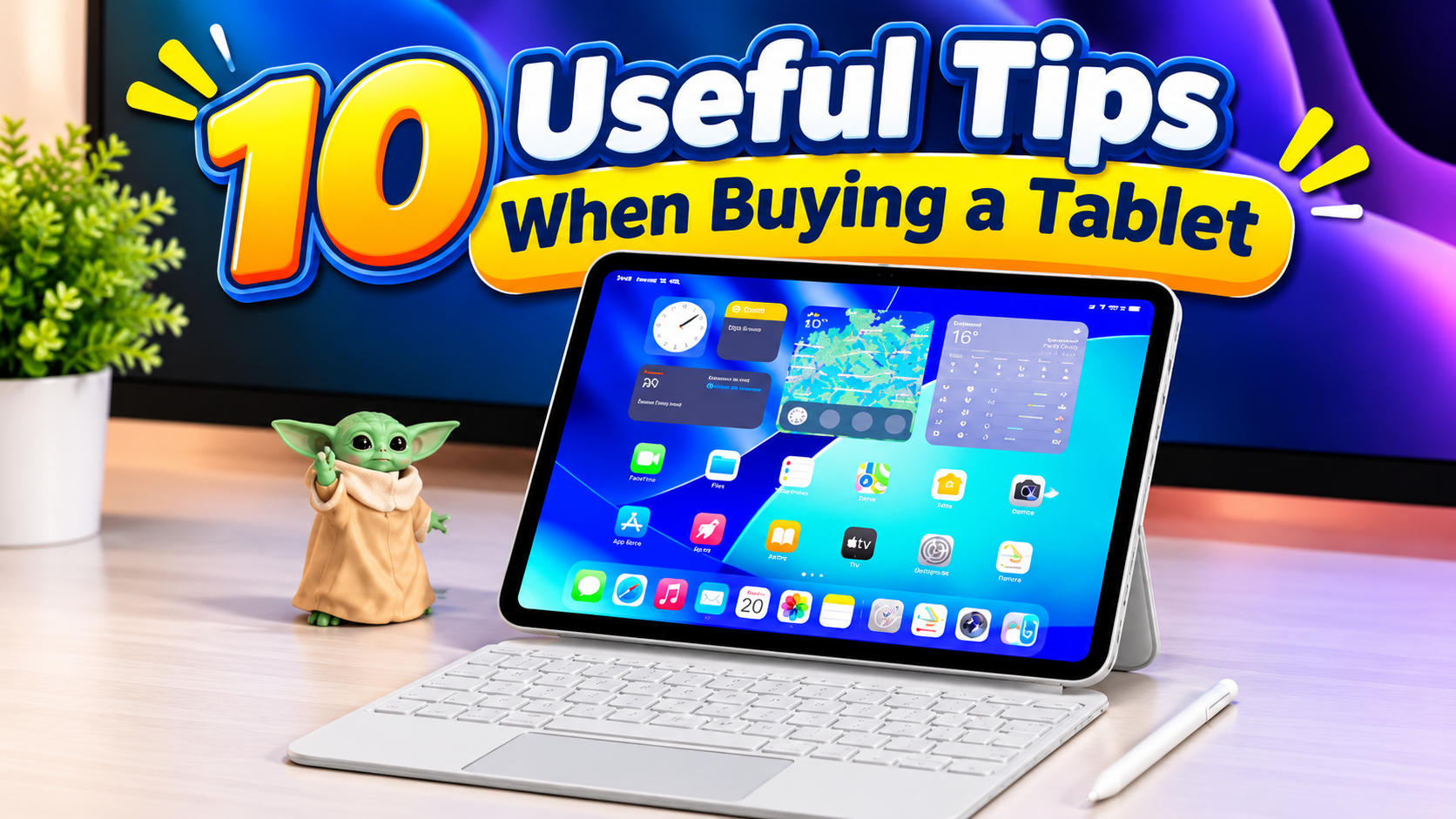
A summary of the 10 core criteria for choosing to buy a tablet, from determining needs, display and performance to battery and warranty policy.
1. Determine your usage needs
Before buying a tablet, you need to clearly determine your purpose of use. This is an important step that helps narrow down your options and avoid wasting your budget.
If you use a tablet for study, reading PDF documents or online learning, you should prioritize a sufficiently large screen, good battery life and stylus support. For office workers, multitasking ability, keyboard connectivity and word processing will matter more.
If the main purpose is watching movies, reading stories or browsing the web, you can choose a device in the mainstream segment with a nice display and stable battery life. Meanwhile, gamers or those doing content creation work should pay attention to the processor, RAM and graphics processing capability.
Determining your needs from the start will help you choose the right device without paying extra for a configuration that exceeds your purpose of use.
2. Choose the screen size and quality
The screen is a factor that directly affects the tablet user experience. Today, devices come in diverse sizes, commonly from about 8 inches to more than 13 inches.
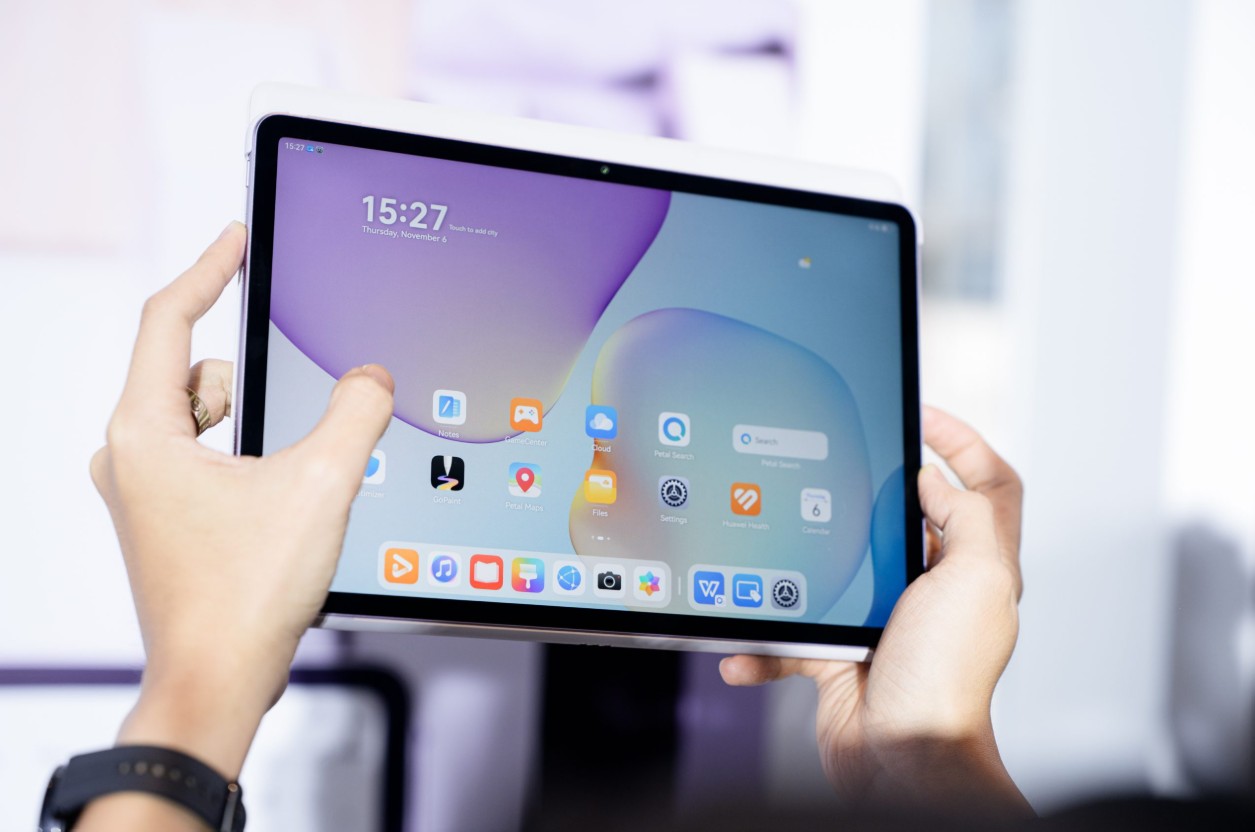
Tablets of 8–9 inches suit people who travel often, read e-books or need a compact device. Models of 10–11 inches usually strike a good balance between portability and display space, meeting the needs of study, watching movies and basic work. If you often draw, edit content or work with multiple windows, you can consider a screen of 12 inches or larger.
Besides size, you should check the resolution, brightness, color display ability and display technology. A sharp screen makes reading documents easier, while high brightness supports use in environments with a lot of light.
However, the larger the screen, the bulkier the device usually is and the harder it is to hold with one hand. Therefore, consider your usage habits to choose a suitable size.
3. Check performance and RAM capacity
Performance determines the ability to process applications, switch between tasks and run demanding software. When choosing a tablet, you should look into the processor, GPU and RAM capacity instead of relying only on the brand or price.
For basic needs such as reading news, watching videos and using social media, a device with a mainstream configuration is usually enough. If you want to play graphics-heavy games, edit video or use many applications at the same time, you should prioritize a device with a powerful processor and larger RAM capacity.
RAM of about 4–6 GB can meet some basic needs, depending on the operating system and software optimization. Meanwhile, RAM of 8 GB or more is usually worth considering if you want better multitasking or plan to use the device for a long time.
Besides technical specifications, refer to real-world reviews on processing speed, heat dissipation and stability when running applications. This helps you evaluate the product's performance more accurately.
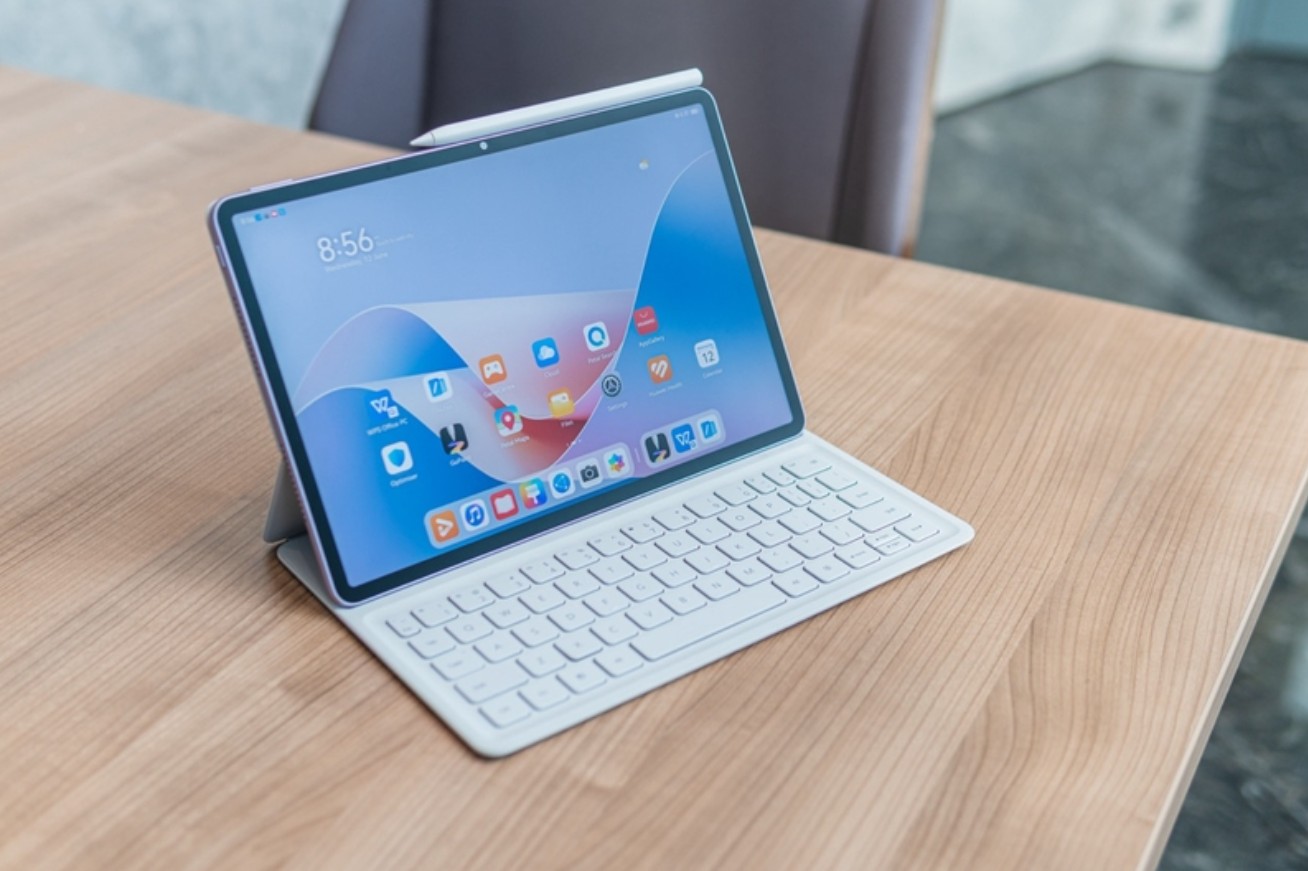
4. Choose suitable storage capacity
Storage capacity affects the number of applications, documents, images and videos you can keep on the device. Common options today include 64 GB, 128 GB, 256 GB and higher, depending on the model line.
If you only use basic applications and store little data, you can consider a lower-capacity version. However, 128 GB is usually a reasonable choice for general users who want more comfortable storage space.
For those who often download games, save high-quality video or work with large files, a version of 256 GB or more is worth considering.
You should also check whether memory can be expanded with a microSD card. Some devices support this feature, while other models use only internal storage.
If you want to use the tablet for many years, choose a suitable capacity from the start to avoid running out of memory and having to delete data frequently.
5. Pay attention to battery life and charging speed
Tablets are often used for long periods for study, work or entertainment. Therefore, battery life is a criterion that cannot be overlooked.
You should look into the battery capacity, real-world usage time and the charging power the device supports. If you often bring the device to school, the office or on business trips, prioritize a product that can last a normal day of use without needing multiple charges.
However, a large battery capacity does not always mean longer usage time. Power consumption also depends on screen size, brightness, processor and running applications.
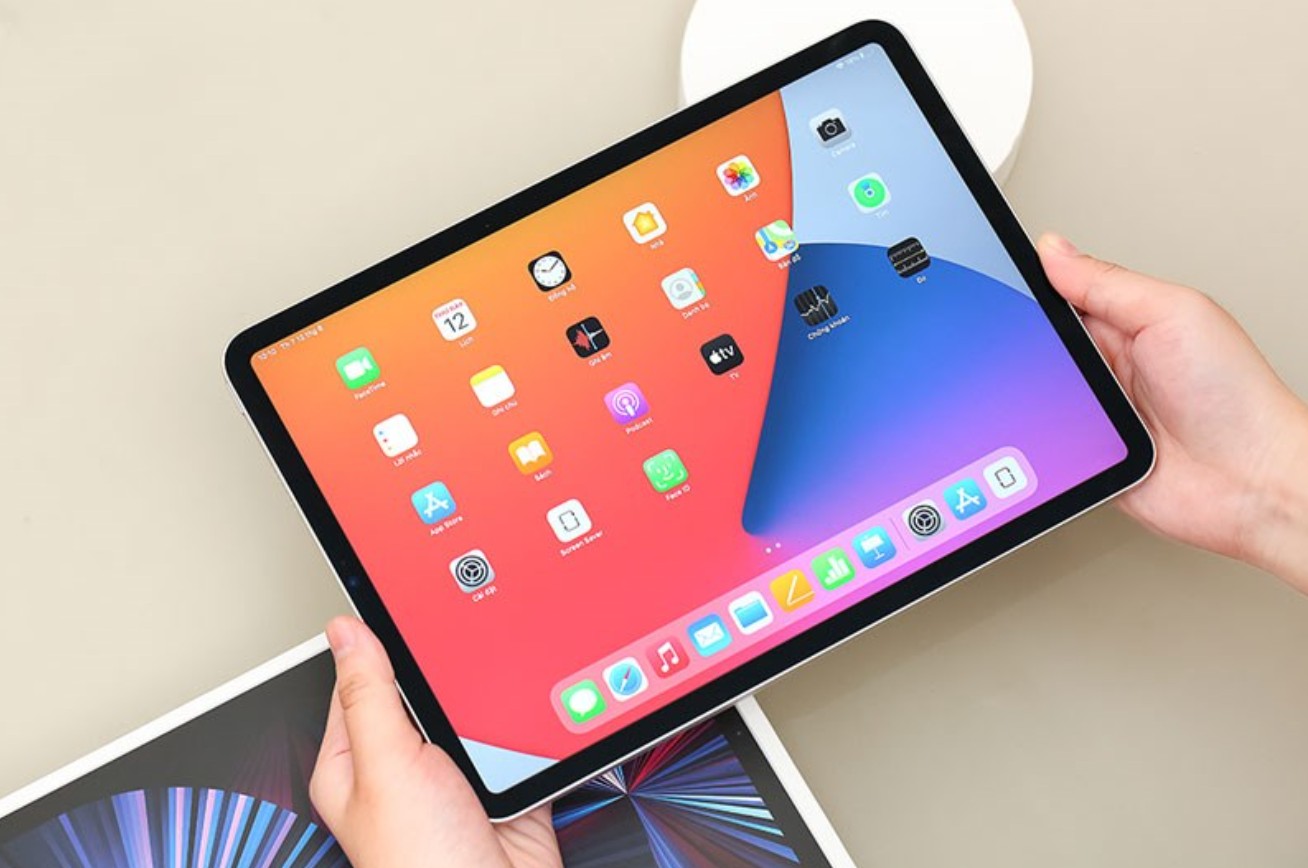
In addition, you should check whether a charger is included with the product, the full charging time and the cost of replacing the battery when necessary. Referring to real users' reviews is also a useful way to learn how well the device retains its battery.
6. Choose a suitable operating system
The operating system affects the interface, application compatibility and how the tablet connects with other devices.
iPadOS is an option worth considering for users who need a rich application ecosystem, connectivity with Apple devices and a software experience optimized for iPad.
Android has the advantage of product diversity, from mainstream to high-end devices, making it easy for users to choose according to budget and needs.
Meanwhile, Windows tablets suit people who need to use desktop software or familiar laptop workflows. However, the touch experience and battery life may differ from traditional tablets.
Before buying, check whether the necessary applications are compatible with the device. If you are using a phone, laptop or other devices, you should also consider the ability to sync data between them.
7. Check connectivity and accessories
Connectivity expands the usefulness of a tablet. If you mainly use it at home or the office, a Wi-Fi version can meet your needs well. Conversely, people who travel often can consider a version that supports SIM or eSIM if the device is compatible.
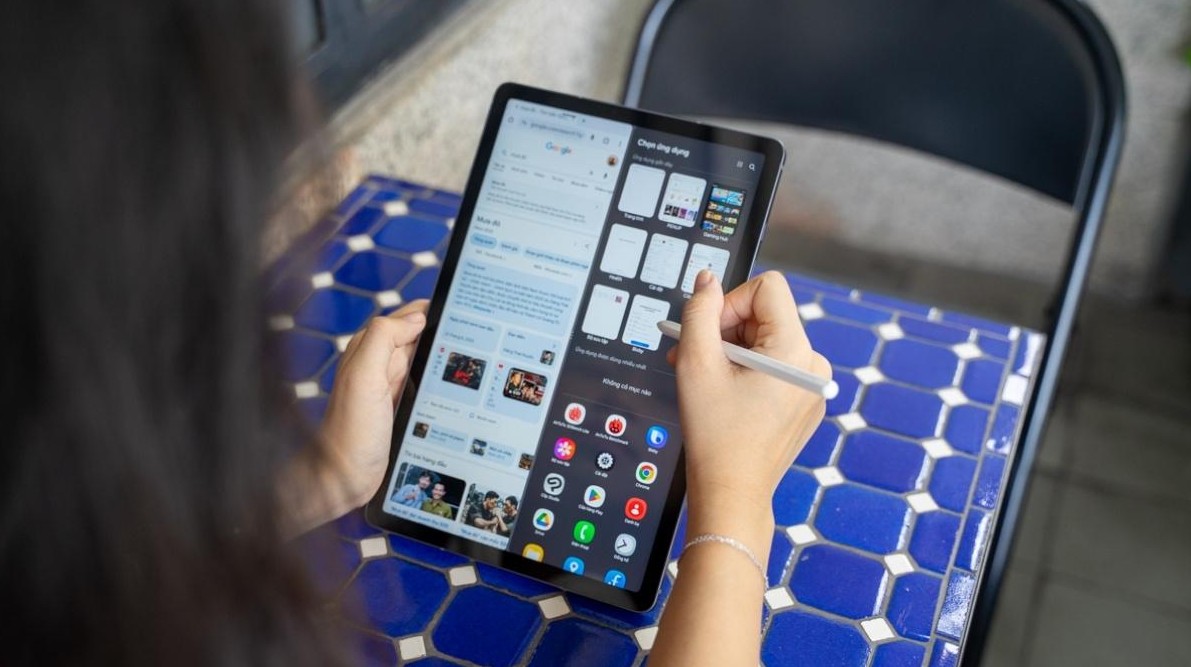
In addition, check Bluetooth connectivity, the USB-C port and the ability to output images to an external display if you need to work on a large screen.
Accessories such as a stylus, a detachable keyboard and a protective case are also worth attention. A stylus supports note-taking, drawing and writing directly on documents, while a keyboard makes typing faster.
However, not every accessory is compatible with every model line. You should check support and calculate the extra purchase cost before deciding.
8. Compare prices and budget
Price is an important factor but should not be the only criterion when buying a tablet. Instead of choosing the cheapest device, you should set a budget and compare products with equivalent configurations and features.
When evaluating a product's value, also count the cost of accessories, warranty and repairs. A tablet with a low initial price but requiring many additional accessories may make the total cost higher than expected.
You should also distinguish between new genuine goods, hand-carried goods, refurbished goods and used devices. Each type may differ in condition, warranty policy and technical support.
To save costs, you can follow promotions at reputable retailers. However, check the conditions of application and the return policy carefully before buying.
9. Learn about warranty policy and software updates
Warranty policy significantly affects the long-term cost of using a tablet. Before paying, you should learn about the warranty period, return conditions, repair reception locations and component replacement costs.
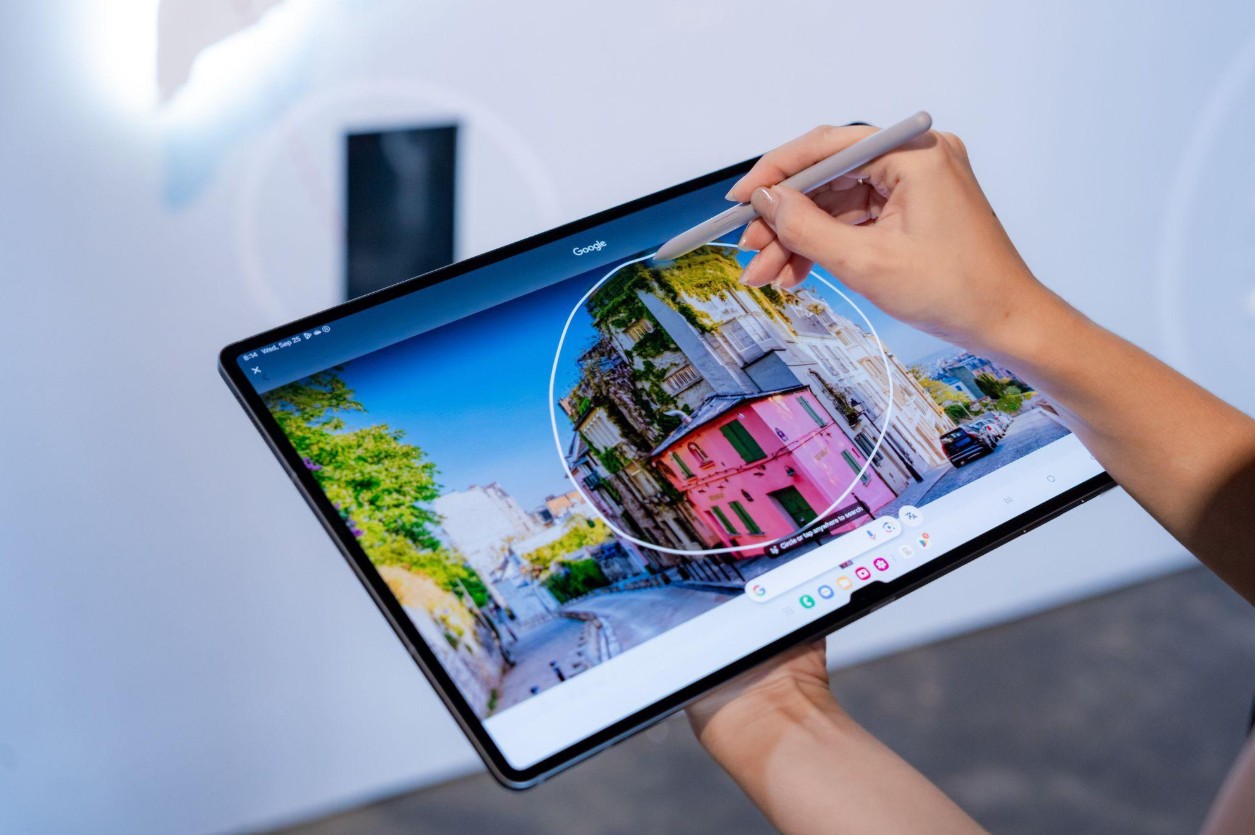
In addition, the period of operating system and security update support is also very important. Devices with long-term software support usually have an advantage in application compatibility and security.
If you buy an older model, check the remaining support period instead of only caring about the configuration. For used products, you should check the screen, battery, speakers, camera, charging port and the status of the security account before paying.
10. Try it out in person before buying
After researching specifications and prices, you should try the device in person if possible.
Check the touch sensitivity, display quality, weight and how it feels in the hand. You can also try opening frequently used applications, switching between multiple tasks and checking the speakers, microphone or camera.
If you need to use a stylus and a detachable keyboard, try connecting them to evaluate how convenient they are. These experiences help you determine whether the device truly suits your usage habits.
For online purchases, choose a reputable seller, read the product description carefully and check the return conditions. Do not decide just because of a deep discount if you have not verified the origin and condition of the device.
11. Conclusion
Choosing a suitable tablet requires you to consider many factors, from usage needs, screen size, performance and memory to battery life, operating system and connectivity. In addition, price, accessory costs, warranty policy and software support period also directly affect long-term value in use. To make the right decision, you should clearly define your purpose of use, set a reasonable budget and compare products in the same segment. Don't just chase a high configuration or an attractive price while overlooking the features you truly need





















VIP Products








Best Selling Products
Upgrade genuine Capture One account
120 USD
Adobe Premiere Pro Account
99 USD
Freepik Premium Account
59 USD
Capcut Pro 1 Year
39 USD
Adobe Photoshop Copyright - Full App
120 USD
Copyright Adobe Lightroom Account
59 USD
Genuine Cheap Canva Pro
39 USD
Upgrade Genuine Office 365
49 USD
ChatGPT Plus Account (GPT-4)
16 USD
Plugin Retouch4me
69 USD
MidJourney Account
29 USD
Genuine Adobe Illustrator account
99 USD
Windows 10 & 11 Pro Key
36 USD
Upgrade Duolingo Super
29 USD
Autodesk All App Account Copyright
120 USD