Best Selling Products

Upgrade genuine Capture One account
120 USD

Plugin Retouch4me
69 USD

Adobe Premiere Pro Account
99 USD

MidJourney Account
29 USD

Windows 10 & 11 Pro Key
36 USD

Capcut Pro 1 Year
39 USD

Autodesk All App Account Copyright
120 USD

Adobe Photoshop Copyright - Full App
120 USD

Freepik Premium Account
59 USD

ChatGPT Plus Account (GPT-4)
16 USD

Genuine Cheap Canva Pro
39 USD

Upgrade Duolingo Super
29 USD

Genuine Adobe Illustrator account
99 USD

Upgrade Genuine Office 365
49 USD

Copyright Adobe Lightroom Account
59 USD
Tips for Choosing the Right MacBook Pro for Graphic Design and Video Editing
Nội dung
- 2. Standout features of the MacBook Pro
- 2.1. Premium design, optimized for portability
- 2.2. Powerful performance with Apple Silicon chips
- 2.3. Liquid Retina XDR display for creative work
- 2.4. Battery life and flexible connectivity
- 3. MacBook Pro versions worth considering
- 3.1. MacBook Pro 14-inch M6
- 3.2. MacBook Pro 14-inch and 16-inch M5 Pro
- 4. Who is the MacBook Pro suitable for?
- 5. Tips for choosing a MacBook Pro
A summary of key considerations when choosing the display, RAM, SSD and chip of a MacBook Pro that runs applications such as Photoshop and Premiere Pro smoothly.
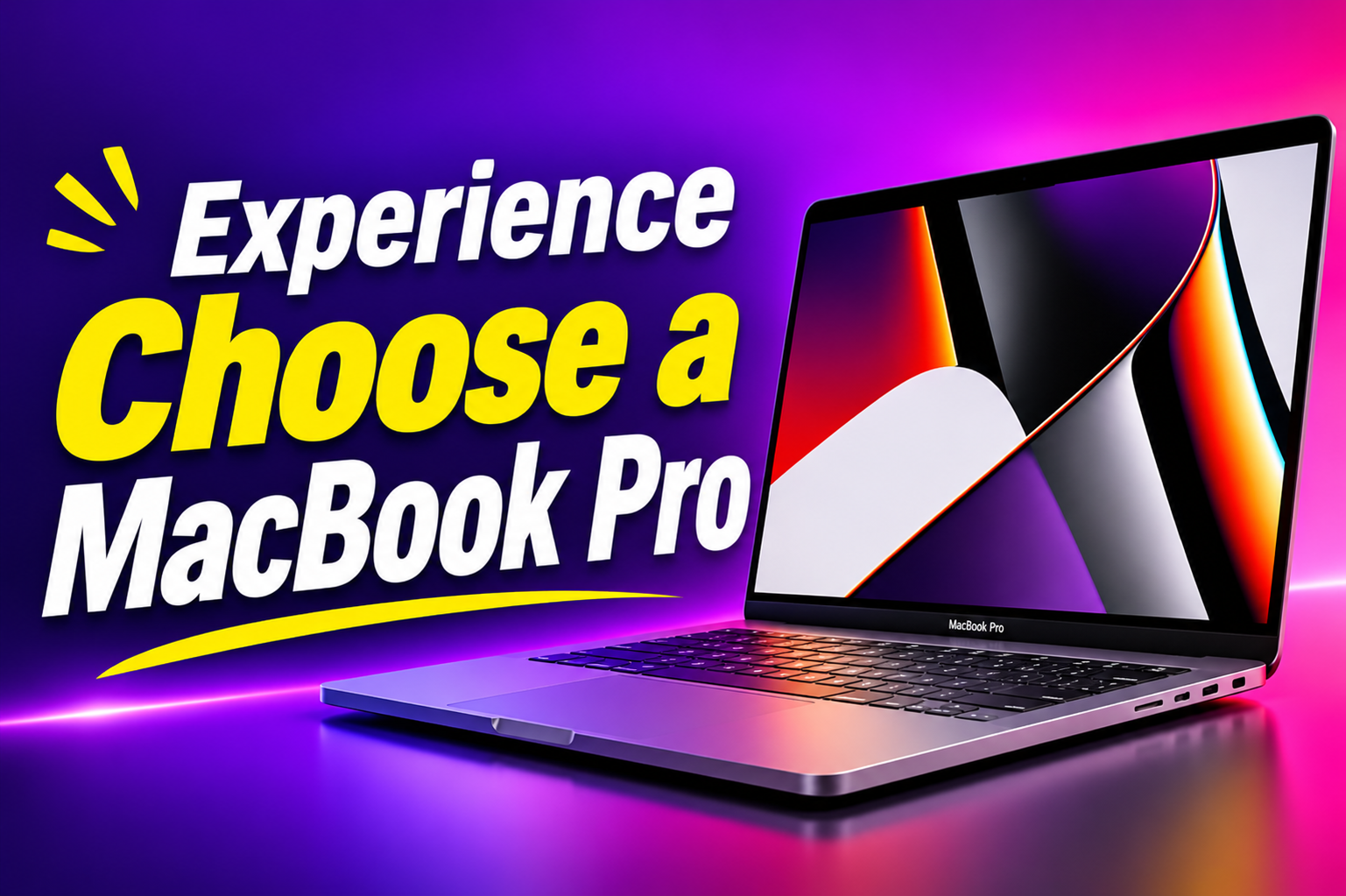
1. What is the MacBook Pro?
The MacBook Pro is Apple's premium line of laptops, aimed at users who do in-depth work and handle high-performance tasks. Unlike the MacBook Air, which leans toward portability and general-purpose use, the MacBook Pro is equipped with more powerful configurations, an active cooling system on suitable versions, and many features that support professional work.
The product currently comes in 14-inch and 16-inch screen sizes, with a range of chip configurations, unified memory and storage capacities. This allows users to choose a device that fits the nature of their work, from image editing and 2D graphic design to film editing, 3D graphics processing and software development.
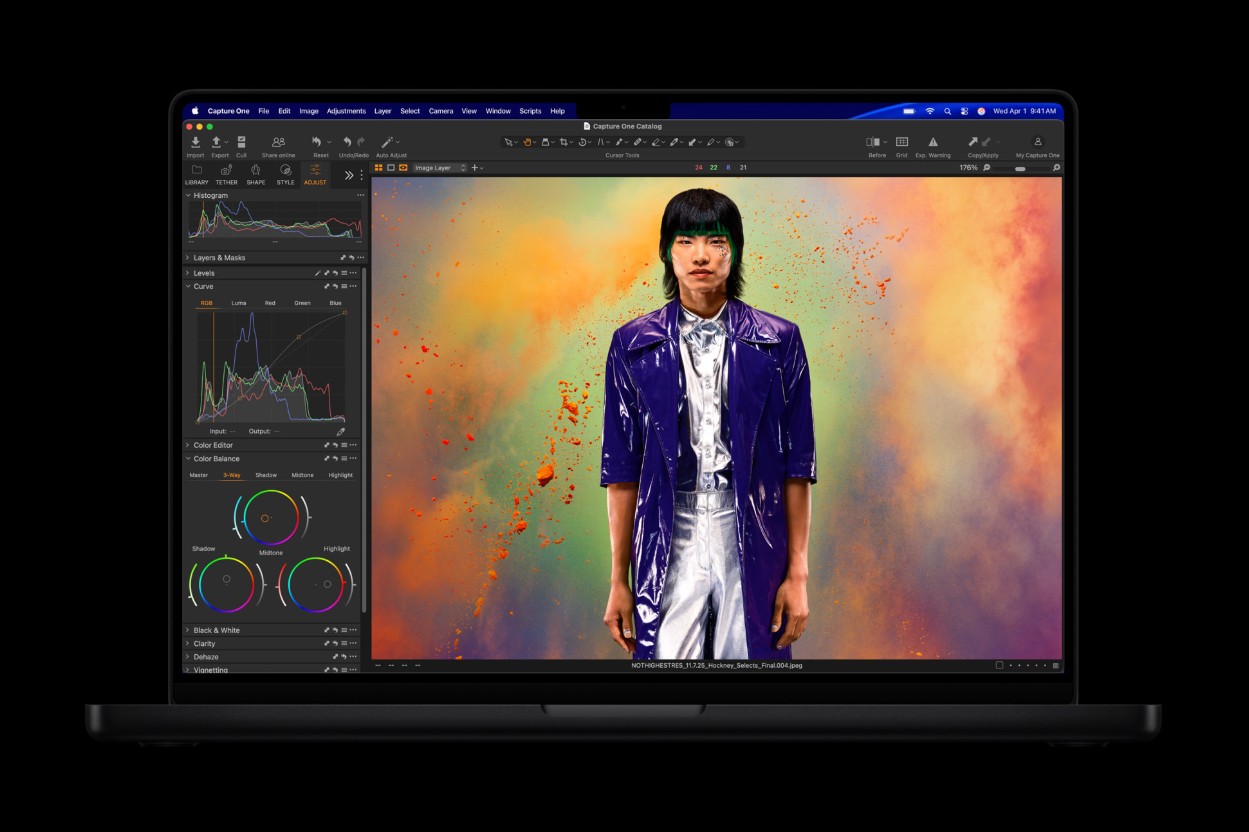
One of the factors behind the MacBook Pro's appeal is its ecosystem of hardware and software developed in sync by Apple. The combination of Apple Silicon chips and the macOS operating system helps the device run efficiently, while supporting many popular creative applications such as Adobe Photoshop, Illustrator, Lightroom, Premiere Pro and Final Cut Pro.
2. Standout features of the MacBook Pro
2.1. Premium design, optimized for portability
The MacBook Pro features a minimalist design with an aluminum body, clean lines and a high level of finish. The two colors, Space Black and Silver, bring a modern style suited to professional work environments.
The 14-inch version is a suitable choice for people who travel often, work at an office, meet clients or take part in on-location photo shoots. Meanwhile, the 16-inch version has a larger display area, which is convenient for video editing, image processing and working with multiple windows at once.
Beyond aesthetics, the MacBook Pro's design also emphasizes practicality. The keyboard offers a comfortable typing experience, the large trackpad supports precise operation, and the port system lets users easily work with peripheral devices.
2.2. Powerful performance with Apple Silicon chips
According to Apple, the M6 chip in the new 14-inch MacBook Pro has a 12-core CPU and a 12-core GPU. Compared with the M5, Apple says the M6's GPU can be up to 30% faster, while performance on AI tasks can increase by up to 25% in the tests the company used.
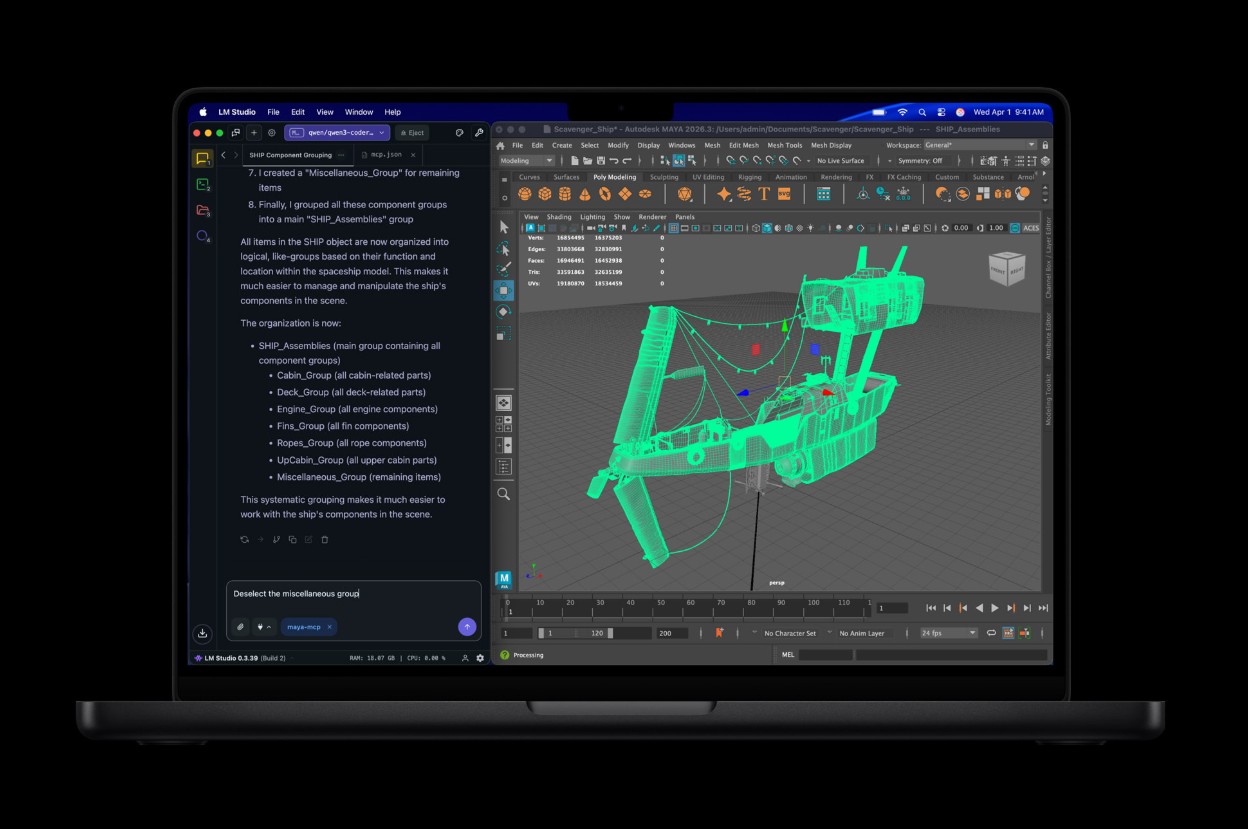
Besides the M6, users can consider configurations using the M5 Pro and M5 Max chips. The M5 Pro is aimed at professional work that needs strong multitasking and graphics capabilities. The M5 Max is better suited to projects that demand high GPU processing power and large unified memory.
For designers, good performance makes it easier to open large image files, handle many layers, apply effects and export products. However, actual speed still depends on the software, memory configuration, project size and each person's working methods.
2.3. Liquid Retina XDR display for creative work
Liquid Retina XDR technology delivers high contrast, rich colors and impressive HDR content display. According to the specifications Apple has announced for the 14-inch MacBook Pro M6, the display has a peak HDR brightness of up to 1,600 nits and a contrast ratio of 1,000,000:1.
These characteristics make images appear clear, with highlights that stand out and shadows that have depth. This is an advantage when editing photos, previewing video content or working on products that require detailed observation.
In addition, the optional nano-texture display helps reduce light reflections, which is useful when working in environments with many light sources. However, users should still check and calibrate colors when working on professional projects, especially for products intended for printing or requiring color consistency across multiple devices.
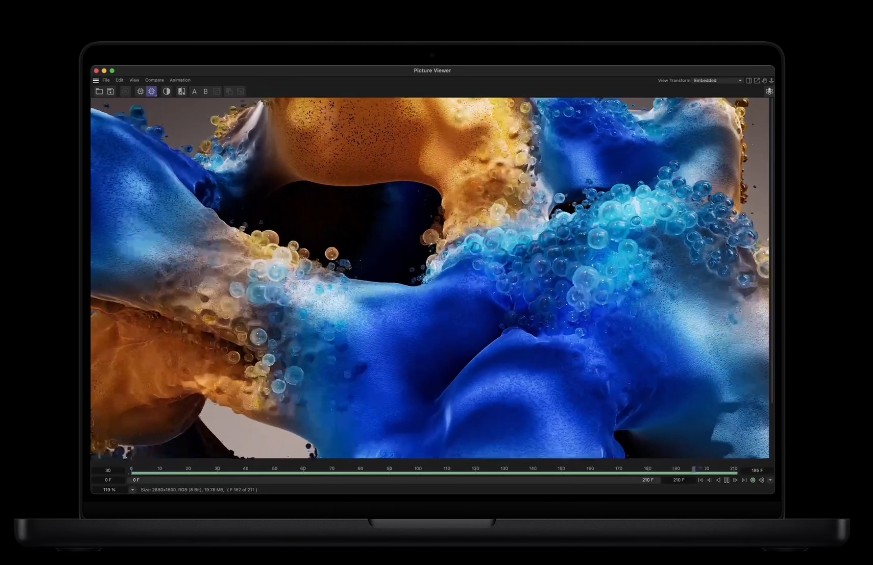
2.4. Battery life and flexible connectivity
The MacBook Pro is designed to meet the needs of long working hours. Apple states that the 14-inch M6 version has a battery life of up to 24 hours under the company's test conditions. Actual usage time will vary depending on screen brightness, running applications and processing intensity.
Besides the battery, the port system also brings many benefits to professional users. Depending on the version, the MacBook Pro may be equipped with Thunderbolt ports, HDMI, MagSafe 3, an SDXC card slot and a 3.5 mm headphone jack.
For photographers, the memory card slot makes transferring data from the camera more convenient. For designers or video editors, the ports support the use of external displays, storage drives and accessories for work.
Thanks to its flexible connectivity, the MacBook Pro can become the center of a creative workspace, combined with external displays, storage devices and specialized tools.
3. MacBook Pro versions worth considering
3.1. MacBook Pro 14-inch M6
The MacBook Pro 14-inch M6 is a new option that Apple introduced in October 2026. The product combines a compact size with a 12-core CPU, a 12-core GPU, improved AI processing capability and a stated battery life of up to 24 hours.
This version suits students, office workers, programmers and content creators who need a device that can handle a variety of tasks.
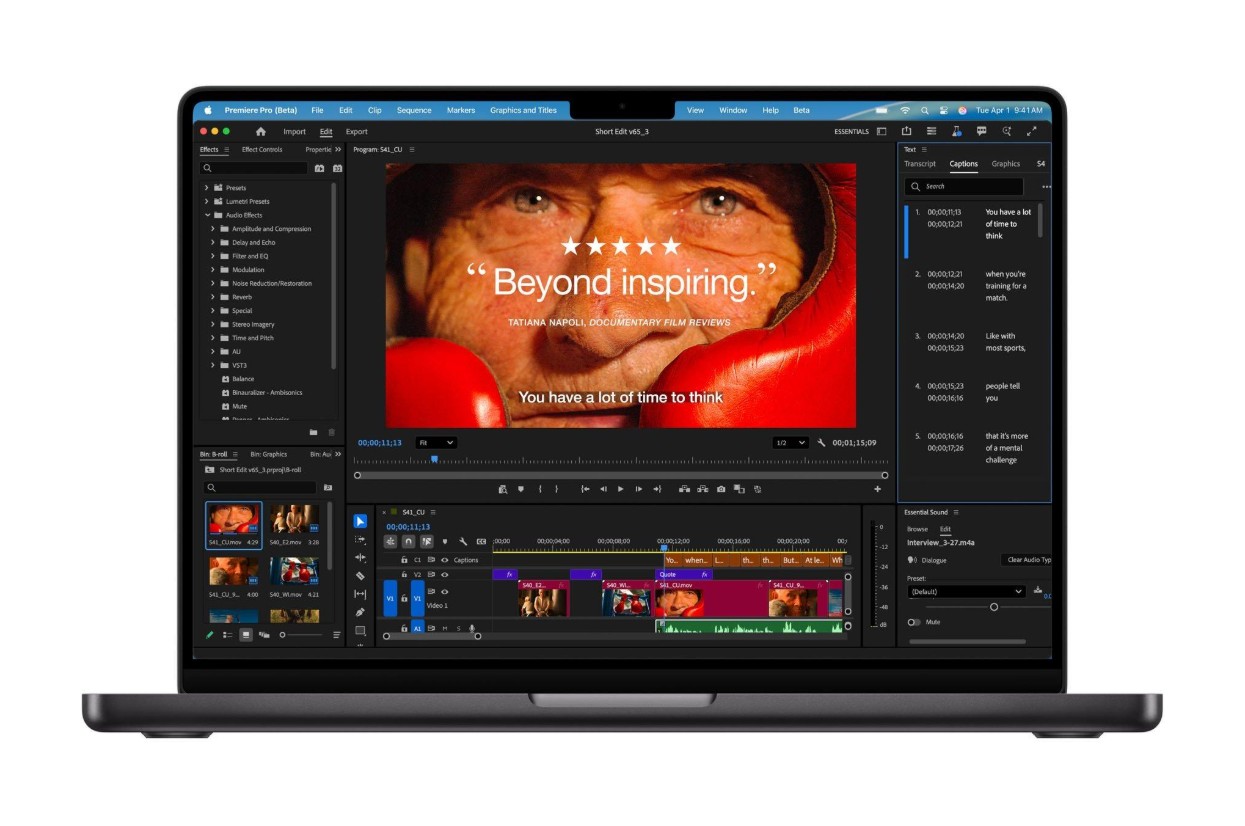
For 2D graphic designers, the M6 is an option worth considering when they need a machine to run Photoshop, Illustrator and Lightroom for long periods. However, before choosing, users should consider the RAM and SSD capacity to make sure it meets their actual needs.
3.2. MacBook Pro 14-inch and 16-inch M5 Pro
The MacBook Pro M5 Pro suits users who need higher performance for professional workflows. Tasks such as RAW photo editing, video editing, programming and running many applications at the same time can all benefit from this configuration.
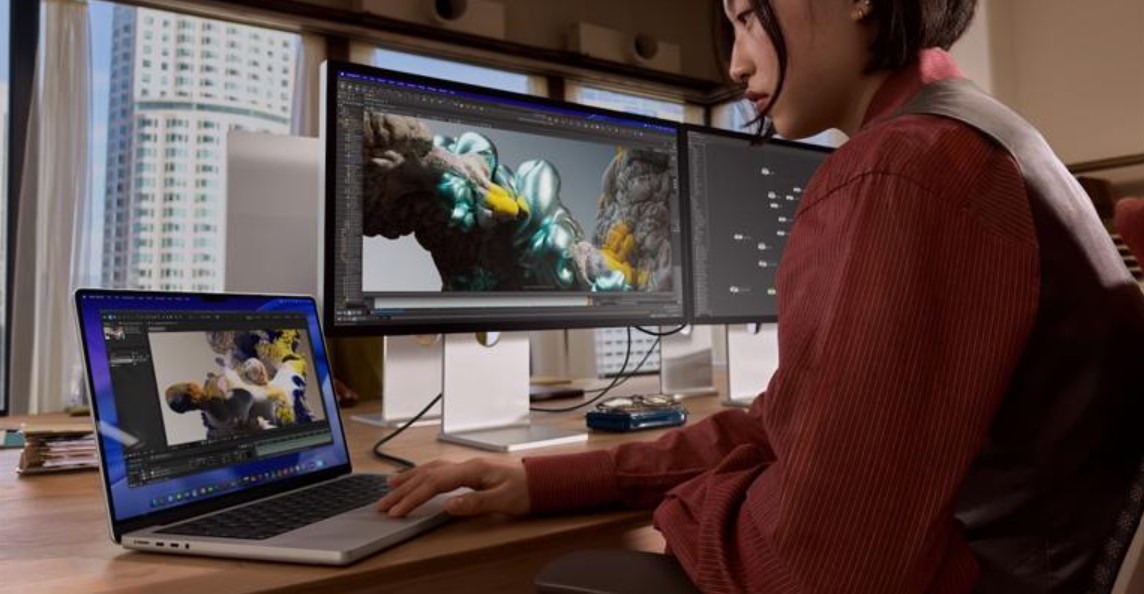
The 14-inch version suits those who prioritize flexibility, while the 16-inch version offers a wider workspace. If you frequently edit video or work with projects that have many components, a larger screen can make operations more convenient.
3.3. MacBook Pro M5 Max
The MacBook Pro M5 Max is aimed at users with in-depth graphics processing needs. With a powerful GPU and support for large-capacity unified memory depending on the configuration, the device suits film editing projects, visual effects and some 3D graphics workflows.
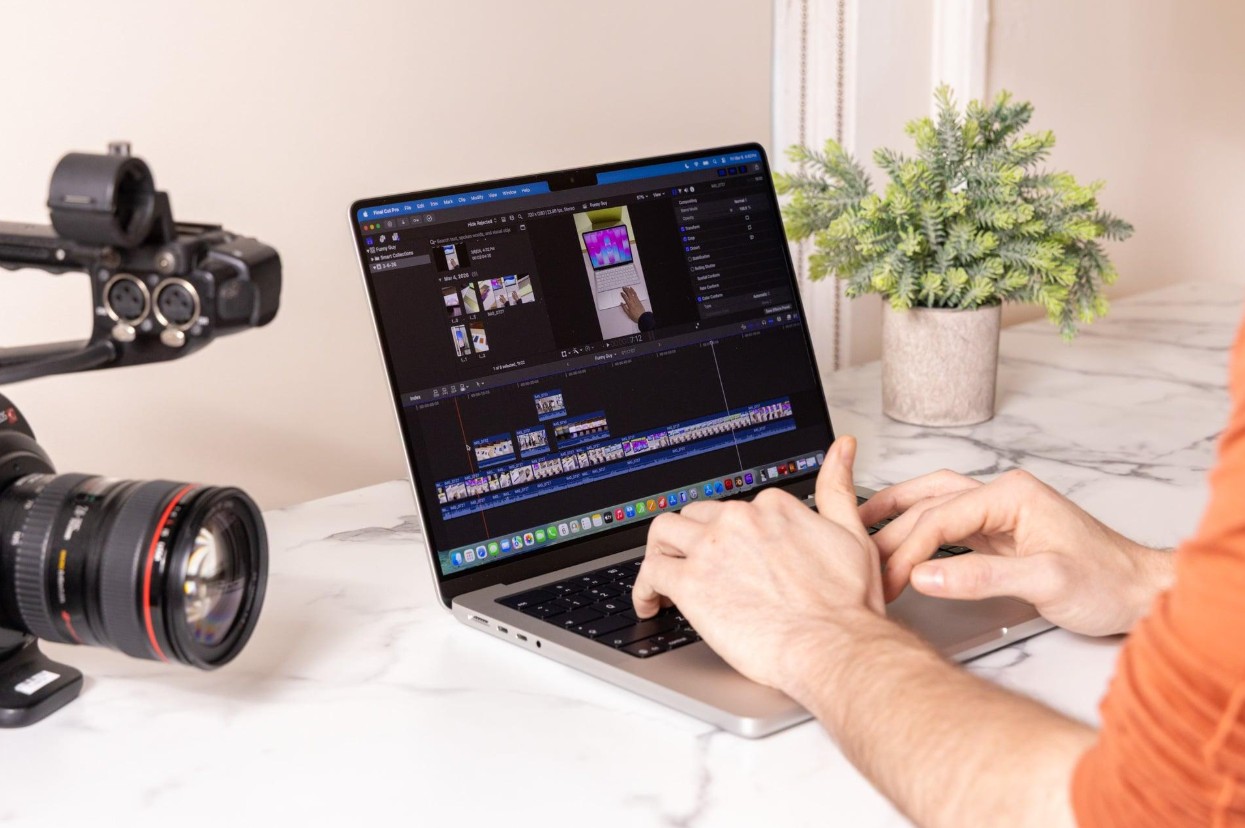
This is an option worth considering for post-production professionals or people who regularly work on large projects. However, the high investment cost makes this version unnecessary for most general users.
4. Who is the MacBook Pro suitable for?
Thanks to its variety of configurations, the MacBook Pro can meet the needs of many different groups of users.
Graphic designers: The MacBook Pro supports print design, image editing, layout building and 2D graphics processing well. The high-quality display and stable performance are notable advantages.
Photographers: The device suits workflows such as importing data from the camera, managing photo libraries and editing RAW photos with Lightroom or Photoshop. RAM and SSD capacity should be chosen according to the size of the photo library.
Video editors: The M5 Pro and M5 Max versions are worth considering when working with high-resolution video, effects and complex projects. Actual processing capability also depends on the codec, software and specific configuration.
Programmers: The MacBook Pro meets the needs of writing code, compiling software and running many development tools. Those working with large projects or virtual machines should pay attention to memory capacity.
Digital content creators: The device supports image editing, video production, media content design and the management of creative projects on a single unified platform.
5. Tips for choosing a MacBook Pro
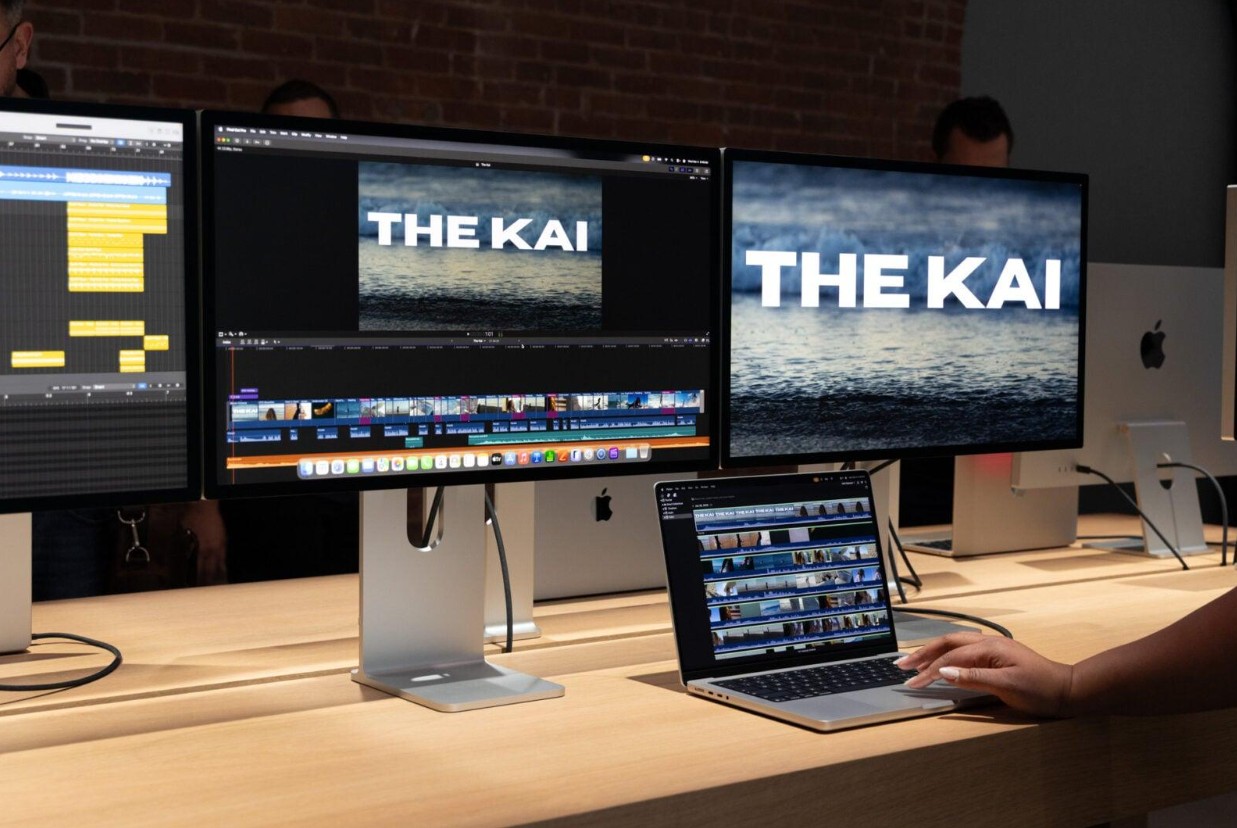
First, consider the screen size. If you travel often, the 14-inch version will be more convenient. If you mainly work at a desk and need a large display area, the 16-inch version is a reasonable choice.
Next, choose the chip according to your workload. The M6 suits those who want to use the new generation of chips; the M5 Pro is for professional workflows that need higher performance; the M5 Max suits especially heavy graphics tasks.
RAM capacity is also an important factor. Because the MacBook Pro's unified memory cannot be upgraded like the RAM in many traditional laptops, you should choose a configuration that meets your long-term needs. Likewise, the SSD needs enough capacity for software, documents and project files.
Finally, check the compatibility of software, plugins and peripherals. If your work depends on a specialized application, confirming its support for macOS and Apple Silicon chips will help avoid problems after purchase.
SaDesign hopes the information above has helped you better understand the MacBook Pro, from design and performance to how to choose a configuration. Consider your usage needs carefully to find a laptop that suits you, supports your work effectively and accompanies you in your creative journey for the long term.





















VIP Products








Best Selling Products
Upgrade genuine Capture One account
120 USD
Plugin Retouch4me
69 USD
Adobe Premiere Pro Account
99 USD
MidJourney Account
29 USD
Windows 10 & 11 Pro Key
36 USD
Capcut Pro 1 Year
39 USD
Autodesk All App Account Copyright
120 USD
Adobe Photoshop Copyright - Full App
120 USD
Freepik Premium Account
59 USD
ChatGPT Plus Account (GPT-4)
16 USD
Genuine Cheap Canva Pro
39 USD
Upgrade Duolingo Super
29 USD
Genuine Adobe Illustrator account
99 USD
Upgrade Genuine Office 365
49 USD
Copyright Adobe Lightroom Account
59 USD