Best Selling Products

Freepik Premium Account
59 USD

Plugin Retouch4me
69 USD

Autodesk All App Account Copyright
120 USD

Capcut Pro 1 Year
39 USD

ChatGPT Plus Account (GPT-4)
16 USD

Genuine Adobe Illustrator account
99 USD

Upgrade genuine Capture One account
120 USD

Copyright Adobe Lightroom Account
59 USD

MidJourney Account
29 USD

Upgrade Genuine Office 365
49 USD

Windows 10 & 11 Pro Key
36 USD

Upgrade Duolingo Super
29 USD

Genuine Cheap Canva Pro
39 USD

Adobe Premiere Pro Account
99 USD

Adobe Photoshop Copyright - Full App
120 USD
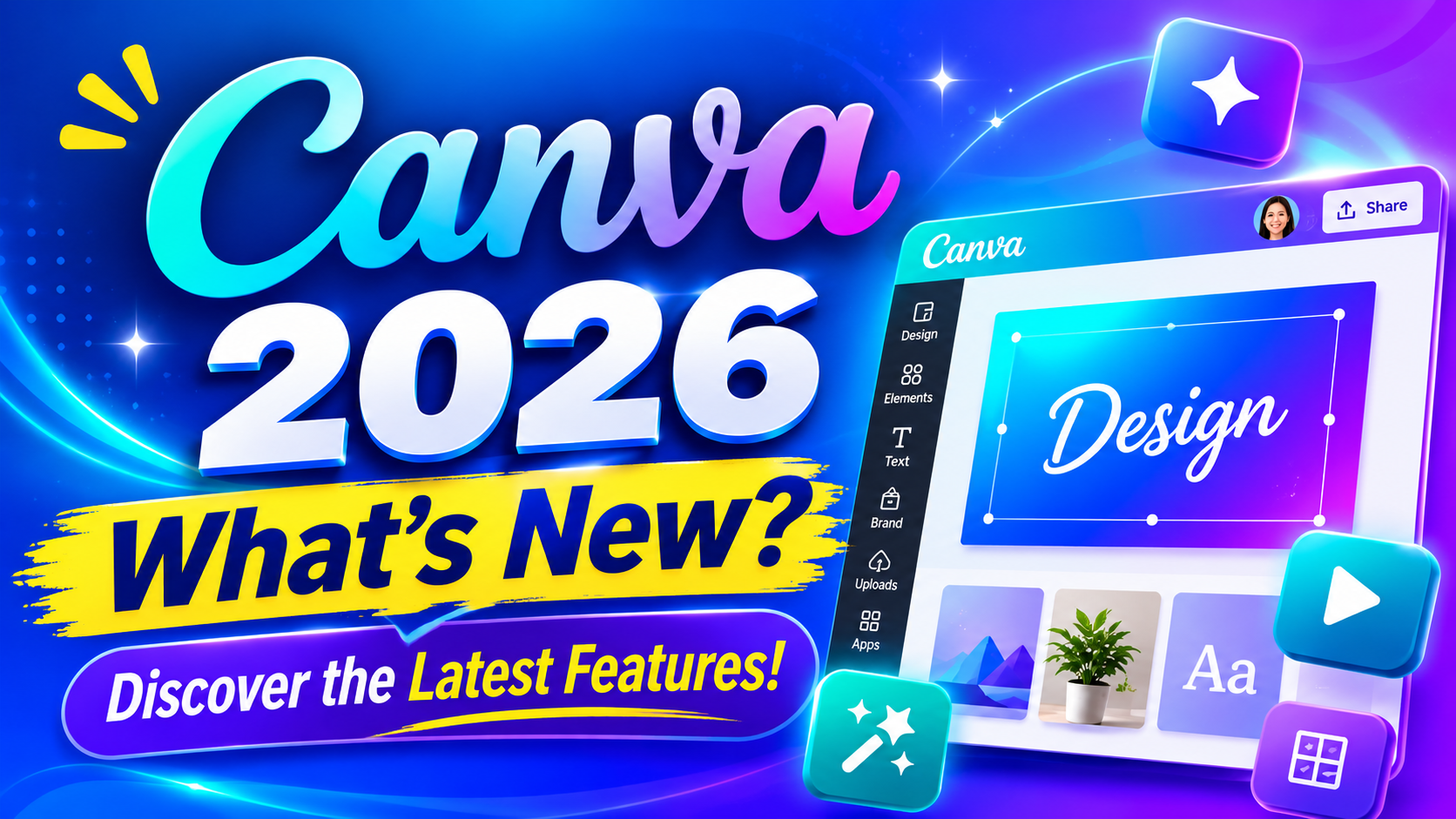
What''s New in Canva 2026? A Summary of Breakthrough AI Features for Designers
Nội dung
An overview of the entire Canva 2026 ecosystem, from Canva Craft and Canva AI 2.0 to offline editing and professional software integration.
1. Notable Canva features in 2026
1.1. Canva Craft
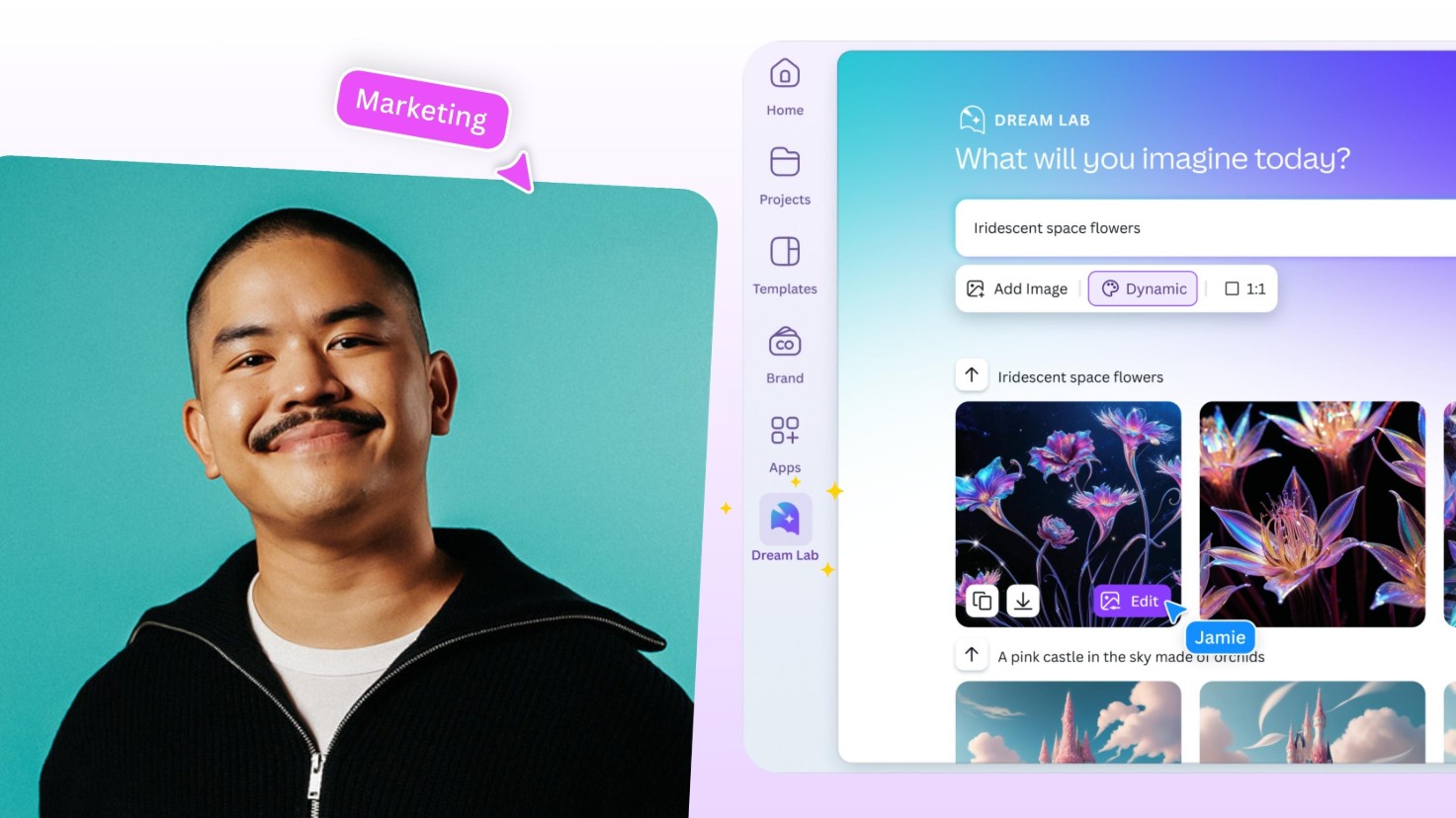
Canva Craft is an AI image generation model developed by Canva Research, announced in October 2026. What sets this tool apart is its focus on the specific requirements of design, rather than just creating visually beautiful images.
Notable points of Canva Craft:
Generates images at resolutions up to 2K: Supports creating highly detailed images for many creative purposes.
Supports many aspect ratios: Users can choose from more than 30 ratios, suitable for social media posts, blog cover images, banners and posters.
Improved text rendering: The model is optimized to handle text in images, useful when creating posters or advertising content with headlines.
Understands layout structure: The AI analyzes the position, relative size and visual hierarchy of components before generating the image.
Supports multiple languages: Users can enter requests in their own language; the model supports generating text in images in 55 languages according to Canva's announcement.
How to use Canva Craft
To try the tool, users can follow these steps:
1`. Go to Canva.
2. Open Dream Lab in the Canva interface.
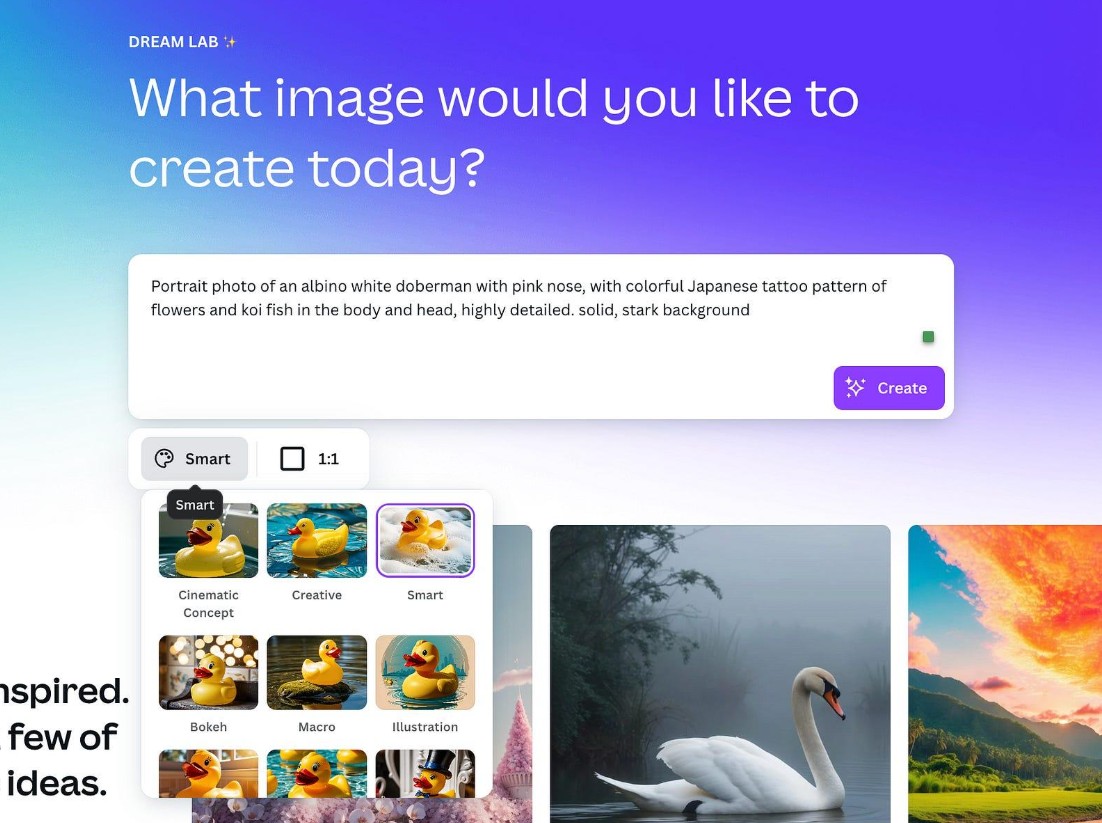
2. Enter a detailed description of the image you want to create, including the subject, colors, style, and composition.
3.Enter a detailed description of the image to be created, including subject, colors, style and layout.
4.Choose an aspect ratio suitable for the intended use.
5 .Generate the image, evaluate the result and continue editing.
For example, when you need to design a tech blog cover image of 900 × 600 pixels, you can ask the AI to create an image of a modern computer, a deep blue background, contrasting lighting and space for the title.
1.2. Canva AI 2.0
This feature is built on the Canva Design Model, a model designed to understand the structure, hierarchy and relationships between components in a design.
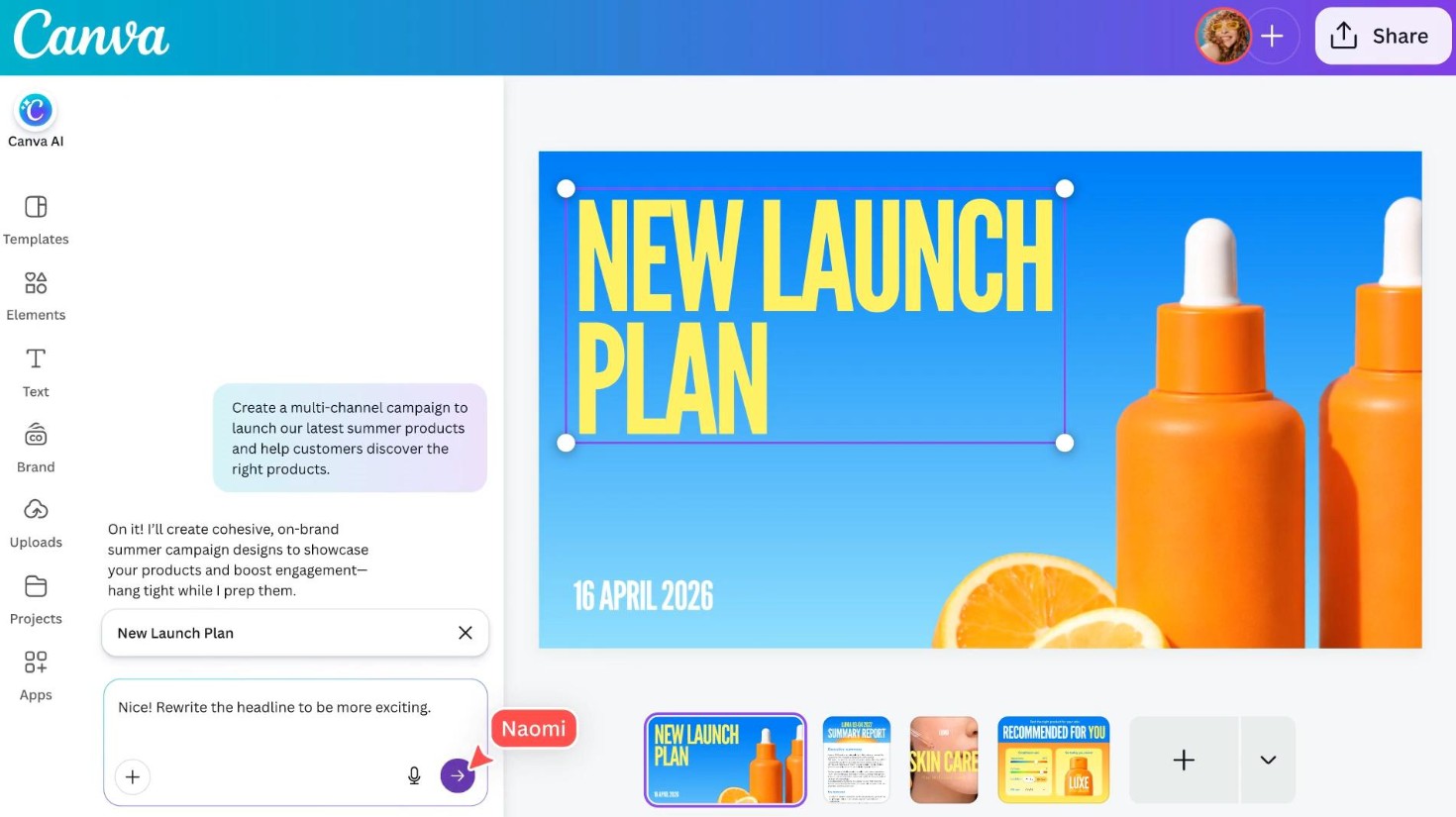
Canva AI 2.0 has the following notable capabilities:
Conversational design: Users describe their ideas and ask the AI to create an initial design.
Editing by request: You can ask to change the headline, images, colors or layout without necessarily having to recreate the entire product.
Remembering working style: Memory Library aims to remember useful information and preferences to support subsequent projects.
Web information research: Web Research supports collecting, organizing information and bringing content into the creative process.
Brand identity support: Brand Intelligence helps apply brand colors, fonts and style to designs.
Applying Canva AI 2.0 at work
For marketing teams, Canva AI 2.0 can support building content for a product promotion campaign, from the communication plan to publications such as banners, social media posts and presentations.
For example, you can describe a request to create a campaign introducing a new product line, specifying the target customers, brand colors and communication channels. The AI will help build the initial content for you to continue refining.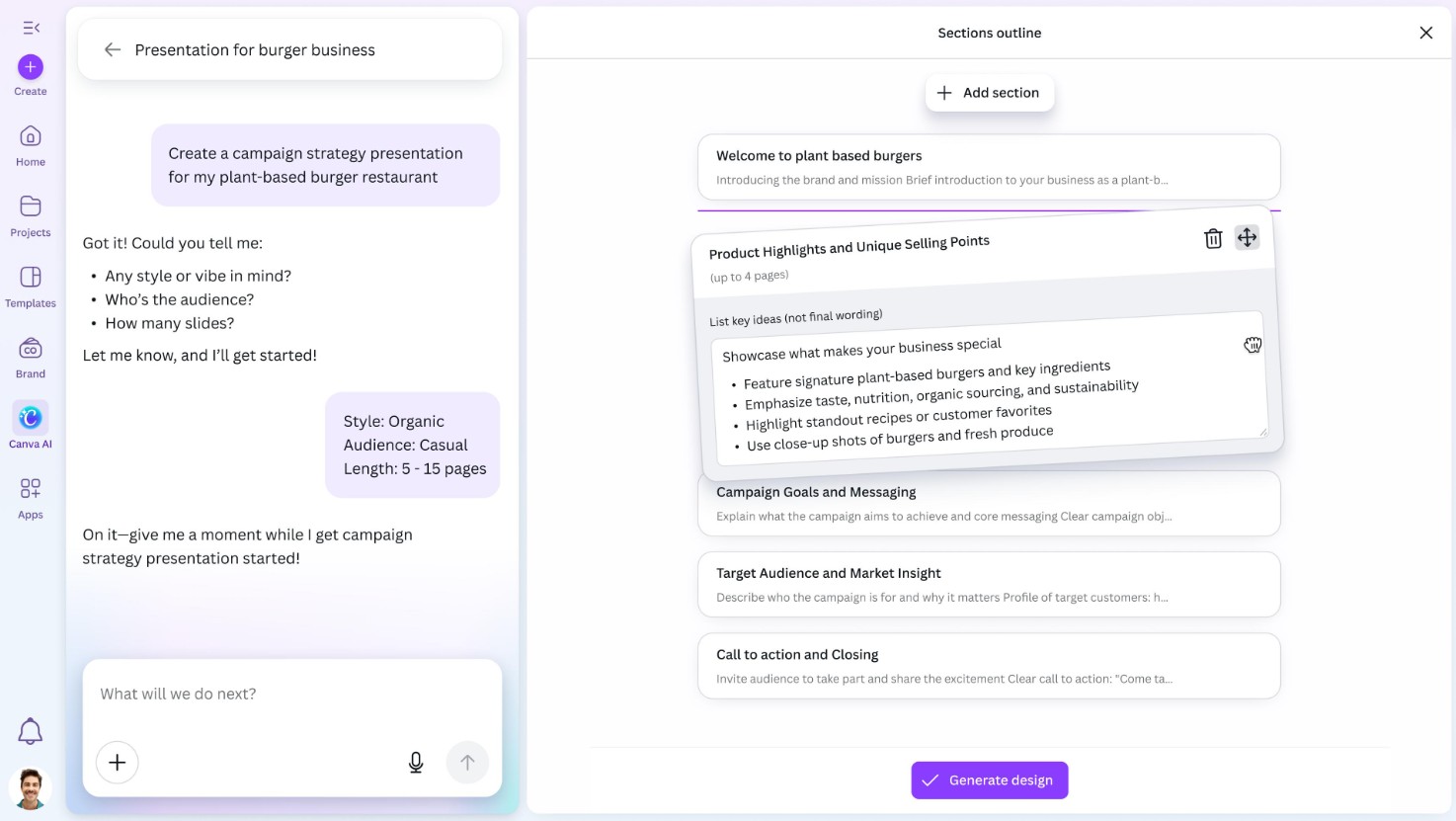
A notable point is that the generated designs aim for editability of each component. Thanks to this, users can combine the speed of AI with the creative control of humans.
It should be noted that Canva AI 2.0 was initially announced as a research preview, with staged rollout. Therefore, some features may not yet be available on every account.
1.3. Magic Layers
Magic Layers was developed by Canva to solve this problem. The tool uses AI to recognize the structure of an image and convert its components into editable layers in the Canva Editor.
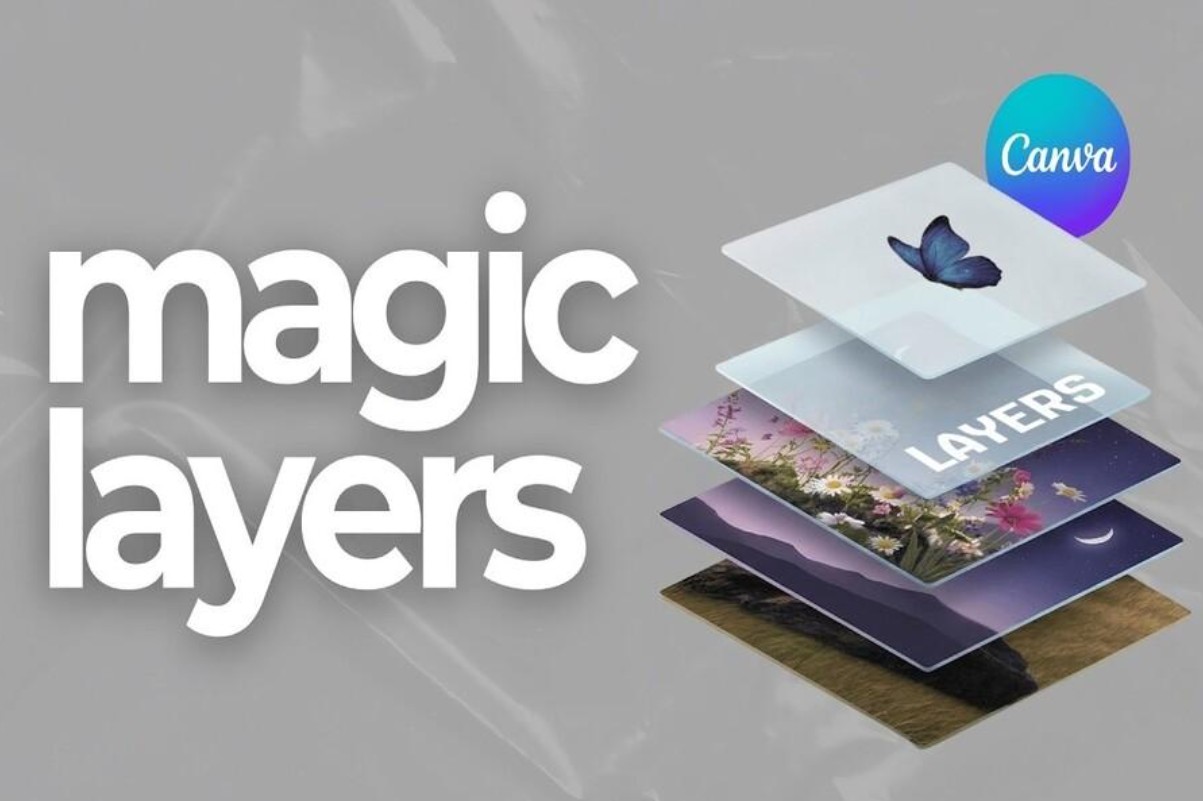
The main capabilities of Magic Layers include:
Recognizing and separating components in an image.
Converting text in a design into editable text boxes.
Allowing objects to be moved, resized and rearranged.
Supporting adjustment of fonts, colors and layout.
Preserving the spatial relationships between components so the design is not changed too much from the original.
When should you use Magic Layers?
Suppose you have an advertising poster created with AI, but then need to change the product name, adjust the brand identity colors or convert the design to a format suitable for another social media platform.
With Magic Layers, you can convert the image into separate components and edit directly in Canva, instead of having to redesign from scratch.
For SaDesign, this is a topic of high practical value because it addresses a common need of graphic designers: making use of existing images while maintaining editability.
However, the layer separation capability depends on the complexity of the image. Overlapping details, decorative text or complex backgrounds may not be recognized completely accurately.
According to Canva's announcement, Magic Layers is being rolled out as an initial public beta in the US, UK, Canada and Australia. Users in Vietnam should check access directly on their own accounts.
1.4. Canva Code 2.0
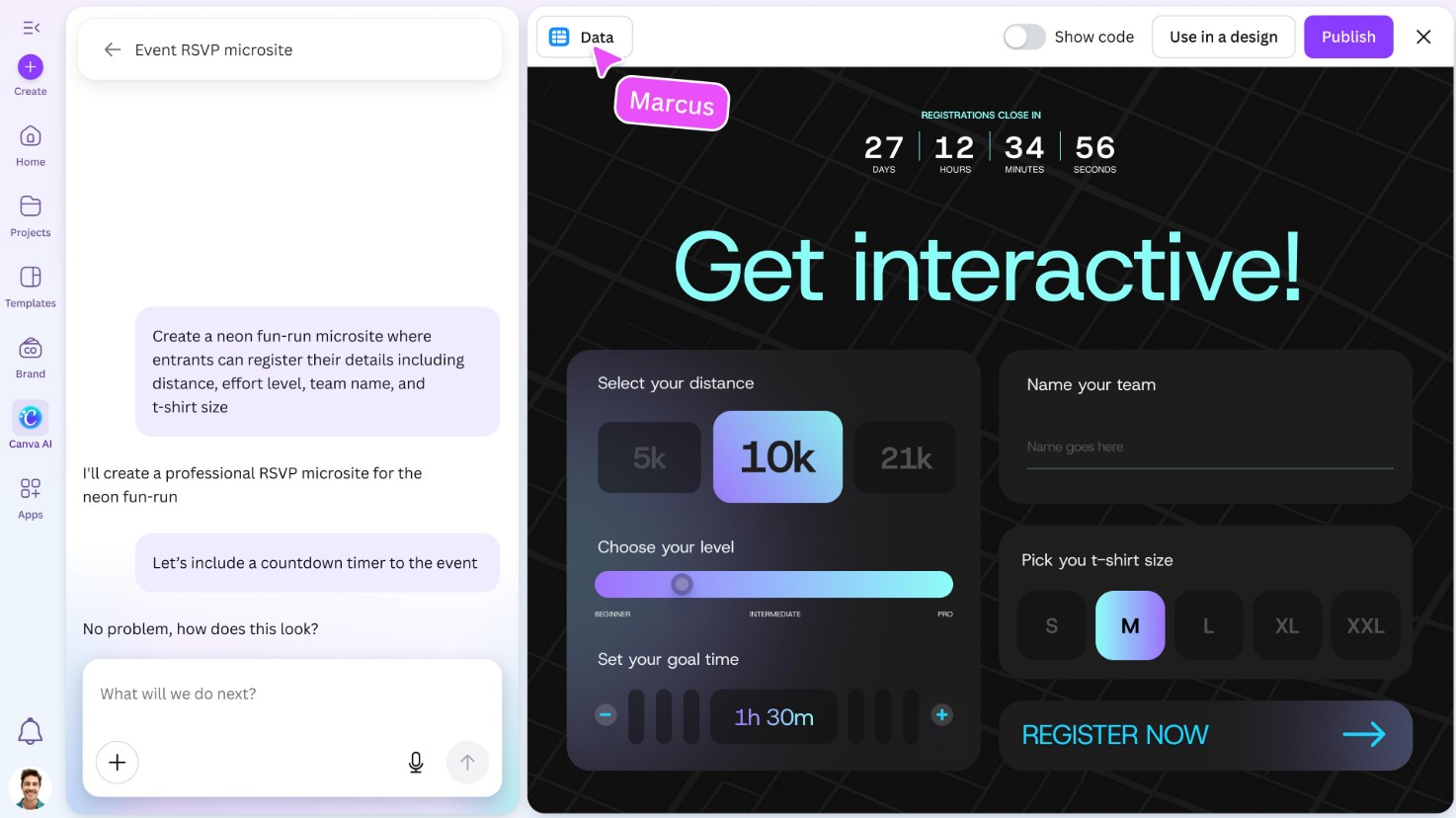
Canva Code 2.0 expands the scope of Canva from static designs to interactive products. Users can describe ideas in natural language to create websites, product landing pages, simple games or interactive content without having to write code from scratch.
Notable points include:
Creating content by prompt: Describe the desired functions and style so the AI can build an initial product.
HTML import: Bring experiences created with HTML into Canva for further customization.
Visual interface editing: Change images, colors, fonts and content right in the editor.
Optimized for multiple screen sizes: The generated experiences aim for responsive display.
Publishing and sharing: Can be published through the options Canva supports, including custom domains or free domains.
Practical applications
Canva Code 2.0 suits businesses that need to build campaign landing pages, interactive quizzes, event information pages or advertising content with interactive elements.
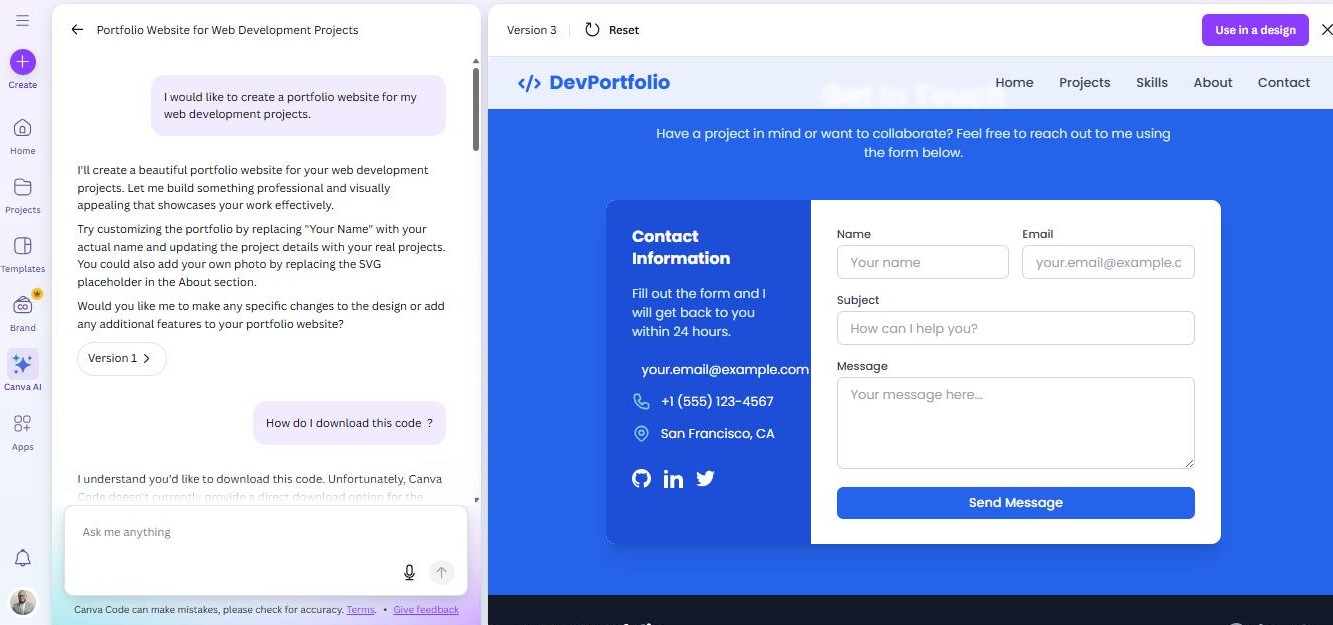
For example, a brand can create a new product landing page with images, feature information and a call-to-action button. After creating the first version, the marketing team can change colors, images and content to match the brand identity.
1.5. Canva Offline
Canva Offline is one of the updates announced at Canva Create 2026, aiming to help users continue their design work when the network connection is unstable or there is no Internet.
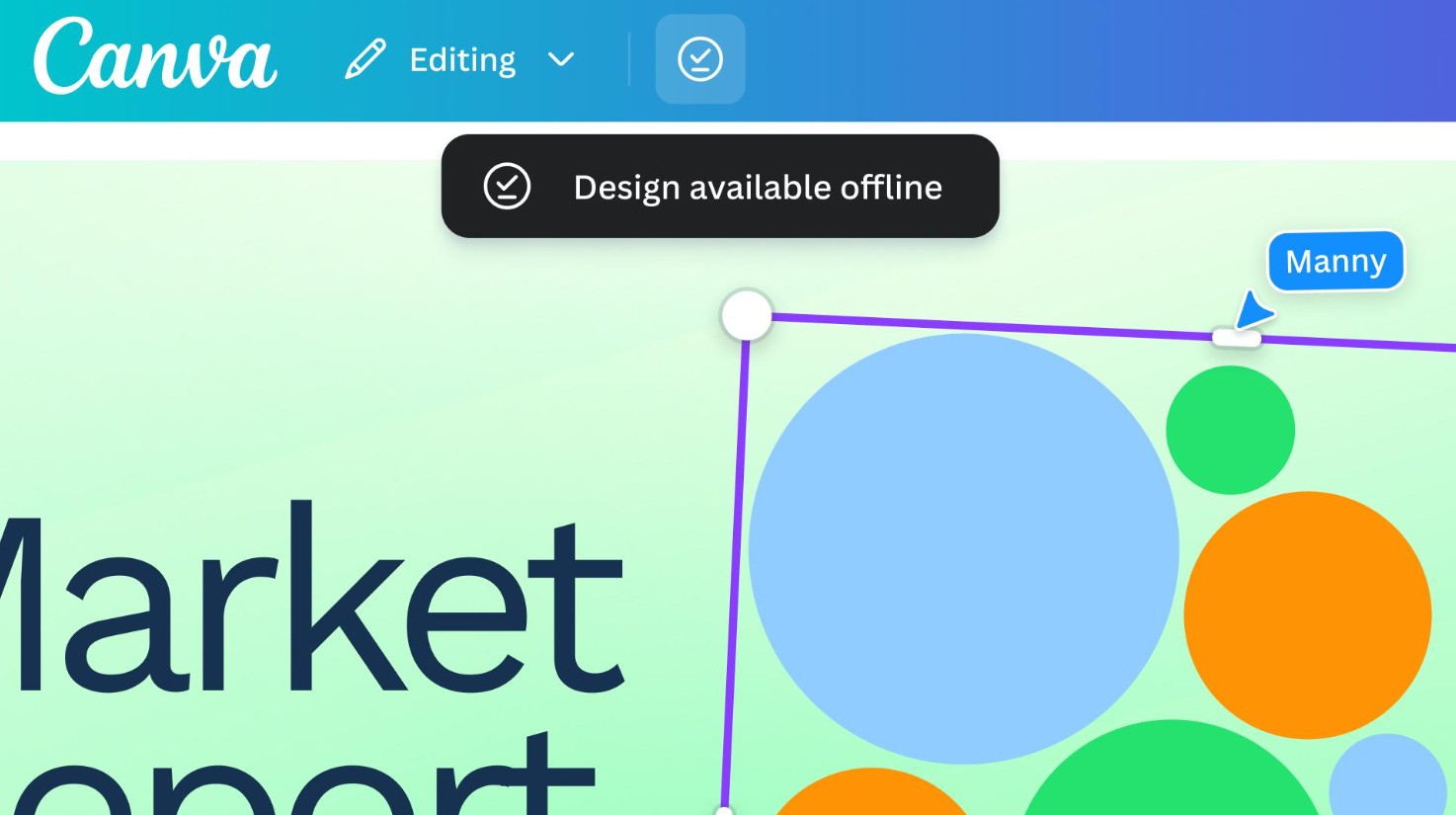
The capabilities introduced by Canva include:
Preparing designs for offline use.
Performing some basic editing operations.
Uploading and working with images stored on the device.
Syncing changes when the Internet connection is restored.
This feature is useful for people who travel often, work in places with weak Wi-Fi or need to prepare documents under limited connectivity conditions.
However, offline mode does not mean that every Canva function works without a network. AI tools, online resources or features that require servers may still need an Internet connection.
To limit the risk of data loss, users should prepare designs in advance, check the necessary resources and confirm the sync status when the connection returns.
2. Other noteworthy updates in the Canva ecosystem
Beyond AI features, Canva has also expanded its ecosystem to serve education, printing and professional design in 2026.
These updates show that Canva is developing toward connecting many creative stages within the same ecosystem, from graphic design and animation to content management and document production.
SaDesign recommends that users try each feature based on their actual needs, check access by account and evaluate output quality before putting it into official projects. When used correctly, Canva's new tools can become a useful assistant, making the design process more flexible, saving more time and better meeting creative requirements in 2026.
Note: This text contained no quotation marks, so nothing needed translating for that instruction. There were also no horizontal rules to remove.





















VIP Products








Best Selling Products
Freepik Premium Account
59 USD
Plugin Retouch4me
69 USD
Autodesk All App Account Copyright
120 USD
Capcut Pro 1 Year
39 USD
ChatGPT Plus Account (GPT-4)
16 USD
Genuine Adobe Illustrator account
99 USD
Upgrade genuine Capture One account
120 USD
Copyright Adobe Lightroom Account
59 USD
MidJourney Account
29 USD
Upgrade Genuine Office 365
49 USD
Windows 10 & 11 Pro Key
36 USD
Upgrade Duolingo Super
29 USD
Genuine Cheap Canva Pro
39 USD
Adobe Premiere Pro Account
99 USD
Adobe Photoshop Copyright - Full App
120 USD