Best Selling Products

Windows 10 & 11 Pro Key
36 USD

Upgrade Genuine Office 365
49 USD

Genuine Cheap Canva Pro
39 USD

Autodesk All App Account Copyright
120 USD

Capcut Pro 1 Year
39 USD

Upgrade Duolingo Super
29 USD

MidJourney Account
29 USD

Upgrade genuine Capture One account
120 USD

Genuine Adobe Illustrator account
99 USD

Copyright Adobe Lightroom Account
59 USD

ChatGPT Plus Account (GPT-4)
16 USD

Freepik Premium Account
59 USD

Adobe Premiere Pro Account
99 USD

Adobe Photoshop Copyright - Full App
120 USD

Plugin Retouch4me
69 USD
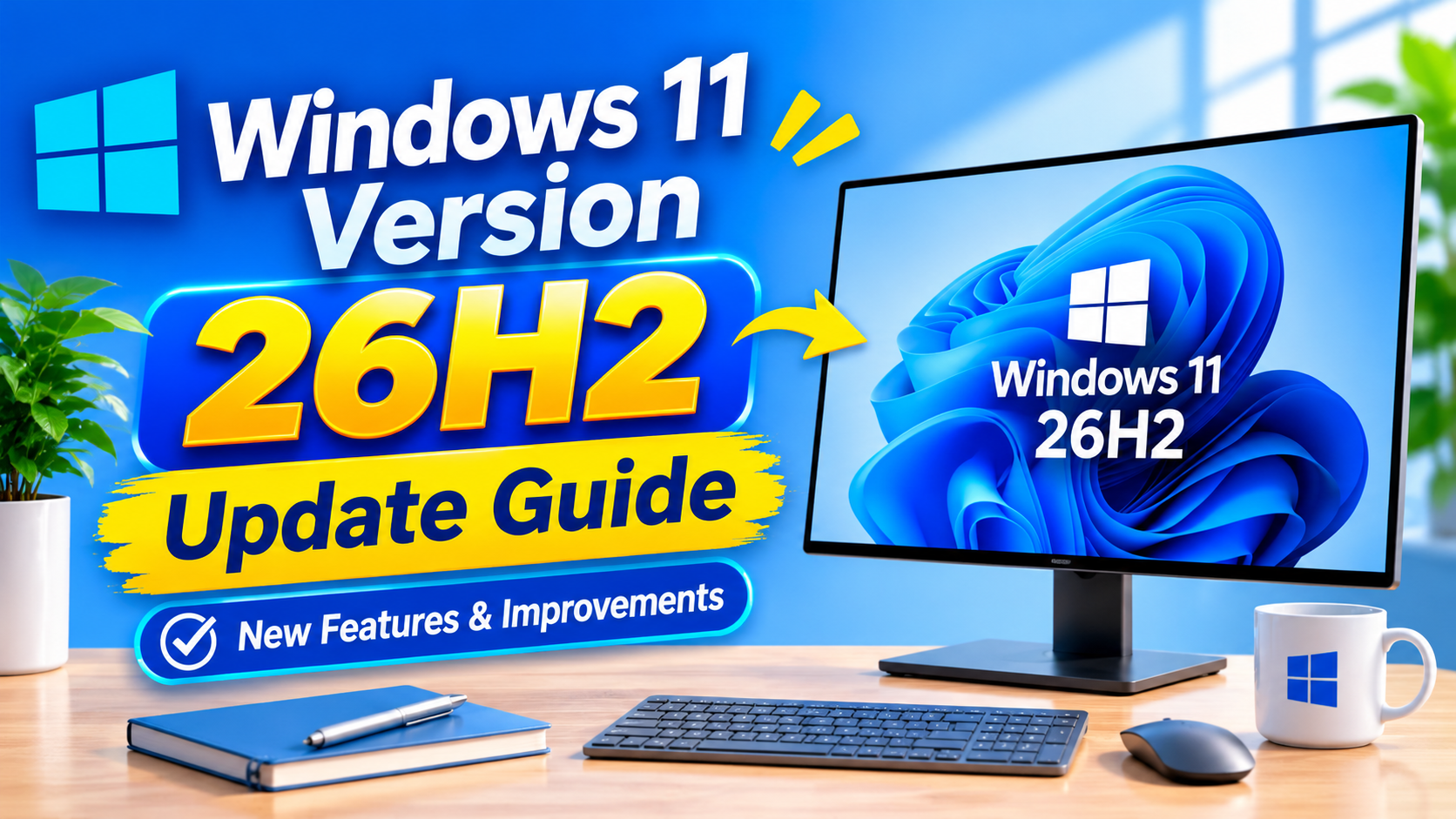
Windows 11 Version 26H2 Review: What''''s New for Users?
Nội dung
- 1.1. Windows 11 version 26H2
- 1.2. Improved performance, optimized RAM
- 1.3. New Windows Search
- 1.4. Improved File Explorer for more effective file management
- 1.5. Personalizing the Start Menu and taskbar
- 1.6. Deeper AI integration with Copilot and Windows apps
- 1.7. Phone connectivity and improved Bluetooth experience
- 1.8. Enhanced security and improved update process
- 2. How to update Windows 11 to experience the new features
Learn the details of the Windows 11 26H2 update, how to upgrade quickly, and the improvements in security and performance.
1. Notable features and improvements in Windows 11 in 2026
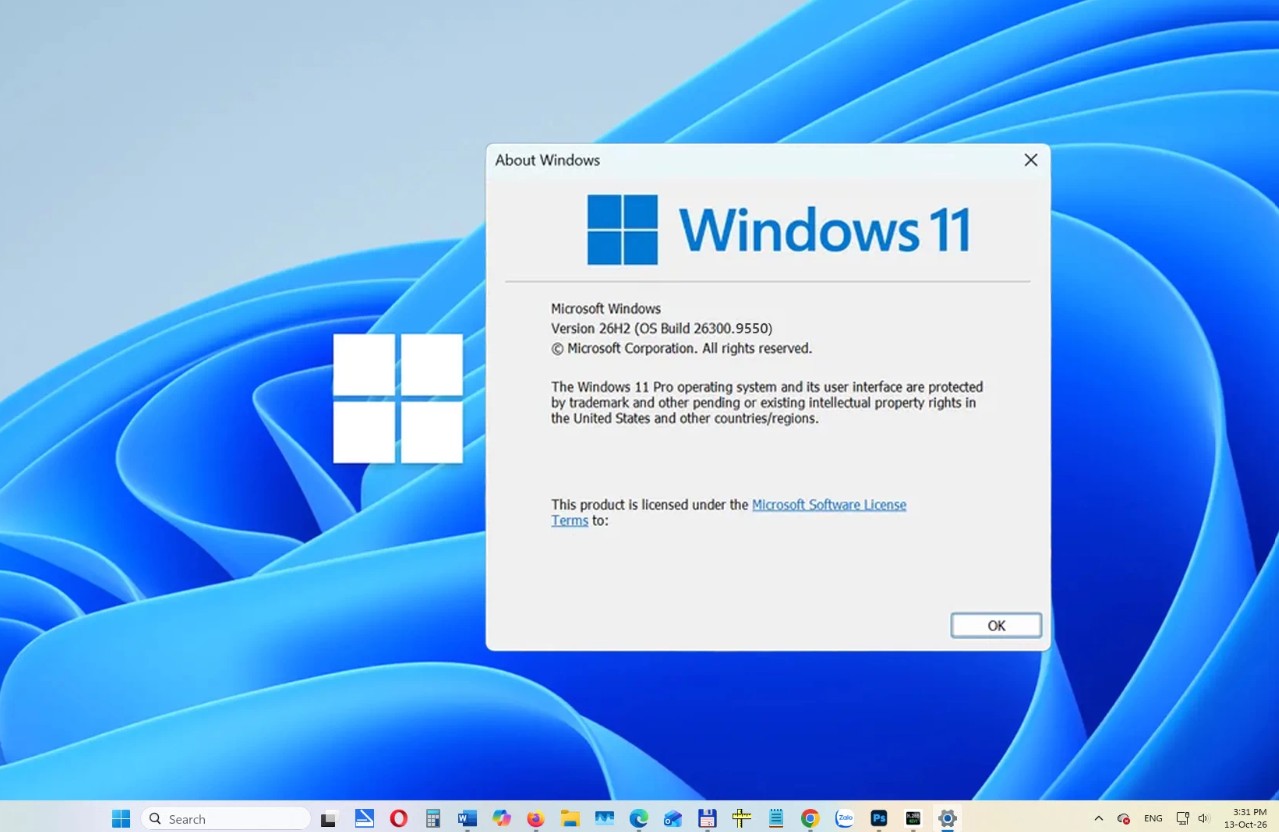
1.1. Windows 11 version 26H2
According to information from Microsoft, Windows 11 version 26H2 uses a servicing platform similar to versions 24H2 and 25H2. For eligible devices, the transition can be done through a small enablement package instead of having to reinstall the entire operating system.
This approach simplifies the upgrade process, reduces deployment time, and limits unnecessary interruptions while using the computer.
In addition, Windows 11 continues to receive regular updates to improve stability, fix bugs, and strengthen security. Users should check Windows Update regularly to receive the updates suitable for their devices.
For businesses and content creators, keeping the operating system in a supported state helps reduce security risks while ensuring a more stable working environment.
1.2. Improved performance, optimized RAM
Microsoft says the optimizations deployed on the system may make the experience up to 20% more responsive under the company's evaluation conditions.
The improvements focus on frequently used components such as the Start Menu, File Explorer, Windows Search, Snipping Tool, Microsoft Edge, and some other applications.
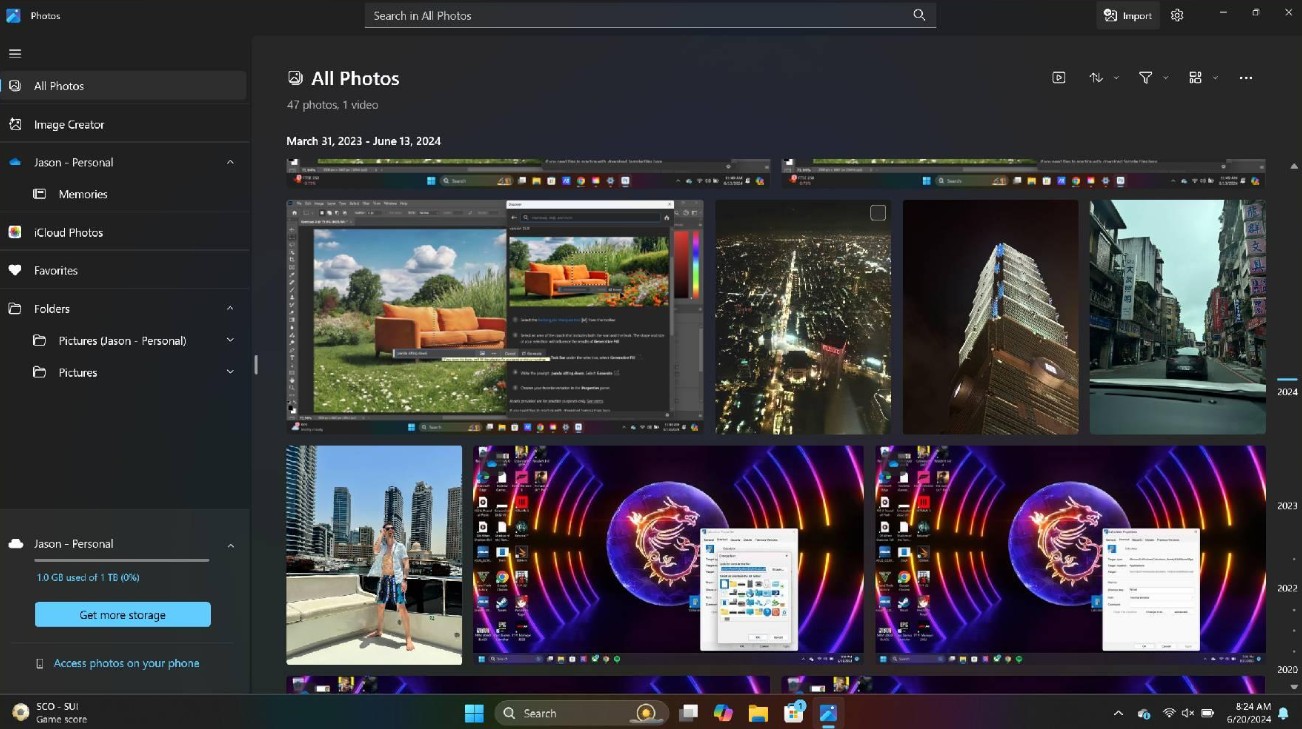
Beyond response speed, Microsoft has also optimized how Windows manages memory and system resources. According to the company's announcement, on some devices with 8 GB of RAM, the changes in memory management may help keep more active data in RAM, limiting the transfer of data to slower storage.
In particular, on computers with 8 GB of RAM or less, Widgets may only load when the user opens this feature. This approach helps free up more than 200 MB of memory under the conditions described by Microsoft.
For graphic designers, resource optimization has practical significance. When using Adobe Photoshop, Illustrator, or other image editing software, the computer needs to allocate enough resources to the active application.
1.3. New Windows Search
According to information announced in October 2026, the new Windows Search interface is being tested with actions that allow users to change certain settings right from the search results.
For example, when you want to turn on dark mode or adjust Night Light, you can search for the corresponding setting and perform the action directly if the feature is available on your device.
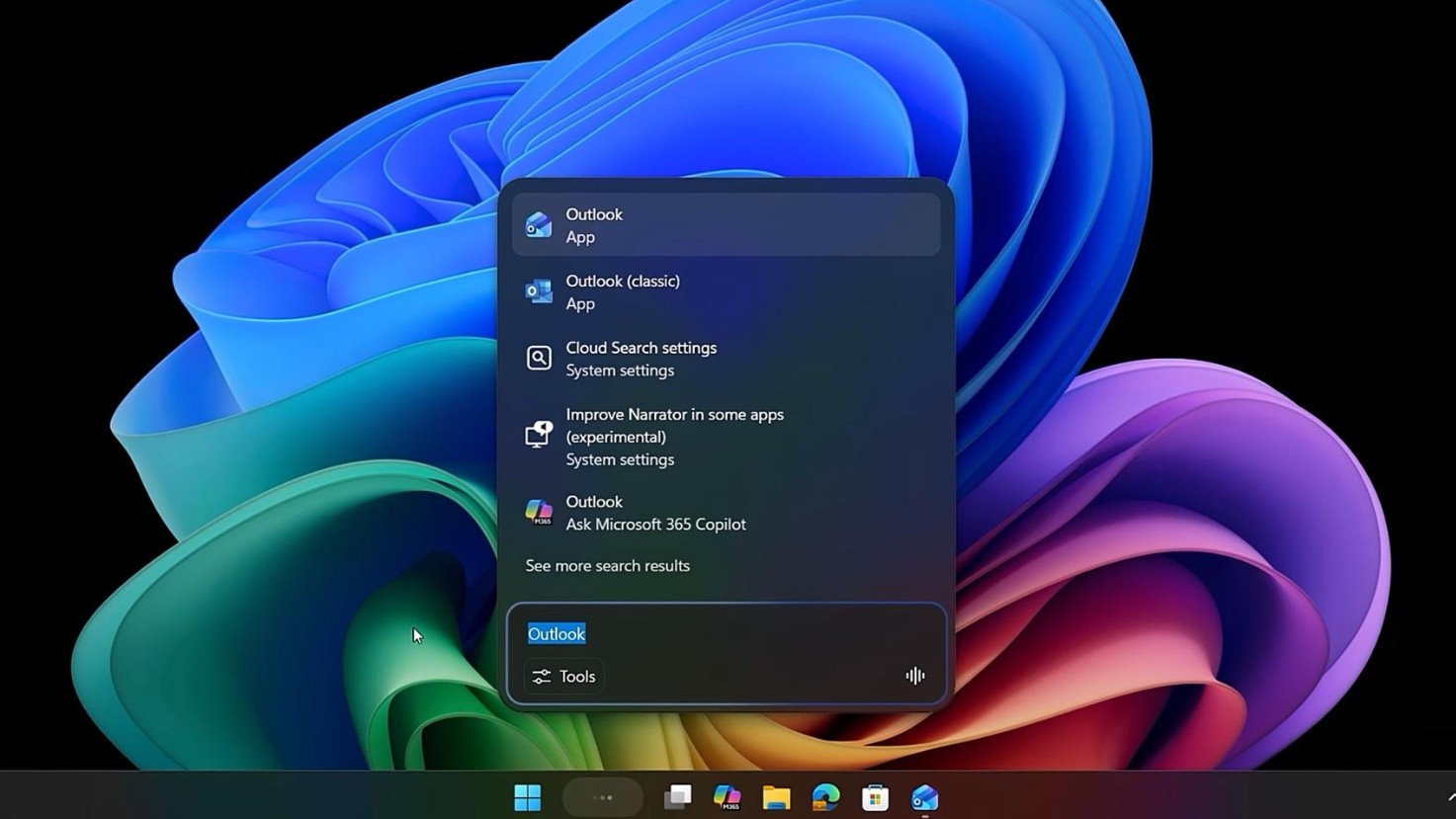
In addition, Windows Search is being improved to display clearer results, support finding apps even when the name is not entered exactly right, and help users quickly identify the type of content they are looking for.
These improvements are especially useful for people who frequently work with a large number of documents and projects.
For example, a designer may need to quickly find an original design file, reference images, or client handover documents. When indexing and search capabilities work effectively, the time spent finding files will be shortened.
However, the search interface with the ability to perform tasks directly is still being rolled out in phases. Not all Windows 11 computers have been provided with these functions in full.
1.4. Improved File Explorer for more effective file management
In Windows 11 version 26H2, Microsoft continues to refine File Explorer in terms of improving performance, navigation, and file management experience.
Some notable points include the ability to open the Home interface faster, retain display and folder sorting options in supported situations, and expand the ability to work with compressed file formats.
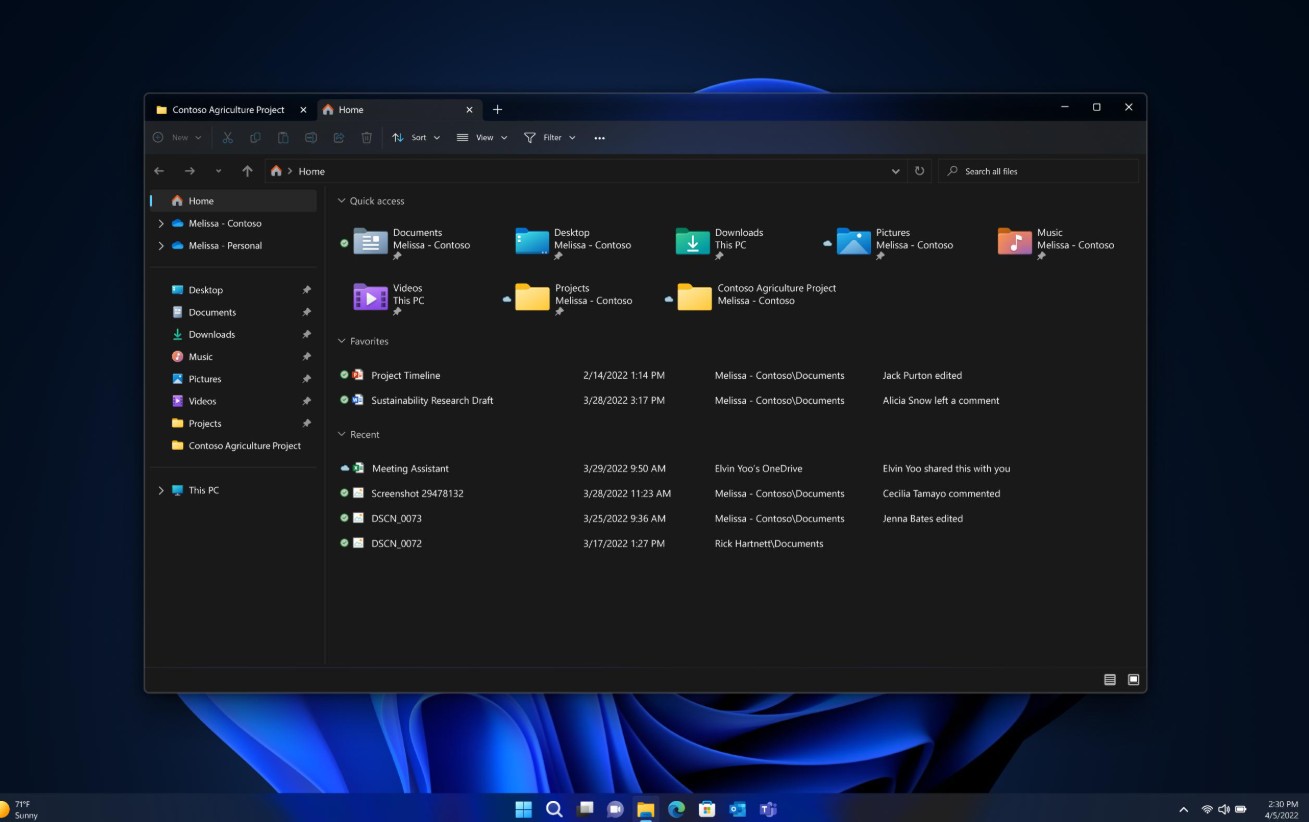
For designers, these improvements can make project management more convenient.
For example, when working on an image editing project, you can organize folders into groups such as original resources, processed images, design files, final exports, and handover documents.
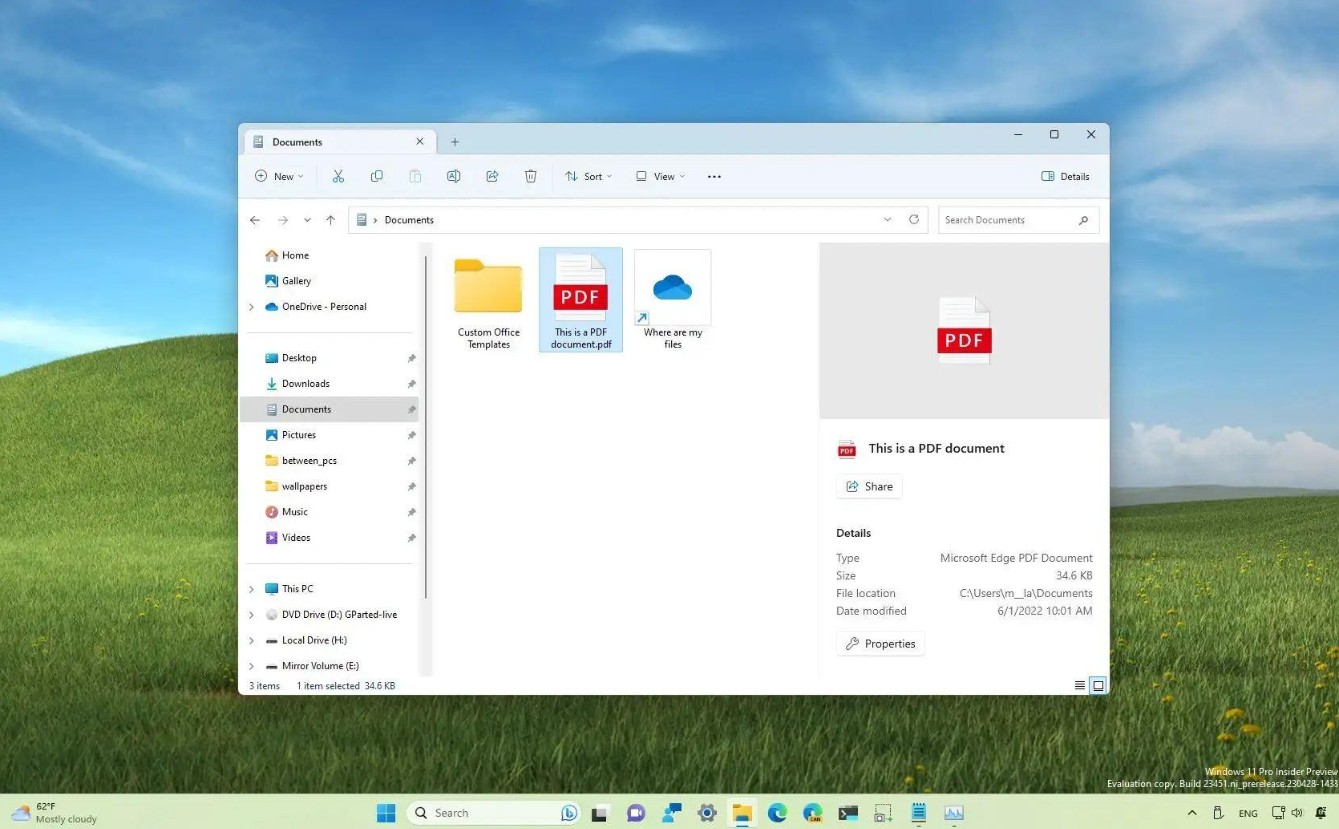
Combining a sensible folder structure with an effective search tool will help reduce the time spent searching for data, limit confusion between versions, and improve consistency in the workflow.
Some AI actions in File Explorer are also being developed by Microsoft to support image processing or document summarization in compatible environments. However, these features may require a suitable account, Microsoft 365 license, or Copilot.
1.5. Personalizing the Start Menu and taskbar
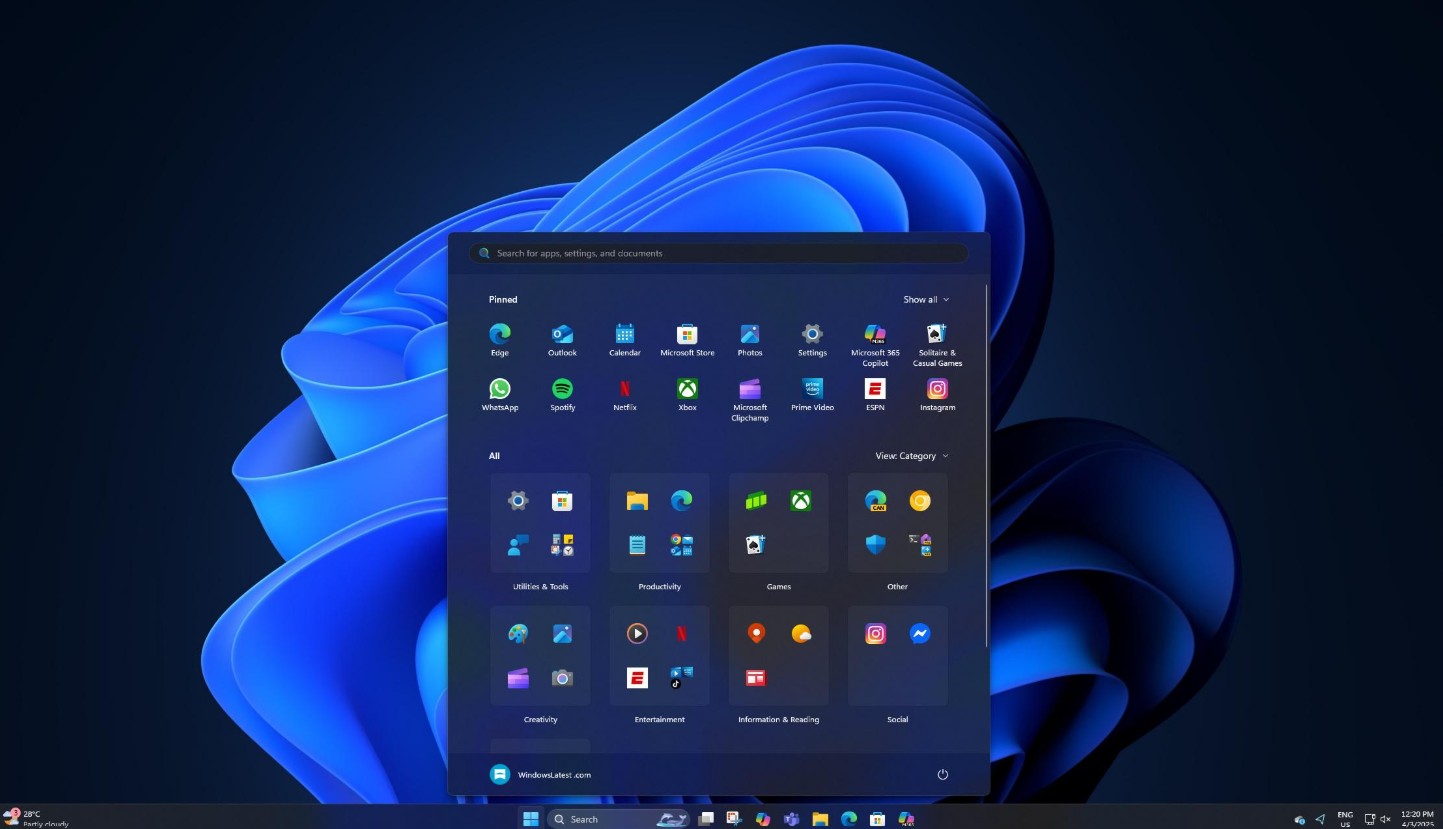
In version 26H2, the Start Menu has layout options that help users find apps more conveniently. The improvements described in Microsoft's documentation include the ability to display the app list in a scrolling view, a grid or category layout, along with some options for adjusting content areas.
The taskbar has also gained personalization capabilities. On supported devices and versions, users can move the taskbar to the bottom, top, or the sides of the screen. In addition, the option to display a smaller taskbar helps save workspace.
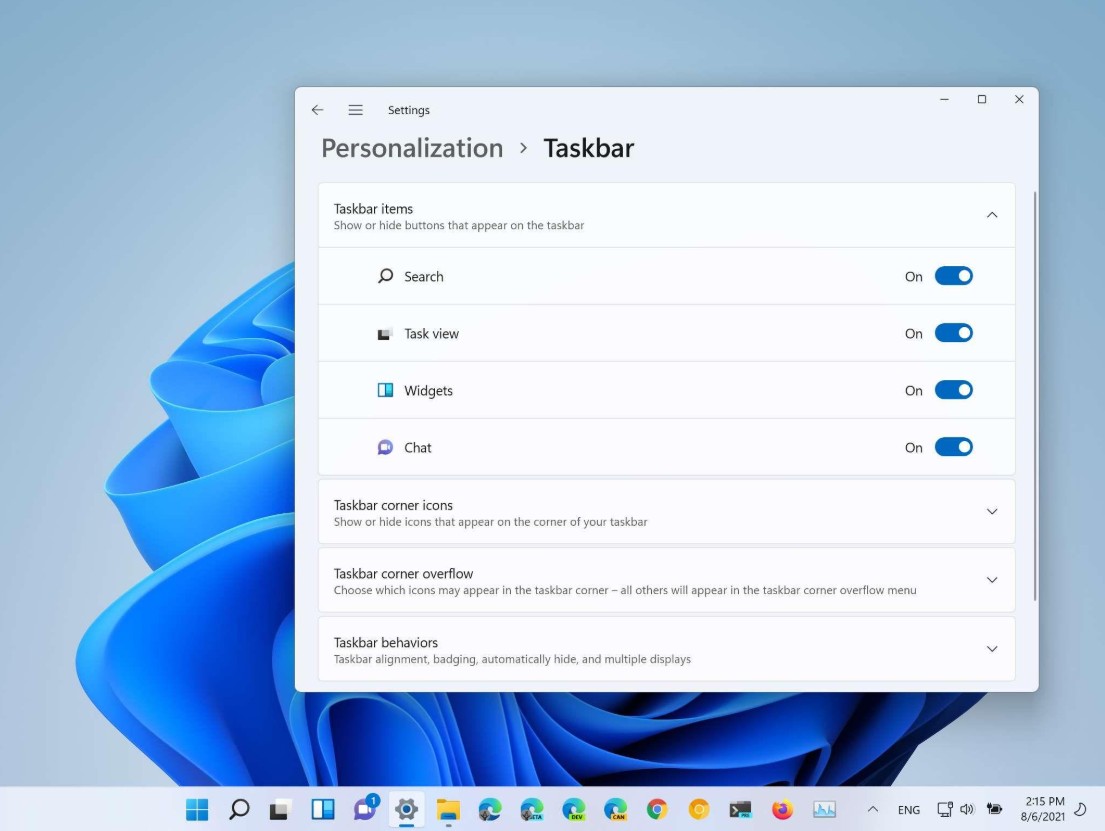
This is a notable change for people who use screens of limited size or frequently work with many windows.
For example, when editing images, users may need to dedicate most of the screen area to the Photoshop workspace. Adjusting the taskbar and arranging apps sensibly makes the interface neater, thereby improving the user experience.
However, the specific options depend on the Windows version and the feature rollout status on the device.
1.6. Deeper AI integration with Copilot and Windows apps
Microsoft Copilot supports many tasks such as searching for information, drafting text, summarizing content, and brainstorming ideas. When combined with compatible applications, AI can help users shorten the time spent on repetitive tasks.
In the field of design, AI can help build initial ideas, develop product description content, compile client requirements, or suggest creative approaches.
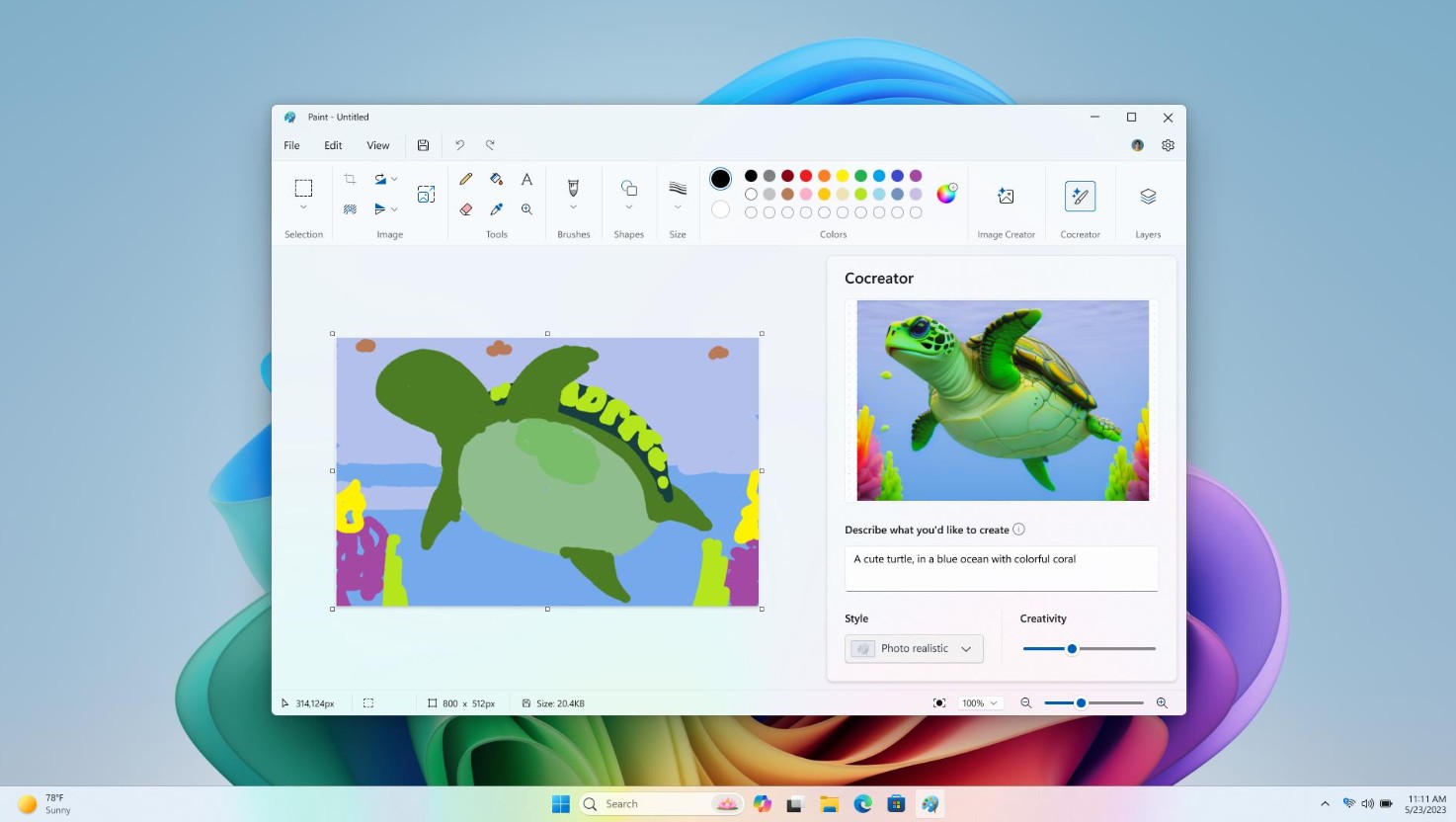
Besides Copilot, some Copilot+ PCs also support AI features that run directly on the device. The ability to use these features depends on the hardware, especially a compatible NPU, along with software and language requirements.
What matters is that AI should be seen as a support tool rather than a complete replacement for the designer's creative thinking. Choosing layouts, processing images, controlling colors, and ensuring product consistency still require human judgment.
For creative businesses, combining AI with specialized design software can help optimize workflows, especially in the stages of brainstorming, content preparation, and handling regular tasks.
1.7. Phone connectivity and improved Bluetooth experience
Through the Phone Link app, users can connect a compatible phone to view notifications, access photos, send messages, and perform some call-related actions right on the computer.
Microsoft also says it is developing the ability to interact with the phone from the Windows Search interface. This feature aims to help users move from searching for information to performing tasks faster, but it is still being rolled out in phases.
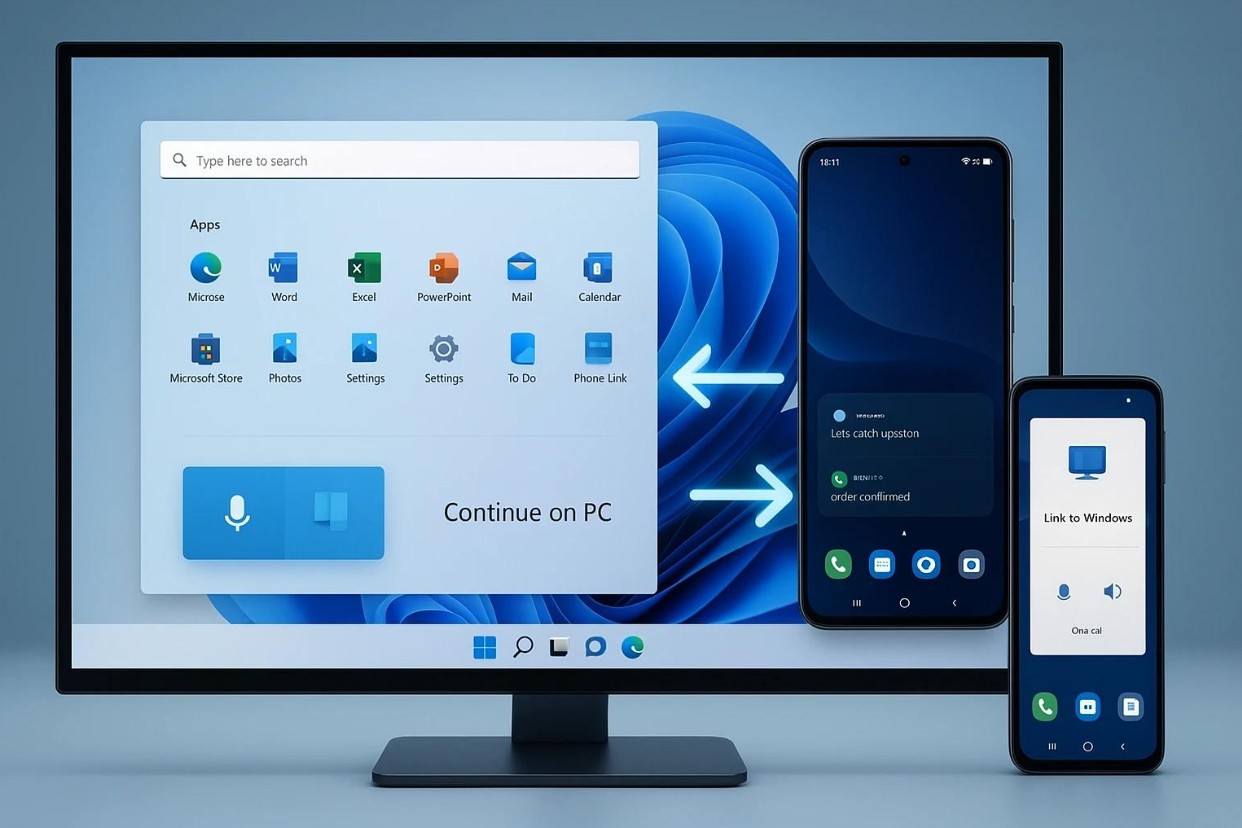
In addition, Bluetooth improvements focus on increasing stability when pairing, reconnecting devices, and using audio during calls. Microsoft also mentions a faster AirPods pairing experience on compatible devices.
For remote workers, these improvements can make online meetings and switching between devices more convenient.
1.8. Enhanced security and improved update process
Windows 11 version 26H2 continues to develop system protection mechanisms, access management, and secure authentication support.
Some notable capabilities include improvements to Windows Hello, expanded security management tools for businesses, and enhanced system event monitoring through suitable tools.
In addition, Microsoft continues to optimize Windows Update to coordinate the installation of eligible updates, reduce unnecessary restarts, and improve the update experience.
Users should check Windows Update regularly, turn on appropriate protection features, and back up important data.
In particular, attention should be paid to the support lifecycle of the Windows version being used. When a version reaches the end of its support period, users should check whether they can upgrade to a version still supported by Microsoft in order to continue receiving security updates.
2. How to update Windows 11 to experience the new features
To check for and install Windows 11 updates, you can follow these steps:
Step 1: Open Settings from the Start Menu.
Step 2: Select Windows Update.
Step 3: Click Check for updates to check for available updates.
Step 4: If the device is offered a suitable update, download and install it as instructed.
Step 5: Restart the computer when prompted to complete the update process.
You can also press the Windows + R key combination, type winver, and press Enter to check which Windows version you are using.
Before updating to a major version, back up important data, check disk space, and make sure the software you use for work is still compatible with the new operating system version.
We hope the information compiled by SaDesign will help you better understand the improvements of Windows 11 in 2026 and choose a way of using the operating system that suits your needs. Don't forget to update your software regularly and optimize your working environment to improve performance in study, work, and creativity.





















VIP Products








Best Selling Products
Windows 10 & 11 Pro Key
36 USD
Upgrade Genuine Office 365
49 USD
Genuine Cheap Canva Pro
39 USD
Autodesk All App Account Copyright
120 USD
Capcut Pro 1 Year
39 USD
Upgrade Duolingo Super
29 USD
MidJourney Account
29 USD
Upgrade genuine Capture One account
120 USD
Genuine Adobe Illustrator account
99 USD
Copyright Adobe Lightroom Account
59 USD
ChatGPT Plus Account (GPT-4)
16 USD
Freepik Premium Account
59 USD
Adobe Premiere Pro Account
99 USD
Adobe Photoshop Copyright - Full App
120 USD
Plugin Retouch4me
69 USD